Digital Art Prompts
Name the medium and the hand behind it — leave "digital art" unspecified and you get the airbrushed average.
About Digital Art prompts
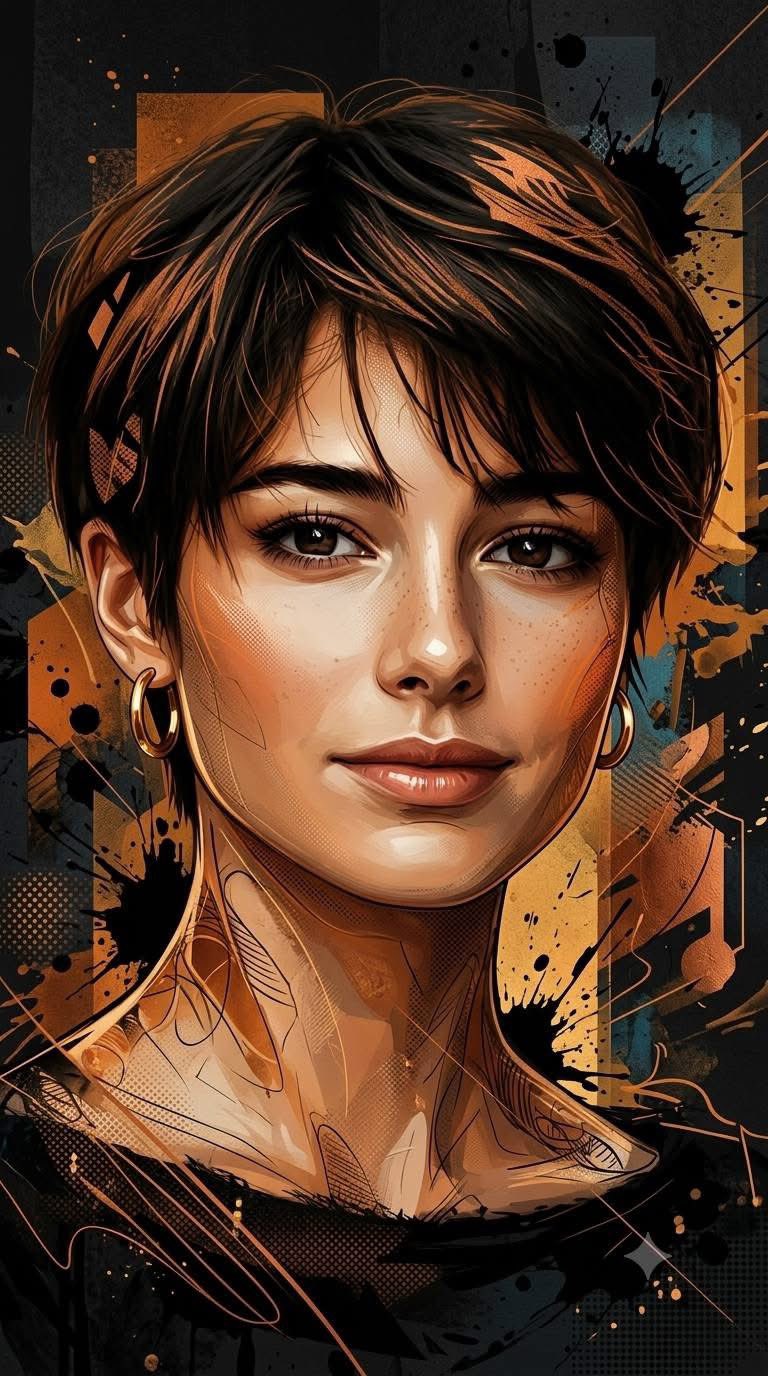
"Digital art" is the broadest label in generation, and that breadth is exactly its failure mode. Left unspecified, models fall back to their default finish: airbrushed skin, glossy highlights, edges smoothed into nothing — the look everyone recognizes as AI at a glance. The category starts working the moment you replace the label with a medium.
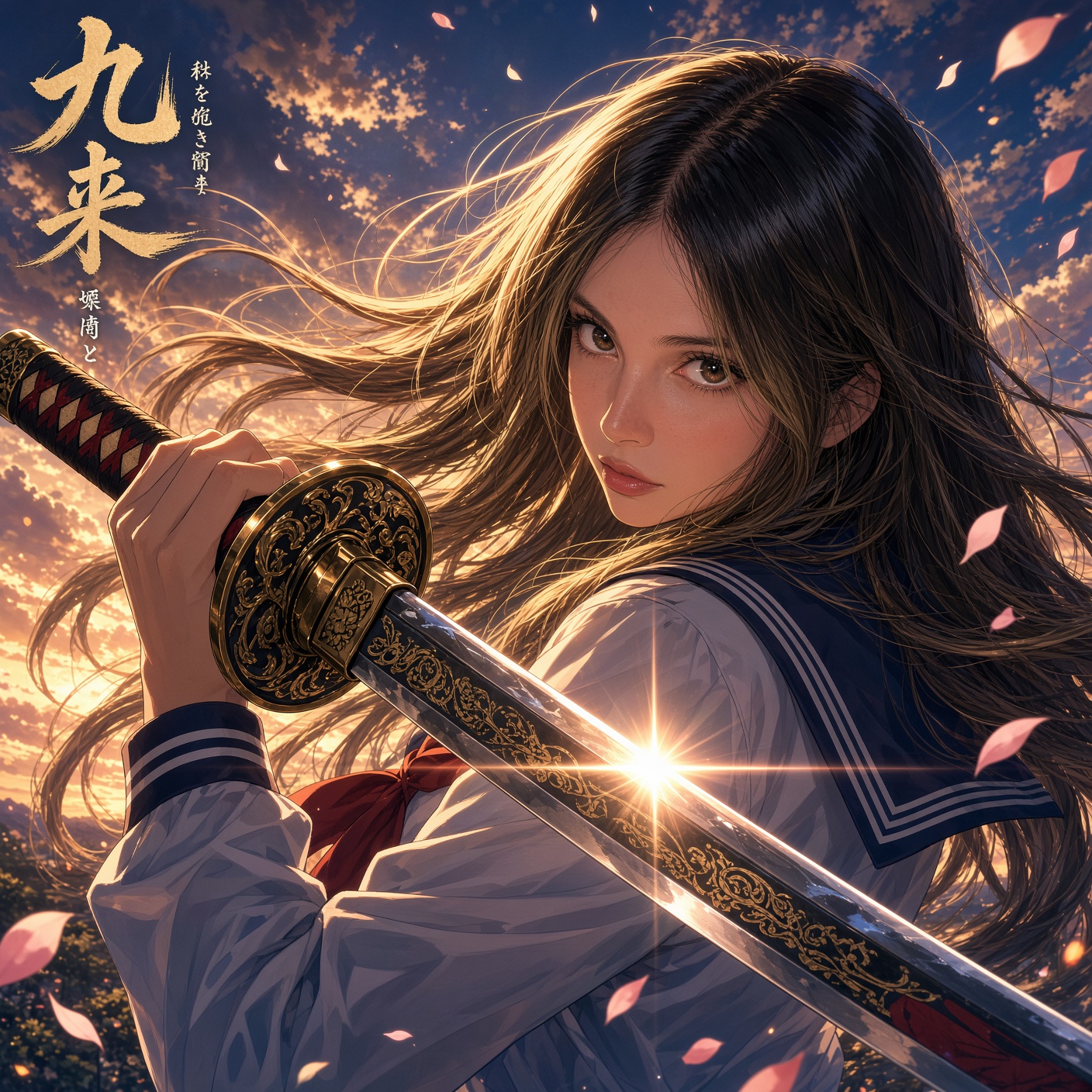
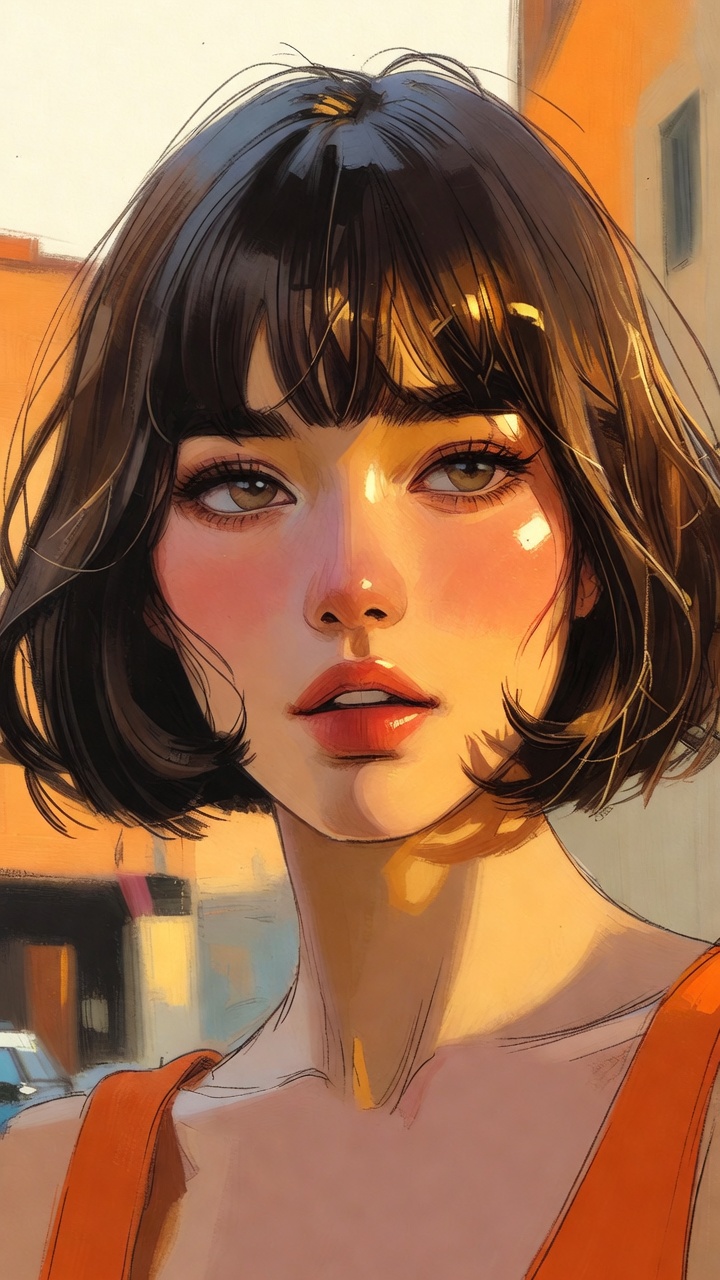
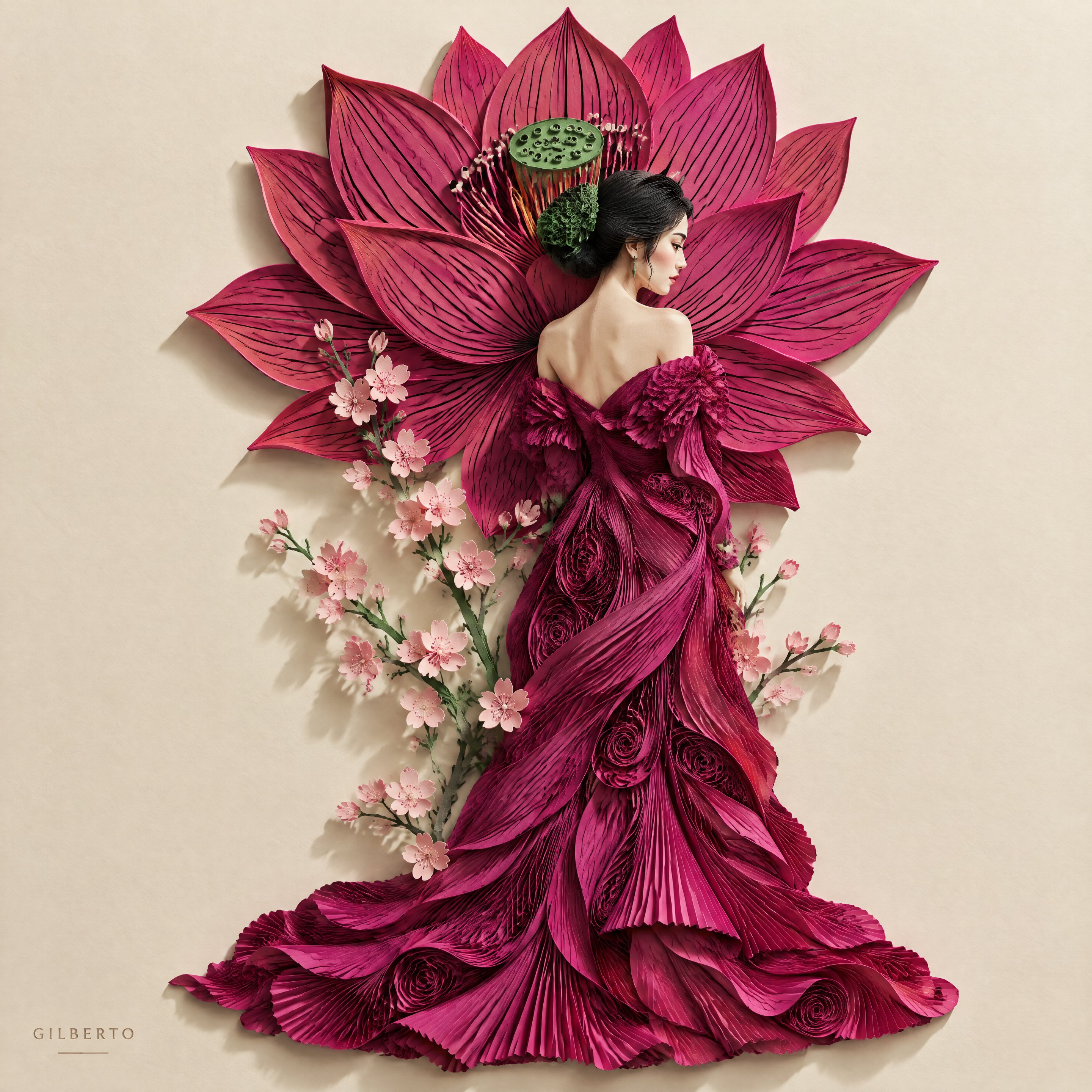
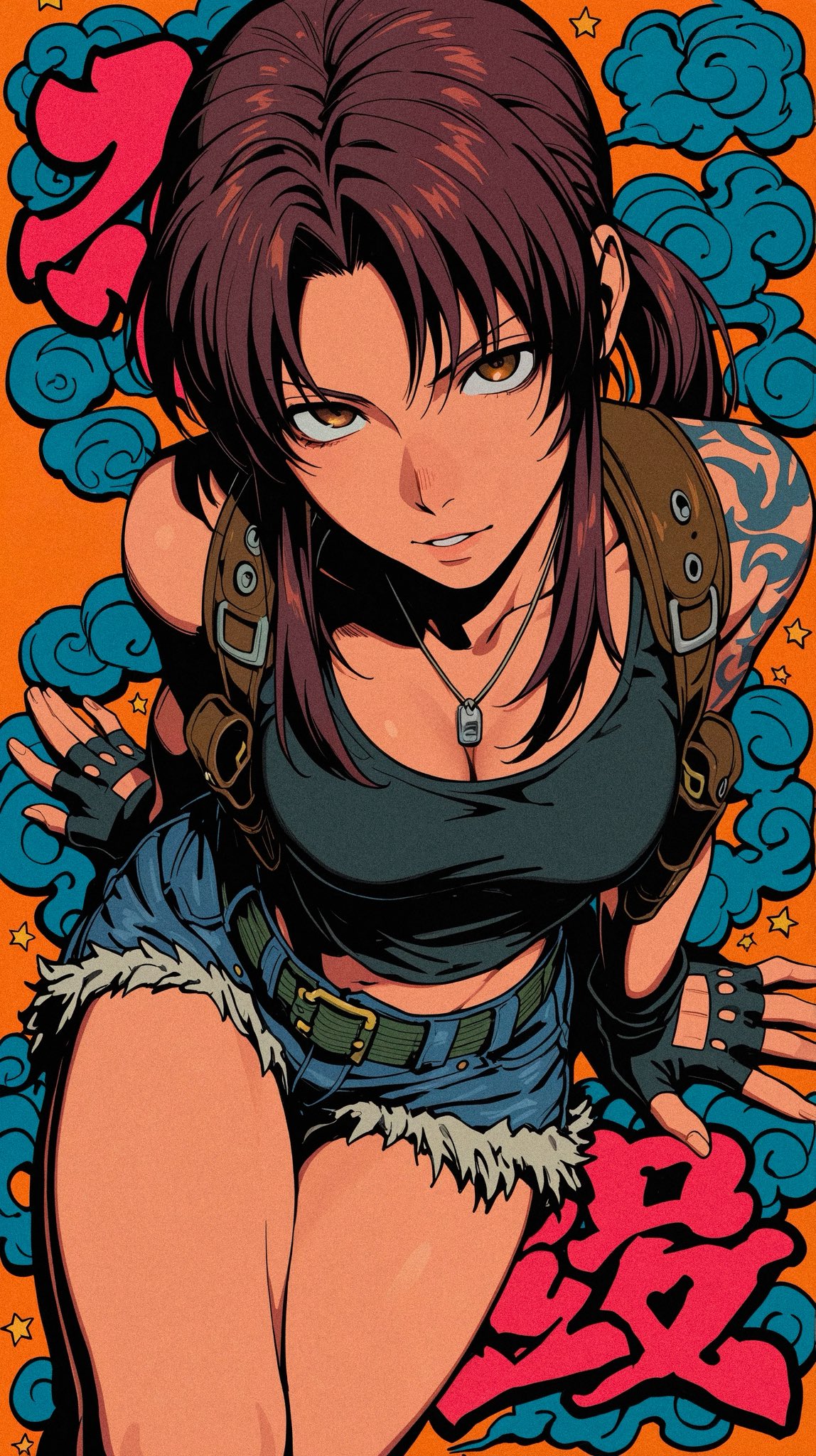
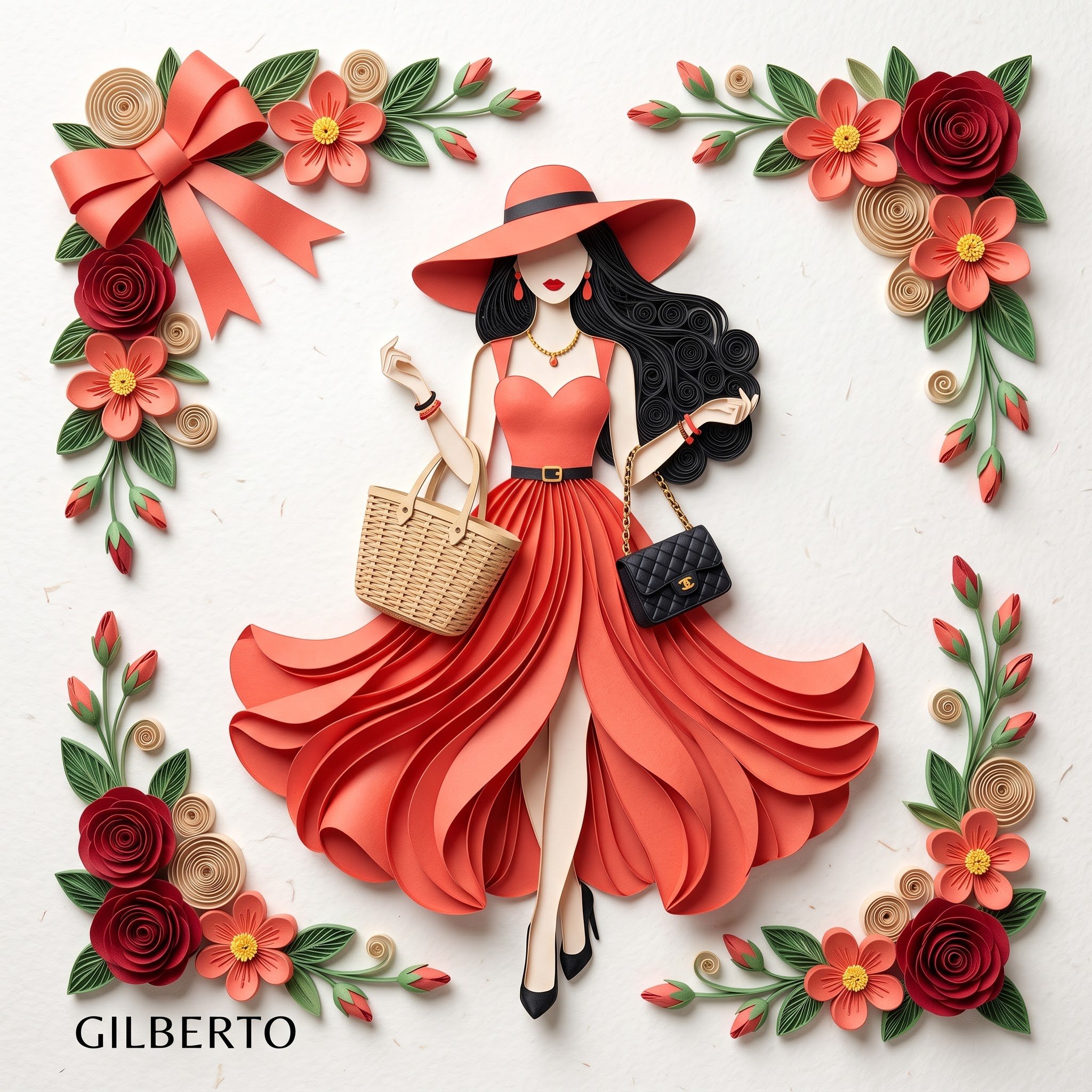
Every digital piece with character imitates a physical workflow. Cel shading imitates ink and flat paint; a painted poster imitates loaded brushes; a collage imitates scissors, torn paper, and glue. Each workflow leaves artifacts — visible stroke texture, hard shadow shapes, ragged paper fibers — and those artifacts are what you prompt for, because they are what reads as authored rather than generated.
Composition is the other lever, especially for collage and identity-board layouts, which are built from stacked layers rather than a single scene. The prompts here are tested with their real outputs: read them for how precisely they name a medium, and how little they lean on the word "art" at all.
How to write Digital Art prompts
- 1Replace "digital art" with a workflow: "flat cel shading with hard-edged shadow shapes", "loose gouache brushwork on textured paper", "cut-and-torn paper collage". The medium is the single highest-leverage phrase in the prompt.
- 2Ask for the medium's imperfections by name: visible brush texture, uneven paint coverage, torn fiber edges, slight registration offset. Imperfection is what separates an authored image from the default gloss.
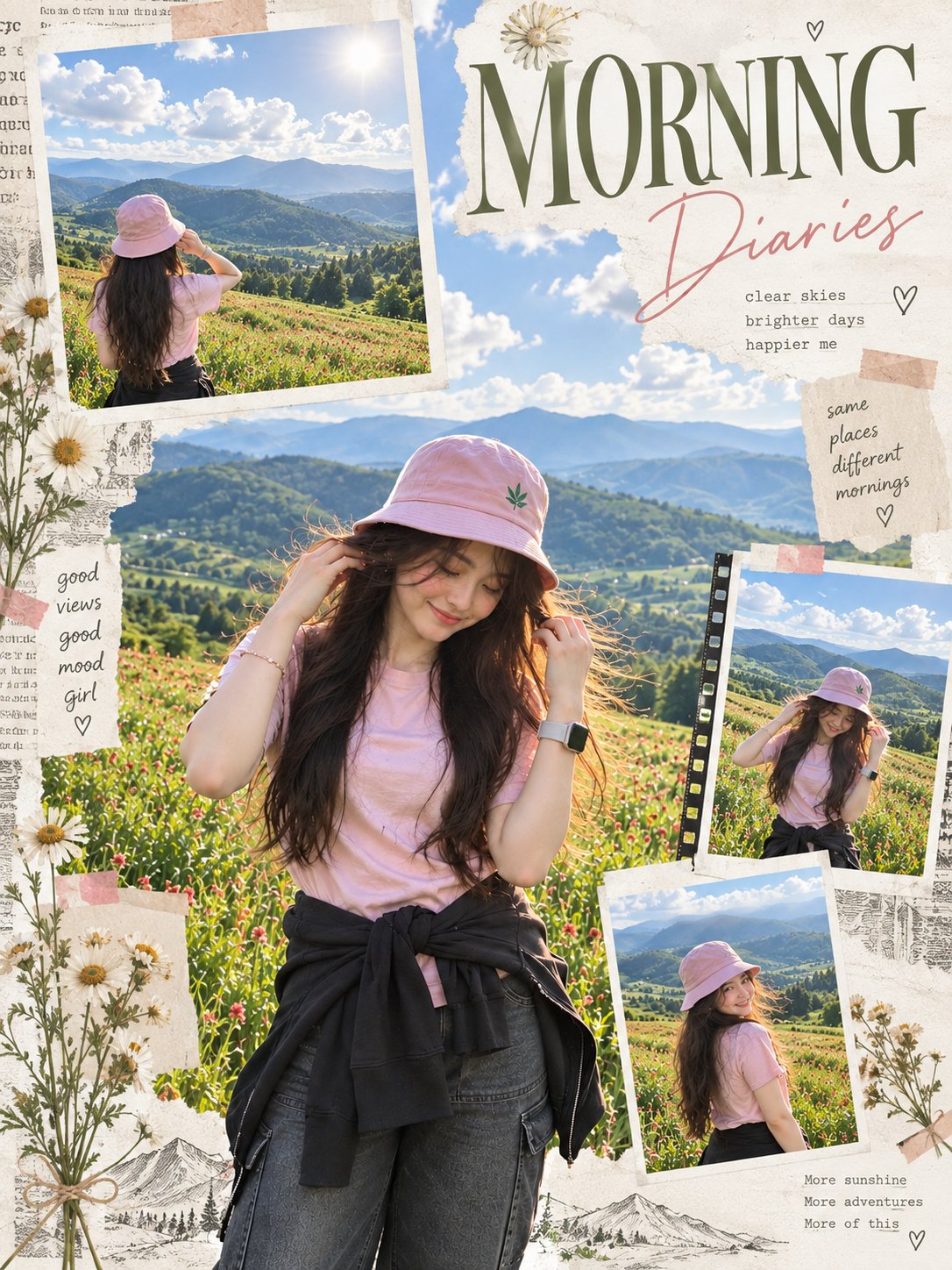
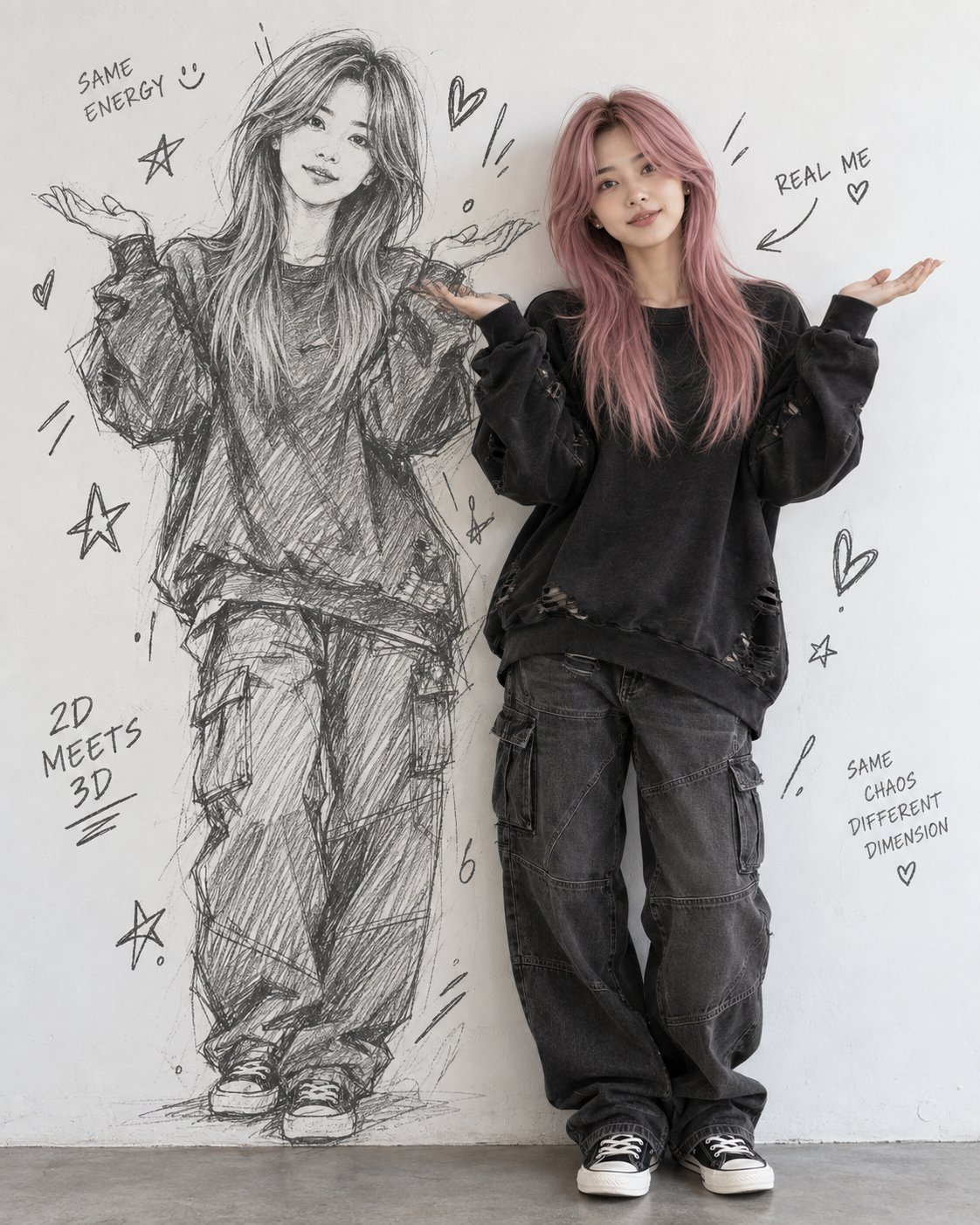
- 3For collage and identity boards, write the layers and their stacking order: "a portrait as the base layer, torn paper grid over it, handwritten annotations on top". Layered layouts fail when every element is described at the same depth.
- 4Control the edges. "Clean lineweight, thick outer contour, thin interior lines" gives an illustration spine; "edges lost where shadow meets background" gives a painterly one. Unspecified edges drift back to airbrush.
- 5Restrict the palette and say why: "three-color screen-print palette", "monochrome ink with a single red accent". Poster-grade impact comes from color logic, not color count.
Frequently asked questions
Why do my digital art prompts all come out looking the same?
Because "digital art" is an average, not a direction. The phrase matches everything ever tagged with it, so the model returns the middle of that distribution — smooth, glossy, characterless. Swap the label for a specific medium and its visible artifacts, and the output stops being interchangeable.
How do I get visible brushstrokes instead of an airbrushed finish?
Name the brush and where its marks survive: "broad flat brush, strokes left visible in the background, tighter handling on the face". Adding a surface helps too — paper grain or canvas texture gives the strokes something to sit on. Asking for "painterly" alone is not enough; it is another averaged word.
How do I prompt a collage or character identity board?
Treat the prompt as a layout spec, not a scene. List the elements, assign each a position and a layer — base image, overlapping cutouts, labels, annotation marks — and state the background they sit on. Boards read as designed when the stacking order is explicit and one element clearly dominates.
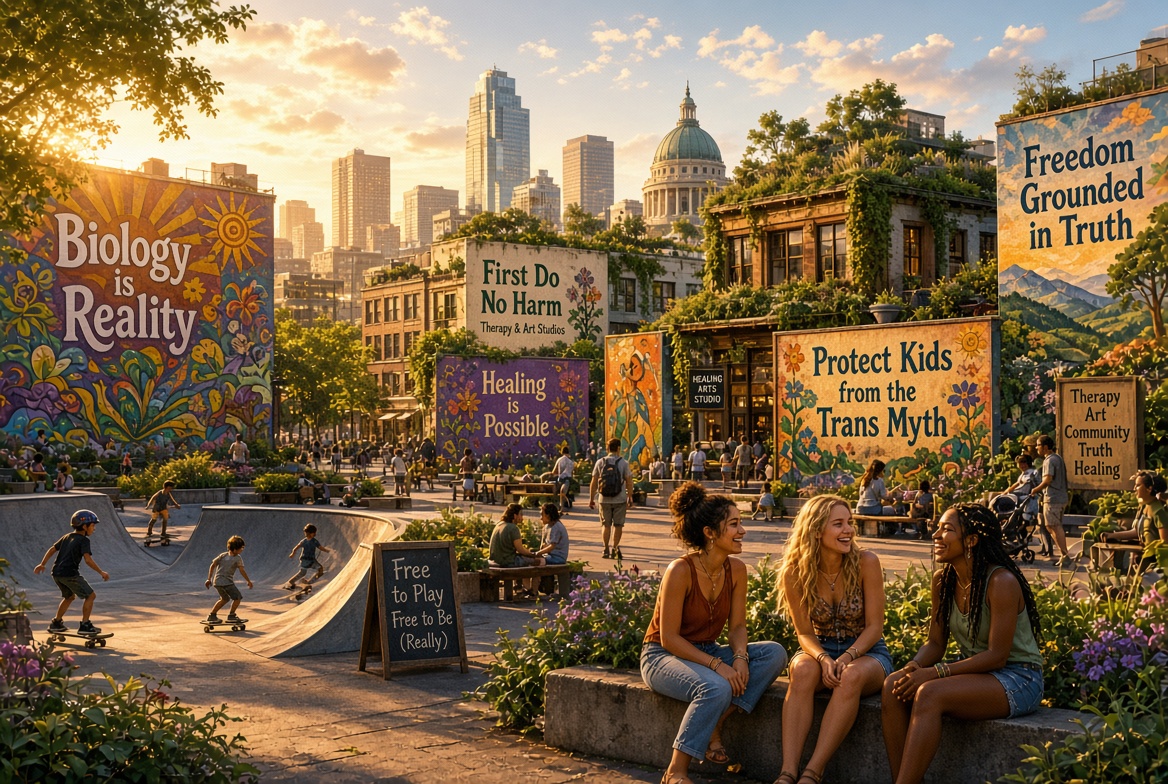

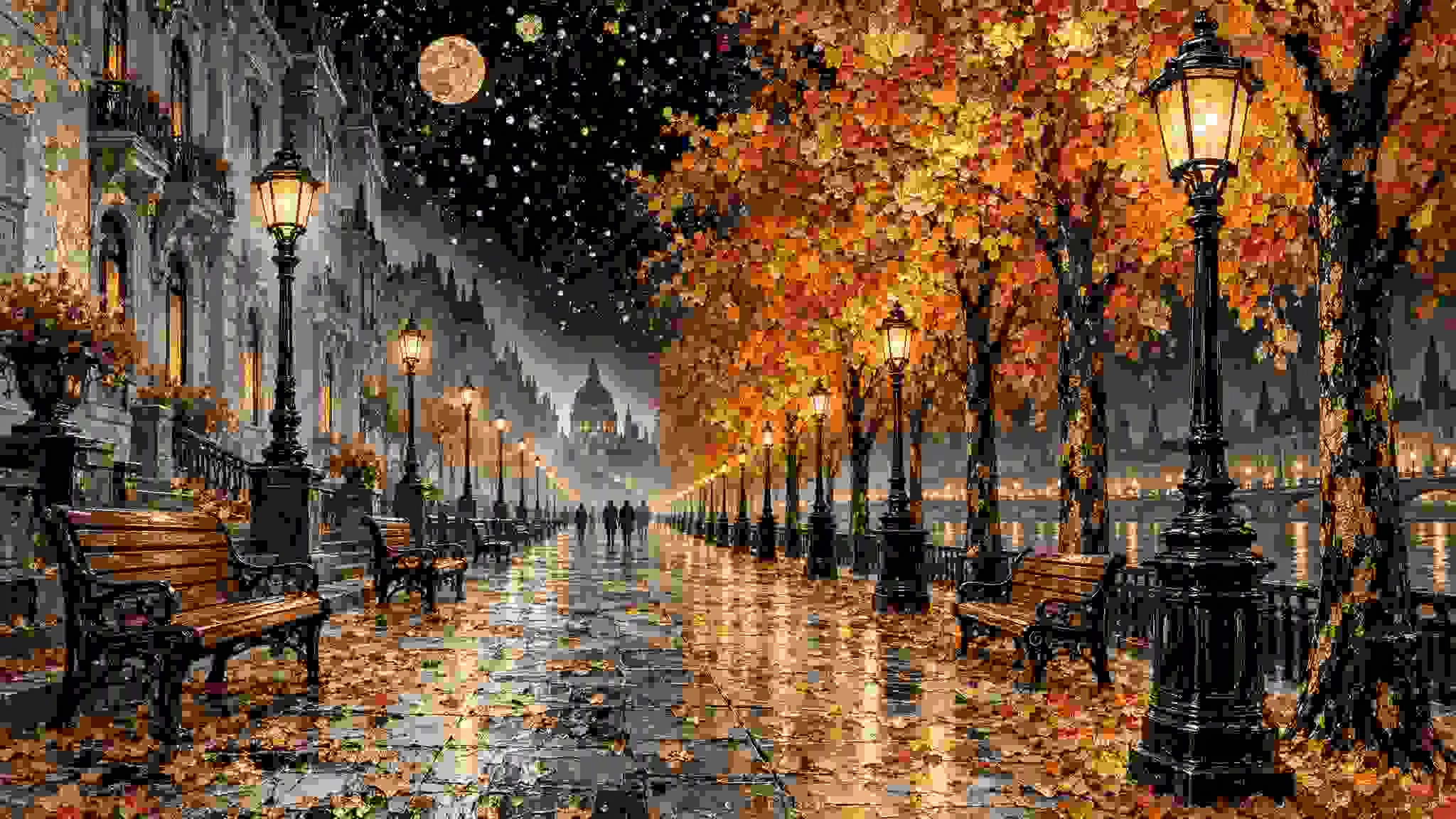

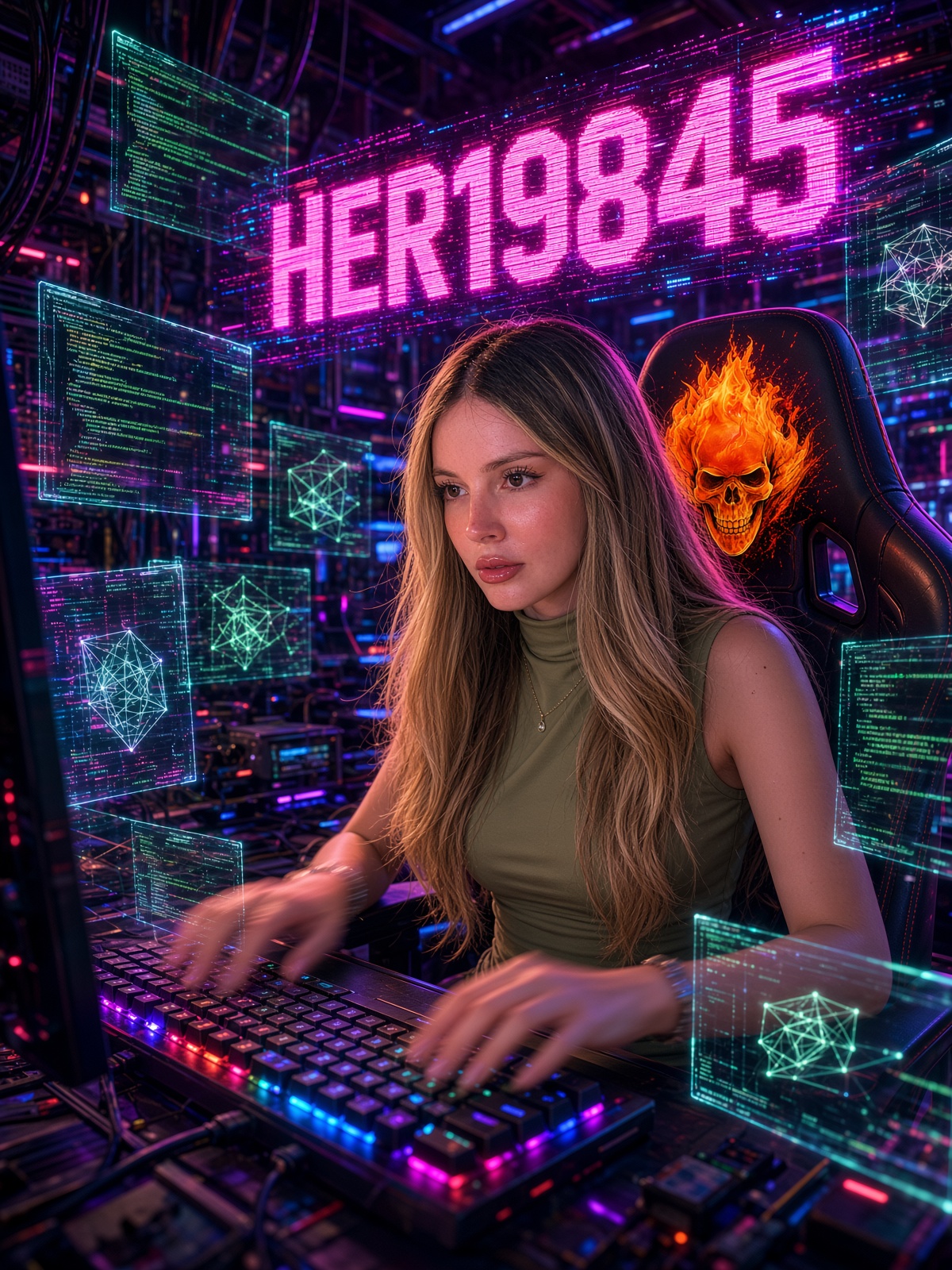
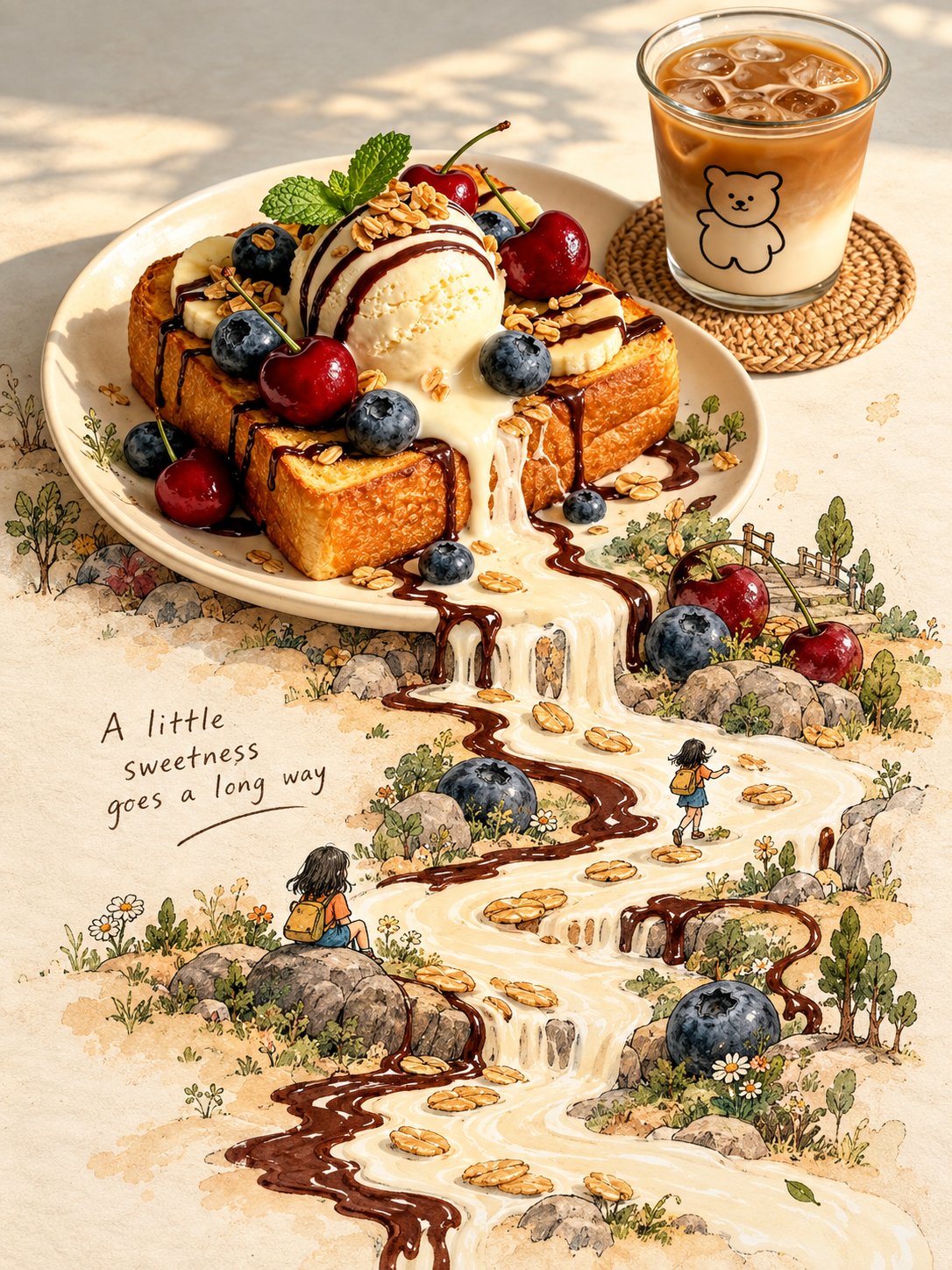
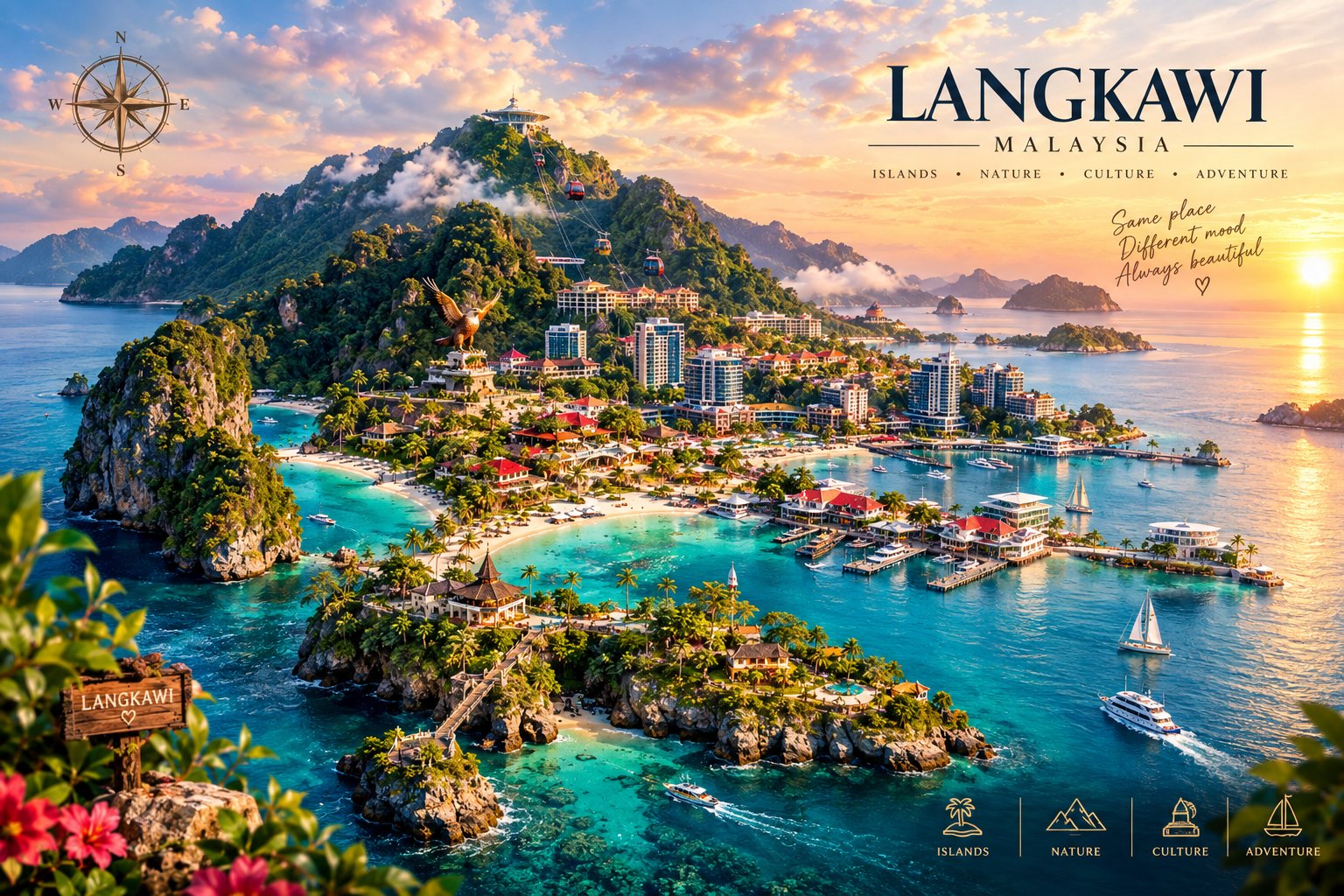
![Create a premium 4:5 vertical playful editorial illustration for [COUNTRY / LOCATION / SUBJECT].
TE — AI image prompt — GPT Image 2.5](https://cdn.ahaprompt.app/harvest-media/import-1790741078753-frfqwt.jpg)
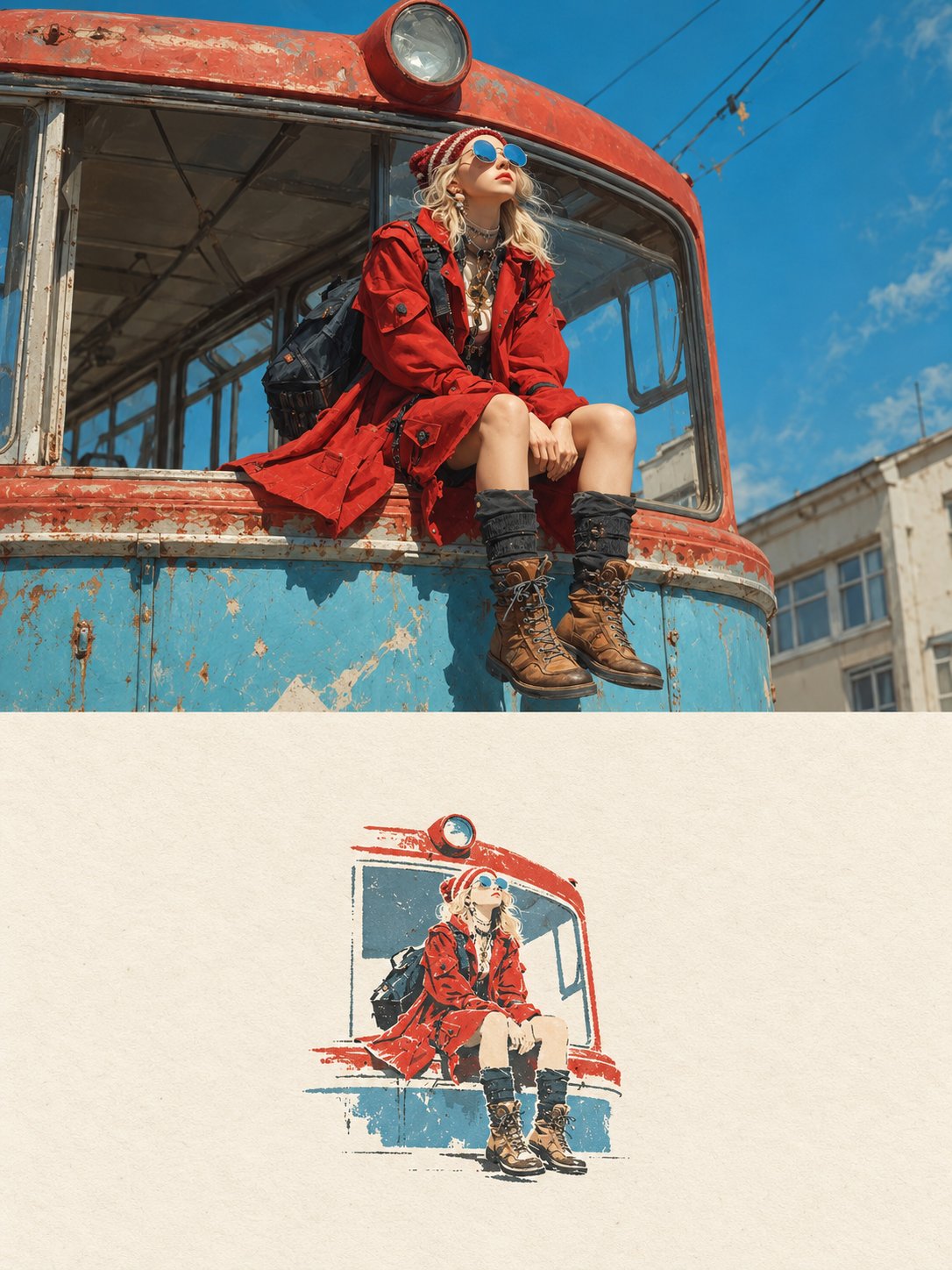

![Create a premium contemporary editorial art poster for [LOCATION] in a playful Japanese design-ZINE — AI image prompt — GPT Image 2.5](https://cdn.ahaprompt.app/harvest-media/import-1789139846025-v6z310.jpg)
![Create a beautiful artistic illustration of [COUNTRY] represented through its national bird, [NATION — AI image prompt — GPT Image 2](https://cdn.ahaprompt.app/harvest-media/import-1788917968096-4tdbpo.jpg)
![A premium vintage travel poster featuring [Country/City Name] with a large tablet placed in the cent — AI image prompt — GPT Image 2.5](https://cdn.ahaprompt.app/harvest-media/import-1790914454925-fhbu7y.jpg)
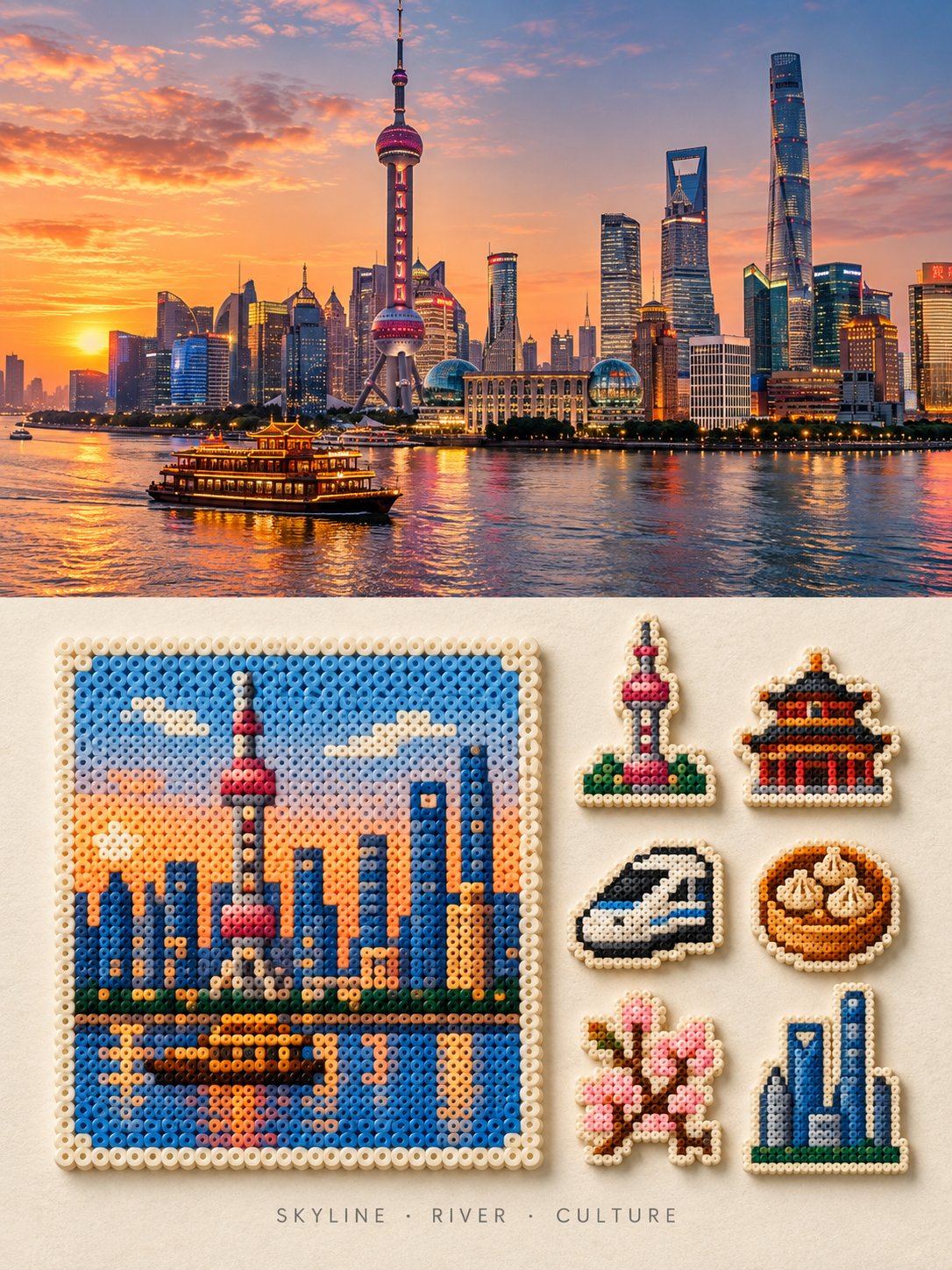
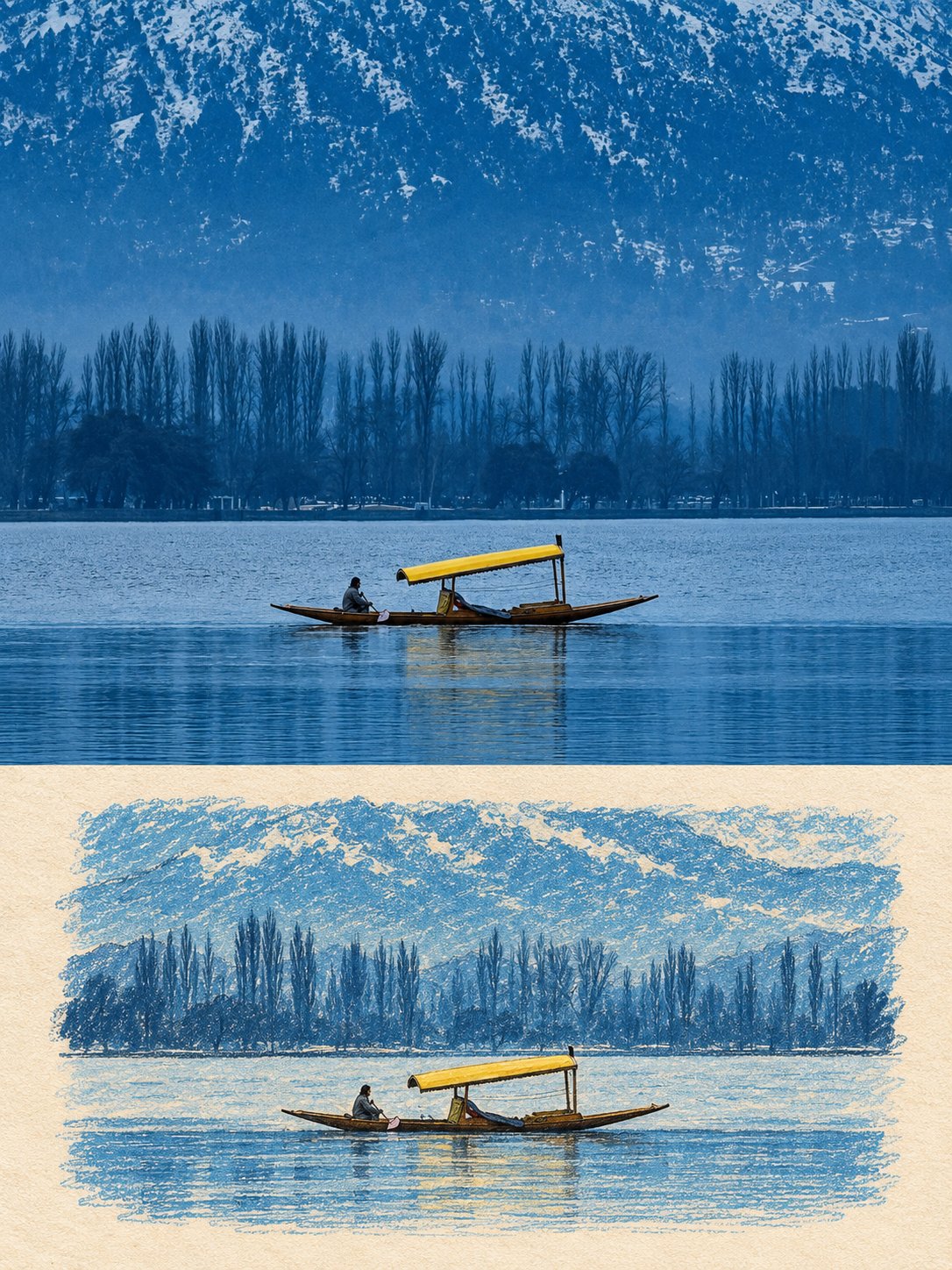
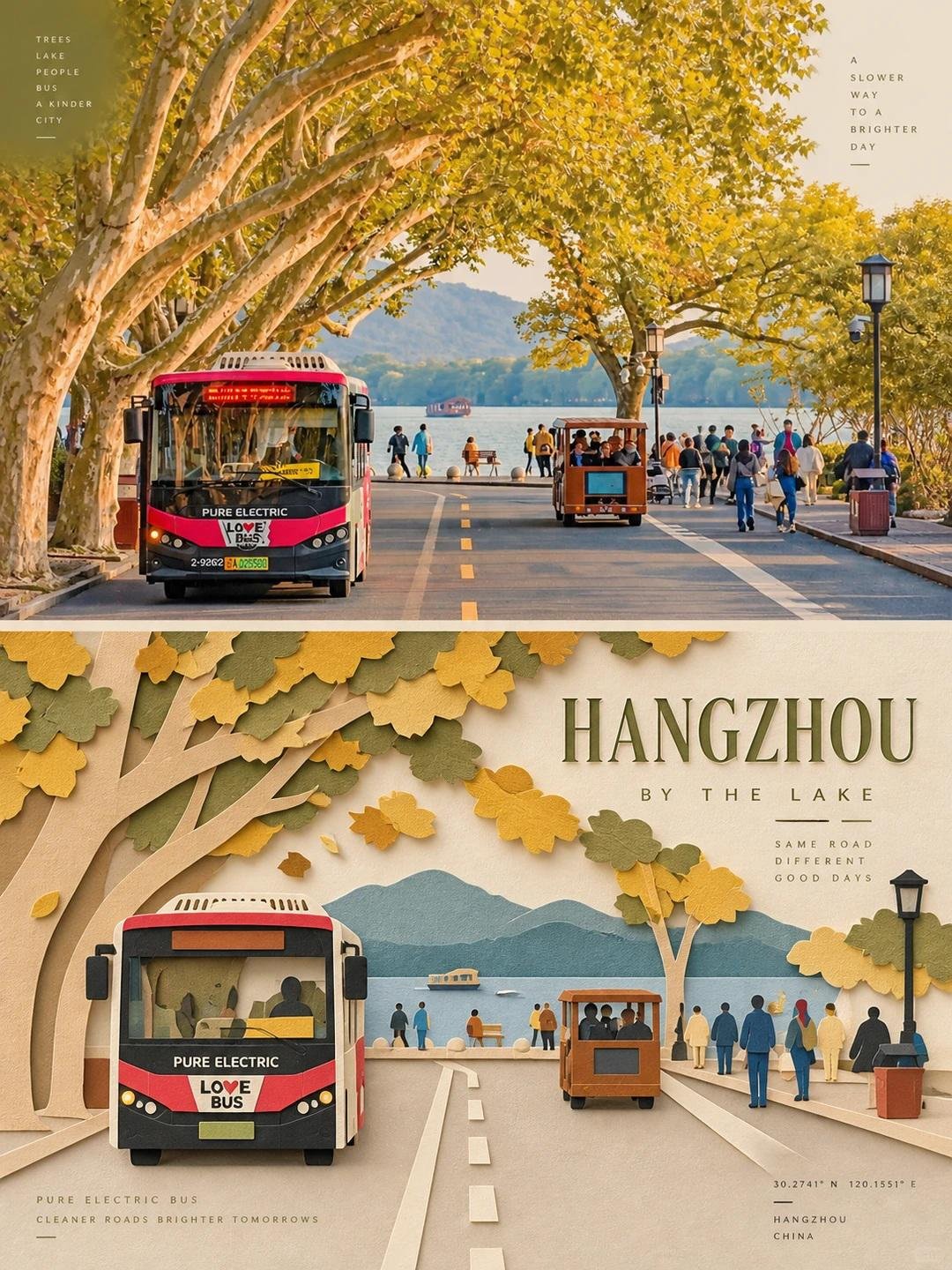
![Create a visually striking split-scene artwork showing [LANDMARK / CITY / COUNTRY] in two artistic w — AI image prompt — GPT Image 2.5](https://cdn.ahaprompt.app/harvest-media/import-1790828838549-tqo0rf.jpg)