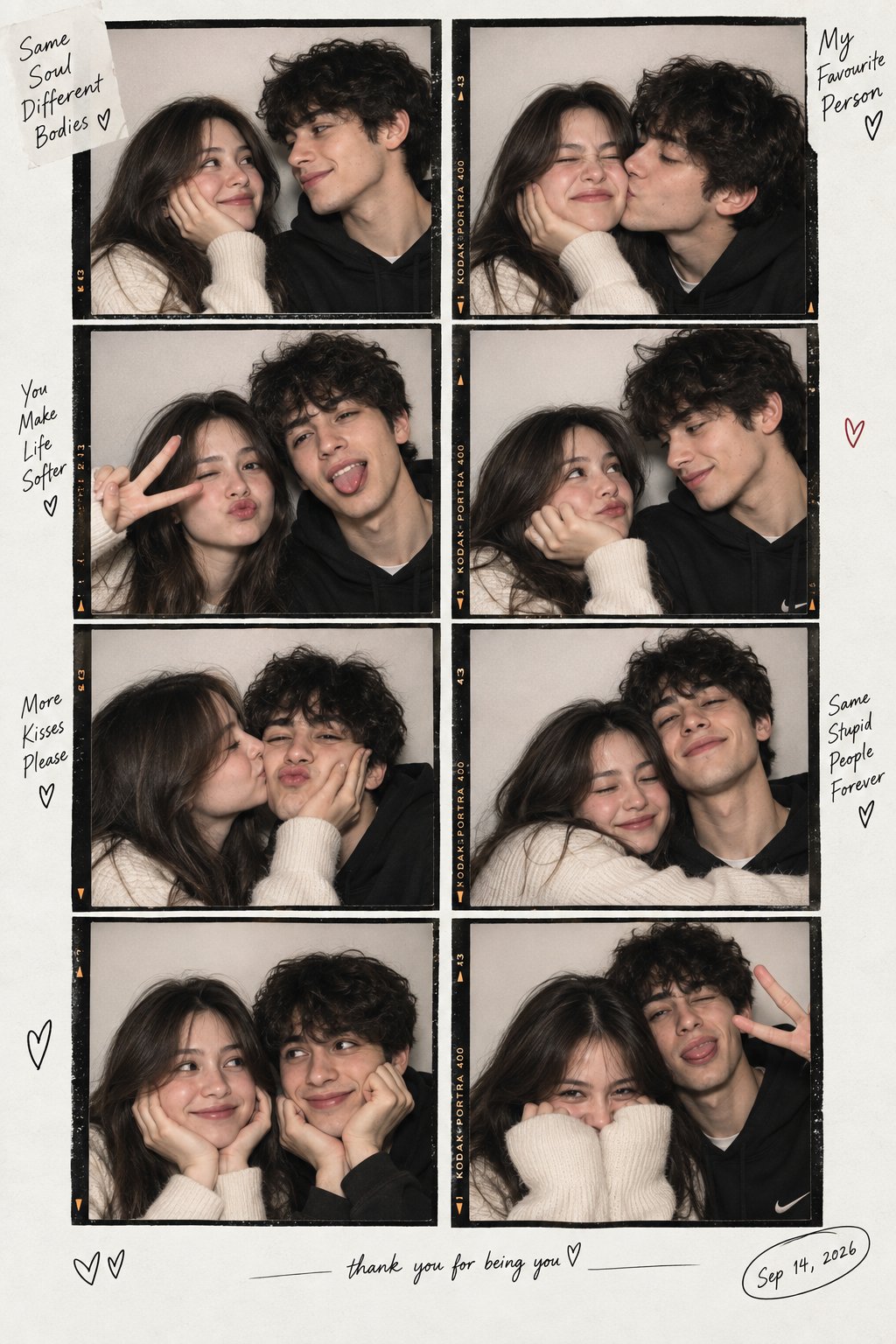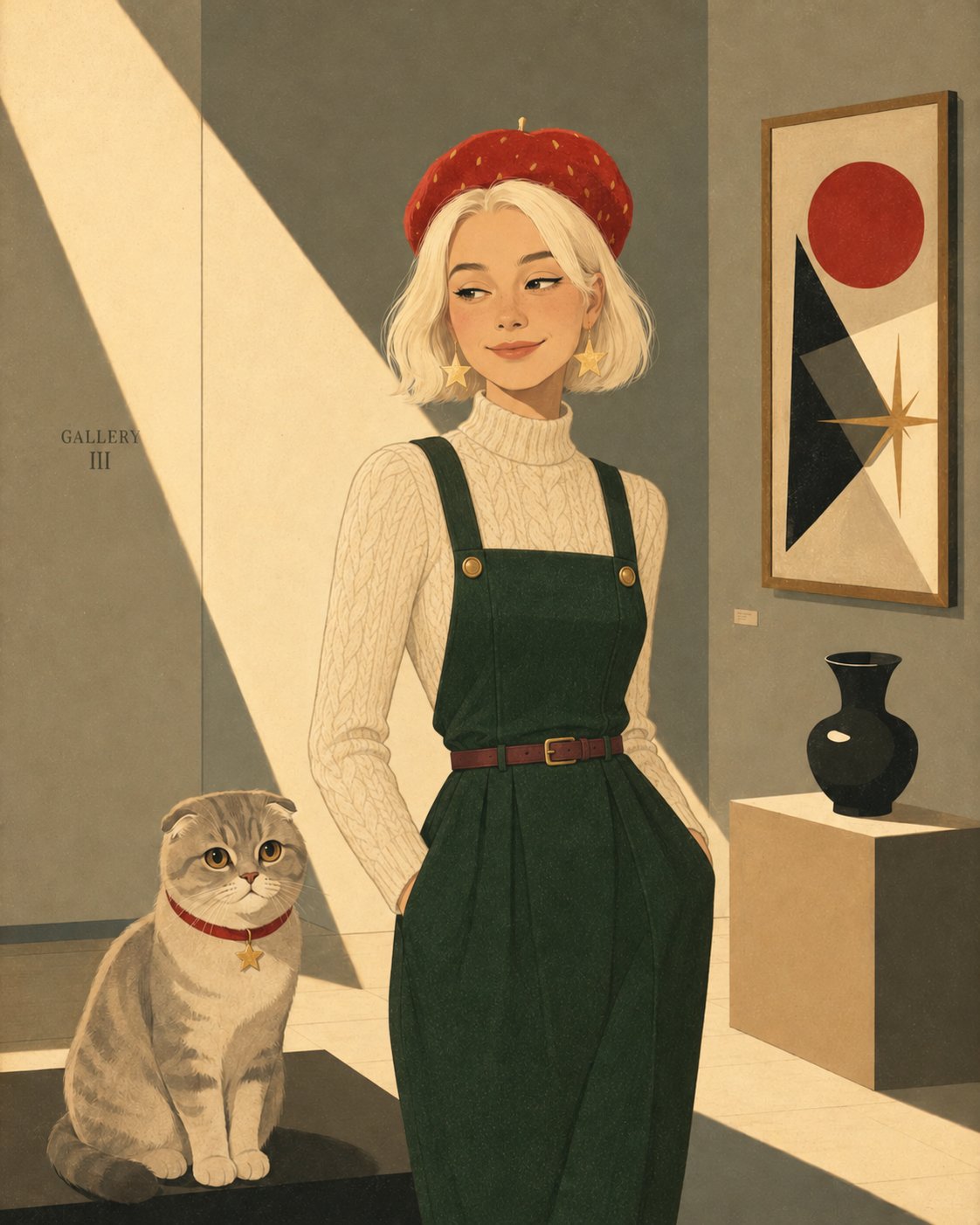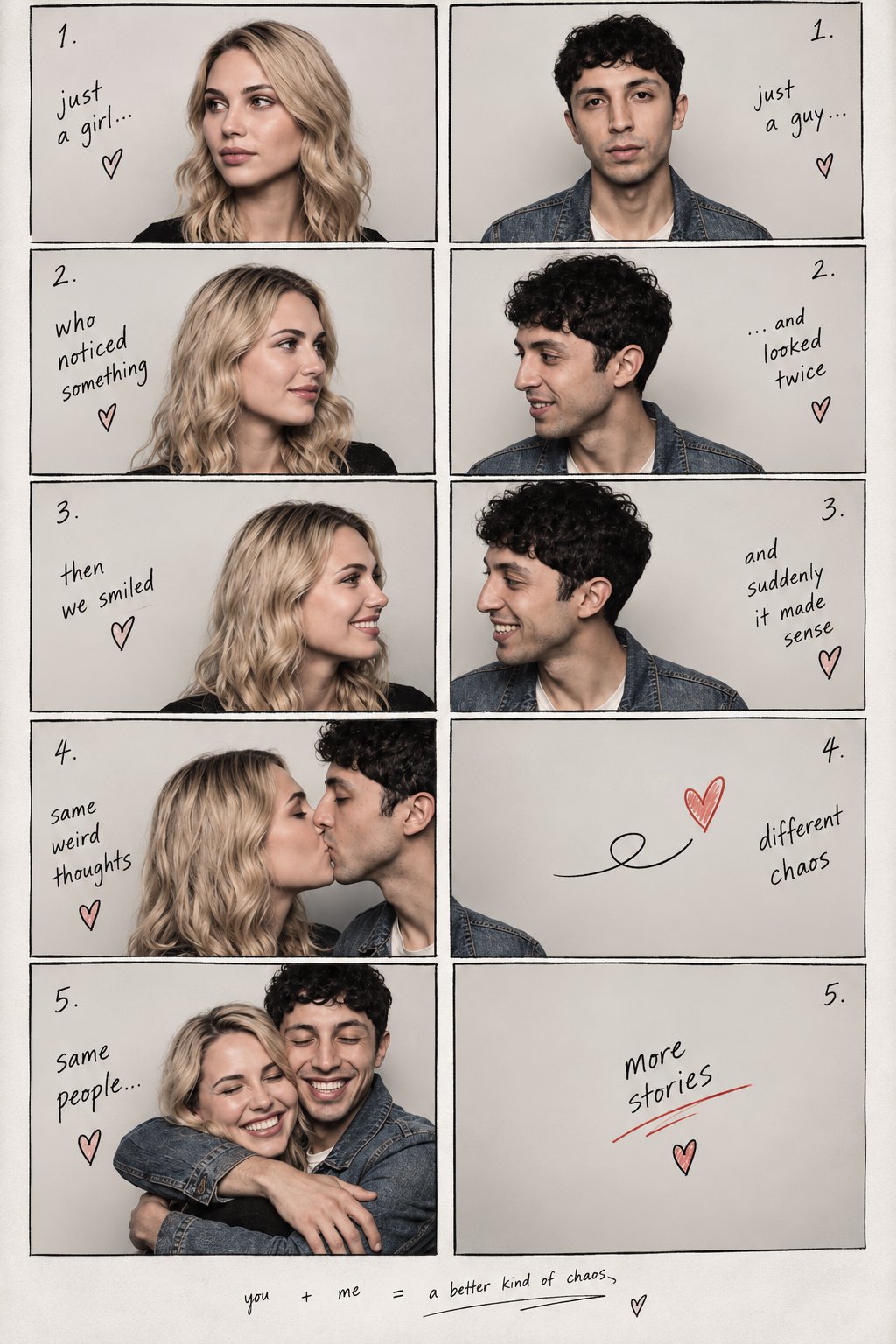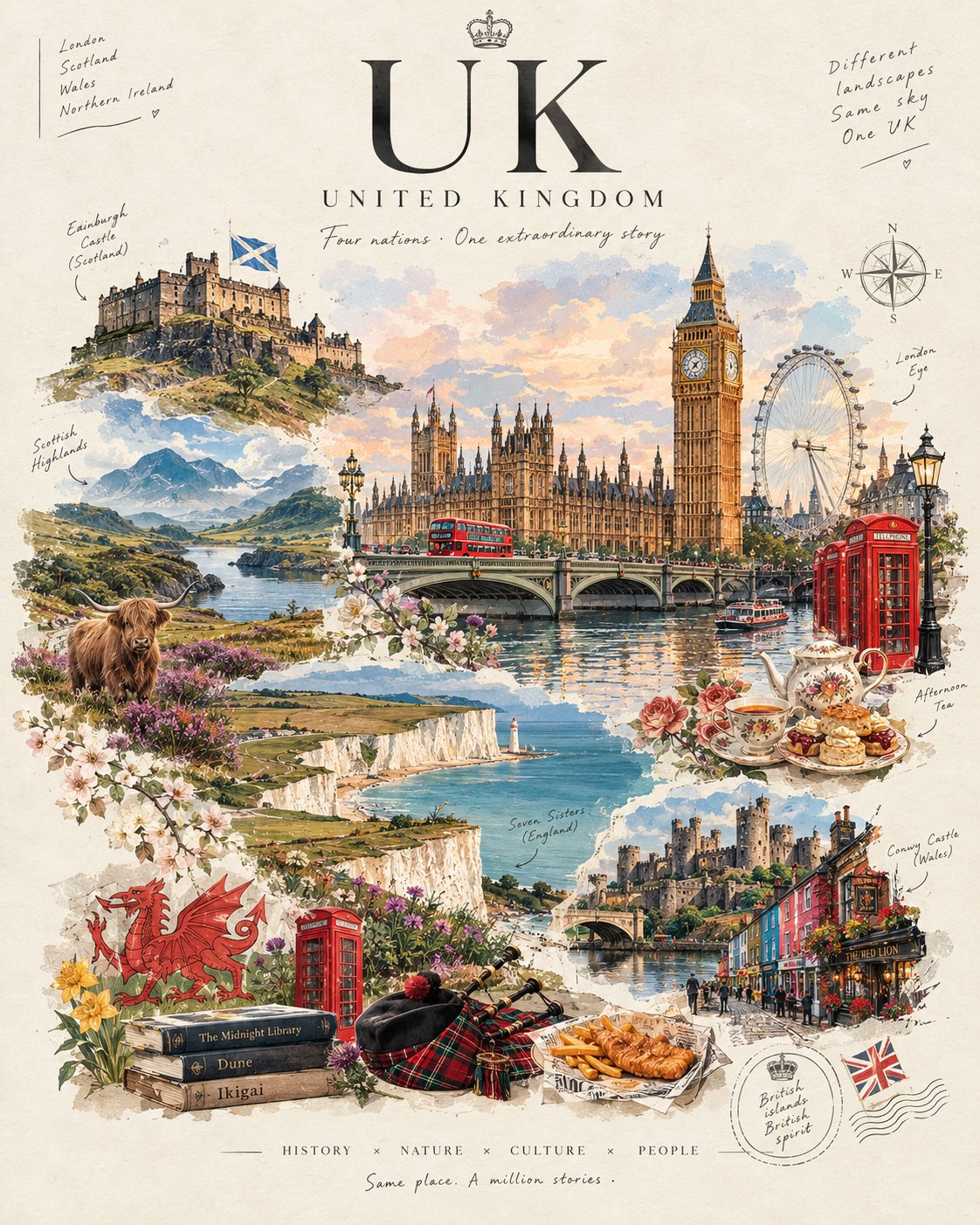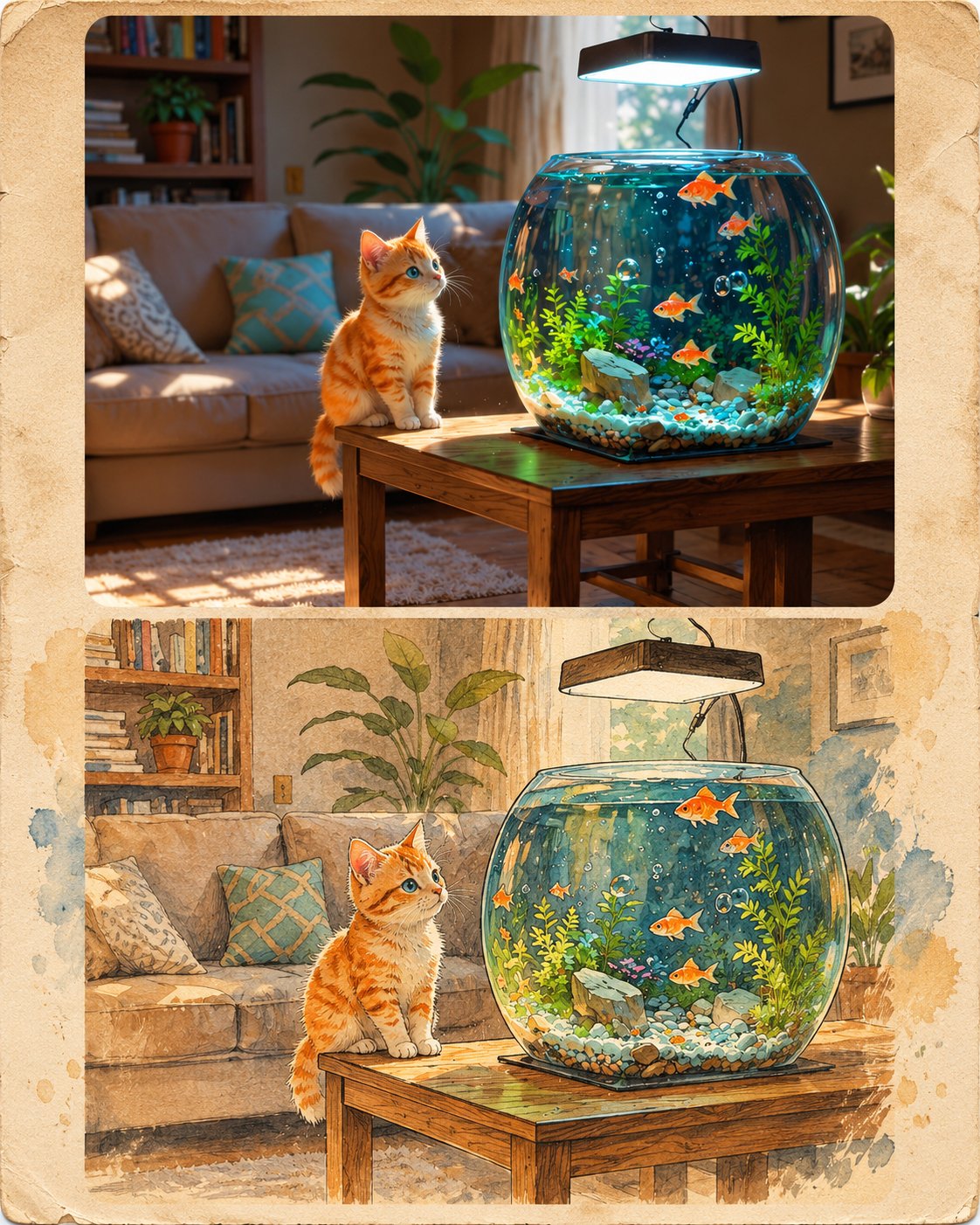
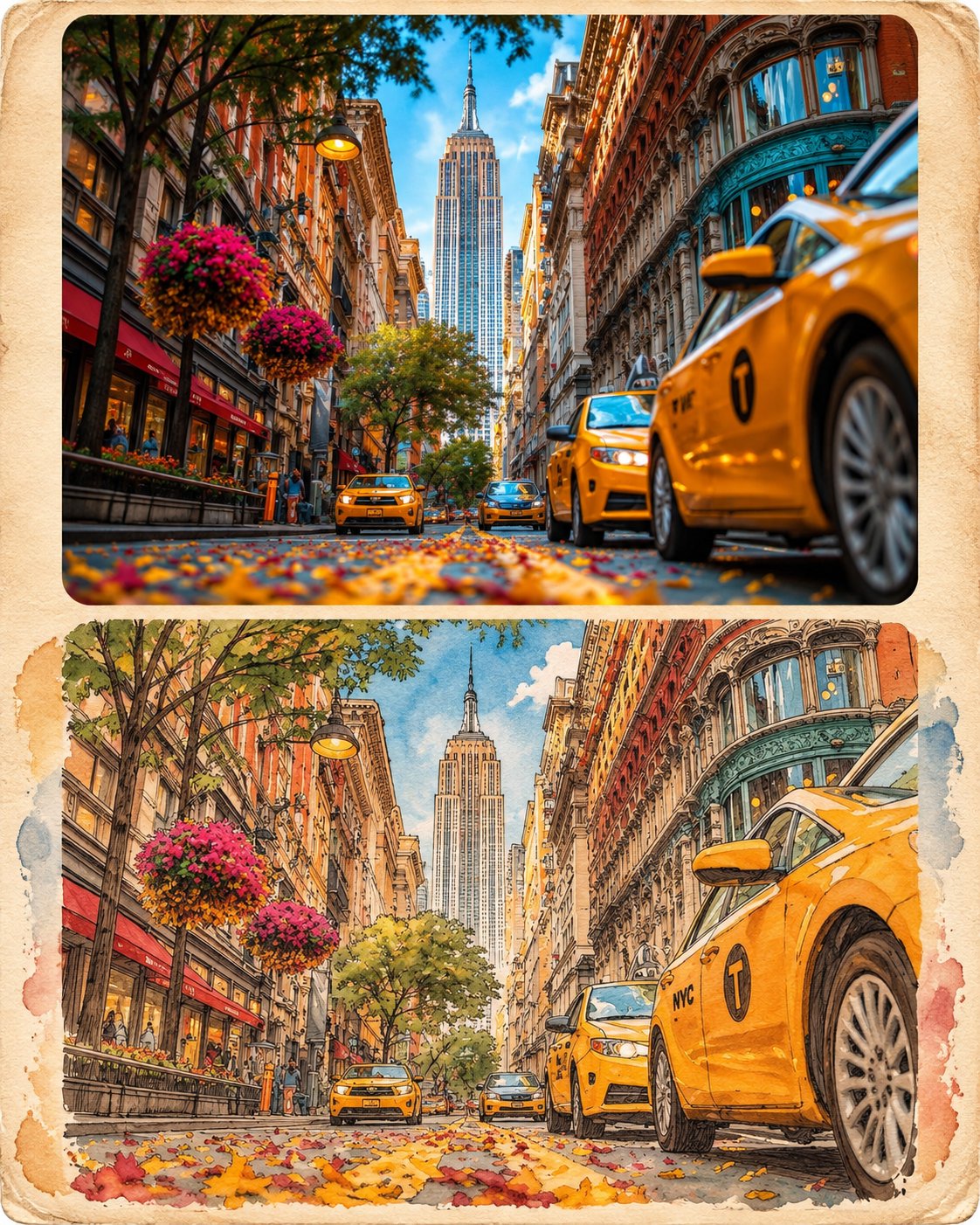
Vintage Editorial Photo and Illustration Collage
 GPT Image 2.5OpenAIimage
Use the uploaded image as the sole visual reference. Automatically identify the subject, people, clothing, accessories, objects, environment, background, colors, composition, and overall visual details. Create a premium 2-panel editorial collage with two vertically stacked sections: TOP SECTION — ORIGINAL PHOTOGRAPH: Reproduce the uploaded photograph in its original ultra-realistic photographic style. Preserve the subject's identity, facial features, expression, pose, clothing, hairstyle, accessories, objects, environment, lighting, camera angle, and composition. Do not introduce unrelated elements or change the original scene. BOTTOM SECTION — HAND-DRAWN ILLUSTRATION: Recreate the exact same photograph as a beautiful vintage hand-drawn editorial illustration. Preserve the same subject, facial appearance, pose, clothing, accessories, objects, background, perspective, and composition. Transform the visual style only, not the content. ILLUSTRATION STYLE: Traditional ink-and-watercolor aesthetics, delicate pencil outlines, expressive hand-drawn strokes, subtle watercolor washes, textured recycled paper, vintage print grain, muted earthy colors, and artistic imperfections. Add tasteful abstract painted brushstroke backgrounds that complement the original photograph's color palette. COMPOSITION: Arrange both versions in a clean, balanced editorial layout, with the original photograph on top and its illustrated counterpart directly underneath. Use refined panel separation, subtle rounded corners, and a sophisticated magazine-inspired aesthetic. IMPORTANT: Automatically adapt the prompt to ANY uploaded photograph, regardless of whether it contains a person, animal, vehicle, product, architecture, landscape, food, or any other subject. Never assume a specific subject or setting. Preserve every recognizable detail and maintain a clear one-to-one visual correspondence between the original photograph and its illustration. The result should look like a premium vintage fashion and lifestyle magazine collage, combining photorealism with traditional hand-drawn artistry. Aspect ratio: 4:5.
Details
- Type
- AI Image Prompts
- Aspect Ratio
- 561:701
- Updated
- Nov 9, 2026
Category
How to use this prompt
- 1Copy the full prompt with the copy button above.
- 2Open GPT Image 2.5 by OpenAI, or any image generator with a similar style range.
- 3Paste the prompt, then swap the subject and style keywords to match your idea.
- 4Match the example's settings (561:701 · Digital Art · Vintage · Realistic), then iterate — small wording changes shift the output a lot.
Frequently asked questions
Which AI model generated this image?
This image was generated with GPT Image 2.5 by OpenAI. The prompt on this page is the exact text used to create it.
What settings does this prompt use?
The example was generated with GPT Image 2.5 using: 561:701 · Digital Art · Vintage · Realistic. Reusing these settings gives the closest match.
How do I get similar results?
Copy the prompt as-is first, then replace only the subject while keeping the style, lighting, and composition keywords. Generate a few variations — outputs differ between runs.
Can I modify this prompt?
Yes. Prompts work best as starting points — adjust descriptors, aspect ratio, or style tags to make the output your own.