Editorial Illustration Poster From Photo
 GPT Image 2.5OpenAIimage
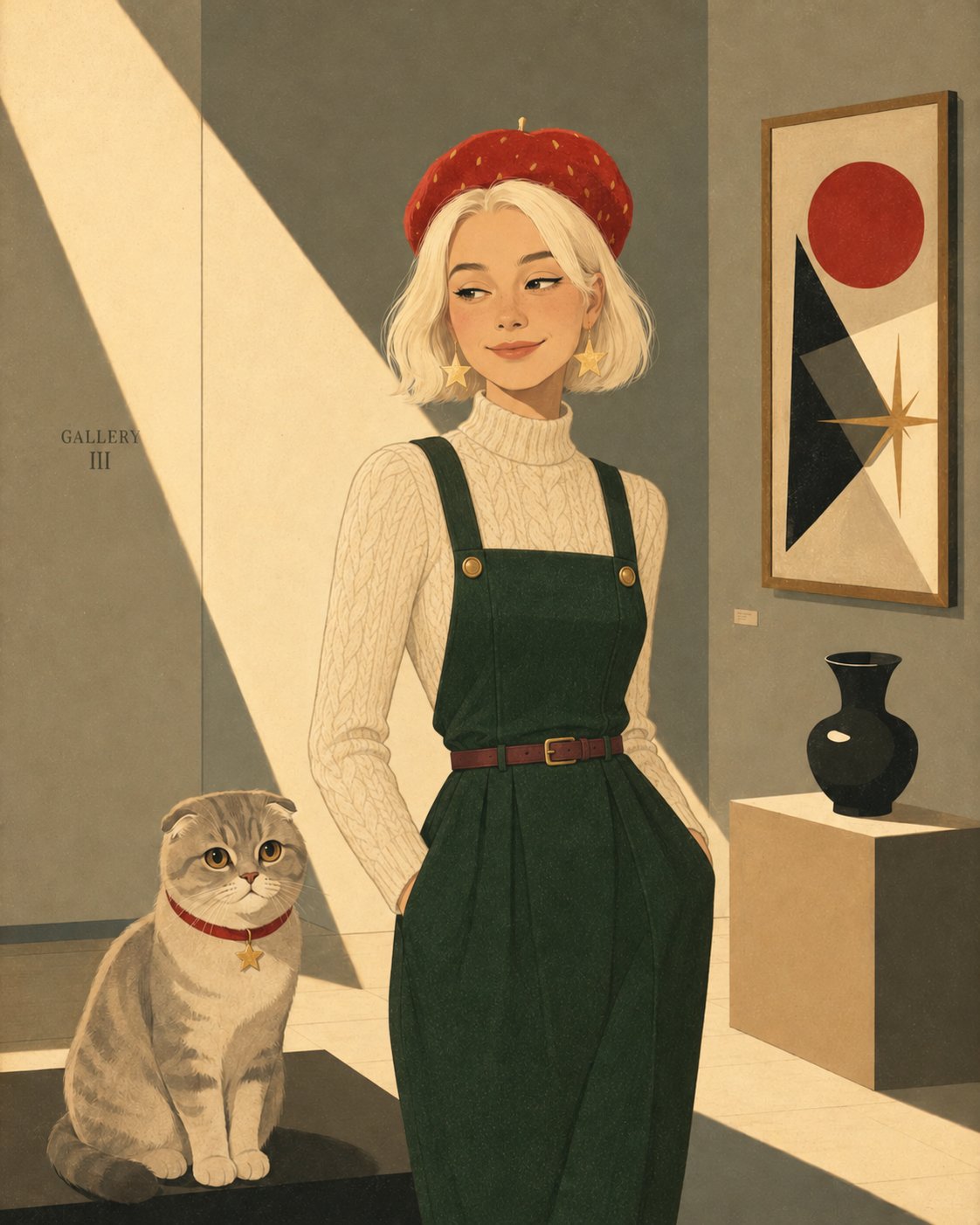
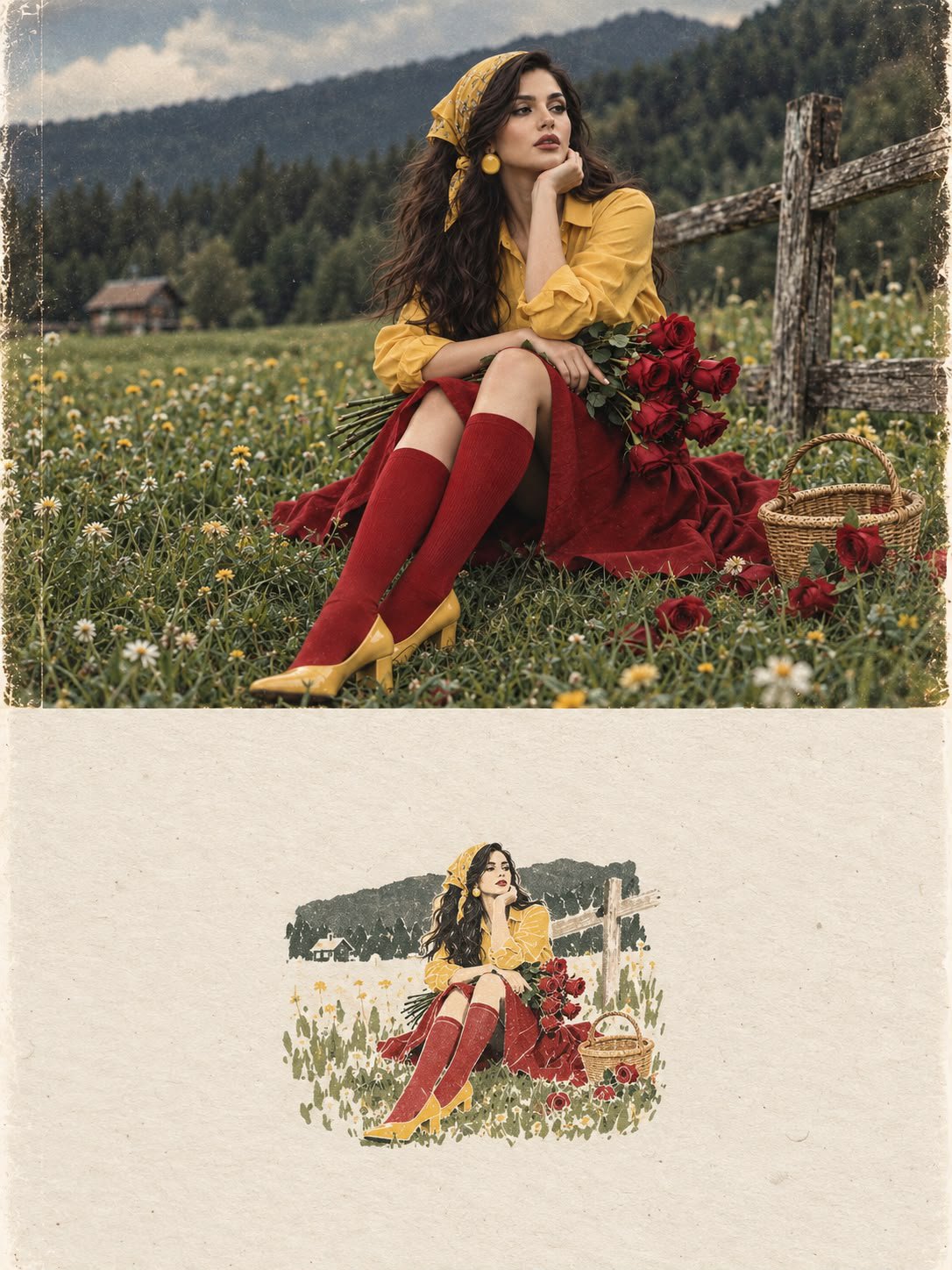
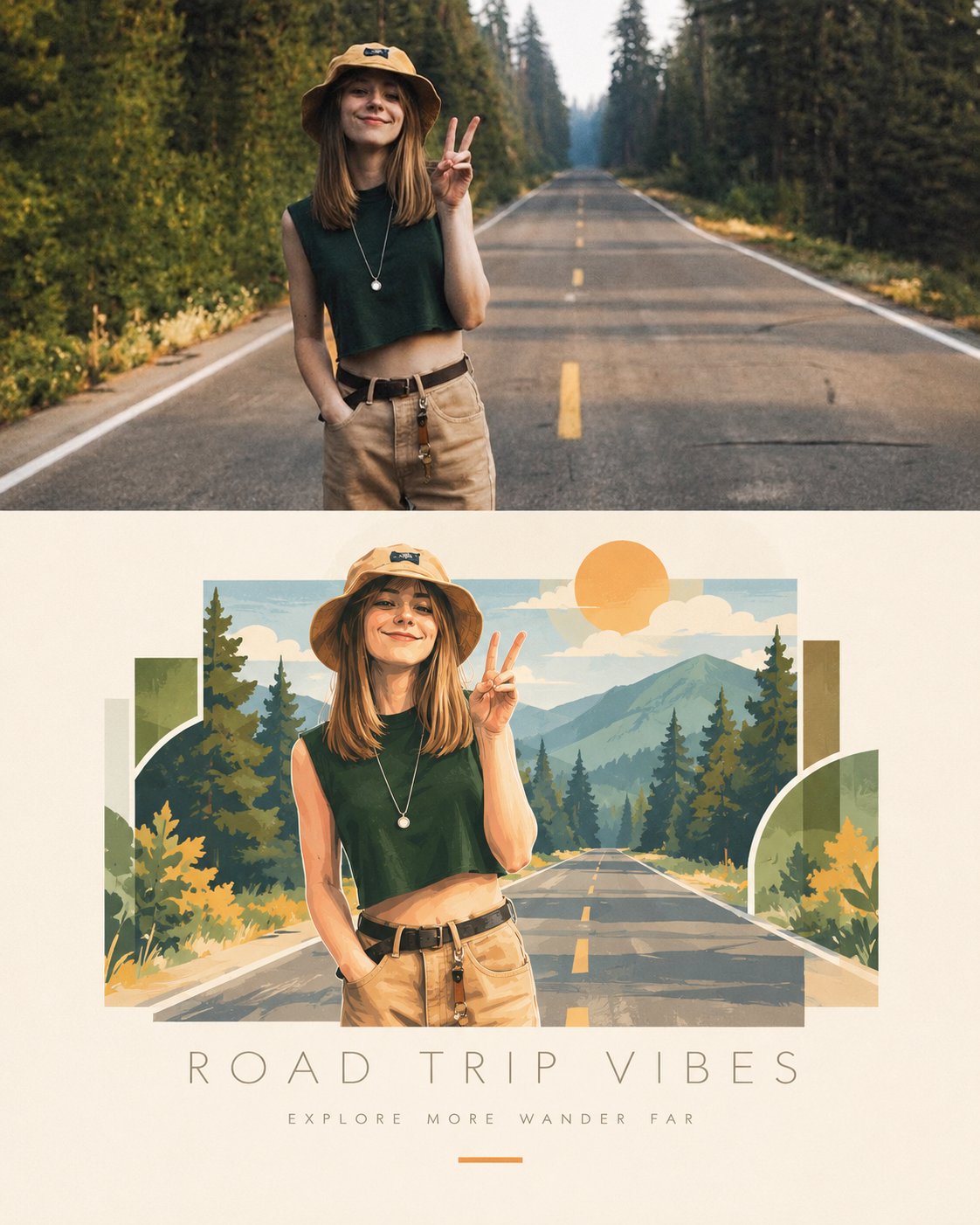
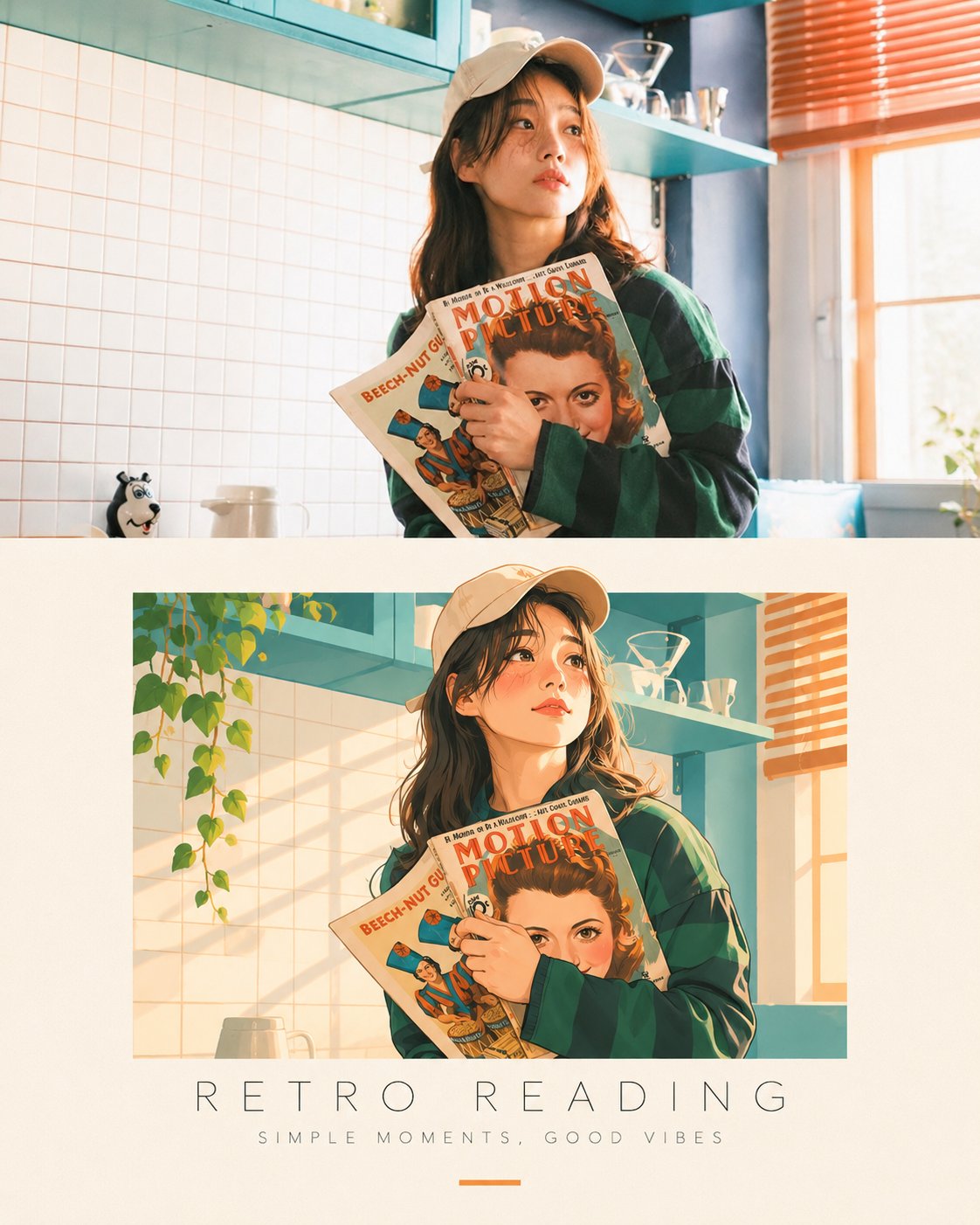
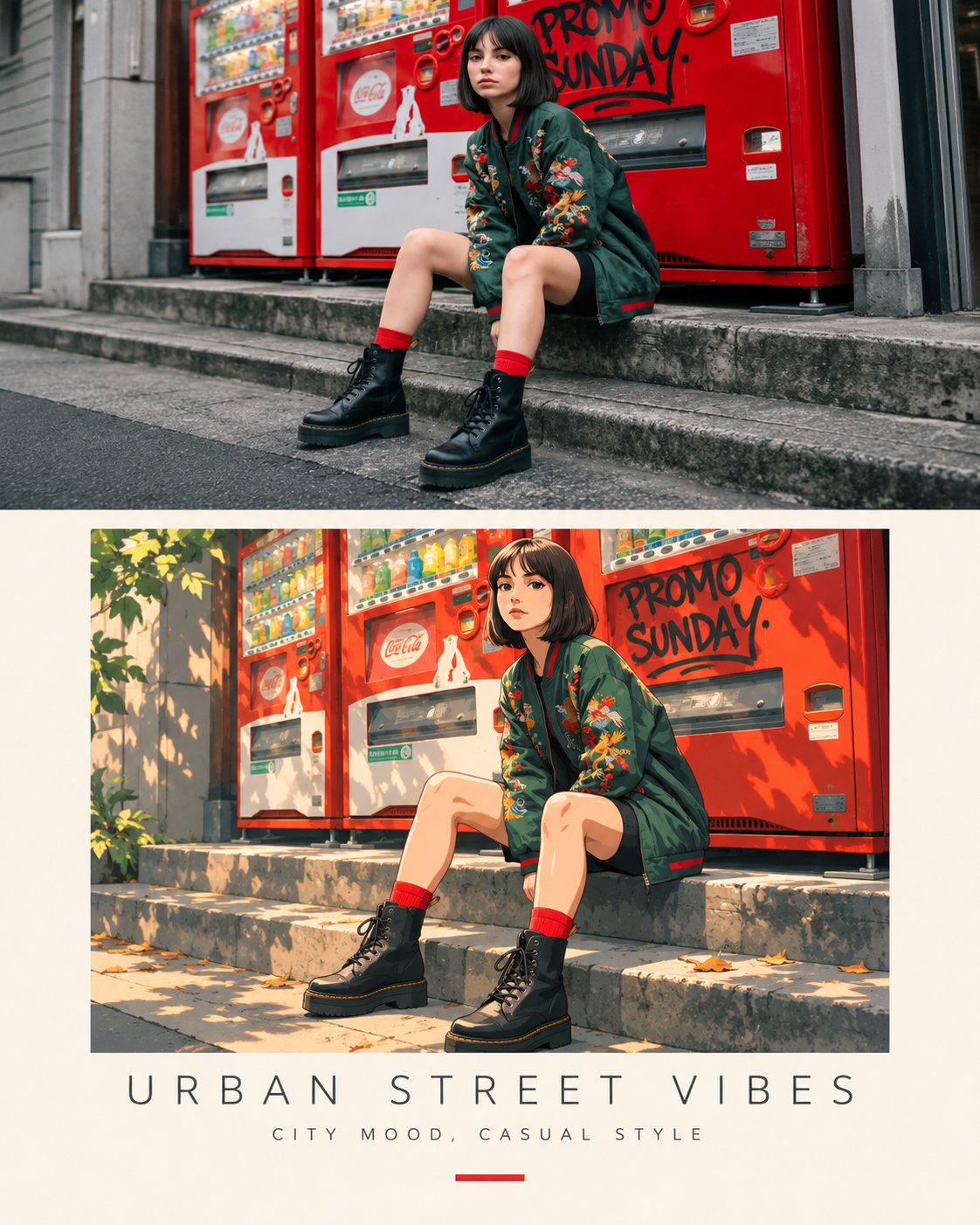
Transform the uploaded reference image into a beautiful, premium editorial illustration poster. Composition: Create a vertical 4:5 split-layout design. The upper half should display the original photograph in its realistic photographic style, preserving the subject's exact appearance, facial features, hairstyle, outfit, pose, and expression. The lower half should feature a beautifully stylized 2D illustration of the exact same subject, recreating the original photograph's pose, expression, clothing, and composition. Convert the subject into a charming, hand-painted digital illustration with soft brush textures, clean shapes, delicate outlines, warm skin tones, and beautiful artistic details. Background Design: Transform the original background into a creative illustrated environment. Add minimal geometric architecture, abstract shapes, subtle plants, soft natural elements, and a complementary color palette inspired by the original photograph. Poster Layout: Place the illustration inside a clean rectangular artwork frame, surrounded by a warm ivory or cream-colored background. Add a large elegant uppercase headline beneath the illustration, with a small complementary subtitle and a subtle decorative line. Typography: Use thin, sophisticated, widely spaced uppercase lettering. Choose a short title that matches the mood of the photograph, with a smaller minimalist tagline underneath. Art Direction: Modern Japanese editorial poster design, contemporary lifestyle illustration, soft pastel colors, warm sunlight, minimalist graphic design, artistic storytelling, premium magazine aesthetic. Important: Maintain the original person's identity and recognizable features. The illustrated version must clearly resemble the person in the original photograph. Keep the top photograph realistic and the bottom illustration artistic. Ensure both versions match perfectly in pose and composition. High-quality details, balanced layout, elegant negative space, professional art direction, 4:5 portrait poster.
Details
- Type
- AI Image Prompts
- Aspect Ratio
- 561:701
- Updated
- Nov 17, 2026
Category
How to use this prompt
- 1Copy the full prompt with the copy button above.
- 2Open GPT Image 2.5 by OpenAI, or any image generator with a similar style range.
- 3Paste the prompt, then swap the subject and style keywords to match your idea.
- 4Match the example's settings (561:701 · Poster · Digital Art · Portrait), then iterate — small wording changes shift the output a lot.
Frequently asked questions
Which AI model generated this image?
This image was generated with GPT Image 2.5 by OpenAI. The prompt on this page is the exact text used to create it.
What settings does this prompt use?
The example was generated with GPT Image 2.5 using: 561:701 · Poster · Digital Art · Portrait. Reusing these settings gives the closest match.
How do I get similar results?
Copy the prompt as-is first, then replace only the subject while keeping the style, lighting, and composition keywords. Generate a few variations — outputs differ between runs.
Can I modify this prompt?
Yes. Prompts work best as starting points — adjust descriptors, aspect ratio, or style tags to make the output your own.