Dark Prompts
Dark is not less light. It is one light, placed carefully, with most of the frame allowed to fall away.
About Dark prompts
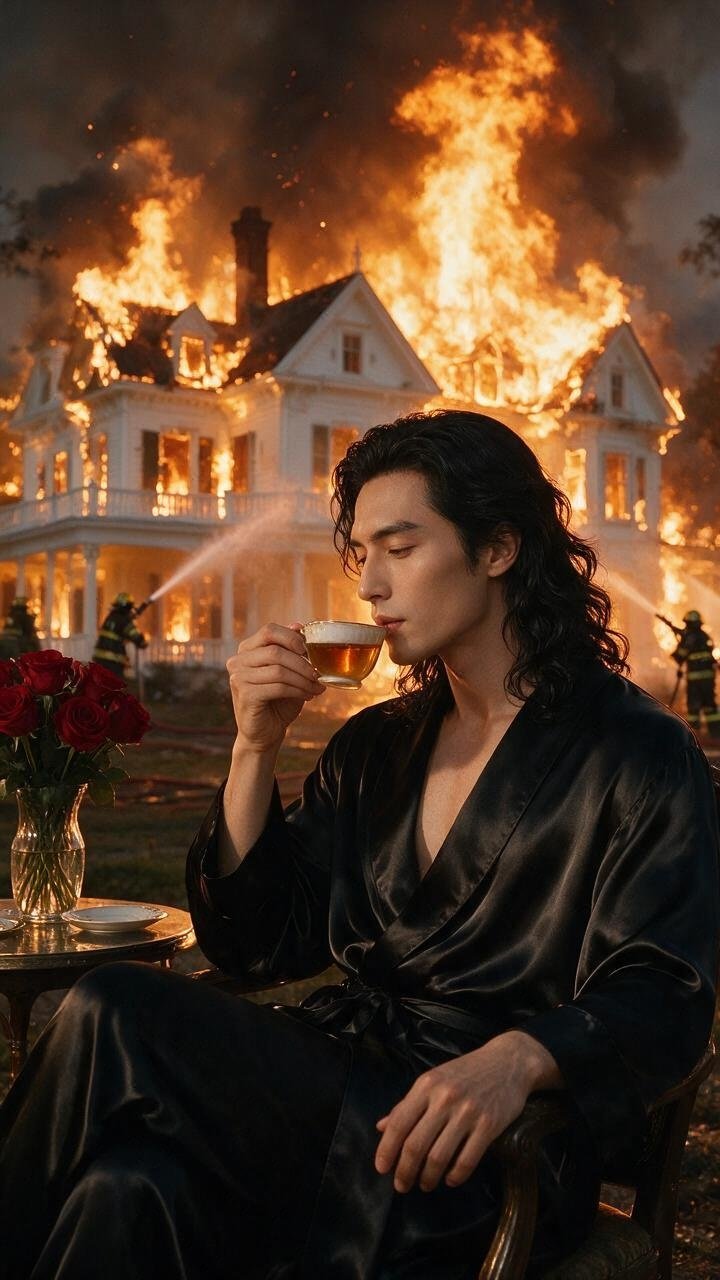
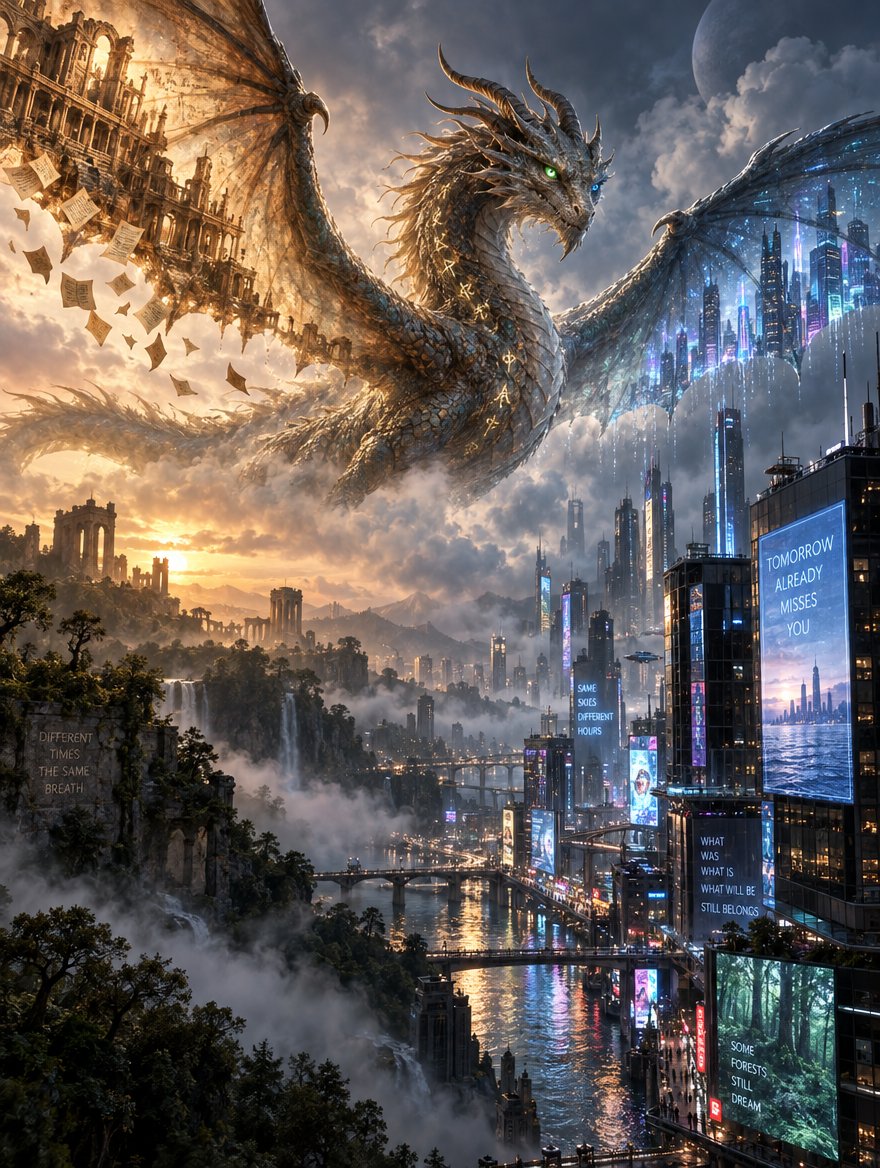
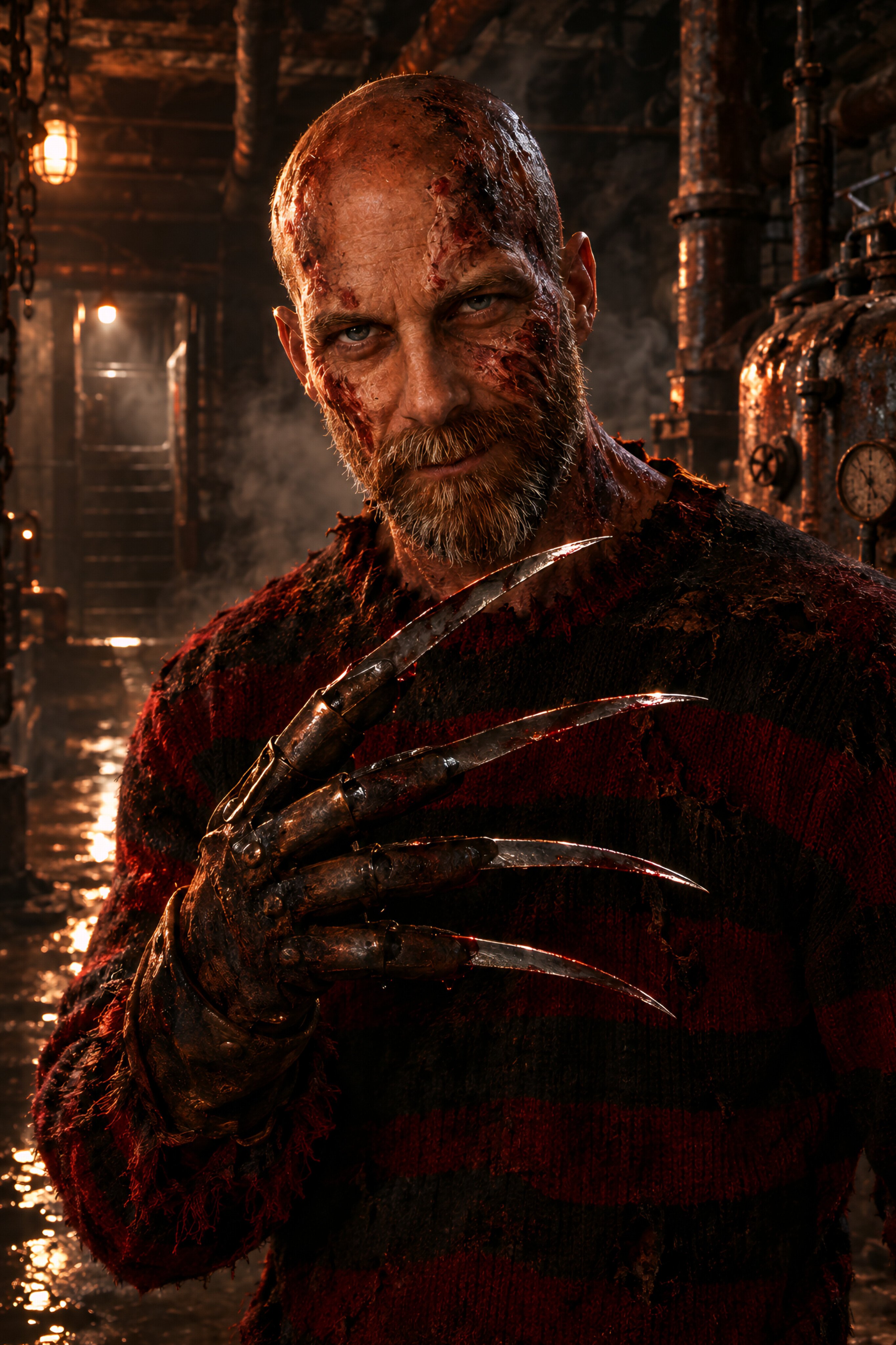
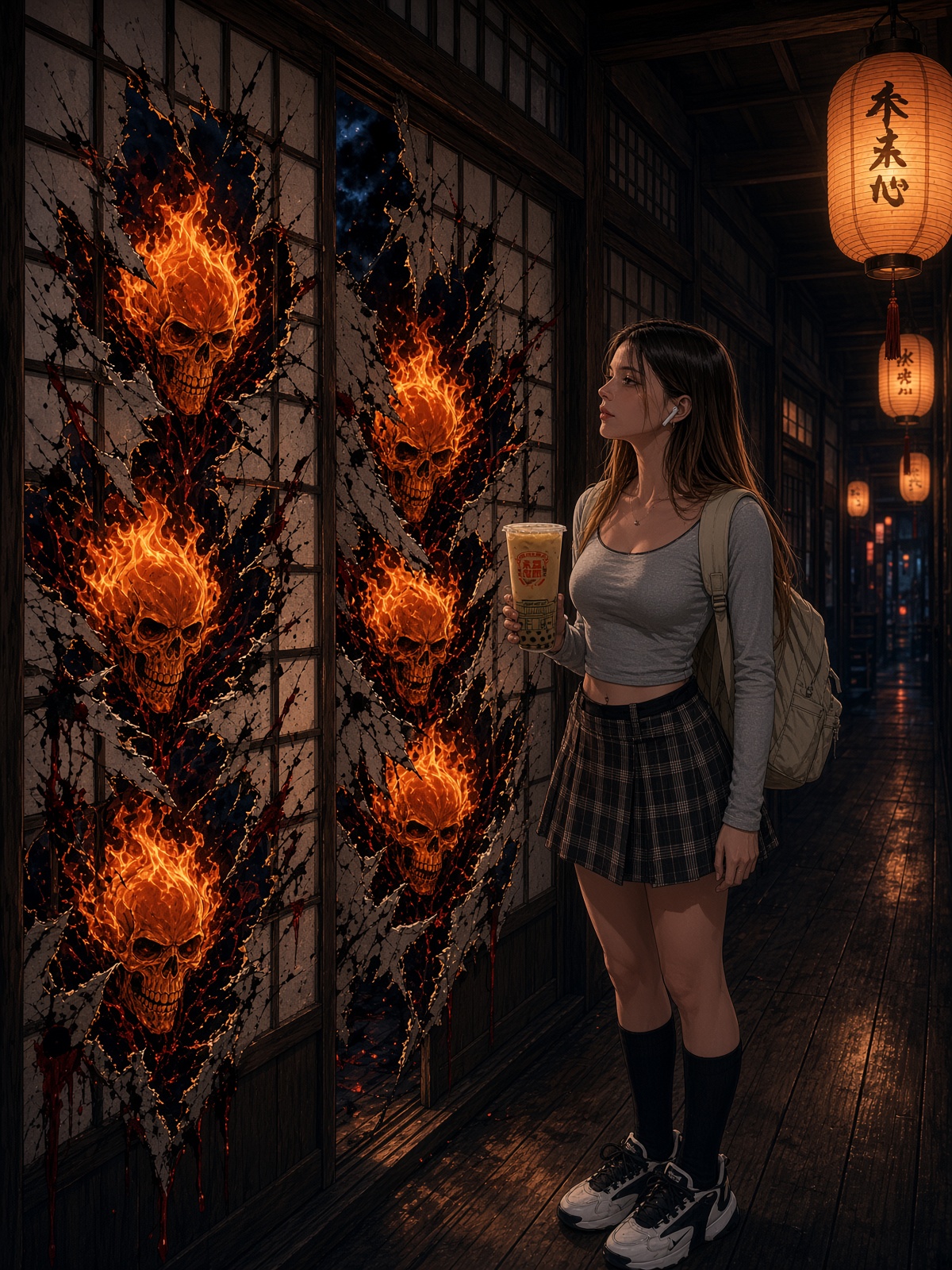
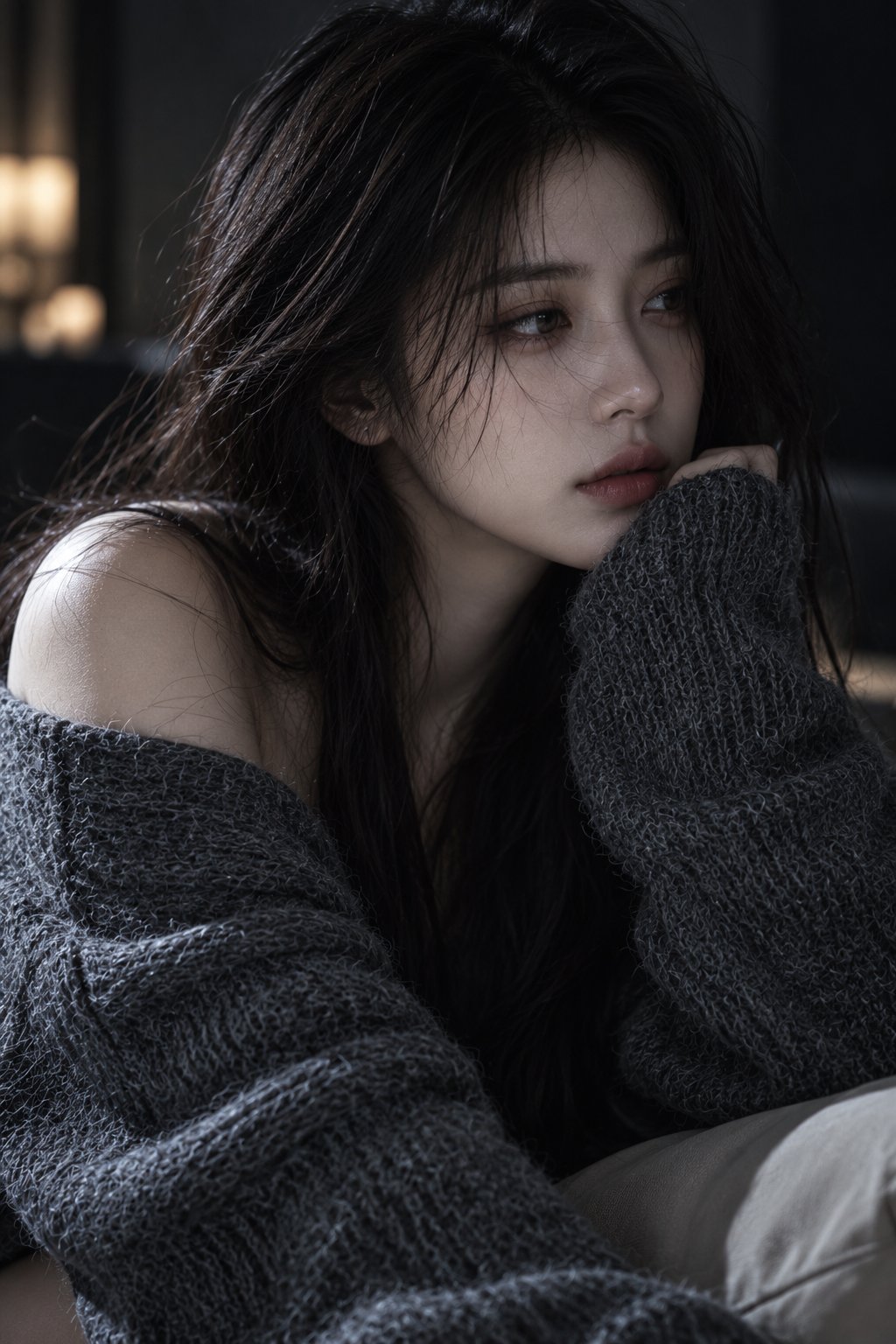
Asking a model to make something "dark" usually returns a muddy image: everything dimmed uniformly, no shape, no focus. That is underexposure, not low-key. Real dark imagery is precisely lit — one source, a narrow pool of illumination, and large areas that fall to black on purpose while the lit part keeps full detail.
The technical name for this is low-key lighting, and models respond to it directly. Combine it with a stated light source and a stated direction and the result stops being dim and starts being deliberate. The subject reads brighter in a dark frame than it ever does in an evenly lit one.
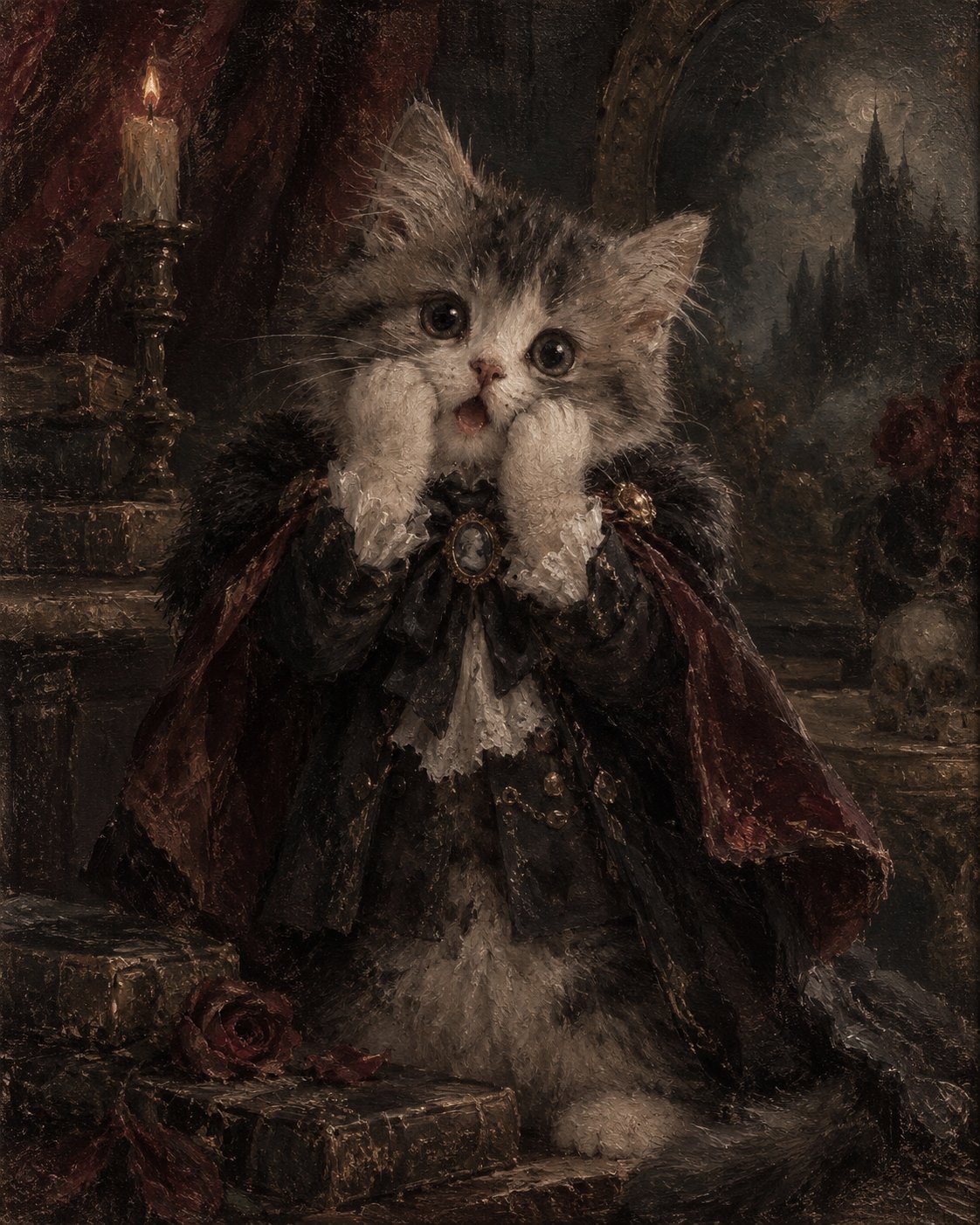
The prompts below are tested with their real outputs. Notice how often they specify what stays visible in the shadows — a rim of light on an edge, a faint outline — because pure black areas need something to define their boundary.
How to write Dark prompts
- 1Ask for low-key lighting by name, not for a dark image. "Low-key, single source" produces controlled shadow; "dark" produces underexposure.
- 2Name one light and its direction: "a single lamp above and to the left, everything beyond two meters falls to black". One source is what makes shadow readable.
- 3Protect the highlight detail explicitly — "exposed for the lit face, shadows crushed". This tells the model where the tonal anchor is instead of averaging the whole frame.
- 4Add a rim or edge light so shapes survive the darkness: "thin rim light along the shoulder". Without it, dark subjects merge into dark backgrounds and the silhouette disappears.
- 5Keep the palette narrow and slightly desaturated. Dark scenes with saturated color read as theatrical; muted ones read as atmospheric.
Frequently asked questions
Why do my dark prompts come out muddy instead of moody?
Because "dark" is read as global underexposure. Ask for low-key lighting with a single named source instead — the lit area keeps full detail while the rest falls to black, which is what actually produces mood.
How do I keep the subject visible in a dark image?
Add a rim or edge light and say where it lands, such as along a shoulder or the side of a face. In low-key images the silhouette is defined by that thin bright edge; without it the subject dissolves into the background.
Does dark styling work for video prompts?
Yes, and it is forgiving — shadow hides the artifacts that video models struggle with. Keep the light source fixed and let the subject move through it rather than moving the light, which is harder for models to keep consistent across frames.