Nano Banana Pro Prompts
Google's flagship Gemini image model — 4K output with a Thinking mode that gets the facts and the details right.
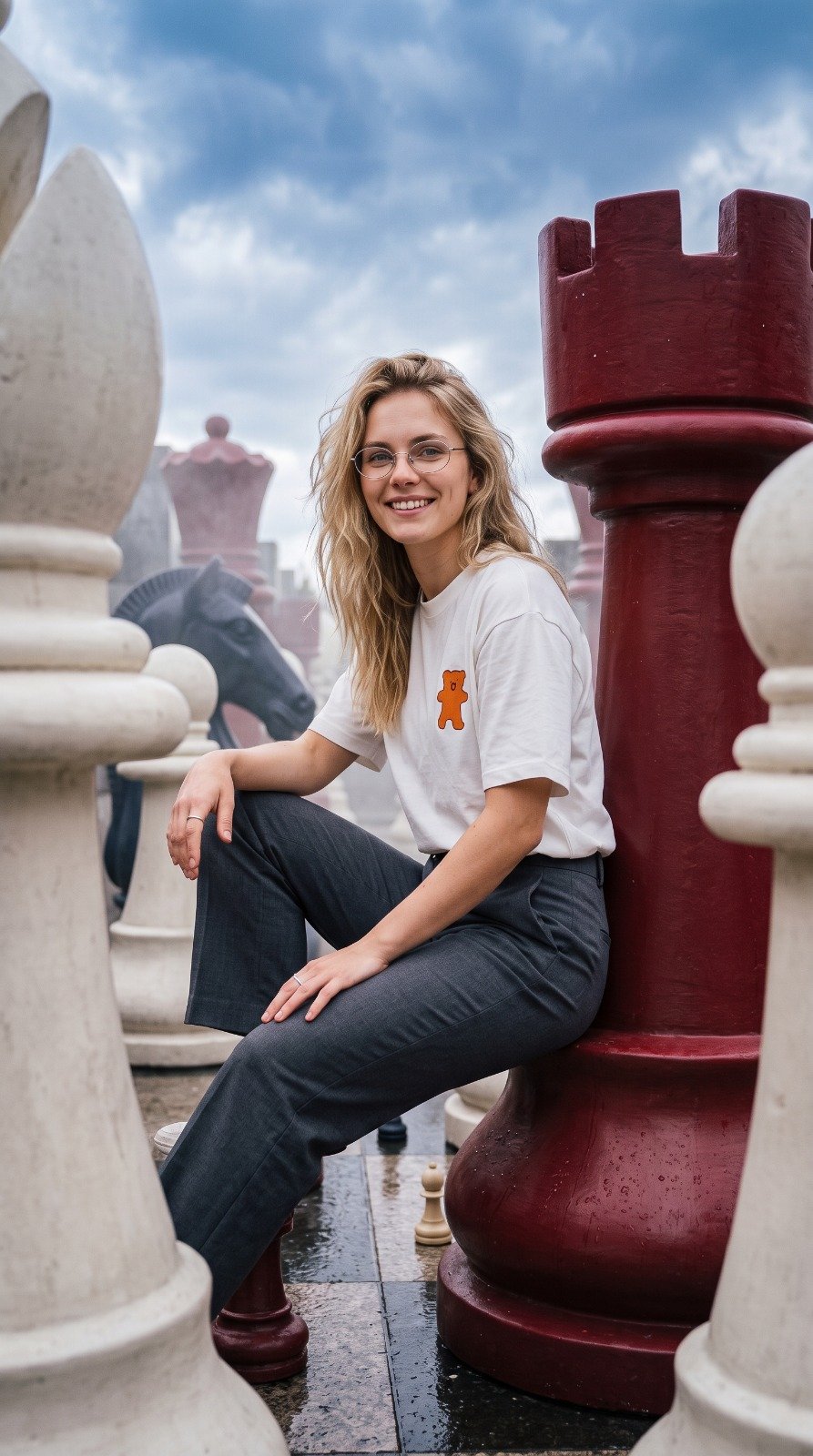



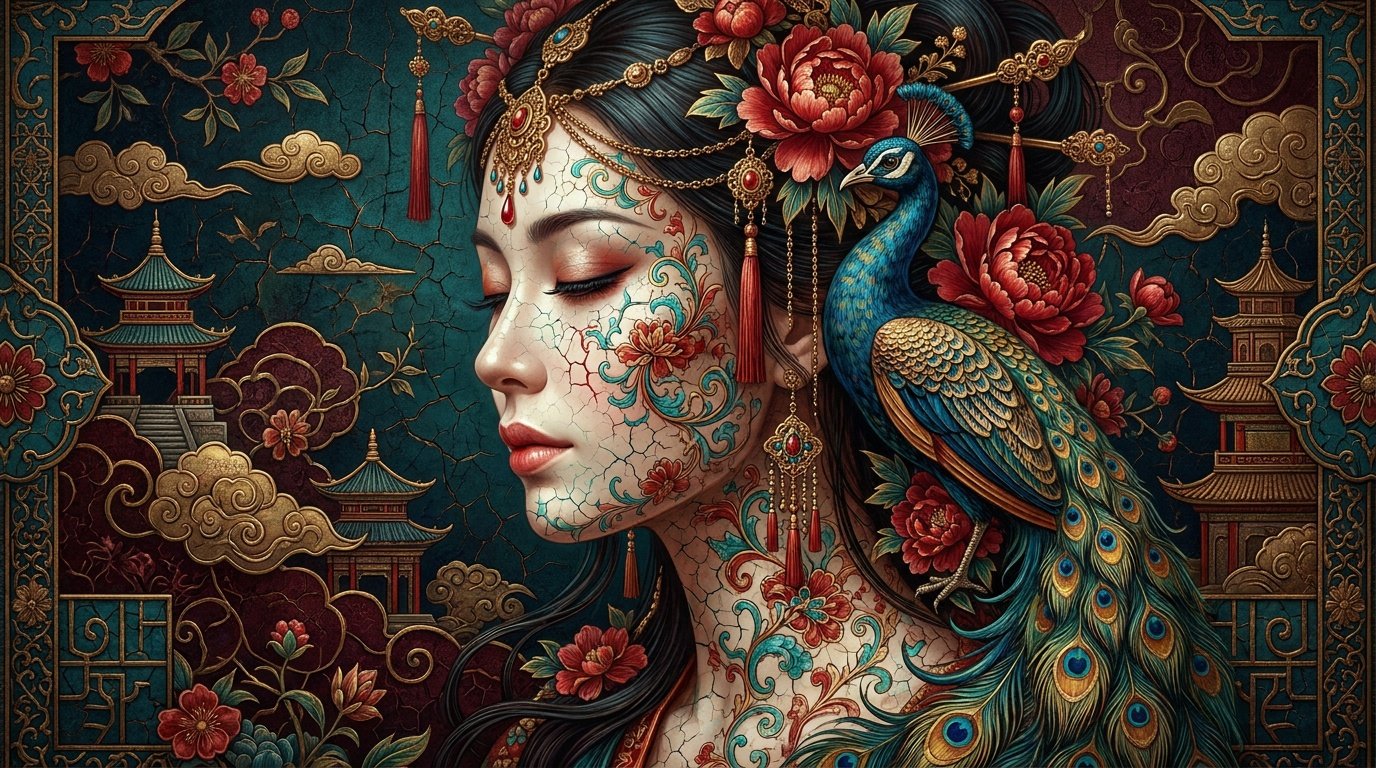

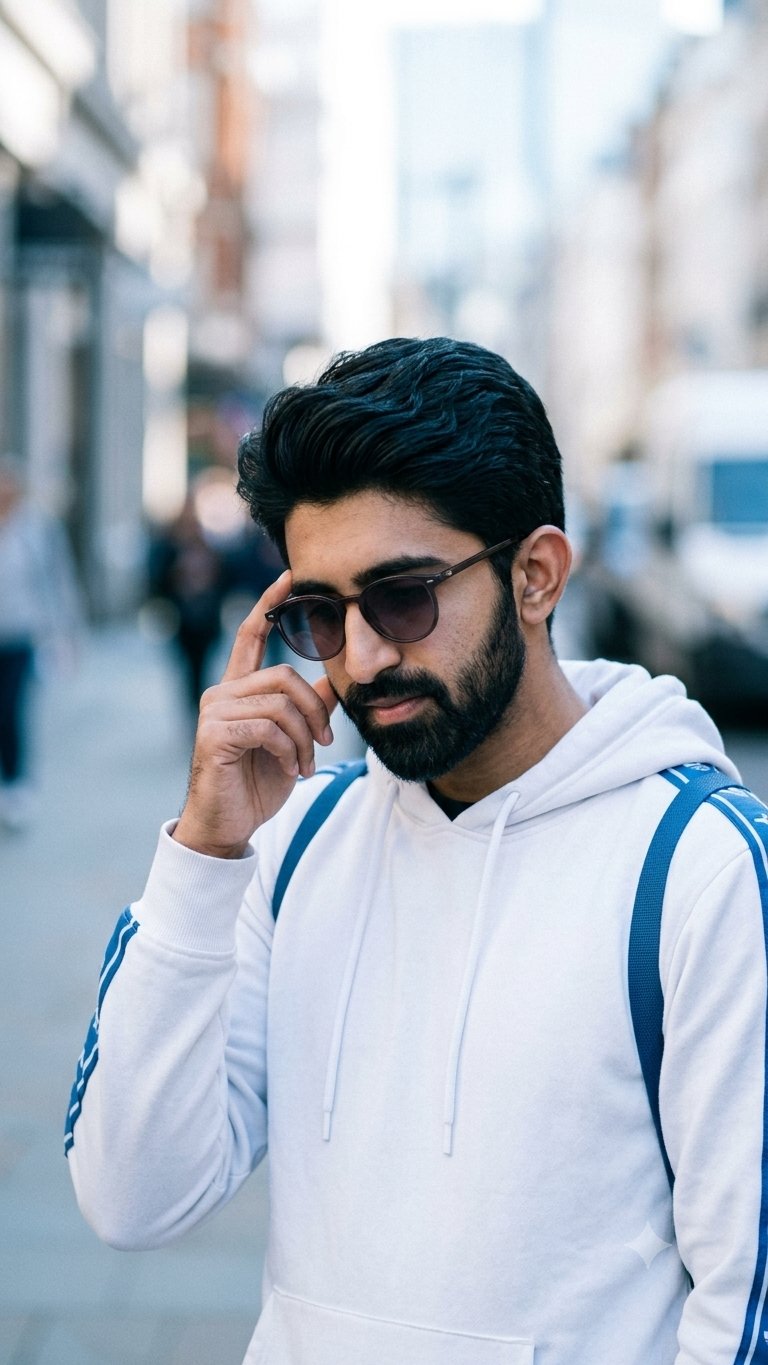
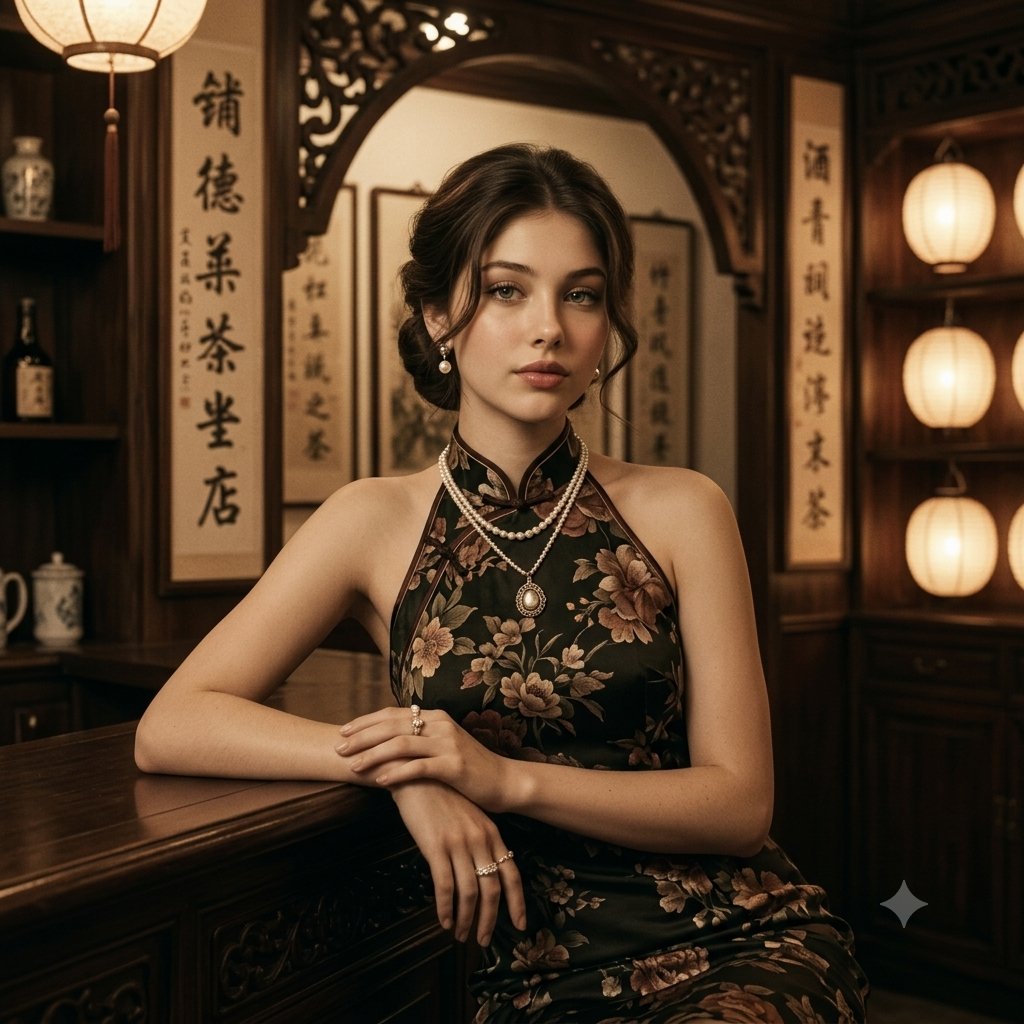

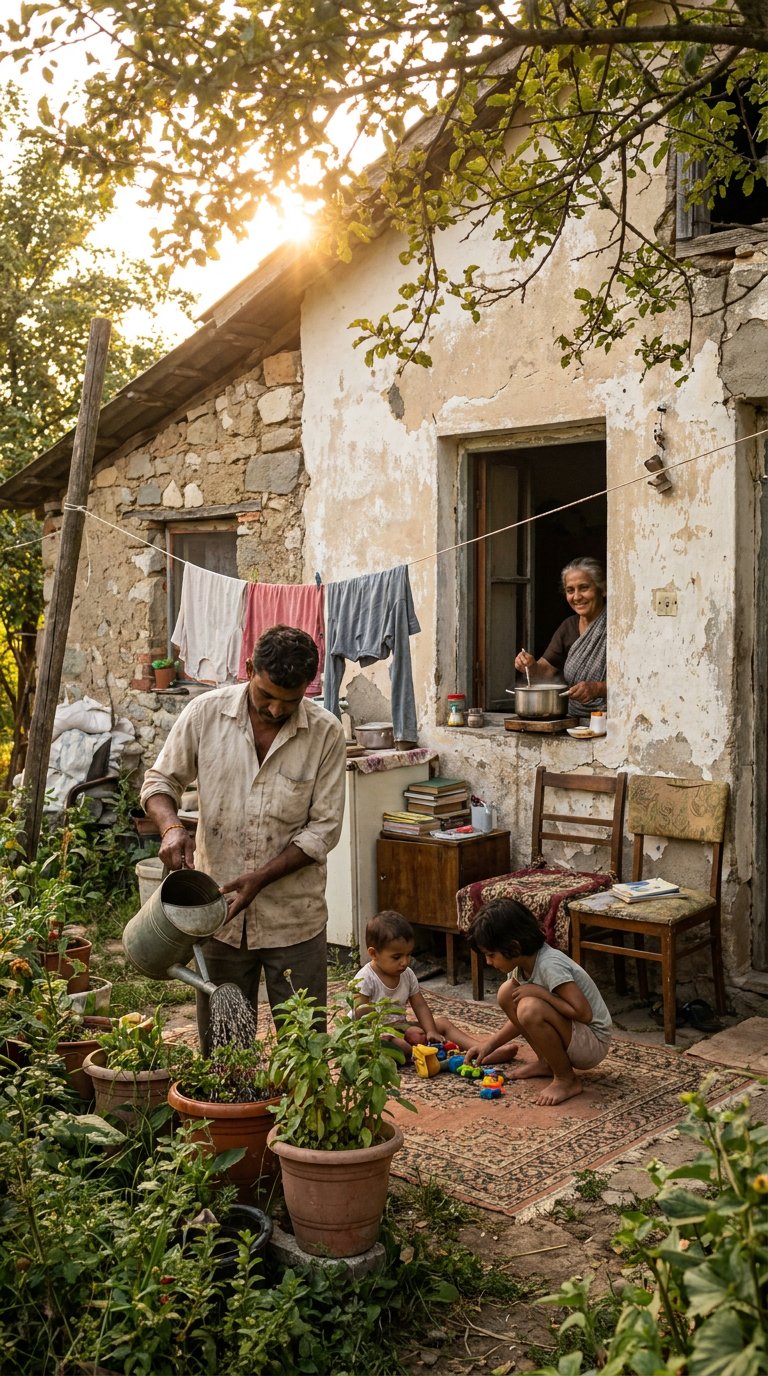
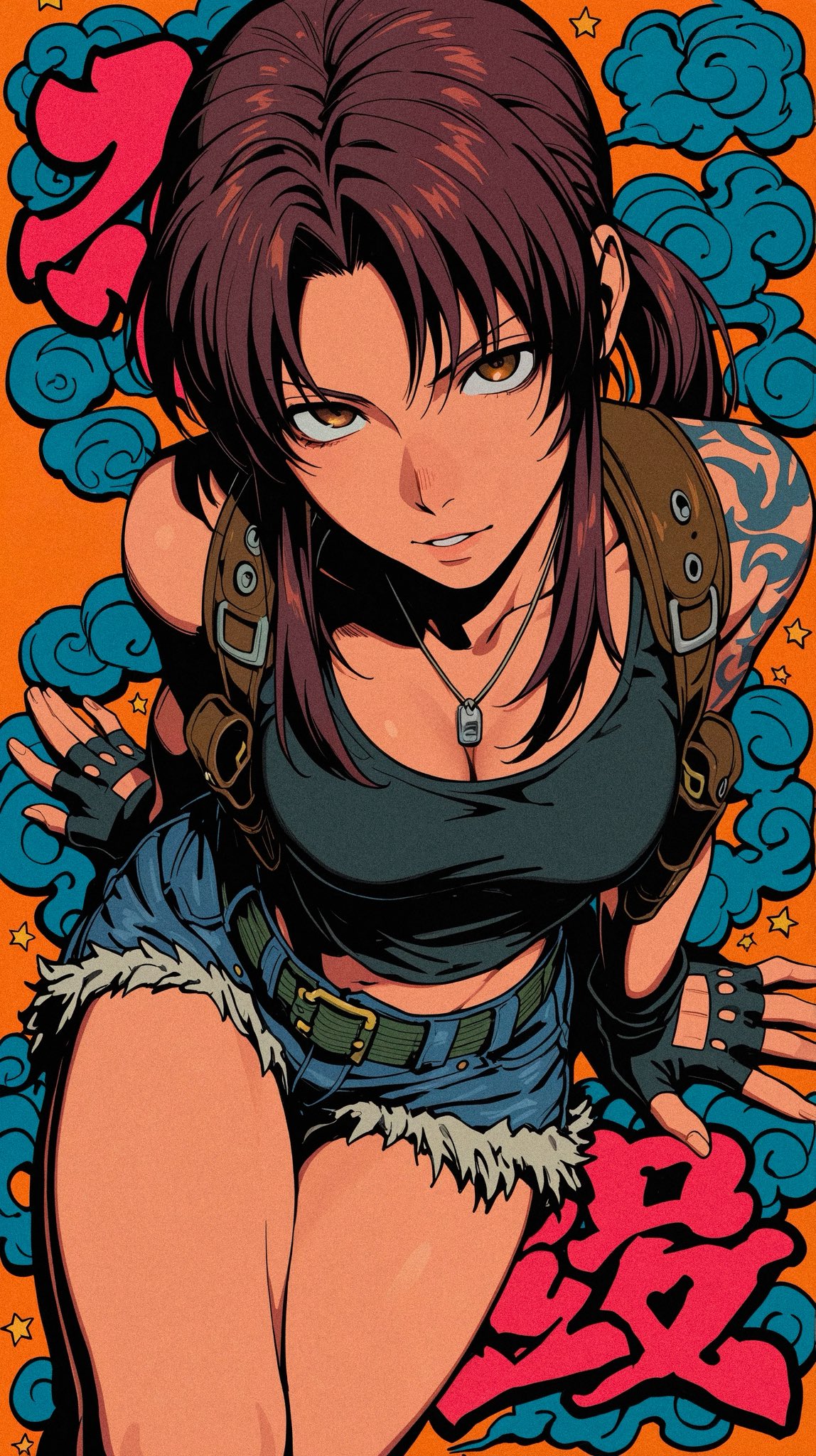
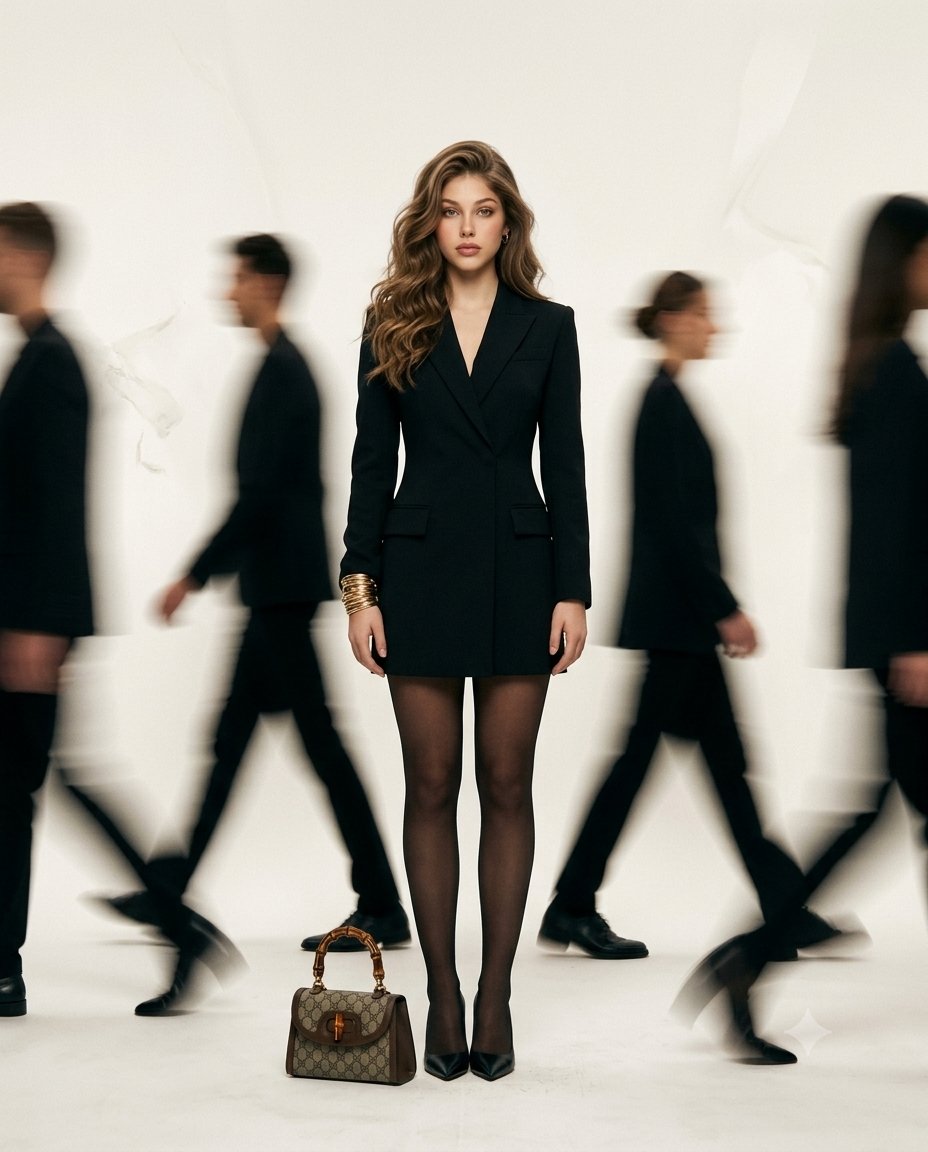

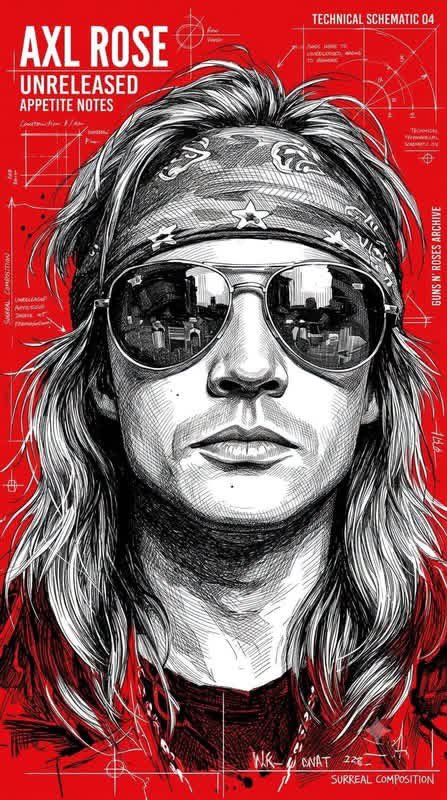

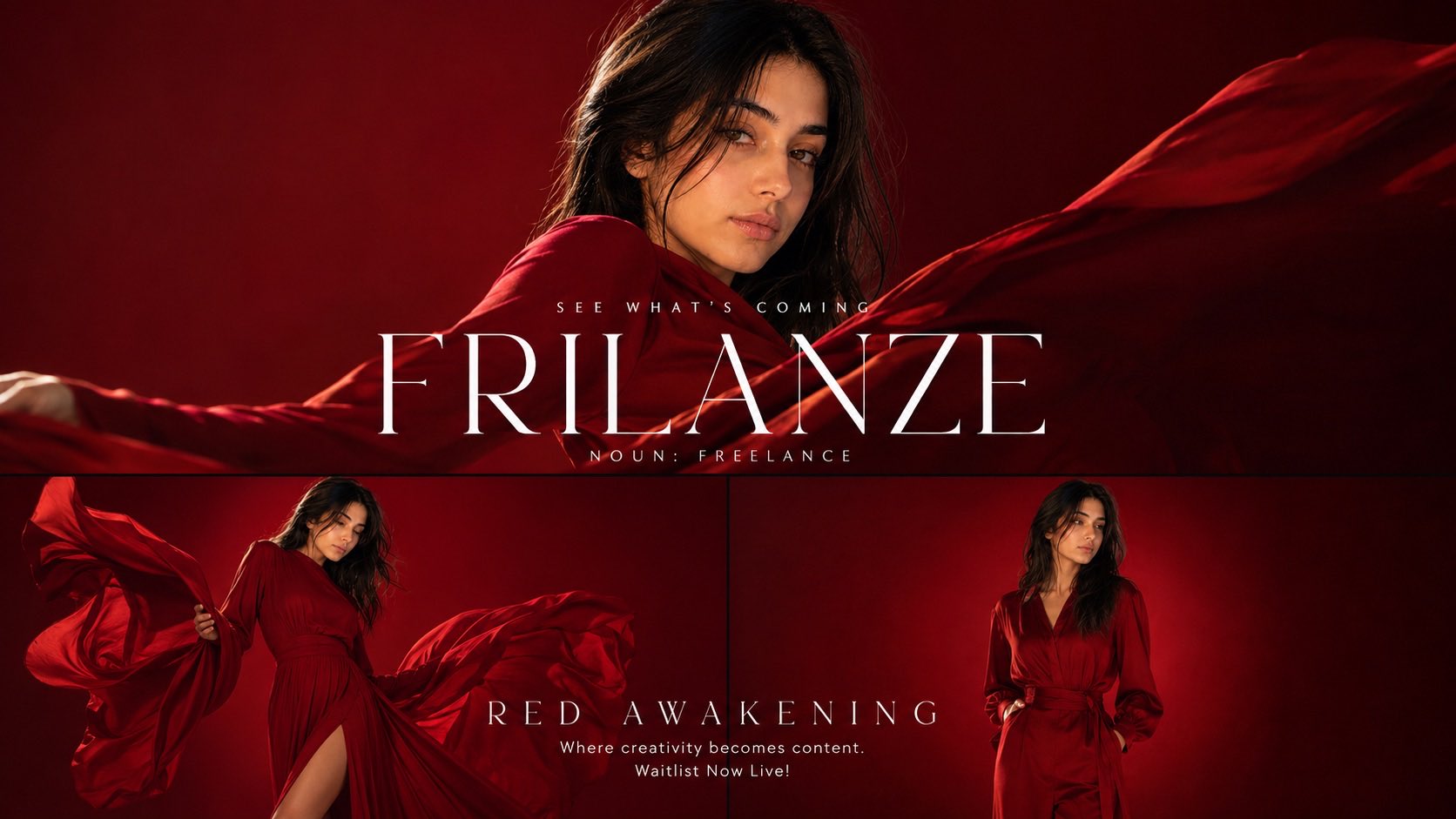





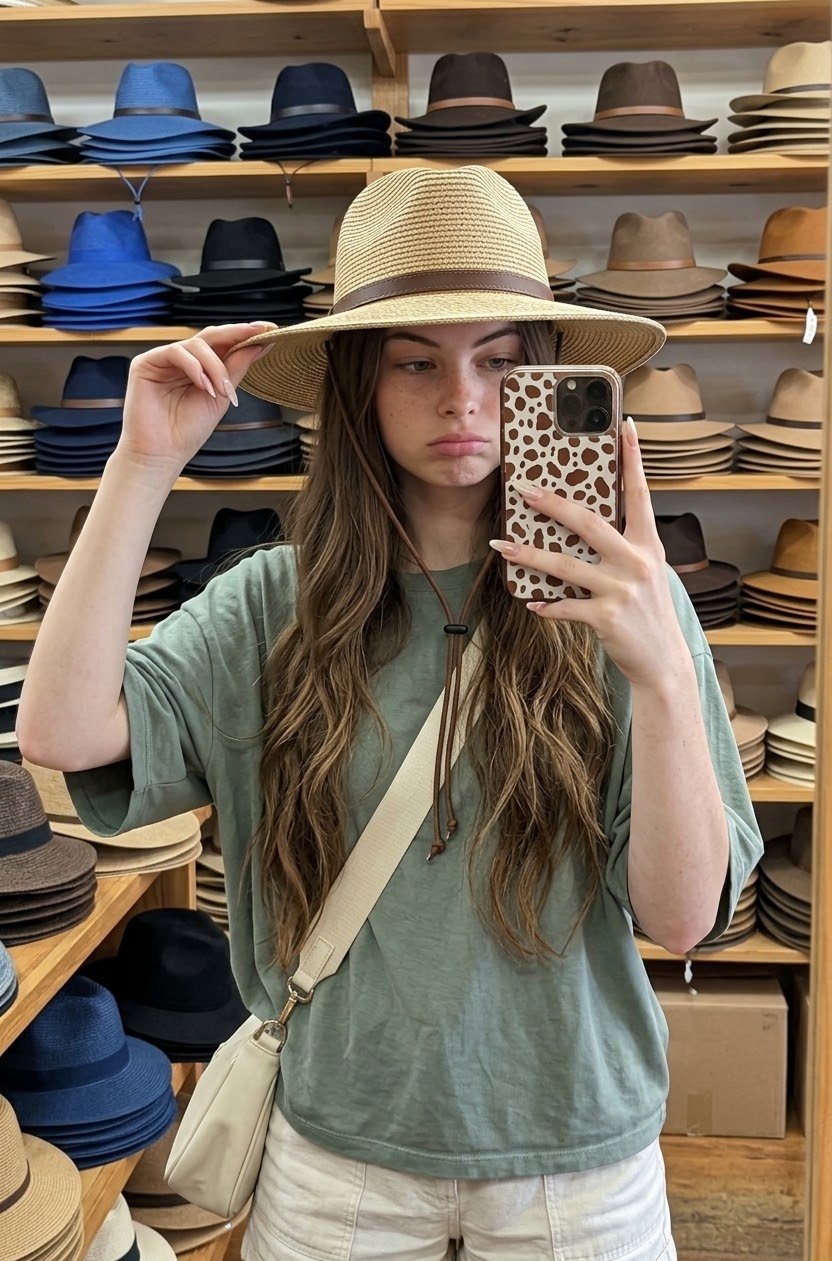


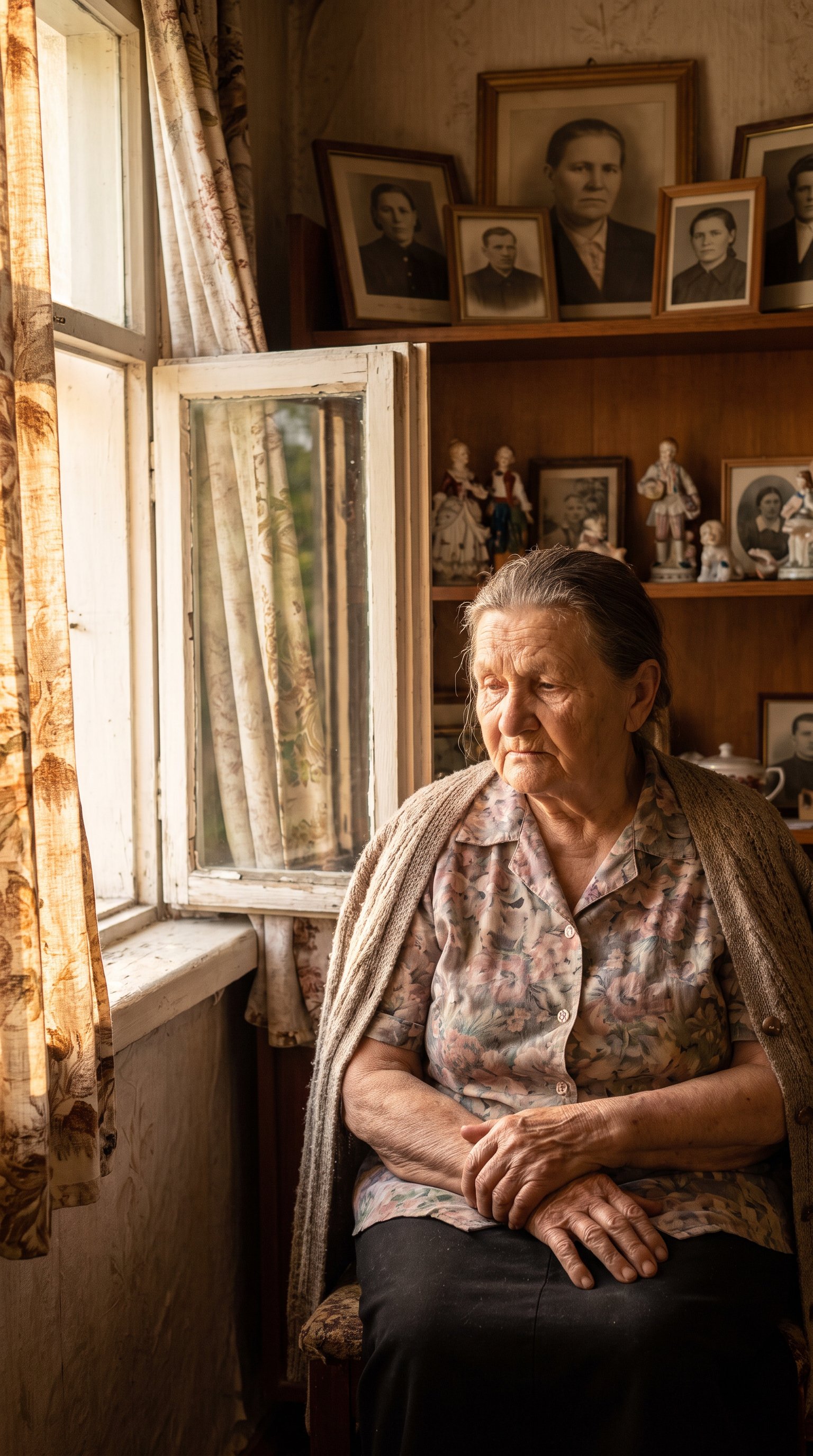

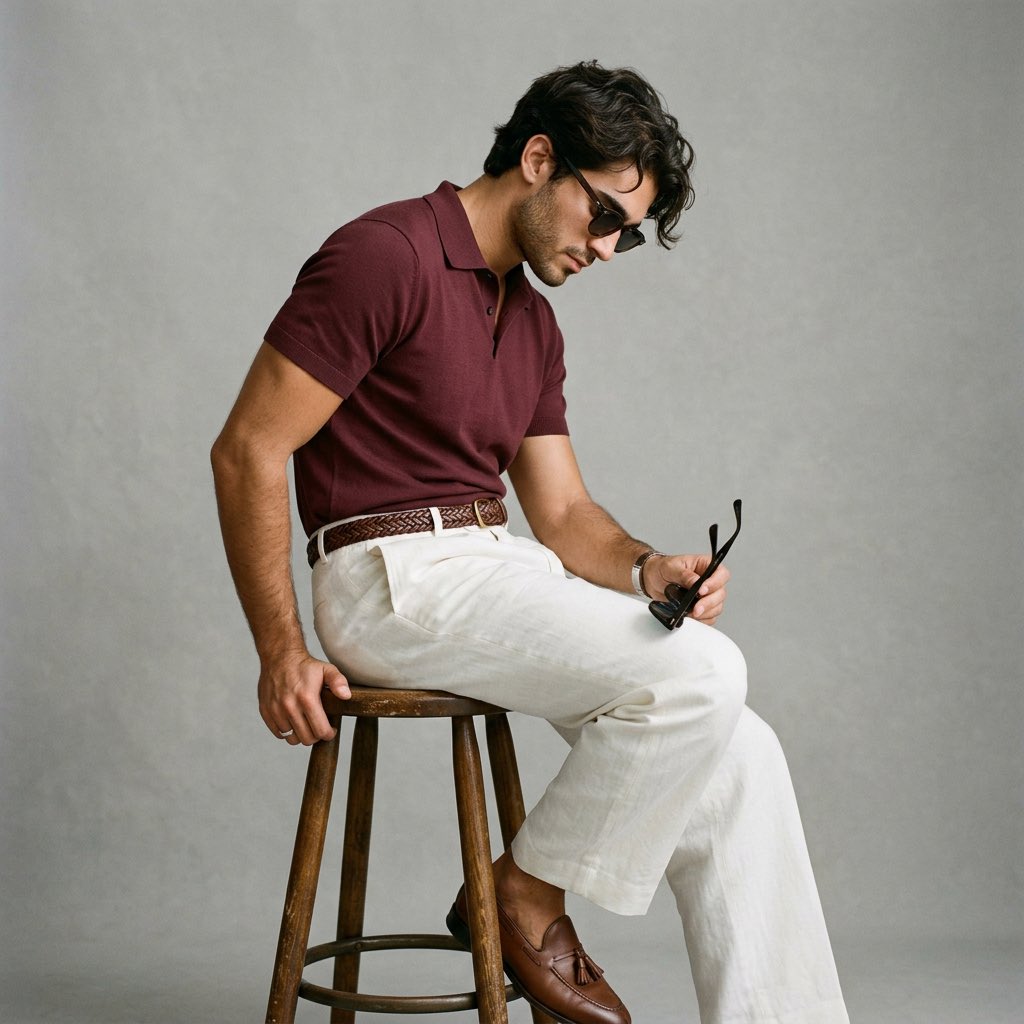


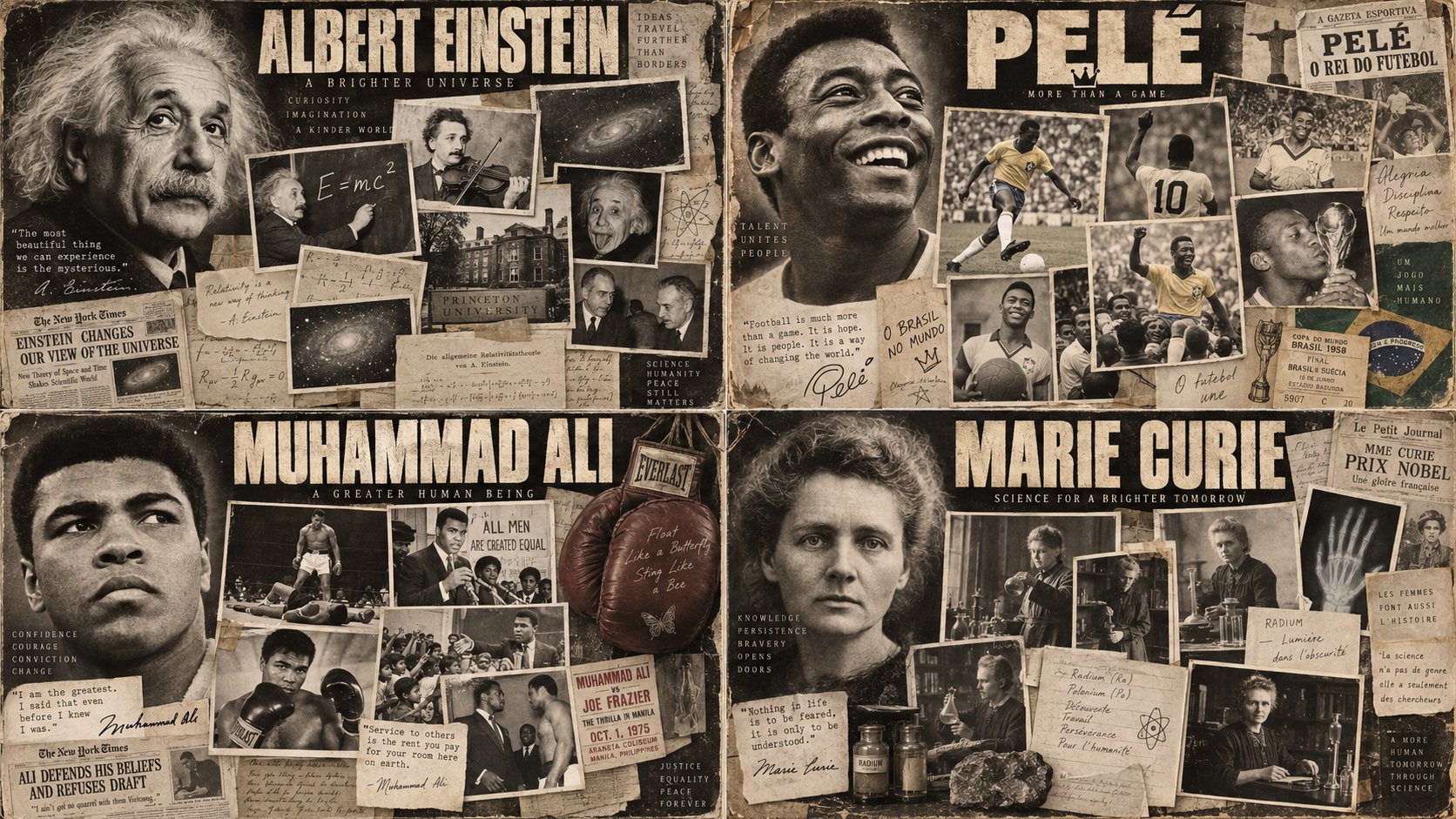
![Create a vintage hand-illustrated travel poster celebrating [COUNTRY / DESTINATION], designed as a p — AI image prompt — Nano Banana Pro](https://cdn.ahaprompt.app/harvest-media/import-1788443420178-1mwsxh.jpg)
About Nano Banana Pro
Nano Banana Pro is the flagship of Google's Gemini image lineup. It pairs 4K output with a Thinking mode that works through your request before rendering, and search grounding that pulls in real-world reference so the result matches how things actually look.
That combination makes it the model to reach for when accuracy is the assignment: real products, real landmarks, real diagrams, brand-faithful mockups, or any image where a plausible-but-wrong detail would sink the result. Grounding keeps the facts straight; Thinking mode keeps complex compositions coherent at full 4K detail.
A model this deliberate rewards deliberate prompts — it can only reason over what you actually wrote. The gallery below collects tested Nano Banana Pro prompts with their real outputs, so you can start from a brief that has already survived contact with the model.
How to write Nano Banana Pro prompts
- 1Name real referents precisely — a specific landmark, product, or era — instead of describing them from memory. Search grounding works best when it knows exactly what to look up.
- 2Give Thinking mode something to think about: state the goal ("a poster that makes the route obvious at a glance"), not just the pixels. It plans better when it knows why.
- 3Compose for 4K: mention the details you expect to survive a close crop — fabric weave, engraved lettering, skin texture. High-resolution output makes fine-detail language pay off.
- 4Lock the composition with spatial language: what sits foreground and background, where the light falls, what the focal point is. Deliberate framing beats a list of objects.
- 5For factual images, say what must be accurate: "the dashboard layout should match the real car". Flagging accuracy-critical elements tells grounding where to spend its effort.
- 6Iterate one correction at a time. When a detail comes back wrong, restate that single fact more precisely and keep the rest of the prompt verbatim.
Frequently asked questions
What is Nano Banana Pro best at?
Reference-accurate, high-detail images. Its search grounding keeps real products, places, and facts looking right, its Thinking mode holds complex compositions together, and 4K output preserves the fine detail. It is among the strongest choices when correctness matters as much as looks.
How is Nano Banana Pro different from Nano Banana?
Nano Banana is Google's fast, conversational model for quick generation and casual editing. Nano Banana Pro is the flagship tier: it adds 4K output, a Thinking mode that reasons before rendering, and search grounding for reference accuracy. Reach for Pro when the image needs to be right, not just fast.
How do I write good Nano Banana Pro prompts?
Be specific about real-world referents, state the purpose of the image, and call out which details must be accurate. The tested prompts on this page show the pattern — copy one, then swap in your own subject and references.
Where can I use Nano Banana Pro?
Nano Banana Pro is available in Google's Gemini app. Copy any prompt from this page, paste it into Gemini, and refine from there.
Related models
Nano Banana
Google's fast, free conversational image generation and editing model.
Veo 3.1
Google's cinematic video model with native audio, camera controls and 4K upscaling.
GPT Image 2
OpenAI's top-ranked image model — it plans the layout, reasons, and self-checks before it draws, nailing complex multi-part instructions.
GPT Image 2.5
OpenAI's GPT Image 2.5 — up to 50% faster than Images 2, with pinpoint local edits that leave the rest of the frame untouched and reference subjects that stay recognizable across repeated rounds.