3D Render Prompts
The rendered look is three decisions: a material with known light behavior, a studio rig, and a camera no tripod could hold.
About 3D Render prompts
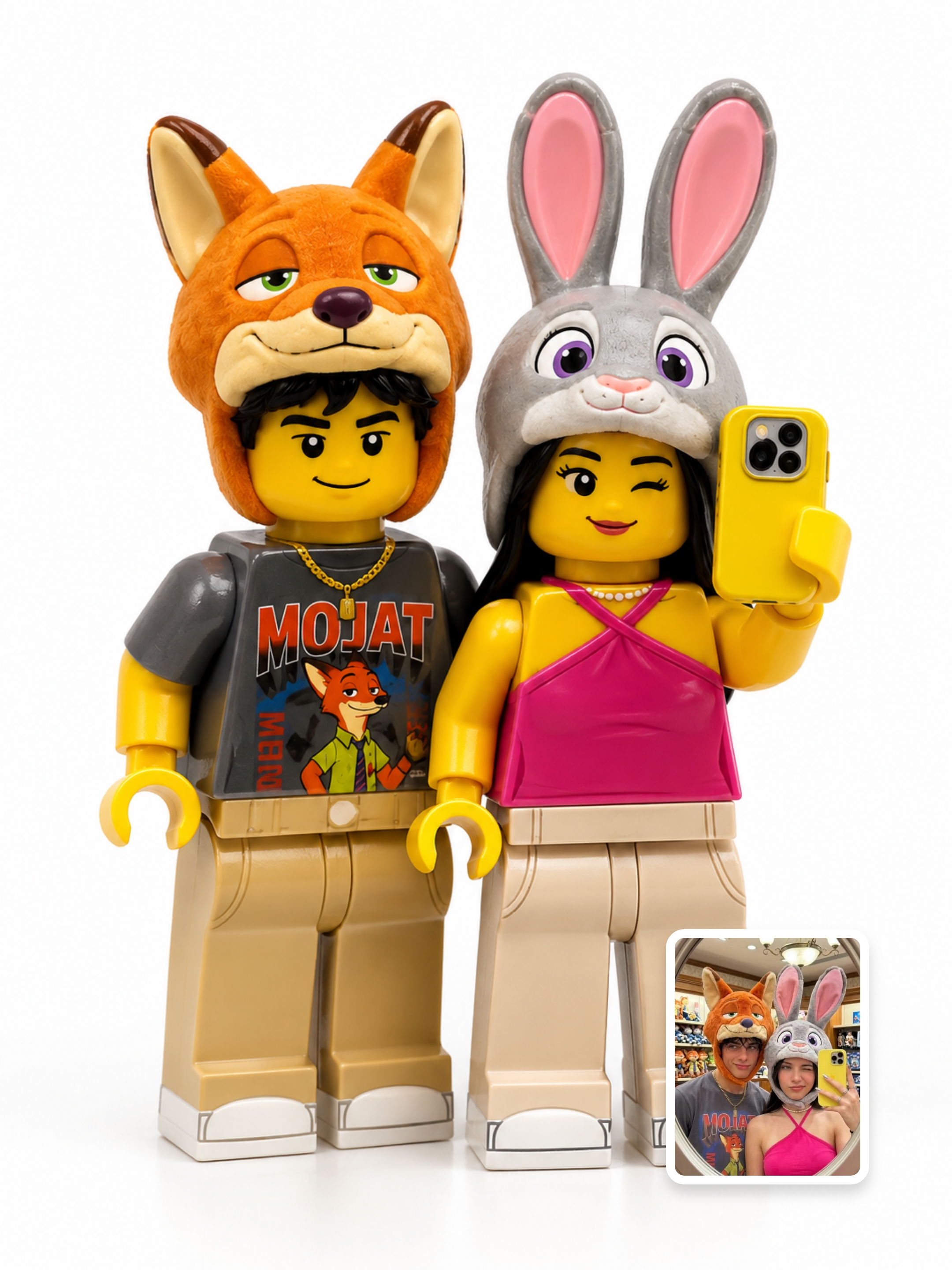
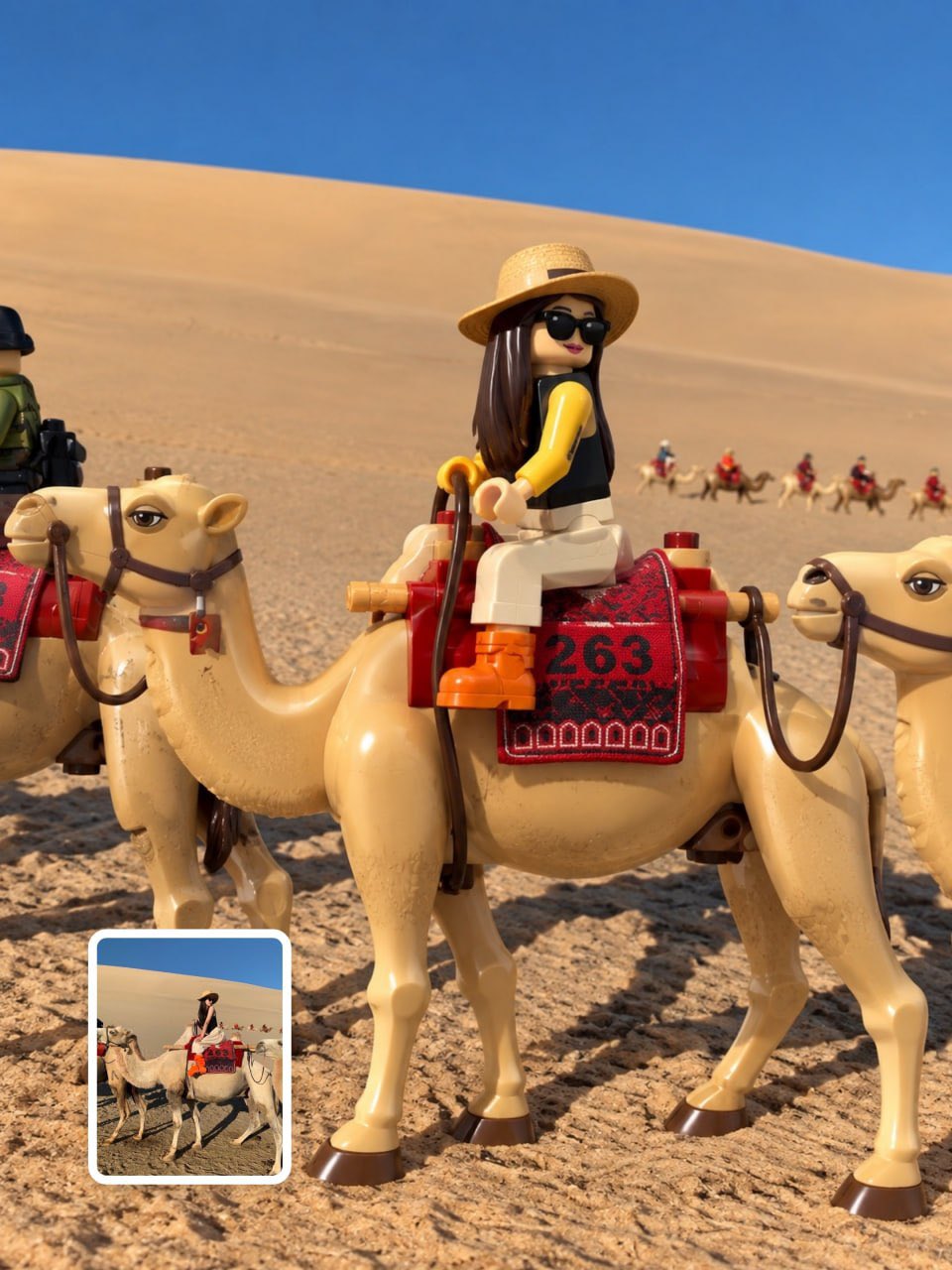
"3D render" is not a subject — it is a finish. What makes an image read as rendered is the absence of photographic accident: geometry is clean, materials behave consistently under light, nothing is out of focus unless you asked for it. Models have absorbed years of render-engine output, so the fastest way to that look is to speak the pipeline's language instead of describing a scene.
Materials are the core vocabulary. Polished chrome, frosted glass, matte clay, brushed aluminum, soft-touch plastic — each of these is a specification, because each has a known relationship with light: chrome mirrors its environment, frosted glass scatters it, clay swallows it into soft occlusion shadows. Name the material by what it does to light and the model does the rest.
The camera is the other half of the signal. Isometric views, slow orbits, and turntable spins are positions and moves no handheld camera produces, which is precisely why they read as rendered. The prompts below are tested with their real outputs — notice how many specify a material and an angle before they ever mention a subject.
How to write 3D Render prompts
- 1Lead with the material, described by its light behavior: "polished chrome reflecting a soft studio environment", "matte clay with gentle ambient occlusion in the crevices". A named material is worth a paragraph of adjectives.
- 2Specify the light as a rig, not a mood: "single large softbox from the upper left, seamless white backdrop", "even studio HDRI lighting, no harsh shadows". Controlled light is what separates a render from a product photo.
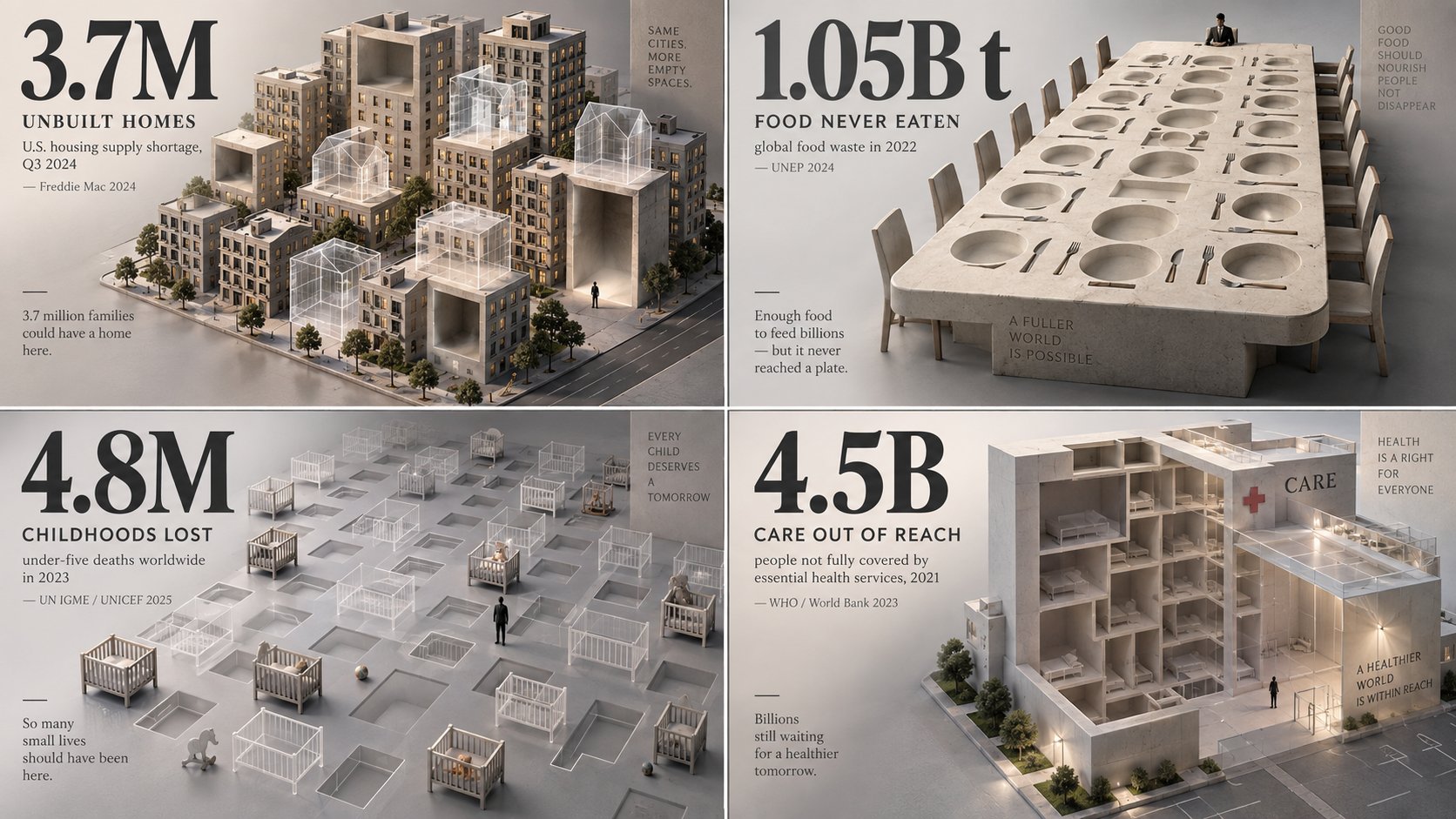
- 3For isometric dioramas, lock all three properties: "isometric view at 45 degrees, miniature scale, the whole scene on a floating square base, everything in focus". The contained base is what turns a landscape into an object.
- 4For video, pick exactly one camera move — slow orbit, turntable rotation, or a straight push-in — and give morphing objects a start state and an end state. Liquid-metal transitions work because the two endpoints are named.
- 5State the floor and the contact shadow: "seamless backdrop, soft shadow where the object meets the ground". Objects floating without contact shadows are the single most common giveaway of a careless render prompt.
Frequently asked questions
How do I make an AI output look like a 3D render instead of a photo?
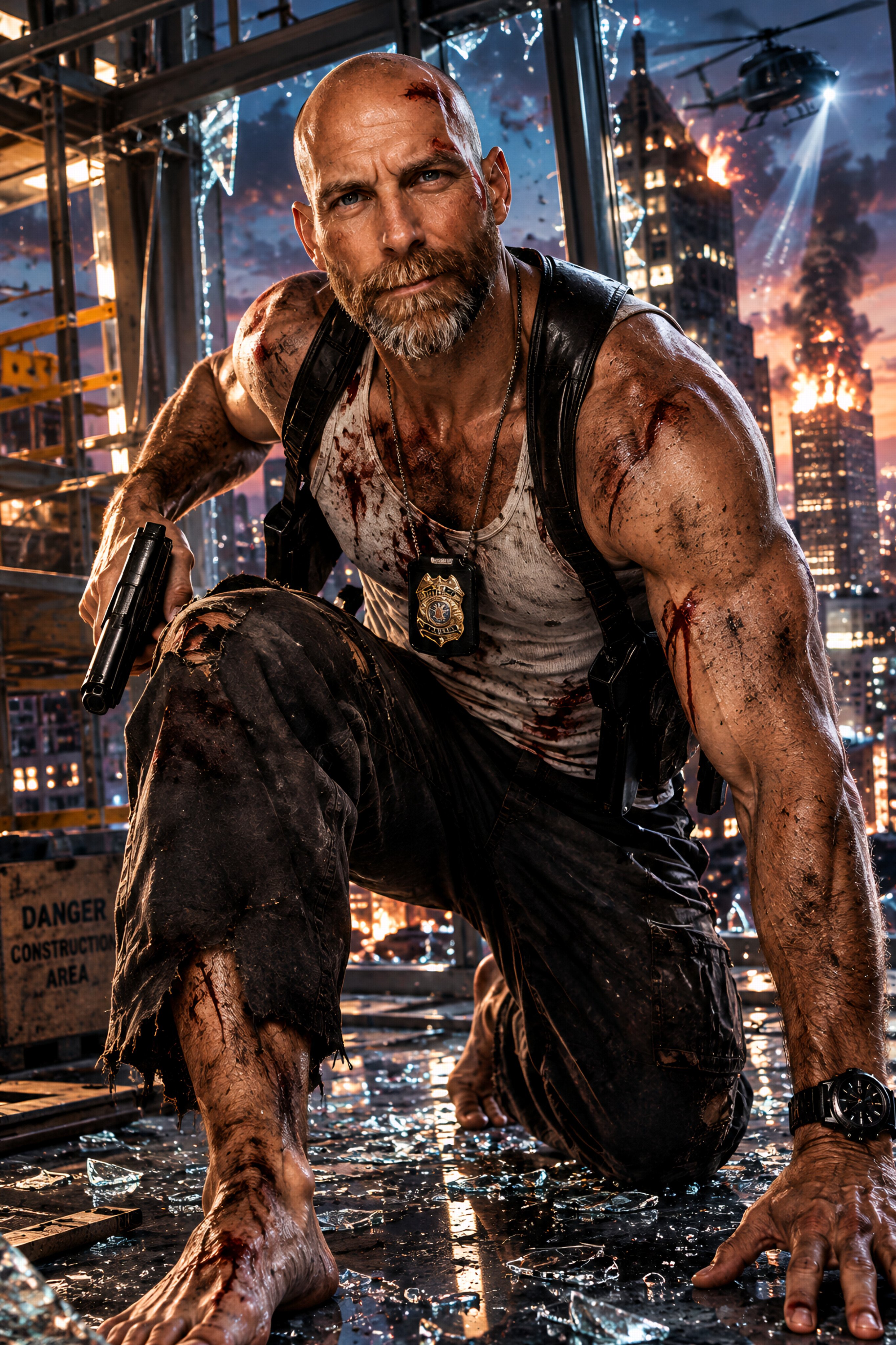
Remove the photographic accidents. Ask for clean geometry, a single consistent material per surface, even studio lighting, deep focus, and a seamless backdrop. A photo has grain, flare, and focus falloff; a render has none of them unless requested — so don't request them.
How do I prompt an isometric diorama?
Fix the camera, the scale, and the boundary in one sentence: an isometric or 45-degree elevated view, miniature or tabletop scale, and a contained base — a floating platform, an island, a cut-away room. The boundary matters most: it is what makes the scene read as a crafted object rather than a cropped landscape.
Which materials work best in 3D render prompts?
The ones with distinctive light behavior: chrome and liquid metal for mirror reflections, frosted glass for scattered glow, matte clay for soft studio shading, iridescent coatings for color shift. Materials that look like each other under light — most fabrics, most woods — give the model less to demonstrate.


![Premium luxury 3D miniature travel poster for [CITY_NAME], 3:4 vertical format.
Create an original, — AI image prompt — GPT Image 2](https://cdn.ahaprompt.app/harvest-media/import-1789829256464-24yi3l.jpg)
![Create a premium 4:5 vertical photorealistic miniature diorama for [FOOD / OBJECT / SUBJECT].
TEXT- — AI image prompt — GPT Image 2.5](https://cdn.ahaprompt.app/harvest-media/import-1790955206324-k11ueq.jpg)