Vector Prompts
Think like a printer, not a camera: flat inks, hard edges, and shapes you could count.
About Vector prompts
Vector is a production format before it is a look: artwork built from shapes and fills, with no texture, no grain, and no photographic light anywhere in it. That makes vector prompting an exercise in subtraction — most of the useful words in the prompt tell the model what to leave out. A gradient here, a soft shadow there, and the image quietly slides back into digital painting.
The strongest technique is to name the workflow instead of the adjective. "Flat vector illustration, as if exported from Illustrator" or "screen-print poster in three inks" gives the model a concrete production context — tool, medium, and constraints in one phrase — where "vector style" gives it only a mood. Print thinking does the rest: a counted palette, deliberate negative space, and typography treated as a shape in the layout rather than a caption on top of it.
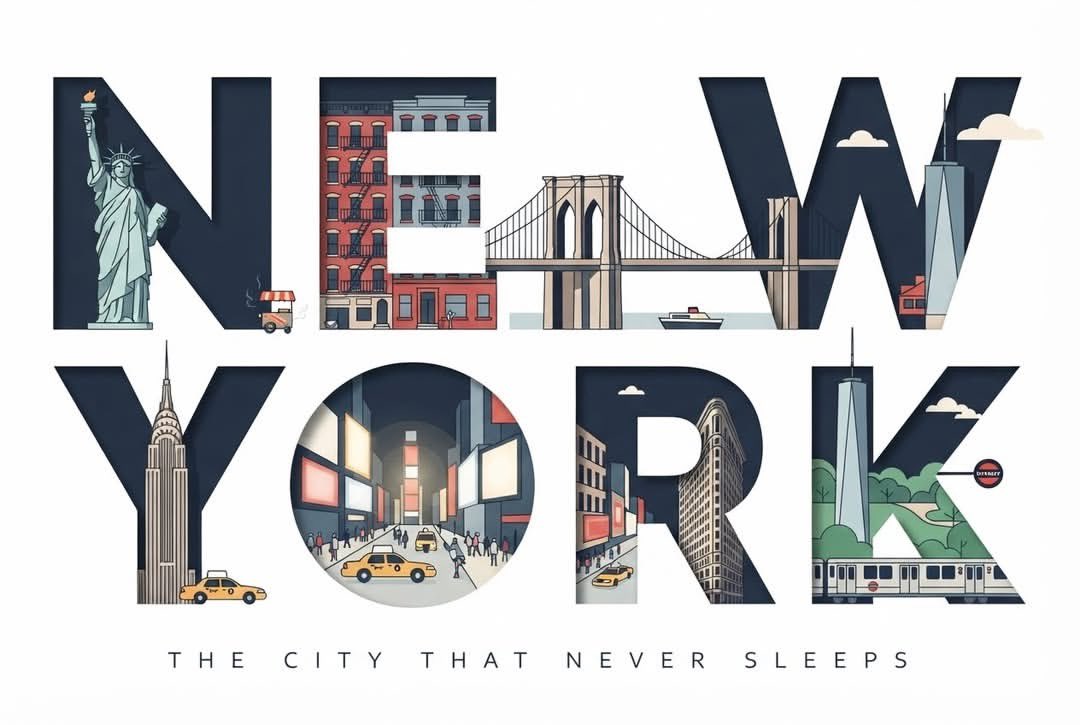
The prompts below are tested with their real outputs — a small, tightly art-directed set, heavy on typographic cityscapes and poster composition. Notice how each one caps its palette and treats the empty areas of the frame as design decisions, not leftovers.
How to write Vector prompts
- 1Cap the palette and say the number: "three flat colors on an off-white background". Uncounted color is the main road back to digital painting — a counted palette is what makes the result feel printable.
- 2Ban the enemies by name: no gradients, no textures, no grain, no soft shadows. The vector look dies by accumulation of soft edges, so refuse them explicitly rather than hoping the style implies it.
- 3Reference production, not style: "like an Illustrator export", "silkscreen poster", "flat icon set for an interface". Workflow words carry precise constraints that "vector style" or "minimalist" never will.
- 4State the geometric reduction: "buildings simplified to rectangles and triangles", "a face built from a few flat shapes, no shading". Simplification is the core act of vector work, and models only perform it when asked.
- 5Compose with negative space and say where it lives — "lower half of the poster empty except for the title". If there is type, give it a position and a weight; typography in vector work is a layout element, not an afterthought.
Frequently asked questions
Why do my vector prompts come out looking like digital paintings?
Because you left the door open. Any prompt that does not explicitly exclude gradients, texture, and soft lighting will slowly accumulate all three, and each one pulls the image toward painting. Cap the palette to a stated number, demand hard edges and flat fills, and name a print medium — the look holds when the exclusions are spelled out.
How do I prompt a consistent icon set or illustration system?
Define one geometric grammar and repeat it verbatim across every prompt: the same stroke weight, the same corner radius, the same counted palette, the same level of simplification. Consistency in a system comes from repeating an identical spec while only the subject changes — not from asking for "matching icons".
Can AI models output real, editable vector files like SVG?
Image models output raster pictures in a vector look — pixels, not paths. That is fine for mockups, posters, and social graphics. When you need editable geometry, generate the flat design first, then auto-trace it in a vector tool; the flatter and harder-edged the output, the cleaner the trace.
![Create a premium retro-modern Japanese geometric travel poster for [CITY, COUNTRY] in a STRICT 4:5 V — AI image prompt — GPT Image 2.5](https://cdn.ahaprompt.app/harvest-media/import-1789369076590-g2uzsx.jpg)

![Create an ultra-high-resolution premium travel poster for [LOCATION] in a strict 4:5 vertical format — AI image prompt — GPT Image 2.5](https://cdn.ahaprompt.app/harvest-media/import-1789139714133-a46gmm.jpg)
![Create a premium modern travel poster for [CITY, COUNTRY], inspired by bold vintage screen-print and — AI image prompt — GPT Image 2.5](https://cdn.ahaprompt.app/harvest-media/import-1789139891749-0cixaw.jpg)