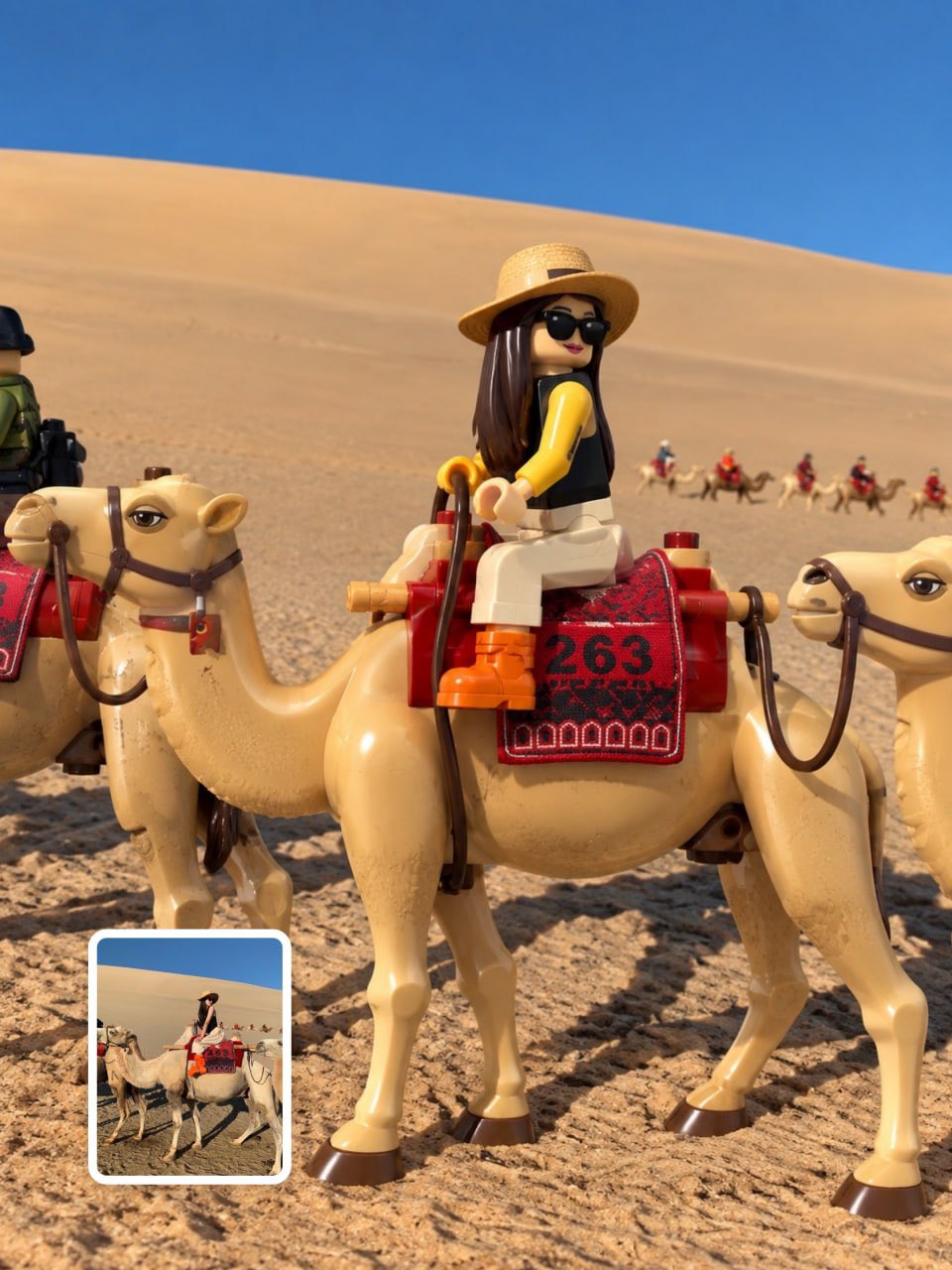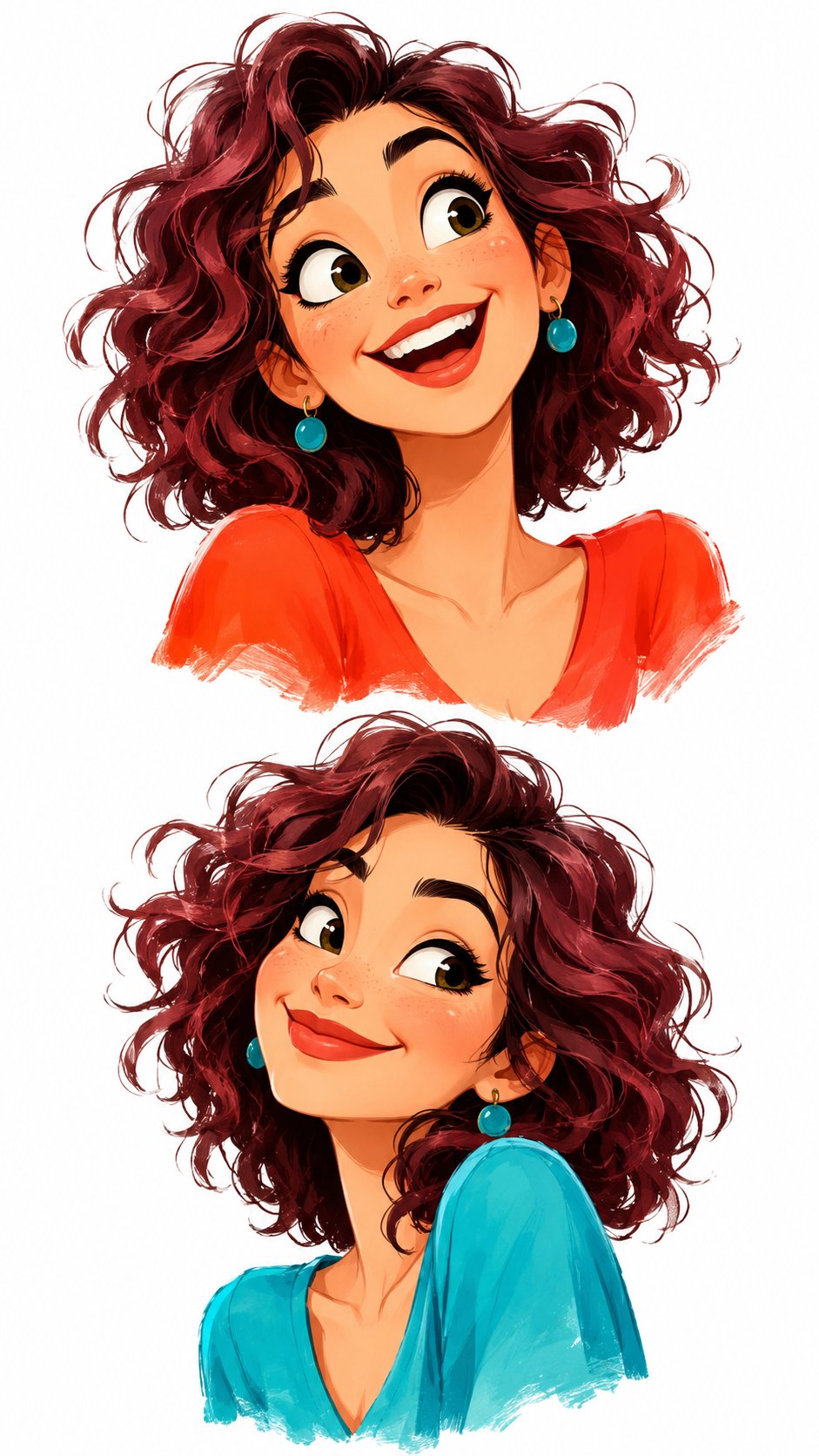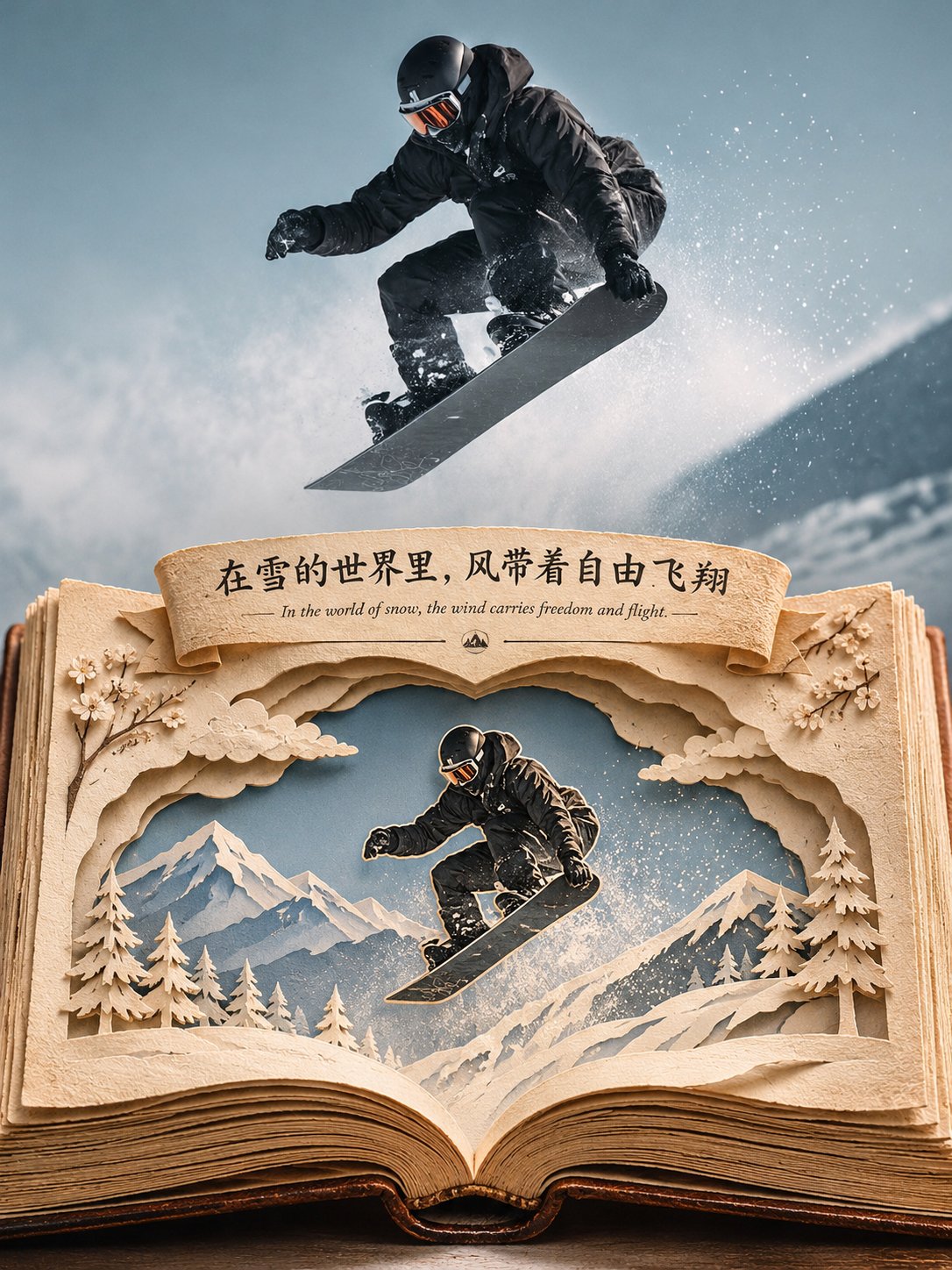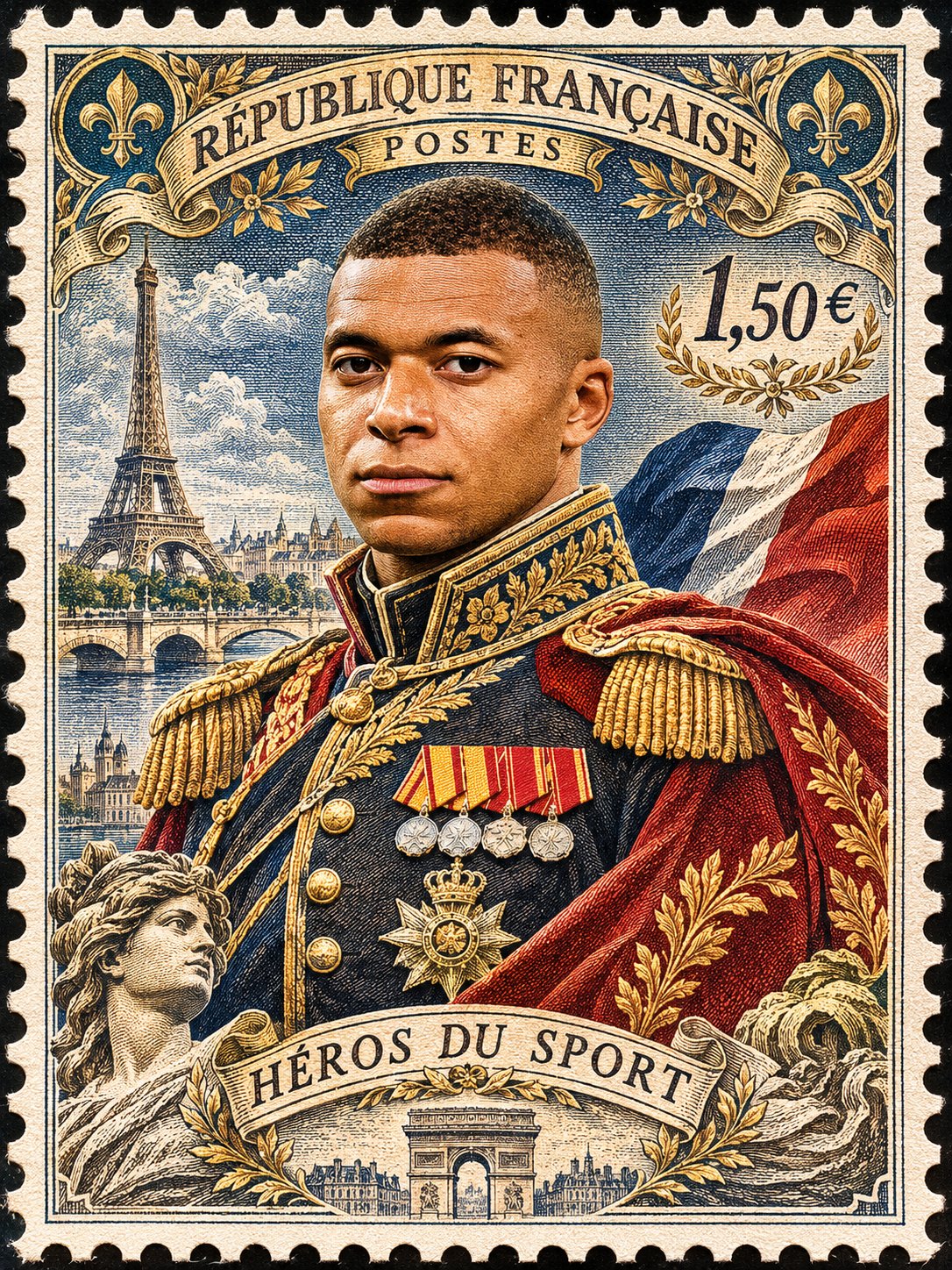
Mixed-media cartoon photo transformation
 GPT Image 2.5OpenAIimage
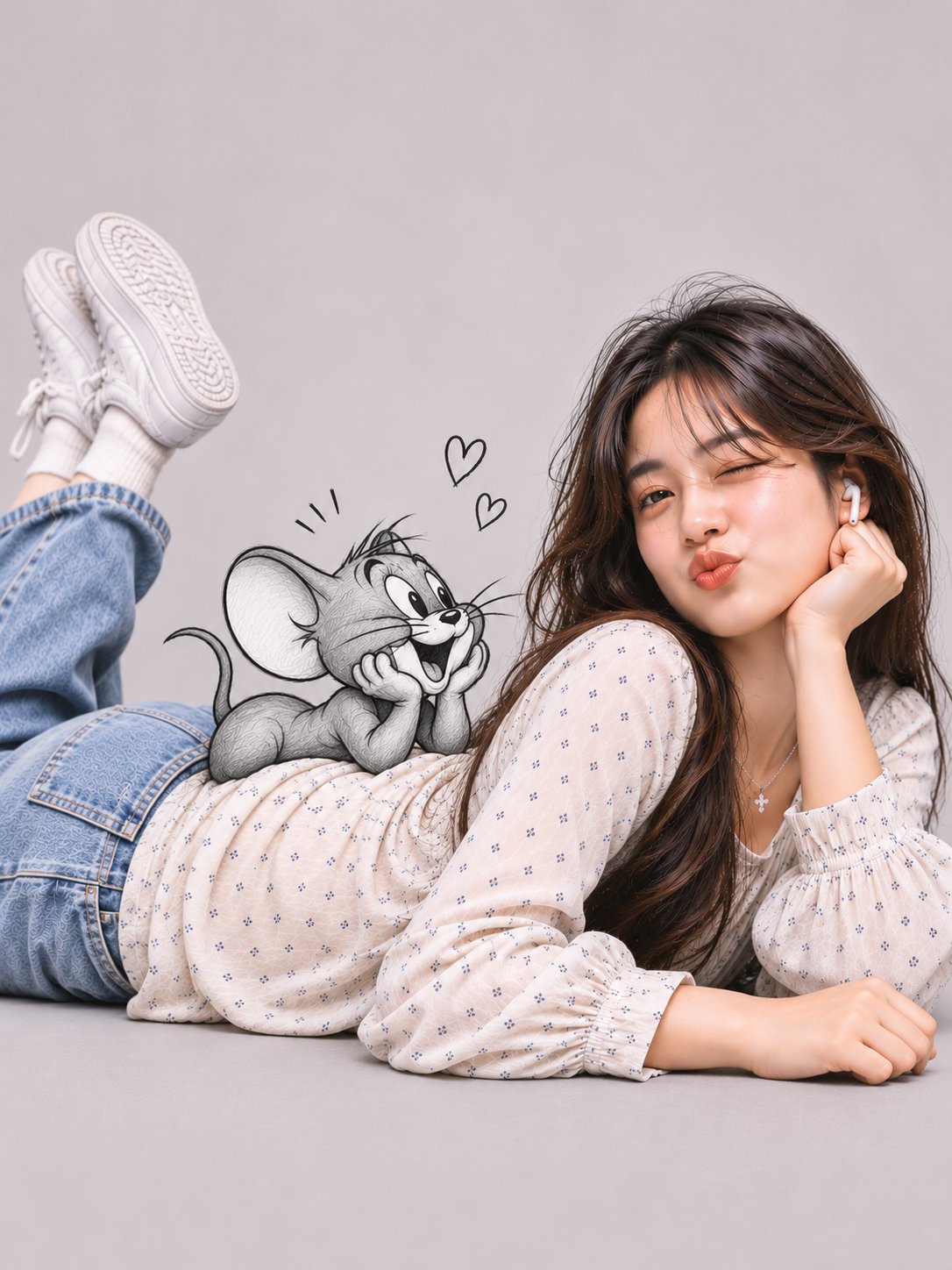
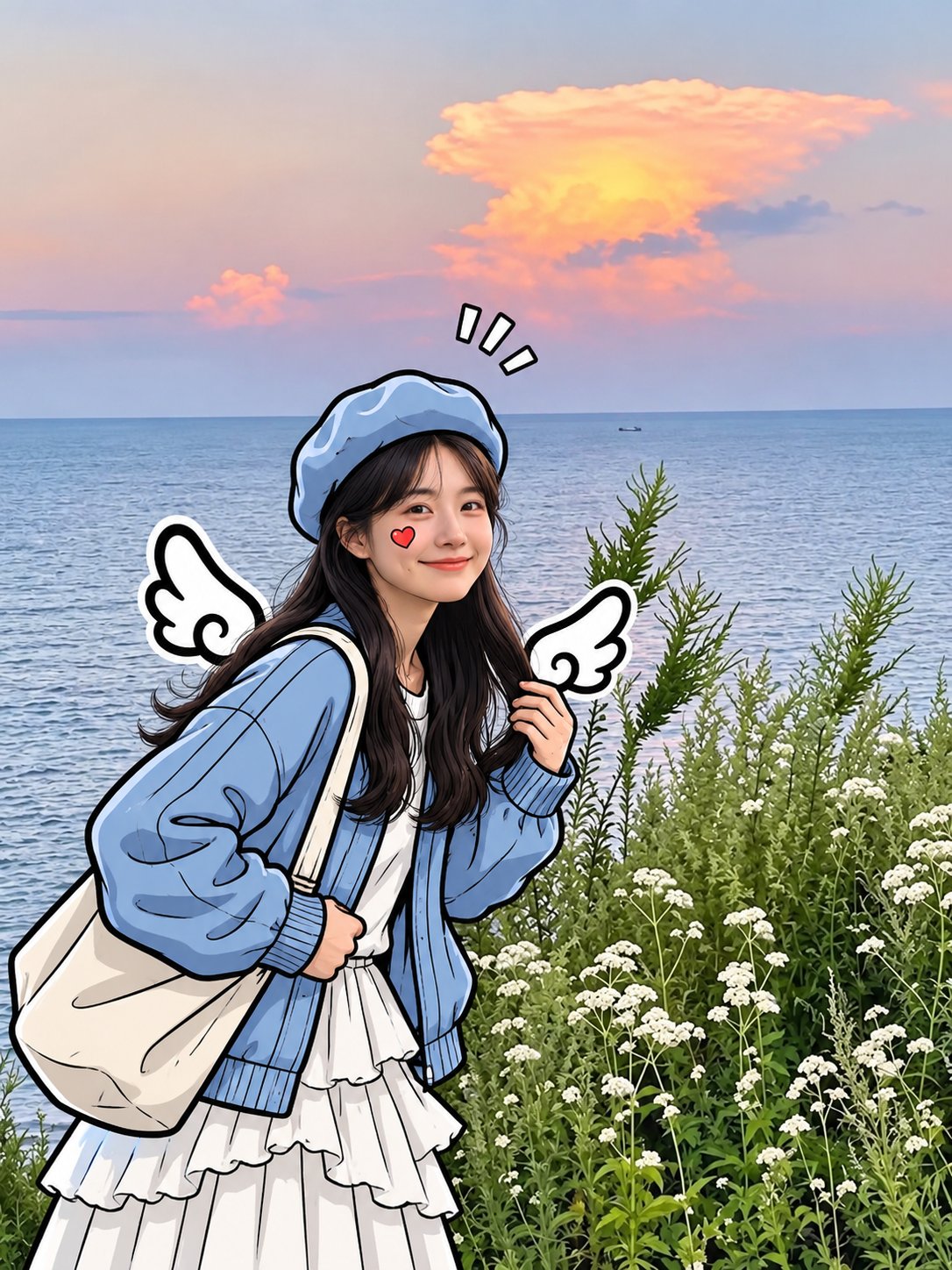
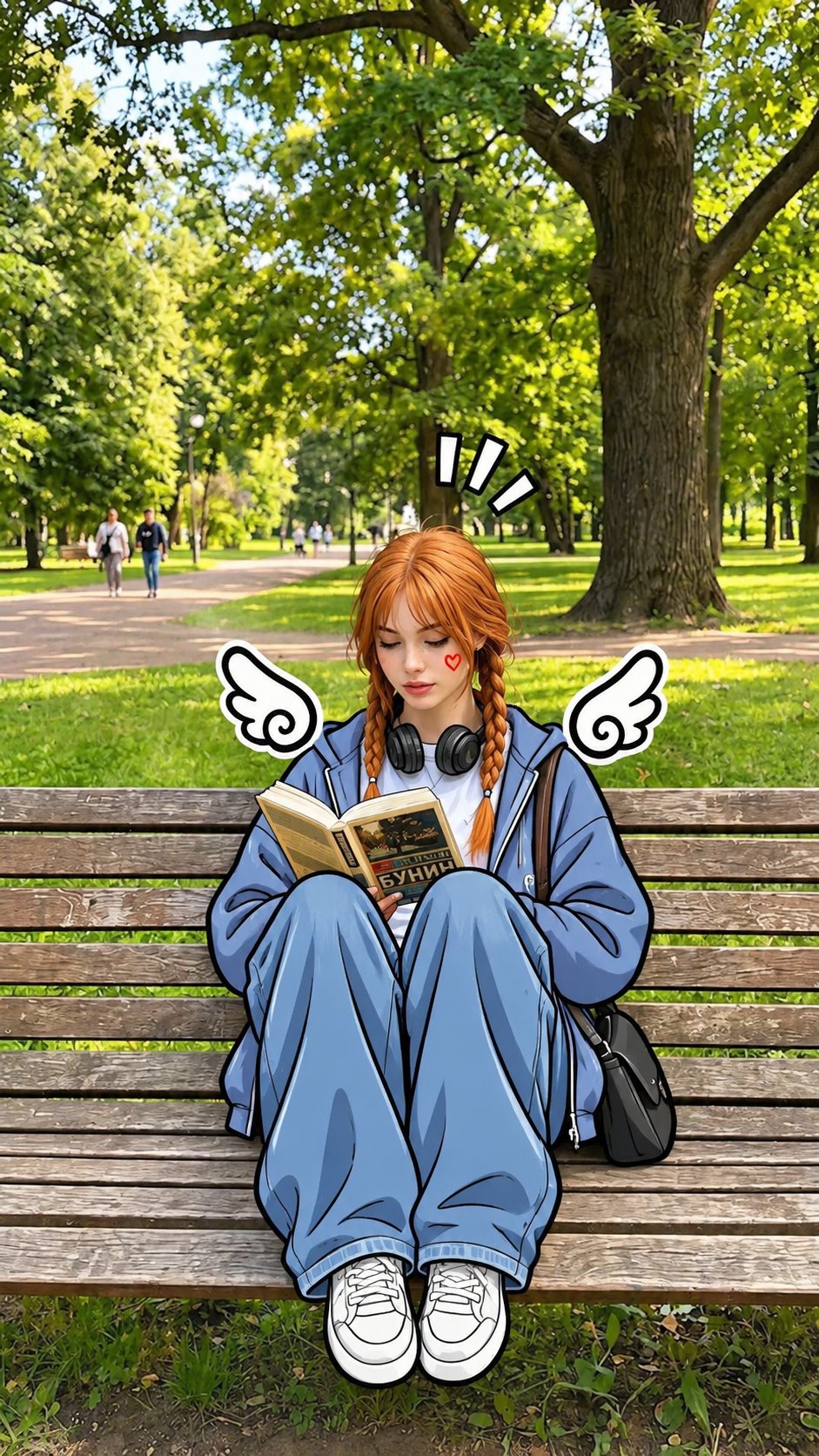
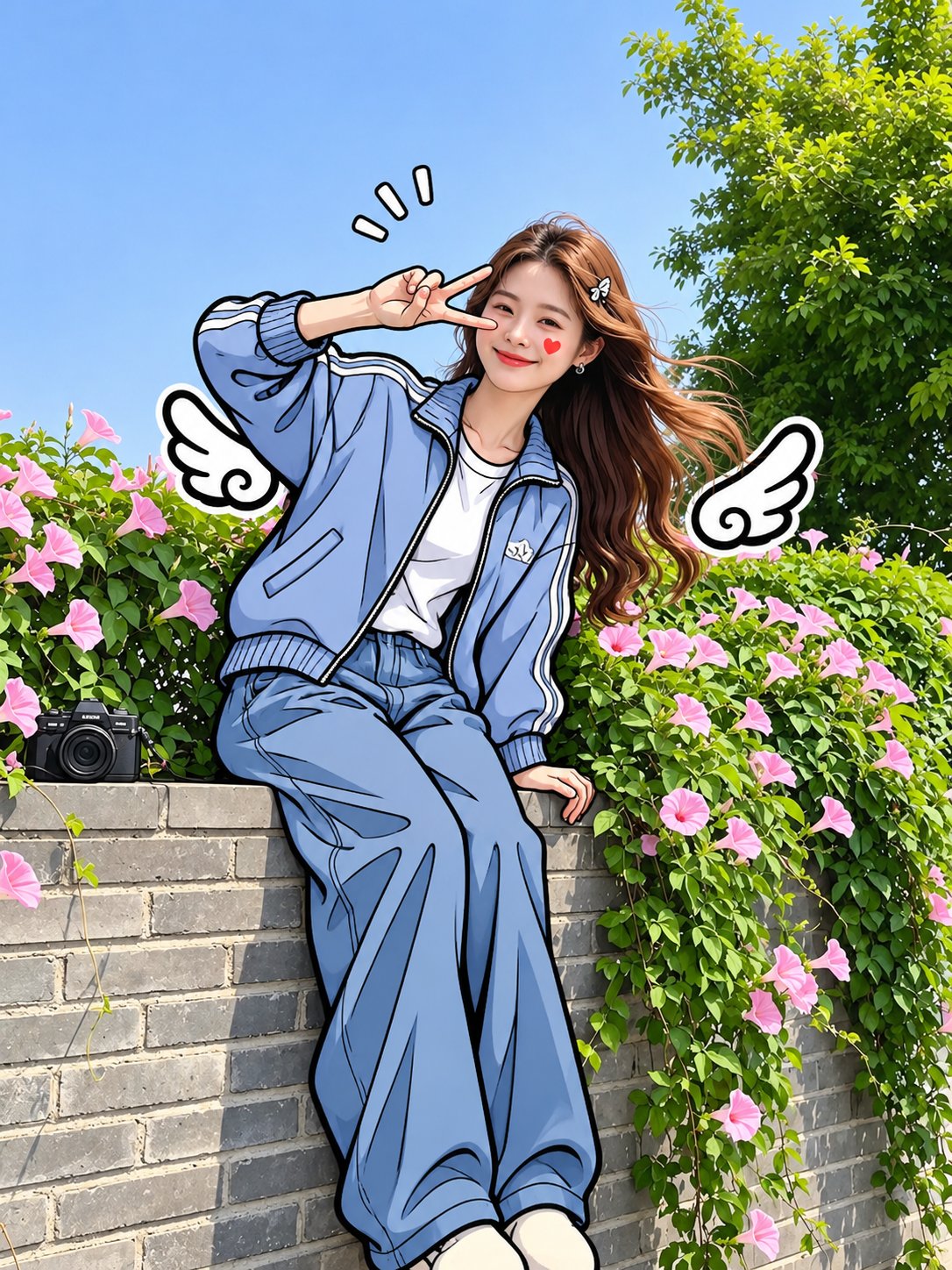
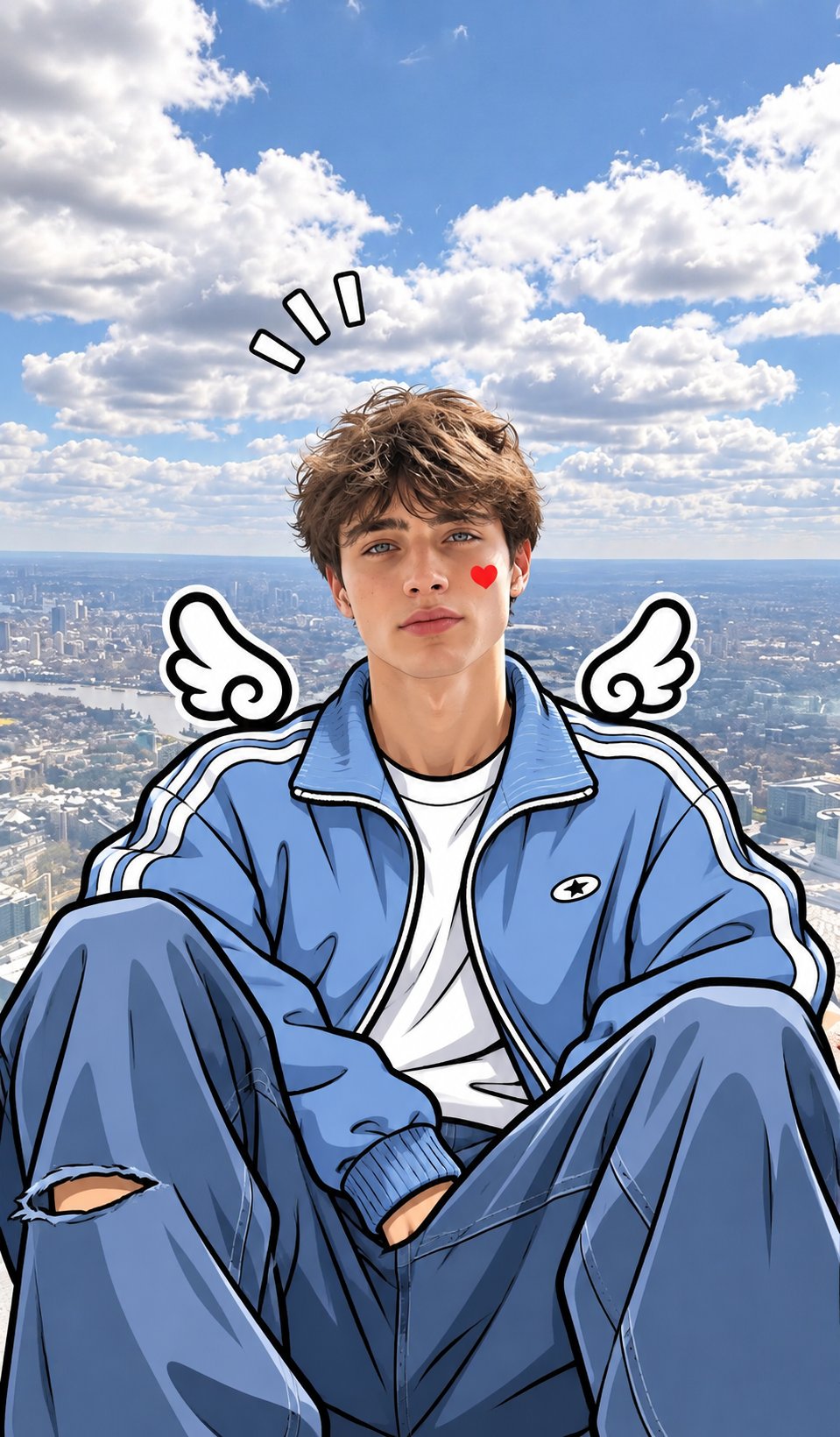
Transform the uploaded photo into a beautiful mixed-media cartoon illustration while preserving the person's exact facial identity, facial features, hairstyle, expression, and natural skin tone. Art Style: Keep the face photorealistic and natural, while transforming the body, clothing, and arms into a hand-drawn 2D comic illustration. Use thick, clean black ink outlines, smooth cel shading, soft pastel colors, and slightly exaggerated cartoon details. Clothing: Convert the outfit into a stylish oversized light-blue jacket, white inner top, and loose blue trousers, illustrated with bold black outlines and natural fabric folds. Background: Keep the original background photorealistic, with natural lighting and realistic details. Create a beautiful contrast between the realistic background and illustrated character. Cute Details: Add small white cartoon angel wings with thick black outlines near both shoulders and a tiny red heart on one cheek. Important: Maintain the original person's identity and recognizable face. The face must remain realistic, not anime or cartoon. Only the body and clothing should have the hand-drawn comic effect. Make the illustration look like a professionally edited viral social media photo. High quality, clean line art, beautiful pastel blue tones, sharp details, seamless photo and illustration blending.
Details
- Type
- AI Image Prompts
- Aspect Ratio
- 3:4
- Updated
- Nov 9, 2026
Category
How to use this prompt
- 1Copy the full prompt with the copy button above.
- 2Open GPT Image 2.5 by OpenAI, or any image generator with a similar style range.
- 3Paste the prompt, then swap the subject and style keywords to match your idea.
- 4Match the example's settings (3:4 · Cartoon · Digital Art · Comic), then iterate — small wording changes shift the output a lot.
Frequently asked questions
Which AI model generated this image?
This image was generated with GPT Image 2.5 by OpenAI. The prompt on this page is the exact text used to create it.
What settings does this prompt use?
The example was generated with GPT Image 2.5 using: 3:4 · Cartoon · Digital Art · Comic. Reusing these settings gives the closest match.
How do I get similar results?
Copy the prompt as-is first, then replace only the subject while keeping the style, lighting, and composition keywords. Generate a few variations — outputs differ between runs.
Can I modify this prompt?
Yes. Prompts work best as starting points — adjust descriptors, aspect ratio, or style tags to make the output your own.