Grayscale Editorial Vector Style Transfer
 GPT Image 2.5OpenAIimage
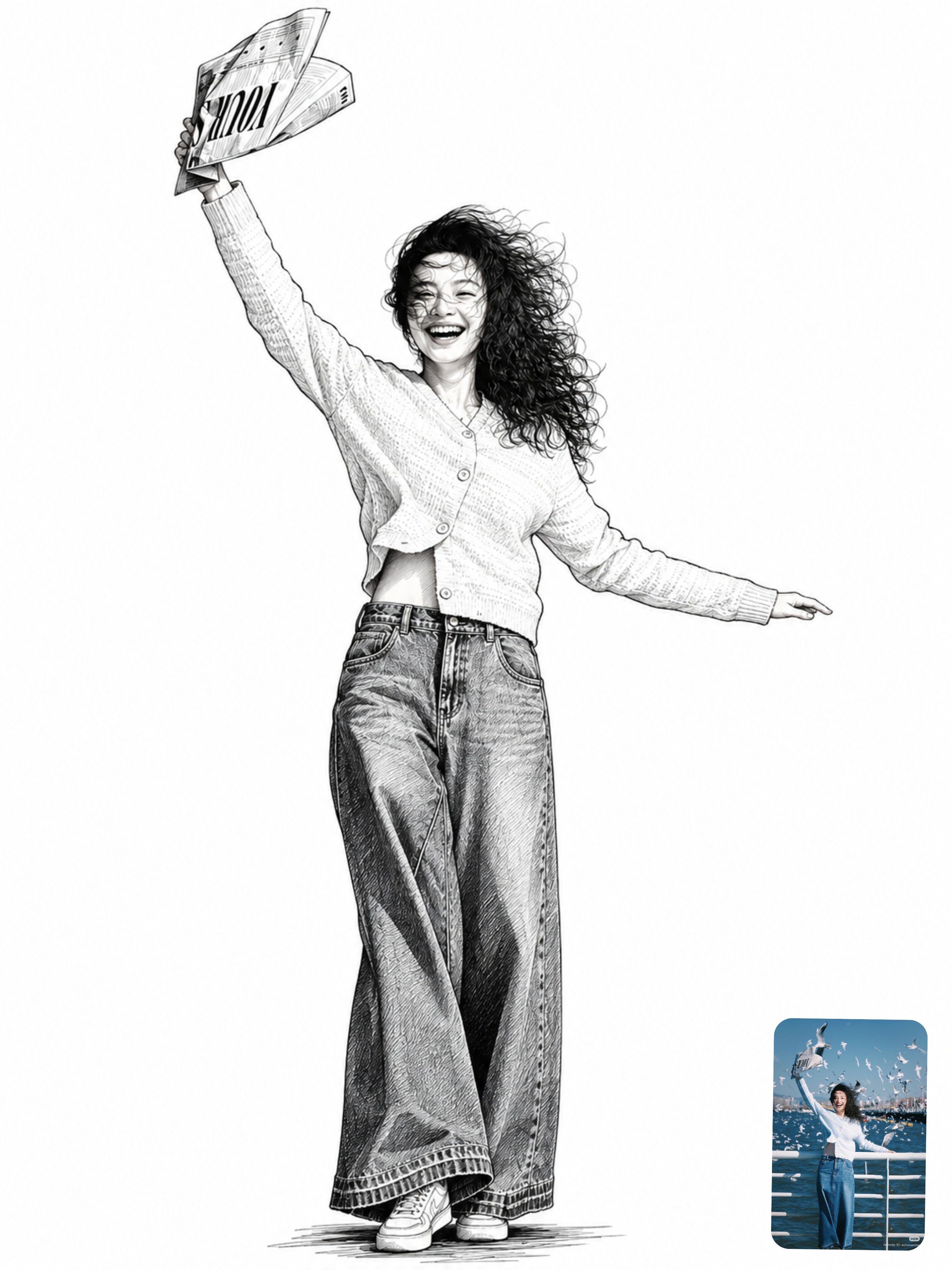
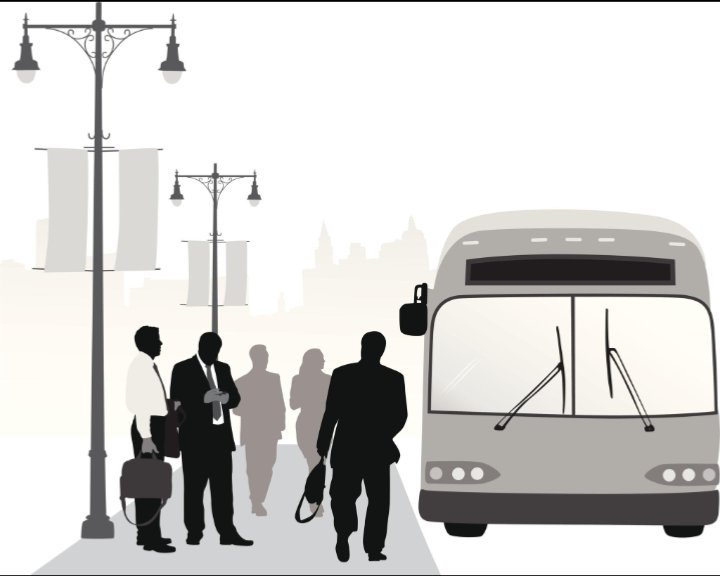
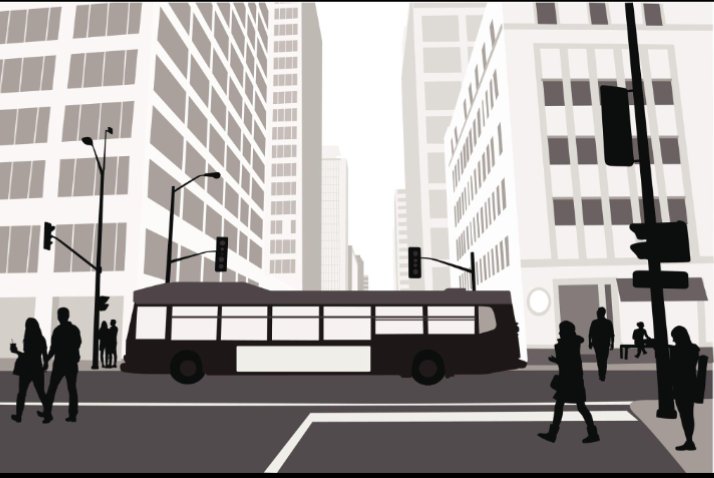
TRANSFORM THE UPLOADED IMAGE INTO THE EXACT SAME VISUAL STYLE AS THE PROVIDED STYLE REFERENCE Analyze the uploaded image and preserve its original scene while transforming it into a minimalist grayscale editorial vector illustration. EXACT VISUAL STYLE Recreate the distinctive visual treatment of minimalist urban vector artwork: - Flat 2D vector illustration - Simplified geometric shapes - Clean silhouettes with smooth edges - Softly muted grayscale colors - Minimal surface details - Slightly soft and subtle outlines - Elegant editorial illustration aesthetic - Simplified architecture and human figures - Clean graphic shapes with restrained shaded STRICT COLOR PALETTE Use only: - Pure white - Warm off-white - Pale ivory - Light gray - Medium gray - Muted taupe gray - Charcoal gray - Solid black Remove the original image's vibrant colors and replace them with these coordinated neutral tones. BACKGROUND AND ATMOSPHERE Create a predominantly white or warm off-white background. Represent distant objects using pale gray and beige silhouettes with subtle atmospheric fading. Keep the foreground objects darker and more defined. Use flat color areas rather than realistic textures or dramatic gradients. OBJECT TRANSFORMATION Convert every major object in the uploaded photograph into a simplified vector representation. Buildings become clean geometric structures with simplified windows. Vehicles become smooth, clearly recognizable shapes with minimal details. People become simplified black, charcoal, or muted gray silhouettes. Trees, streetlights, furniture, landscapes and other objects retain their recognizable outlines but use the same flat vector treatment. Preserve the defining features of every important object. PEOPLE AND SILHOUETTES Render human figures as elegant simplified silhouettes. Use solid black and dark charcoal for foreground figures. Use lighter gray silhouettes for people in the background. Remove unnecessary facial details while preserving each person's pose, body position and recognizable outline. Avoid excessive detail, realistic skin textures or three-dimensional anatomy. COMPOSITION PRESERVATION Preserve the original photograph's main subject, camera angle, perspective, object placement and overall composition. Do not automatically replace the scene with a bus stop or city street. If the uploaded image contains a bus, preserve that bus. If it contains a person, preserve that person. If it contains a landscape, preserve that landscape. Transform the actual uploaded scene rather than inventing a different one. CONSISTENT ART DIRECTION Apply the same visual treatment consistently across the entire image. Use flat grayscale shapes, clean silhouettes, simplified details, a bright neutral background and subtle atmospheric depth. Maintain the visual character of minimalist urban editorial vector illustrations. Do not introduce photorealistic sections, colorful elements, glossy 3D objects or unrelated artistic styles. IMAGE QUALITY Produce a clean, polished, high-resolution illustration with consistent edges, balanced contrast and carefully simplified shapes. Preserve the uploaded image's original aspect ratio unless a different ratio is explicitly requested. Do not crop important subjects. NEGATIVE PROMPT: Photorealism, 3D rendering, colorful palette, anime, cartoon characters, watercolor, oil painting, sketch lines, heavy outlines, excessive gradients, realistic skin texture, glossy surfaces, dramatic cinematic lighting, unnecessary details, distorted objects, duplicated people, invented objects, changed composition, added text, logos, watermark. FINAL INSTRUCTION: The uploaded image determines WHAT is shown. The specified minimalist grayscale vector style determines HOW it is shown. Preserve the original scene and apply the same consistent visual treatment to every uploaded image.
Details
- Type
- AI Image Prompts
- Aspect Ratio
- 5:4
- Updated
- Oct 16, 2026
Category
How to use this prompt
- 1Copy the full prompt with the copy button above.
- 2Open GPT Image 2.5 by OpenAI, or any image generator with a similar style range.
- 3Paste the prompt, then swap the subject and style keywords to match your idea.
- 4Match the example's settings (5:4 · Vector · Black & White · Minimalist), then iterate — small wording changes shift the output a lot.
Frequently asked questions
Which AI model generated this image?
This image was generated with GPT Image 2.5 by OpenAI. The prompt on this page is the exact text used to create it.
What settings does this prompt use?
The example was generated with GPT Image 2.5 using: 5:4 · Vector · Black & White · Minimalist. Reusing these settings gives the closest match.
How do I get similar results?
Copy the prompt as-is first, then replace only the subject while keeping the style, lighting, and composition keywords. Generate a few variations — outputs differ between runs.
Can I modify this prompt?
Yes. Prompts work best as starting points — adjust descriptors, aspect ratio, or style tags to make the output your own.
![DESTINATION: [DESTINATION]
Create a sophisticated Halloween-edition geometric travel art poster of — AI image prompt — GPT Image 2.5](https://cdn.ahaprompt.app/harvest-media/import-1792557783758-hik1t2.jpg)
![Create a beautiful, vintage-inspired hand-drawn illustration of [COUNTRY / CITY / LANDMARK], designe — AI image prompt — GPT Image 2.5](https://cdn.ahaprompt.app/harvest-media/import-1792642144423-1umgcv.jpg)