Nano Banana Prompts
Google's fast, free conversational image model — generate a picture, then edit it just by telling it what to change.
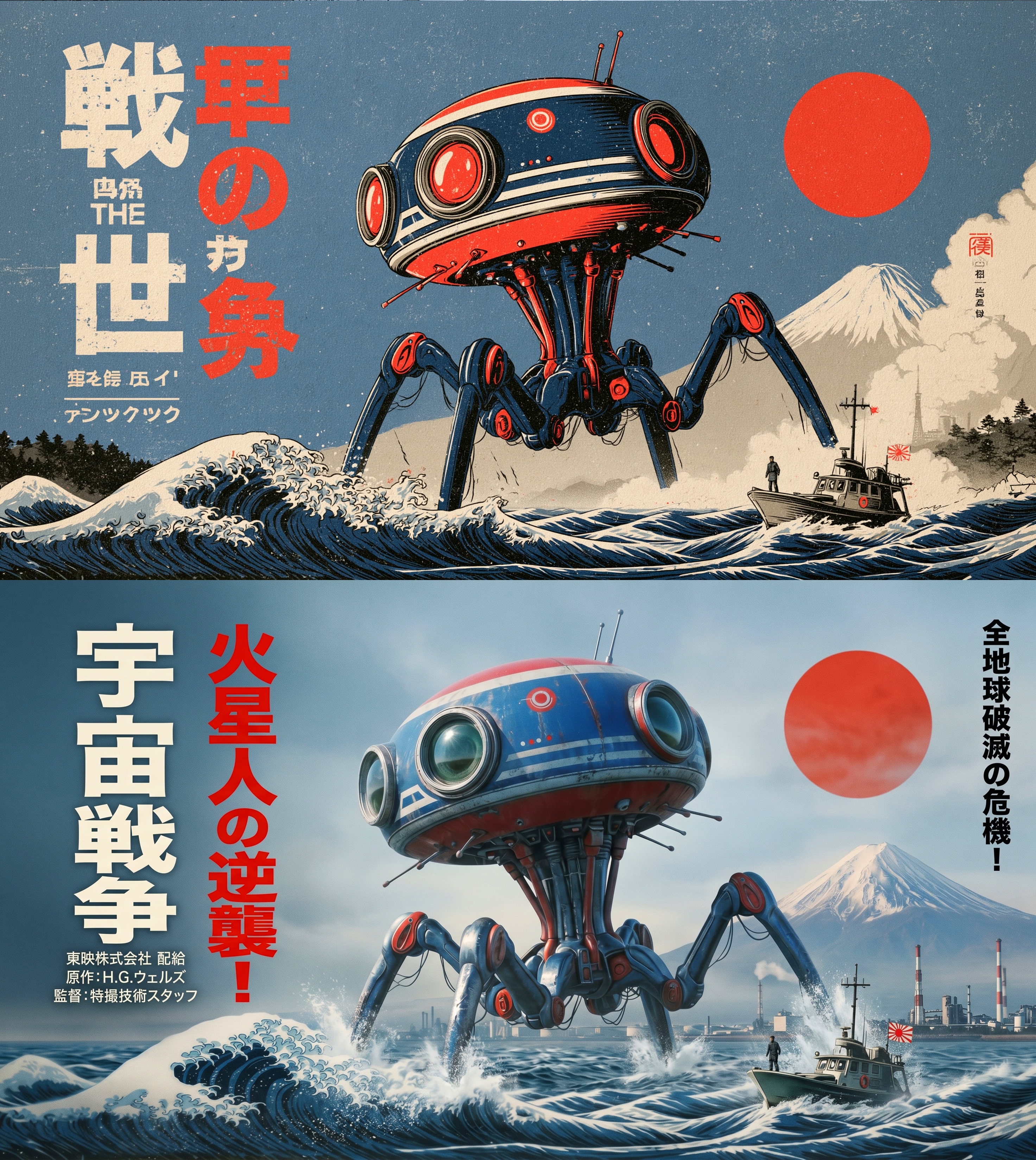

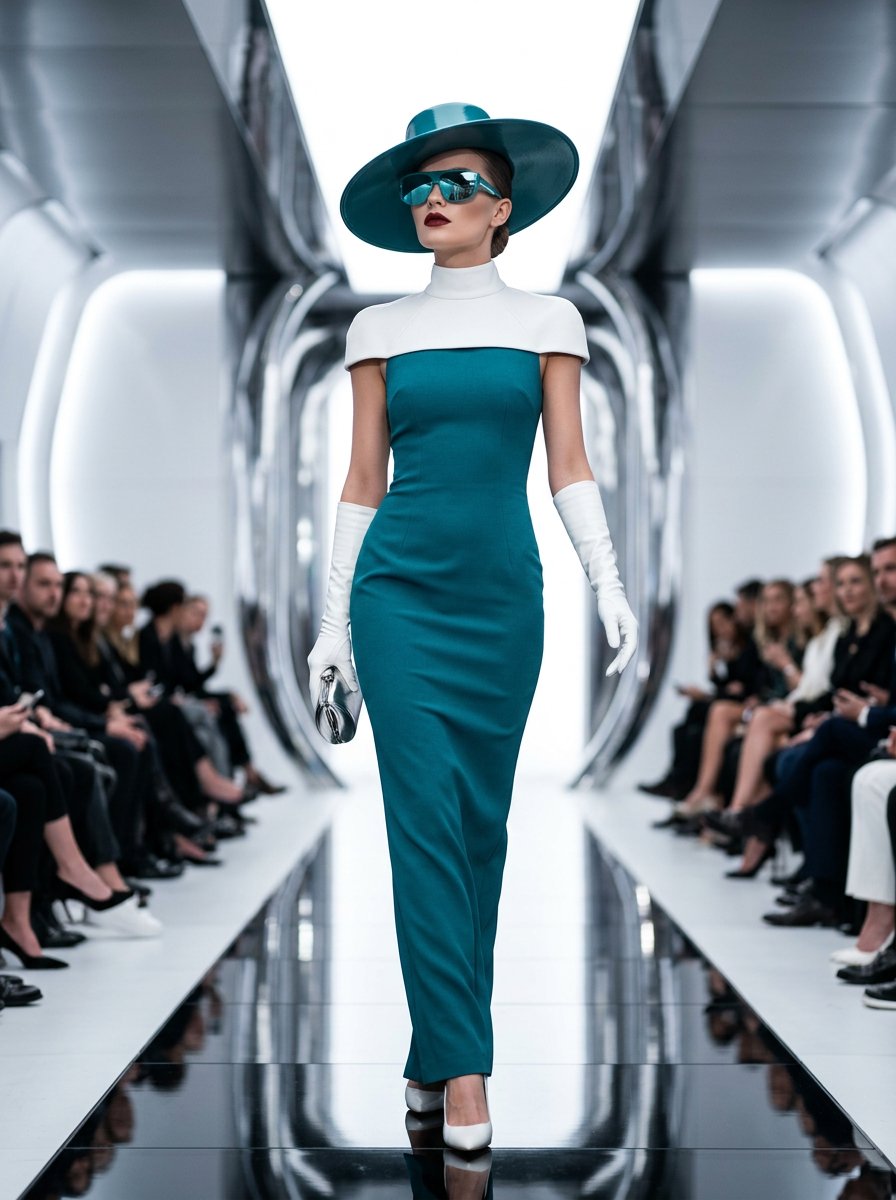
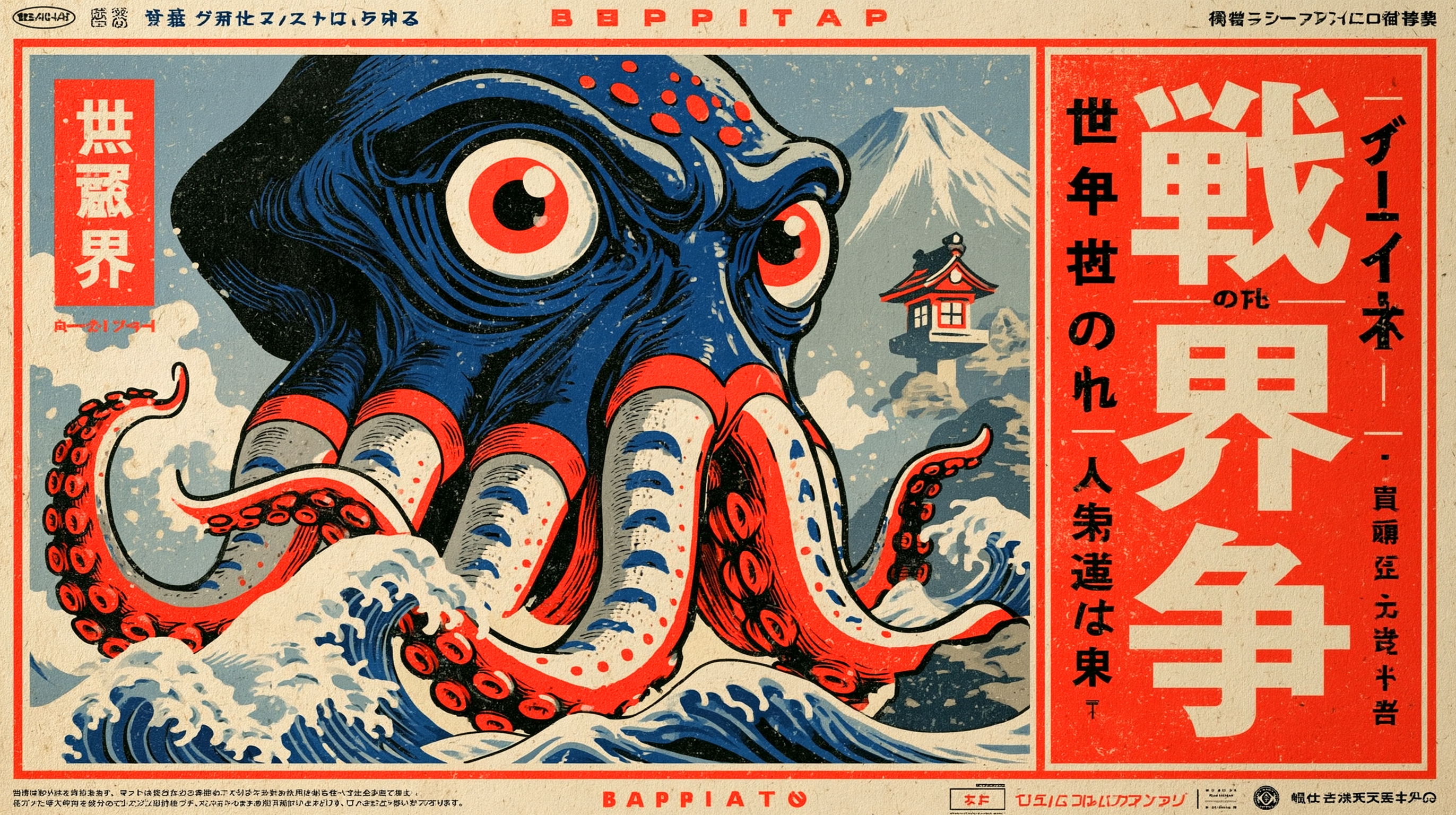

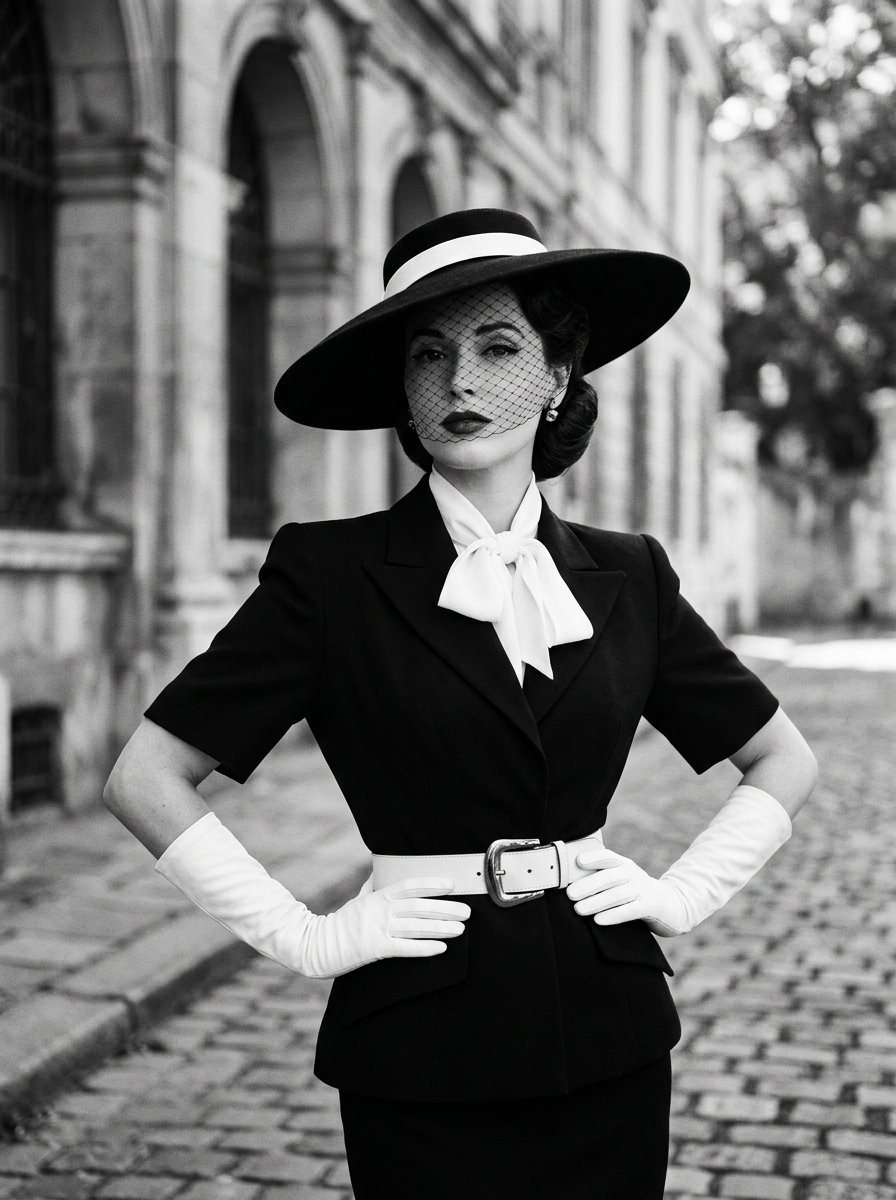
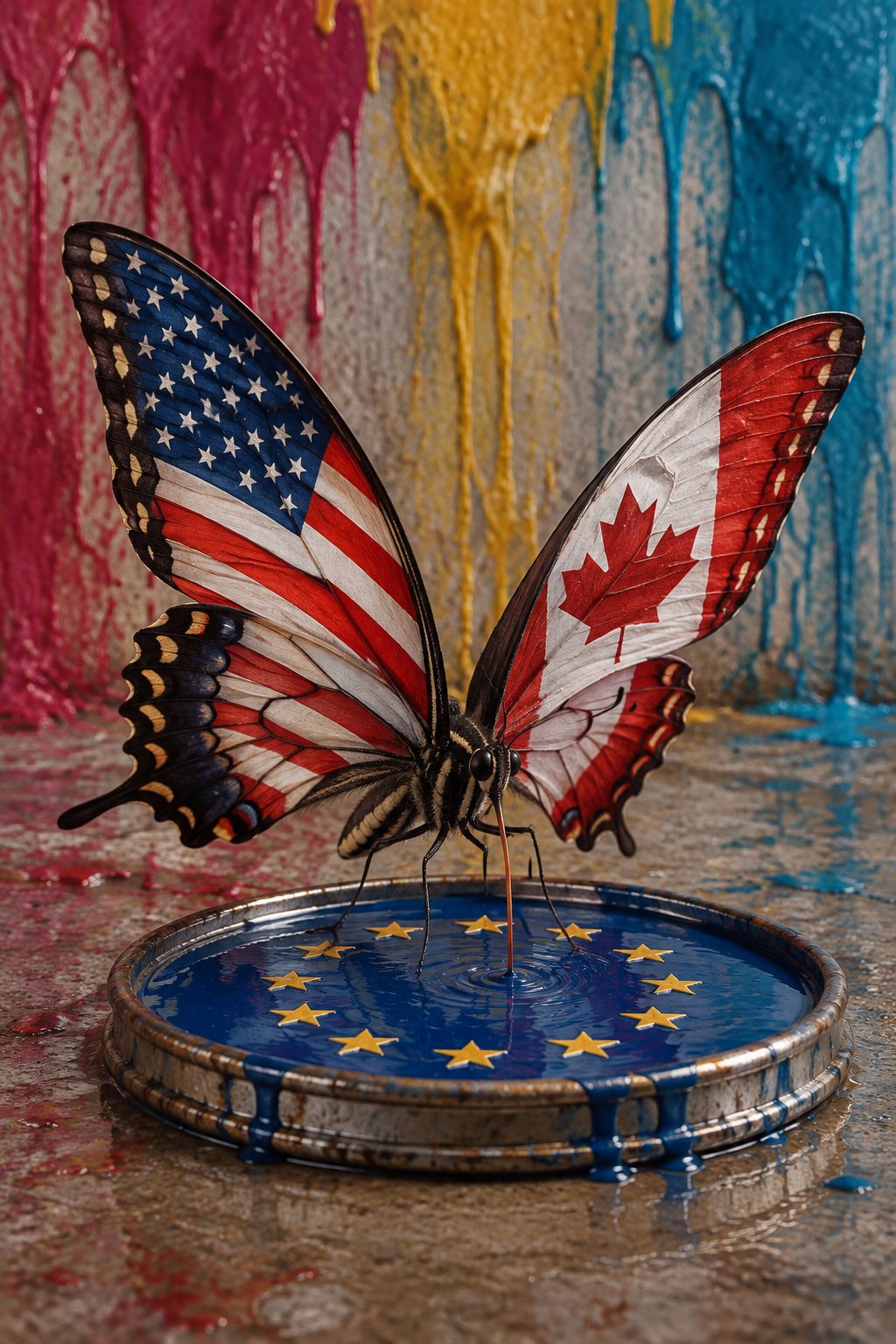

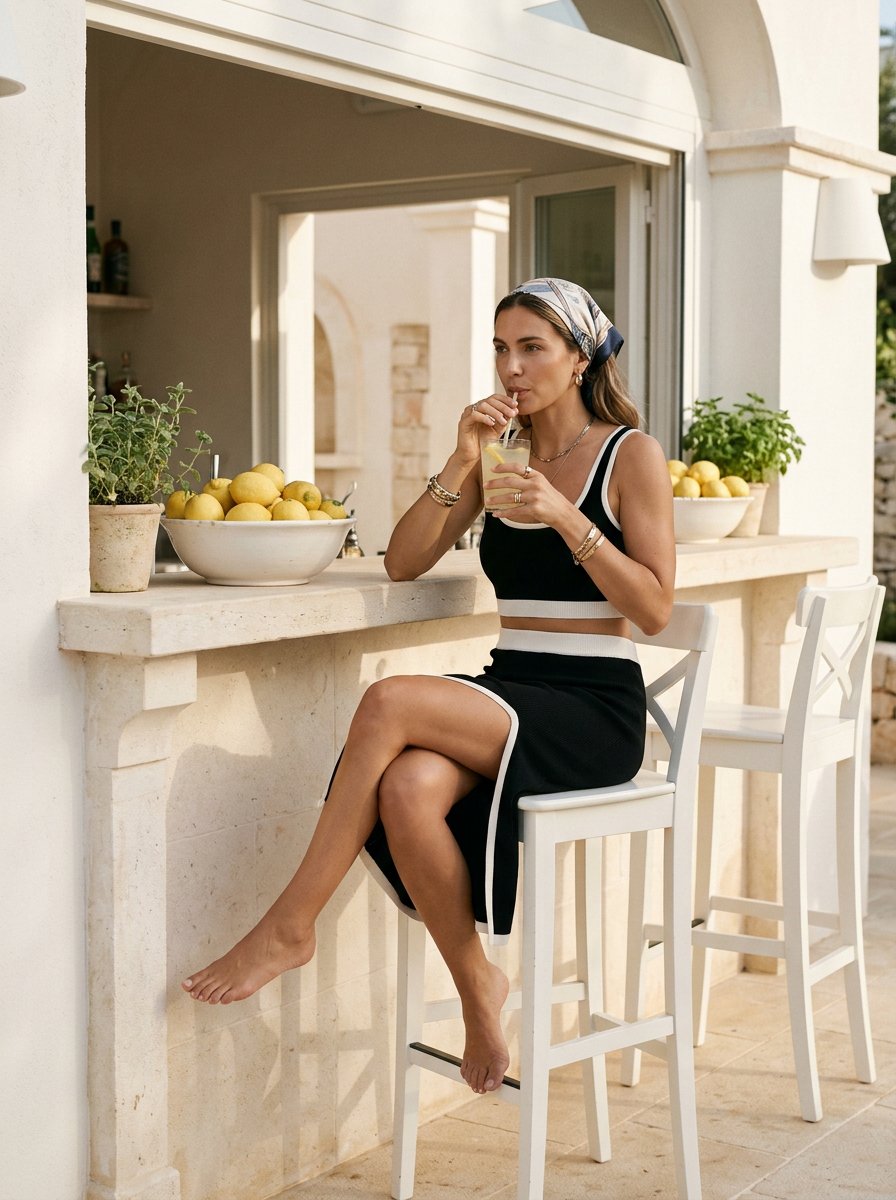



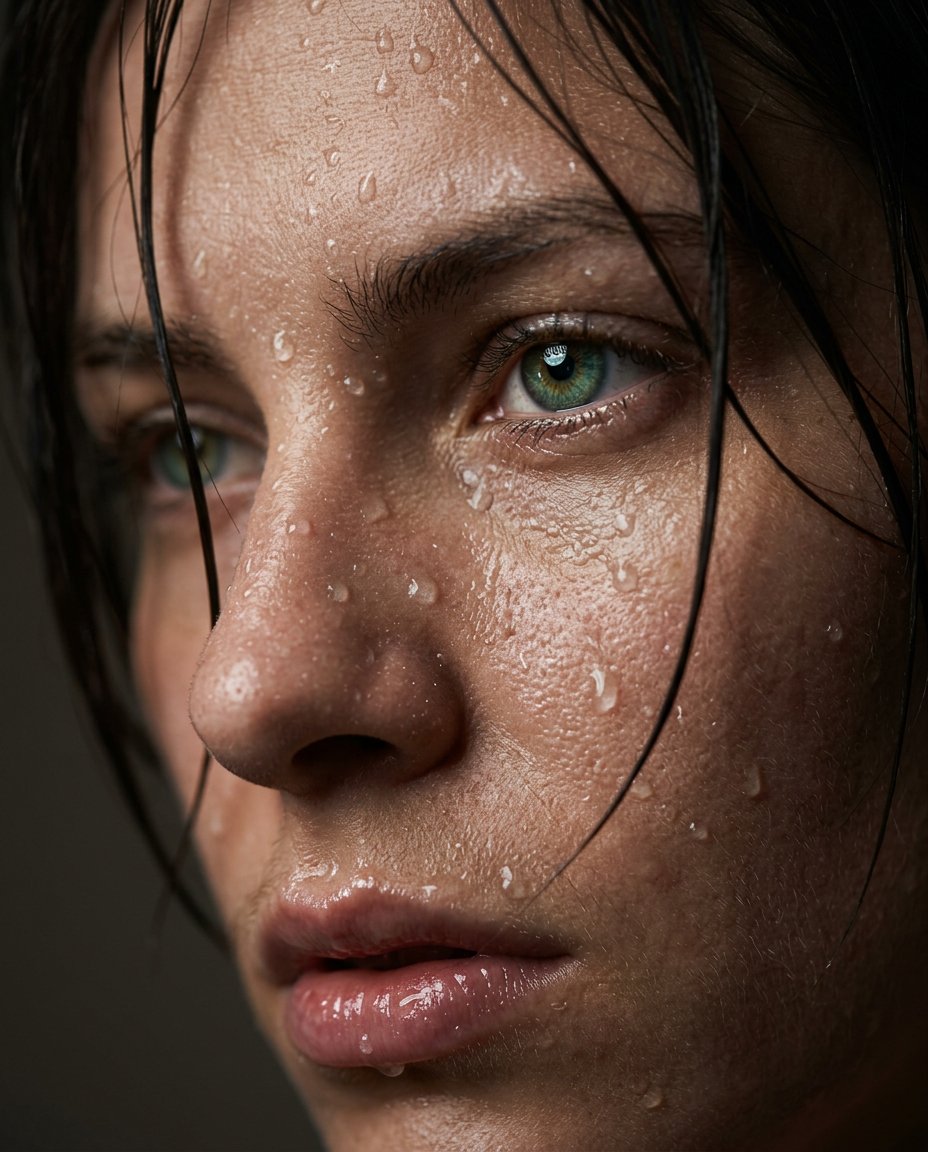
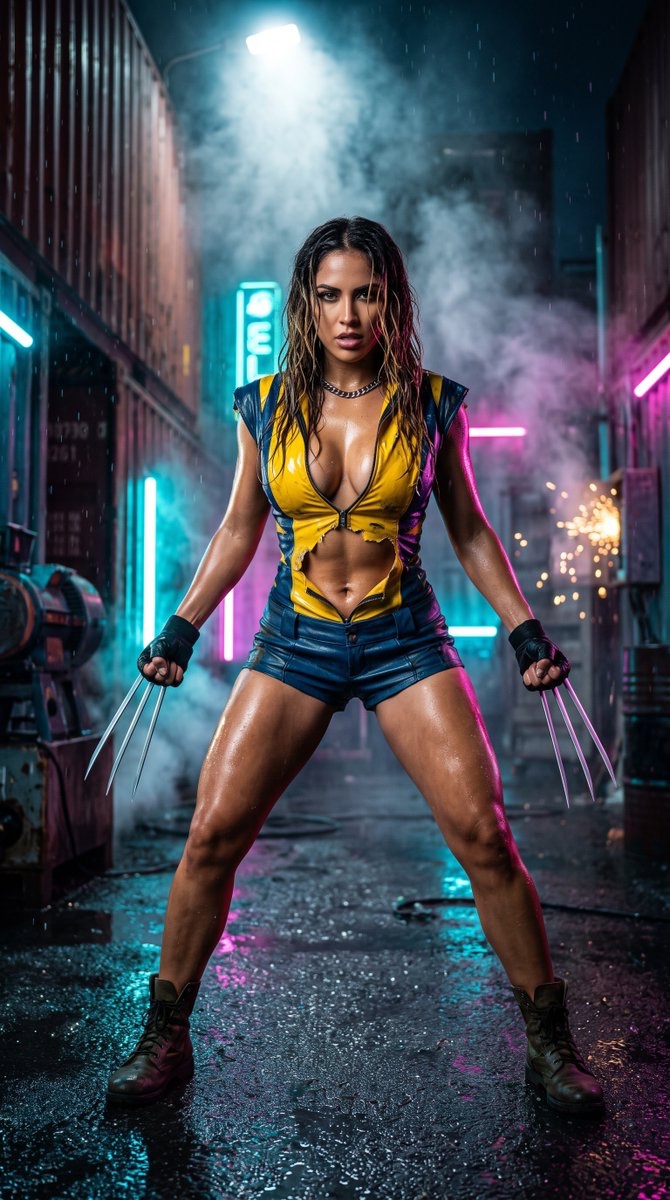




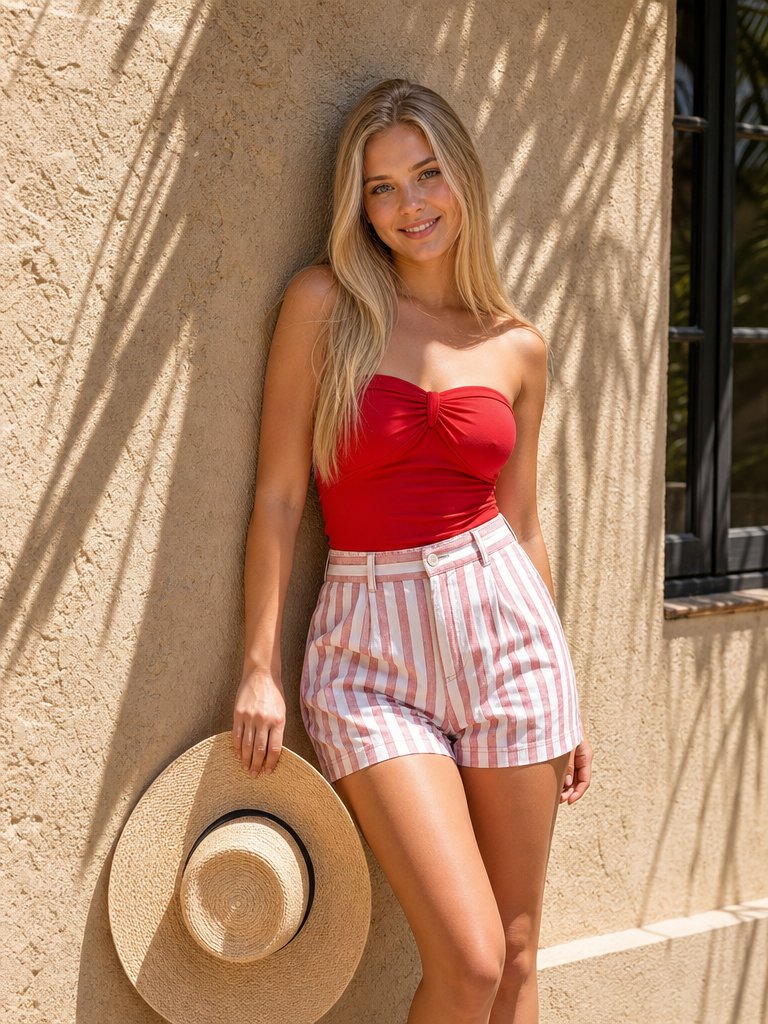

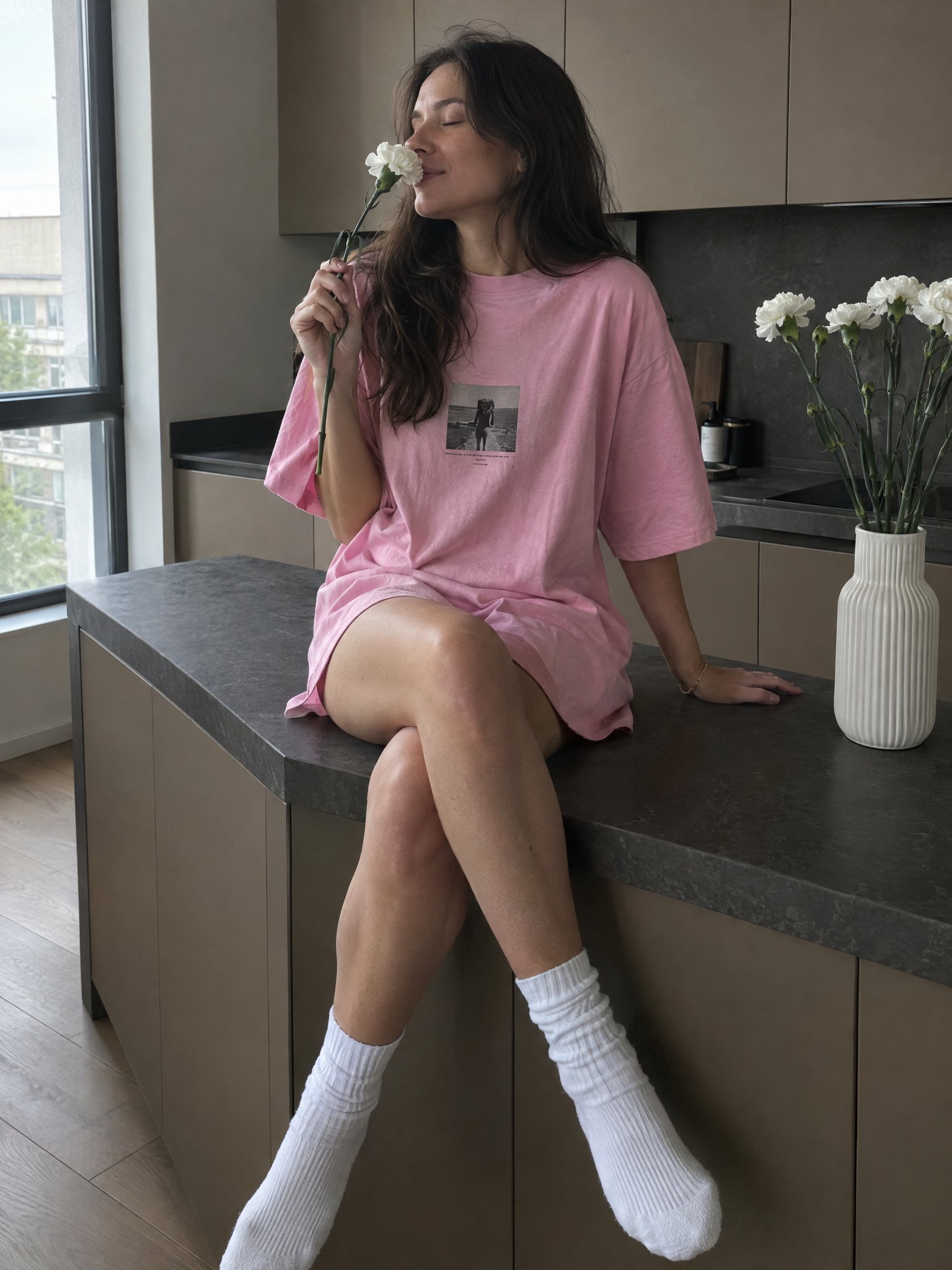

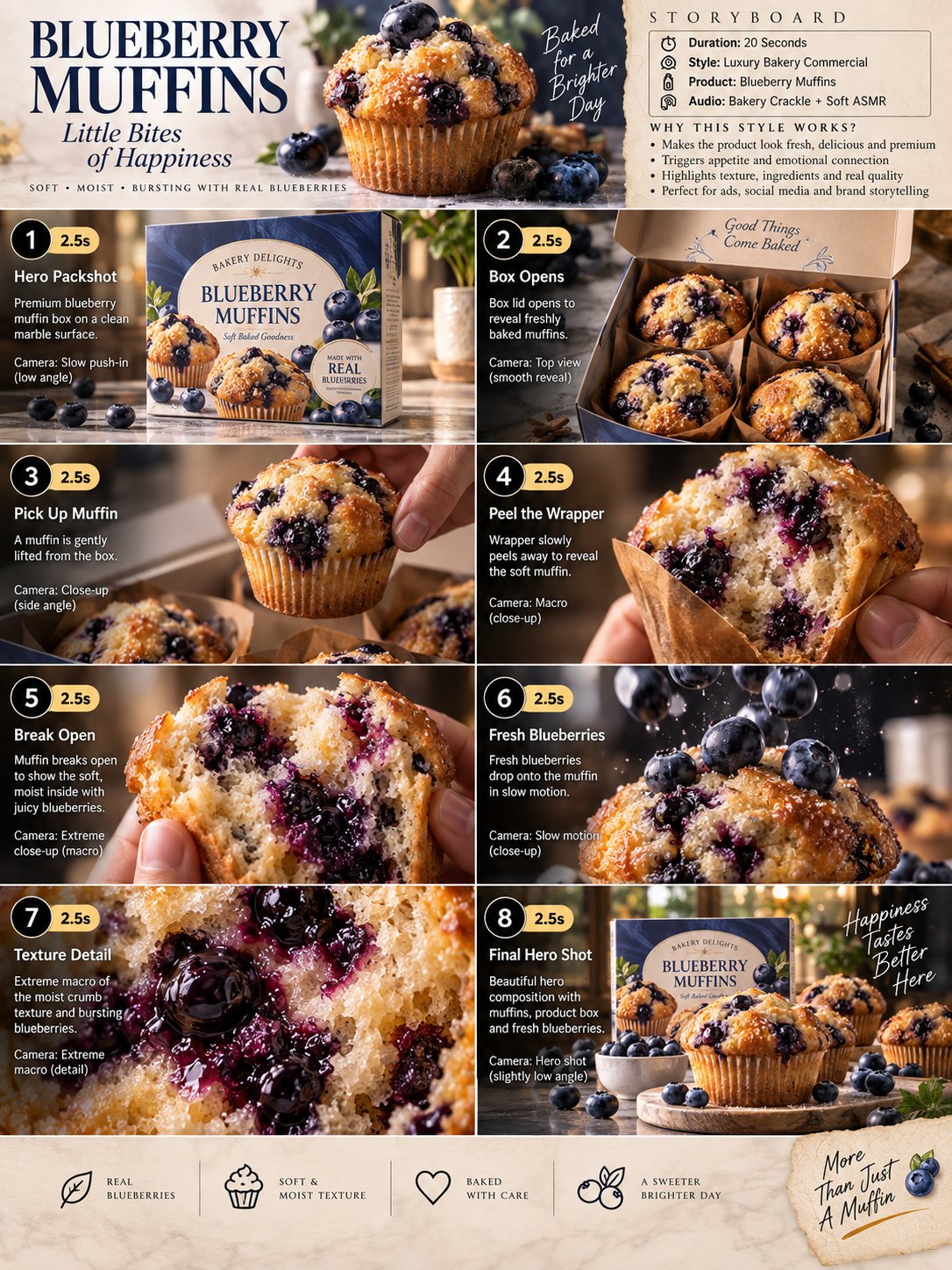
About Nano Banana
Nano Banana is Google's fast, free conversational image model inside Gemini. You describe what you want, it draws it in seconds — and then the real magic starts: you keep talking, and it keeps editing the same image instead of starting over.
That conversational editing is its defining strength. "Make the jacket red", "move the cat to the window", "same scene but at night" — Nano Banana applies the change while keeping the rest of the picture intact. It turns image generation from a slot machine into a dialogue, which is why it has become the go-to for quick edits, memes, avatars, and everyday visual ideas.
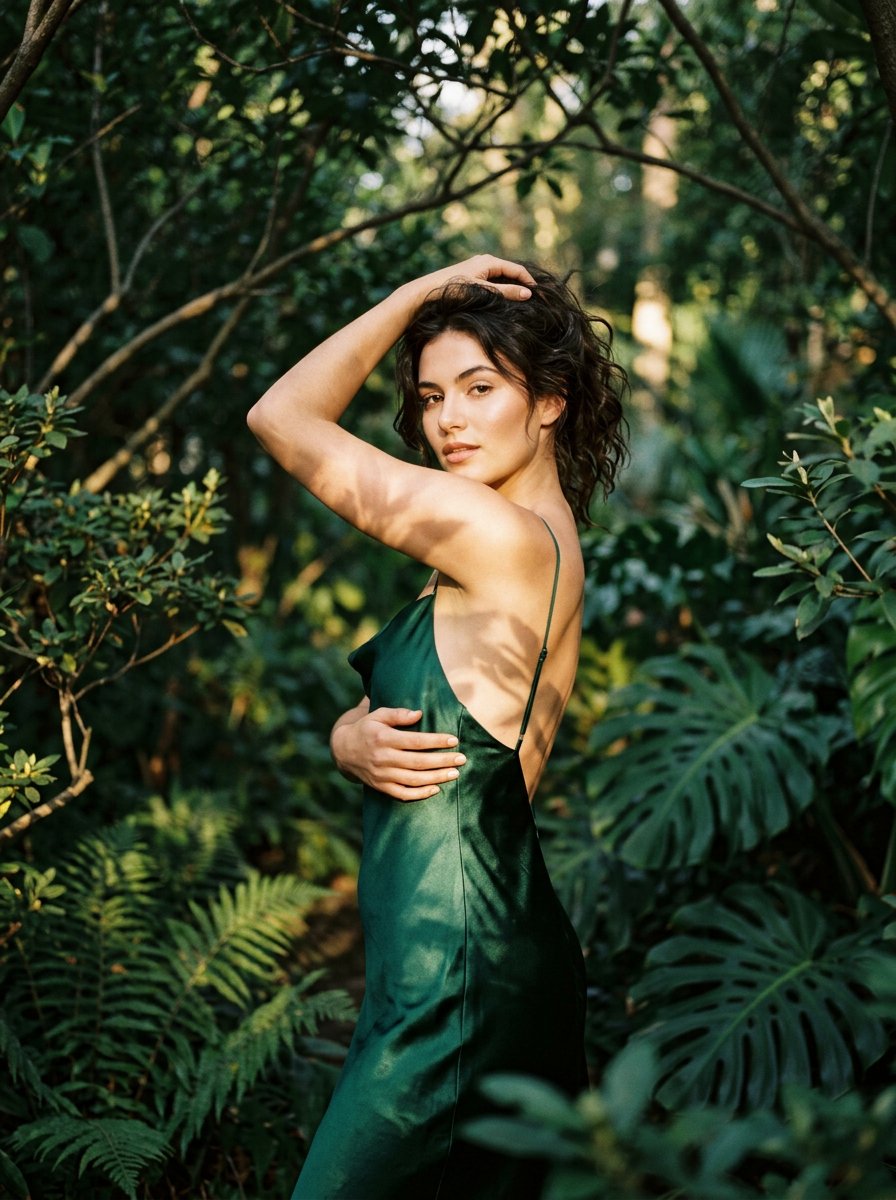
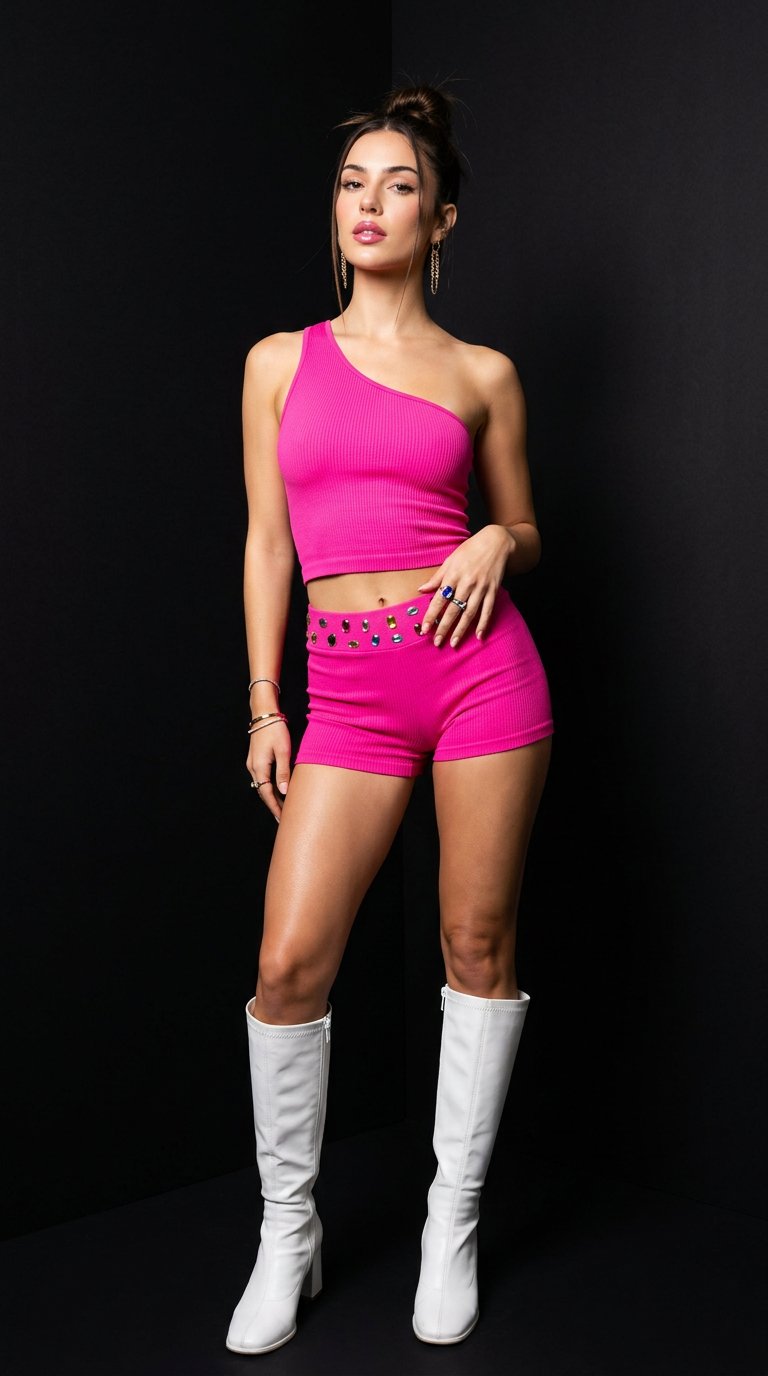
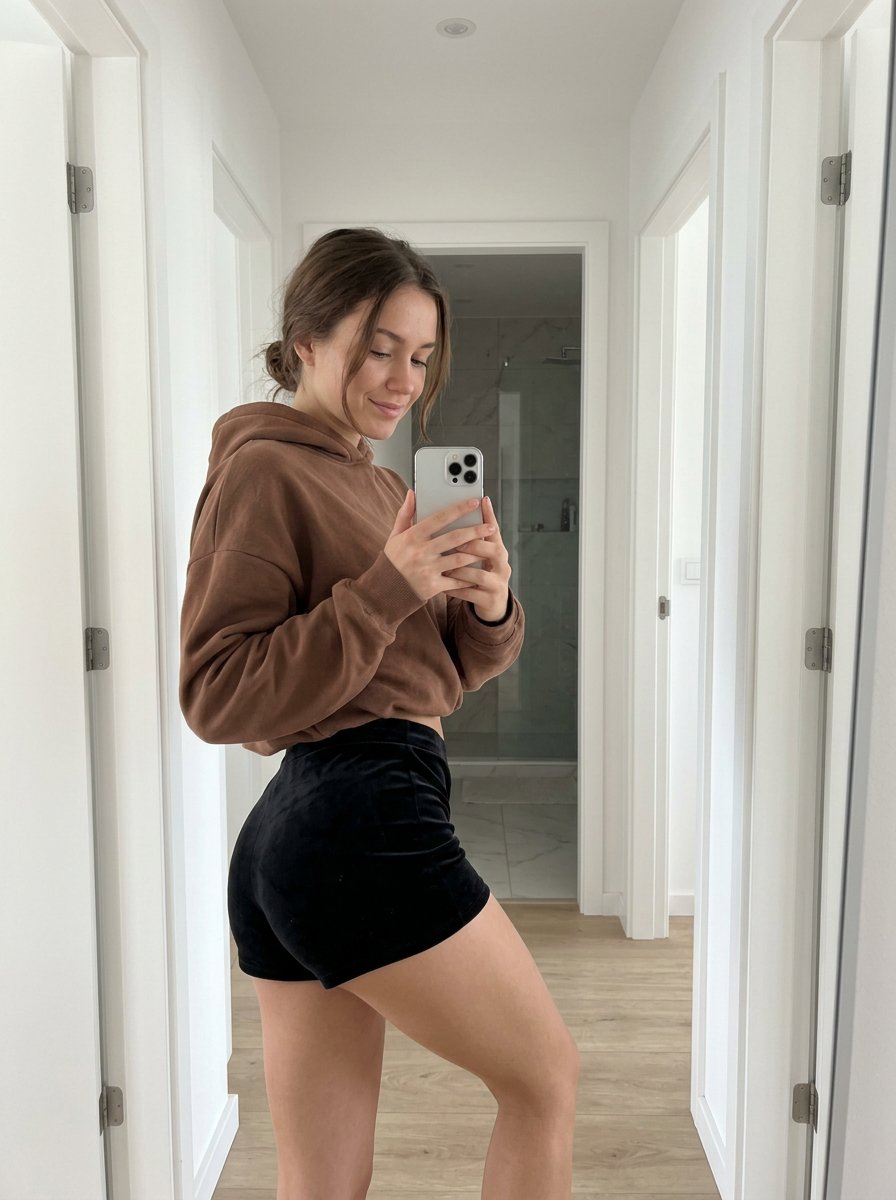
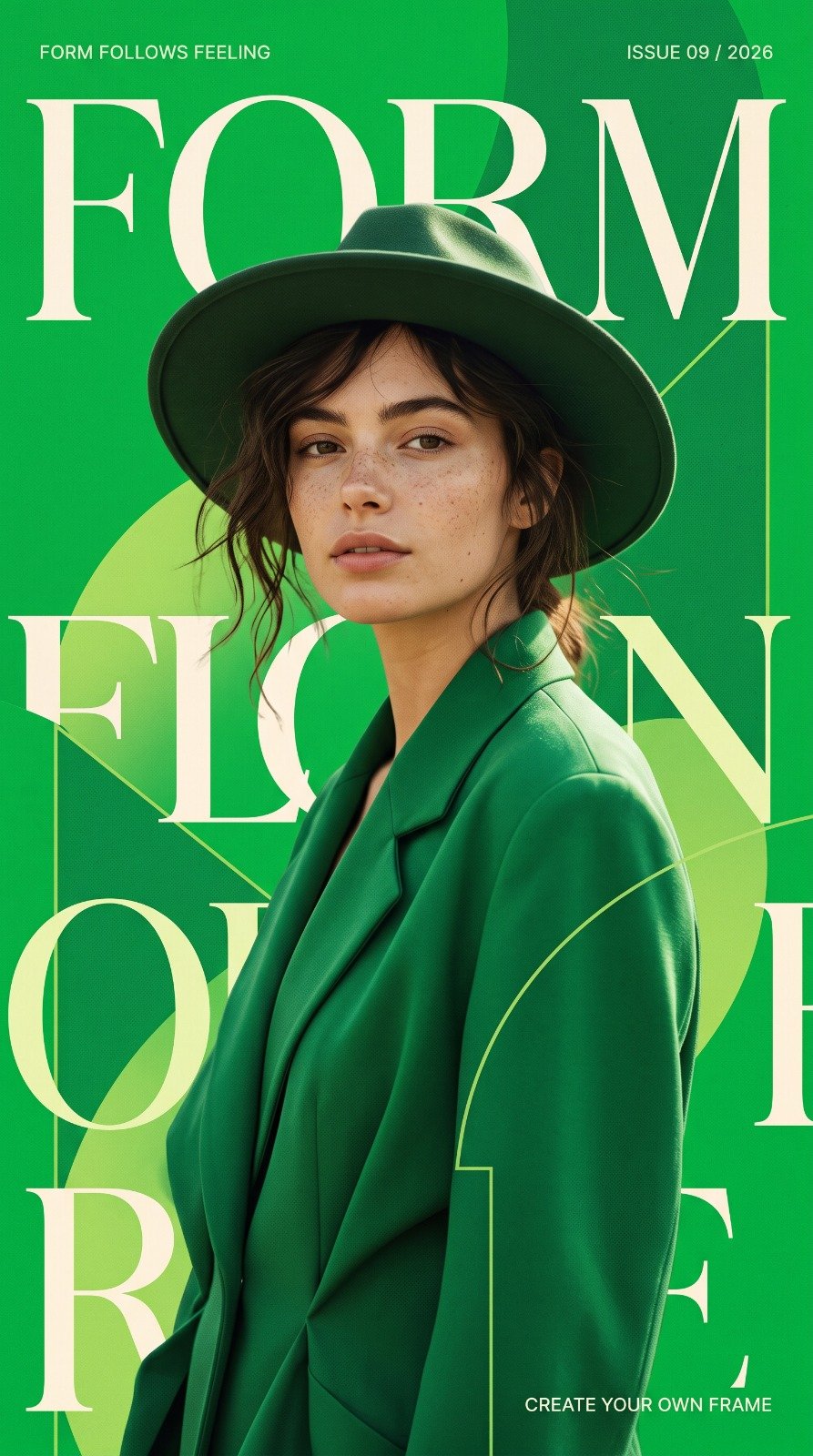
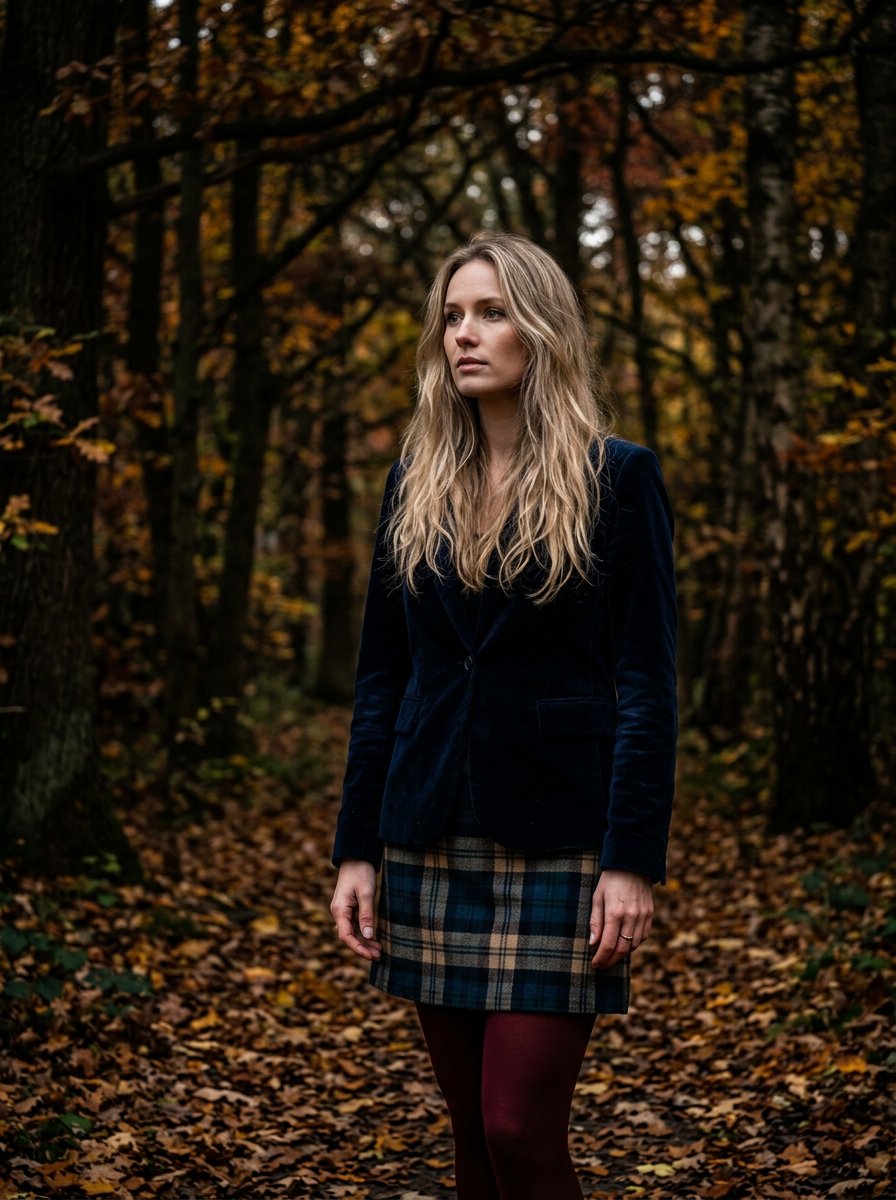
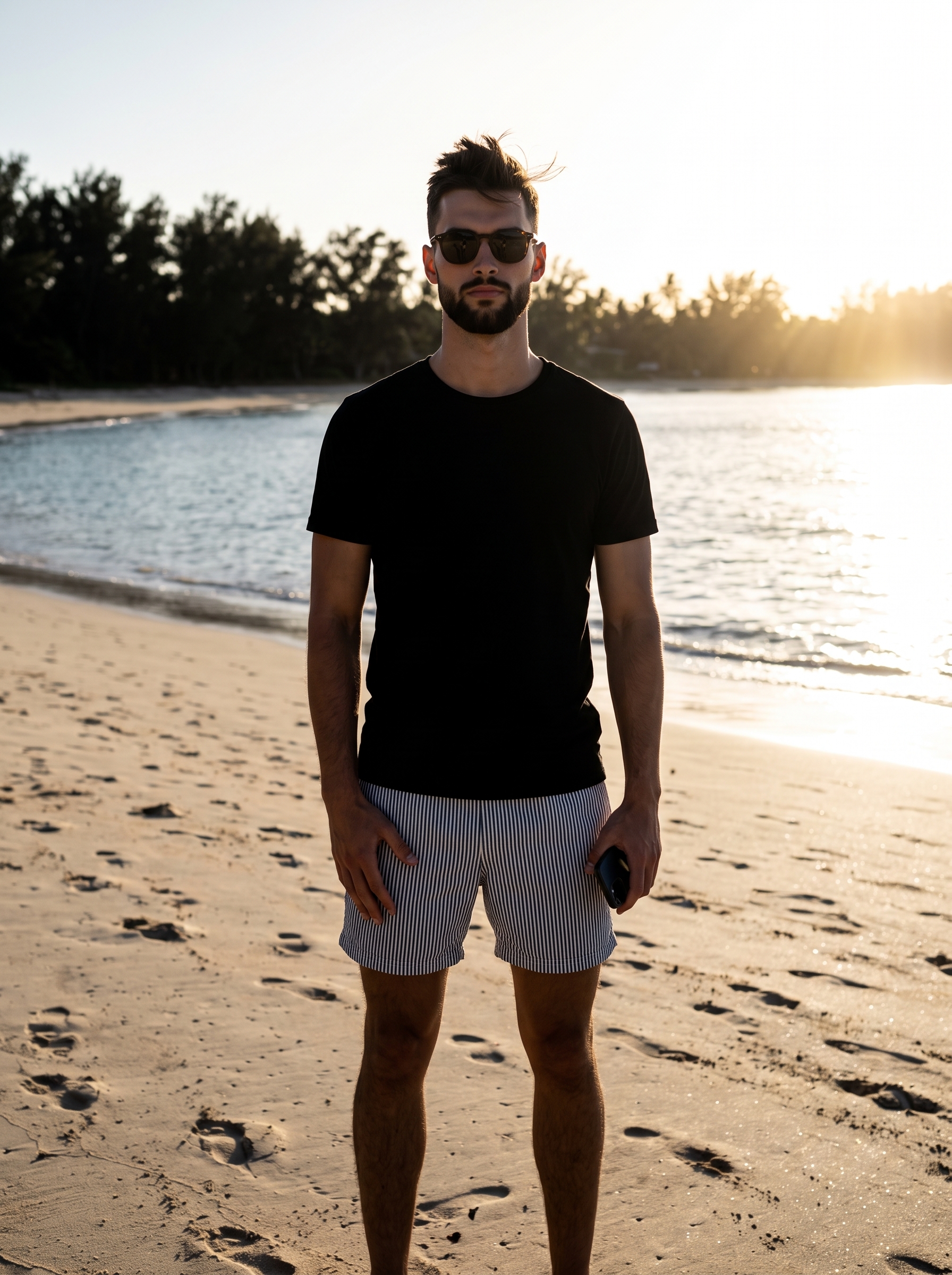
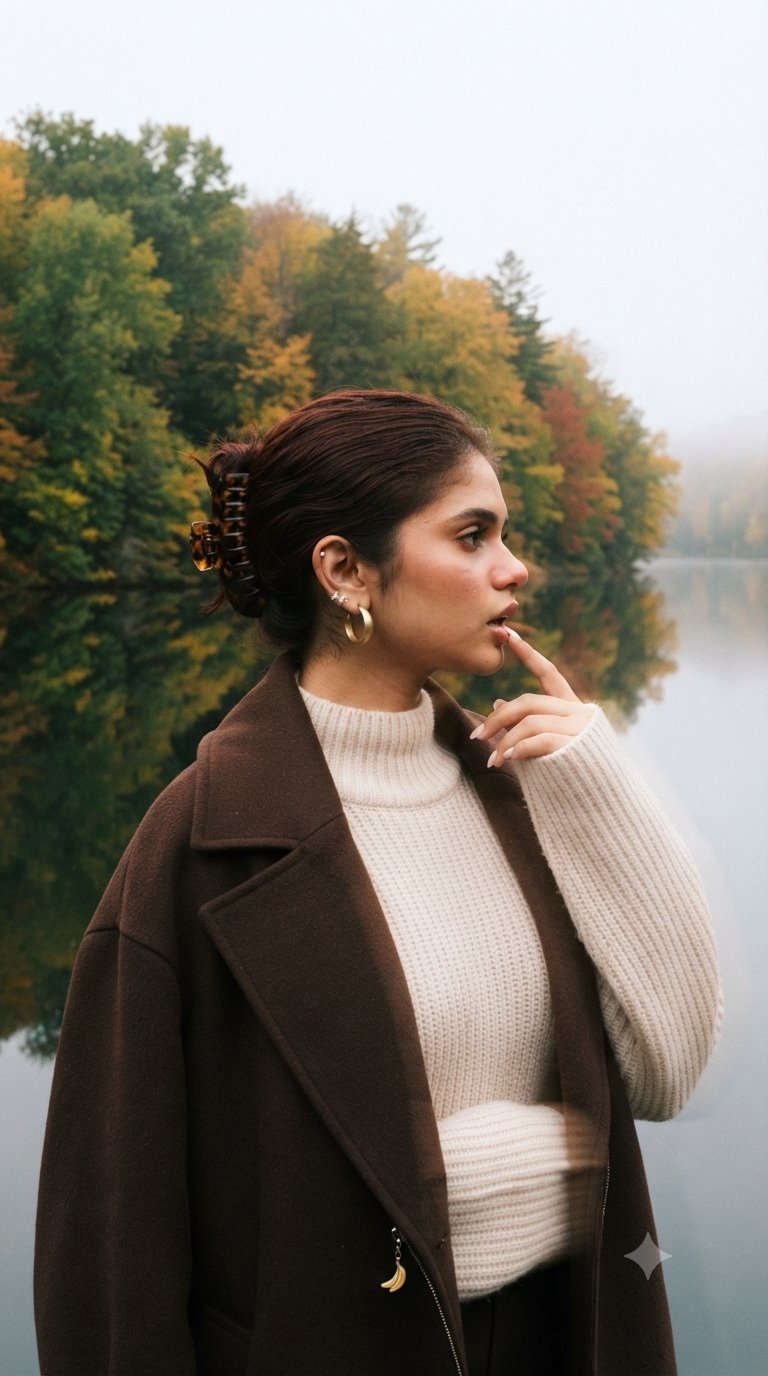
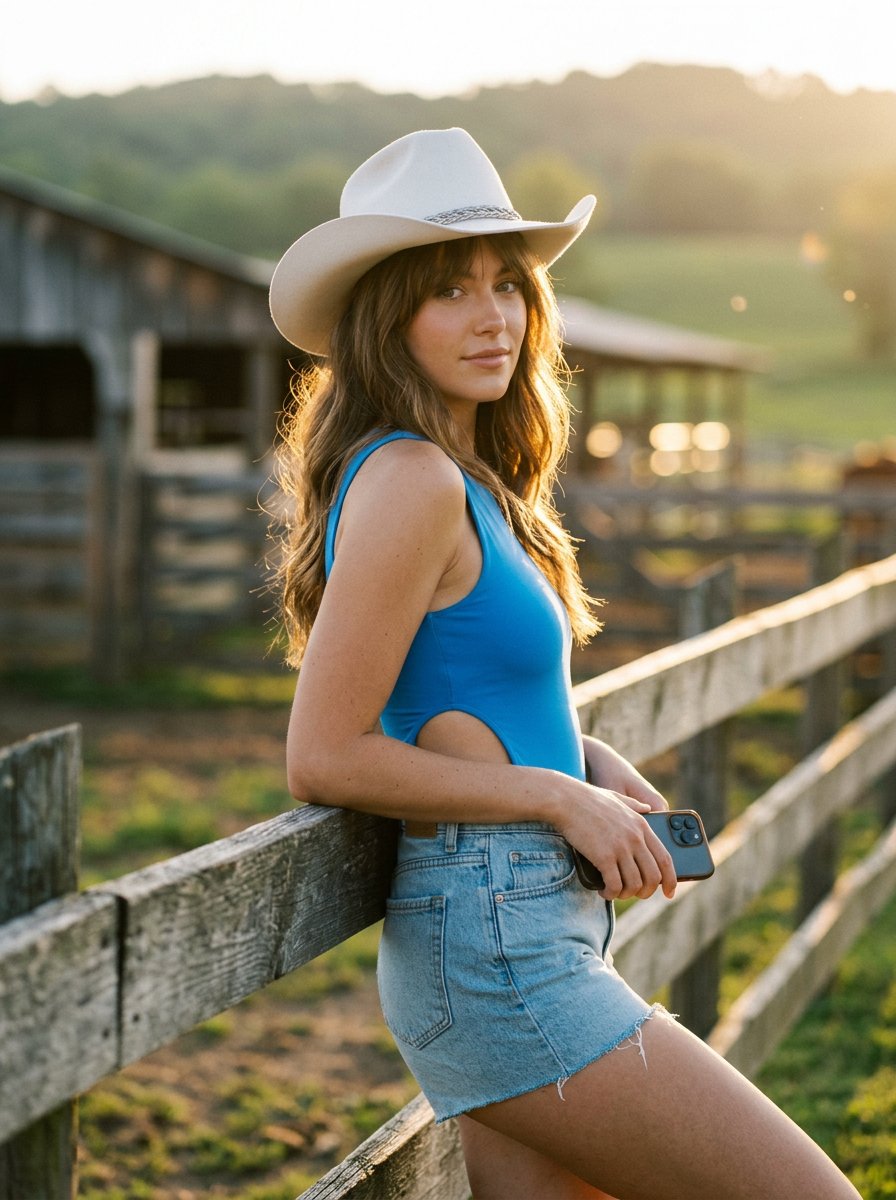
Working conversationally is still a skill: the best results come from a strong opening prompt followed by small, precise follow-ups. The gallery below collects tested Nano Banana prompts with their real outputs, so you can see which openings and edit phrasings actually work before you type your own.
How to write Nano Banana prompts
- 1Open with a solid first frame: subject, setting, style, and mood in one or two sentences. Every later edit builds on this foundation, so make it worth building on.
- 2Edit in conversation instead of rewriting: say "make the sky stormy" rather than restating the whole scene. Nano Banana keeps everything you didn't mention.
- 3One change per message. Stacking three edits into one request muddies all of them; a chain of small asks keeps each one clean.
- 4Name what must stay the same when it matters: "keep her face and pose exactly, only change the outfit". Explicit anchors prevent drift across edits.
- 5Use it for restyling too — "turn this into a watercolor", "make it look like an 80s film photo". Style transforms are a conversational one-liner here.
- 6If an edit chain drifts too far, restart from your best version's prompt instead of patching a degraded image. A clean re-roll often beats a fifth correction.
Frequently asked questions
What is Nano Banana best at?
Fast, iterative image work: generating a picture in seconds and then refining it through plain conversation — changing outfits, swapping backgrounds, restyling, adjusting details — while the rest of the image stays consistent. It shines for quick creative ideas, edits, and fun visuals.
How do I write good Nano Banana prompts?
Start with one clear descriptive sentence covering subject, setting, and style, then refine with short follow-up messages that change one thing at a time. The tested prompts on this page make great opening moves — copy one, then steer with conversation.
Is Nano Banana free to use?
Yes — Nano Banana is Google's free conversational image model, available inside the Gemini app. That makes it an easy place to practice prompting: try a prompt from this page, then iterate without worrying about the meter.
Where can I use Nano Banana?
Nano Banana lives in Google's Gemini app. Copy any prompt from this page, paste it into Gemini, and keep refining the result conversationally.
Related models
Nano Banana Pro
Google's Gemini image flagship with 4K output, Thinking mode and search grounding for reference-accurate results.
Veo 3.1
Google's cinematic video model with native audio, camera controls and 4K upscaling.
GPT Image 2
OpenAI's top-ranked image model — it plans the layout, reasons, and self-checks before it draws, nailing complex multi-part instructions.
GPT Image 2.5
OpenAI's GPT Image 2.5 — up to 50% faster than Images 2, with pinpoint local edits that leave the rest of the frame untouched and reference subjects that stay recognizable across repeated rounds.