LogoAhaPrompt
  • Prompts
  • Featured
  • Models
  • Submit
  • Blog
AhaPromptAhaPrompt

AI Prompts for Images, Video & Audio — Every Model, One Library

Built withLogoNEXTY.DEV
Explore
  • All Prompts
  • Featured Prompts
  • Image Prompts
  • Video Prompts
  • Audio Prompts
  • AI Models
  • Submit a Prompt
  • Blog
Languages
  • English
  • 中文
  • 日本語
  • 한국어

Copyright © 2026 AhaPrompt All rights reserved.

Privacy PolicyTerms of Service
HomeAI Prompt LibraryAI Image PromptsEditorial Photo and Line Art Poster
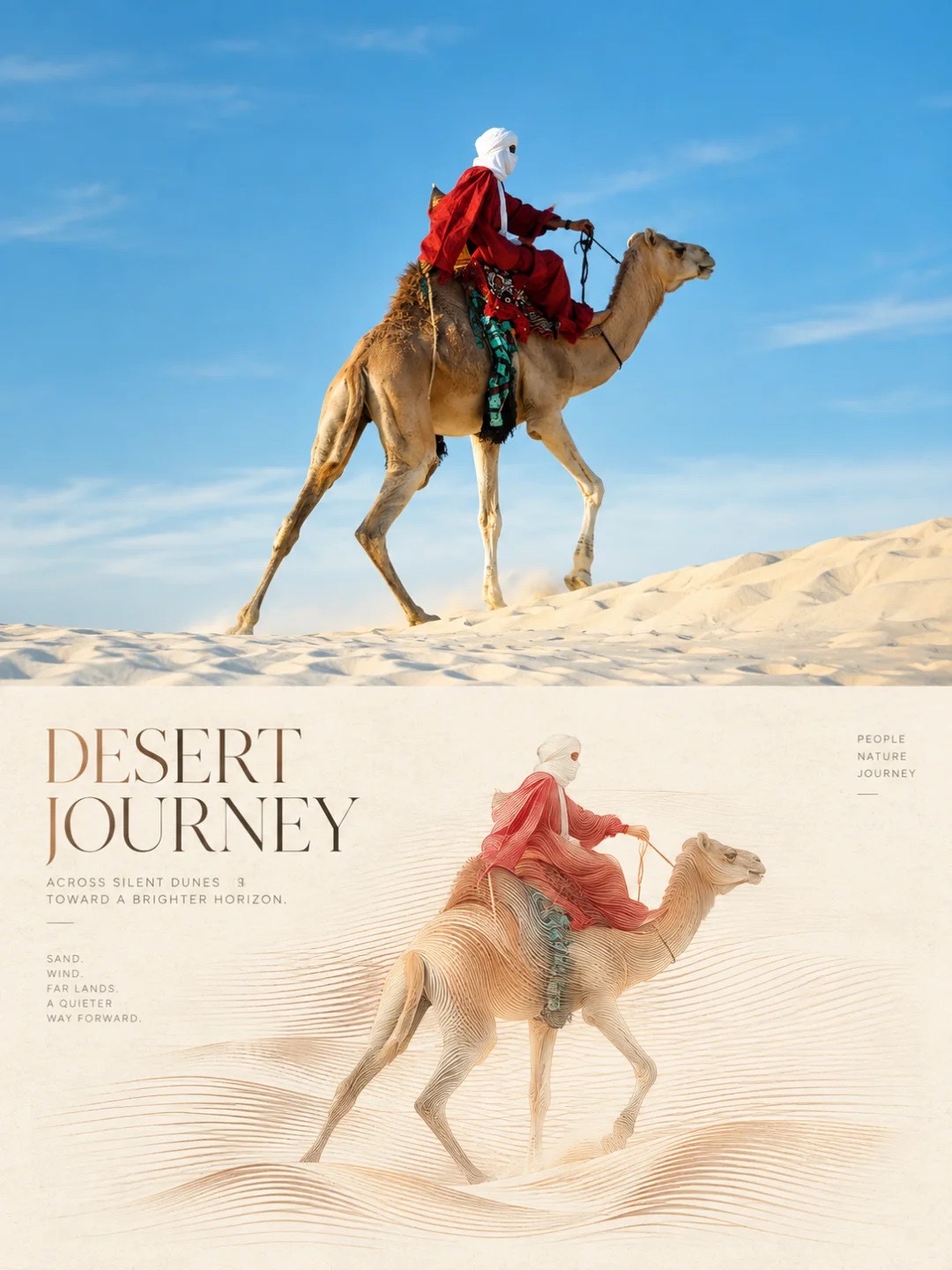
Editorial Photo and Line Art Poster — AI image prompt — Nano Banana 2.1 — Poster, Digital Art, Minimalist - 1

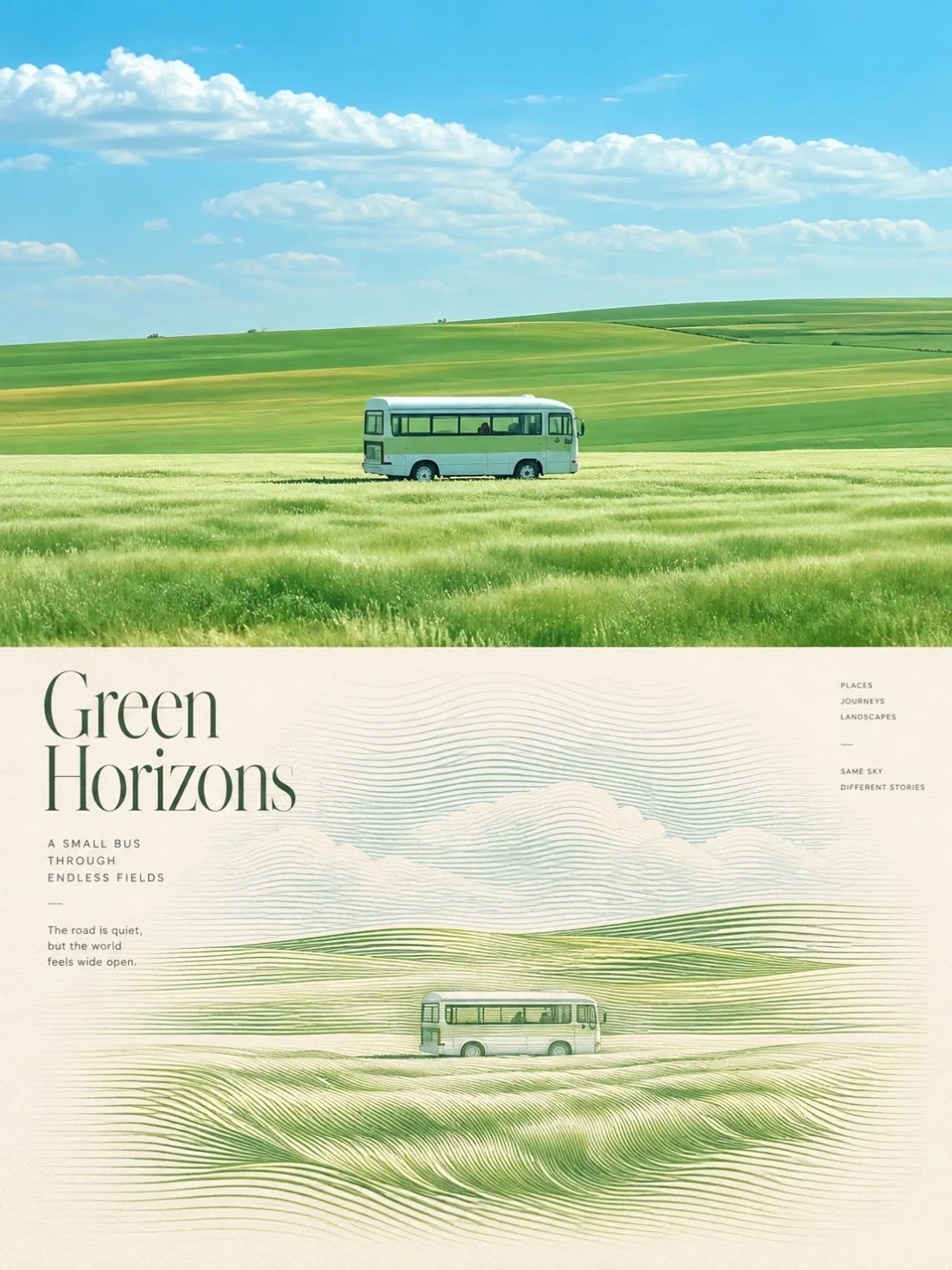
Editorial Photo and Line Art Poster — AI image prompt — Nano Banana 2.1 — Poster, Digital Art, Minimalist - 2
Editorial Photo and Line Art Poster — AI image prompt — Nano Banana 2.1 — Poster, Digital Art, Minimalist - 3
Editorial Photo and Line Art Poster — AI image prompt — Nano Banana 2.1 — Poster, Digital Art, Minimalist - 4

Editorial Photo and Line Art Poster

GoogleNano Banana 2.1Googleimage

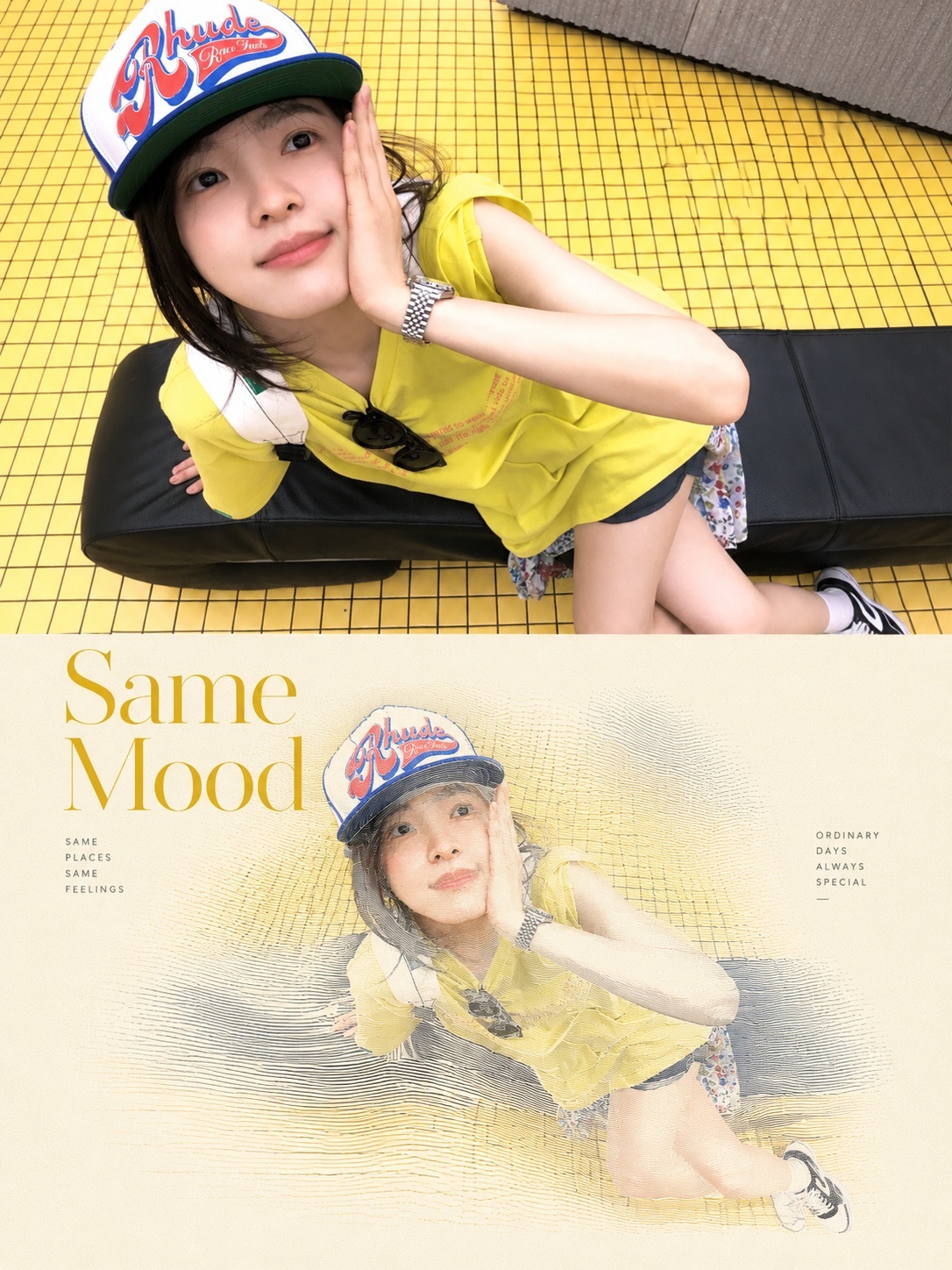
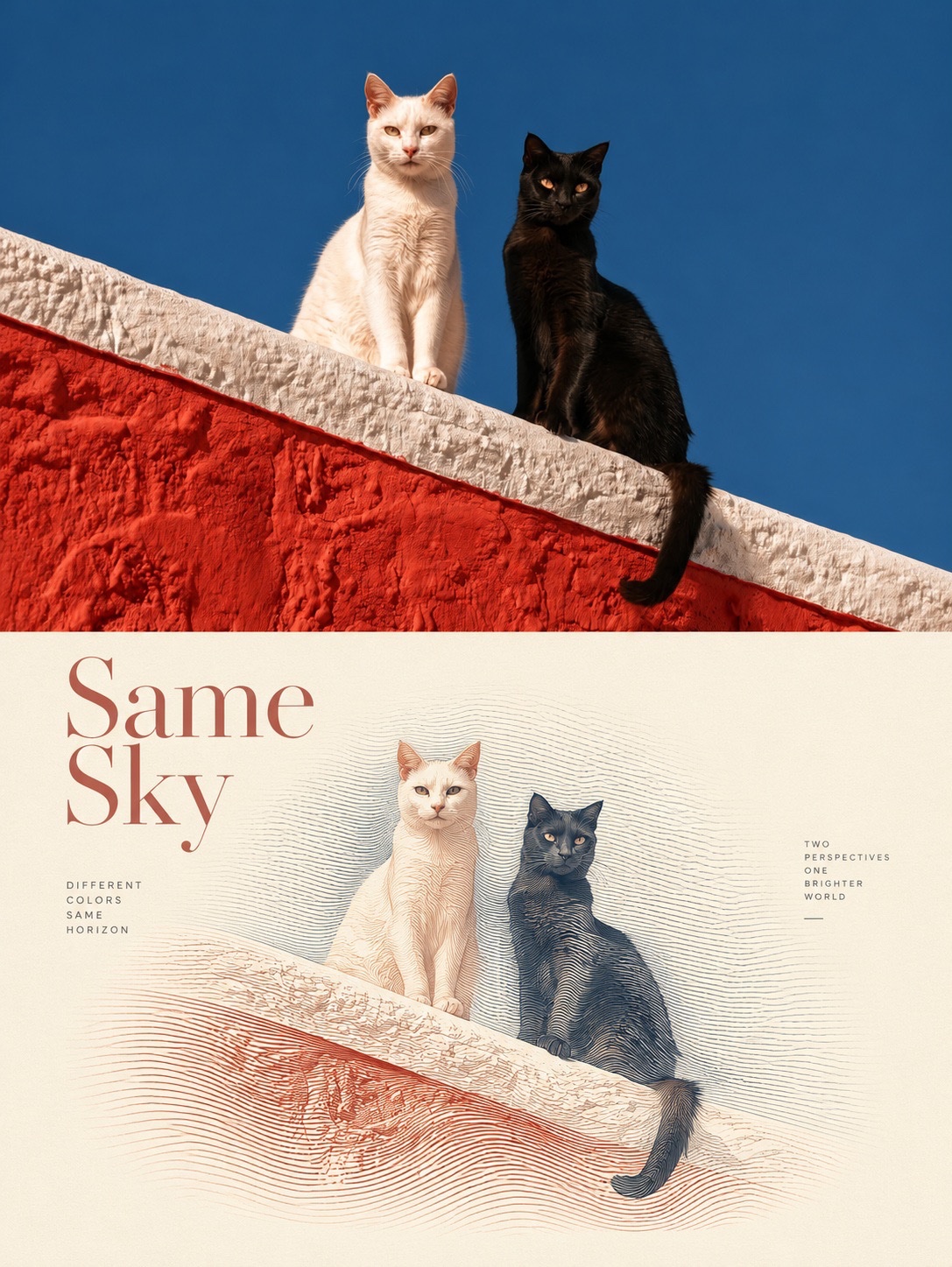
Transform the provided reference photograph into a sophisticated, premium editorial art poster while preserving the original subject exactly as shown. Composition: Create a vertical 4:5 editorial layout divided into two sections. The upper section features the original photograph in full color, maintaining the exact face, identity, pose, clothing, objects, proportions, and natural details. Do not beautify, retouch, or alter the subject. The lower section transforms the same photograph into an elegant, artistic illustration on a warm ivory, textured paper background. Recreate the subject using delicate flowing contour lines, fine engraved linework, subtle crosshatching, and elegant hand-drawn strokes. Preserve the subject’s original silhouette, facial features, pose, and recognizable details. Typography: Add a large, refined editorial headline on the lower section, positioned to the left with generous spacing. Use sophisticated high-contrast serif typography inspired by luxury fashion magazines. Choose a short, meaningful title that matches the photograph. Add small uppercase supporting text on the left and right, with wide letter spacing and minimalist editorial details. Art direction: Minimalist luxury magazine aesthetic, Japanese editorial design influence, vintage printmaking, fine-line illustration, warm cream paper grain, subtle natural imperfections, delicate flowing wave patterns surrounding the subject, muted earthy accents, restrained color palette, balanced negative space, elegant visual hierarchy, museum-quality art direction. Color palette: Warm ivory, soft beige, muted gold, dusty brown, or subdued green, selected to complement the original photograph. Important requirements: Keep the upper photograph realistic and unchanged. The lower illustration must depict the exact same subject and scene, not a different interpretation. Maintain accurate anatomy, original colors where appropriate, and recognizable details. Text should be clean, correctly spelled, and professionally typeset. No extra subjects, no distorted features, no excessive effects, no artificial facial enhancement, no watermarks. Final result: A premium, collectible editorial art poster combining an authentic photograph with a delicate, hand-drawn contour illustration, resembling a high-end photography exhibition poster.

Details
Type
AI Image Prompts
Aspect Ratio
3:4
Updated
Oct 29, 2026
Category
PosterDigital ArtMinimalist
Source

How to use this prompt

  1. 1Copy the full prompt with the copy button above.
  2. 2Open Nano Banana 2.1 by Google, or any image generator with a similar style range.
  3. 3Paste the prompt, then swap the subject and style keywords to match your idea.
  4. 4Match the example's settings (3:4 · Poster · Digital Art · Minimalist), then iterate — small wording changes shift the output a lot.

Frequently asked questions

Which AI model generated this image?

This image was generated with Nano Banana 2.1 by Google. The prompt on this page is the exact text used to create it.

What settings does this prompt use?

The example was generated with Nano Banana 2.1 using: 3:4 · Poster · Digital Art · Minimalist. Reusing these settings gives the closest match.

How do I get similar results?

Copy the prompt as-is first, then replace only the subject while keeping the style, lighting, and composition keywords. Generate a few variations — outputs differ between runs.

Can I modify this prompt?

Yes. Prompts work best as starting points — adjust descriptors, aspect ratio, or style tags to make the output your own.
More Nano Banana 2.1 prompts

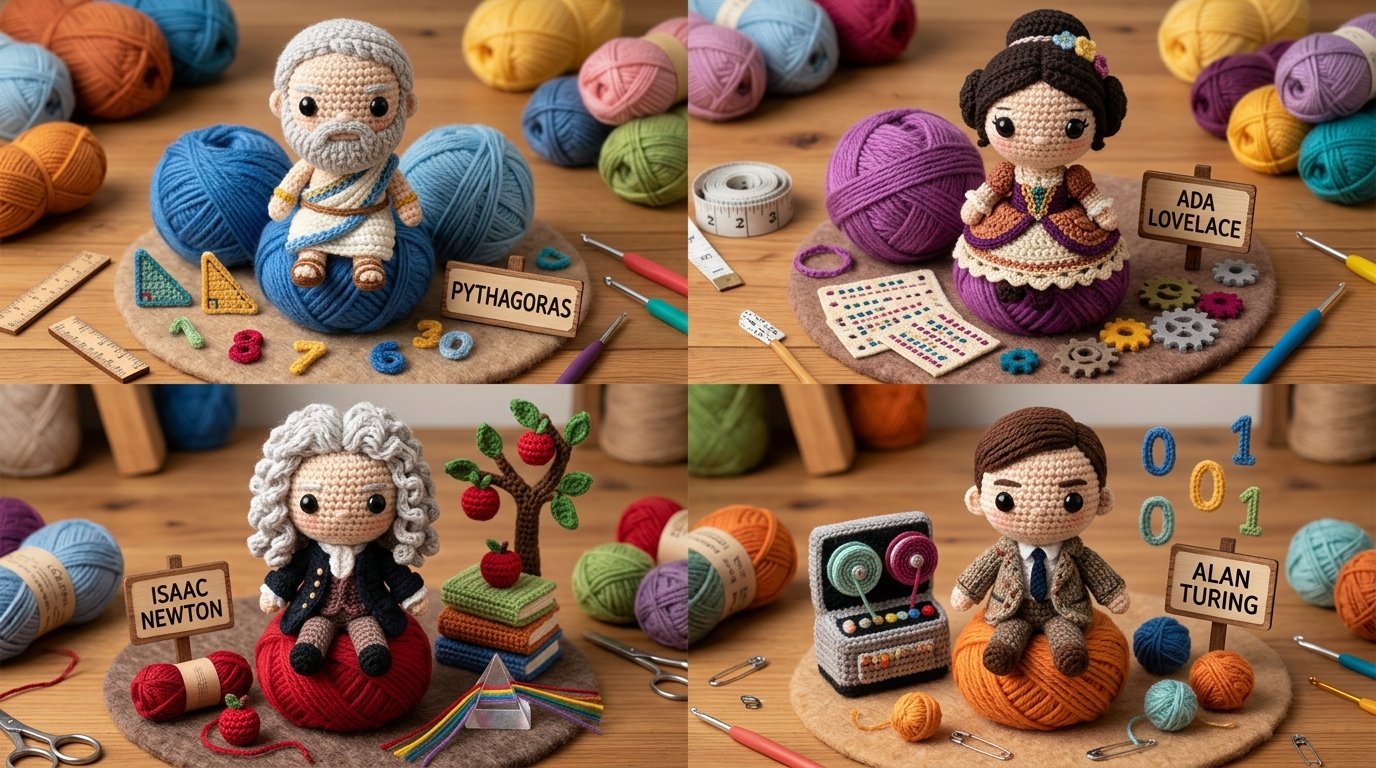
2x2 grid, do this for 4 famous mathematicians TECHNIQUE: Single Crochet. TEXTURE: Visible loop stitc — AI image prompt — Nano Banana 2.1
GoogleNano Banana 2.1
2x2 grid, do this for 4 famous mathematicians TECHNIQUE: Single Crochet. TEXTURE: Visible loop stitches. MATERIAL: Worsted weight yarn. - Convert entire surface to tight yarn loops. - Eyes are plastic safety eyes. - Increase size of head relative to body (chibi). -preserve cuddly, handmade look Output: one image}
Details
16:9, do this for a topic that keeps us awake at night: in this style= {

CORE IDEA:
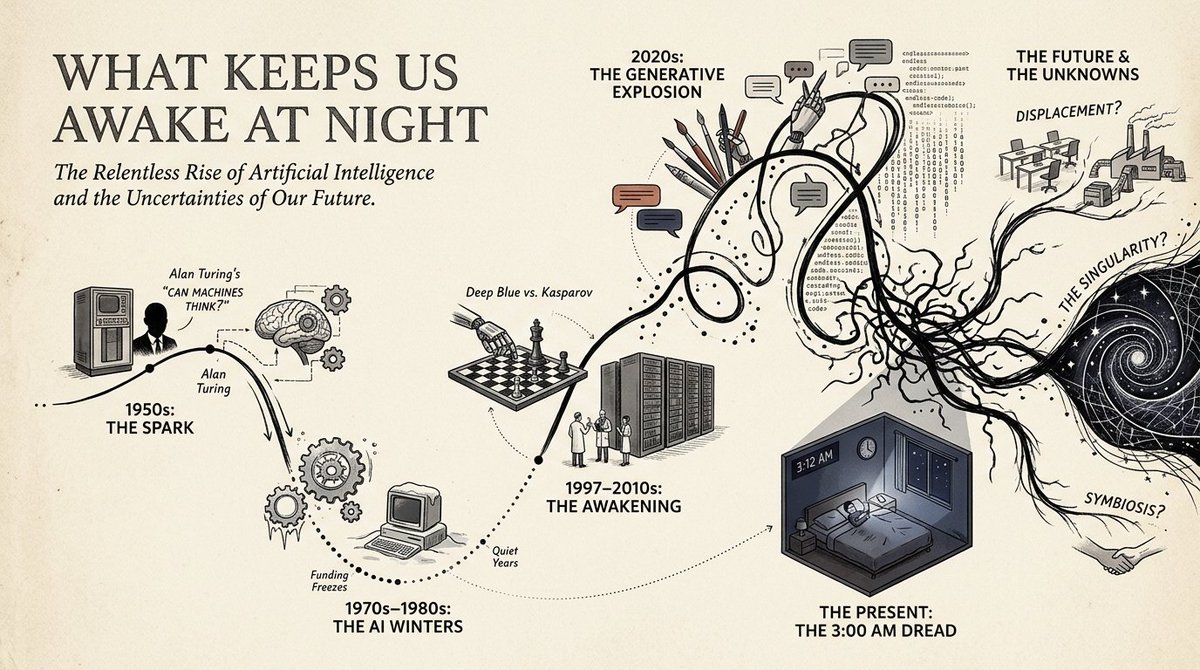
Transform the s — AI image prompt — Nano Banana 2.1
GoogleNano Banana 2.1
16:9, do this for a topic that keeps us awake at night: in this style= { CORE IDEA: Transform the subject into a chronological visual journey where a single wandering line travels through time, branching into illustrated milestones, cultural scenes, human moments, and symbolic turning points. MEDIUM: Editorial infographic × historical poster illustration × narrative timeline × miniature visual storytelling. BACKGROUND: Warm ivory or lightly textured archival paper. PALETTE: Mostly black, cream, muted gray, and one or two restrained accent families inferred from the subject. Important milestones may receive stronger localized color. TIMELINE: A continuous hand-drawn path flows horizontally or diagonally across the composition. The path may: loop, dip, accelerate, split, reconnect, flatten, or become chaotic according to the subject’s actual development. MILESTONES: Major stages become illustrated nodes attached to the line. Each node may contain: a person, profession, invention, object, event, environment, symbol, cultural artifact, breakthrough, setback, or transformation. - Analyze the subject and infer its most meaningful chronological stages rather than dividing time evenly. Convert the subject’s progression into one expressive continuous path whose shape reflects momentum, uncertainty, disruption, growth, decline, or reinvention. Reinterpret major milestones as compact illustrated vignettes placed above or below the path. Use simplified human figures, objects, architecture, tools, symbols, or environments to make each milestone immediately understandable. Convert abstract changes into visual path behavior: uncertainty → loops and knots, acceleration → steep directional movement, stability → long clean segments, disruption → sudden breaks or drops, divergence → branching routes, convergence → reconnecting paths. Use dotted vertical connectors to link timeline points with their illustrated scenes. Let early periods feel simpler and later periods become visually denser when the subject naturally grows in complexity. If the subject has competing trajectories, show multiple temporary paths before returning to one dominant storyline. Preserve substantial negative space so the journey remains readable rather than becoming a collage. Simplified editorial figures. Bold silhouettes mixed with minimal line drawing. Small architectural scenes. Iconic objects rather than detailed realism. Clear visual metaphors. Occasional large symbolic illustrations anchoring major transitions. PRIMARY: large subject title or concept. SECONDARY: milestone dates, eras, phases, or sequence markers. TERTIARY: very short explanatory phrases. VISUAL: the timeline and illustrations must communicate the story even if all secondary text disappears. Use one dominant timeline across the full composition. Alternate visual nodes above and below it. Reserve one end of the composition for the current or culminating state. Allow one particularly important milestone to become much larger than surrounding nodes. Keep text aligned to a disciplined editorial grid. - Intelligent narrative infographic. - Historical journey poster. - Human-centered, analytical, and visually approachable. - Feels like a magazine feature, museum wall graphic, and illustrated timeline combined. - Avoid generic evenly spaced timelines. - Avoid turning every event into the same-sized icon. - Avoid dense paragraphs. - Avoid meaningless decorative line movement. - Avoid purely corporate infographic aesthetics. - Avoid identical color intensity across every era. }
Details
2x2 grid, 16:9, do this for 4 questions that baffle humans: I₁  ELEGANT SINGLE‑FACE WORDMARK (master — AI image prompt — Nano Banana 2.1
GoogleNano Banana 2.1
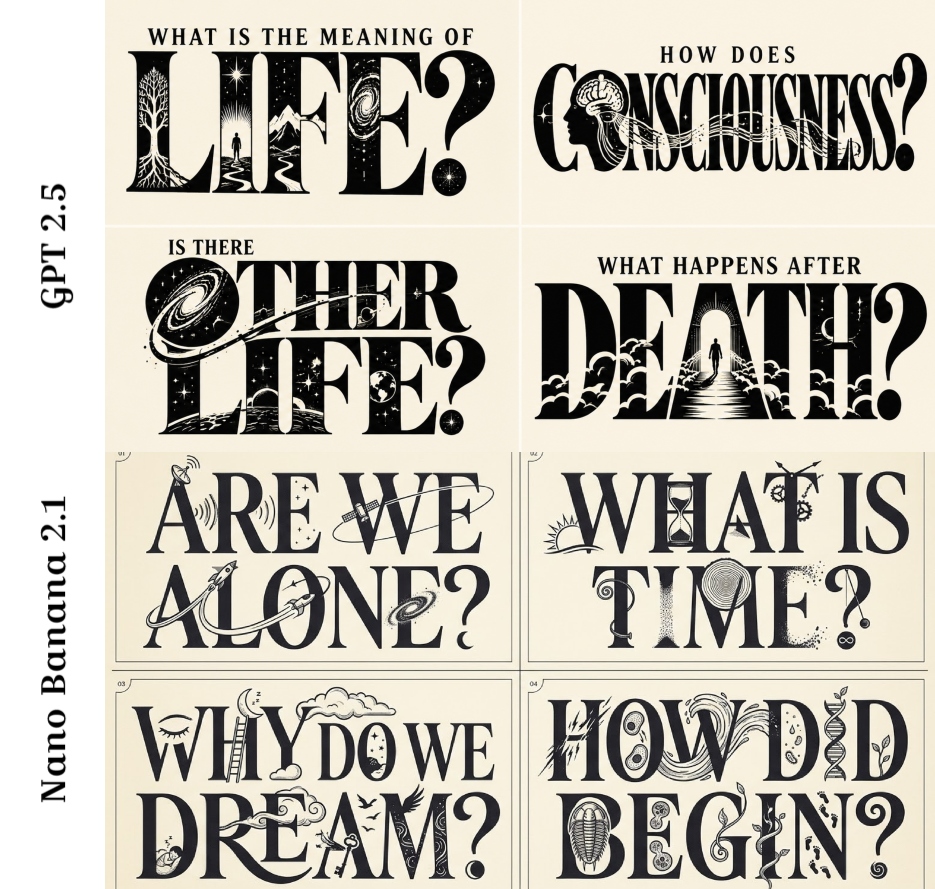
2x2 grid, 16:9, do this for 4 questions that baffle humans: I₁ ELEGANT SINGLE‑FACE WORDMARK (master) the phrase in ONE elegant/distinctive display face (condensed serif here), set clean and dominant across one or two lines; the type IS the poster. ¬I₁ = plain body face / multiple faces / small type / type sharing space with a separate illustration. I₂ NARRATIVE INSERTS IN LETTERFORMS story icons integrated into the letters' anatomy — rocket through a counter, trail as a connective swash, stars in counters, crescent as diacritic; the inserts read as part of the type composition, not stickers. ¬I₂ = icons beside/behind the type as separate art / floating stickers / inserts ignoring letter anatomy. I₃ STORY SEQUENCE LEGIBLE the inserts imply the narrative sequence (launch → trail → destination moon/stars); the eye follows the mission through the lockup. ¬I₃ = random icons / no sequence / inserts that don't connect. I₄ TWO‑INK MINIMAL one ink on a light ground (black on cream); no color, no extra imagery, generous negative space. ¬I₄ = color / gradient / extra scenery / busy ground. I₅ LEGIBILITY PRESERVED despite the inserts, every letter reads; no insert breaks a letter beyond recognition. ¬I₅ = broken letters / illegible word / inserts overwhelming the type. η HONEST TYPE consistent letterform weight, clean insert linework, balanced counters. FORBIDDEN = plain wordmark · stickers beside type · inserts unrelated to story · color · extra imagery · illegible letters · inserts breaking letters · multiple faces
Details
class CreatorToyBoxDiorama:
    def __init__(self, CREATOR):
        s = infer(CREATOR)              — AI image prompt — Nano Banana 2.1
GoogleNano Banana 2.1
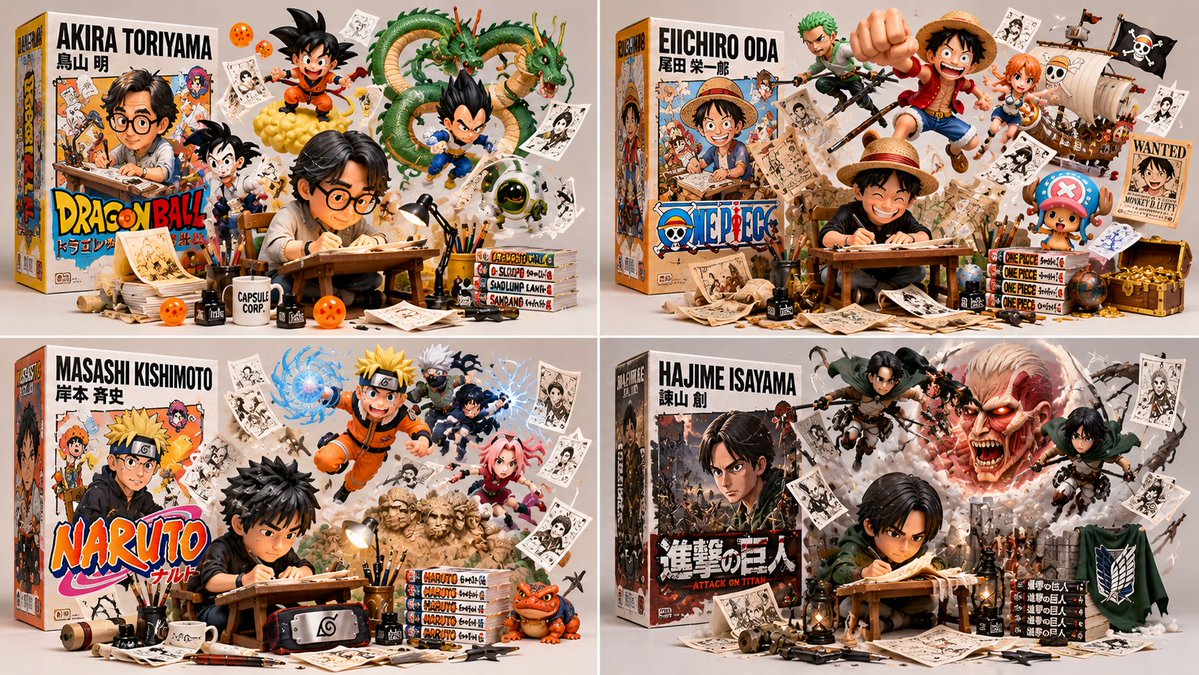
class CreatorToyBoxDiorama: def __init__(self, CREATOR): s = infer(CREATOR) # figure, box, escapees, artifacts, present self.s = s def render(self): return collectible_render( figure=vinyl_figure(self.s.figure, at=self.s.station, pose=WORKING), # B₁ box=retail_box(title=self.s.title, art=depicts(self.s.figure)), # B₂ escapees=[ burst_from(e, origin=self. s. box. art, into=SPACE, dynamic=True) for e in self.s.escapees ], # B₃ artifacts=suspended(self.s.artifacts, ground_contact=NONE), # B₄ studio=neutral_bg(soft_light=True, title_legible=True) ) # B₅ def verify(self, img): assert figure_at_craft(img) and toy_material(img.figure), "B₁: realistic/idle" assert box_present(img) and design_equal(img. box. art.figure, img.figure), "B₂: mismatch" assert len(img.escapees) >= 2 and all(origin_on(e, img .box. art) and body_outside(e, img. box) for e in img.escapees), "B₃: static on box" assert all(no_ground_contact(a) for a in img.artifacts), "B₄: resting props" assert neutral_bg(img) and legible(img . box.title) and collectible_quality(img), "B₅" CreatorToyBoxDiorama(CREATOR).render()
Details
Create an adorable, premium-quality 3D chibi-style illustration of a sleepy little toddler girl sitt — AI image prompt — Nano Banana 2.1
GoogleNano Banana 2.1
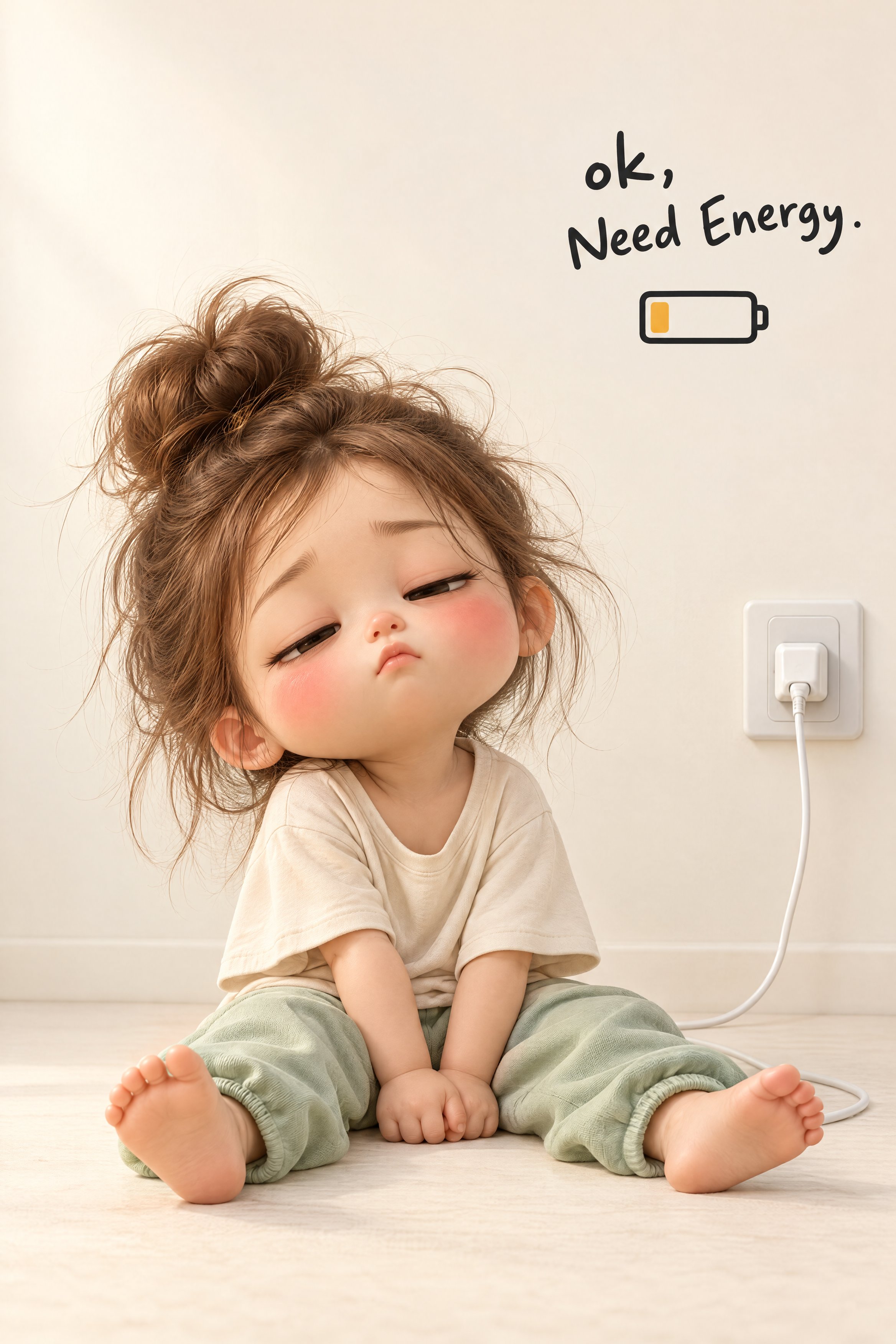
Create an adorable, premium-quality 3D chibi-style illustration of a sleepy little toddler girl sitting beside an oversized white pause button, visually representing the feeling of wanting to stop everything and take a break. A tiny, adorable toddler girl with an oversized rounded head, delicate childlike proportions, and soft, porcelain-like skin. Her facial features include: Large, expressive dark-brown eyes, almost completely closed. Delicate black eyelashes. Soft, naturally rosy cheeks with a prominent pink blush. A tiny button nose. Small, gently puckered pink lips. Thin, delicate eyebrows. Smooth, peach-toned skin with subtle natural highlights. Small, rounded ears. Her dark chocolate-brown hair is styled in a messy, voluminous high bun. Several loose, wispy strands escape around the bun and frame her forehead, temples, and cheeks. Her expression communicates complete relaxation, sleepiness, and peaceful exhaustion. Her eyes are gently closed, her lips slightly pursed, and her head rests sideways against the large white object. The toddler wears a soft pastel-pink pajama set. The outfit includes: A long-sleeved pink pajama top with delicate white piping around the collar and sleeve edges. Matching loose pink pajama trousers. Soft cotton-like fabric with subtle wrinkles and natural folds. She is barefoot, with tiny feet and realistically rendered little toes. She holds a small cream-white plush cushion shaped like a rounded flower or decorative pillow. The cushion has a soft, padded appearance, subtle pale-pink speckles, and a small flower-shaped cushion detail visible near her legs. The toddler sits on the floor with her legs extended forward and slightly bent. Her back and head lean comfortably against the large white pause button. Both hands gently hold a small cream-colored cushion against her stomach. Her shoulders are relaxed, her head tilts slightly toward the large object, and her eyes remain peacefully closed. Her entire body language should communicate that she has mentally switched off and wants to rest. A large, minimalist, white 3D rectangular button occupies the right side of the composition. The object resembles an oversized computer keyboard key or a physical pause button. Its characteristics: Large, chunky, rectangular form. Smooth, glossy white surface. Rounded corners and gently curved edges. Slightly elevated top surface. Thick, solid white sides. Softly reflective highlights. Subtle shadows around its base. On the upper surface, prominently display the exact word: "Pause" Use large, bold, black, clean sans-serif typography. The word should be centered on the top surface, following the slight perspective and angle of the button. The toddler leans against this oversized button, making the object appear like a physical symbol of taking a break from life. Include a second text element near the lower-right area of the composition. The exact wording should be: "life on pause ♡" Use small, lowercase, dark-grey handwritten-style lettering. The typography should resemble casual, slightly imperfect handwriting with natural spacing between letters. Include a small outlined heart symbol at the end. Keep the lettering delicate and minimal. A seamless, warm ivory-white studio environment. The background and floor blend together without visible corners or distracting architectural elements. The toddler and oversized pause button rest directly on the smooth floor. There should be no additional furniture, decorative objects, or unnecessary background details. Maintain generous empty space, especially across the upper half of the image. Vertical 9:16 portrait orientation. Front-facing, slightly low camera perspective. Toddler positioned in the lower-left portion. Oversized pause button positioned on the lower-right side. The toddler's head and shoulder gently touch the button. Entire character and oversized button visible. Text "life on pause ♡" positioned below and slightly to the right of the button. Large areas of clean negative space above the main subjects. Balanced visual relationship between the character and the oversized button. The composition should feel like a minimalist premium 3D social-media illustration. Soft, diffused studio lighting from the upper-left/front direction. Gentle highlights on the toddler's forehead, cheeks, nose, hair, and pink pajamas. Soft reflective highlights across the glossy white pause button. Subtle contact shadows beneath the toddler's feet, body, cushion, and the large button. Use ambient occlusion around the contact points between the toddler and the button to create realistic depth. Avoid harsh shadows or dramatic lighting. Use a soft, warm pastel color palette: Warm ivory and creamy-white background. Glossy pure-white pause button. Pastel blush-pink pajamas. Peach and porcelain skin tones. Rosy-pink cheeks. Dark chocolate-brown hair. Cream-white cushion. Black typography. Muted charcoal-grey handwritten text. Keep the overall image warm, peaceful, minimal, and visually soothing. High-end 3D animated character illustration with a cute chibi aesthetic. Exaggerated toddler proportions, oversized expressive head, delicate facial details, beautifully rendered hair strands, soft skin shading, realistic cotton fabric, and smooth rounded geometry. Use: Subtle subsurface scattering. Physically based materials. Soft ambient occlusion. Realistic fabric folds. Smooth glossy plastic rendering. Delicate studio reflections. High-quality CGI character modeling. The result should resemble a professionally rendered collectible animated character in a premium lifestyle advertising campaign. Professional 3D product-illustration composition. Simulate a 50mm portrait lens perspective with minimal distortion, sharp focus across the
Details
A premium collectible-style 3D render, an absurd action & power scene featuring the uploaded referen — AI image prompt — Nano Banana 2.1
GoogleNano Banana 2.1
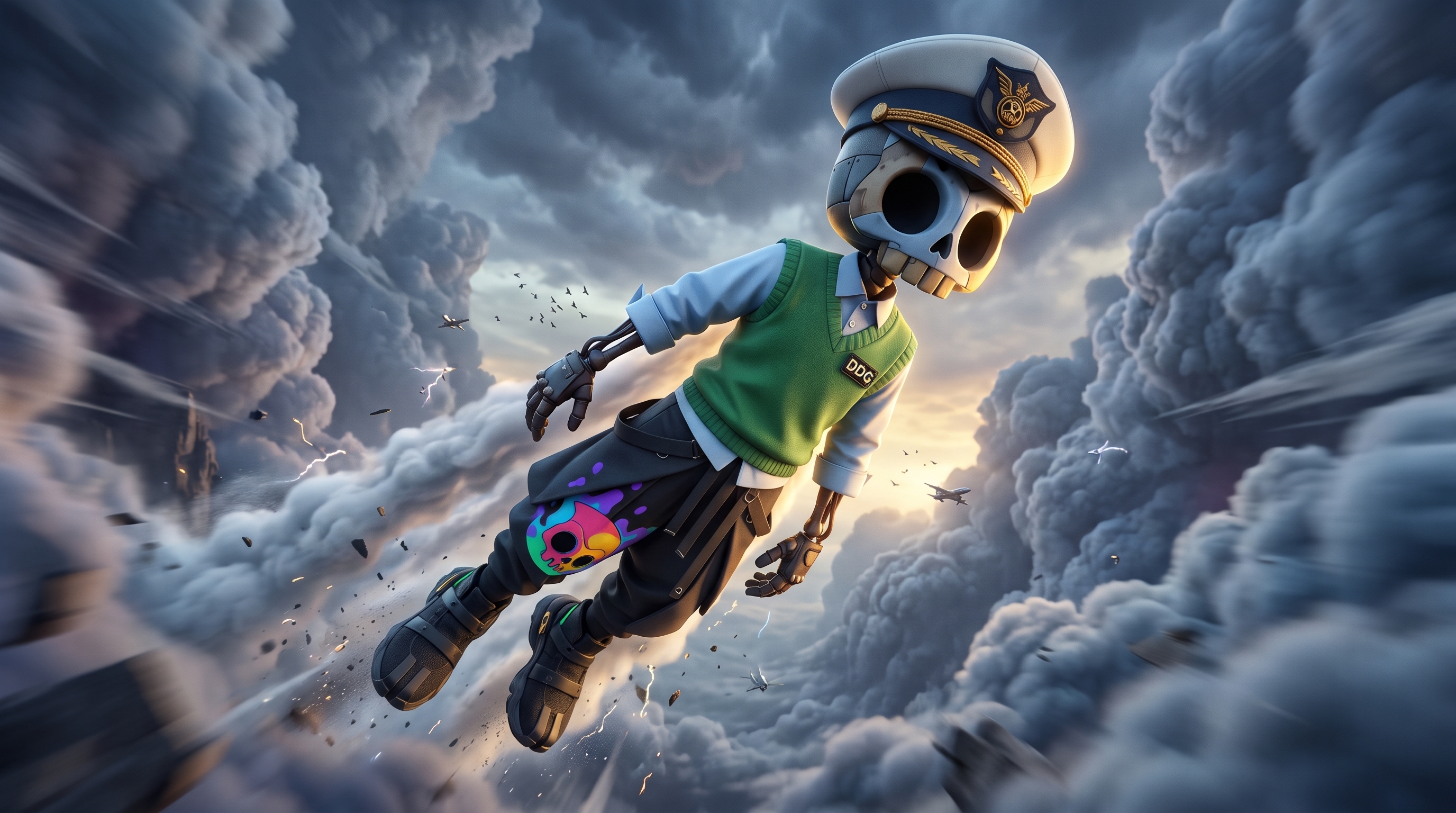
A premium collectible-style 3D render, an absurd action & power scene featuring the uploaded reference character's exact likeness. Character Lock (CRITICAL): Use the uploaded reference character's exact likeness. Preserve exact head shape and head-to-body proportions, eye shape, size, spacing and stylization, facial structure with only the features that exist in the reference, original silhouette, clothing, materials, patterns and colors. Do not humanize. Do not add a nose, mouth, fingers, limbs or accessories that the reference does not have. Do not change proportions to fit the scene. The environment adapts to the character, never the opposite. Translate 2D artwork into 3D without changing silhouette, proportions or features; premium vinyl and resin surfaces with soft subsurface. Scene: The character flying like a superhero through a canyon of storm clouds, cape-like streaks of vapor trailing behind. The character is colossal, towering over the environment like a landmark. Scale reads through tiny vehicles, birds, clouds and atmospheric haze between camera and subject. Camera: Extreme worm's-eye view from a 14mm ultra-wide lens placed almost on the ground, rotated 8 to 12 degrees off level. The nearest structure of the character dominates the foreground through lens stretch, the head sits on a strong diagonal. Composition: Asymmetrical placement on a strong diagonal or rule-of-thirds line, layered foreground, midground and background depth. Depth of Field: Primary focal plane on the eyes, clouds streaking past. Other planes soften progressively with distance; objects near the lens fall into soft blur and the background dissolves into bokeh. No uniform full-frame sharpness. Lighting: Low golden-hour sun, warm long shadows, cool blue shadow fill from the sky. Textures & Atmosphere: Debris and dust exploding outward, motion blur on the far edges, sparks and shock-wave distortion in the air. Color Grade: Desaturated environment, the character's original colors kept rich. Preserve the character's original palette. Mood: Deadpan absurd humor. The character takes the ridiculous situation completely seriously. Negative: no humanized anatomy, no invented facial features, no extra characters, no gritty realism, no artificial wear, no flat even lighting, no centered static pose, no text or watermark. ar 16:9
Details
// ── SEMANTIC INFERENCE ────────────────────────────────────────── THEME_AESTHETIC  = infer_motif_l — AI image prompt — Nano Banana 2.1
GoogleNano Banana 2.1
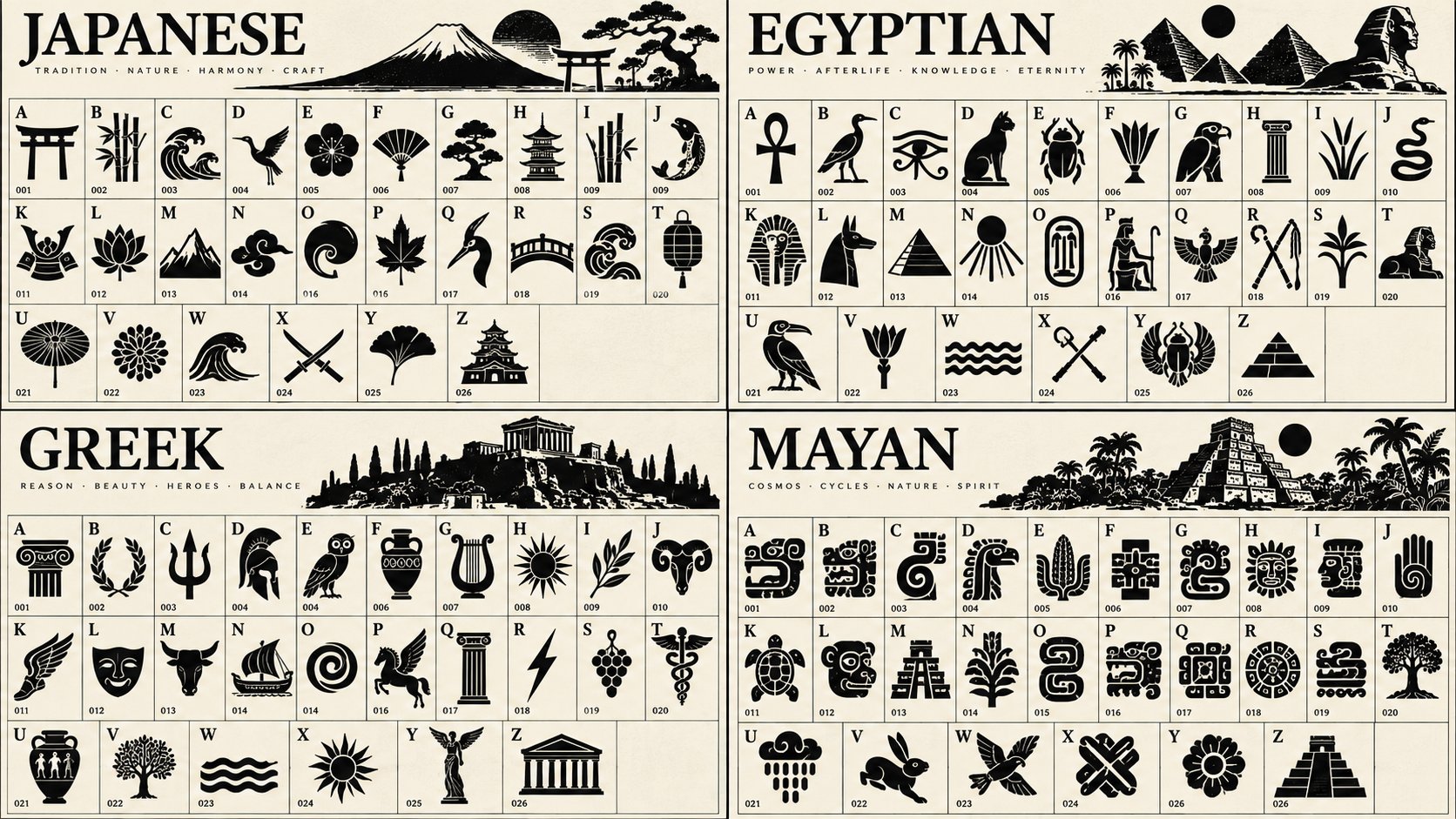
// ── SEMANTIC INFERENCE ────────────────────────────────────────── THEME_AESTHETIC = infer_motif_language($ TOPIC) // Mesoamerican, Cyberpunk circuitry, botanical, nautical, astral MOTIF_PRIMITIVES = infer_shape_vocabulary(THEME_AESTHETIC) // hooks, spirals, dots, sweeping tails, gears, leaves GRID_LAYOUT = 26_cells (A-Z), strict orthogonal grid INK_STYLE = solid_black_blocks, negative_space_carving // ── GLYPH GENERATION FIELD ───────────────────────────────────── // Each glyph is a dense mass carved by negative space. Φ(x,y) = solid_mass(GRID_CELL) - carve_potential(MOTIF_PRIMITIVES) F = ∇Φ // flow of the outer silhouette Curl = ∇×Φ // internal spirals, loops, and curves Div = ∇·F // density of dots, eye-holes, and negative space gaps // ── ITERATION (A to Z) ───────────────────────────────────────── for letter in A..Z: // 1. Base mass: Assign a random organic/geometric bounding shape BASE = random_organic_blob(THEME_AESTHETIC) // 2. Apply topic-specific motifs for i in 1..3: MOTIF = select_random(MOTIF_PRIMITIVES) FUSE(BASE, MOTIF, via=Curl) // 3. Carve negative space CARVE(BASE, shape='internal_eye_or_gap', via=Div) CARVE(BASE, shape='sweeping_slash', via=F) // 4. Metadata RENDER_LABEL(letter, top_left) RENDER_ID(format="00" + index, bottom_left) // 5. Place in grid PLACE(BASE, grid=GRID_LAYOUT) // ── ACCURACY CHECK PROTOCOL ──────────────────────────────────── ACCURACY_CHECK = { grid_check : exactly 26 cells, A-Z, silhouette_check: all glyphs are solid black masses, carve_check : negative space does not break the outer silhouette, theme_check : motifs (e.g., if $ TOPIC is 'Marine Biology', look for fins/waves) } IF ANY check fails → regenerate affected glyphs. // ── RENDER ───────────────────────────────────────────────────── RENDER_BOARD( layout := GRID_LAYOUT, palette := { ink: black, paper: light_grey }, style := 'bold_iconic_totem_glyphs' )
Details
2x2 grid, 16:9, do this for 4 famous scifi movies: class UniversalEditorialMetaphor:

    def __init — AI image prompt — Nano Banana 2.1
GoogleNano Banana 2.1
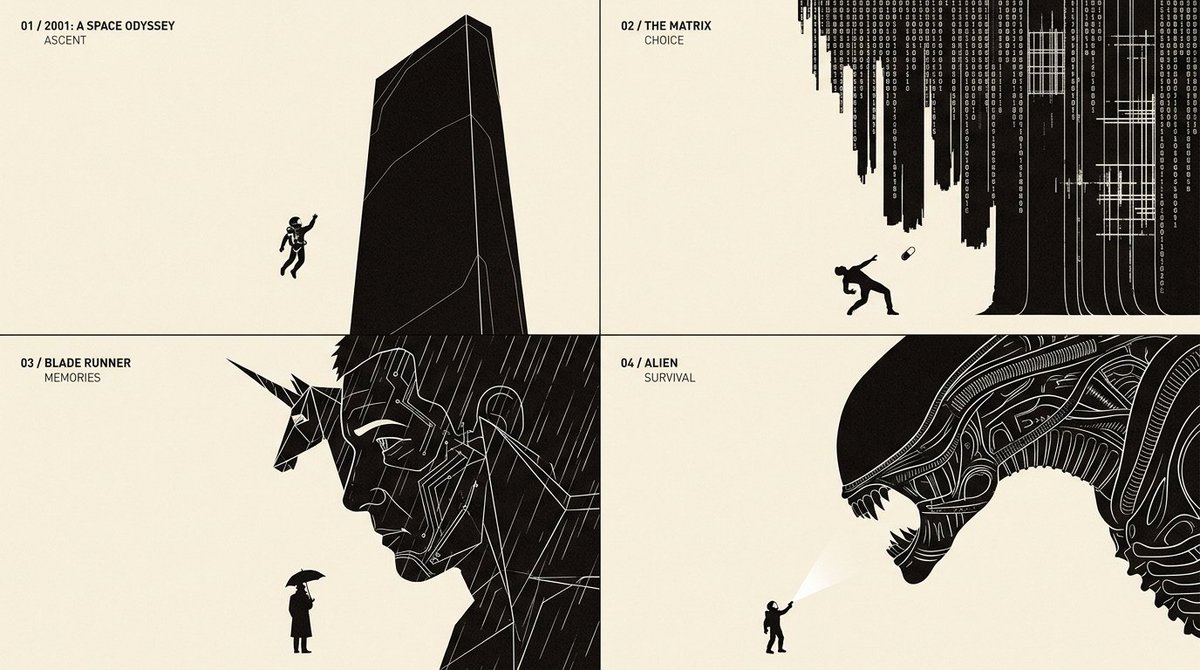
2x2 grid, 16:9, do this for 4 famous scifi movies: class UniversalEditorialMetaphor: def __init__(self, topic): self.topic = topic self.semantics = infer_semantic_structure(topic) self.thesis = infer_visual_thesis(topic) self.mood = infer_editorial_tone(topic) self.metaphors = generate_candidate_metaphors( topic, count=12 ) self. best_metaphor = self. select_best_metaphor() def select_best_metaphor(self): return max( self.metaphors, key=lambda m: 0.35 * semantic_accuracy(m) + 0.25 * conceptual_originality(m) + 0.25 * visual_clarity(m) + 0.15 * silhouette_strength(m) ) def visual_actors(self): return { "primary": infer_dominant_form( self. best_metaphor ), "secondary": infer_consequence_or_partner( self. best_metaphor ), "interaction": infer_decisive_action( self. best_metaphor ) } def composition(self): return { "geometry": "asymmetric", "primary_scale": "monumental", "secondary_scale": "small", "camera": "flat editorial orthographic", "cropping": "dramatic boundary intrusion", "negative_space": "dominant", "focal_point": "physical interaction" } def typography(self): return { "heading": derive_chapter_title(self.topic), "embedded_word": infer_single_action_label_if_needed( self.topic ), "density": "minimal" } def render_style(self): return { "background": "warm ivory", "foreground": "near-black", "interior_lines": "fine white contours", "shadows": None, "gradients": None, "texture": "minimal editorial print", "format": "wide conceptual illustration" } def render(self): return compose( actors=self.visual_actors(), metaphor=self. best_metaphor, layout=self.composition(), typography=self.typography(), style=self.render_style() ) FINAL_IMAGE = UniversalEditorialMetaphor( topic="[TOPIC]" ).render()
Details
Browse all Nano Banana 2.1 promptsExplore AI Image Prompts