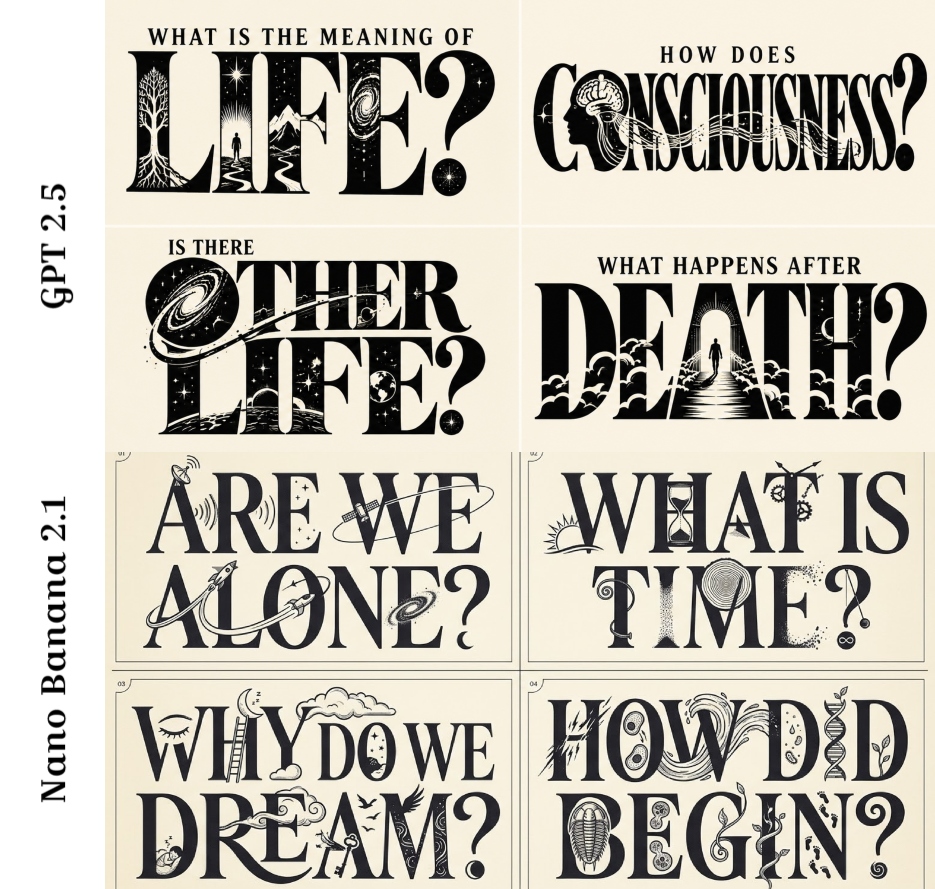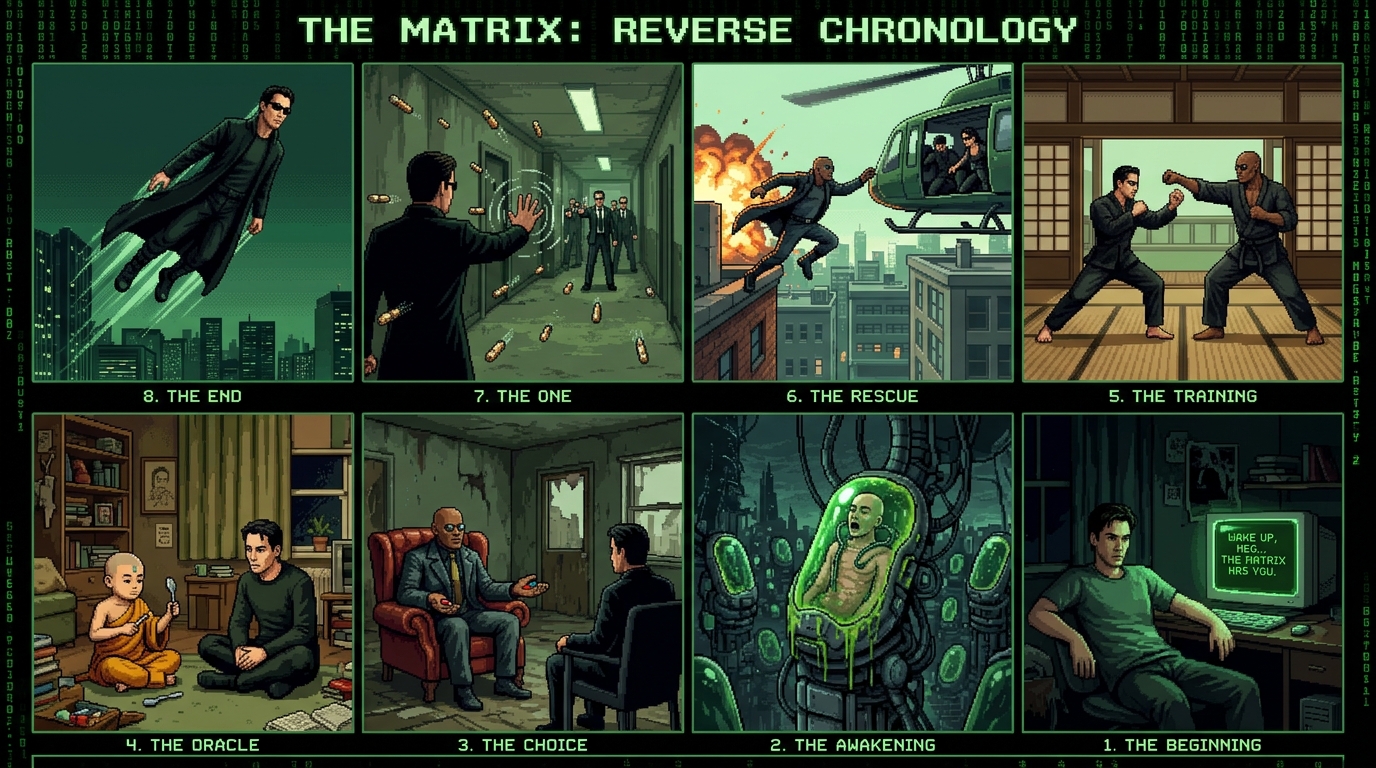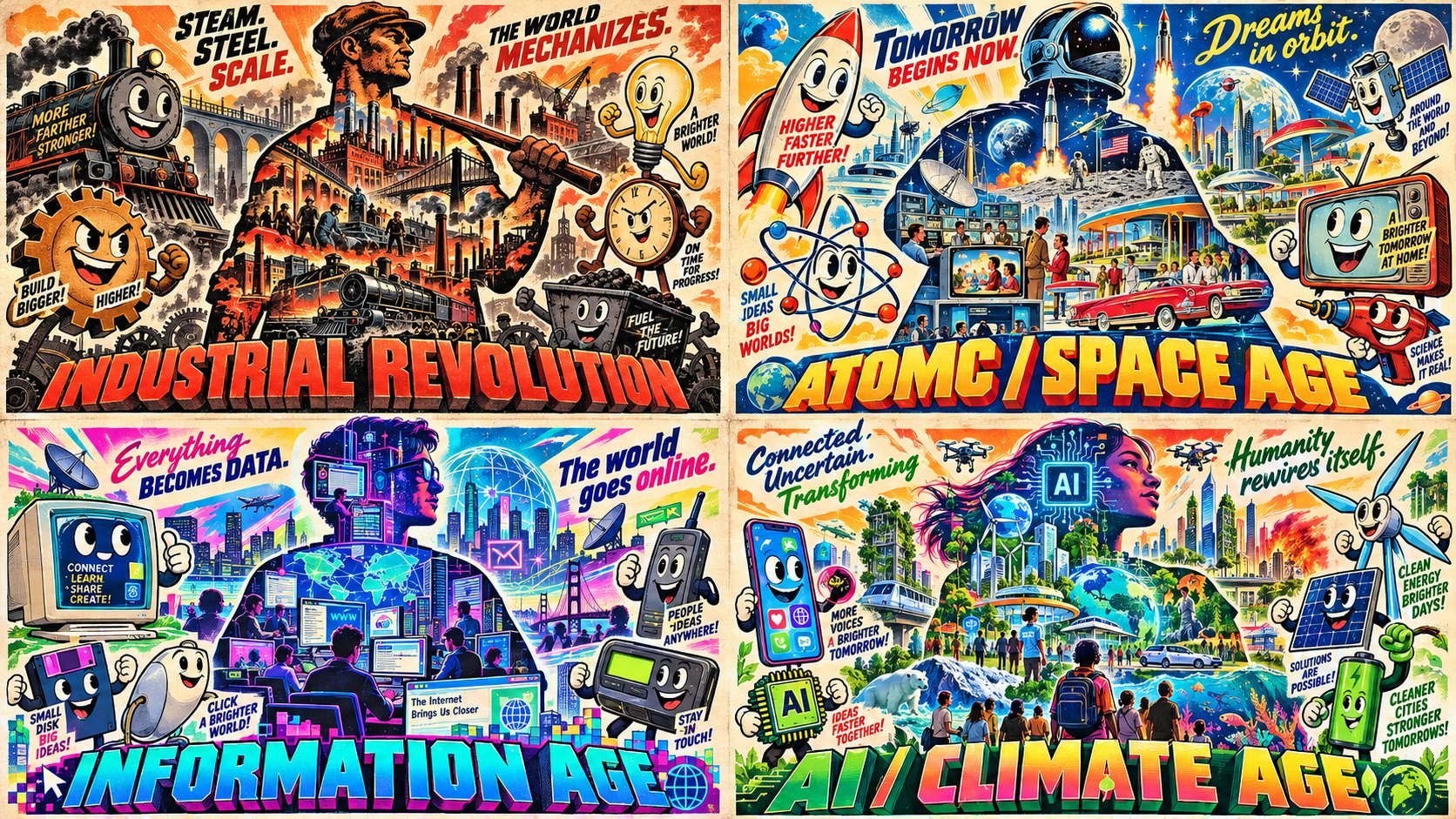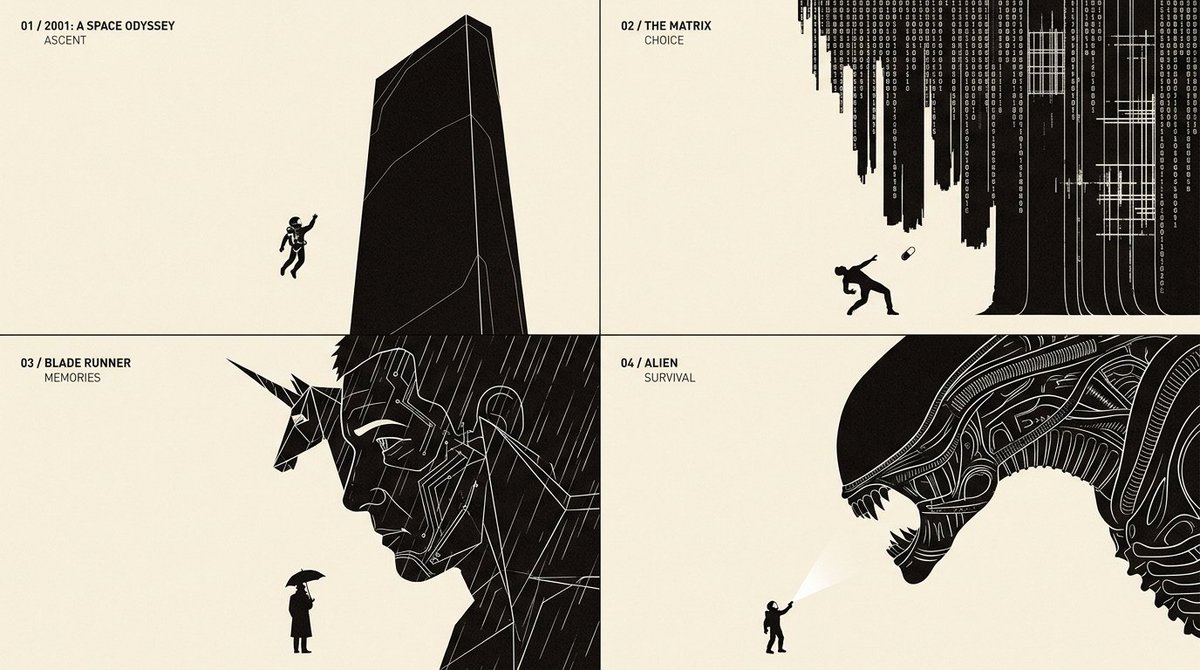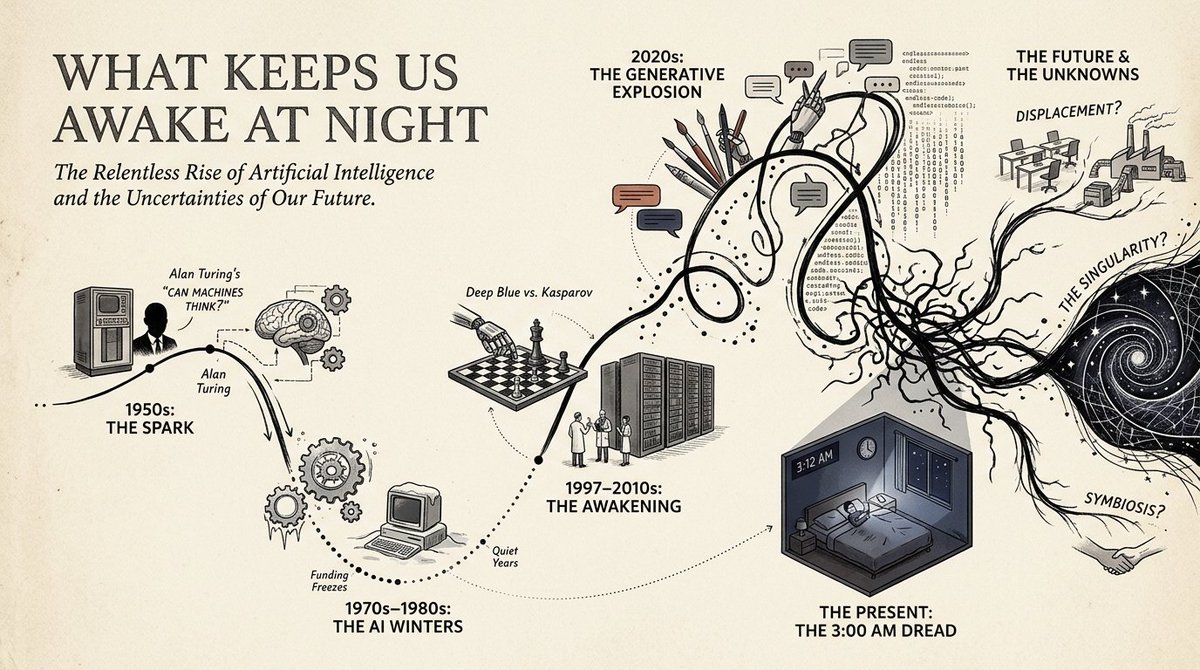
Narrative Timeline Infographic Prompt

16:9, do this for a topic that keeps us awake at night: in this style= { CORE IDEA: Transform the subject into a chronological visual journey where a single wandering line travels through time, branching into illustrated milestones, cultural scenes, human moments, and symbolic turning points. MEDIUM: Editorial infographic × historical poster illustration × narrative timeline × miniature visual storytelling. BACKGROUND: Warm ivory or lightly textured archival paper. PALETTE: Mostly black, cream, muted gray, and one or two restrained accent families inferred from the subject. Important milestones may receive stronger localized color. TIMELINE: A continuous hand-drawn path flows horizontally or diagonally across the composition. The path may: loop, dip, accelerate, split, reconnect, flatten, or become chaotic according to the subject’s actual development. MILESTONES: Major stages become illustrated nodes attached to the line. Each node may contain: a person, profession, invention, object, event, environment, symbol, cultural artifact, breakthrough, setback, or transformation. - Analyze the subject and infer its most meaningful chronological stages rather than dividing time evenly. Convert the subject’s progression into one expressive continuous path whose shape reflects momentum, uncertainty, disruption, growth, decline, or reinvention. Reinterpret major milestones as compact illustrated vignettes placed above or below the path. Use simplified human figures, objects, architecture, tools, symbols, or environments to make each milestone immediately understandable. Convert abstract changes into visual path behavior: uncertainty → loops and knots, acceleration → steep directional movement, stability → long clean segments, disruption → sudden breaks or drops, divergence → branching routes, convergence → reconnecting paths. Use dotted vertical connectors to link timeline points with their illustrated scenes. Let early periods feel simpler and later periods become visually denser when the subject naturally grows in complexity. If the subject has competing trajectories, show multiple temporary paths before returning to one dominant storyline. Preserve substantial negative space so the journey remains readable rather than becoming a collage. Simplified editorial figures. Bold silhouettes mixed with minimal line drawing. Small architectural scenes. Iconic objects rather than detailed realism. Clear visual metaphors. Occasional large symbolic illustrations anchoring major transitions. PRIMARY: large subject title or concept. SECONDARY: milestone dates, eras, phases, or sequence markers. TERTIARY: very short explanatory phrases. VISUAL: the timeline and illustrations must communicate the story even if all secondary text disappears. Use one dominant timeline across the full composition. Alternate visual nodes above and below it. Reserve one end of the composition for the current or culminating state. Allow one particularly important milestone to become much larger than surrounding nodes. Keep text aligned to a disciplined editorial grid. - Intelligent narrative infographic. - Historical journey poster. - Human-centered, analytical, and visually approachable. - Feels like a magazine feature, museum wall graphic, and illustrated timeline combined. - Avoid generic evenly spaced timelines. - Avoid turning every event into the same-sized icon. - Avoid dense paragraphs. - Avoid meaningless decorative line movement. - Avoid purely corporate infographic aesthetics. - Avoid identical color intensity across every era. }
Details
- Type
- AI Image Prompts
- Aspect Ratio
- 120:67
- Updated
- Nov 5, 2026
Category
How to use this prompt
- 1Copy the full prompt with the copy button above.
- 2Open Nano Banana 2.1 by Google, or any image generator with a similar style range.
- 3Paste the prompt, then swap the subject and style keywords to match your idea.
- 4Match the example's settings (120:67 · Historical · Infographic · Poster), then iterate — small wording changes shift the output a lot.
Frequently asked questions
Which AI model generated this image?
This image was generated with Nano Banana 2.1 by Google. The prompt on this page is the exact text used to create it.
What settings does this prompt use?
The example was generated with Nano Banana 2.1 using: 120:67 · Historical · Infographic · Poster. Reusing these settings gives the closest match.
How do I get similar results?
Copy the prompt as-is first, then replace only the subject while keeping the style, lighting, and composition keywords. Generate a few variations — outputs differ between runs.
Can I modify this prompt?
Yes. Prompts work best as starting points — adjust descriptors, aspect ratio, or style tags to make the output your own.