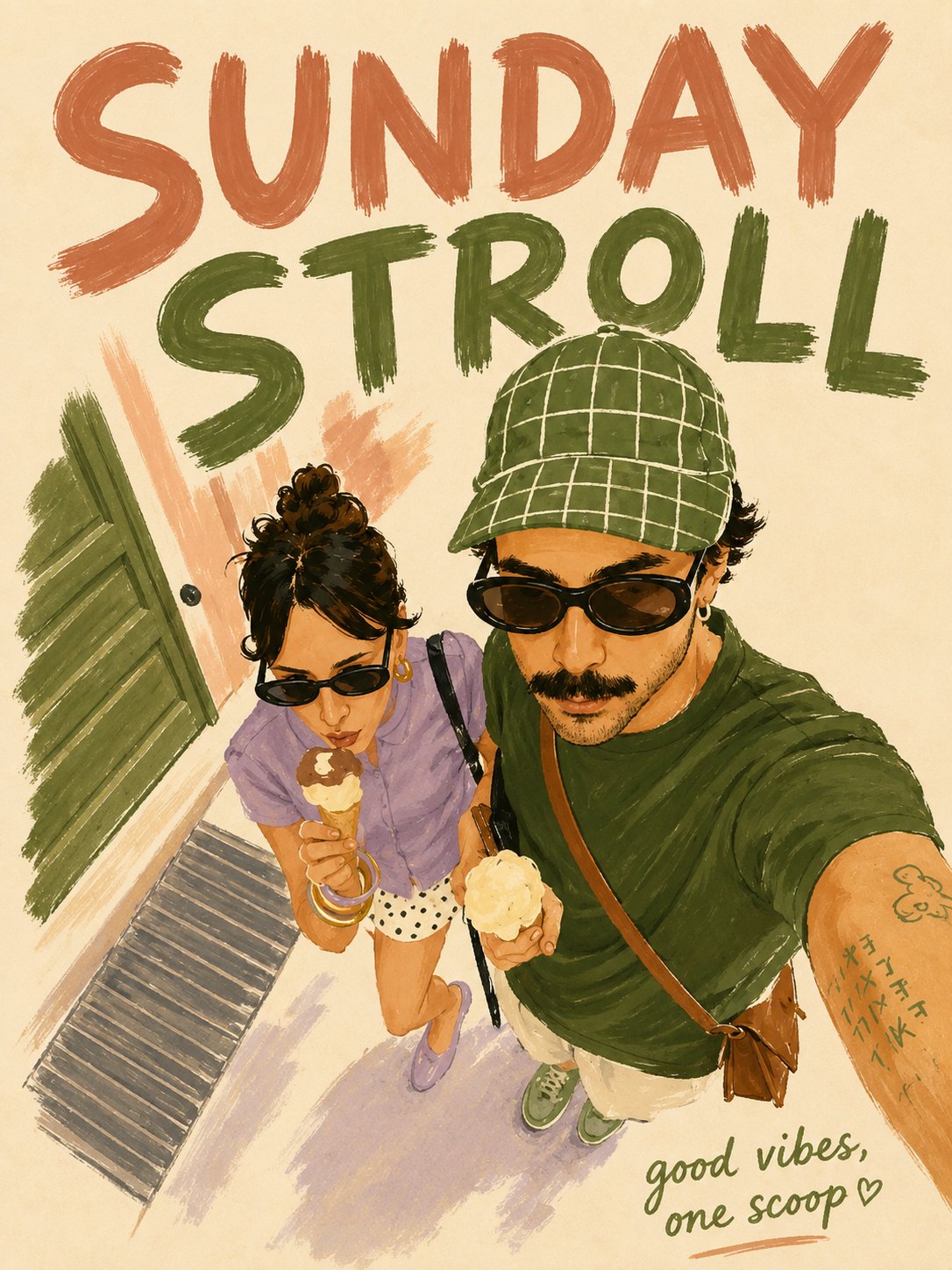
Brush-Painted Illustration Poster Transformation
 GPT Image 2OpenAIimage
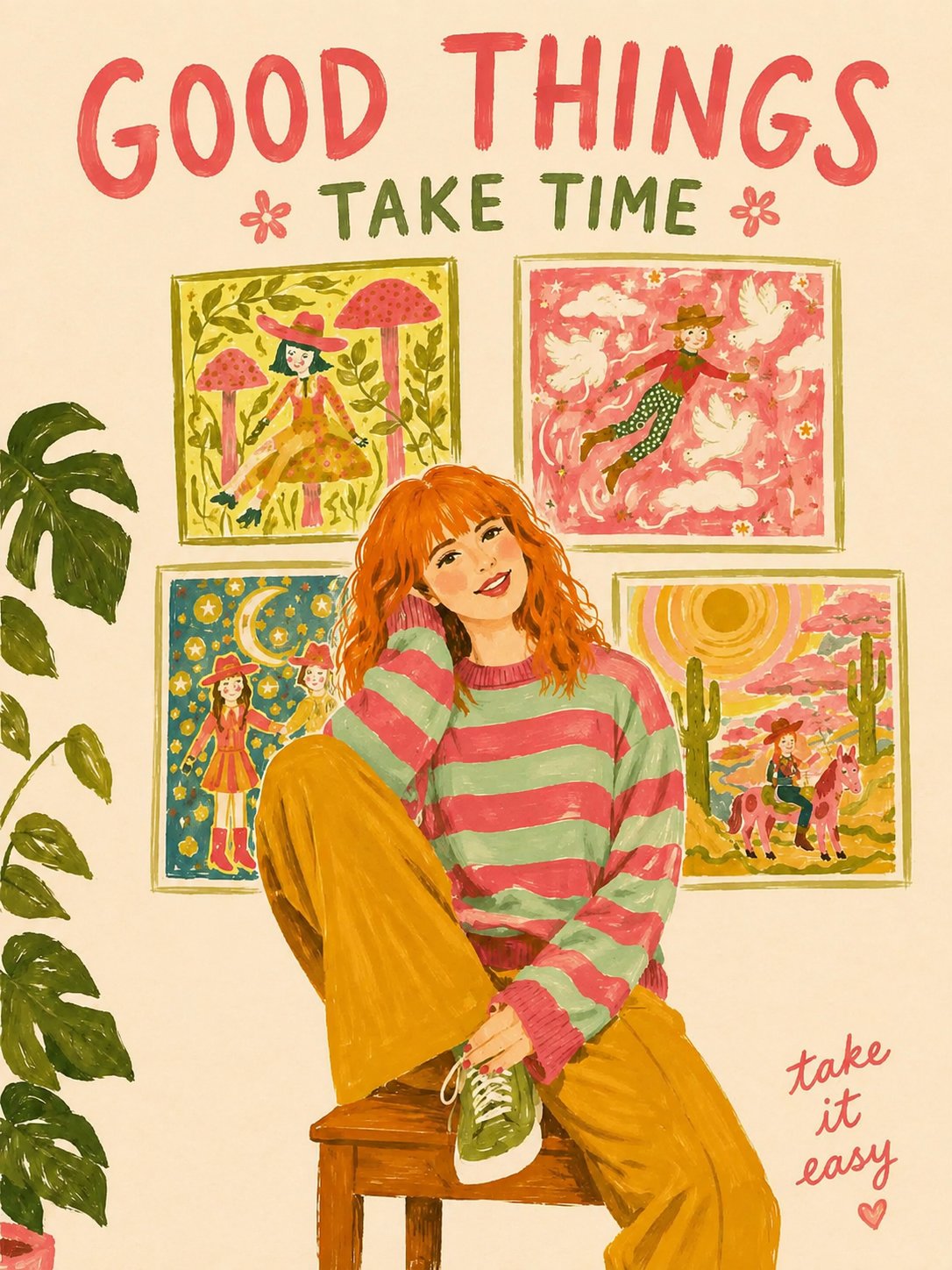
Transform the attached photo into a brush-painted illustration poster. The subject in the photo can be food, another product, a landscape, an animal, a person, or any object you want to feature as the main subject. [Aspect Ratio] Vertical 3:4 [Style] Digital painting / brush-painted effect. Visible brush strokes, uneven edges, slightly stretched paint marks. Hand-painted appearance that feels untouched and authentic. Interpret the image as a flat illustration with a simple arrangement of shapes rather than a realistic depiction. No gradients, shadows, 3D rendering, or detailed textures. Keep everything completely flat. Use a thin, irregular brush-painted outline that varies slightly from the painted areas. [Color] Background should be cream / off-white paper. Use only 3–4 colors taken from the attached photo: 1 dark primary color 1 bright primary color 1–2 supporting colors Slightly desaturated vintage tone. Never increase the number of colors. [Composition] The subject should be large and centered, occupying approximately 50–55% of the canvas. Extend the composition vertically with more space above and below, while also increasing the left and right margins. At the top: place 1–2 English uppercase words describing the subject, in very large hand-painted brush lettering. Use very wide letter spacing; the text may wrap around the illustration or extend toward the right/downward. At the bottom right: add a short handwritten English phrase of 3–5 words in an accent color. [Text] Look at the photo and choose suitable top and bottom phrases. Do not use the actual subject name as the top text. Choose words based on the atmosphere, location, season, time of day, or emotion shown in the photo. The bottom phrase should feel casual, lighthearted, and slightly playful—not overly serious or explanatory. [Forbidden] Realistic rendering 3D Shadows Reflections Logos Watermarks Border frames Excessive enlargement of the subject
Details
- Type
- AI Image Prompts
- Aspect Ratio
- 3:4
- Updated
- Aug 21, 2026
Category
How to use this prompt
- 1Copy the full prompt with the copy button above.
- 2Open GPT Image 2 by OpenAI, or any image generator with a similar style range.
- 3Paste the prompt, then swap the subject and style keywords to match your idea.
- 4Match the example's settings (3:4 · Poster · Digital Art · Minimalist), then iterate — small wording changes shift the output a lot.
Frequently asked questions
Which AI model generated this image?
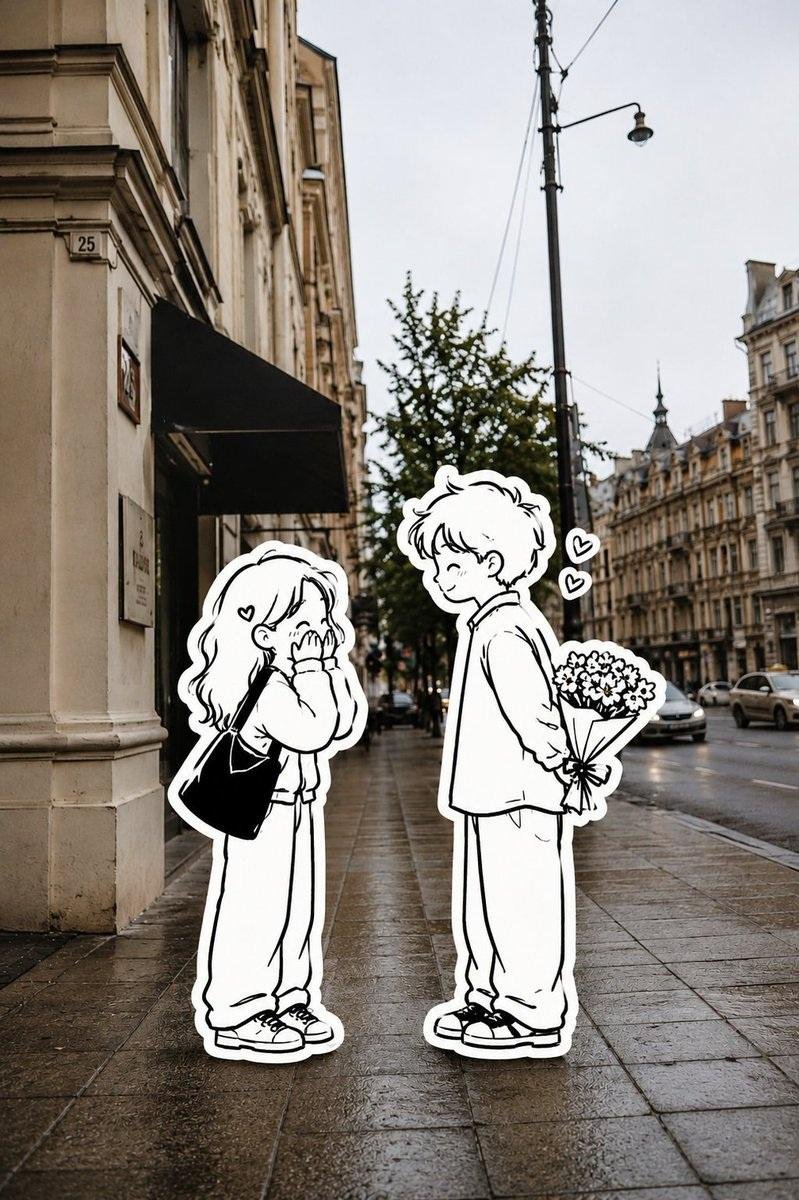
This image was generated with GPT Image 2 by OpenAI. The prompt on this page is the exact text used to create it.
What settings does this prompt use?
The example was generated with GPT Image 2 using: 3:4 · Poster · Digital Art · Minimalist. Reusing these settings gives the closest match.
How do I get similar results?
Copy the prompt as-is first, then replace only the subject while keeping the style, lighting, and composition keywords. Generate a few variations — outputs differ between runs.
Can I modify this prompt?
Yes. Prompts work best as starting points — adjust descriptors, aspect ratio, or style tags to make the output your own.
![Create a beautiful artistic illustration of [COUNTRY] represented through its national bird, [NATION — AI image prompt — GPT Image 2](https://cdn.ahaprompt.app/harvest-media/import-1788917968096-4tdbpo.jpg)