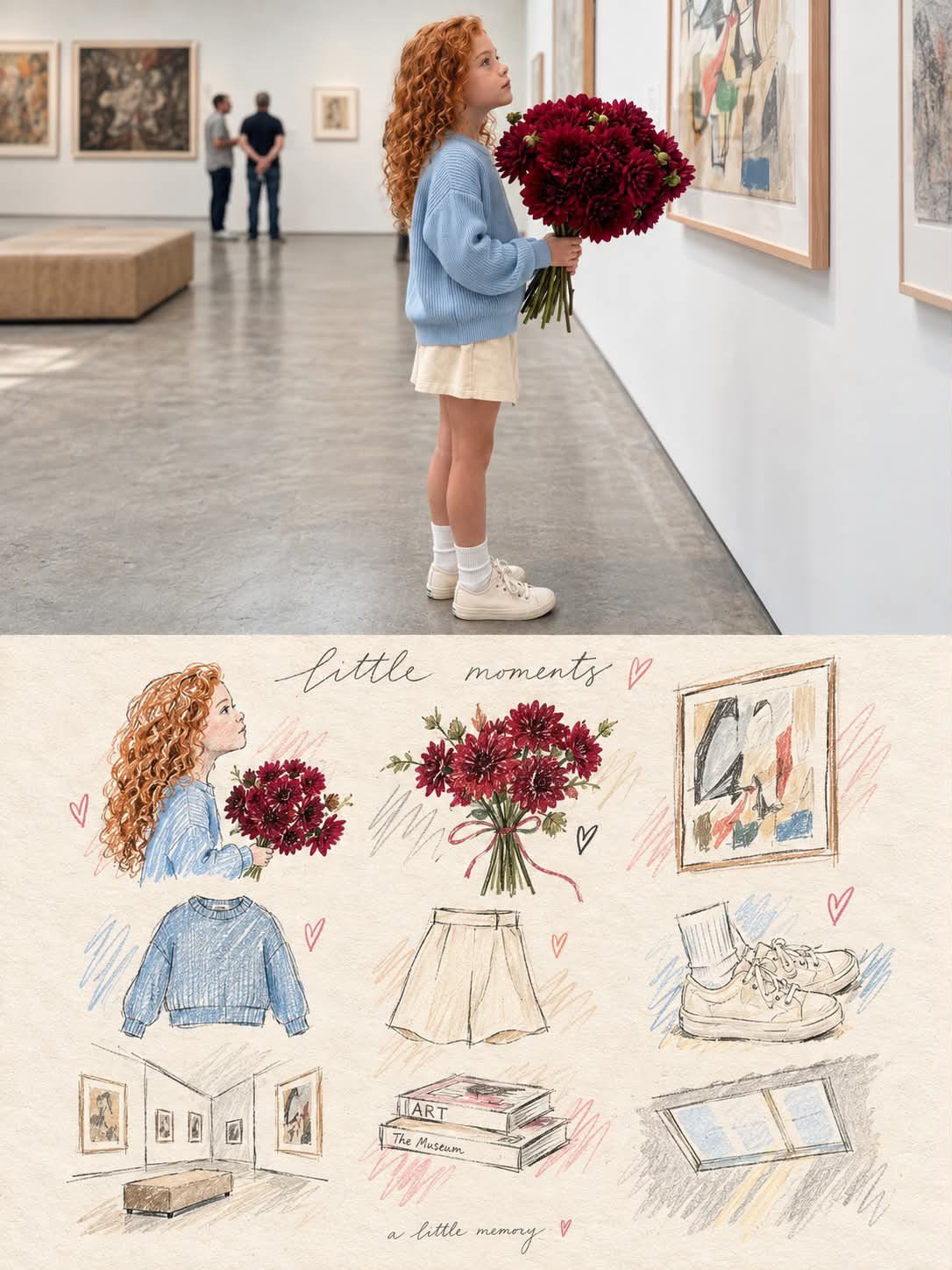
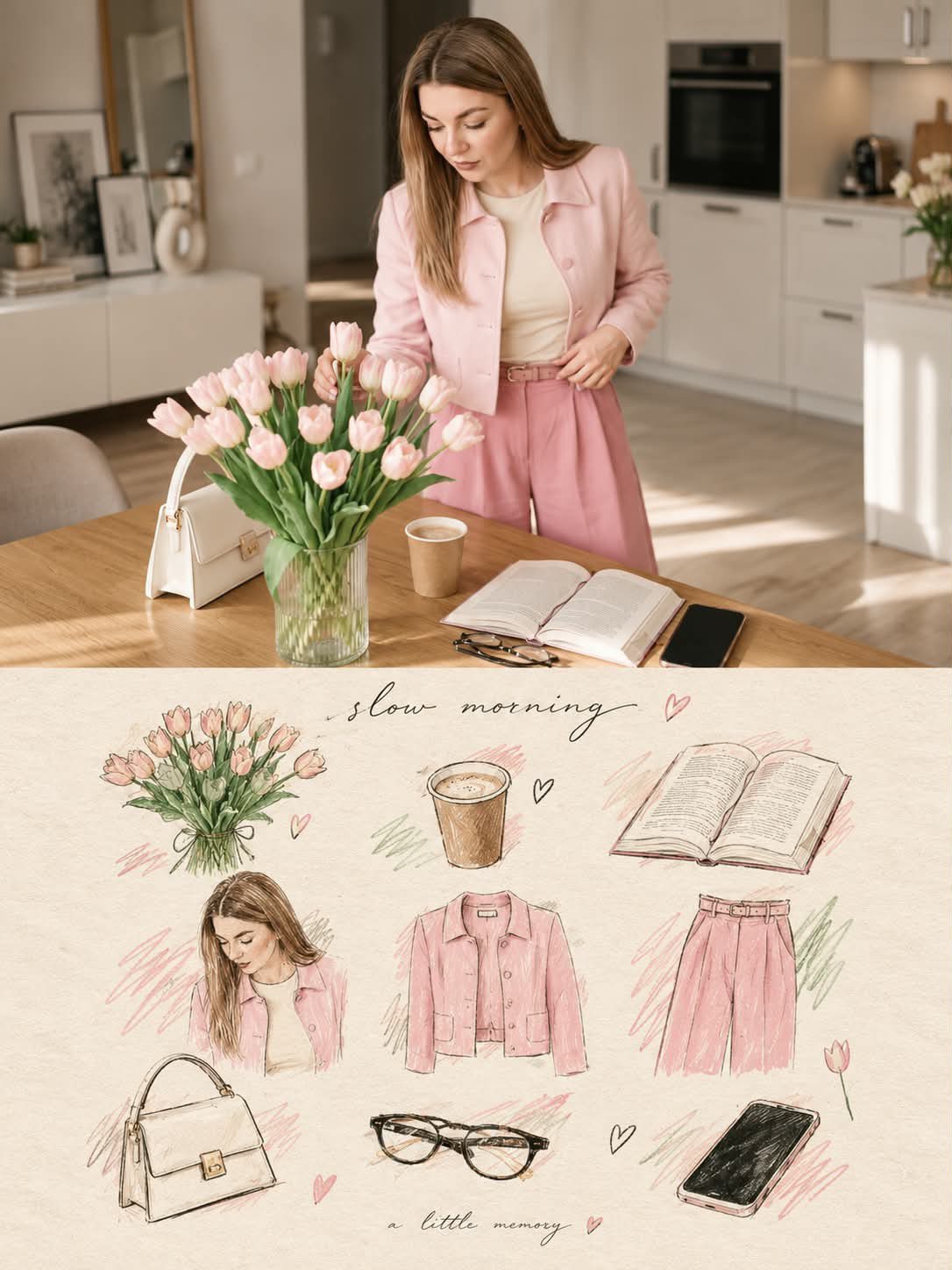
Real Photo and Illustrated Memory Scrapbook Poster
 GPT Image 2OpenAIimage
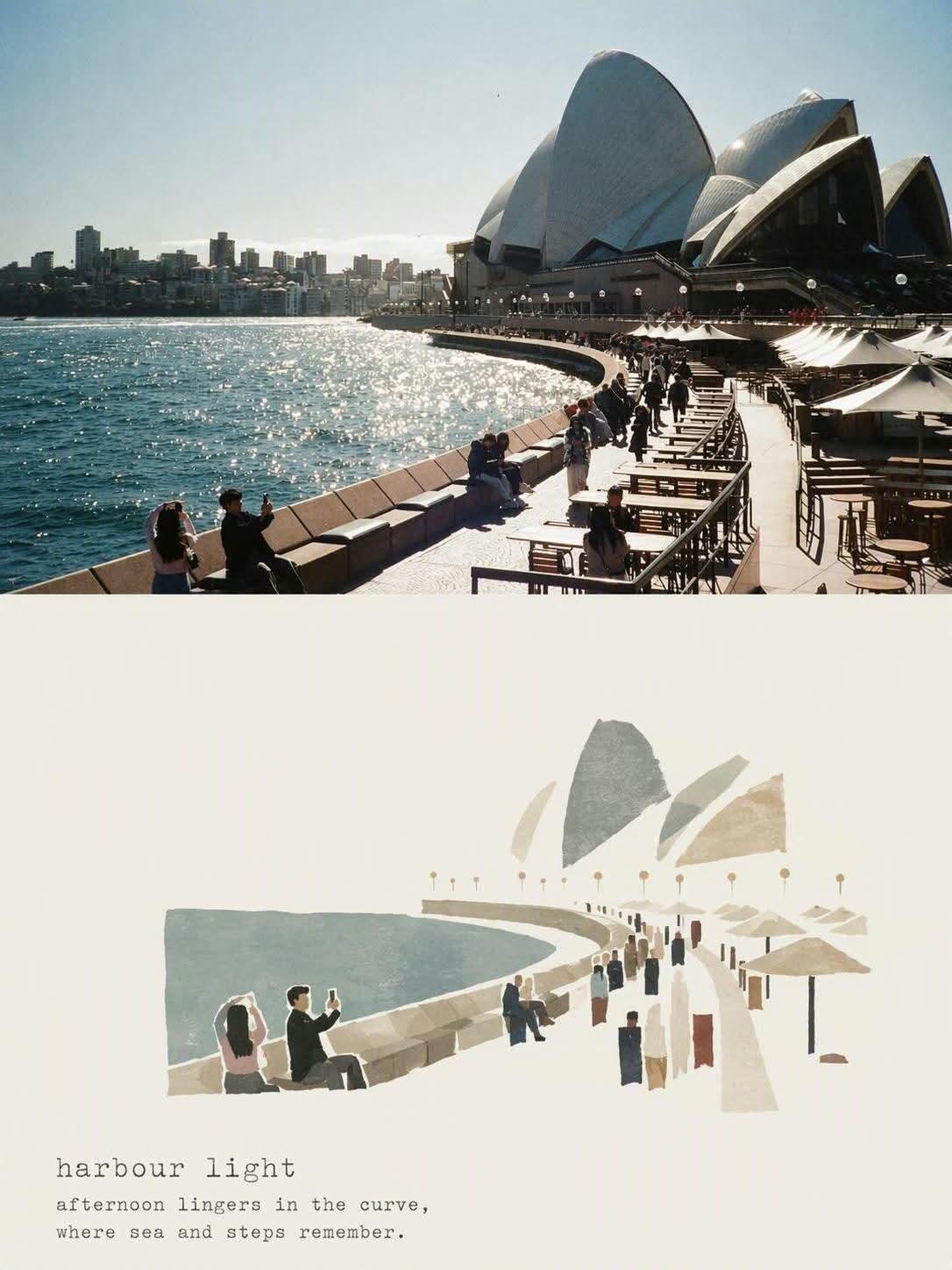
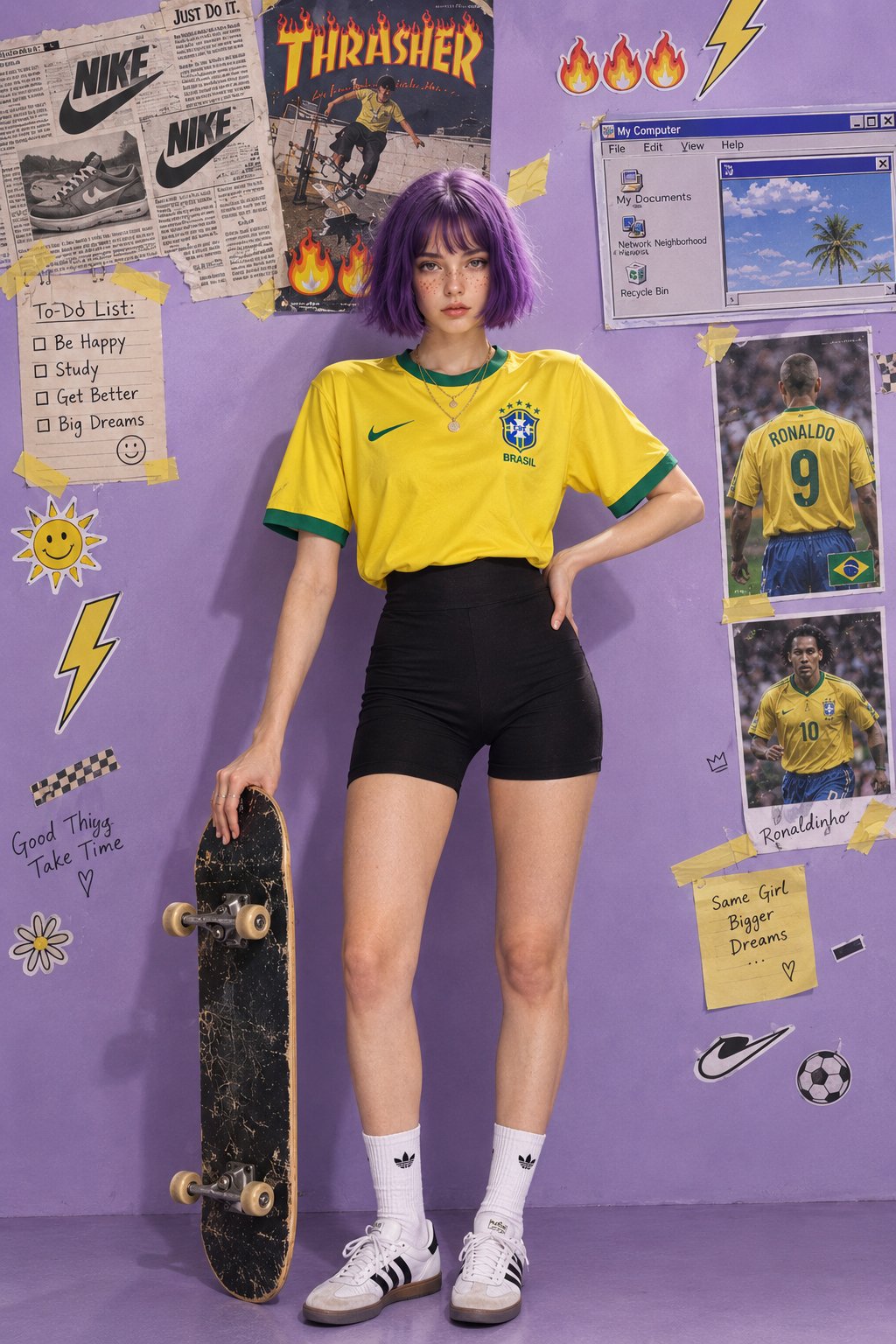
Use the uploaded reference photo as the primary visual reference and transform it into a premium “real-life moment + illustrated memory board” editorial poster. Create a vertical 3:4 composition divided horizontally into two equal sections. TOP HALF — REALISTIC PHOTO: Preserve the original subject, face, identity, hairstyle, clothing, pose, body proportions, objects, and environment from the reference image. Keep the scene highly photorealistic with natural skin texture, realistic lighting, soft cinematic depth of field, subtle warm tones, and an elegant lifestyle/editorial photography aesthetic. Do not change the person’s identity or outfit unnecessarily. BOTTOM HALF — HAND-DRAWN MEMORY COLLAGE: Convert the important visual elements from the top photograph into a charming hand-drawn fashion/lifestyle scrapbook illustration. Recreate the subject as a delicate colored-pencil and watercolor sketch, along with the key objects, clothing, accessories, flowers, food/drinks, furniture, architecture, books, artwork, or other recognizable details from the scene. Arrange these illustrated elements organically across a warm ivory/off-white textured paper background. Use delicate pencil outlines, subtle watercolor washes, imperfect hand-drawn strokes, soft pastel accents, light pink/blue/green sketch marks, tiny hearts, doodles, and understated decorative elements. Keep the illustrations elegant, minimal, nostalgic, and handmade rather than cartoonish. Add a small handwritten cursive title near the top of the illustrated section that reflects the mood of the original photo, such as “little moments,” “slow morning,” “a little memory,” or another context-appropriate phrase. Add very small handwritten decorative text near the bottom. The illustrated section should feel like a personal visual diary / fashion magazine scrapbook / memory journal, while still clearly connecting every illustrated element to the original photograph. Style: sophisticated editorial scrapbook, colored-pencil illustration, delicate watercolor, vintage paper texture, cozy lifestyle aesthetic, soft pastel palette, subtle imperfections, elegant composition, premium Pinterest/editorial design, nostalgic and artistic. Composition: clean spacing, balanced negative space, no clutter, seamless transition between the realistic photograph and illustrated memory section, realistic top half + hand-drawn bottom half, high detail, natural proportions. Important: Keep the original photo recognizable and preserve the subject’s identity and major visual details. Do not introduce unrelated objects. Avoid excessive text, logos, borders, stickers, or cartoon-style rendering. Shorter version Transform the uploaded photo into a 3:4 premium “real photo + illustrated memory scrapbook” poster. Keep the top 50% as a highly realistic version of the original photo, preserving the subject’s identity, pose, clothing, environment, lighting, and important details. Convert the bottom 50% into a warm ivory paper collage containing hand-drawn colored-pencil and watercolor illustrations of the subject and the key objects, outfits, accessories, flowers, furniture, architecture, books, and other details from the photo. Add delicate pastel scribbles, tiny hearts, subtle doodles, soft paper texture, and elegant handwritten cursive text such as “little moments” or “slow morning.” Sophisticated editorial lifestyle scrapbook aesthetic, nostalgic, handmade, refined, soft pastel colors, clean composition, premium Pinterest-style design, realistic top / artistic illustrated bottom, no unrelated elements, no excessive text.
Details
- Type
- AI Image Prompts
- Aspect Ratio
- 3:4
- Updated
- Oct 4, 2026
Category
How to use this prompt
- 1Copy the full prompt with the copy button above.
- 2Open GPT Image 2 by OpenAI, or any image generator with a similar style range.
- 3Paste the prompt, then swap the subject and style keywords to match your idea.
- 4Match the example's settings (3:4 · Poster · Digital Art · Realistic), then iterate — small wording changes shift the output a lot.
Frequently asked questions
Which AI model generated this image?
This image was generated with GPT Image 2 by OpenAI. The prompt on this page is the exact text used to create it.
What settings does this prompt use?
The example was generated with GPT Image 2 using: 3:4 · Poster · Digital Art · Realistic. Reusing these settings gives the closest match.
How do I get similar results?
Copy the prompt as-is first, then replace only the subject while keeping the style, lighting, and composition keywords. Generate a few variations — outputs differ between runs.
Can I modify this prompt?
Yes. Prompts work best as starting points — adjust descriptors, aspect ratio, or style tags to make the output your own.
![Create a beautiful artistic illustration of [COUNTRY] represented through its national bird, [NATION — AI image prompt — GPT Image 2](https://cdn.ahaprompt.app/harvest-media/import-1788917968096-4tdbpo.jpg)