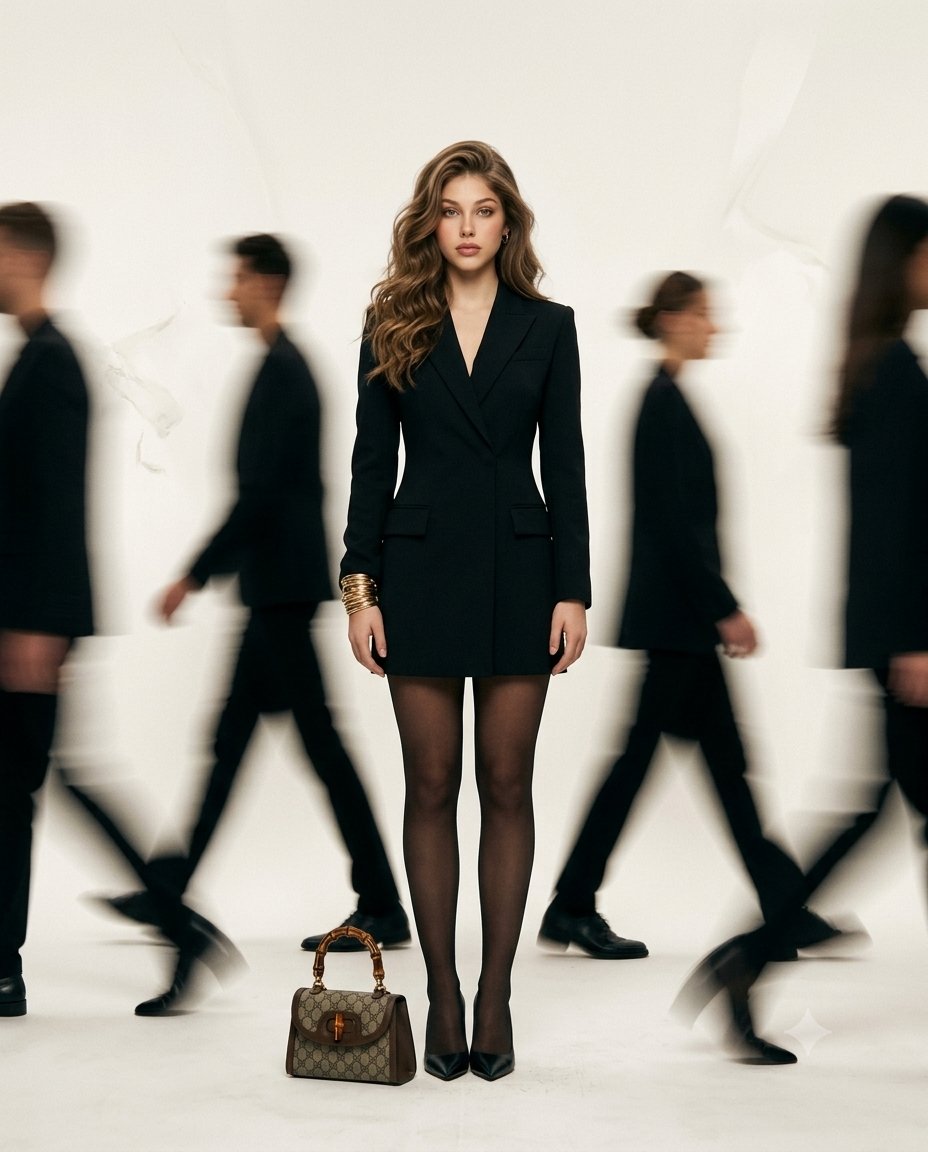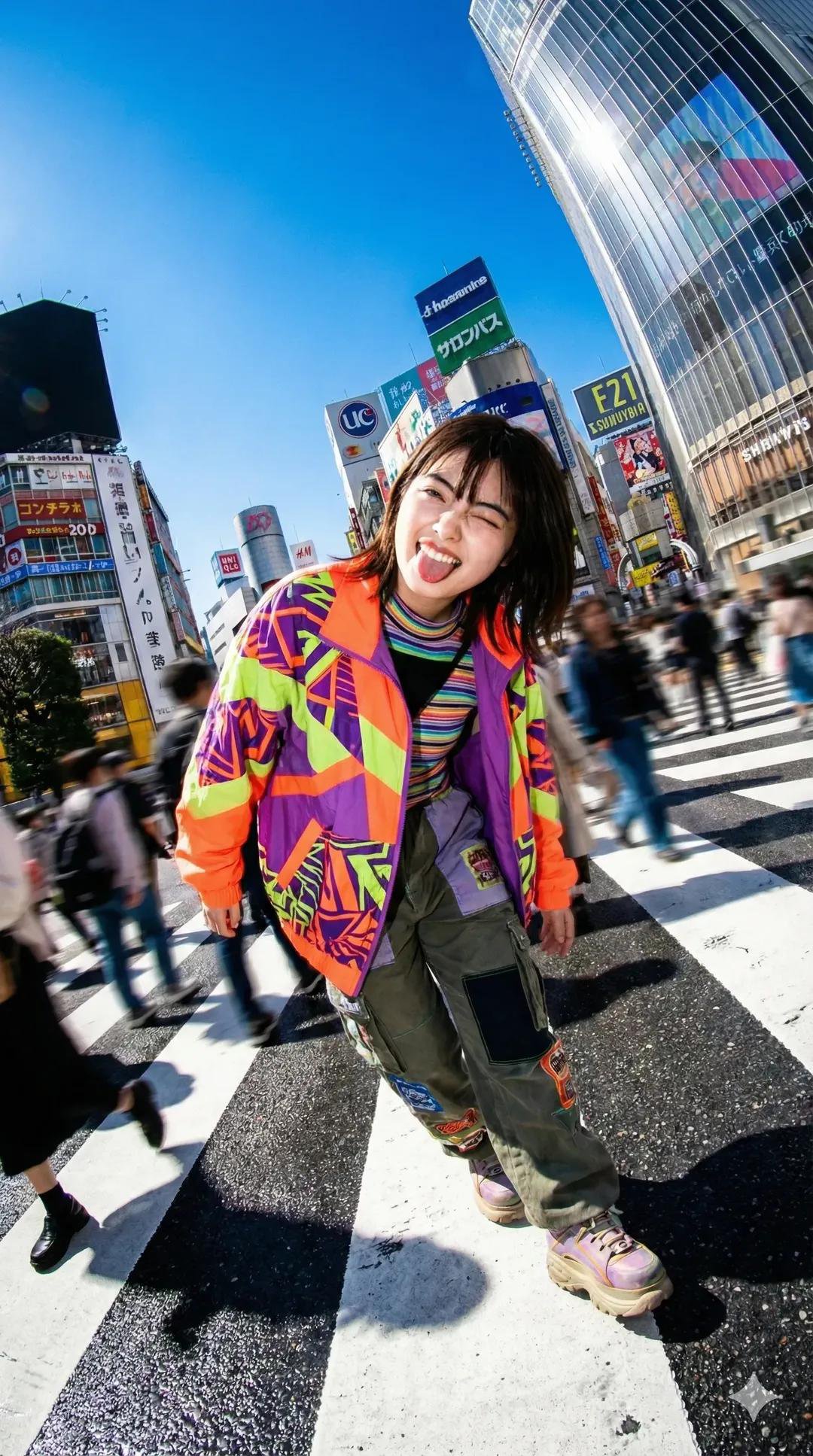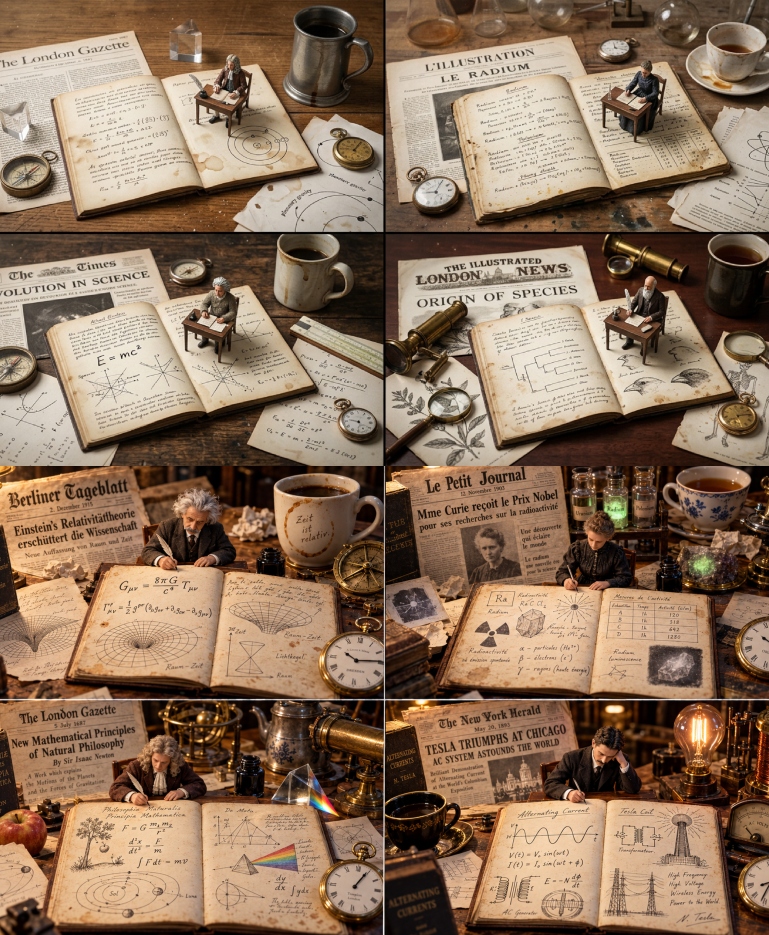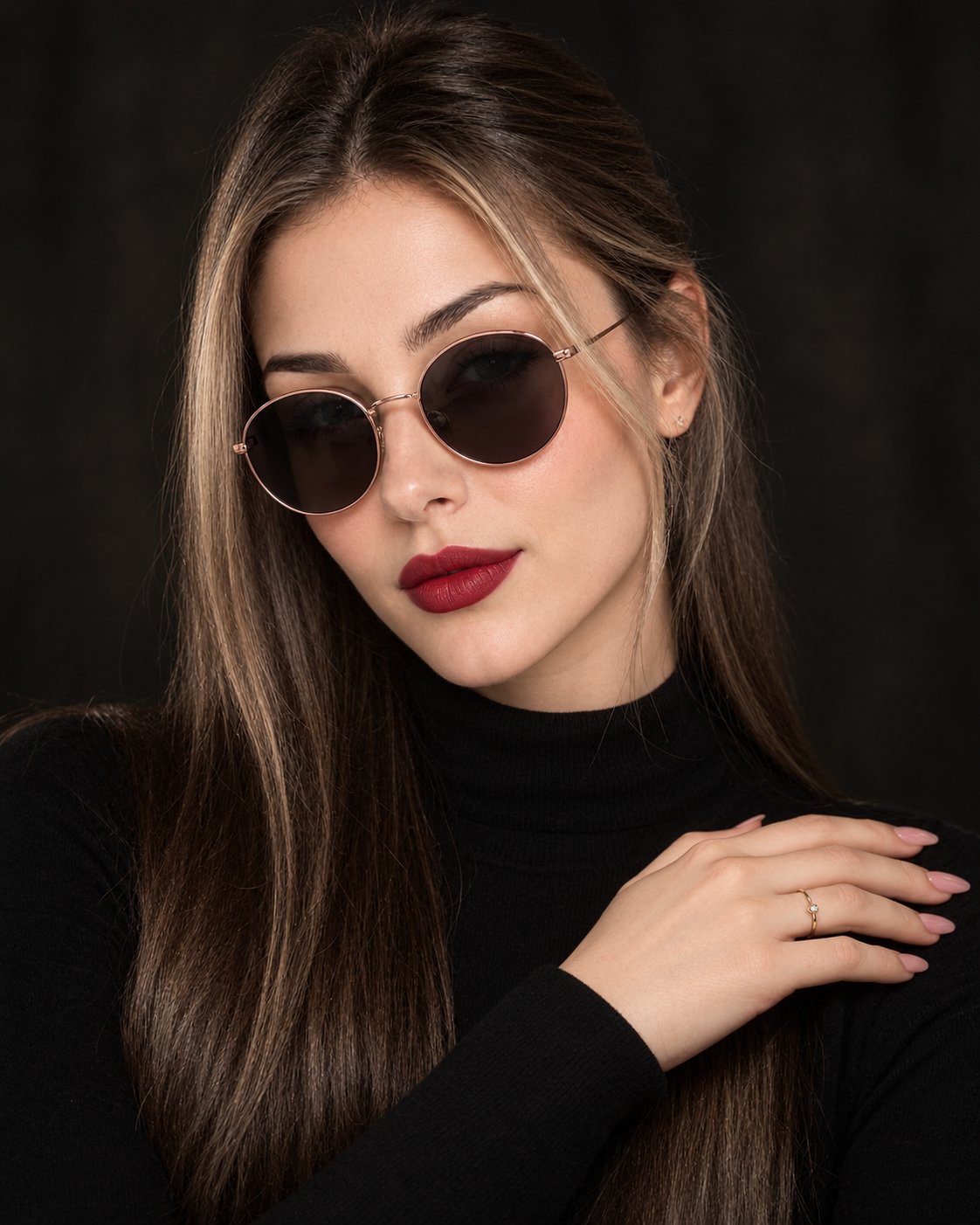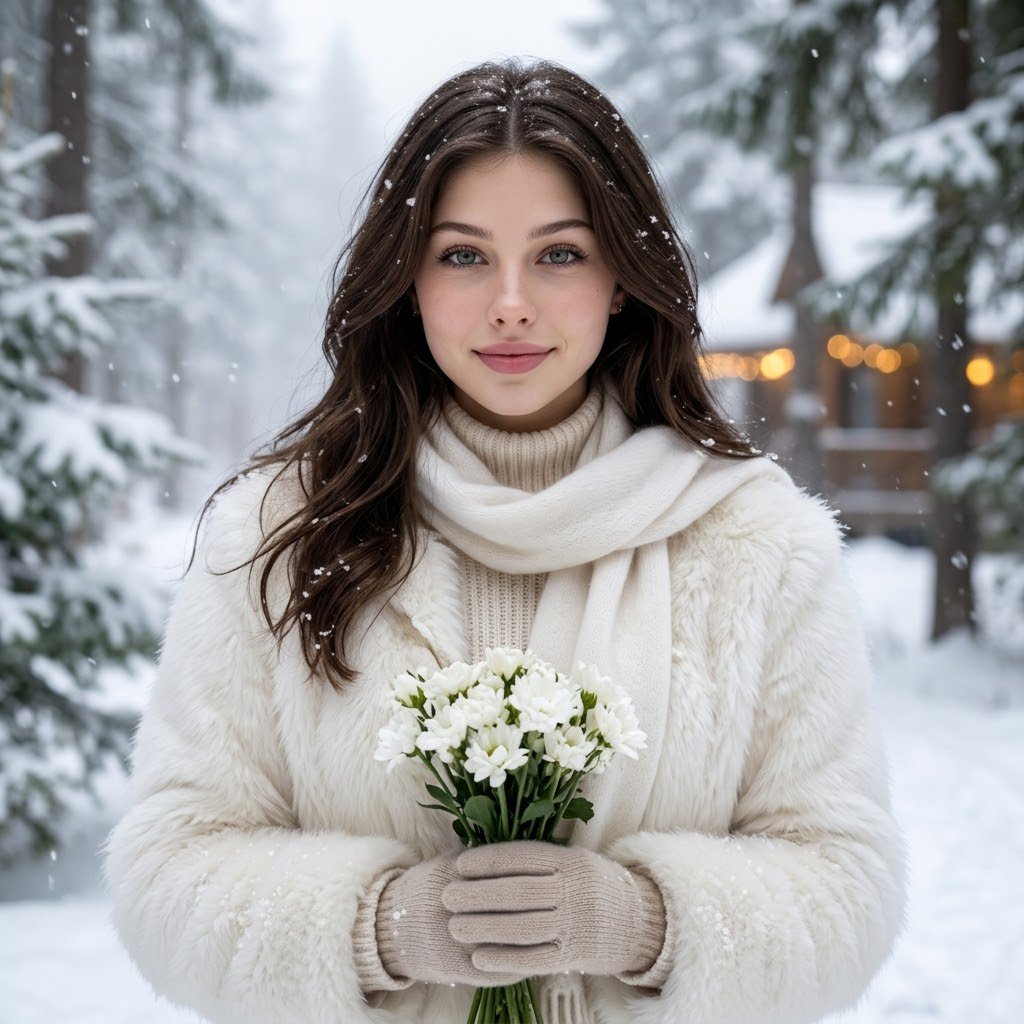
Ultra-realistic winter fashion portrait

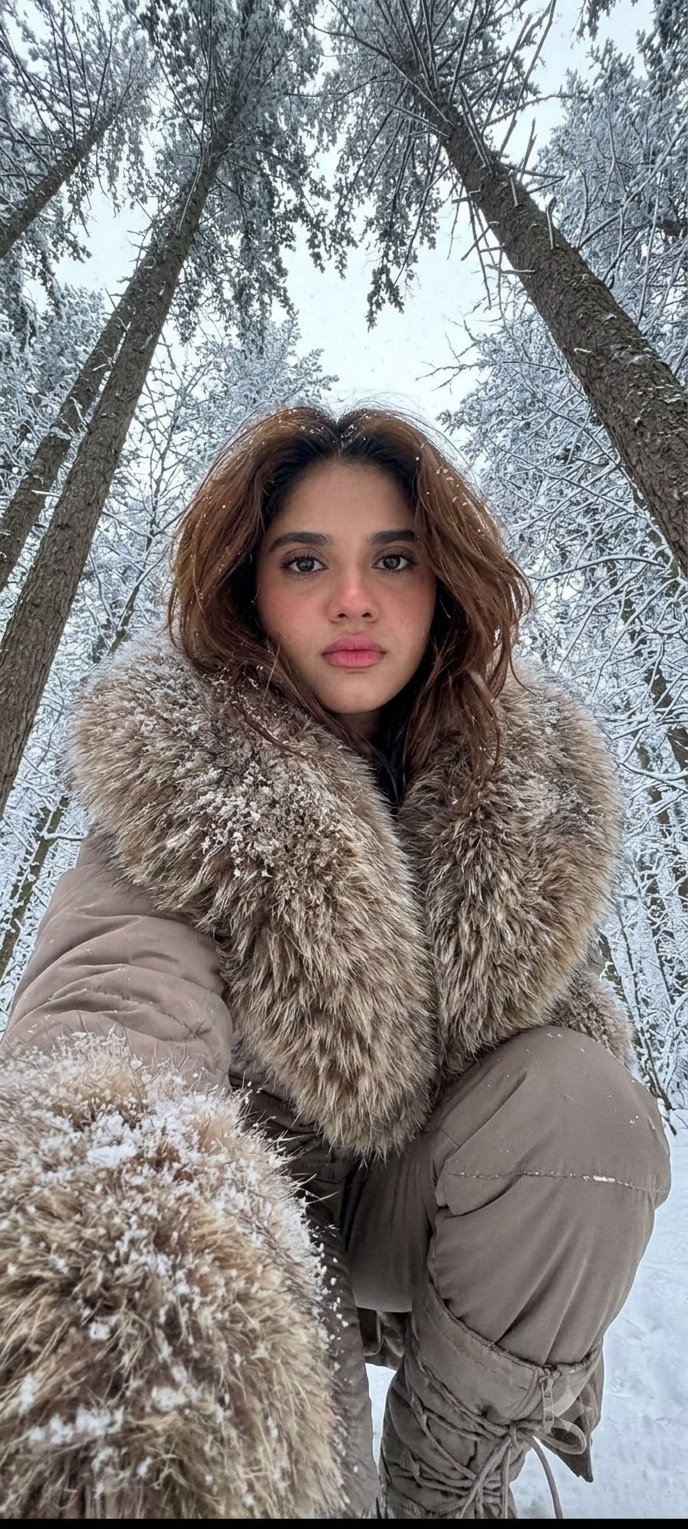
Use the uploaded reference photo as the exact face and identity reference. Create a stunning, ultra-realistic winter fashion portrait of the same woman. Identity preservation is the highest priority: Keep her exact original face, facial structure, eyes, eyebrows, nose, lips, jawline, skin tone, and natural features 100% unchanged. Do not beautify, reshape, or replace her face. Outfit: A luxurious white fluffy fur jacket, cream knitted high-neck sweater, soft white wool scarf, and elegant winter gloves. Hair: Beautiful naturally flowing dark brown hair, with a few delicate snowflakes resting on it. Pose: Standing in a magical snow-covered forest, gently holding a small bouquet of white flowers, looking directly into the camera with a soft natural smile. Background: Snow-covered pine trees, gentle falling snow, dreamy winter mist, subtle warm golden lights in the distance. Photography: Luxury winter editorial, professional DSLR, realistic skin texture, natural soft lighting, crisp facial details, cinematic depth of field, photorealistic 8K. Composition: Beautiful waist-up portrait, natural proportions, perfectly sharp face, elegant winter Pinterest aesthetic. Strictly avoid: Changing facial identity, face swapping, artificial skin, excessive makeup, face smoothing, CGI appearance, distorted hands, text, watermark.
Details
- Type
- AI Image Prompts
- Aspect Ratio
- 1:1
- Updated
- Nov 17, 2026
How to use this prompt
- 1Copy the full prompt with the copy button above.
- 2Open Nano Banana Pro by Google, or any image generator with a similar style range.
- 3Paste the prompt, then swap the subject and style keywords to match your idea.
- 4Match the example's settings (1:1 · Fashion · Realistic · Portrait), then iterate — small wording changes shift the output a lot.
Frequently asked questions
Which AI model generated this image?
This image was generated with Nano Banana Pro by Google. The prompt on this page is the exact text used to create it.
What settings does this prompt use?
The example was generated with Nano Banana Pro using: 1:1 · Fashion · Realistic · Portrait. Reusing these settings gives the closest match.
How do I get similar results?
Copy the prompt as-is first, then replace only the subject while keeping the style, lighting, and composition keywords. Generate a few variations — outputs differ between runs.
Can I modify this prompt?
Yes. Prompts work best as starting points — adjust descriptors, aspect ratio, or style tags to make the output your own.