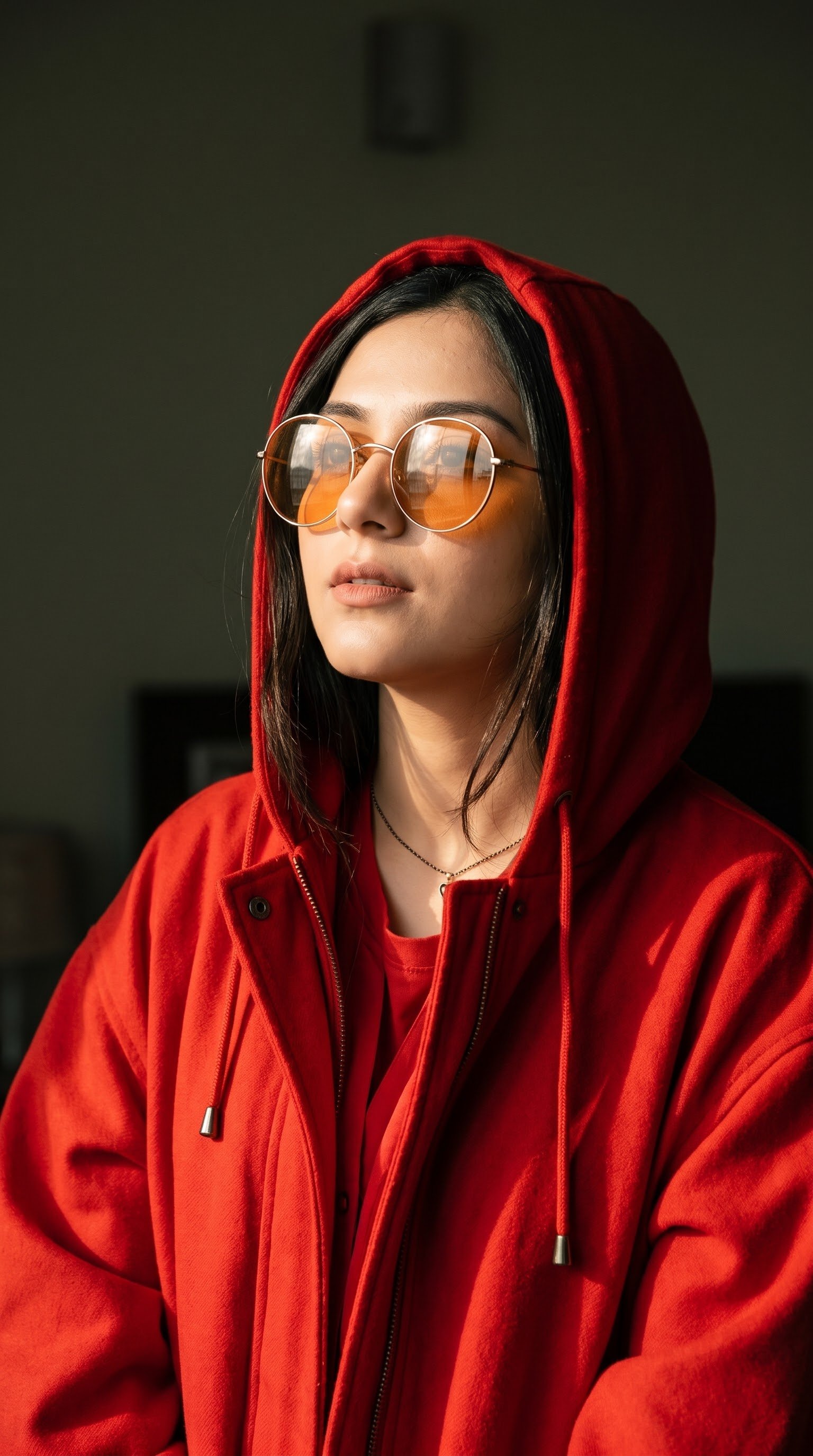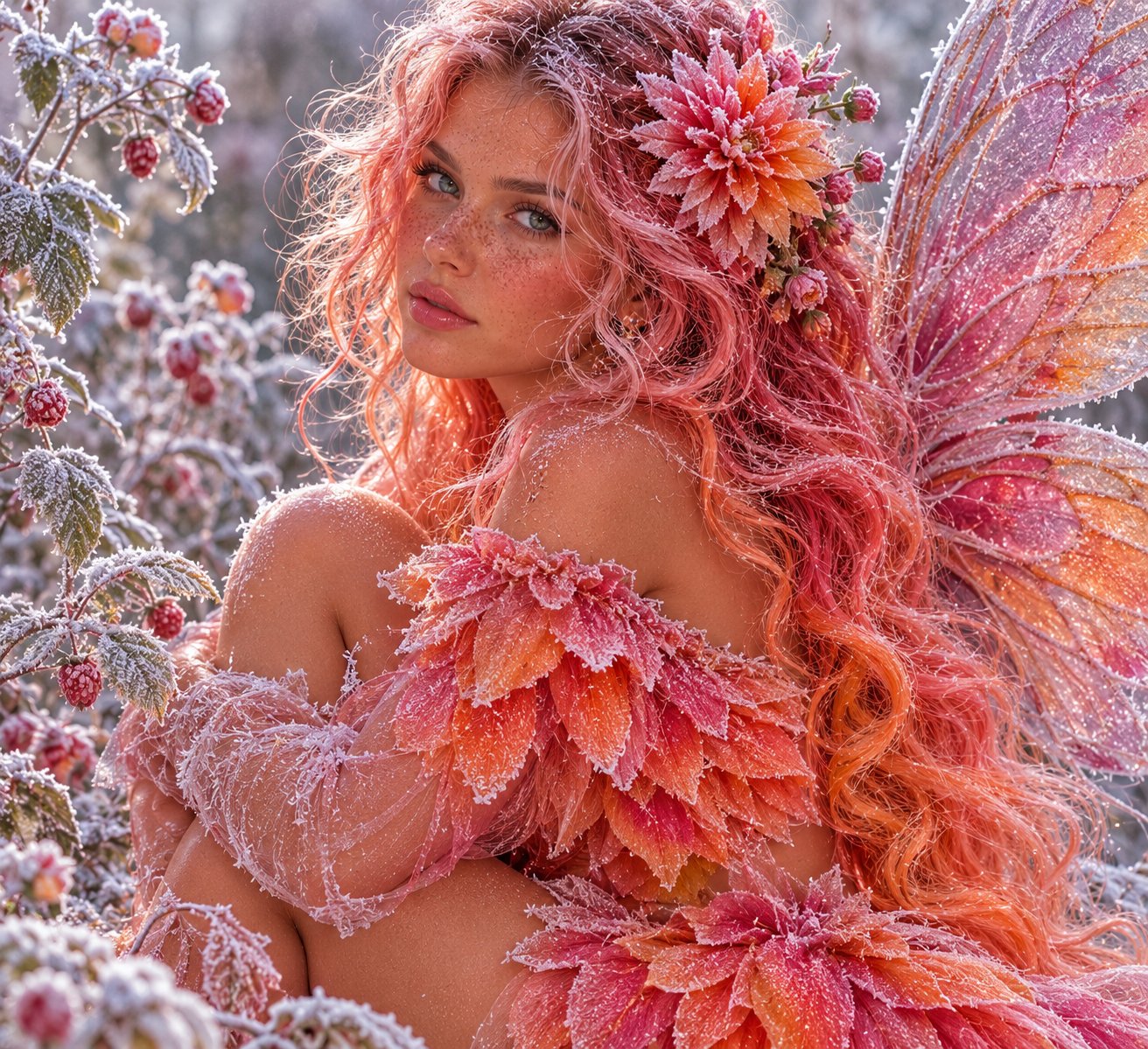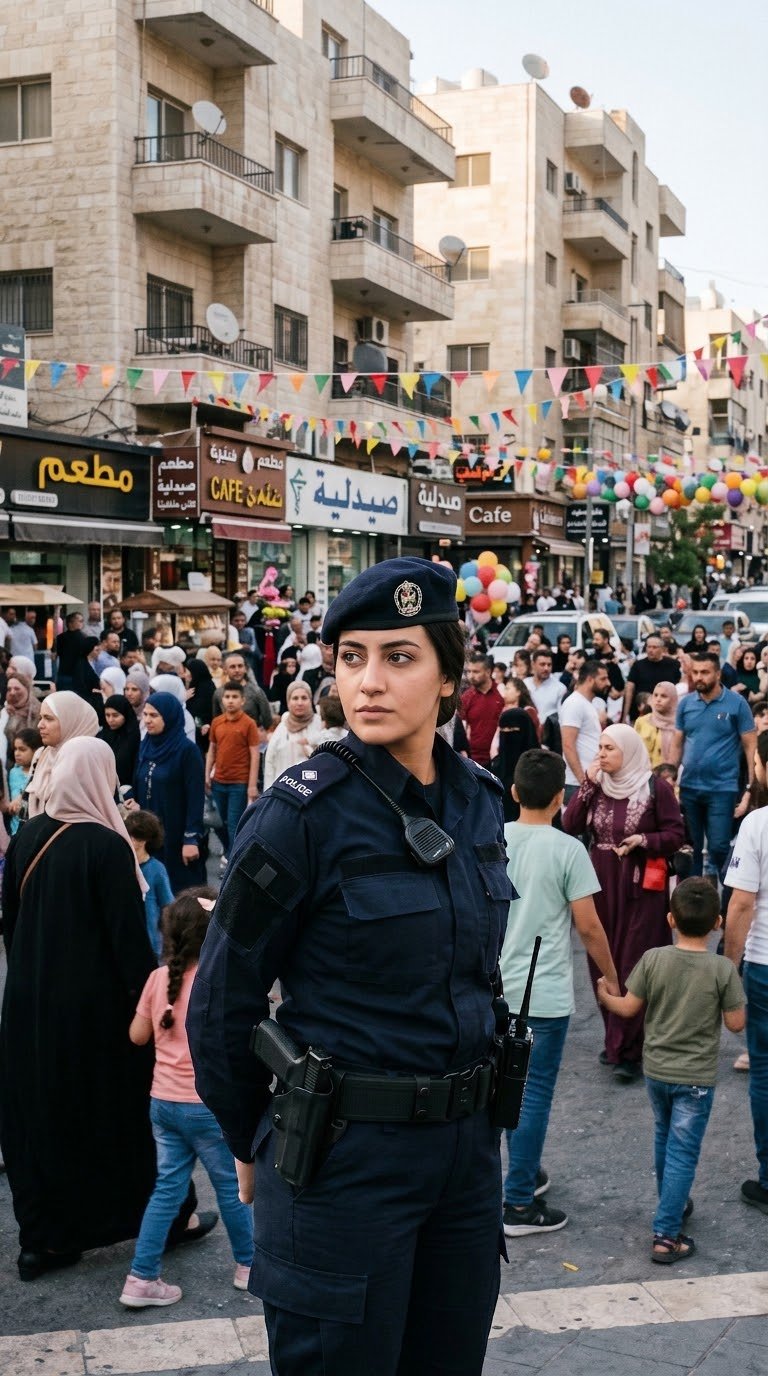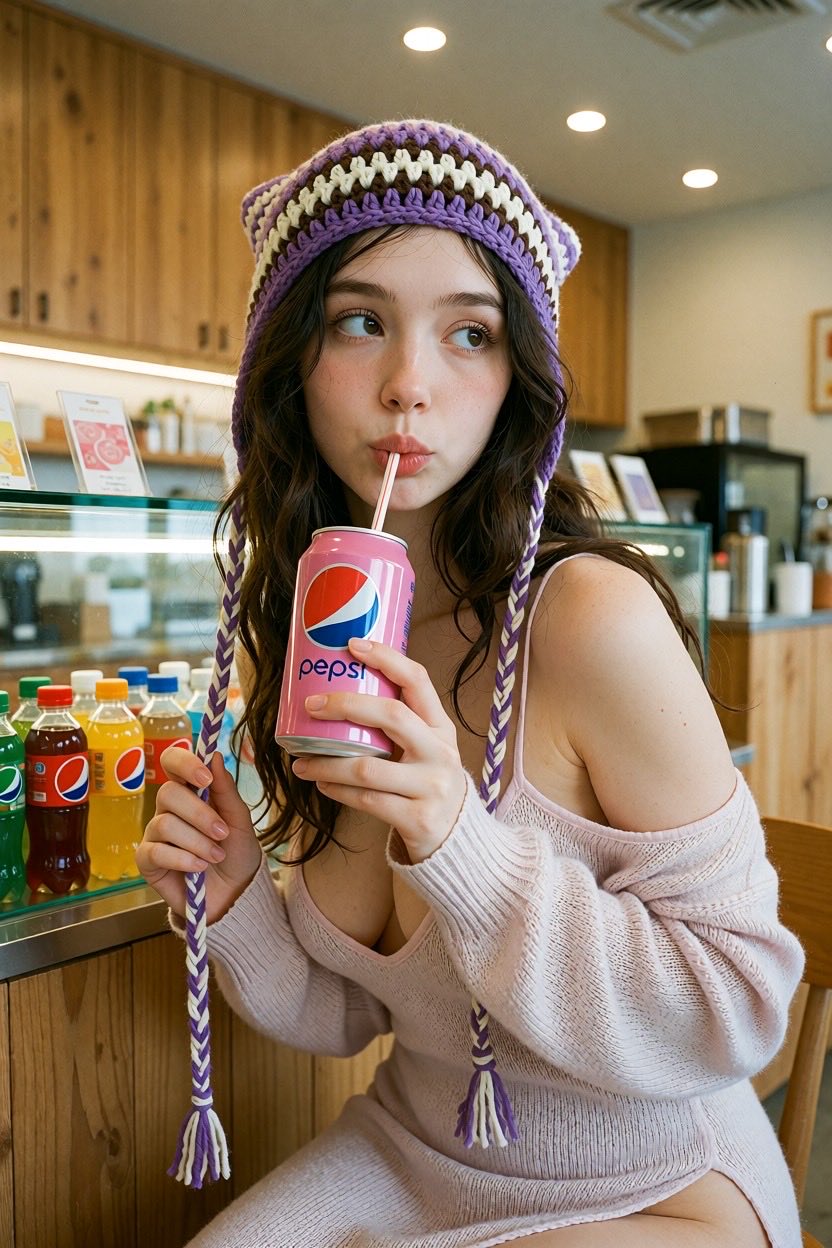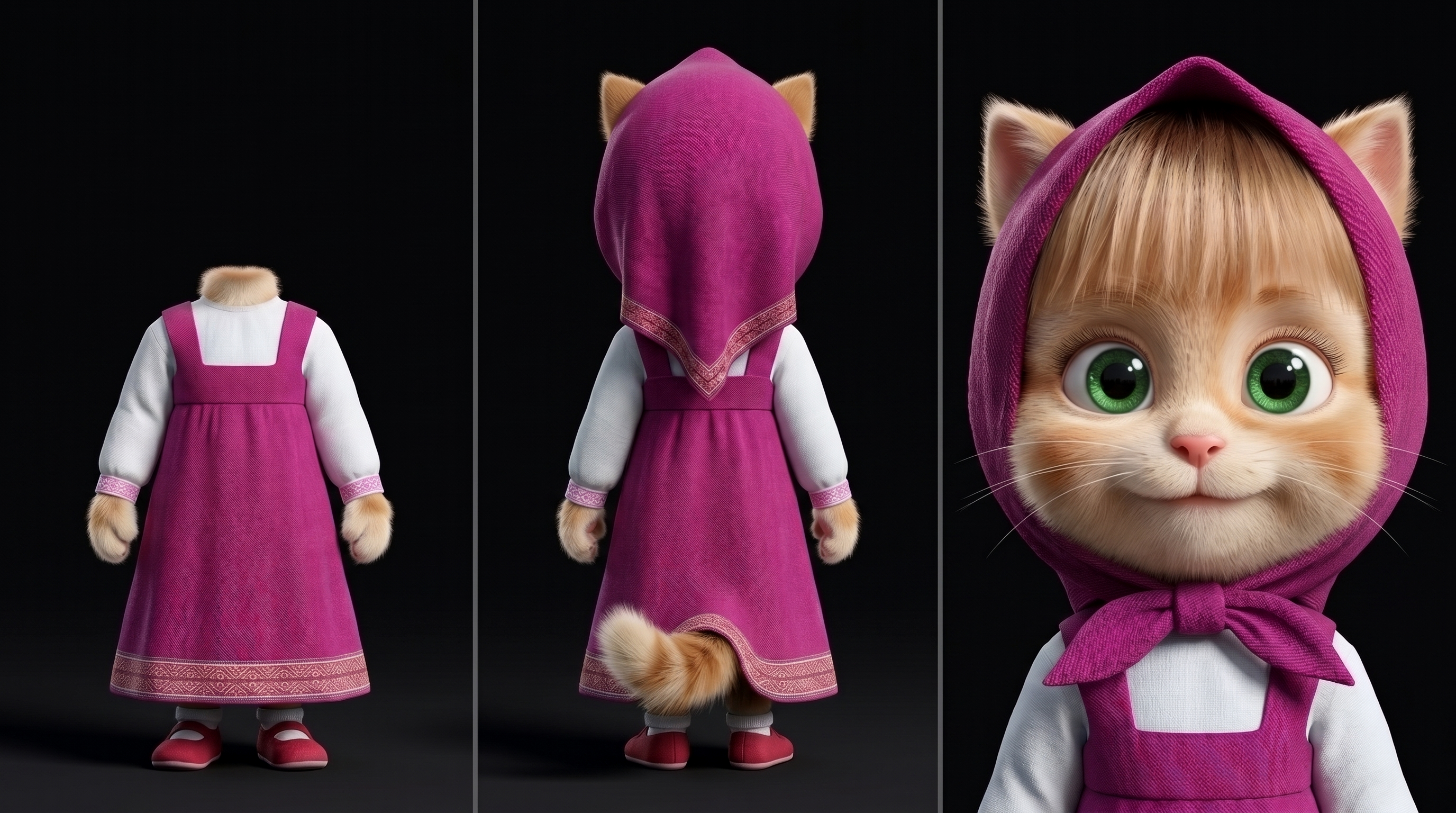
Three-panel character reference sheet

Take the person's appearance from the uploaded photos and create a character reference sheet, divided into three vertical panels on a neutral white or light-gray background. RIGHT PANEL (close-up): A close-up portrait of the person's face, cropped at the shoulders (bust shot). Face front-facing, looking directly at the camera, neutral expression, natural even lighting. Preserve all facial features and details as accurately as possible: eye shape, nose, lips, eyebrows, face shape, eye color, skin tone and texture, hair shape and color, as well as any unique features (moles, freckles, ear shape). High detail, realism, portrait quality. LEFT PANEL (back view, full body): The person standing at full height, front view, in their everyday clothing, arms along the body, feet shoulder-width apart. IMPORTANT: the head and face are completely absent — the figure is cropped at the neck/shoulder line, no head. Only the figure from the neck down is shown. Preserve body build, proportions, and clothing. MIDDLE PANEL (front view, full body): The same person, back view, in the same clothing, at full height, including the head and hair (viewed from behind). Preserve the hairstyle, body build, and clothing details. GENERAL REQUIREMENTS: Unified style, consistent lighting and figure scale across all panels, consistency of appearance and clothing between panels. Clean background, clear vertical dividers between panels. Realistic photographic style, high resolution.
Details
- Type
- AI Image Prompts
- Aspect Ratio
- 43:24
- Updated
- Nov 12, 2026
How to use this prompt
- 1Copy the full prompt with the copy button above.
- 2Open Nano Banana 2.1 by Google, or any image generator with a similar style range.
- 3Paste the prompt, then swap the subject and style keywords to match your idea.
- 4Match the example's settings (43:24 · Character · Realistic · Portrait), then iterate — small wording changes shift the output a lot.
Frequently asked questions
Which AI model generated this image?
This image was generated with Nano Banana 2.1 by Google. The prompt on this page is the exact text used to create it.
What settings does this prompt use?
The example was generated with Nano Banana 2.1 using: 43:24 · Character · Realistic · Portrait. Reusing these settings gives the closest match.
How do I get similar results?
Copy the prompt as-is first, then replace only the subject while keeping the style, lighting, and composition keywords. Generate a few variations — outputs differ between runs.
Can I modify this prompt?
Yes. Prompts work best as starting points — adjust descriptors, aspect ratio, or style tags to make the output your own.