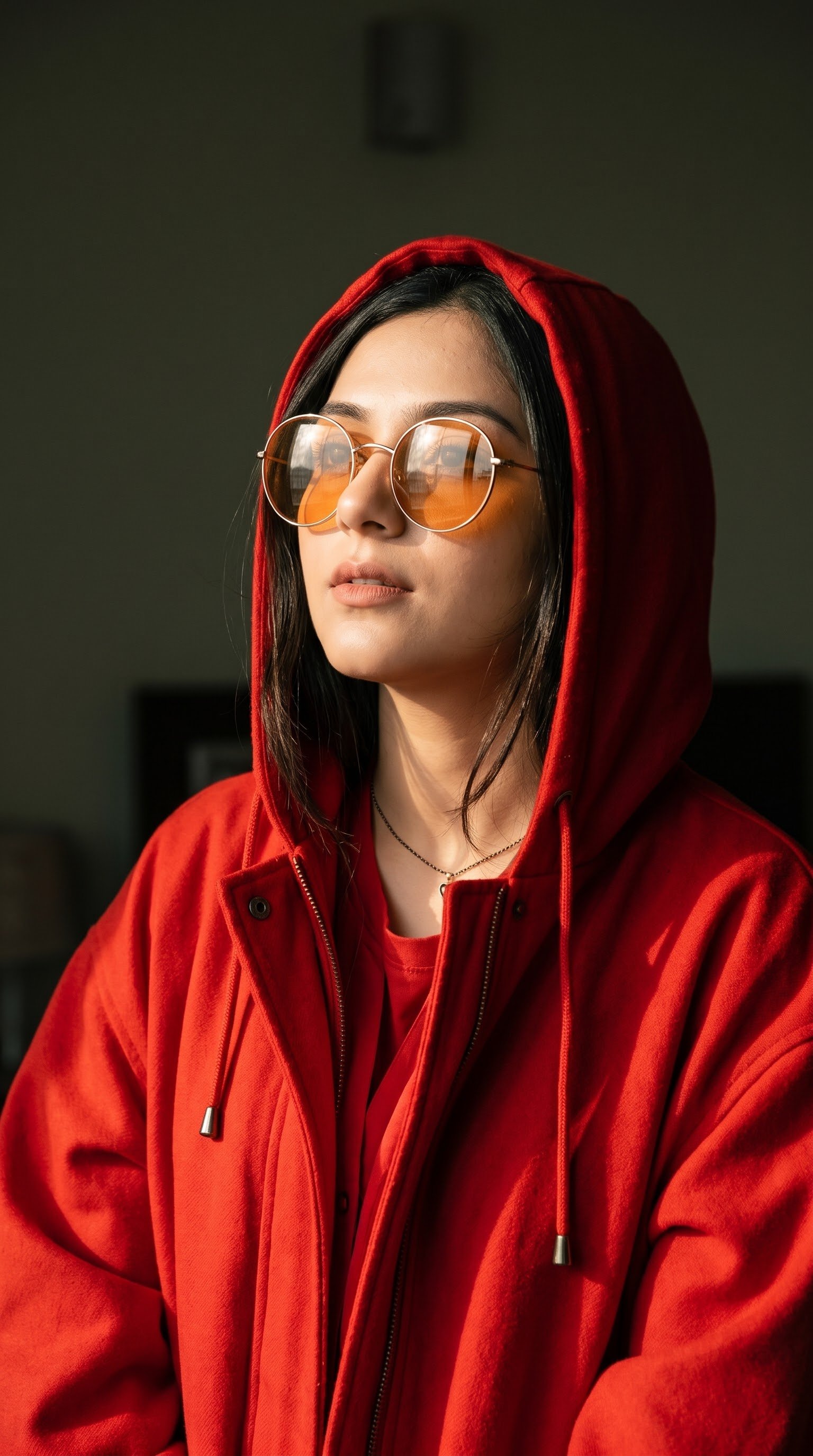
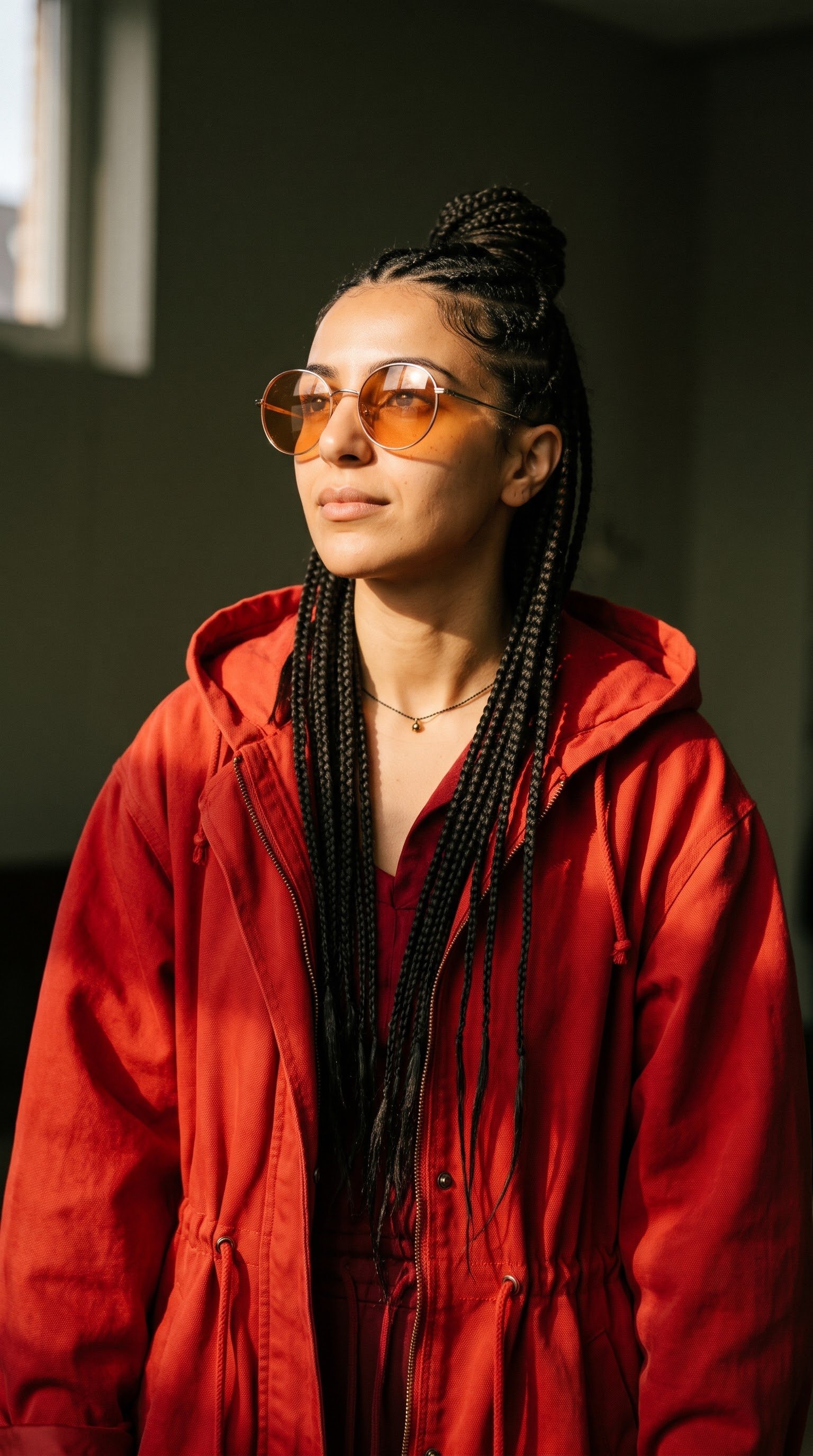
Cinematic Red Hooded Fashion Portrait

Create an ultra-realistic cinematic fashion editorial portrait using the uploaded reference image as the ABSOLUTE SOURCE OF TRUTH for the subject's identity. IDENTITY LOCK — ALR: Preserve the subject's exact facial identity, facial structure, proportions, eyes, nose, lips, jawline, skin tone, and all distinctive features. Maintain unmistakable facial resemblance with zero identity drift. Do not beautify, reinterpret, or alter the face. SCENE & POSE: A vertical medium close-up portrait, photographed from a slightly low angle. The subject stands in a three-quarter pose, chin slightly raised, gazing upward toward the left with a calm, confident expression and slightly parted lips. STYLING: Oversized vibrant red hooded jacket with a front zipper, adjustable waist drawstrings, layered red clothing, and a delicate dark necklace with a small metallic pendant. Oversized round sunglasses with thin metallic frames, translucent amber-orange lenses, and realistic environmental reflections. LIGHTING & ATMOSPHERE: Warm directional sunlight from the upper left, illuminating the face and clothing with rich amber highlights and dramatic deep shadows. Dark muted olive-gray indoor background. PHOTOGRAPHY: Ultra-realistic cinematic fashion photography, natural skin texture, detailed fabric folds, realistic reflections, dramatic chiaroscuro lighting, warm cinematic color grading, 85mm portrait lens, shallow depth of field, vertical 9:16 composition. STRICT RULE: The reference image controls facial identity exclusively. Never change, replace, or reinterpret the subject's identity.
Details
- Type
- AI Image Prompts
- Aspect Ratio
- 24:43
- Updated
- Nov 12, 2026
How to use this prompt
- 1Copy the full prompt with the copy button above.
- 2Open Nano Banana 2.1 by Google, or any image generator with a similar style range.
- 3Paste the prompt, then swap the subject and style keywords to match your idea.
- 4Match the example's settings (24:43 · Cinematic · Fashion · Portrait), then iterate — small wording changes shift the output a lot.
Frequently asked questions
Which AI model generated this image?
This image was generated with Nano Banana 2.1 by Google. The prompt on this page is the exact text used to create it.
What settings does this prompt use?
The example was generated with Nano Banana 2.1 using: 24:43 · Cinematic · Fashion · Portrait. Reusing these settings gives the closest match.
How do I get similar results?
Copy the prompt as-is first, then replace only the subject while keeping the style, lighting, and composition keywords. Generate a few variations — outputs differ between runs.
Can I modify this prompt?
Yes. Prompts work best as starting points — adjust descriptors, aspect ratio, or style tags to make the output your own.