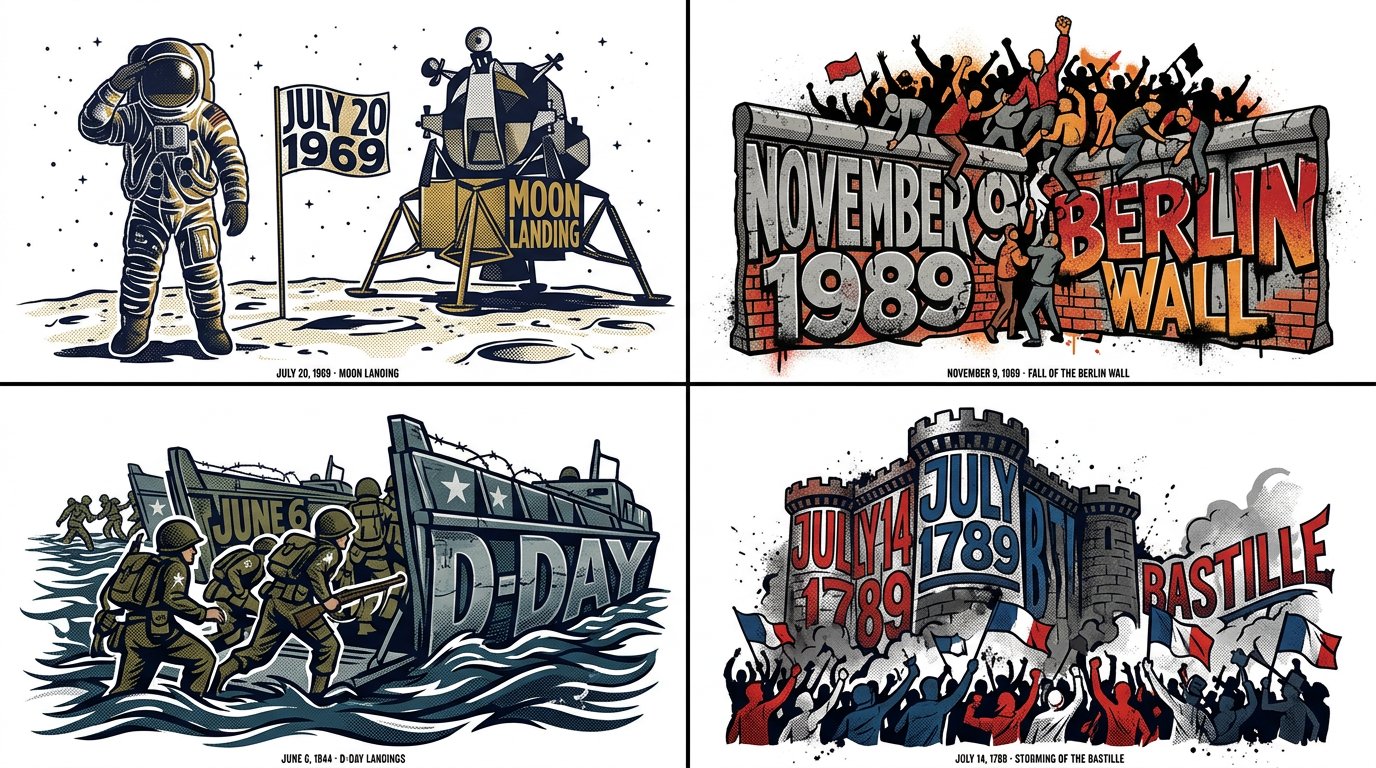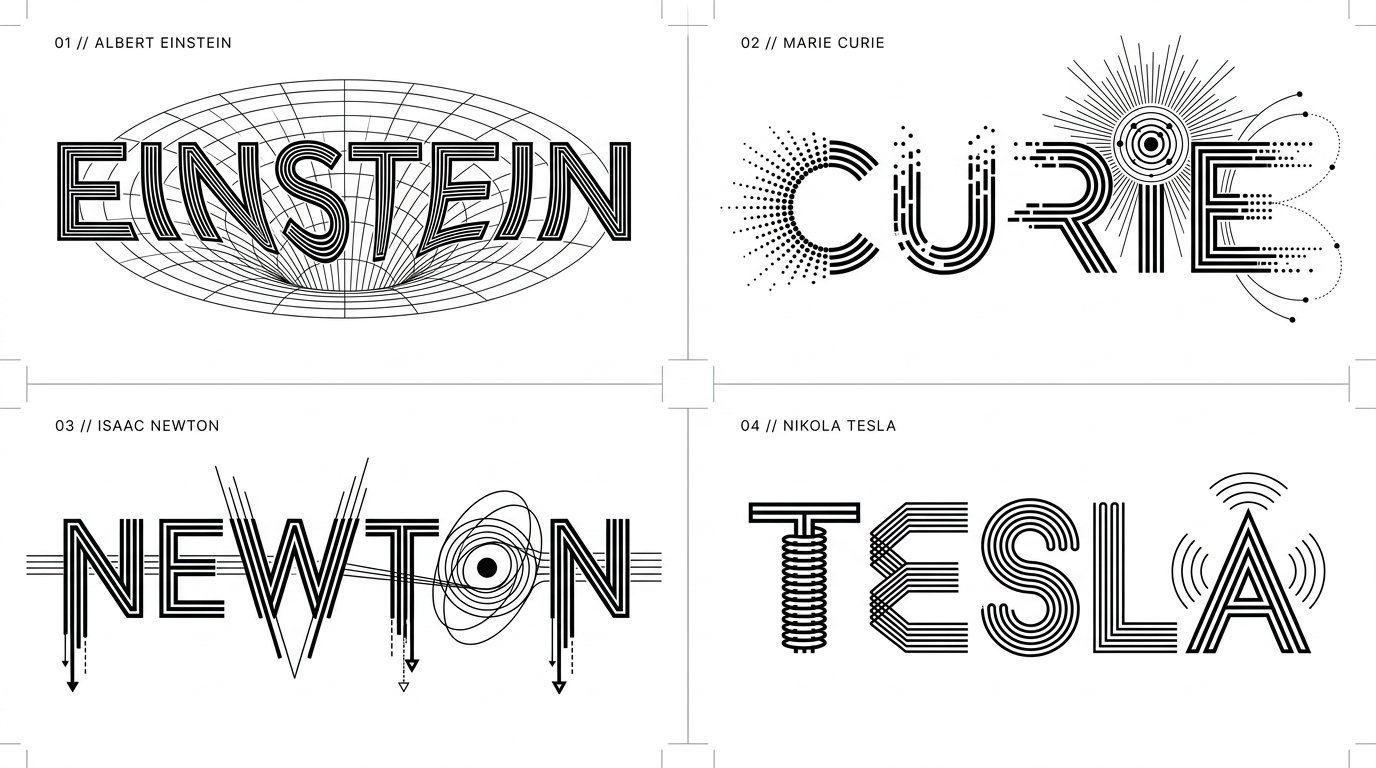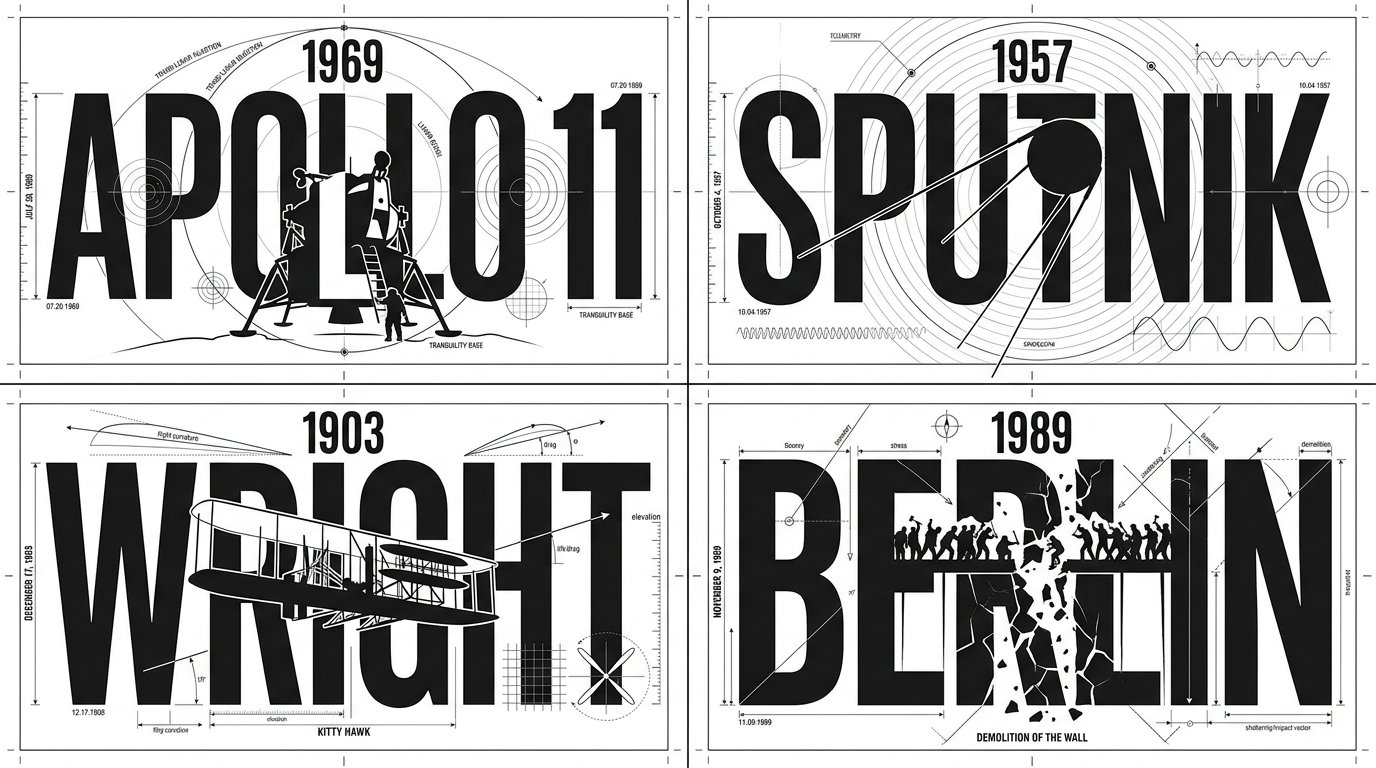
Technical Typographic Draft Grid

2x2 grid, 16:9, do this for 4 famous days that stunned humans: class Technical_Typographic_Draft: def __init__(self, figure="[FIGURE]", achievement="[ICONIC_ACHIEVEMENT]"): self.canvas = "Pure white background, flat 2D graphic design, strict monochrome black ink" self.aesthetic = "Engineering blueprint, Bauhaus minimalism, technical drawing" def generate_drafting_layout(self): # AI INFERENCE: Deduce the text and central geometric slice typography = f"Massive, bold, rigid sans-serif text spelling '{figure}'. The text is perfectly aligned on a horizontal grid." central_slice = f"AI_INFER(A sleek, minimalist, flat-vector silhouette of {achievement}). This silhouette sits dead-center, using pure white negative space to slice vertically through the heavy black typography." # The Technical Embellishments drafting_lines = "Razor-thin black hairlines spanning the canvas. AI_INFER(Technical drafting marks, concentric arcs, alignment nodes, and crosshairs integrating into the letters, e.g., using an 'O' as a radar/compass node)." return [typography, central_slice, drafting_lines, self.aesthetic] # EXECUTE: Render as a flawless, scalable vector logo. The contrast between thick letterforms and ultra-thin drafting lines is paramount.
Details
- Type
- AI Image Prompts
- Aspect Ratio
- 43:24
- Updated
- Oct 22, 2026
Category
How to use this prompt
- 1Copy the full prompt with the copy button above.
- 2Open Nano Banana 2.1 by Google, or any image generator with a similar style range.
- 3Paste the prompt, then swap the subject and style keywords to match your idea.
- 4Match the example's settings (43:24 · Typography · Poster · Minimalist), then iterate — small wording changes shift the output a lot.
Frequently asked questions
Which AI model generated this image?
This image was generated with Nano Banana 2.1 by Google. The prompt on this page is the exact text used to create it.
What settings does this prompt use?
The example was generated with Nano Banana 2.1 using: 43:24 · Typography · Poster · Minimalist. Reusing these settings gives the closest match.
How do I get similar results?
Copy the prompt as-is first, then replace only the subject while keeping the style, lighting, and composition keywords. Generate a few variations — outputs differ between runs.
Can I modify this prompt?
Yes. Prompts work best as starting points — adjust descriptors, aspect ratio, or style tags to make the output your own.