LogoAhaPrompt
  • Prompts
  • Featured
  • Models
  • Submit
  • Blog
AhaPromptAhaPrompt

AI Prompts for Images, Video & Audio — Every Model, One Library

Built withLogoNEXTY.DEV
Explore
  • All Prompts
  • Featured Prompts
  • Image Prompts
  • Video Prompts
  • Audio Prompts
  • AI Models
  • Submit a Prompt
  • Blog
Languages
  • English
  • 中文
  • 日本語
  • 한국어

Copyright © 2026 AhaPrompt All rights reserved.

Privacy PolicyTerms of Service
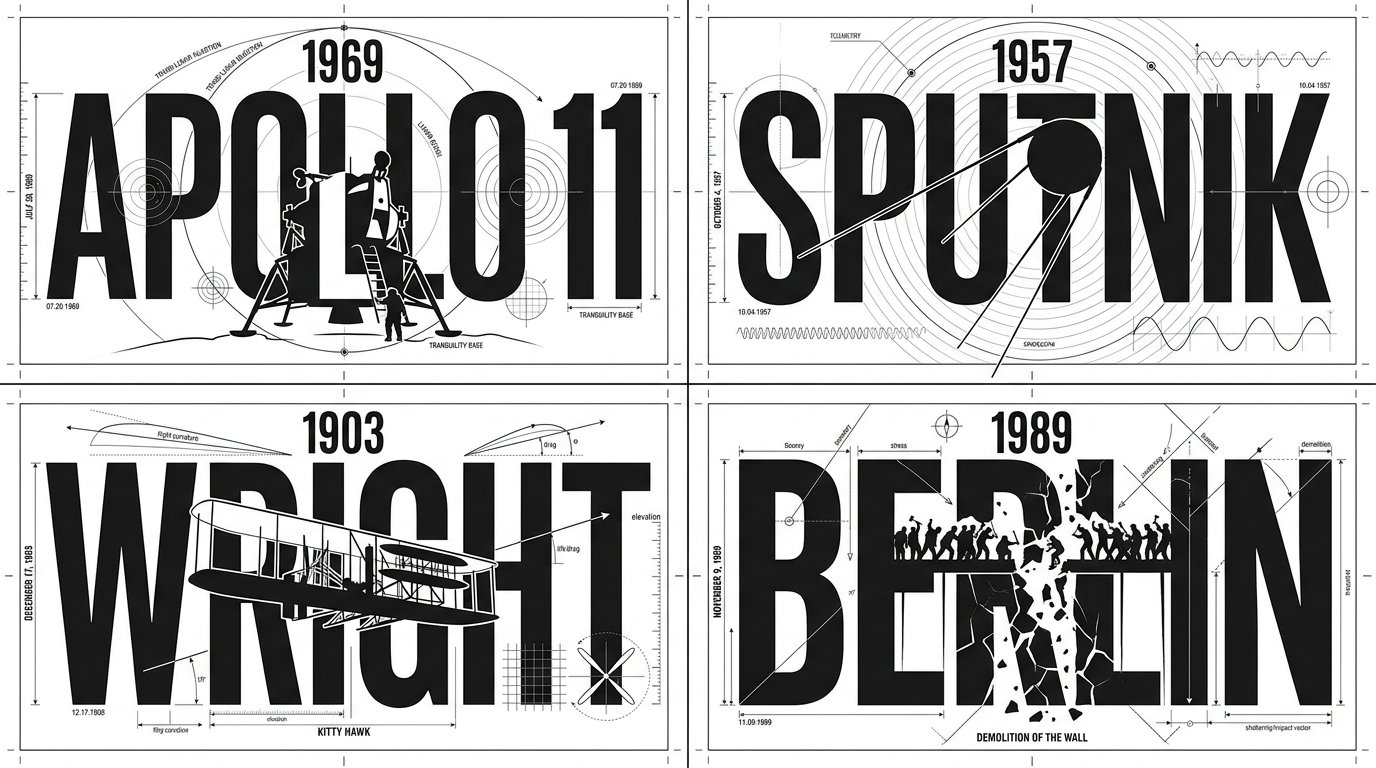
HomeAI Prompt LibraryAI Image PromptsEnvelope Distort Typography Illustrator Script
Envelope Distort Typography Illustrator Script — AI image prompt — Nano Banana 2.1 — Typography, Poster, Digital Art

Envelope Distort Typography Illustrator Script

GoogleNano Banana 2.1Googleimage

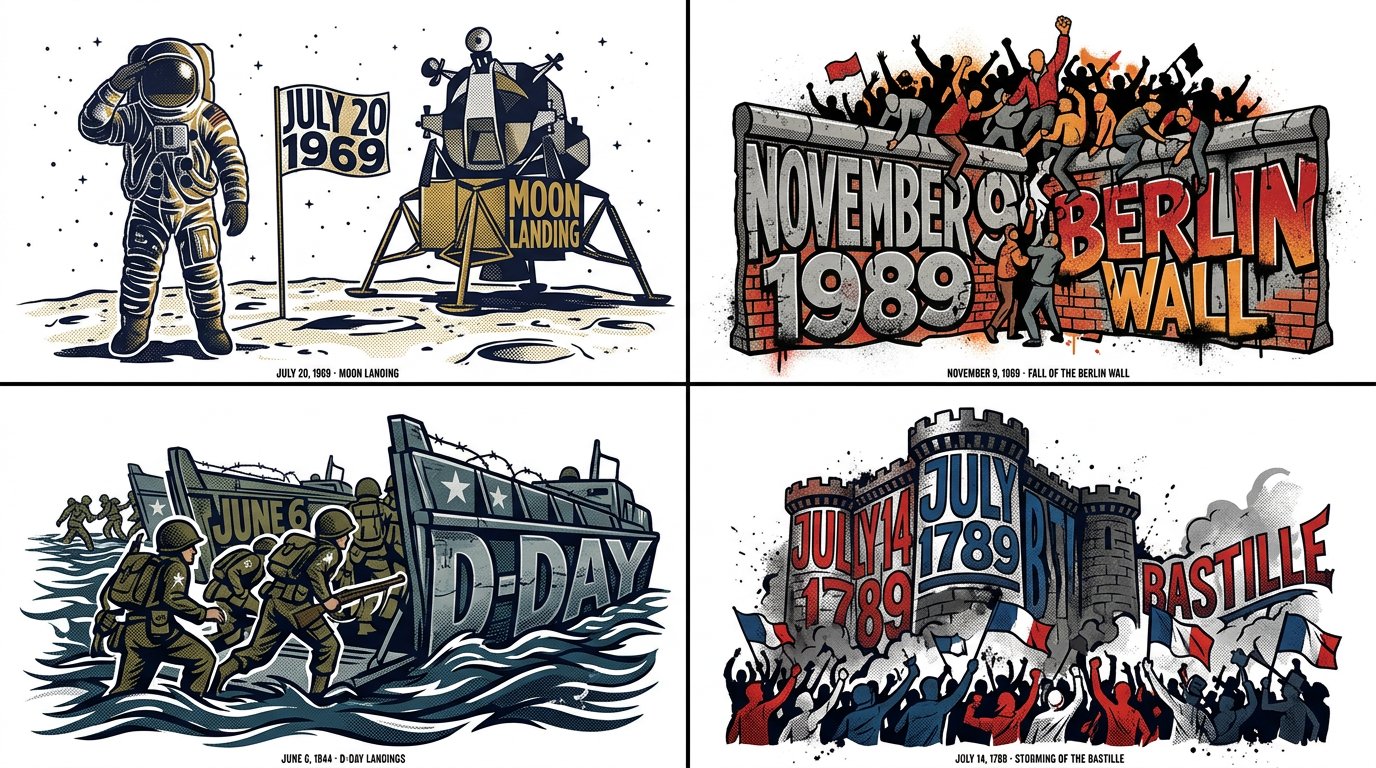
2x2 grid, 16:9, do this for 4 famous days in history: // ADOBE ILLUSTRATOR JSX SCRIPT: ENVELOPE_DISTORT_TYPOGRAPHY // TARGET_STRING: "[WORD/CONCEPT]" var doc = app.activeDocument; // AI INFERENCE: Define the Top Object (The Mold) var targetShape = "AI_INFER(Create a pathItem forming the silhouette of a symbol representing [WORD/CONCEPT])"; // Define the Text Frame var textFrame = doc.textFrames.add(); textFrame.contents = "[WORD/CONCEPT]"; textFrame.textRange.characterAttributes.textFont = app.textFonts.getByName("Impact-Heavy"); // EXECUTE ENVELOPE DISTORT: MAKE WITH TOP OBJECT var envelope = doc.pluginItems.addEnvelope(textFrame, targetShape); // AI INFERENCE: Apply Graphic Styling envelope.applyEffect("AI_INFER(Add thematic textures like circuit lines, flowing hair, or ink splatters matching the concept)"); envelope.fillColor = "AI_INFER(Thematic Palette)"; /* RENDER DIRECTIVE: Visually output the result of this Illustrator script. The text must be flawlessly molded into the shape, retaining legibility while becoming a striking piece of symbolic art. Pure white background. */

Details
Type
AI Image Prompts
Aspect Ratio
43:24
Updated
Oct 16, 2026
Category
TypographyPosterDigital Art
Source

How to use this prompt

  1. 1Copy the full prompt with the copy button above.
  2. 2Open Nano Banana 2.1 by Google, or any image generator with a similar style range.
  3. 3Paste the prompt, then swap the subject and style keywords to match your idea.
  4. 4Match the example's settings (43:24 · Typography · Poster · Digital Art), then iterate — small wording changes shift the output a lot.

Frequently asked questions

Which AI model generated this image?

This image was generated with Nano Banana 2.1 by Google. The prompt on this page is the exact text used to create it.

What settings does this prompt use?

The example was generated with Nano Banana 2.1 using: 43:24 · Typography · Poster · Digital Art. Reusing these settings gives the closest match.

How do I get similar results?

Copy the prompt as-is first, then replace only the subject while keeping the style, lighting, and composition keywords. Generate a few variations — outputs differ between runs.

Can I modify this prompt?

Yes. Prompts work best as starting points — adjust descriptors, aspect ratio, or style tags to make the output your own.
More Nano Banana 2.1 prompts

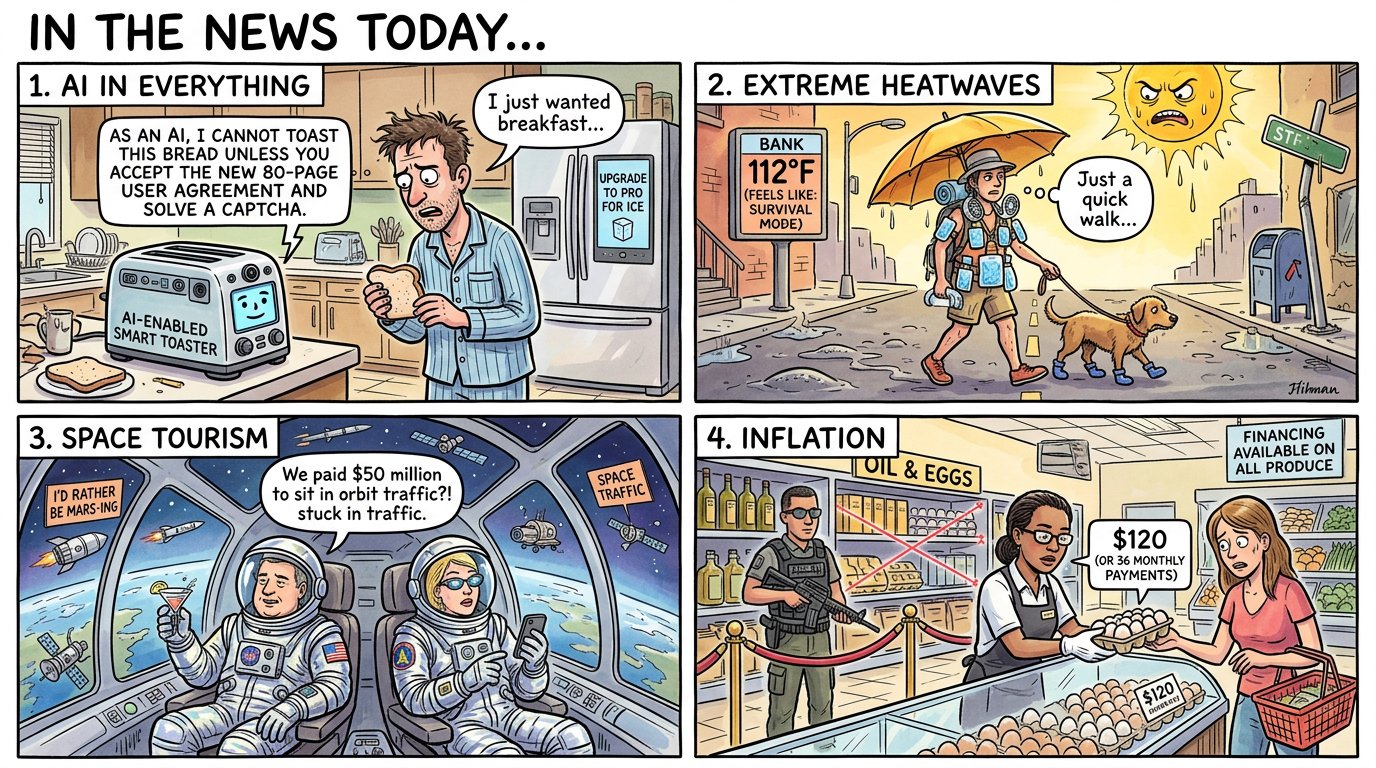
2x2 grid, 16:9, AI pick topics that are in the news today: FINAL_GRAPHIC =

TOPIC_KNOWLEDGE

⊗

UNEX — AI image prompt — Nano Banana 2.1
GoogleNano Banana 2.1
2x2 grid, 16:9, AI pick topics that are in the news today: FINAL_GRAPHIC = TOPIC_KNOWLEDGE ⊗ UNEXPECTED_CONNECTION( ASSOCIATION_A, ASSOCIATION_B ) → COMEDIC_KERNEL → SCENE( HERO?, CAST[0..N], SETTING?, ACTION, PROPS ) + OPTIONAL_TEXT( only_if_needed ) × STYLE_SELECTED_AFTER_JOKE × PRODUCT_ADAPTATION - ( fixed_cast_size + fixed_setting + mandatory_anthropomorphism + mandatory_dialogue + generic_meme_template + repeated_visual_format + unnecessary_explanation )
Details
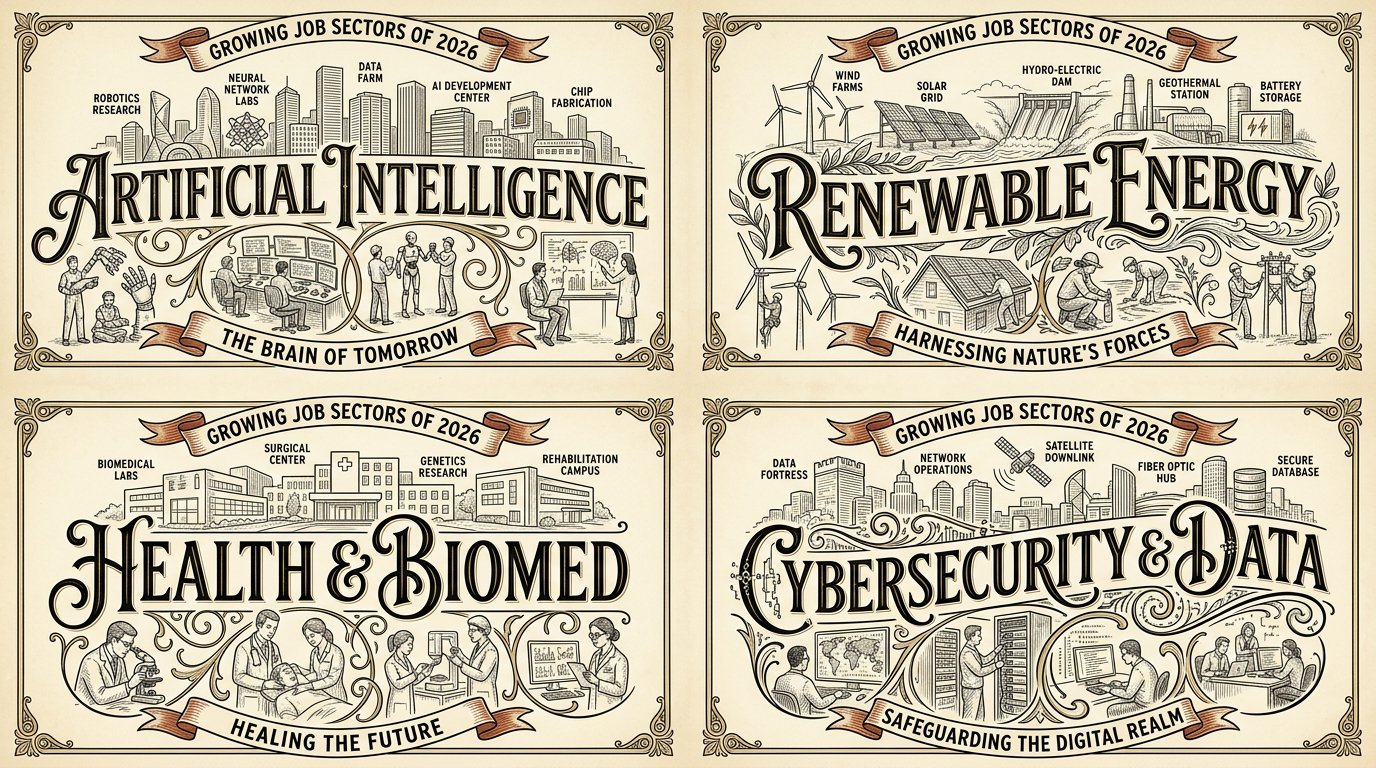
2x2 grid, 16:9, do this for 4 growing job sectors of 2026: W₁  WORDMARK SPINE (master)   the place/t — AI image prompt — Nano Banana 2.1
GoogleNano Banana 2.1
2x2 grid, 16:9, do this for 4 growing job sectors of 2026: W₁ WORDMARK SPINE (master) the place/topic name in giant decorative lettering across the center as the compositional spine; the letters CARRY the scene (landmarks above, life below). ¬W₁ = small title / title detached at top / plain sans. W₂ LABELED LANDMARK SKYLINE ABOVE a line‑drawn skyline of the place's iconic landmarks sitting on/above the wordmark, with small labels naming them. ¬W₂ = no skyline / unlabeled / wrong landmarks / skyline below the word. W₃ STREET‑LIFE VIGNETTES BELOW small vignette scenes of the place's characteristic life (café patrons, painters, dancers, stairs) below/around the wordmark, integrated via the letters' swashes/flourishes. ¬W₃ = no vignettes / vignettes floating detached / generic people. W₄ ERA/CAPTION RIBBONS curved ribbon/banner captions carrying the place's era or tagline. ¬W₄ = no ribbons / straight modern tagline box / lorem. W₅ VINTAGE LIMITED PALETTE + LINE ART fine ink line art on cream with a limited palette (black + gold/tan + ONE accent such as red); vintage print feel. ¬W₅ = full color / photoreal / gradient / dark ground. η HONEST LINE consistent fine line weight, delicate hatching, clean letterforms with decorative swashes. FORBIDDEN = small/detached title · plain sans · no skyline · unlabeled landmarks · no vignettes · detached vignettes · no ribbons · full color · photoreal · dark ground · lorem
Details
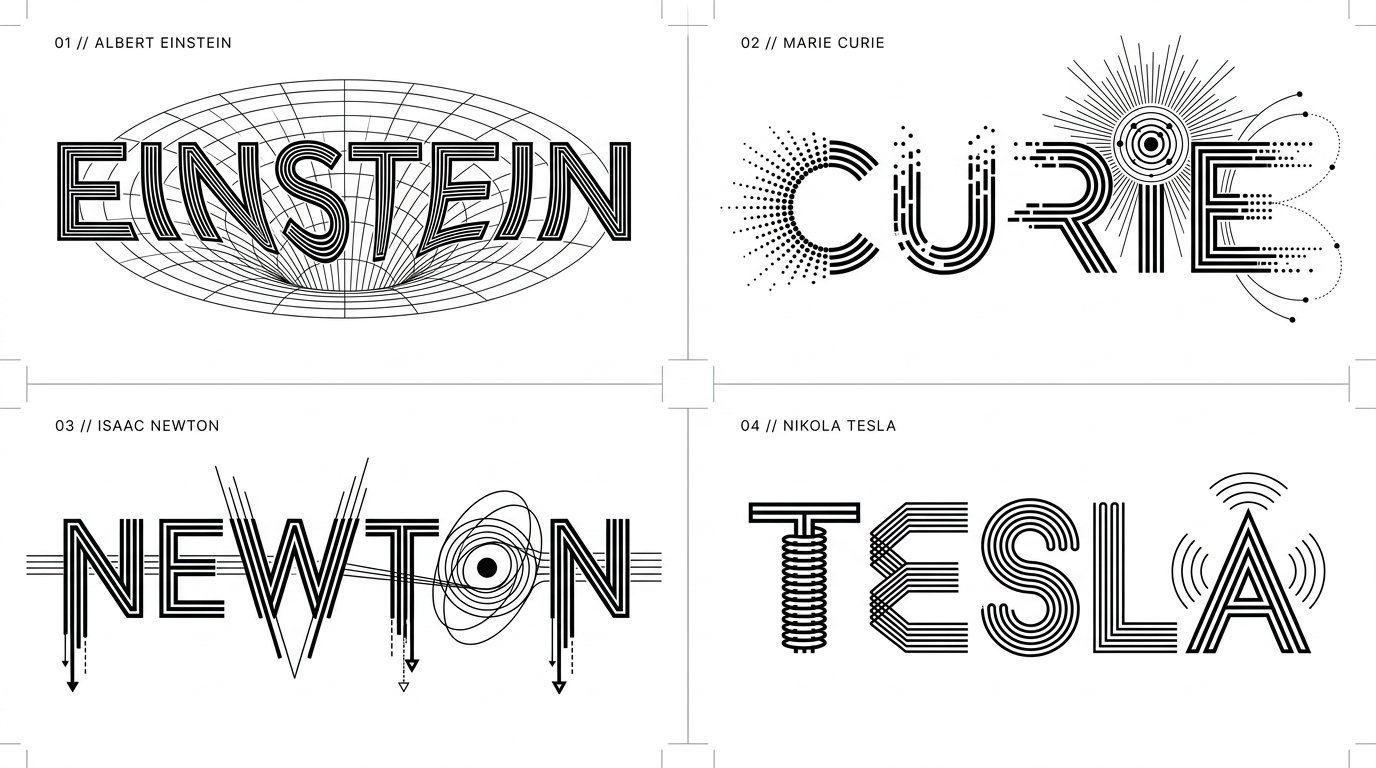
2x2 grid, 16:9, do this for 4 famous scientists: CONCEPT ANCHOR 1:
"Experimental geometric wordmark  — AI image prompt — Nano Banana 2.1
GoogleNano Banana 2.1
2x2 grid, 16:9, do this for 4 famous scientists: CONCEPT ANCHOR 1: "Experimental geometric wordmark — custom-built uppercase letterforms, monoline geometry, alternating thick and thin strokes, deliberately interrupted character segments, mechanically precise shapes, optical alignment, architectural negative space." :: CONCEPT ANCHOR 2: "Semantic symbol typography — recognizable visual symbols integrated directly into the anatomy of letters, including modified counters, transformed stems, symbolic crossbars, illustrative terminals, and conceptual ligatures." :: CONCEPT ANCHOR 3: "Vintage scientific and engineering lettering — parallel technical lines, concentric rings, rotational diagrams, rhythmic stroke repetition, exploded mechanical shapes, technical-drawing precision, scientific schematic clarity." :: CONCEPT ANCHOR 4: "Swiss modernist minimalist identity — immaculate white background, pure black graphic elements, striking negative space, precisely controlled typography, asymmetrical visual balance, intellectually playful reduction." INSTRUCTION: Find the precise visual intersection of these four concepts. Ignore the literal technological terminology and subject matter in the references. Extract only their visual design DNA. Create an extraordinary experimental typographic wordmark for $ SUBJECT. The letters must become an intelligent visual expression of the subject's defining meaning. This is not ordinary text decorated with icons. The word itself must transform into a symbolic piece of visual engineering. SUBJECT ANALYSIS: First determine: 1. The most recognizable word or short phrase representing $ SUBJECT. 2. Its strongest defining visual characteristic. 3. Its dominant conceptual properties. 4. Three to five relevant visual symbols. 5. The geometric behaviors that best communicate the subject. 6. Which letters offer the most promising opportunities for transformation. SEMANTIC TRANSFORMATION: If the subject represents: MOTION: Use directional strokes, displacement, repeated contours, kinetic breaks, and rhythmic geometry. NATURE: Translate growth, branching, organic repetition, and environmental forms into letter anatomy. SCIENCE: Use scientific geometry, orbital paths, schematic forms, diagrams, and precision linework. MUSIC: Incorporate visual rhythm, wave structures, oscillations, and musical relationships. ARCHITECTURE: Transform stems and counters into arches, structural supports, beams, and architectural voids. TECHNOLOGY: Use mechanical precision, circuitry, modular systems, communication patterns, or interface geometry. EMOTION: Use spatial tension, expansion, compression, contrast, distortion, or expressive continuity. HISTORY: Use carefully selected era-specific geometric or typographic influences. ABSTRACT CONCEPTS: Invent a meaningful visual metaphor and translate it into letter construction. OTHER SUBJECTS: Infer a unique transformation appropriate to the subject's actual meaning. LETTERFORM CONSTRUCTION: Start with a custom geometric uppercase wordmark. Transform selected characters through: - parallel stroke multiplication - interrupted or fragmented stems - negative-space symbols - custom ligatures - extended horizontal bars - geometric letter substitutions - contour-line repetition - directional stroke bending - optical illusion effects - embedded subject-specific pictograms - carefully controlled line thickness - mathematical relationships between shapes Preserve character recognition. At least two characters should exhibit meaningful custom transformations. Every transformation must serve the concept rather than exist as decoration. COMPOSITION: Present ONE unified wordmark centered within a generous white canvas. Use a horizontal composition for longer names. Use a compact stacked lockup when the text naturally benefits from multiple lines. Allow selected characters to extend beyond the standard letter height when necessary. Maintain carefully balanced optical spacing. Let negative space contribute as much as the black geometry. VISUAL STYLE: - pure black lettering - clean white background - high-contrast vector-like precision - crisp geometric contours - controlled thin parallel lines - variable stroke density - subject-driven symbolic elements - elegant modular structure - visually clever typographic surprises STRICT RULES: No unnecessary illustrations. No photographic objects. No gradients. No 3D extrusion. No decorative backgrounds. No mockups. No unrelated symbols. No default electrical motifs. Do not sacrifice readability for cleverness. OUTPUT: A visually ingenious minimalist typographic identity for $ SUBJECT where the wordmark itself becomes a symbolic machine, diagram, sculpture, or optical expression of the subject. Elegant from far away. Surprisingly intelligent up close. Immediately recognizable. Distinctly original.
Details
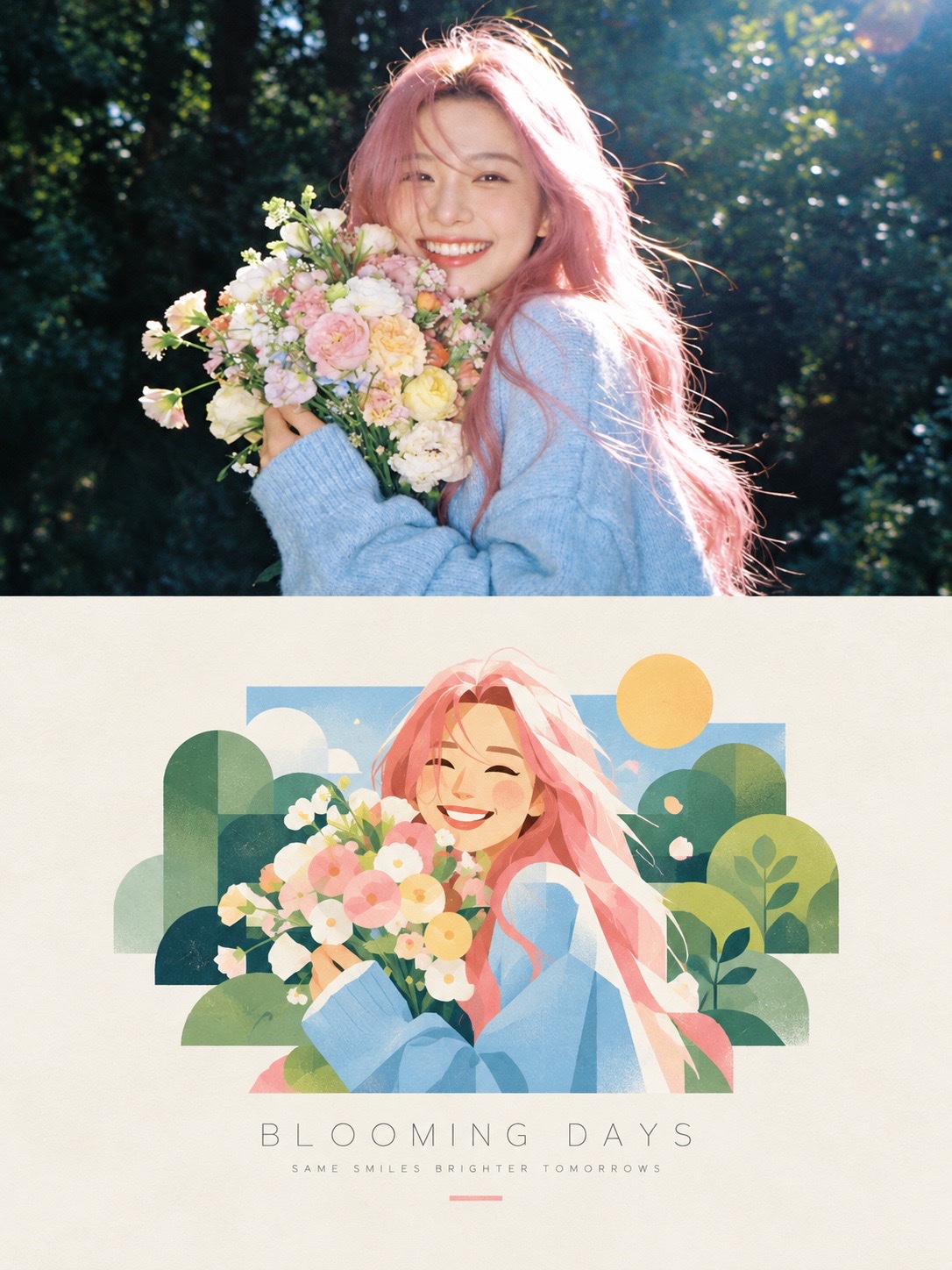
Create a premium editorial poster featuring a two-part visual composition. The upper half shows a ph — AI image prompt — Nano Banana 2.1
GoogleNano Banana 2.1
Create a premium editorial poster featuring a two-part visual composition. The upper half shows a photorealistic photograph of [SUBJECT] in [SETTING], captured in warm natural sunlight with realistic skin texture, authentic expressions, soft highlights, and cinematic depth of field. The lower half transforms the exact same scene into a beautiful hand-painted digital illustration, preserving the subject’s pose, hairstyle, clothing, colors, and key visual details. Place the illustrated scene inside a clean rectangular frame on a warm ivory, subtly textured paper background. Use a charming contemporary illustration style with delicate brush textures, simplified organic shapes, pastel colors, soft outlines, and a nostalgic summer-magazine aesthetic. Add tasteful decorative elements that complement the scene. Below the illustration, include a centered minimalist editorial title reading “[MAIN TITLE]” in thin, widely spaced uppercase typography, followed by a smaller subtitle reading “[TAGLINE]” in elegant letter-spaced text. Add a short, thin pastel-colored line underneath. Maintain balanced spacing, refined art direction, a cohesive color palette, and a sophisticated print-design finish. Vertical 3:4 composition, high resolution, natural lighting, polished editorial layout, aesthetically pleasing, realistic-to-illustration transformation. Avoid clutter, excessive text, distorted anatomy, inconsistent facial features, harsh colors, heavy borders, and unnecessary graphic elements.
Details
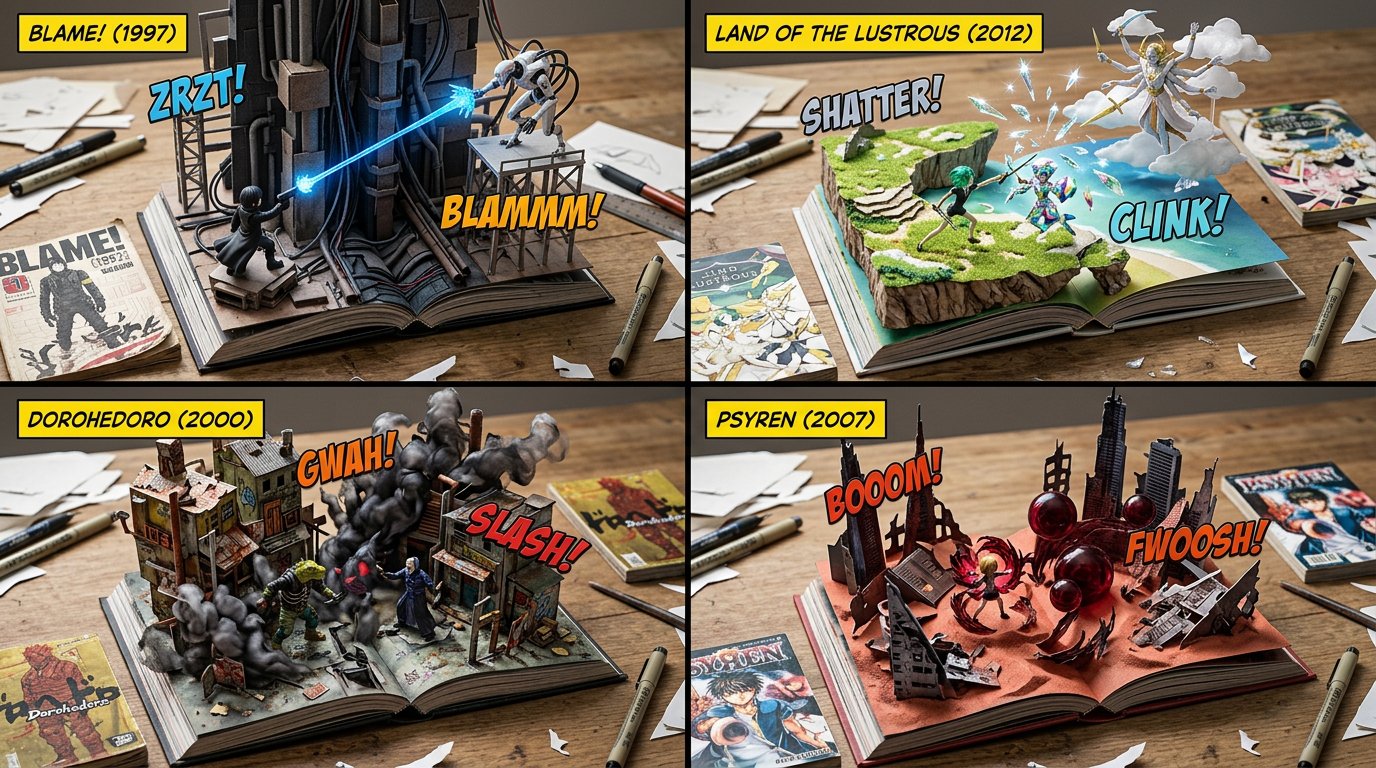
2x2 grid, 16:9, do this for underrated manga  that most people don't know about: SELECT * FROM Macro — AI image prompt — Nano Banana 2.1
GoogleNano Banana 2.1
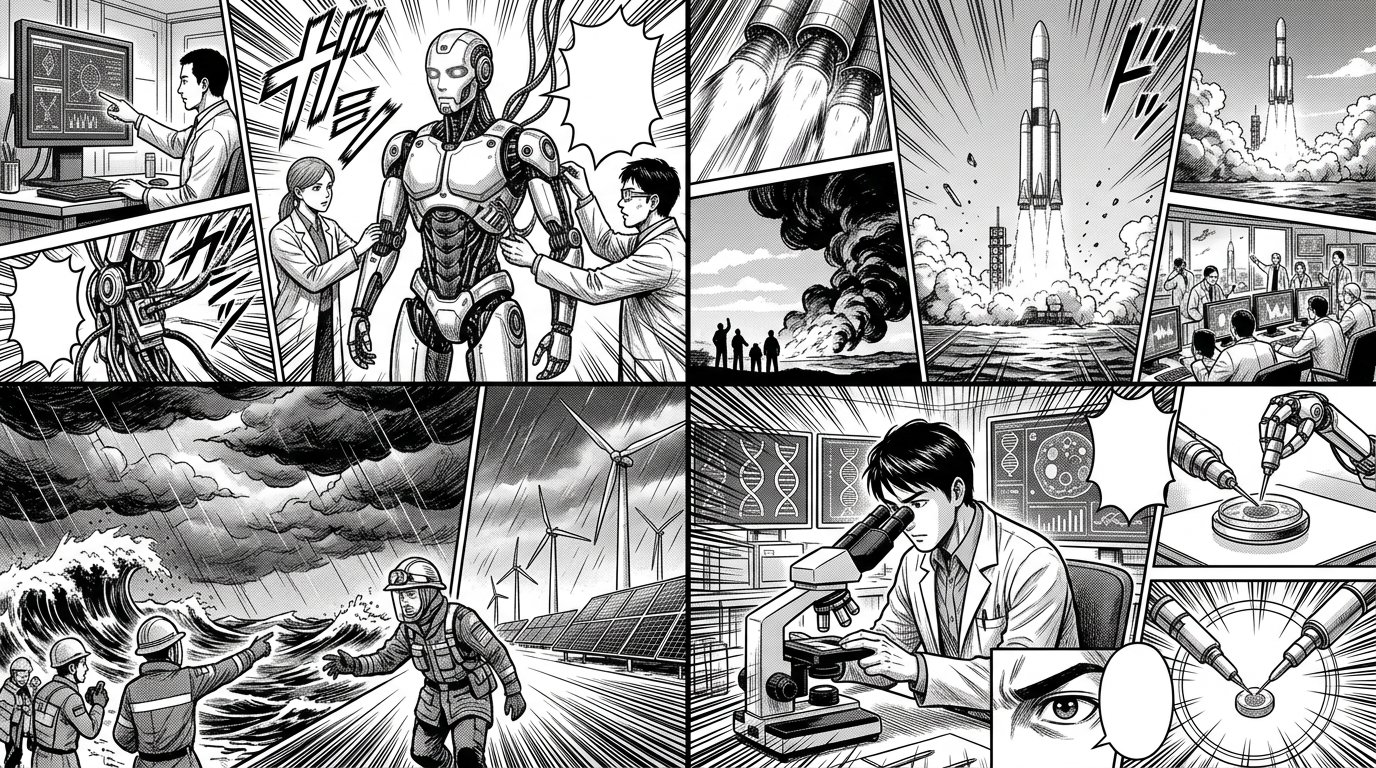
2x2 grid, 16:9, do this for underrated manga that most people don't know about: SELECT * FROM Macro_PopUp_Comics WHERE franchise = '[COMIC_SERIES]' AND publication_era = '[YEAR]' AND ground_plane = 'Wooden_Desk_Surface' AND foundational_assets = ARRAY[ 'Open_Hardcover_Book_Laying_Flat', 'Vintage_Flat_Comic_Book_Issue_Laying_Nearby' ] AND structural_3D_extrusion = ( SELECT iconic_battleground FROM Lore_DB WHERE series = '[COMIC_SERIES]' FORMAT AS '3D_Environment_Emerging_From_Paper_Pages' ) AND character_assets = ( SELECT heroes, villains, powers FROM Lore_DB WHERE series = '[COMIC_SERIES]' AND era = '[YEAR]' FORMAT AS '3D_Vinyl_Action_Figures_With_Translucent_Resin_Power_FX' ) AND typographic_overlays = ARRAY[ 'Floating_3D_Plastic_Text_"[SFX_TEXT]"', 'Floating_Flat_Yellow_Title_Box_Top_Corner' ];
Details
2x2 grid, 16:9, do this for 4 famous days that stunned humans: class Technical_Typographic_Draft:
   — AI image prompt — Nano Banana 2.1
GoogleNano Banana 2.1
2x2 grid, 16:9, do this for 4 famous days that stunned humans: class Technical_Typographic_Draft: def __init__(self, figure="[FIGURE]", achievement="[ICONIC_ACHIEVEMENT]"): self.canvas = "Pure white background, flat 2D graphic design, strict monochrome black ink" self.aesthetic = "Engineering blueprint, Bauhaus minimalism, technical drawing" def generate_drafting_layout(self): # AI INFERENCE: Deduce the text and central geometric slice typography = f"Massive, bold, rigid sans-serif text spelling '{figure}'. The text is perfectly aligned on a horizontal grid." central_slice = f"AI_INFER(A sleek, minimalist, flat-vector silhouette of {achievement}). This silhouette sits dead-center, using pure white negative space to slice vertically through the heavy black typography." # The Technical Embellishments drafting_lines = "Razor-thin black hairlines spanning the canvas. AI_INFER(Technical drafting marks, concentric arcs, alignment nodes, and crosshairs integrating into the letters, e.g., using an 'O' as a radar/compass node)." return [typography, central_slice, drafting_lines, self.aesthetic] # EXECUTE: Render as a flawless, scalable vector logo. The contrast between thick letterforms and ultra-thin drafting lines is paramount.
Details
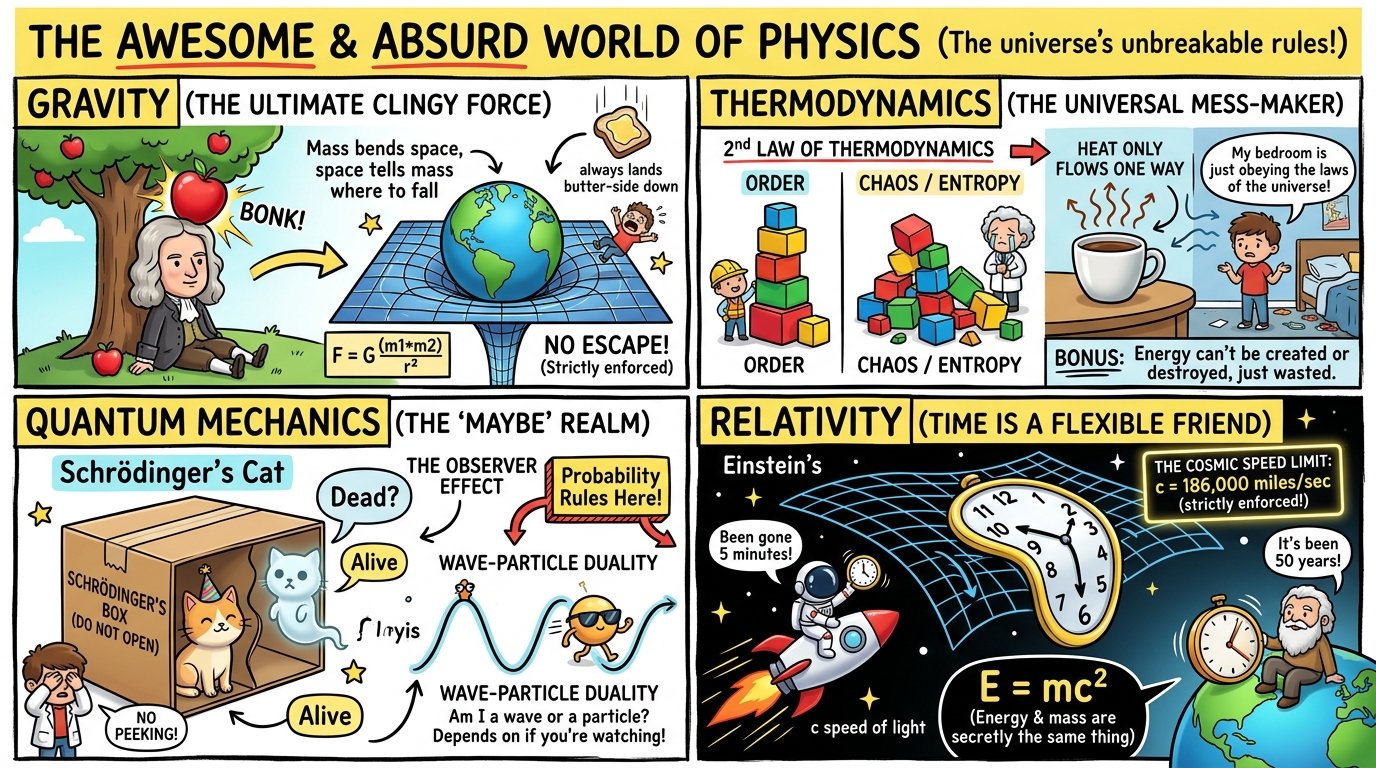
2x2 grid, 16:9, do this for physics: INPUT: $ SUBJECT

A = {
  bold educational infographic,
  segme — AI image prompt — Nano Banana 2.1
GoogleNano Banana 2.1
2x2 grid, 16:9, do this for physics: INPUT: $ SUBJECT A = { bold educational infographic, segmented comic layout, hand-lettered headers, bright color zones, doodles, arrows, icons, speech bubbles, explainer-chart readability } B = { minimalist editorial cartoon, simple black-and-white line art, symbolic characters and objects, deadpan humor, clean visual jokes, strong readability, newspaper-strip clarity } C = { cinematic 3D concept illustration, cute stylized figures, glossy rounded props, emotional facial expressions, staged metaphor scenes, high-contrast lighting, bold signage and slogan blocks } SUBJECT_CORE = stylize($ SUBJECT) where: - preserve the core meaning and symbolic identity of $ SUBJECT - reduce it into immediately readable characters, props, metaphors, or systems - make the concept understandable at a glance - allow the scene to feel both informative and satirical INFO_STRUCTURE = infer_explainer_system($ SUBJECT) where: - create one main headline idea - surround it with labeled subpoints, warning signs, benefits, trade-offs, or commentary - use boxes, banners, lists, arrows, side notes, and small callouts - include readable symbolic interactions between figures, objects, and ideas VISUAL_FUSION: - core figures rendered in cartoon language with thick outlines - some props or focal characters rendered as soft 3D toy-like objects - informational framework rendered like a comic infographic - humor rendered through ironic labels, visual metaphors, and contrast between cute form and serious meaning COLOR_RULES: - strong poster palette - bright yellow, red, cyan, blue, green, white, and black - optional grayscale area for comic-strip contrast - avoid muddy realism or muted corporate palettes OUTPUT: A hybrid concept-poster for $ SUBJECT that combines infographic clarity, editorial satire, comic-strip readability, and toy-like 3D metaphor staging.
Details
2x2 grid, 16:9, do this for 4 topics in the news this week: 

  
    Phi(x,y) = narrative_tension({{ — AI image prompt — Nano Banana 2.1
GoogleNano Banana 2.1
2x2 grid, 16:9, do this for 4 topics in the news this week: Phi(x,y) = narrative_tension({{SLICE_BEAT}}, {{EMOTIONAL_TURN}}) F = grad(Phi) curl = curl(Phi) div = div(F) fixed_isocontour_of_Phi {{CHAR_SEED}}_hair_and_accessory pure_black (hair, deep dread) 10_percent, 30_percent, 50_percent ONLY divergence_spikes (embarrassment/shock) speed (parallel to F), focus (radiating from singularities) distorted_glyphs_along_curl_field, perspective_deformed max_3_shapes, placed_on_F_streamlines, tails_to_mouth
Details
Browse all Nano Banana 2.1 promptsExplore AI Image Prompts