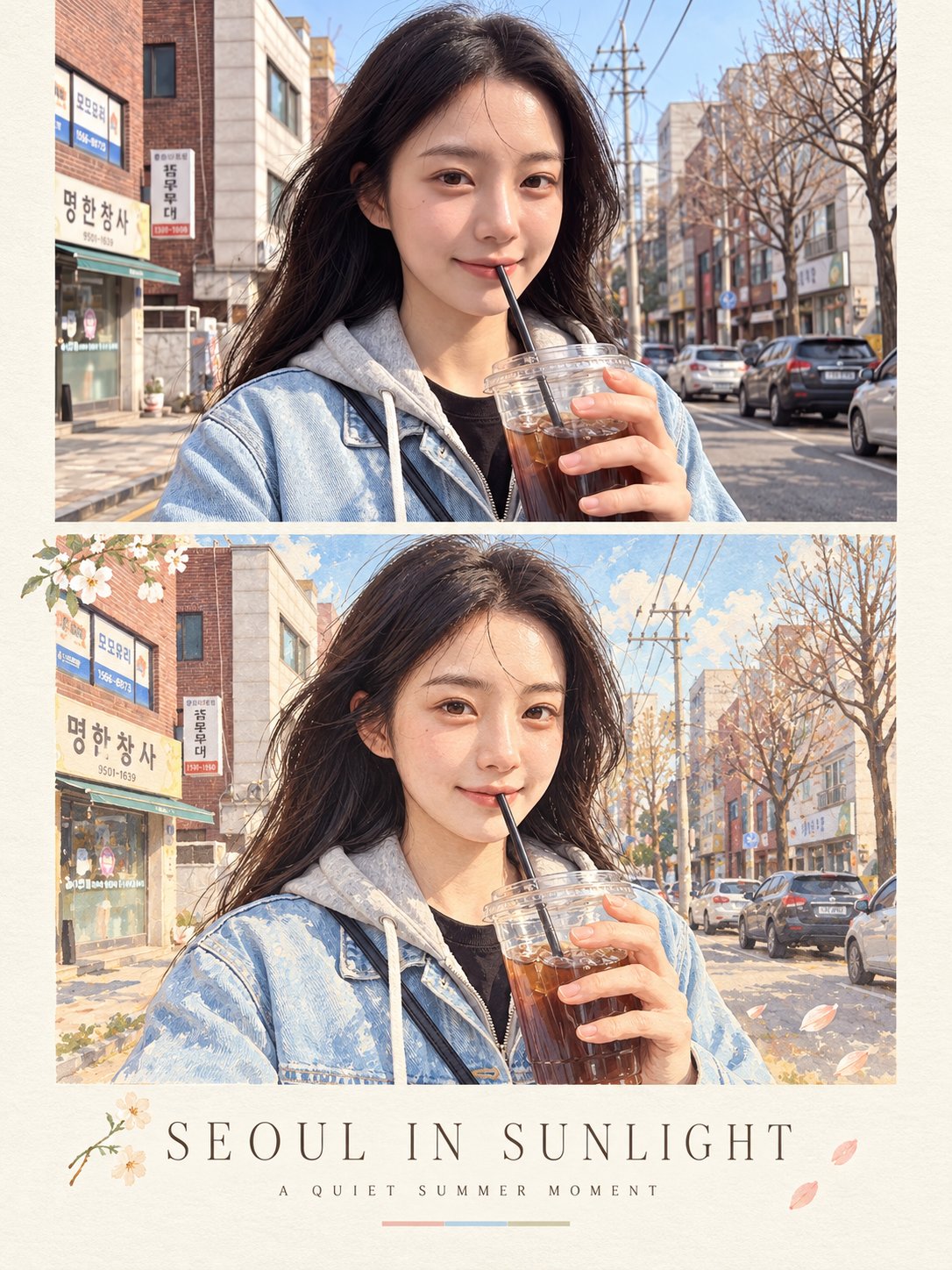
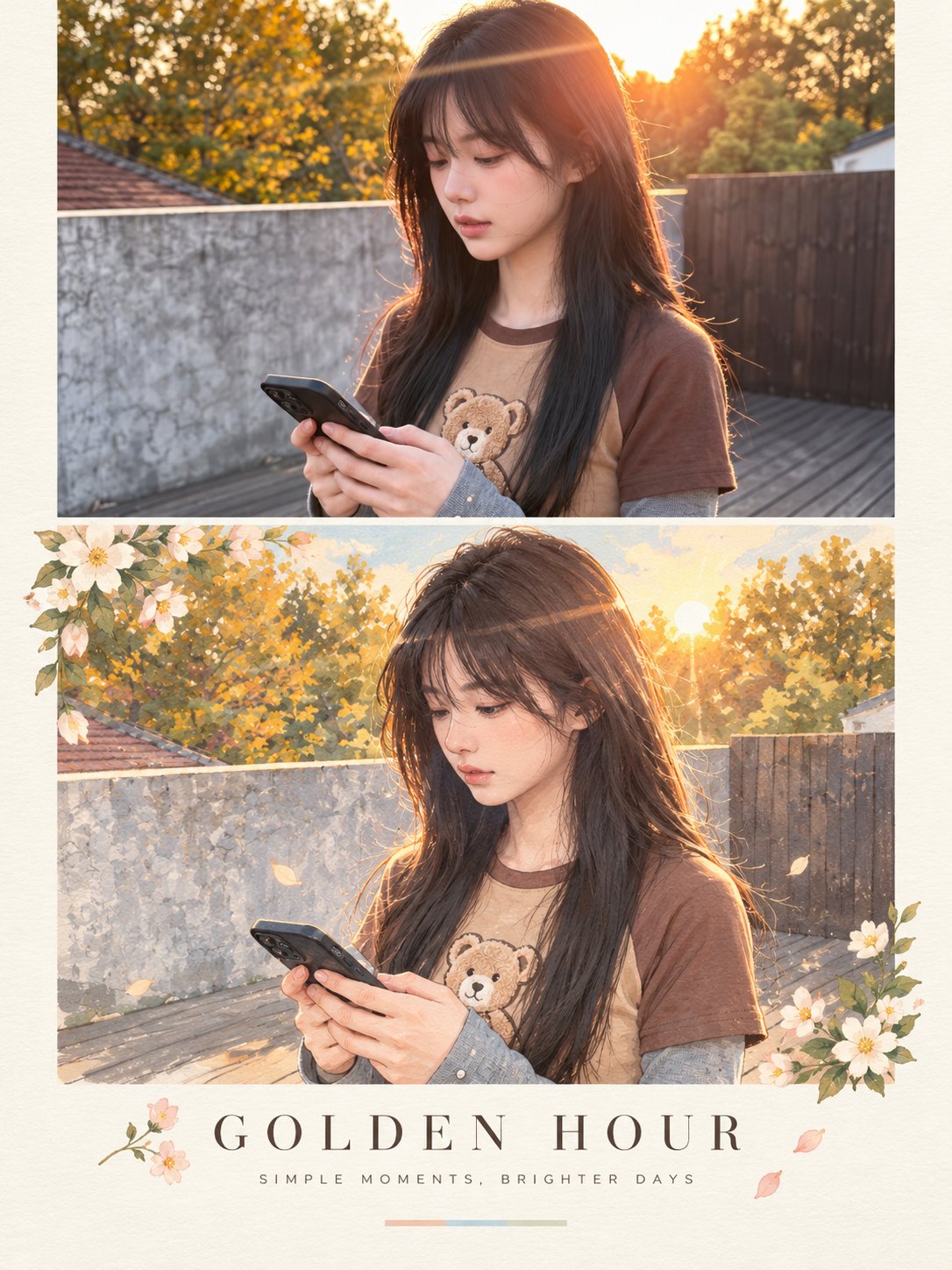
Reality to Illustration Magazine Poster

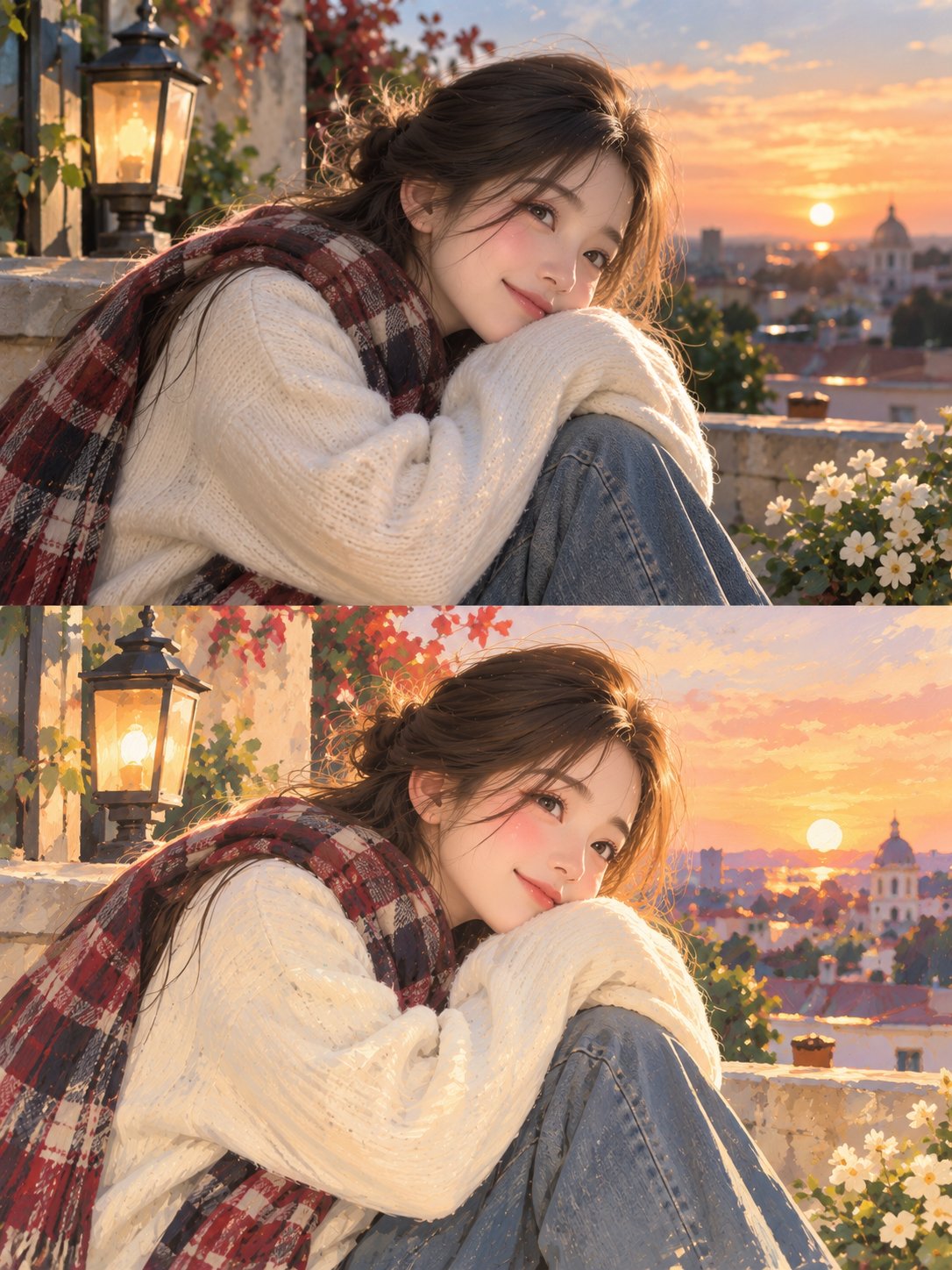
Design a sophisticated vertical magazine-style poster built around a seamless transition from reality to illustration. At the top, present the subject as a highly realistic lifestyle photograph, naturally placed within the original environment. Use soft golden sunlight, lifelike skin and hair details, subtle facial expression, natural shadows, and a shallow cinematic focus for an authentic photographic feel. Directly beneath it, reinterpret the very same moment as a refined hand-painted artwork. Keep the character instantly recognizable by matching the original composition, body position, hairstyle, outfit, smartphone, lighting direction, and surrounding environment. Give the artwork a gentle painterly finish with visible brushwork, soft edges, organic forms, muted pastel tones, and a nostalgic illustrated-magazine atmosphere. Arrange both scenes within a carefully designed editorial layout surrounded by warm cream-colored paper with subtle grain and tactile print texture. Add a few delicate botanical or seasonal accents around the artwork without overwhelming the composition. Under the illustrated panel, create a clean typography section with a centered uppercase headline: “[MAIN TITLE]”. Use elegant, widely tracked lettering with a refined fashion-editorial feel. Beneath it, place “[TAGLINE]” in a smaller, understated typeface with generous spacing. Finish the typography area with one short horizontal pastel accent rule. Keep the entire composition calm, premium, and visually cohesive. The photographic and illustrated versions should feel like two interpretations of the exact same moment rather than separate scenes. Use a vertical 3:4 poster format, high-resolution output, balanced negative space, soft natural color grading, polished print aesthetics, and contemporary editorial art direction. Do not introduce unnecessary text, dramatic borders, oversaturated colors, visual clutter, unrealistic anatomy, mismatched facial features, or changes to the subject’s identity and clothing.
Details
- Type
- AI Image Prompts
- Aspect Ratio
- 3:4
- Updated
- Oct 23, 2026
Category
How to use this prompt
- 1Copy the full prompt with the copy button above.
- 2Open Nano Banana 2.1 by Google, or any image generator with a similar style range.
- 3Paste the prompt, then swap the subject and style keywords to match your idea.
- 4Match the example's settings (3:4 · Digital Art · Realistic · Portrait), then iterate — small wording changes shift the output a lot.
Frequently asked questions
Which AI model generated this image?
This image was generated with Nano Banana 2.1 by Google. The prompt on this page is the exact text used to create it.
What settings does this prompt use?
The example was generated with Nano Banana 2.1 using: 3:4 · Digital Art · Realistic · Portrait. Reusing these settings gives the closest match.
How do I get similar results?
Copy the prompt as-is first, then replace only the subject while keeping the style, lighting, and composition keywords. Generate a few variations — outputs differ between runs.
Can I modify this prompt?
Yes. Prompts work best as starting points — adjust descriptors, aspect ratio, or style tags to make the output your own.