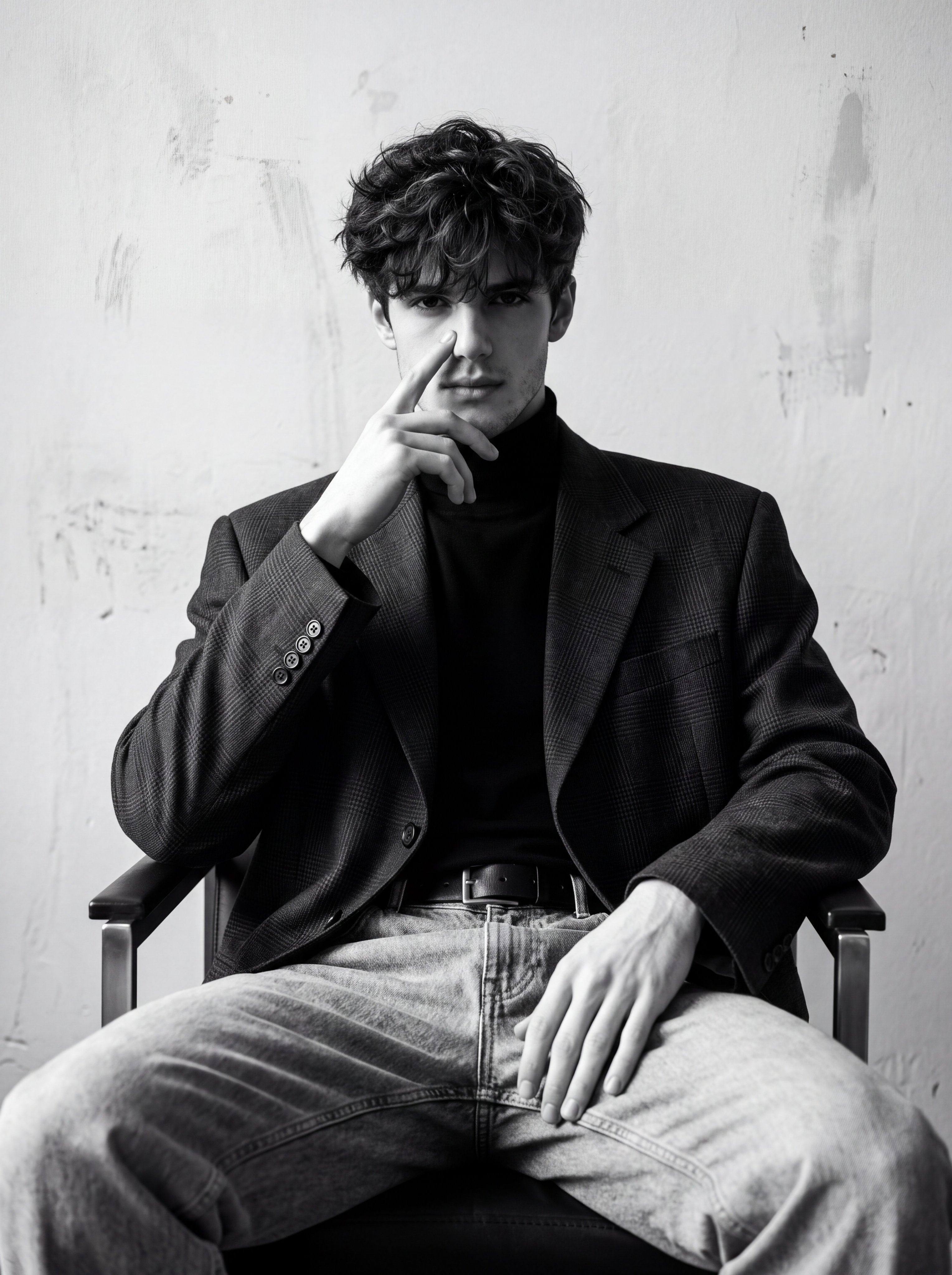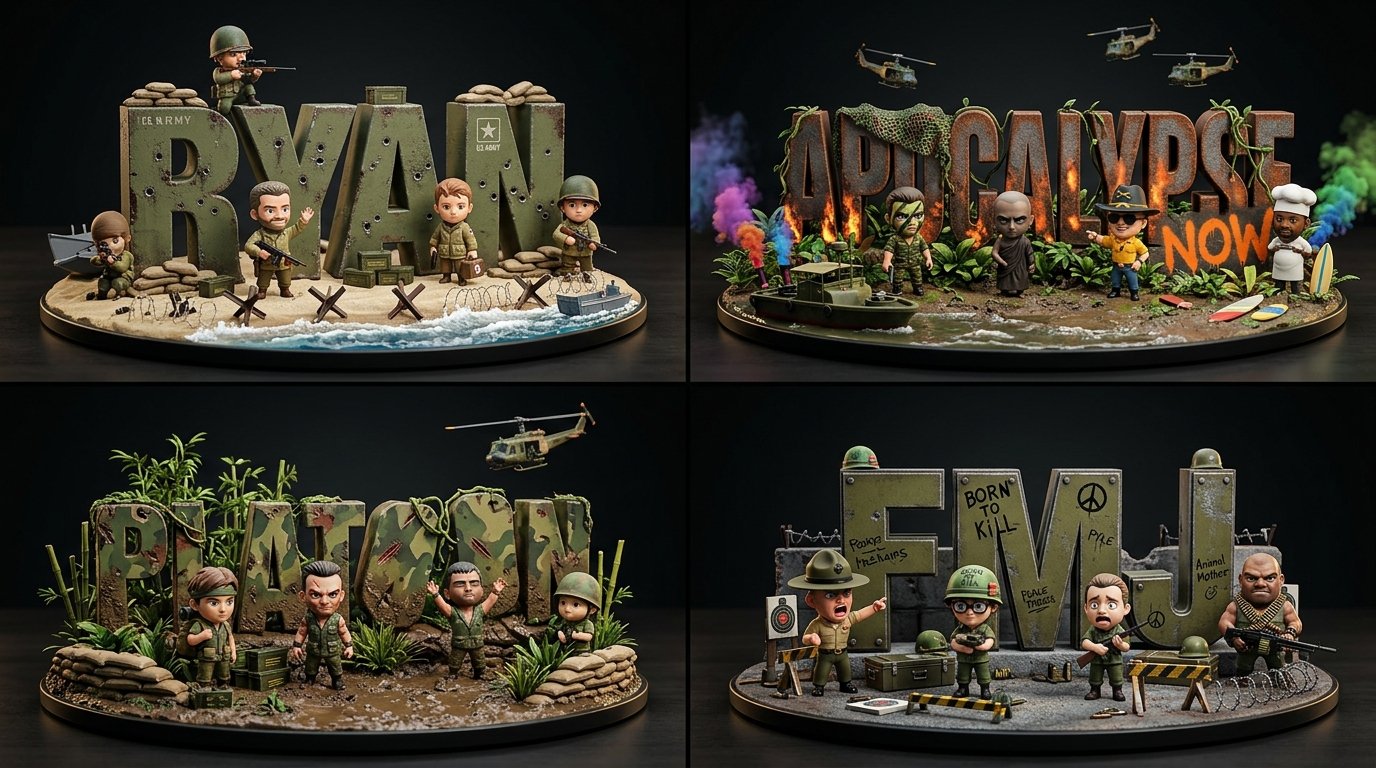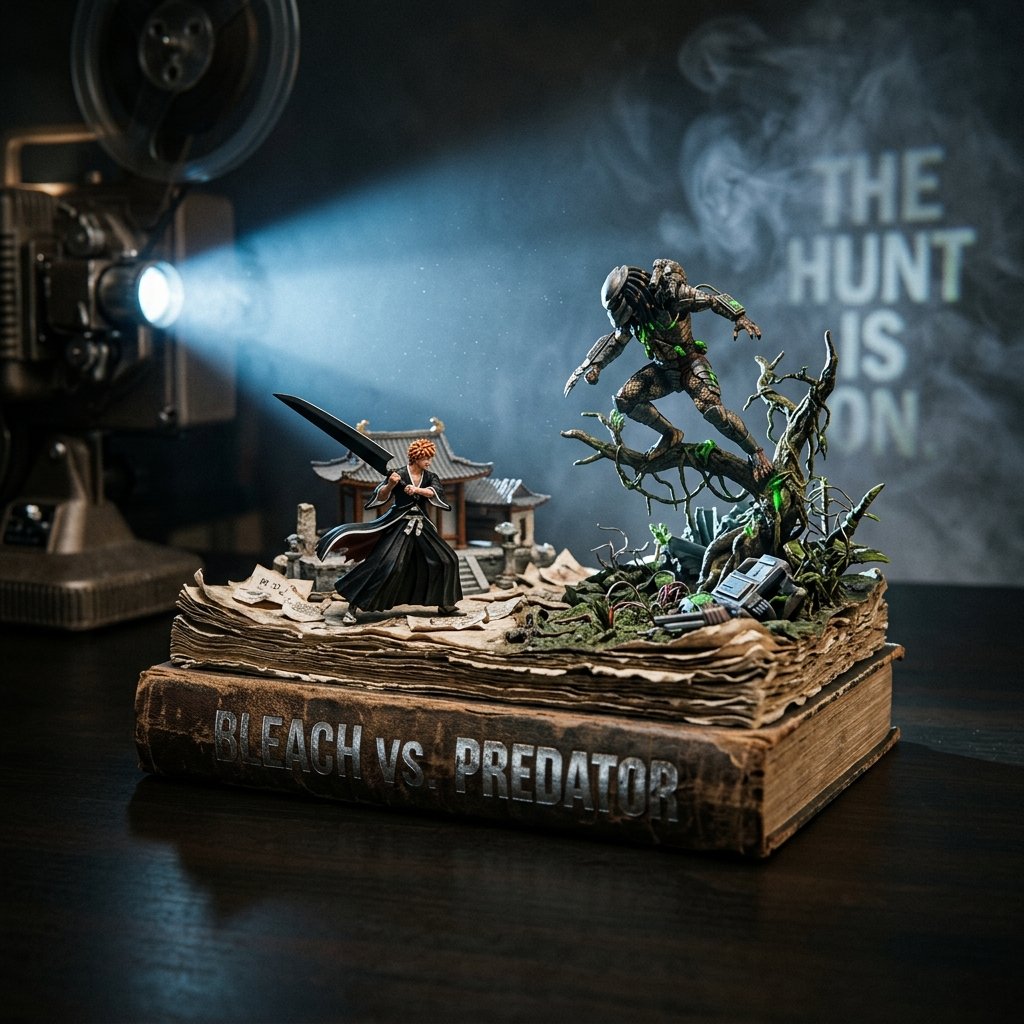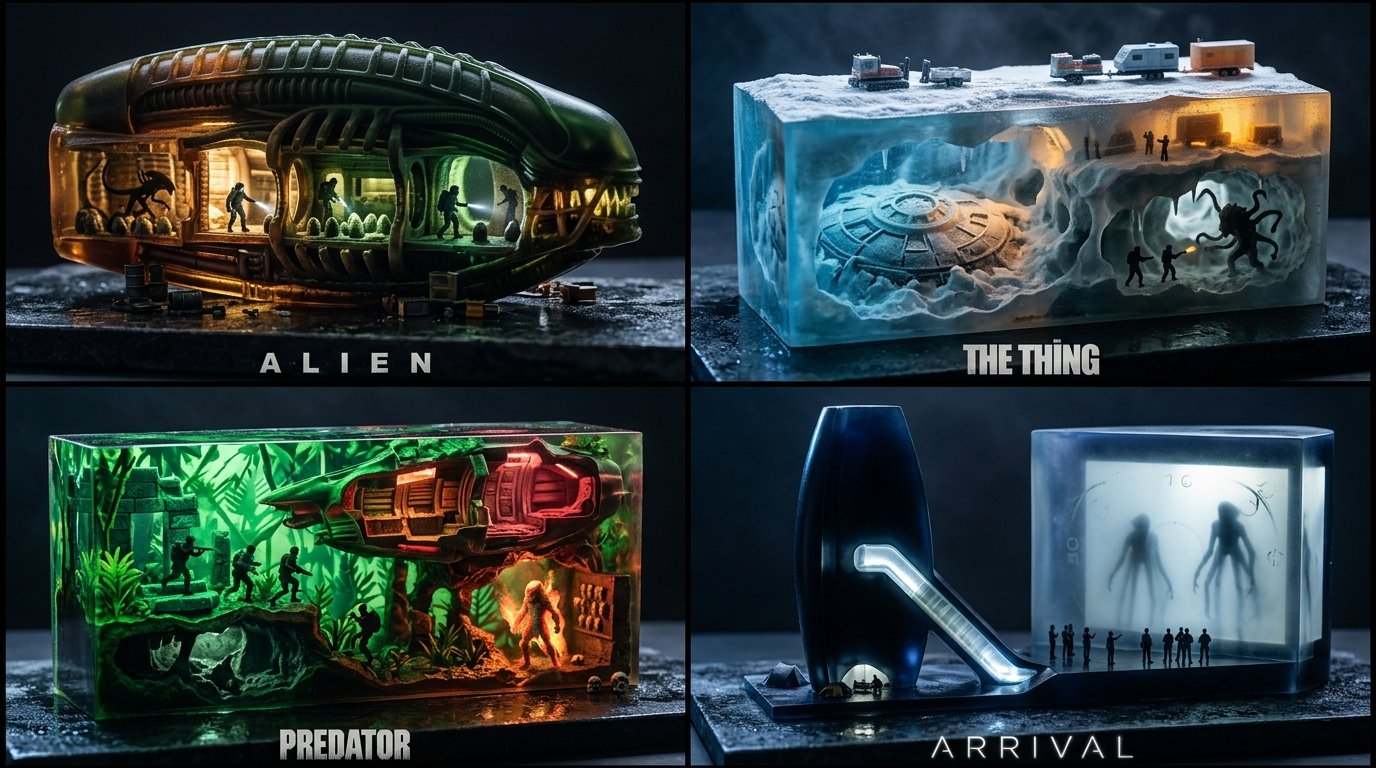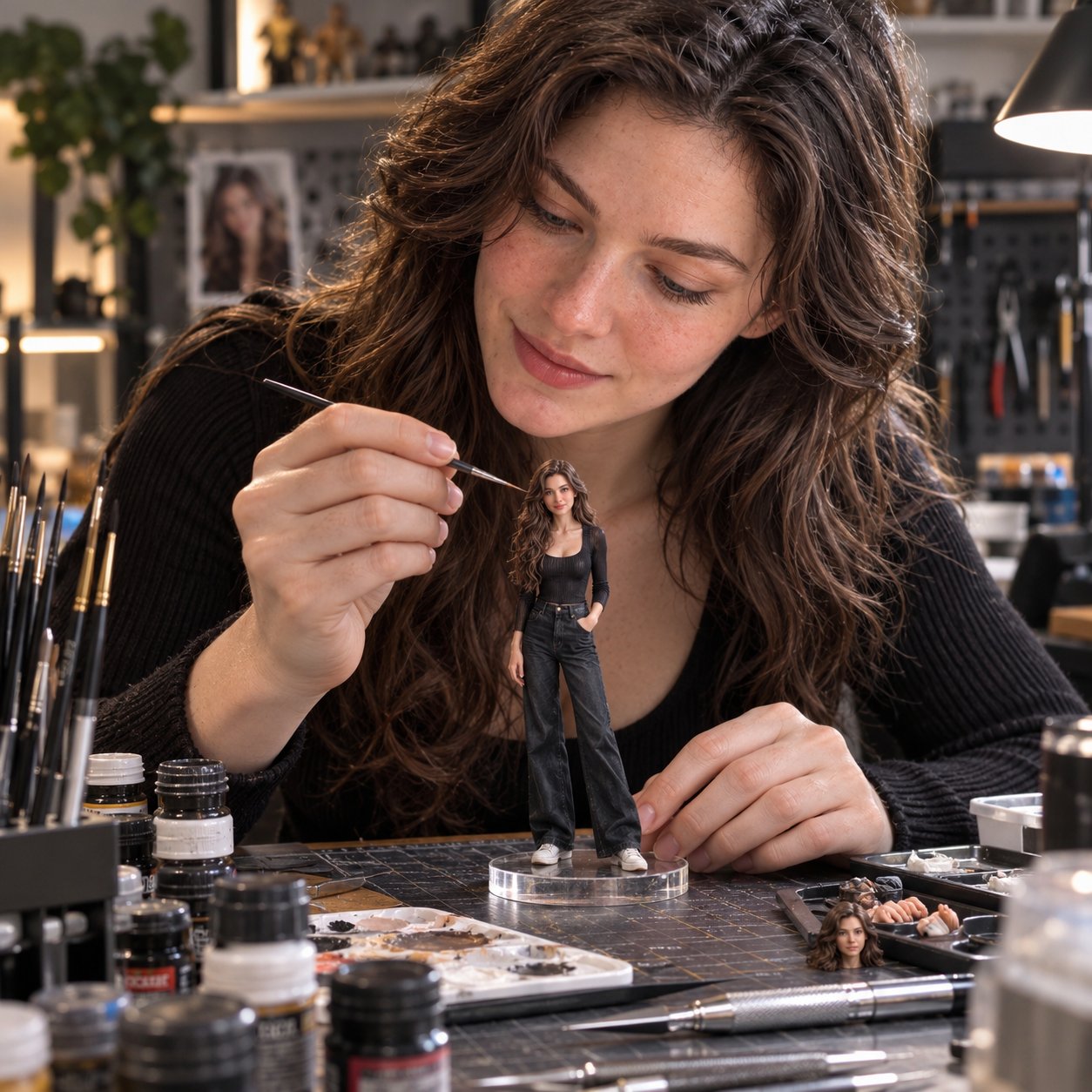
Woman Painting Miniature Figurine of Herself

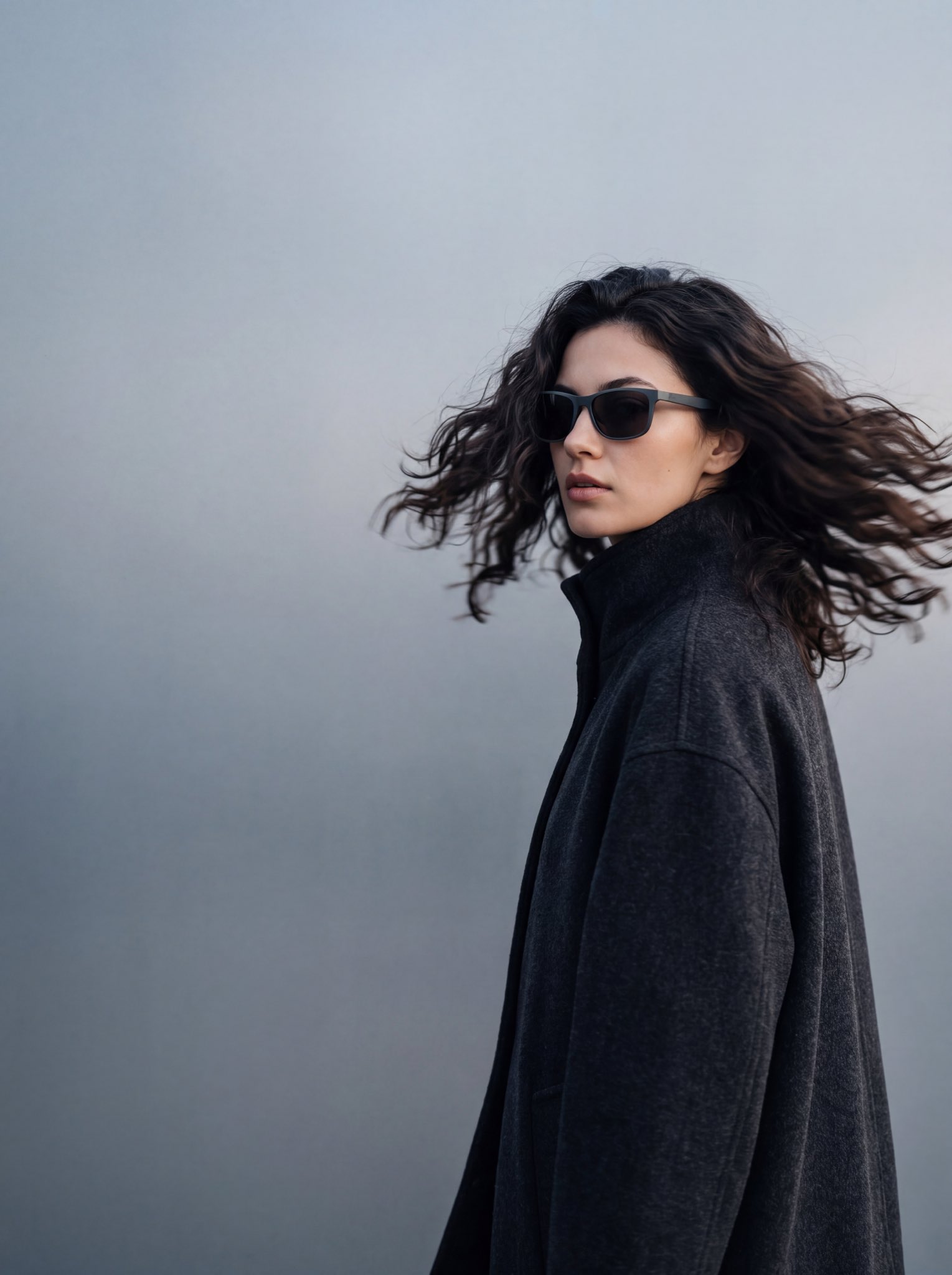
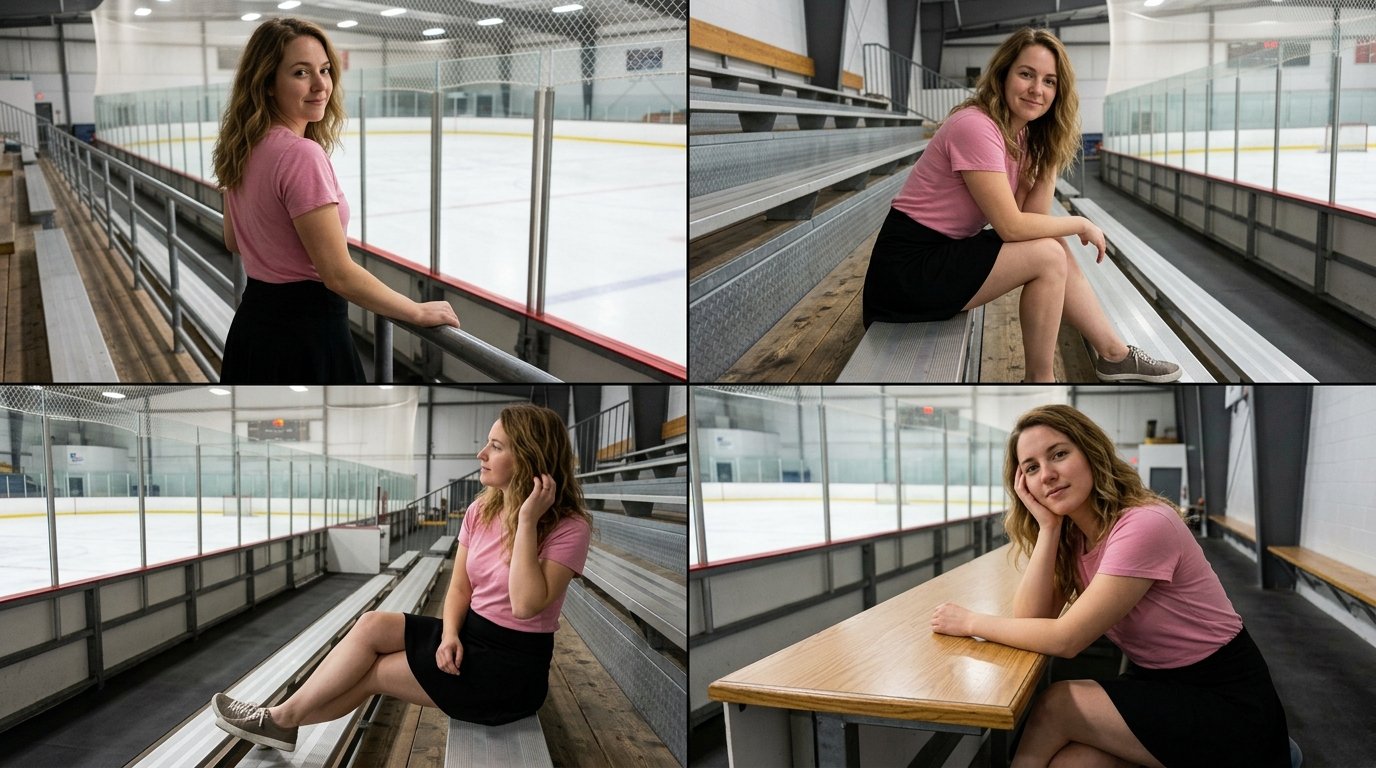
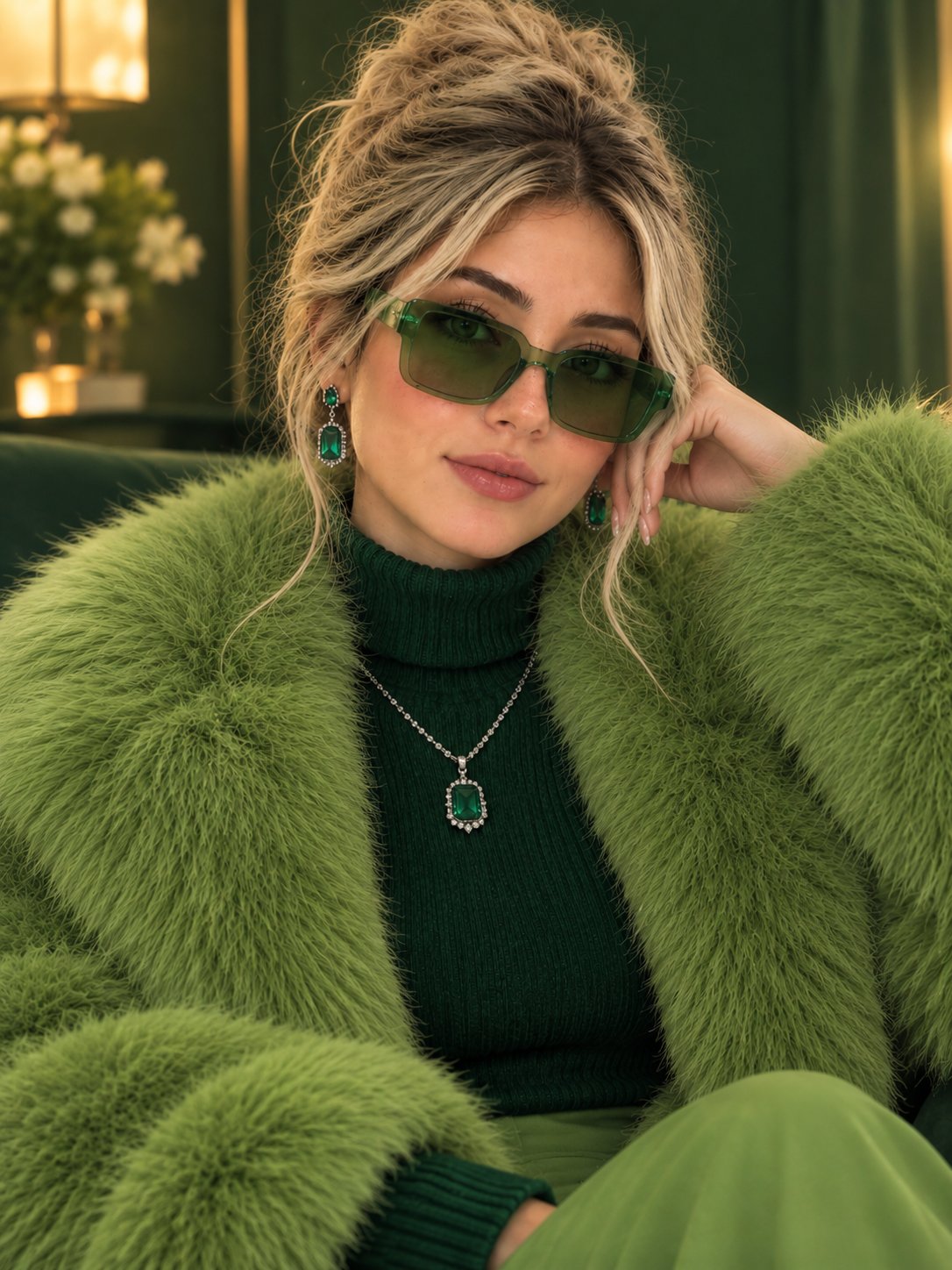
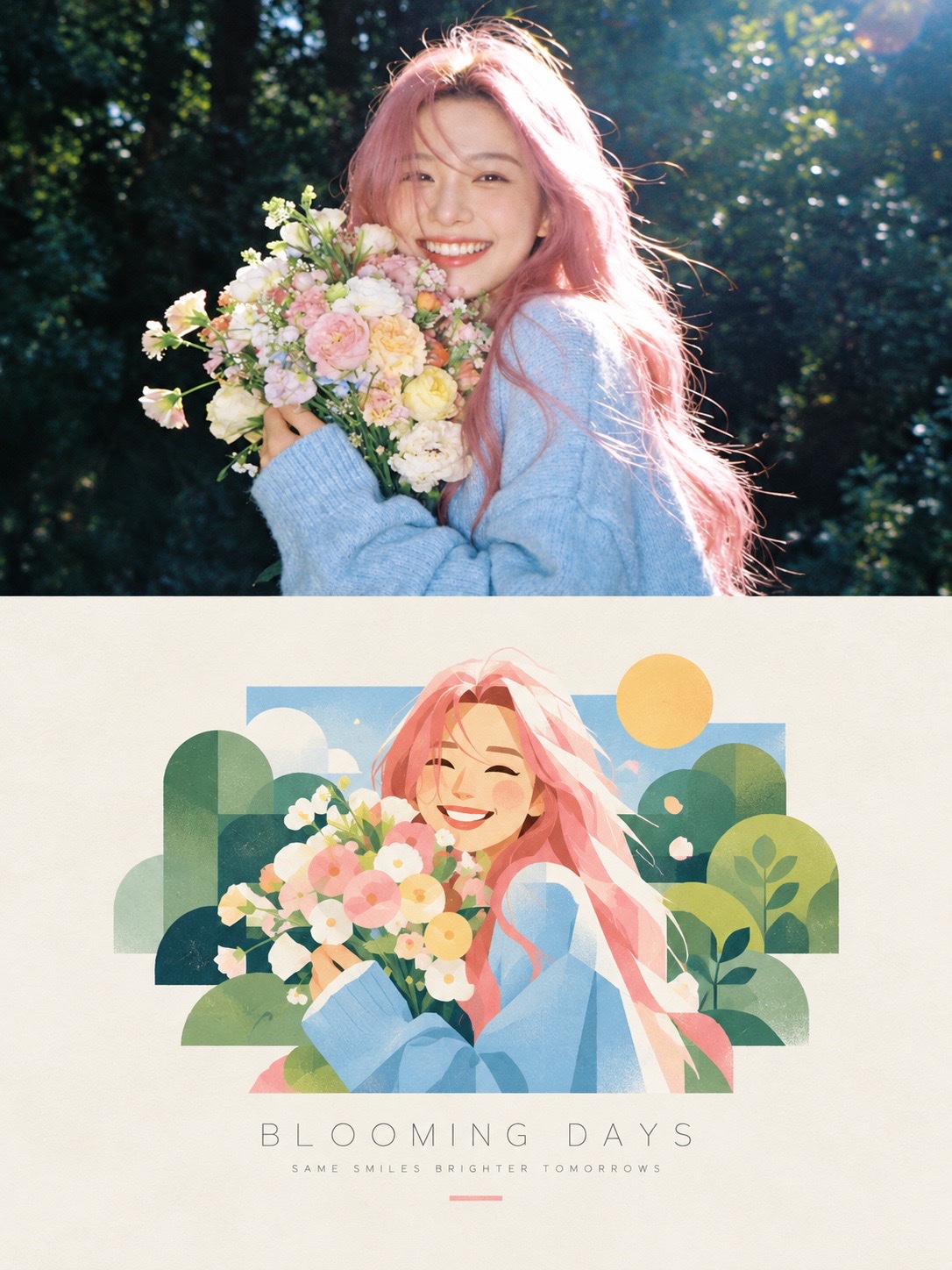
Ultra-realistic cinematic studio scene of a young woman carefully creating a highly detailed miniature figurine of herself. She is seated at a professional artist's workbench, gently holding a fine paintbrush as she adds delicate details to the miniature with complete focus and precision. The miniature figurine stands on a transparent acrylic display base on the table, perfectly matching the woman's facial features, hairstyle, elegant black outfit, and overall appearance. The tiny figure looks like a realistic, perfectly scaled version of the real woman. The workbench is filled with tiny paint bottles, precision brushes, sculpting tools, miniature accessories, and art supplies, creating an authentic miniature artist's studio. Soft cinematic lighting illuminates the woman's face and the miniature figure, highlighting realistic skin texture, individual hair strands, fabric details, and tiny brush strokes. The background features a modern, elegant studio with subtle shadows and warm ambient lighting. The composition captures both the real woman and her miniature creation in the same frame, with the woman's face and the tiny figurine in sharp focus. Natural pose, realistic hands, accurate anatomy, lifelike proportions, shallow depth of field, professional DSLR photography, 8K ultra-detailed textures, cinematic color grading, premium editorial photography, visually stunning and photorealistic. Important: Preserve the woman's original facial identity and natural features. The miniature must resemble her exactly. No cartoon style, no illustration, no plastic-looking skin, no distorted hands, no extra fingers, no blurry face, no text, no watermark. Style: Hyper-realistic photography, miniature realism, cinematic studio portrait, professional artisan workshop. Aspect Ratio: 1:1 (Square)
Details
- Type
- AI Image Prompts
- Aspect Ratio
- 1:1
- Updated
- Oct 22, 2026
How to use this prompt
- 1Copy the full prompt with the copy button above.
- 2Open Nano Banana 2.1 by Google, or any image generator with a similar style range.
- 3Paste the prompt, then swap the subject and style keywords to match your idea.
- 4Match the example's settings (1:1 · Cinematic · Realistic · Portrait), then iterate — small wording changes shift the output a lot.
Frequently asked questions
Which AI model generated this image?
This image was generated with Nano Banana 2.1 by Google. The prompt on this page is the exact text used to create it.
What settings does this prompt use?
The example was generated with Nano Banana 2.1 using: 1:1 · Cinematic · Realistic · Portrait. Reusing these settings gives the closest match.
How do I get similar results?
Copy the prompt as-is first, then replace only the subject while keeping the style, lighting, and composition keywords. Generate a few variations — outputs differ between runs.
Can I modify this prompt?
Yes. Prompts work best as starting points — adjust descriptors, aspect ratio, or style tags to make the output your own.