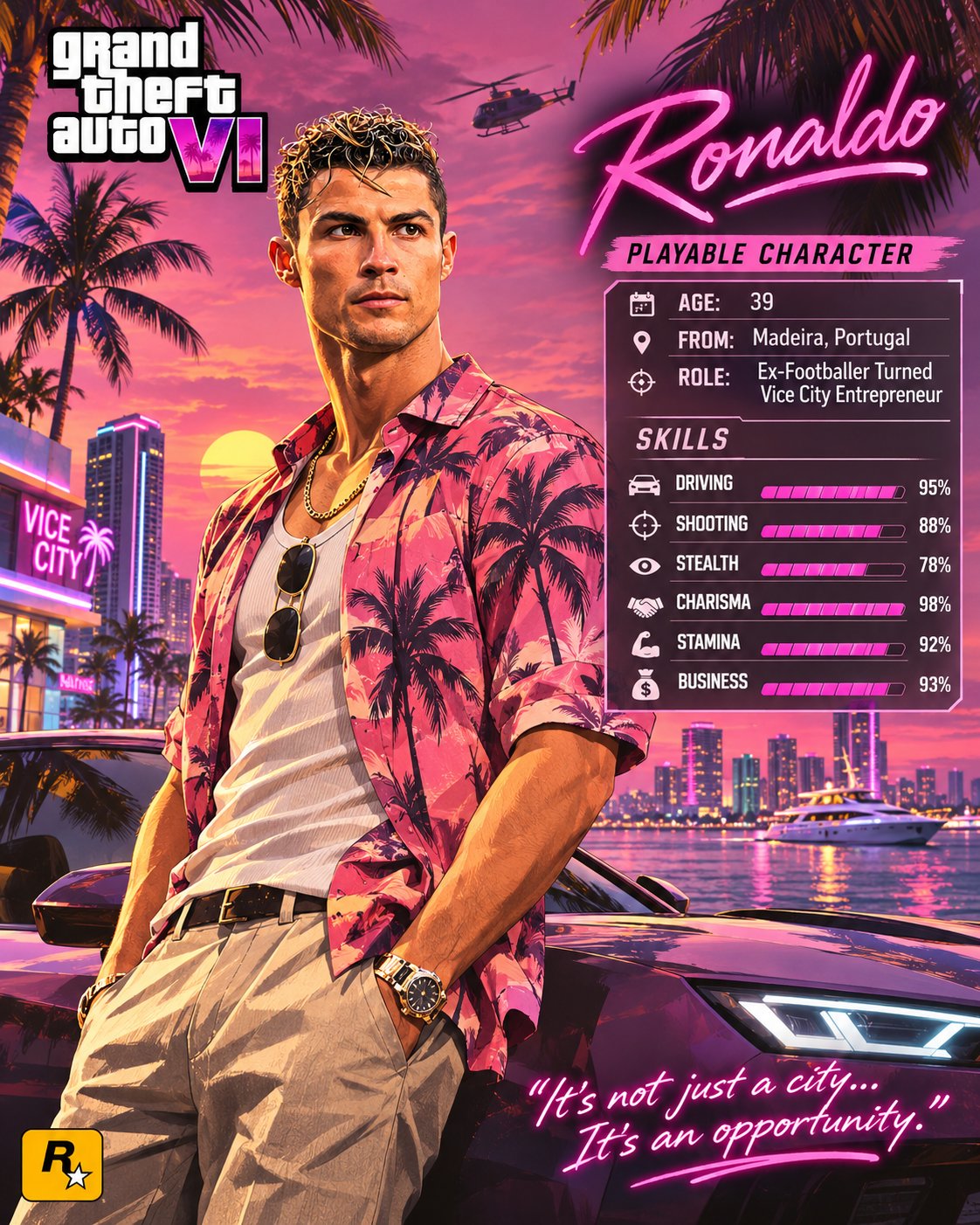
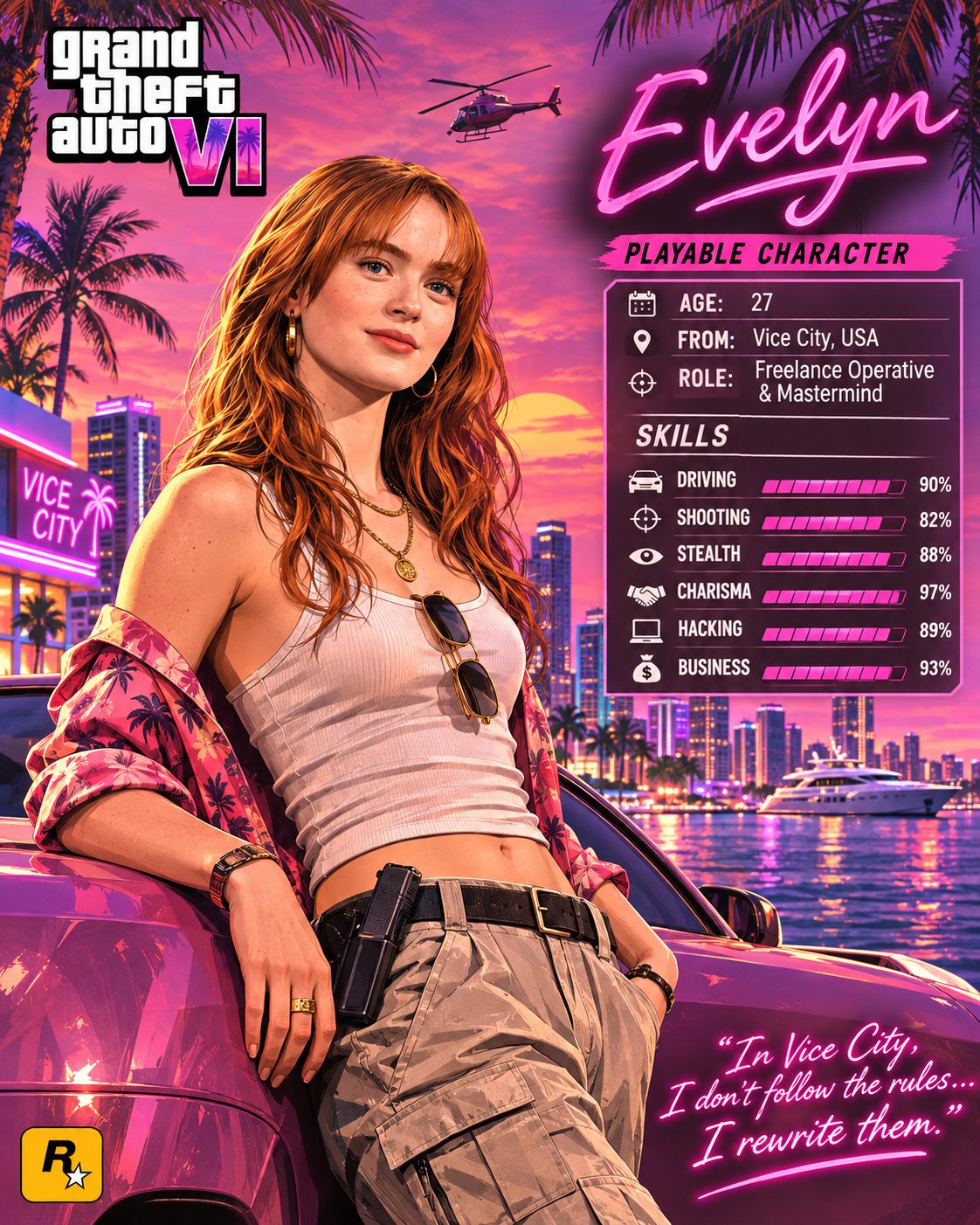
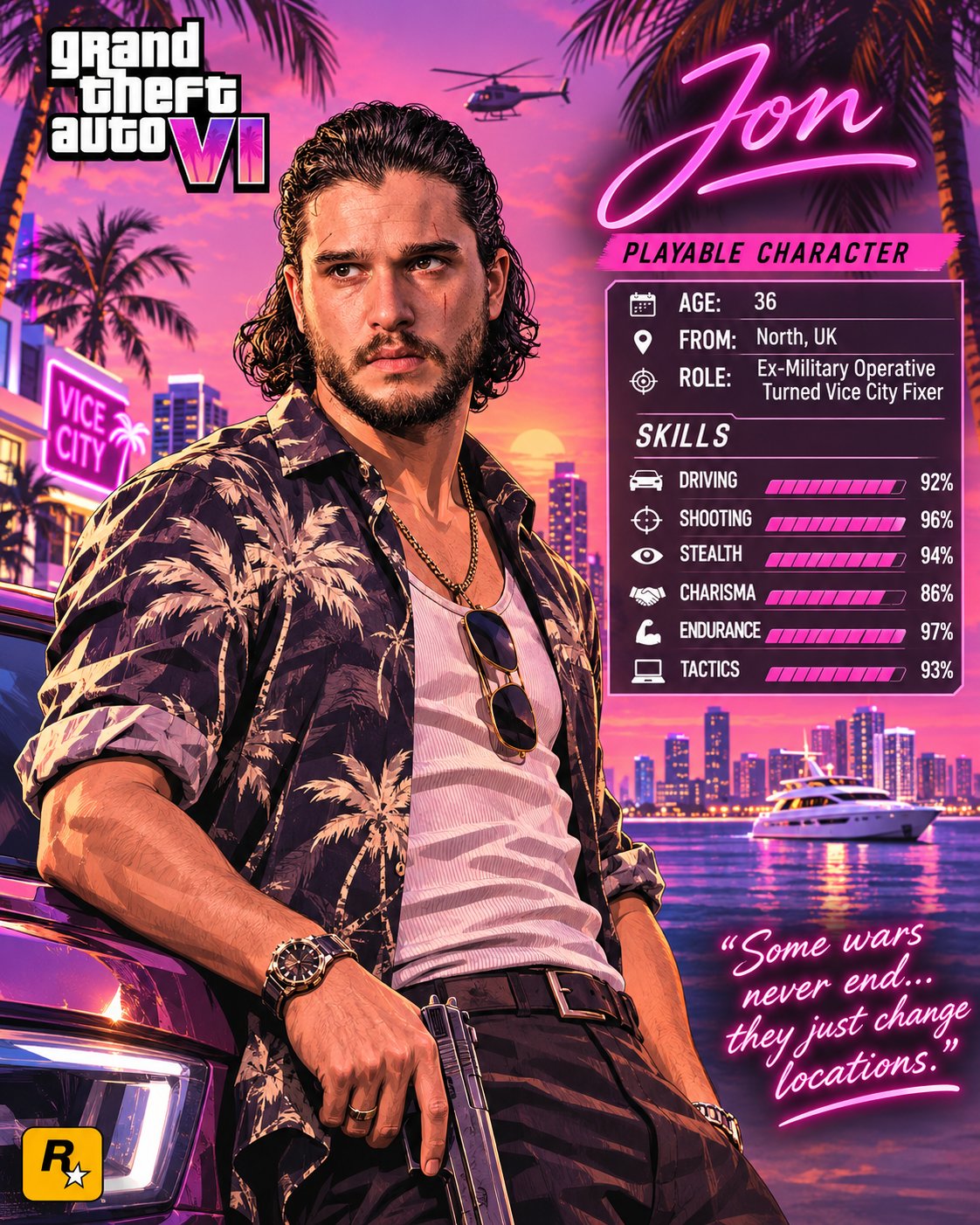
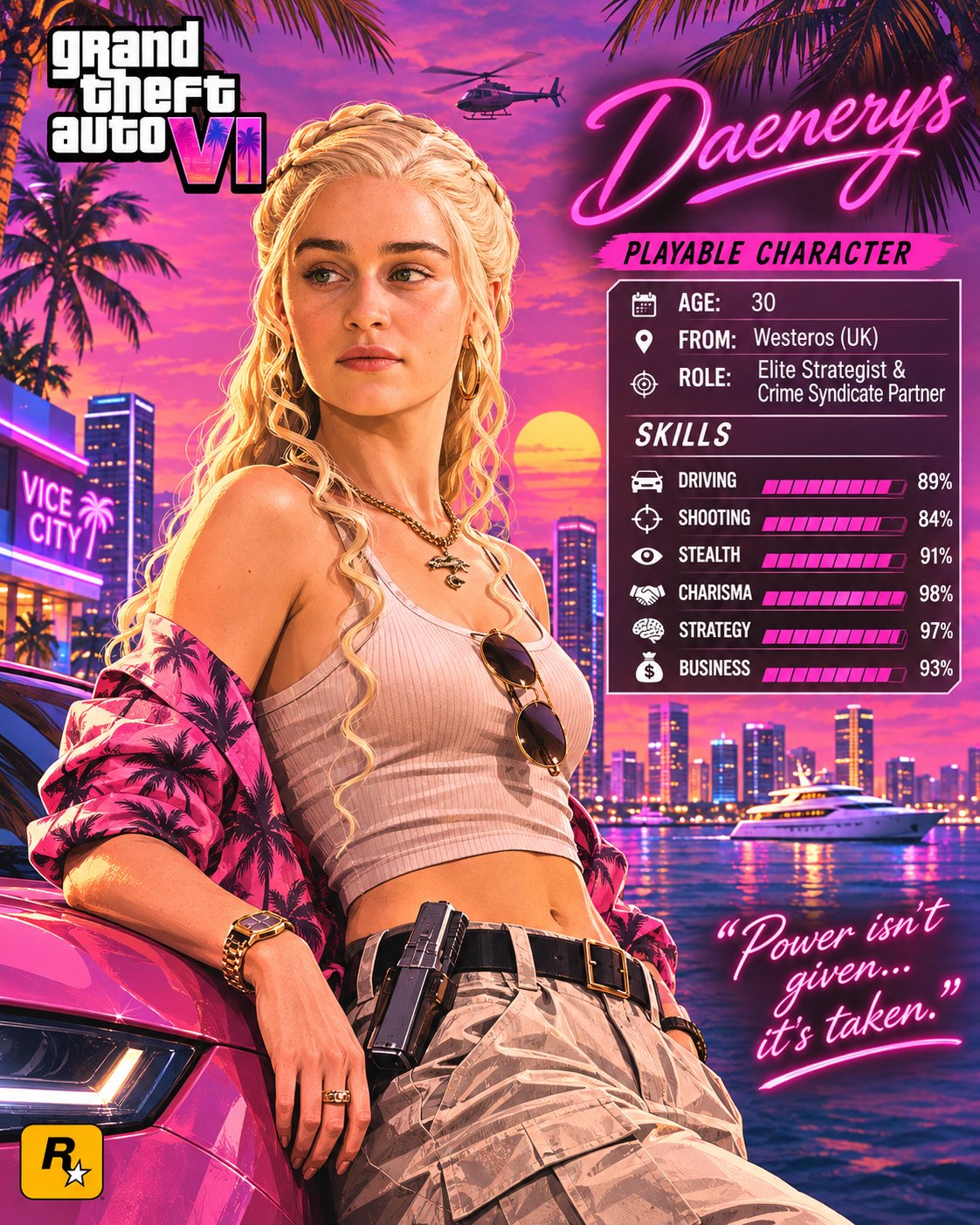
GTA VI Personalized Character Poster
 GPT Image 2.6OpenAIimage
GTA VI | PERSONALIZED PLAYABLE CHARACTER POSTER Transform the person in the uploaded reference photo into a stunning, ultra-detailed Grand Theft Auto VI-inspired character poster, designed like an official Vice City character introduction screen. Preserve the person's recognizable facial identity, hairstyle, skin tone and natural features while adapting their appearance into GTA VI's signature illustrated, semi-realistic promotional artwork style. SCENE & BACKGROUND: Place the character in a vibrant Vice City-inspired tropical environment featuring a beautiful sunset, palm trees, luxury cars, waterfront views, modern skyscrapers and subtle cinematic details. CHARACTER DESIGN: Give the person a stylish outfit that suits their personality, with a confident natural pose and expressive attitude. Use rich colors, dramatic lighting, detailed textures and polished Rockstar-inspired artwork aesthetics. POSTER LAYOUT: - Top corner: Bold Grand Theft Auto VI-inspired logo. - Opposite corner: Character's name in elegant neon-pink typography. - Side panel: PLAYABLE CHARACTER with customizable details: - Age - From - Role - Skills with visual progress bars (Driving, Shooting, Stealth, Charisma and other suitable abilities). - Bottom corner: A short, stylish character quote in neon handwritten typography. - Include a small gaming-inspired emblem near the bottom. IMPORTANT: Automatically personalize the character name, profile, role, outfit and quote based on the uploaded person wherever appropriate. Keep all text clean, correctly spelled and readable. FINAL STYLE: Premium GTA VI promotional poster, cinematic Vice City atmosphere, vibrant pink and purple sunset palette, sophisticated character illustration, crisp details, balanced composition and professional graphic design. FORMAT: 4:5 vertical poster, high resolution, no watermark.
Details
- Type
- AI Image Prompts
- Aspect Ratio
- 561:701
- Updated
- Nov 21, 2026
Category
How to use this prompt
- 1Copy the full prompt with the copy button above.
- 2Open GPT Image 2.6 by OpenAI, or any image generator with a similar style range.
- 3Paste the prompt, then swap the subject and style keywords to match your idea.
- 4Match the example's settings (561:701 · Character · Digital Art · Cinematic), then iterate — small wording changes shift the output a lot.
Frequently asked questions
Which AI model generated this image?
This image was generated with GPT Image 2.6 by OpenAI. The prompt on this page is the exact text used to create it.
What settings does this prompt use?
The example was generated with GPT Image 2.6 using: 561:701 · Character · Digital Art · Cinematic. Reusing these settings gives the closest match.
How do I get similar results?
Copy the prompt as-is first, then replace only the subject while keeping the style, lighting, and composition keywords. Generate a few variations — outputs differ between runs.
Can I modify this prompt?
Yes. Prompts work best as starting points — adjust descriptors, aspect ratio, or style tags to make the output your own.