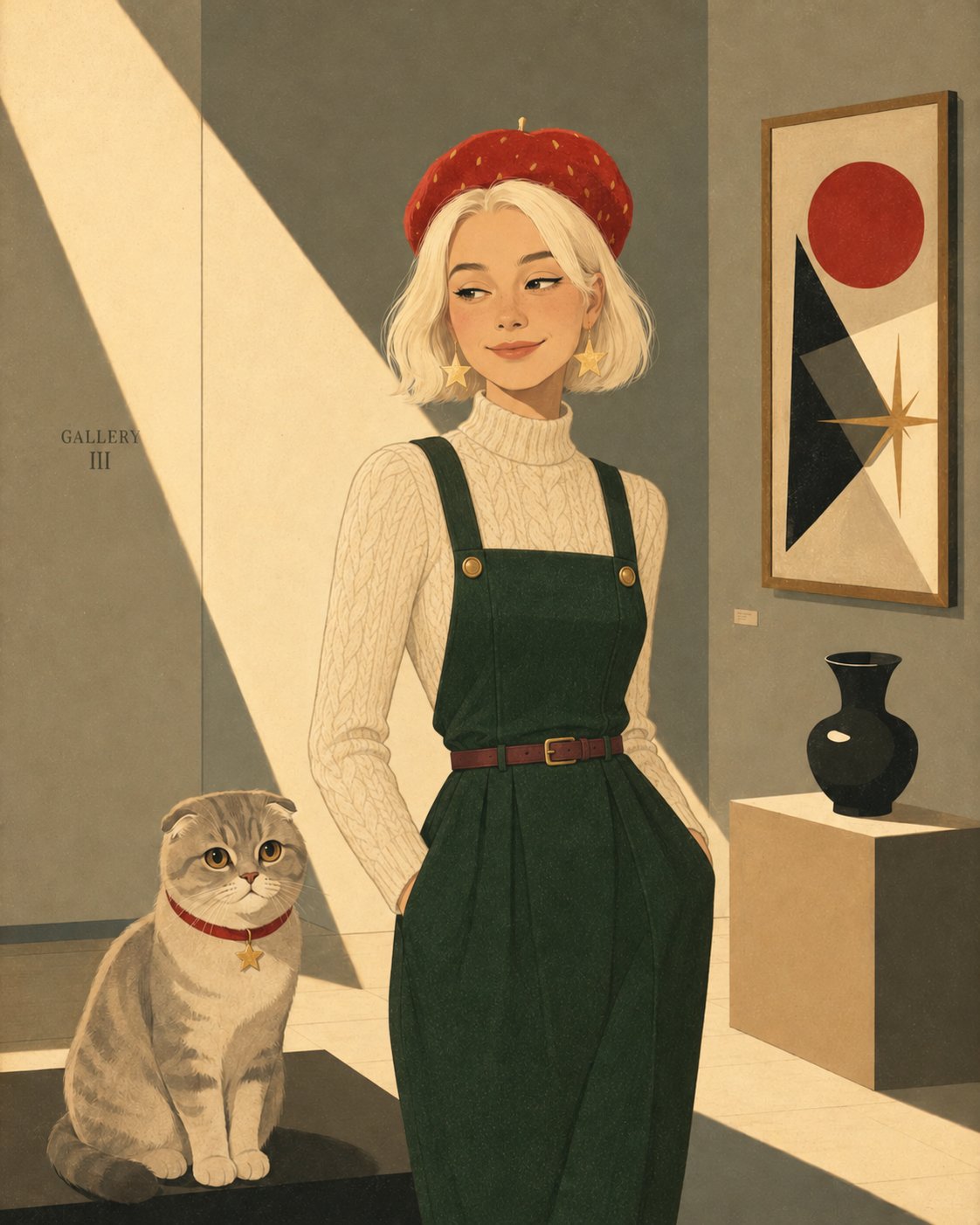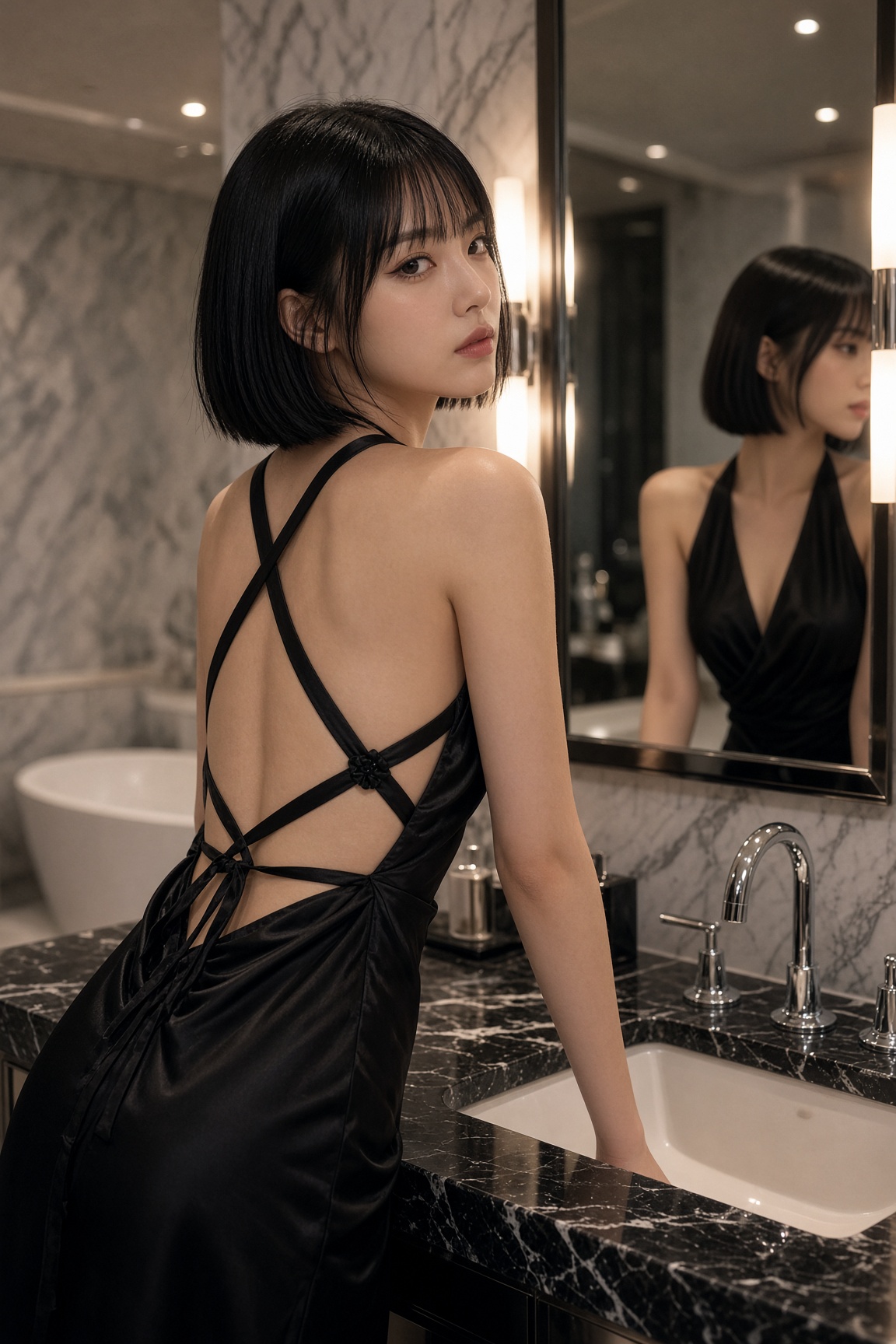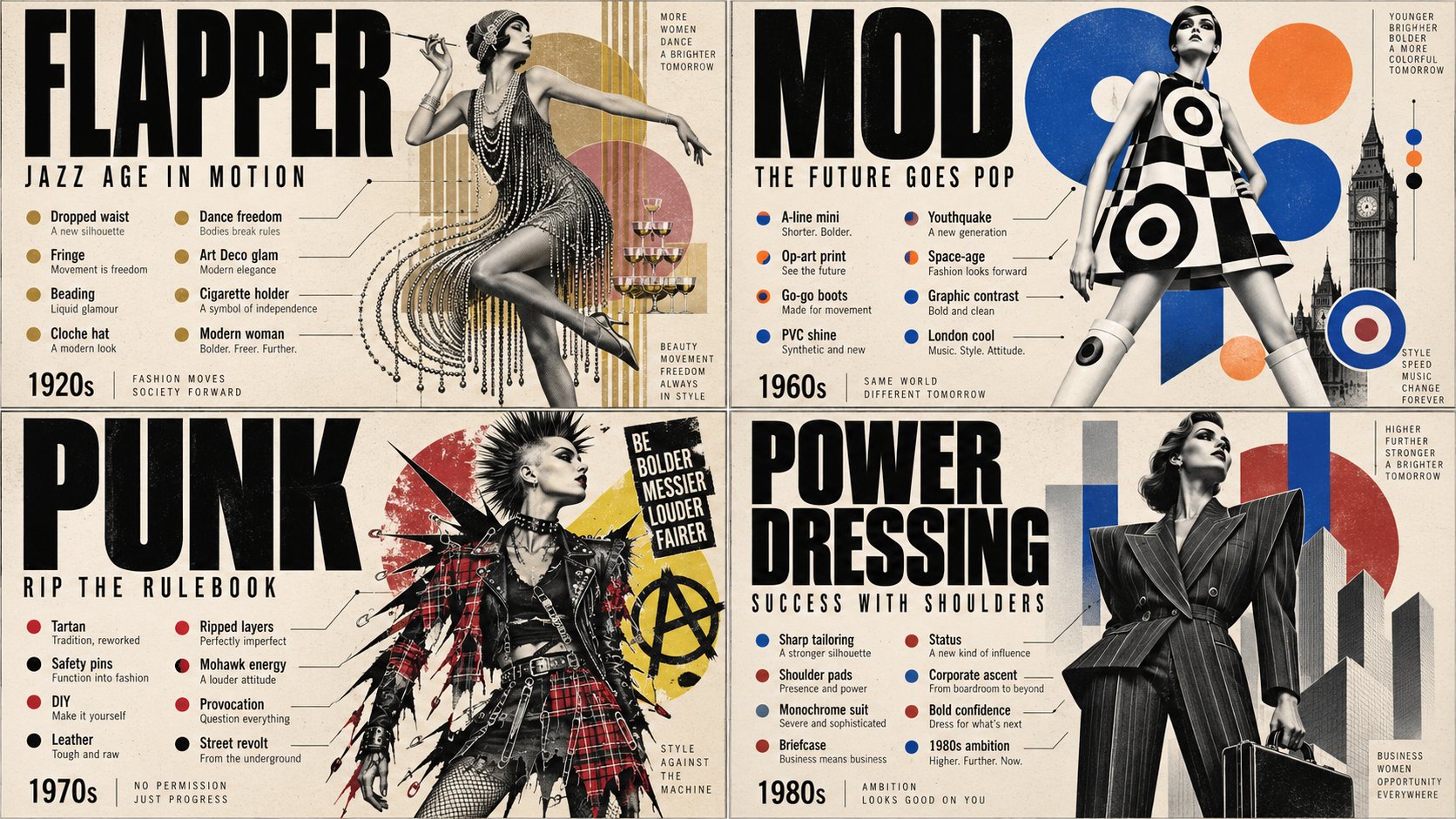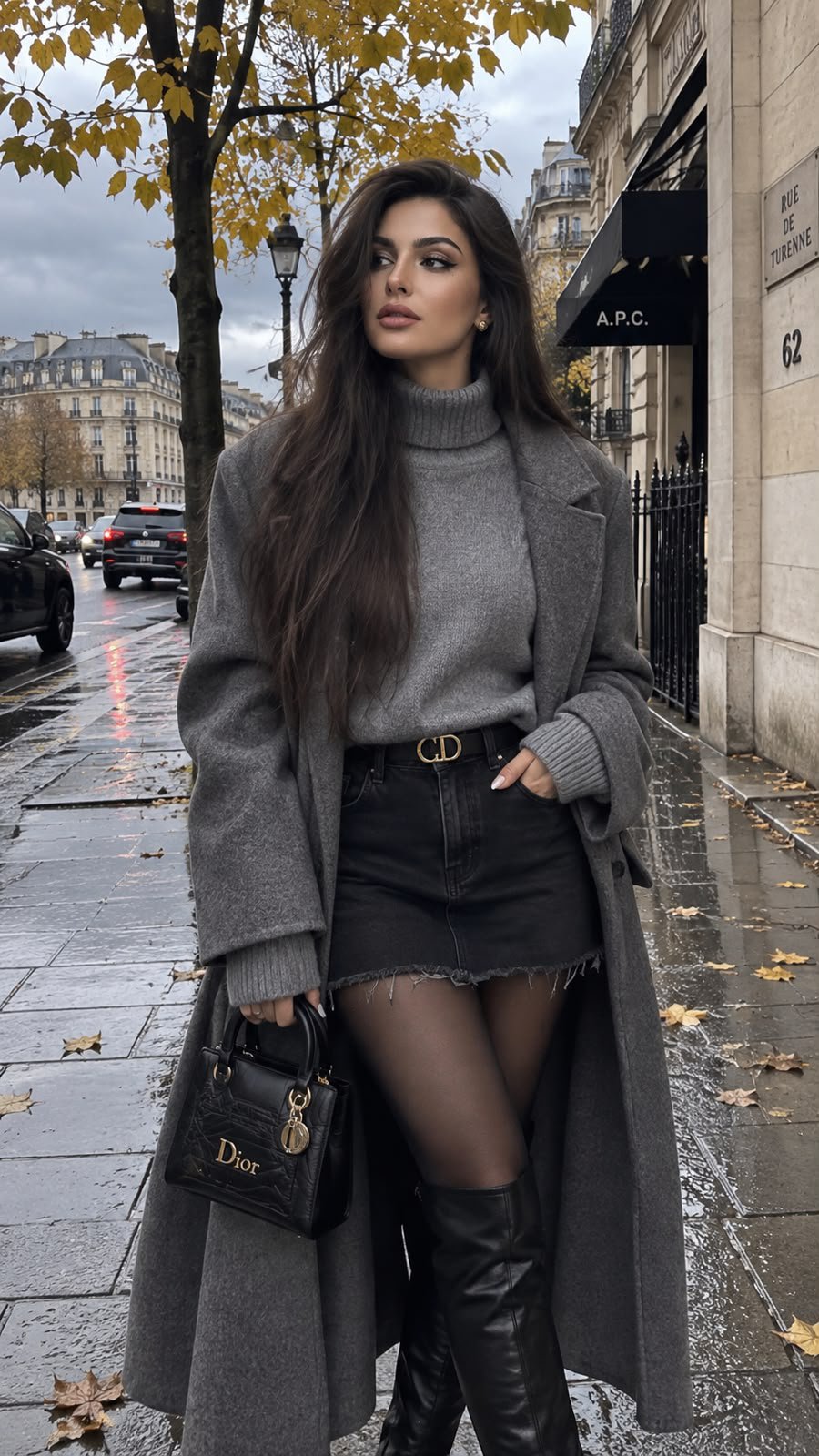
Watercolor Anime Fashion Illustration
 GPT Image 2.5OpenAIimage
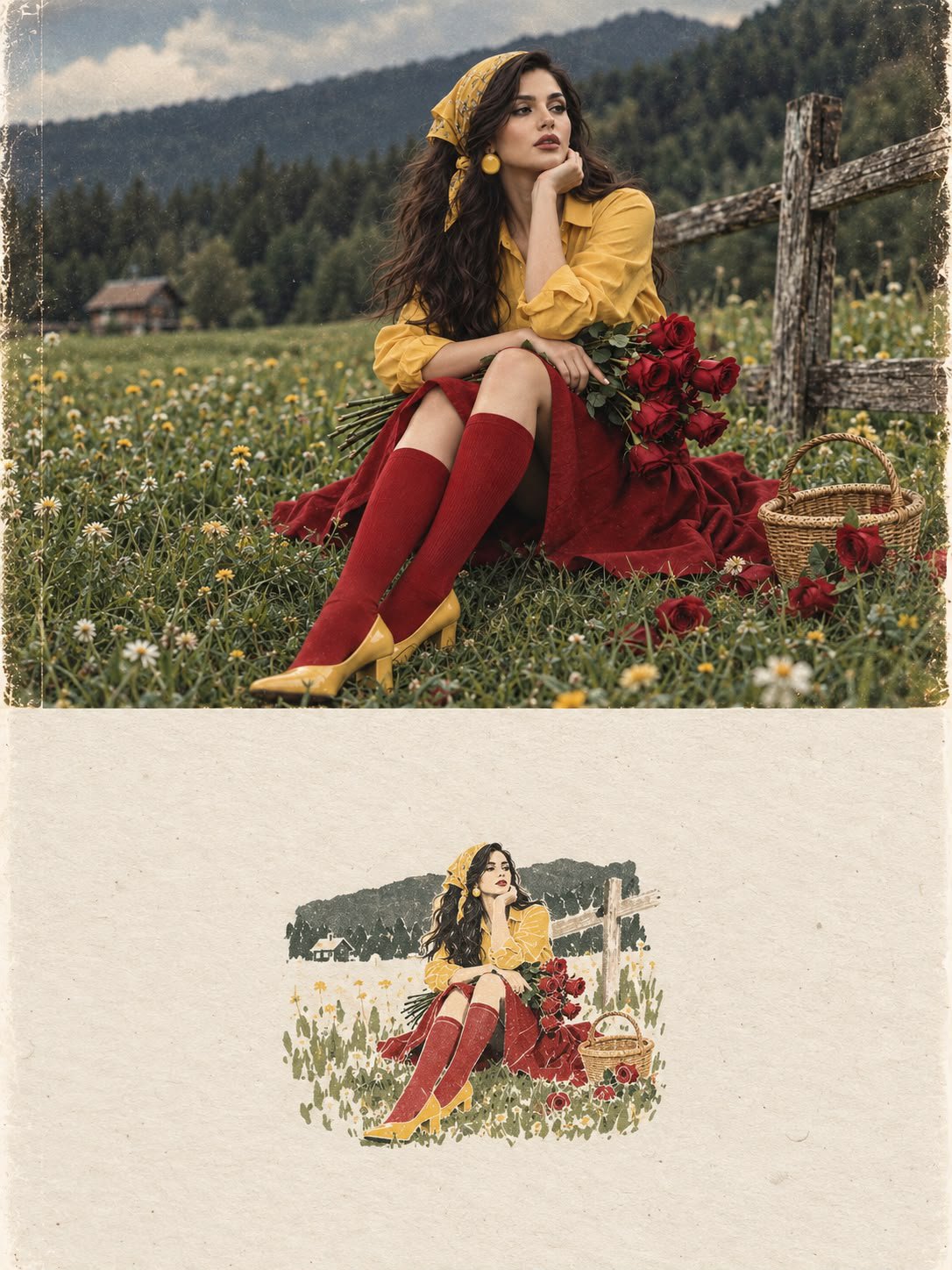
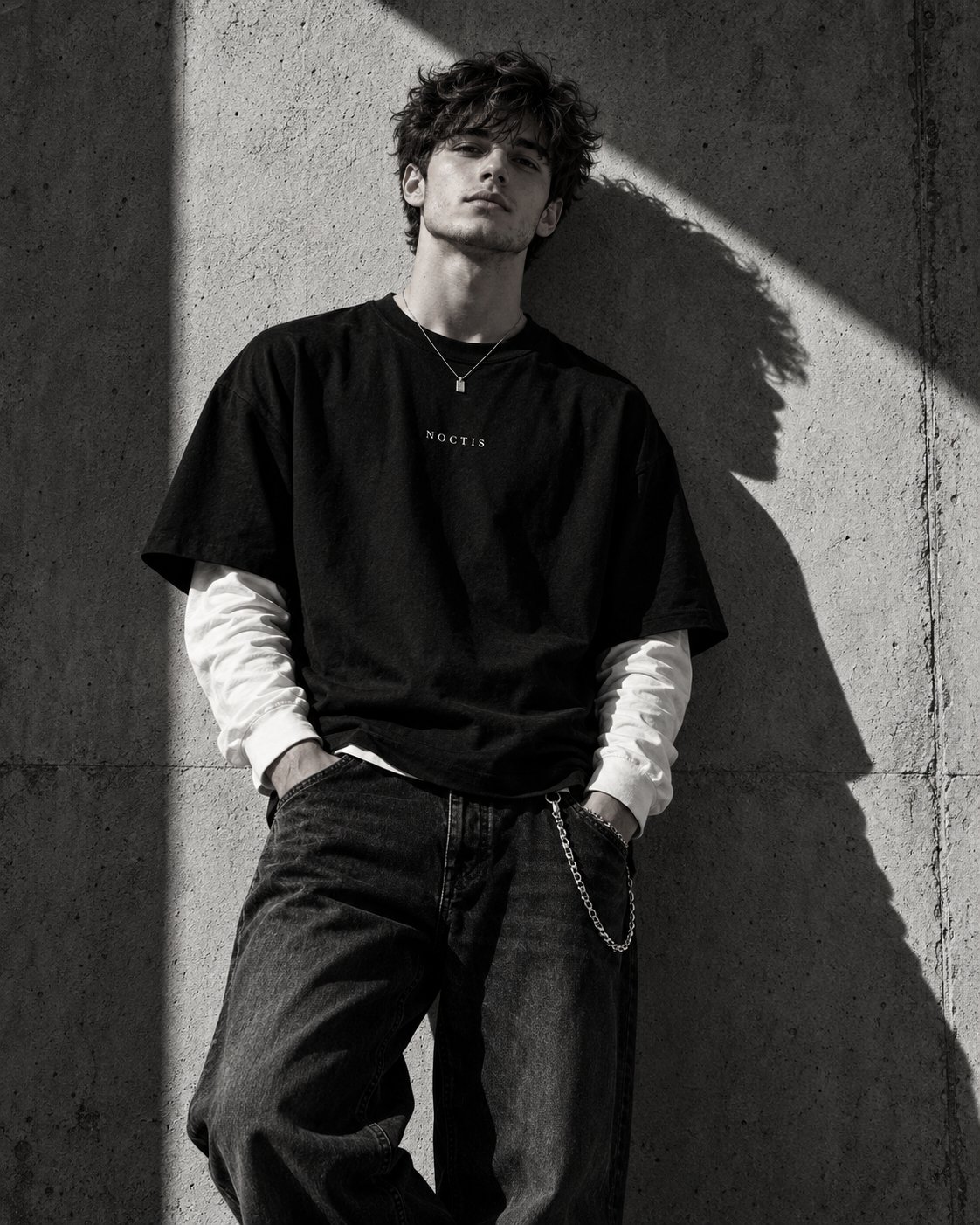
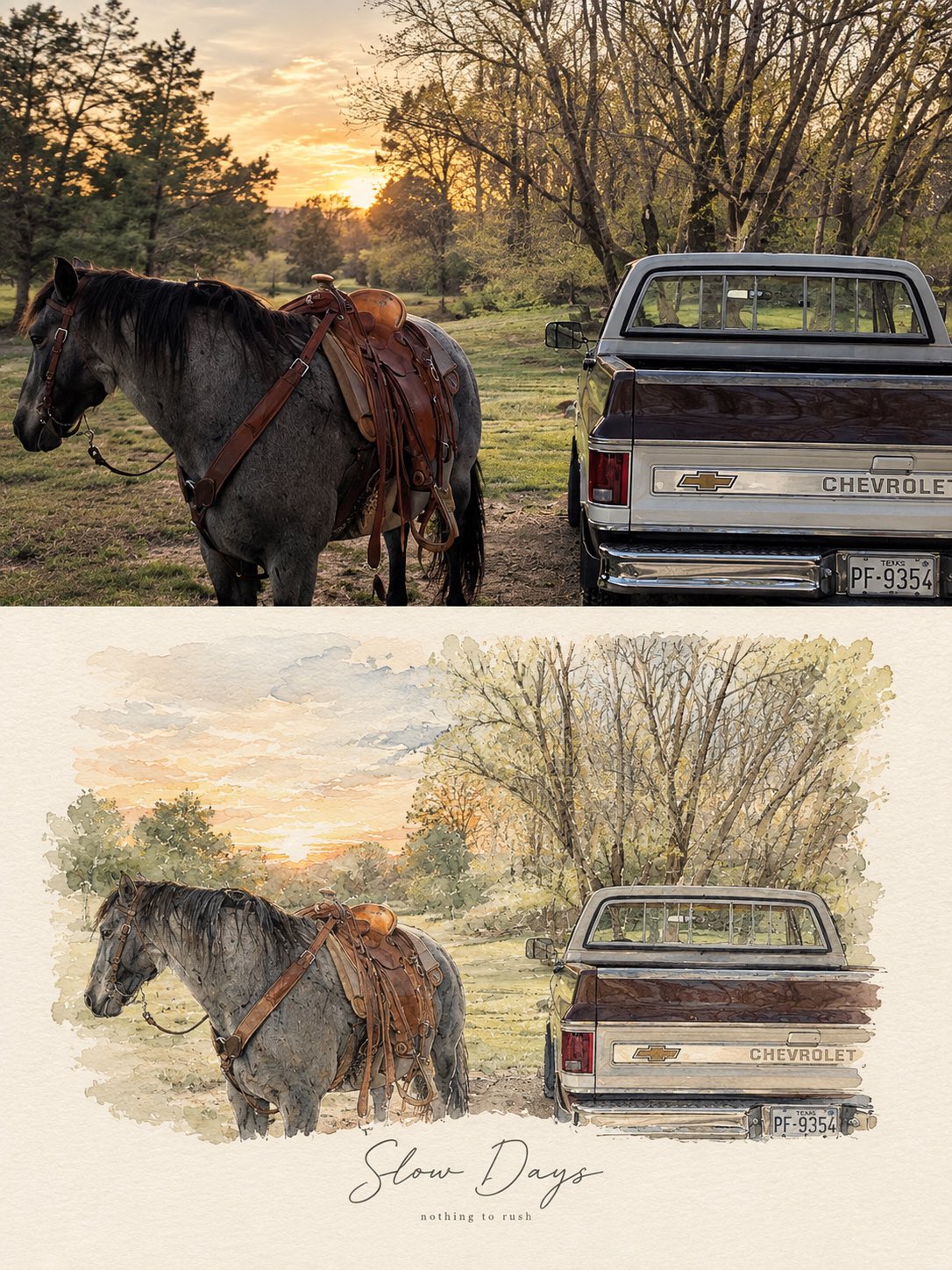
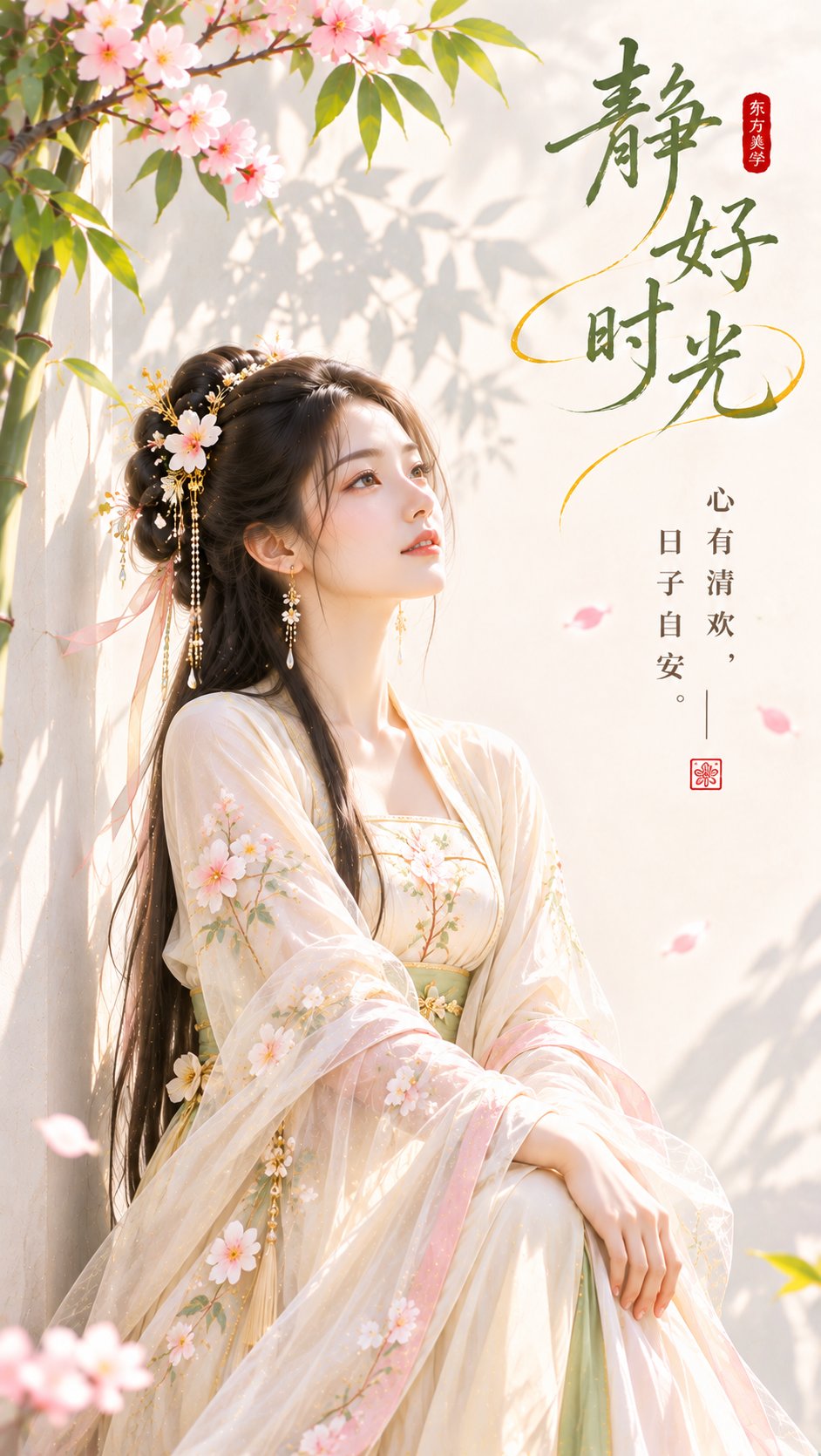
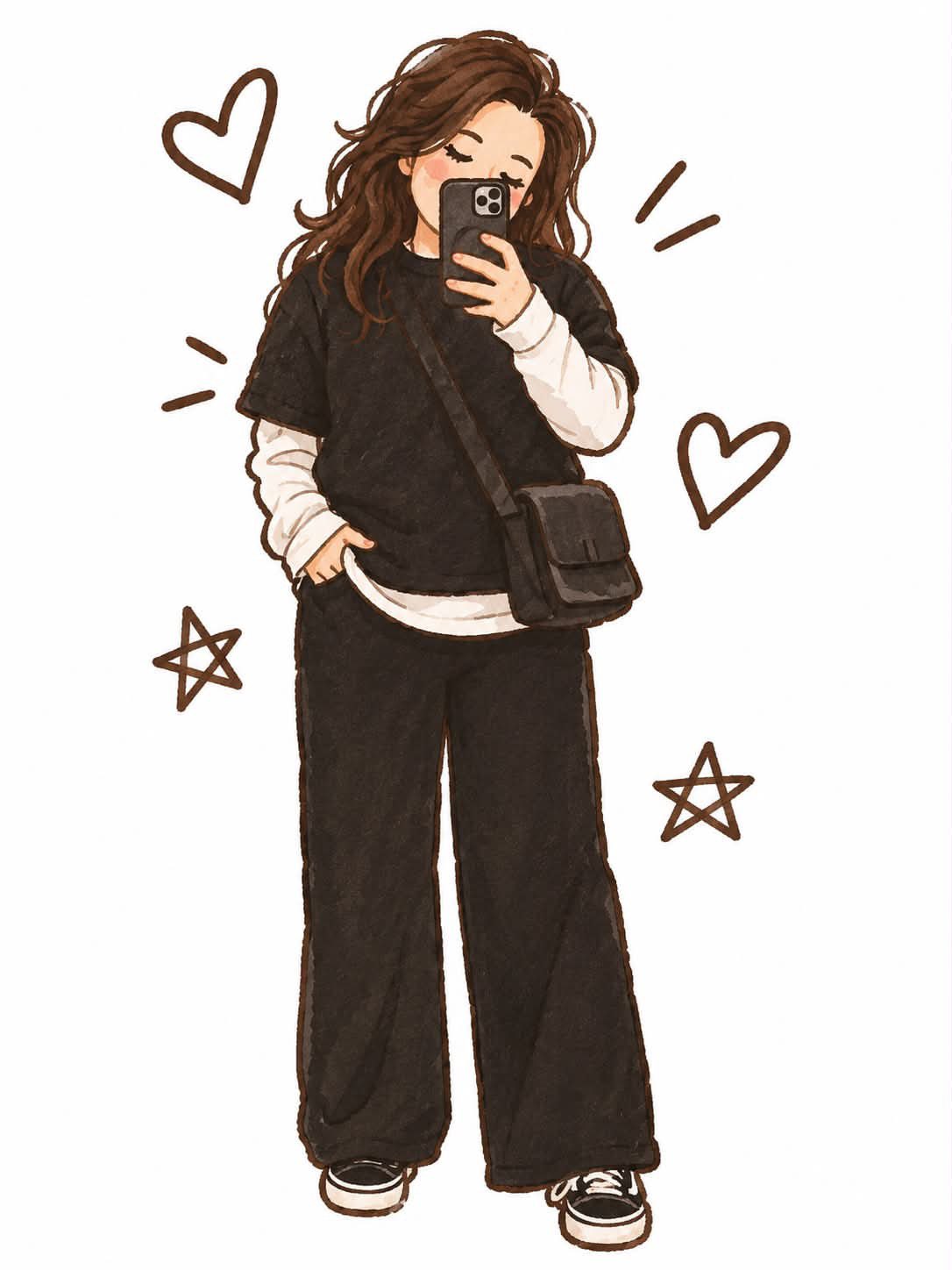
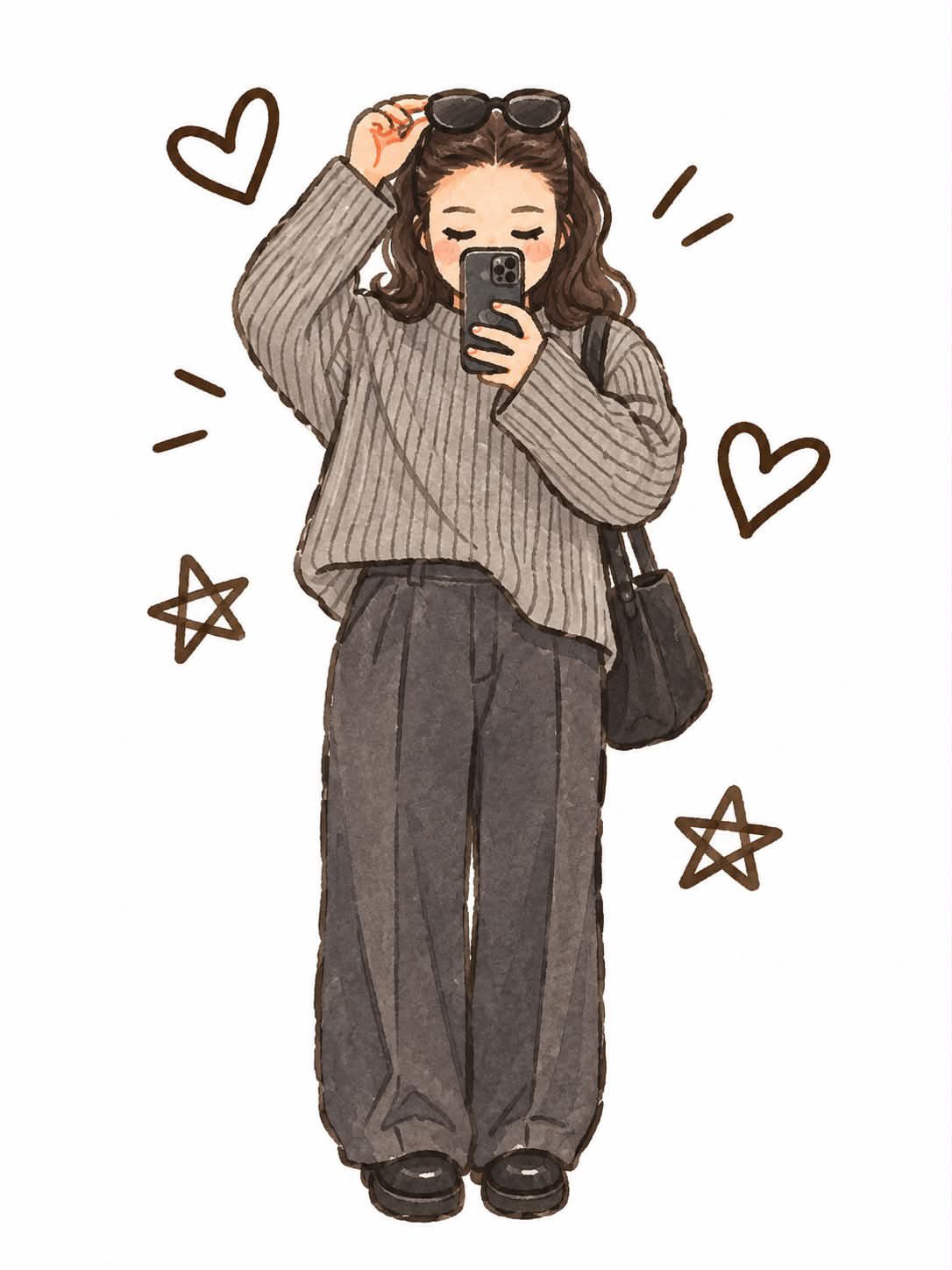
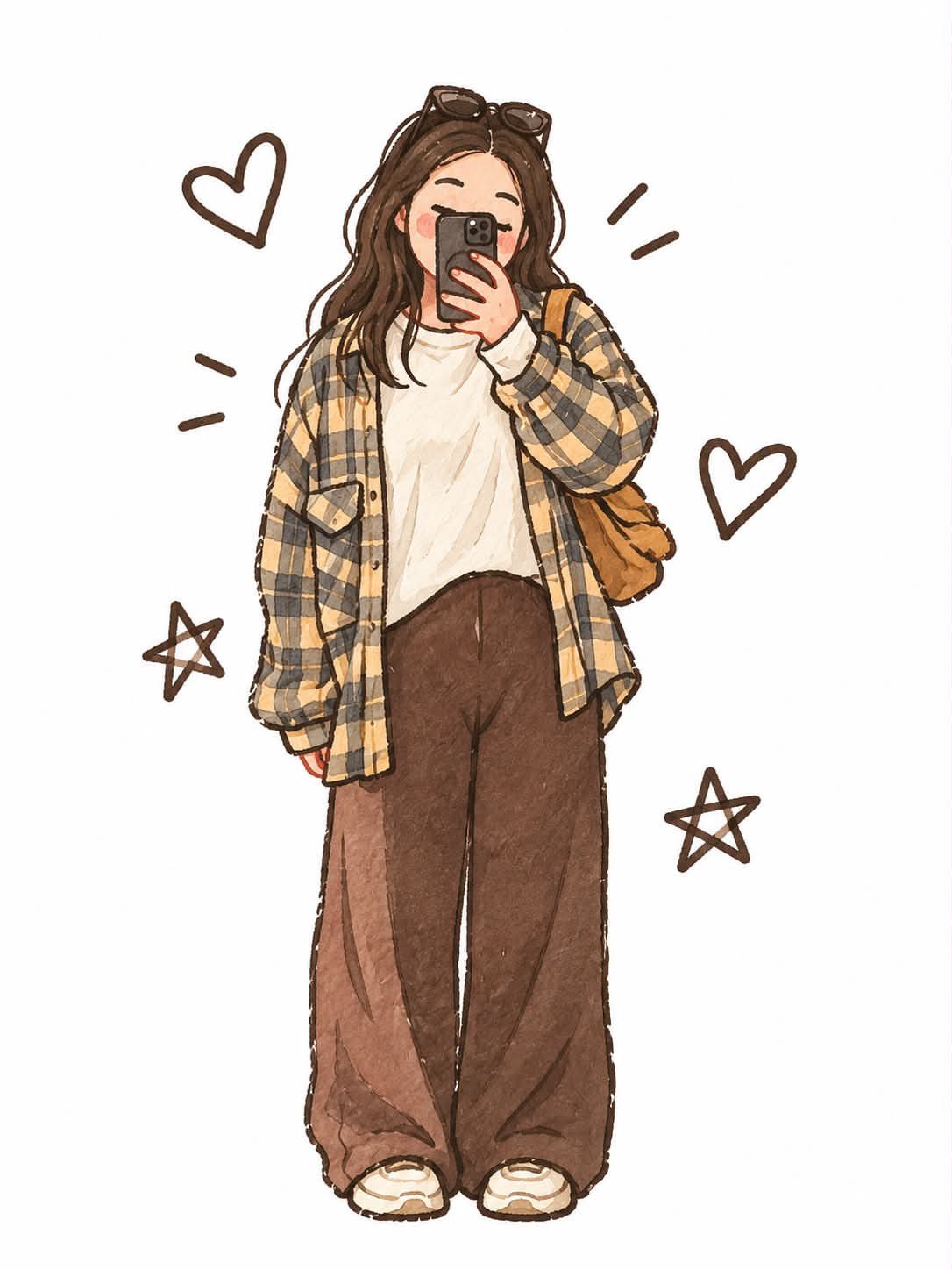
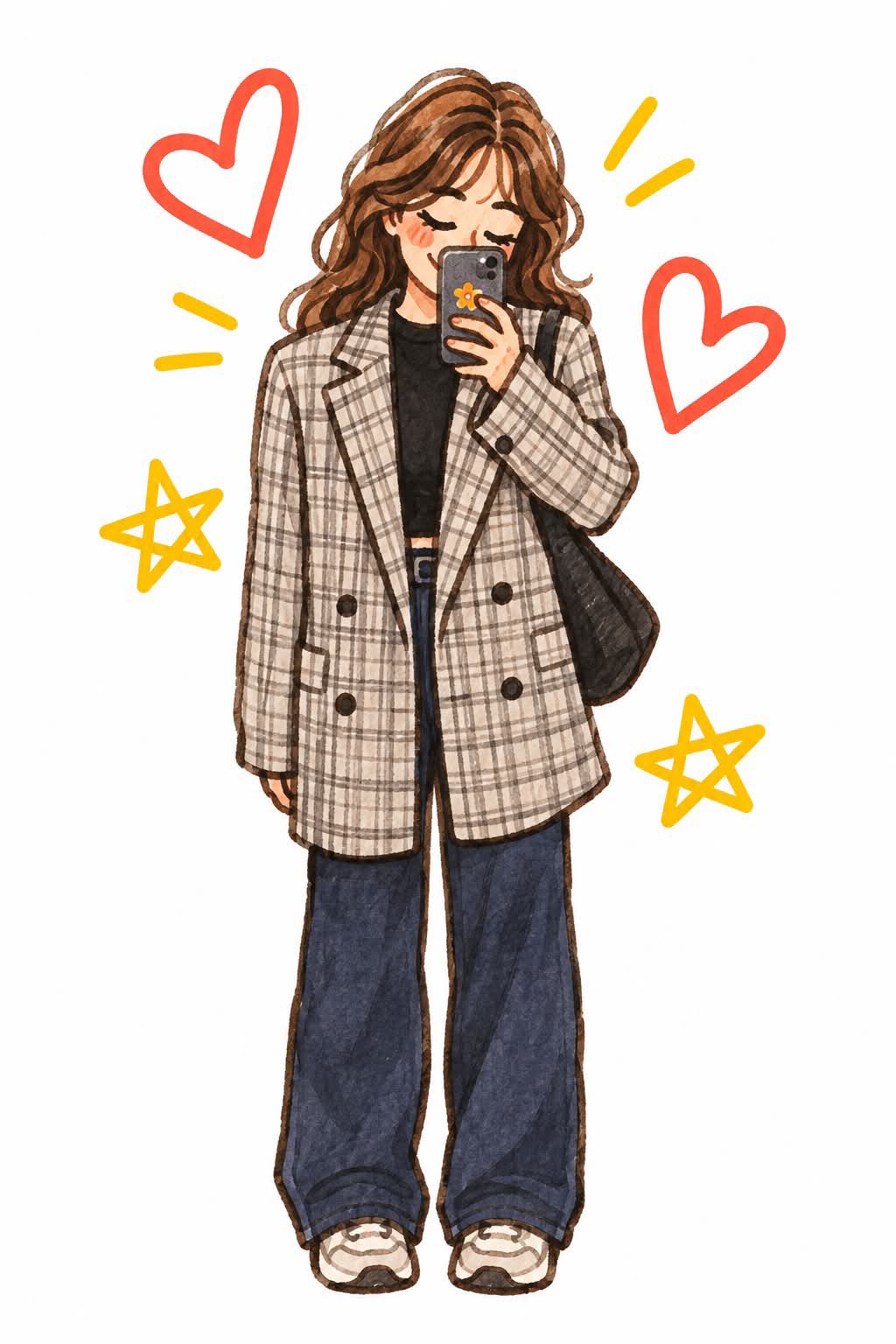
Transform the uploaded photograph into a cute, hand-drawn watercolor anime-inspired fashion illustration. IMPORTANT – PRESERVE THE ORIGINAL PHOTO: Carefully analyze the uploaded image and recreate the actual person, preserving their recognizable facial features, hairstyle, hair color, skin tone, body proportions, pose, outfit, accessories, and overall appearance. Do not randomly change their clothing or styling. ART STYLE: - Cute Japanese fashion illustration meets soft anime aesthetic. - Hand-painted watercolor and colored pencil texture. - Delicate, slightly imperfect dark-brown sketch outlines. - Soft watercolor washes with visible paper texture. - Beautifully detailed hair with flowing, layered strands. - Simplified cute facial features, closed or gently expressive eyes. - Subtle rosy cheeks and a tiny natural smile. - Soft shading with warm, cozy pastel tones. - Oversized yet natural fashion proportions. - Detailed clothing folds, stitching, patterns and textures. DECORATIVE ELEMENTS: Add cute hand-drawn doodles around the character, such as red outlined hearts, yellow stars, tiny sparkles, and playful accent lines. Keep them balanced and naturally distributed. BACKGROUND & COMPOSITION: - Pure clean white background. - Full-body character illustration. - Character positioned in the center. - Plenty of white negative space. - Vertical 2:3 composition. - No background scenery or unnecessary objects. FINAL AESTHETIC: A charming Pinterest-style Korean/Japanese fashion sticker illustration, resembling traditional watercolor sketchbook artwork. Soft, cozy, adorable, aesthetic, expressive and beautifully hand-crafted. AVOID: Photorealism, 3D rendering, glossy digital painting, overly sharp vector outlines, excessive details, distorted anatomy, extra fingers, text, watermarks or logos.
Details
- Type
- AI Image Prompts
- Aspect Ratio
- 3:4
- Updated
- Nov 2, 2026
Category
How to use this prompt
- 1Copy the full prompt with the copy button above.
- 2Open GPT Image 2.5 by OpenAI, or any image generator with a similar style range.
- 3Paste the prompt, then swap the subject and style keywords to match your idea.
- 4Match the example's settings (3:4 · Anime · Watercolor · Fashion), then iterate — small wording changes shift the output a lot.
Frequently asked questions
Which AI model generated this image?
This image was generated with GPT Image 2.5 by OpenAI. The prompt on this page is the exact text used to create it.
What settings does this prompt use?
The example was generated with GPT Image 2.5 using: 3:4 · Anime · Watercolor · Fashion. Reusing these settings gives the closest match.
How do I get similar results?
Copy the prompt as-is first, then replace only the subject while keeping the style, lighting, and composition keywords. Generate a few variations — outputs differ between runs.
Can I modify this prompt?
Yes. Prompts work best as starting points — adjust descriptors, aspect ratio, or style tags to make the output your own.