Vintage Split Travel Poster Illustration
 GPT Image 2.5OpenAIimage
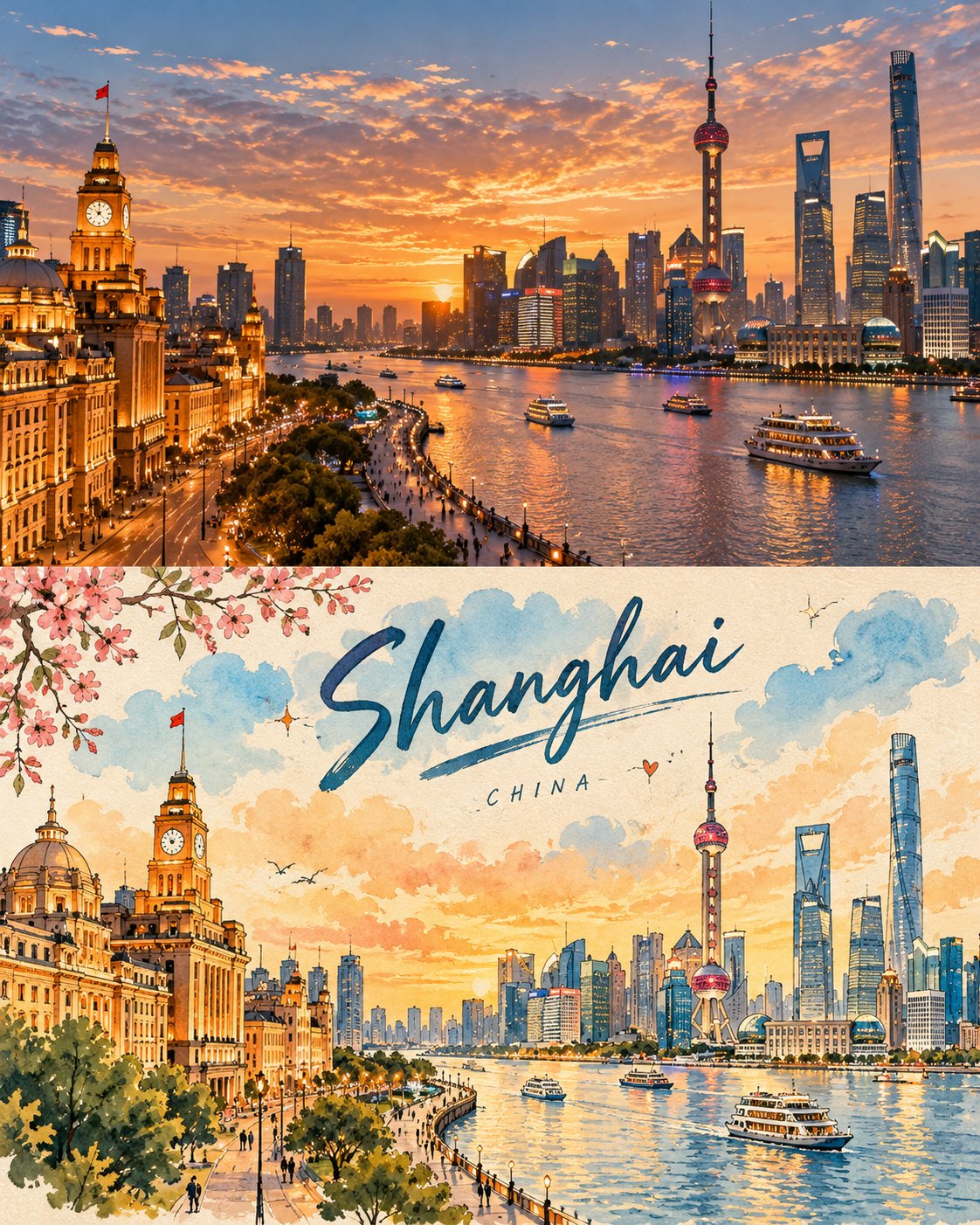
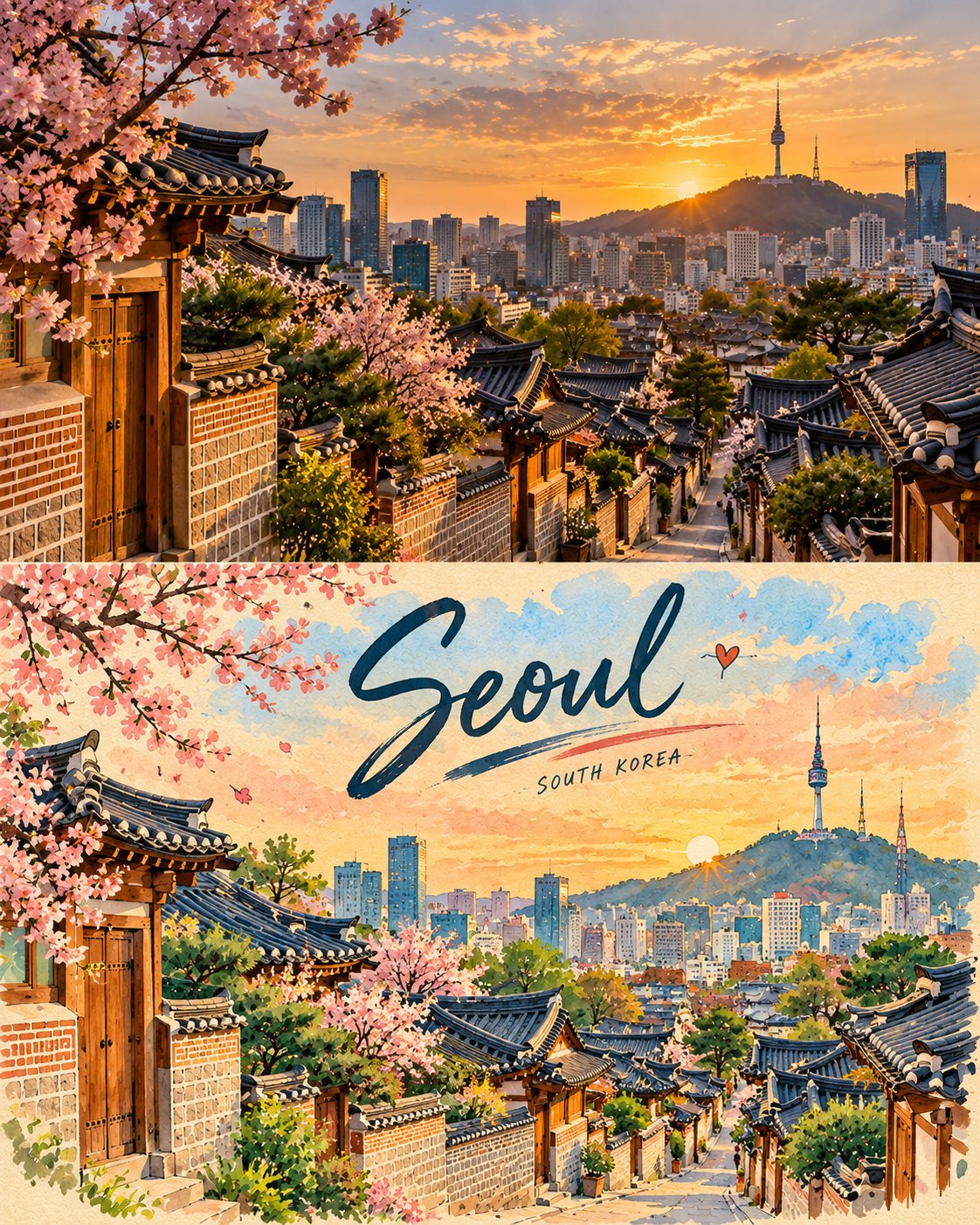
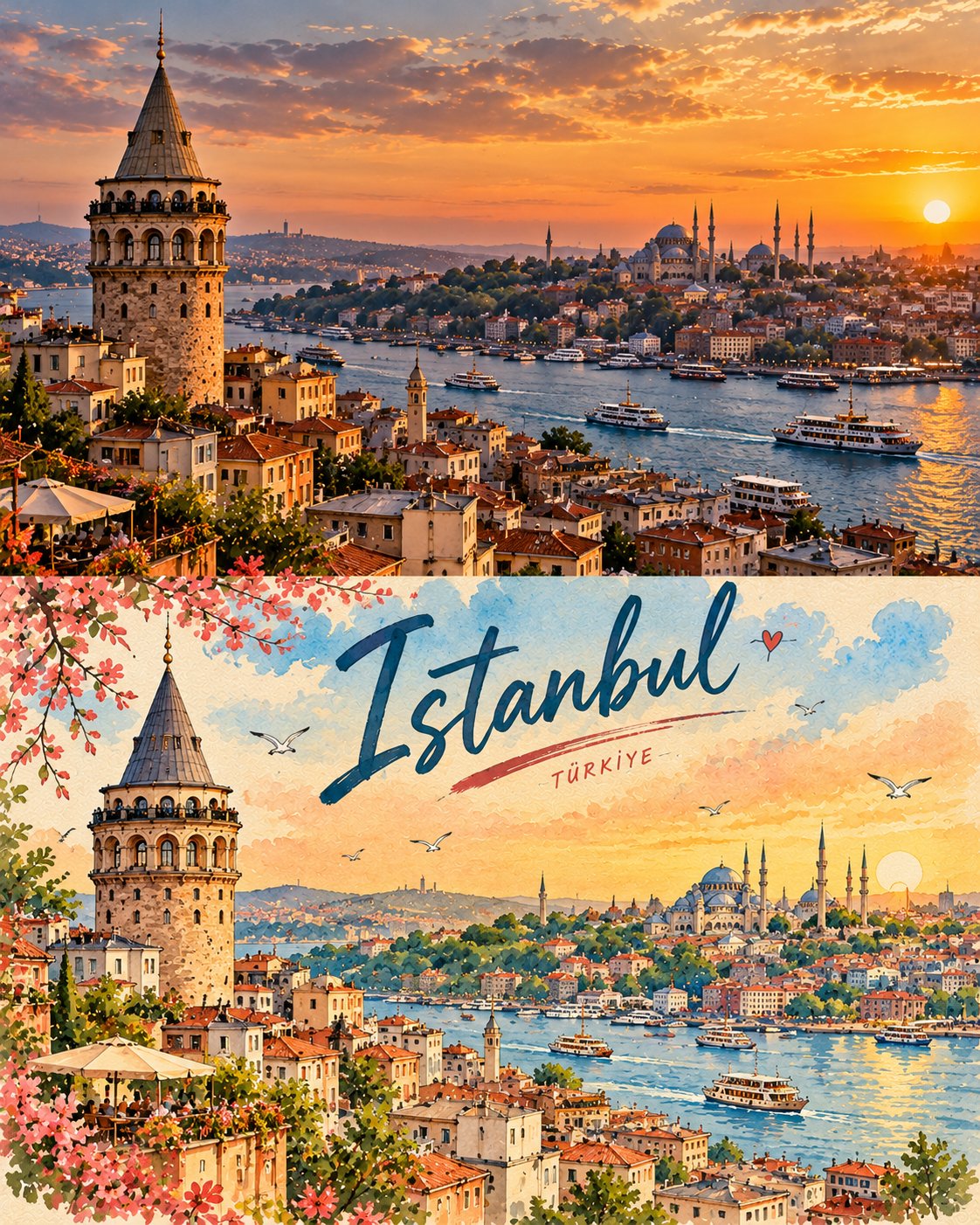
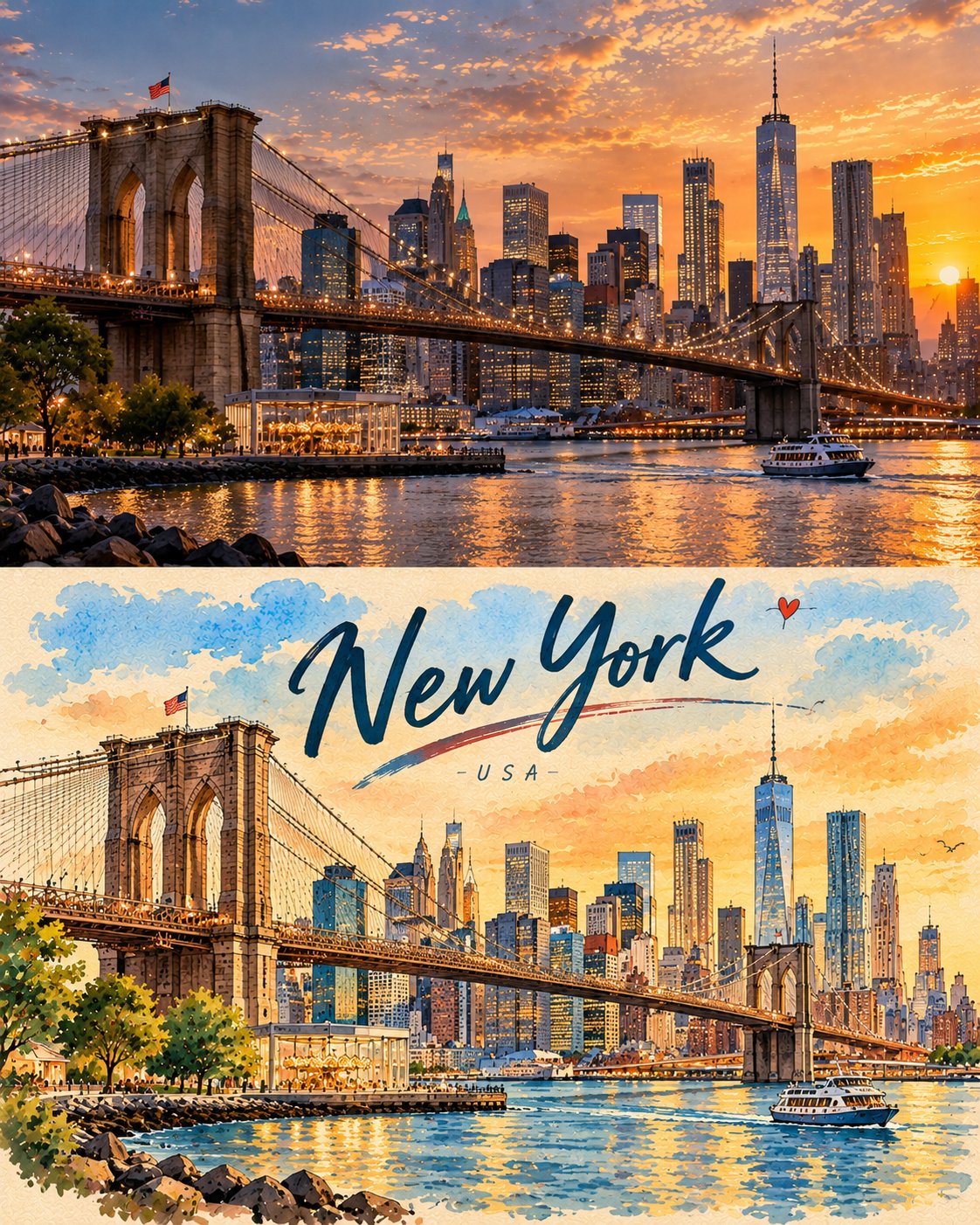
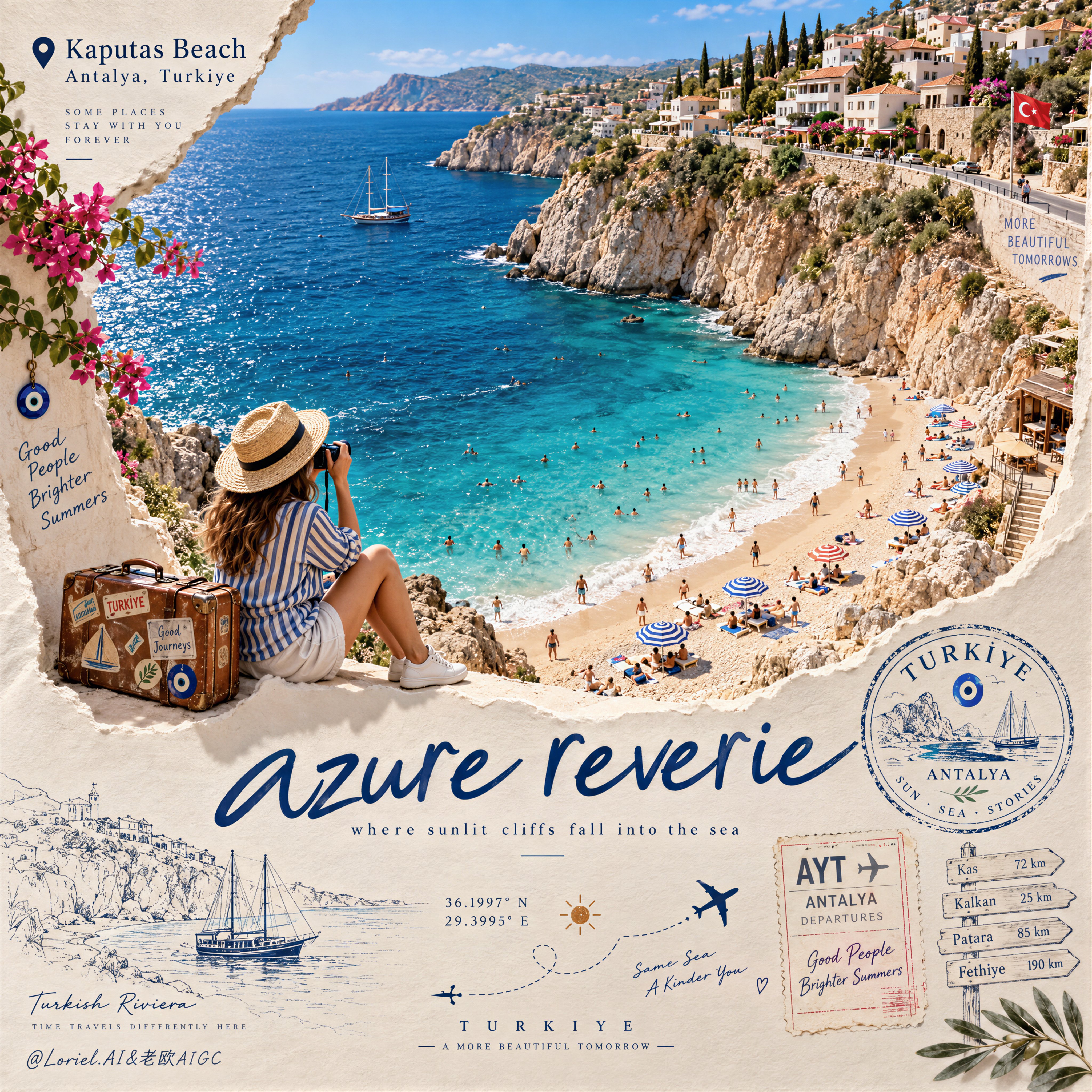
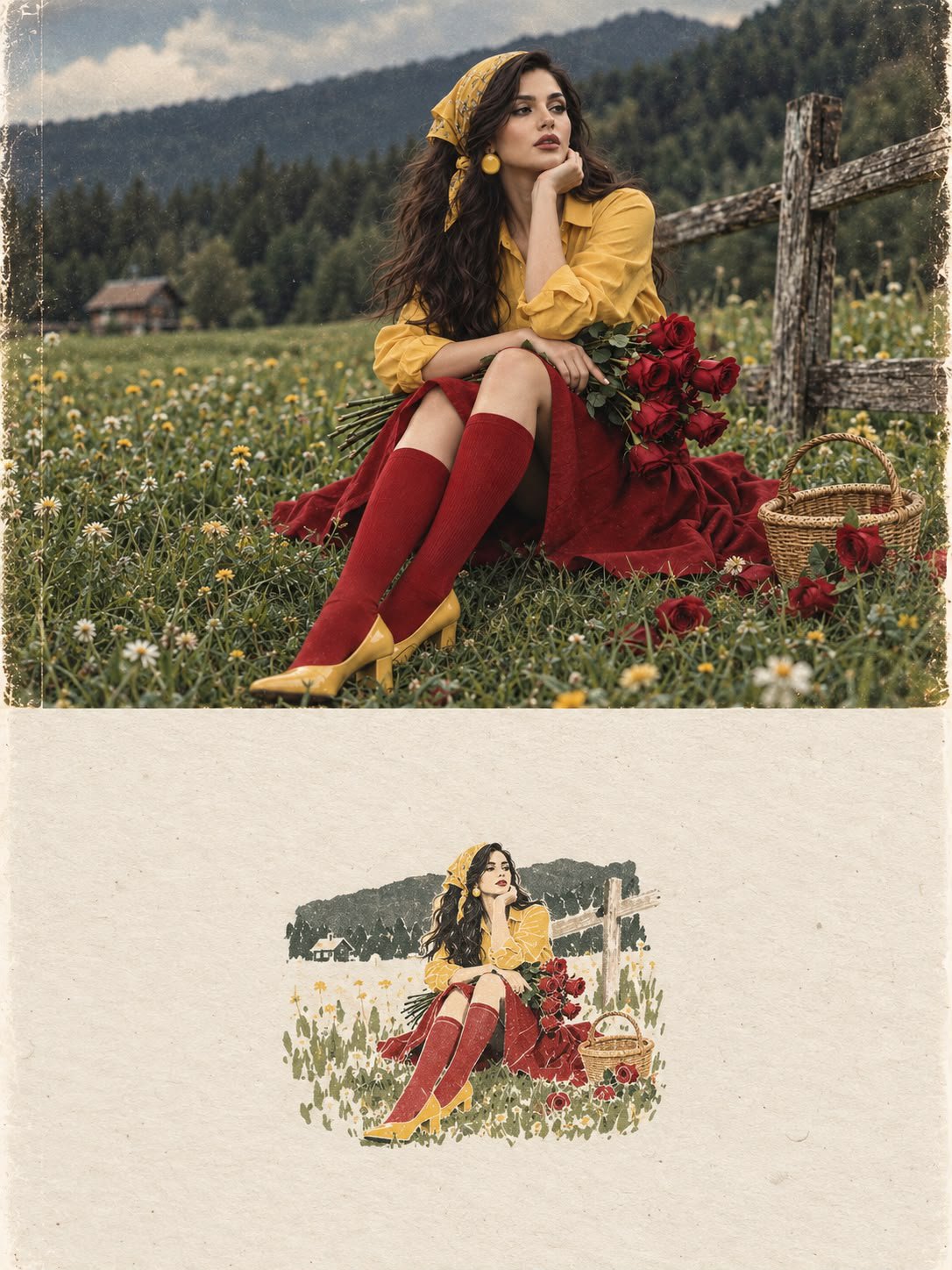
Create a premium FULL-FRAME 4:5 vertical photo-to-illustration travel poster for [COUNTRY / CITY / LOCATION / SUBJECT]. TEXT-TO-IMAGE ONLY — generate everything from the written subject alone. No reference image required. CORE CONCEPT: Create a charming vintage travel-journal poster with a precise horizontal split: the upper 50% features a realistic photographic scene, while the lower 50% transforms the SAME scene into a beautiful hand-painted travel illustration. COMPOSITION: Keep the main subject consistent across both halves. The upper section features natural lighting, authentic textures, and realistic details. The lower section reimagines the scene using simplified shapes, soft watercolor and gouache, and a warm cream paper background. STYLE: Retro travel postcards, hand-painted architecture, delicate botanical details, playful handwritten lettering, tiny stars and hearts, and subtle paper texture. Add a short, creative English headline and a small destination label inspired by the scene. COLORS: Warm ivory, sky blue, muted teal, sunny yellow, coral, sage green, and terracotta. Use cheerful, harmonious colors with a nostalgic afternoon atmosphere. FINAL AESTHETIC: Real photography × illustrated travel memory × vintage editorial design × playful handwritten typography. AVOID: Combining unrelated scenes, changing the main subject between halves, clutter, excessive text, glossy digital art, 3D, logos, watermarks, and mockups. FORMAT: Exact 4:5 vertical ratio, full-bleed artwork, complete canvas coverage, clean 50/50 horizontal split, high resolution.
Details
- Type
- AI Image Prompts
- Aspect Ratio
- 561:701
- Updated
- Oct 11, 2026
Category
How to use this prompt
- 1Copy the full prompt with the copy button above.
- 2Open GPT Image 2.5 by OpenAI, or any image generator with a similar style range.
- 3Paste the prompt, then swap the subject and style keywords to match your idea.
- 4Match the example's settings (561:701 · Poster · Watercolor · Vintage), then iterate — small wording changes shift the output a lot.
Frequently asked questions
Which AI model generated this image?
This image was generated with GPT Image 2.5 by OpenAI. The prompt on this page is the exact text used to create it.
What settings does this prompt use?
The example was generated with GPT Image 2.5 using: 561:701 · Poster · Watercolor · Vintage. Reusing these settings gives the closest match.
How do I get similar results?
Copy the prompt as-is first, then replace only the subject while keeping the style, lighting, and composition keywords. Generate a few variations — outputs differ between runs.
Can I modify this prompt?
Yes. Prompts work best as starting points — adjust descriptors, aspect ratio, or style tags to make the output your own.
![A striking top-down art photograph of a famous packaged food/snack from [COUNTRY], placed on a clean — AI image prompt — GPT Image 2.5](https://cdn.ahaprompt.app/harvest-media/import-1791346430372-t49ibf.jpg)
![Create a premium educational travel poster featuring [STRUCTURE NAME], one of the world’s most famou — AI image prompt — GPT Image 2.5](https://cdn.ahaprompt.app/harvest-media/import-1789369131185-x1iuzs.jpg)