Ultra-realistic mirror selfie with vintage tone

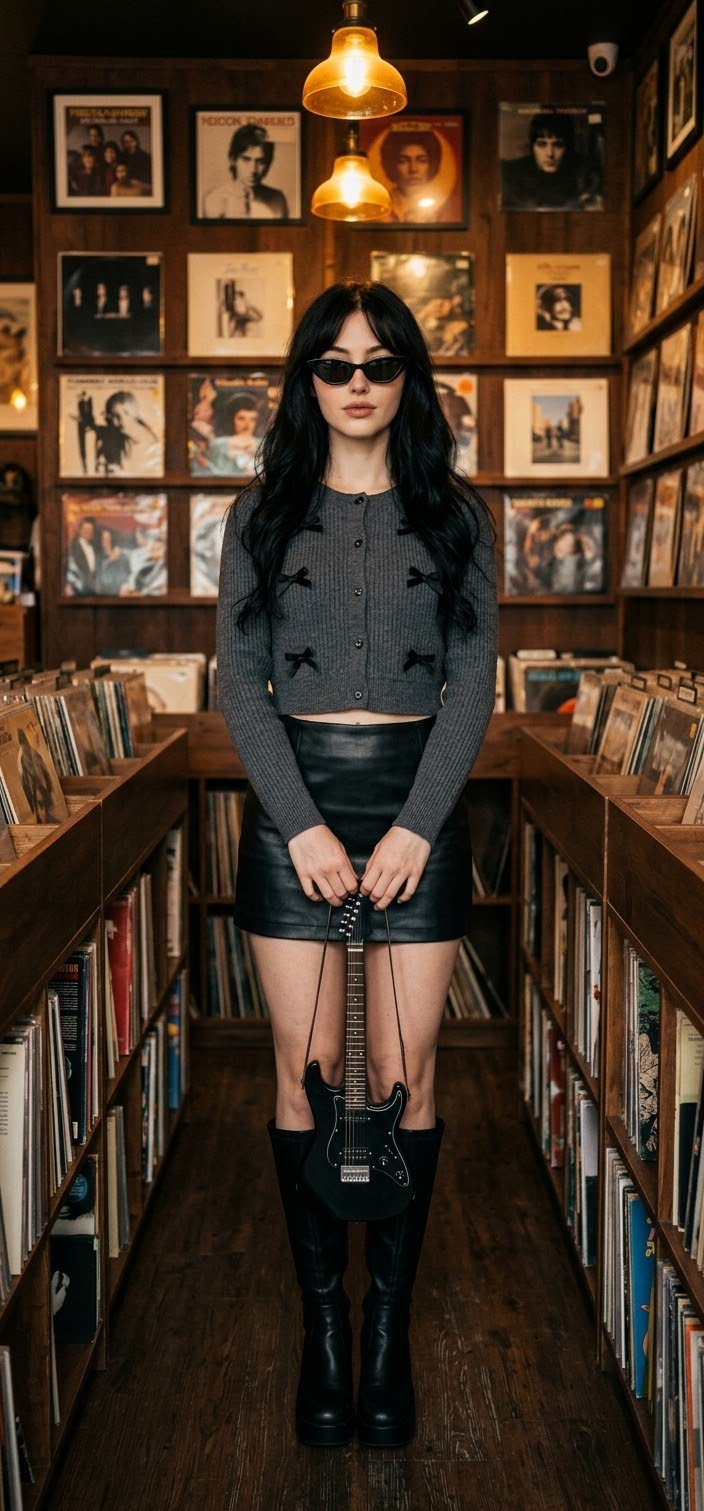
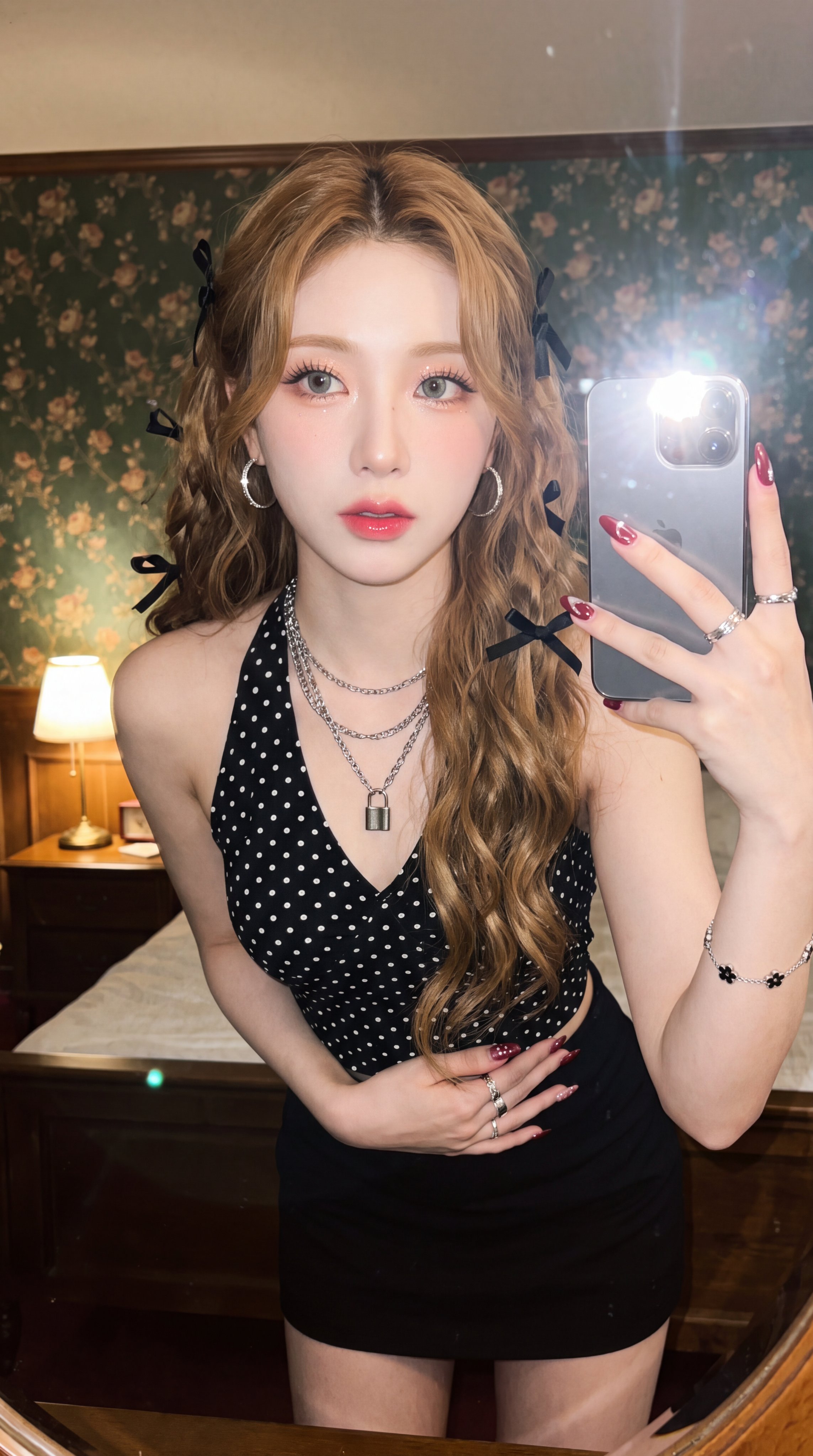
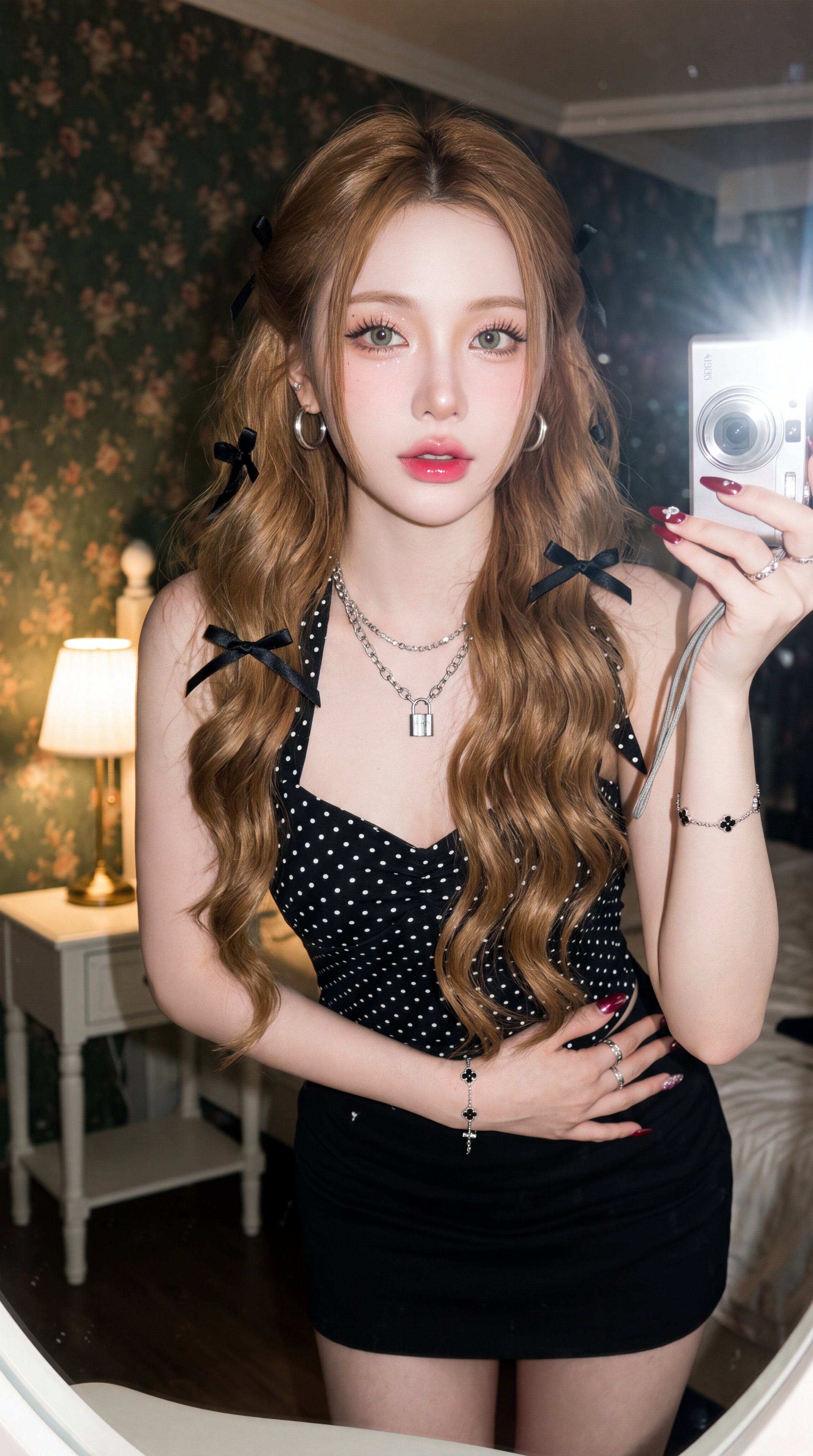
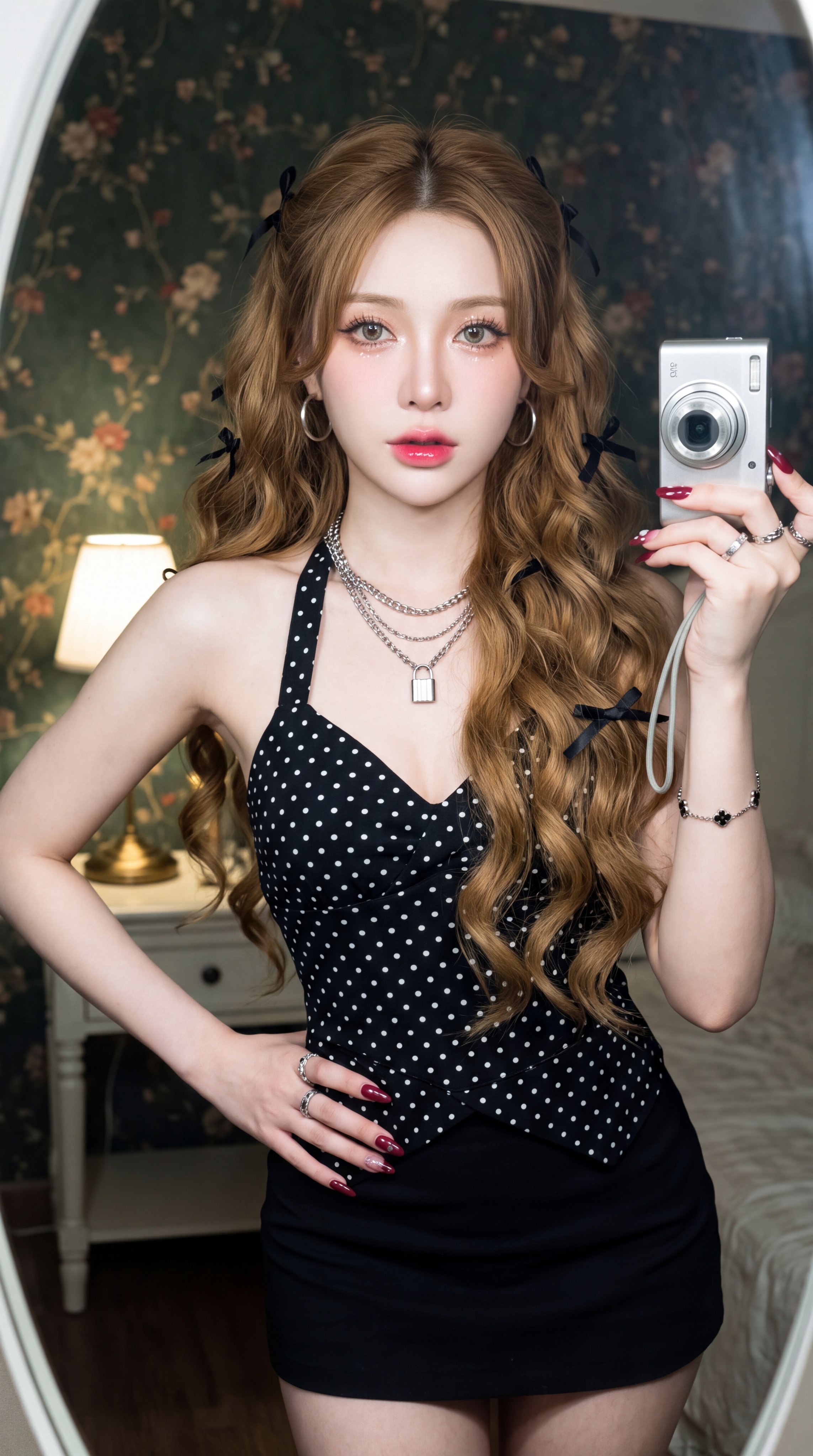
Edit this photo without changing the face into an ultra-realistic mirror selfie photo, a beautiful young woman with bright porcelain fair skin, glowing and flawless facial complexion, light grey - green contact lenses, soft peach shimmer and glitter eyeshadow extending below the eyes, winged eyeliners, voluminous false eyelashes, soft pink blush, pink to red gradient lipstick with a glossy finish, layered or multi-layered silver chain necklace, with a padlock pendant, round silver hoop earrings, silver bracelet with small black flower motifs, several silver rings on the fingers, long almond-shaped nails with glossy maroon red nail art, Long golden brown hair, thick and voluminous, center-parted, styled in loose voluminous waves with large waves falling past the chest, several strands of hair naturally framing the face, wearing small black ribbons scattered throughout the hair, smooth and shiny hair texture, wearing a fitted black halter top with white polka dot pattern, with straps tied behind the neck, V-neck detail with a layered front and slightly loose, black mini skirt fitted body, standing pose with one hand holding a small silver camera beside her face without covering her face at all, the other hand holding the waist with the body slightly leaning forward, half-body photo framing, vintage photo tone with a retro or Kodak film coarse grainy effect, flash active illuminating the subject, background of a bedroom with dark green vintage floral wallpaper, slightly dim with a warm white bedside lamp turned on above a white wooden table, –ar 9:16
Details
- Type
- AI Image Prompts
- Aspect Ratio
- 1143:2048
- Updated
- Aug 23, 2026
How to use this prompt
- 1Copy the full prompt with the copy button above.
- 2Open Nano Banana Pro by Google, or any image generator with a similar style range.
- 3Paste the prompt, then swap the subject and style keywords to match your idea.
- 4Match the example's settings (1143:2048 · Realistic · Portrait), then iterate — small wording changes shift the output a lot.
Frequently asked questions
Which AI model generated this image?
This image was generated with Nano Banana Pro by Google. The prompt on this page is the exact text used to create it.
What settings does this prompt use?
The example was generated with Nano Banana Pro using: 1143:2048 · Realistic · Portrait. Reusing these settings gives the closest match.
How do I get similar results?
Copy the prompt as-is first, then replace only the subject while keeping the style, lighting, and composition keywords. Generate a few variations — outputs differ between runs.
Can I modify this prompt?
Yes. Prompts work best as starting points — adjust descriptors, aspect ratio, or style tags to make the output your own.