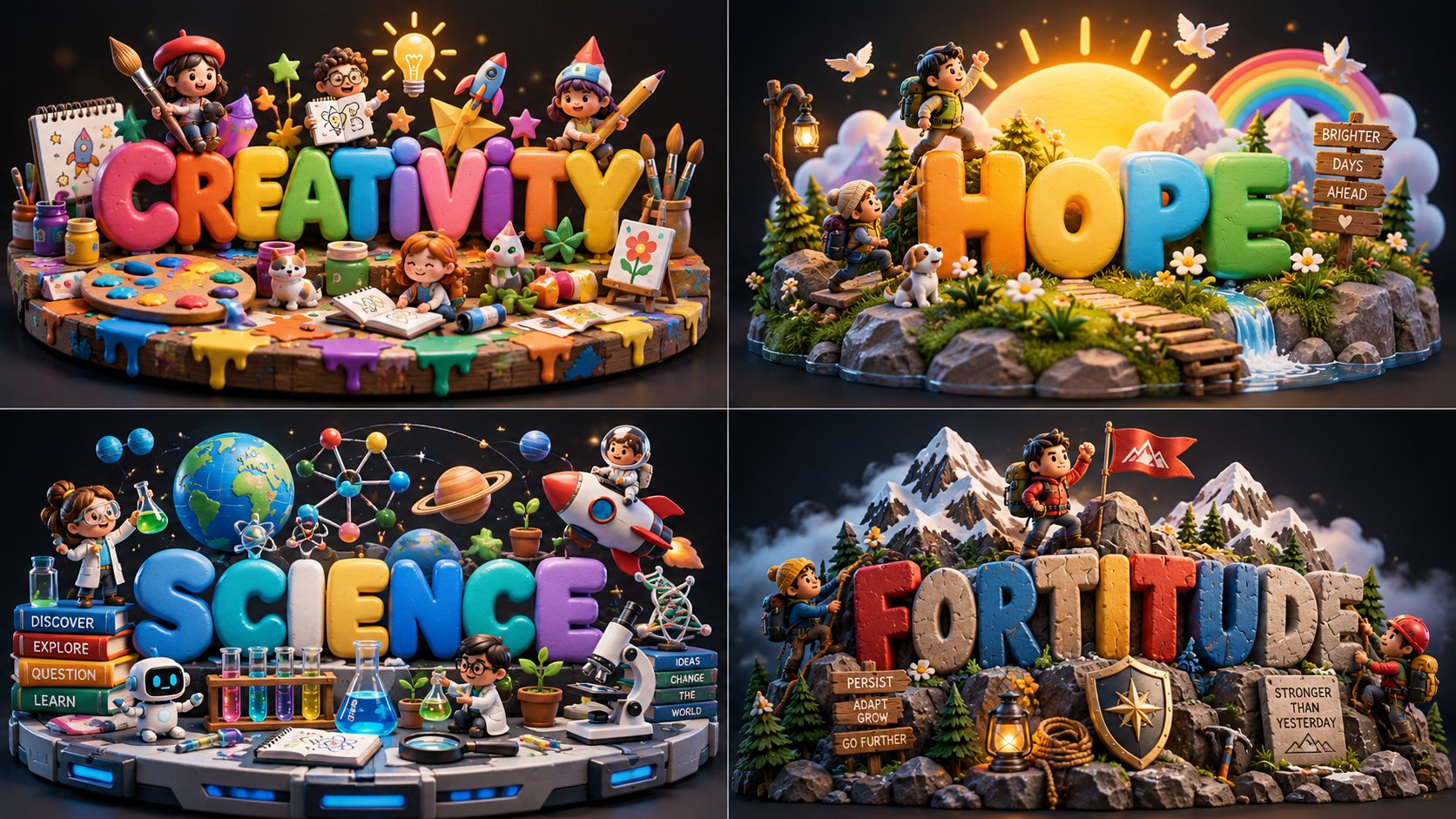
Toy Bubble Diorama 2x2 Grid

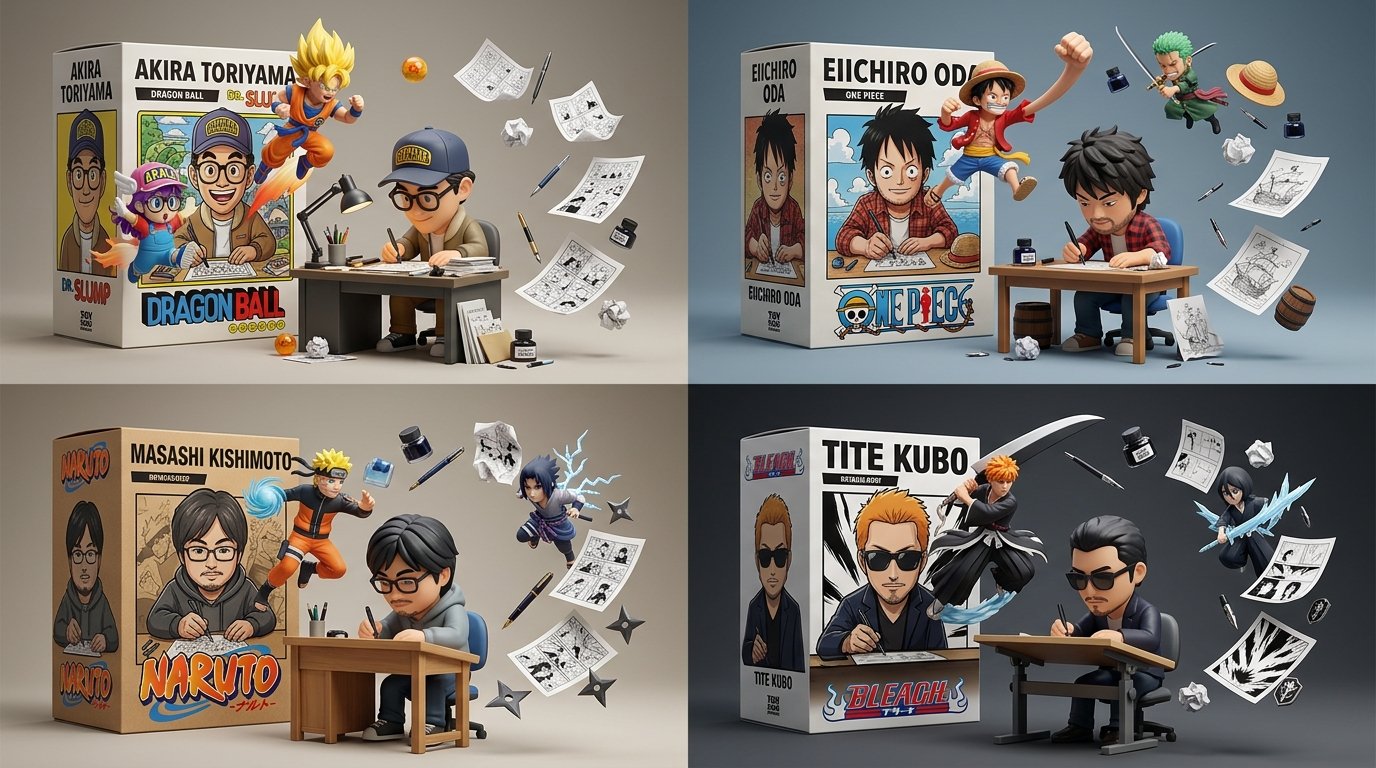
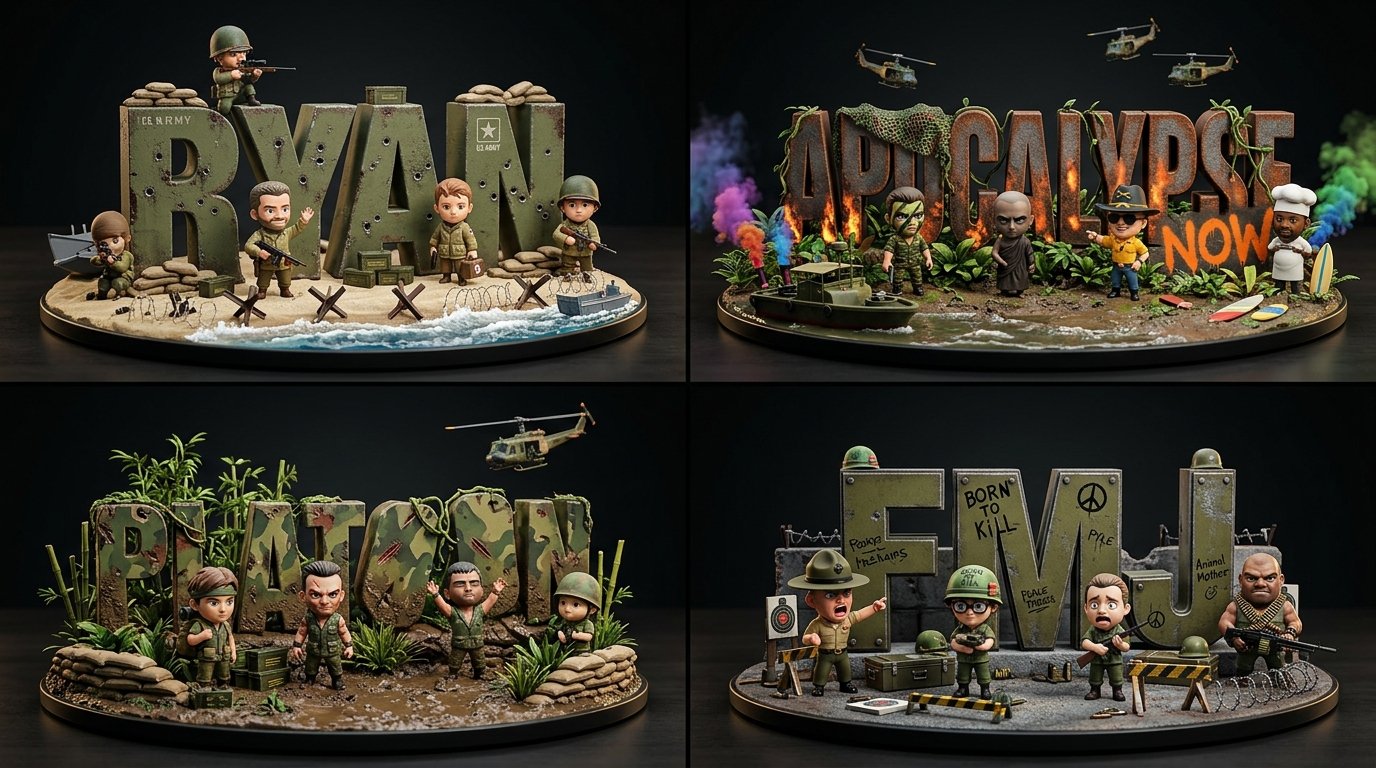
2x2 grid, 16:9, do this for creativity, hope, science, fortitude: class ToyBubbleDiorama: def __init__(self, topic): self.topic = topic self.title = derive_short_title(topic) self.moment = infer_core_moment(topic) self.props = infer_iconic_props(topic, count=3) self.characters = infer_mini_characters(topic) self.base = infer_environment_base(topic) self.palette = infer_playful_palette(topic) def letters(self): return { "form": "chunky rounded 3D bubble letters", "material": "soft toy plastic / clay / rubbery foam", "finish": "matte with gentle gloss highlights", "layout": "large centered title" } def scene(self): return { "props": self.props, "characters": self.characters, "base": self.base, "background": "dark studio backdrop" } def render(self): return """ Render one compact 3D diorama where colorful bubble letters tell the title and the surrounding props explain the topic. """ generate_image(ToyBubbleDiorama(TOPIC))
Details
- Type
- AI Image Prompts
- Aspect Ratio
- 1672:941
- Updated
- Oct 13, 2026
How to use this prompt
- 1Copy the full prompt with the copy button above.
- 2Open Nano Banana 2.1 by Google, or any image generator with a similar style range.
- 3Paste the prompt, then swap the subject and style keywords to match your idea.
- 4Match the example's settings (1672:941 · Cartoon · Whimsical · 3D Render), then iterate — small wording changes shift the output a lot.
Frequently asked questions
Which AI model generated this image?
This image was generated with Nano Banana 2.1 by Google. The prompt on this page is the exact text used to create it.
What settings does this prompt use?
The example was generated with Nano Banana 2.1 using: 1672:941 · Cartoon · Whimsical · 3D Render. Reusing these settings gives the closest match.
How do I get similar results?
Copy the prompt as-is first, then replace only the subject while keeping the style, lighting, and composition keywords. Generate a few variations — outputs differ between runs.
Can I modify this prompt?
Yes. Prompts work best as starting points — adjust descriptors, aspect ratio, or style tags to make the output your own.
![Extreme close-up mixed-media storybook illustration of [HUMAN] with [ANIMAL] beside them in [SETTING — AI image prompt — Nano Banana 2.1](https://cdn.ahaprompt.app/harvest-media/import-1792557868345-dqz8f9.jpg)
![2x2 grid, do this for 4 underrated international dishes, 16:9 INPUT: [ANIMAL / MODERN GADGET / FOOD] — AI image prompt — Nano Banana 2.1](https://cdn.ahaprompt.app/harvest-media/import-1791885478333-7idgd5.jpg)
![Input Variable: [INSERT FANDOM OR RIVALRY HERE] (e.g., Jedi vs Sith, Marvel vs DC, Horde vs Alliance — AI image prompt — Nano Banana 2.1](https://cdn.ahaprompt.app/harvest-media/import-1792125662338-b8q260.jpg)