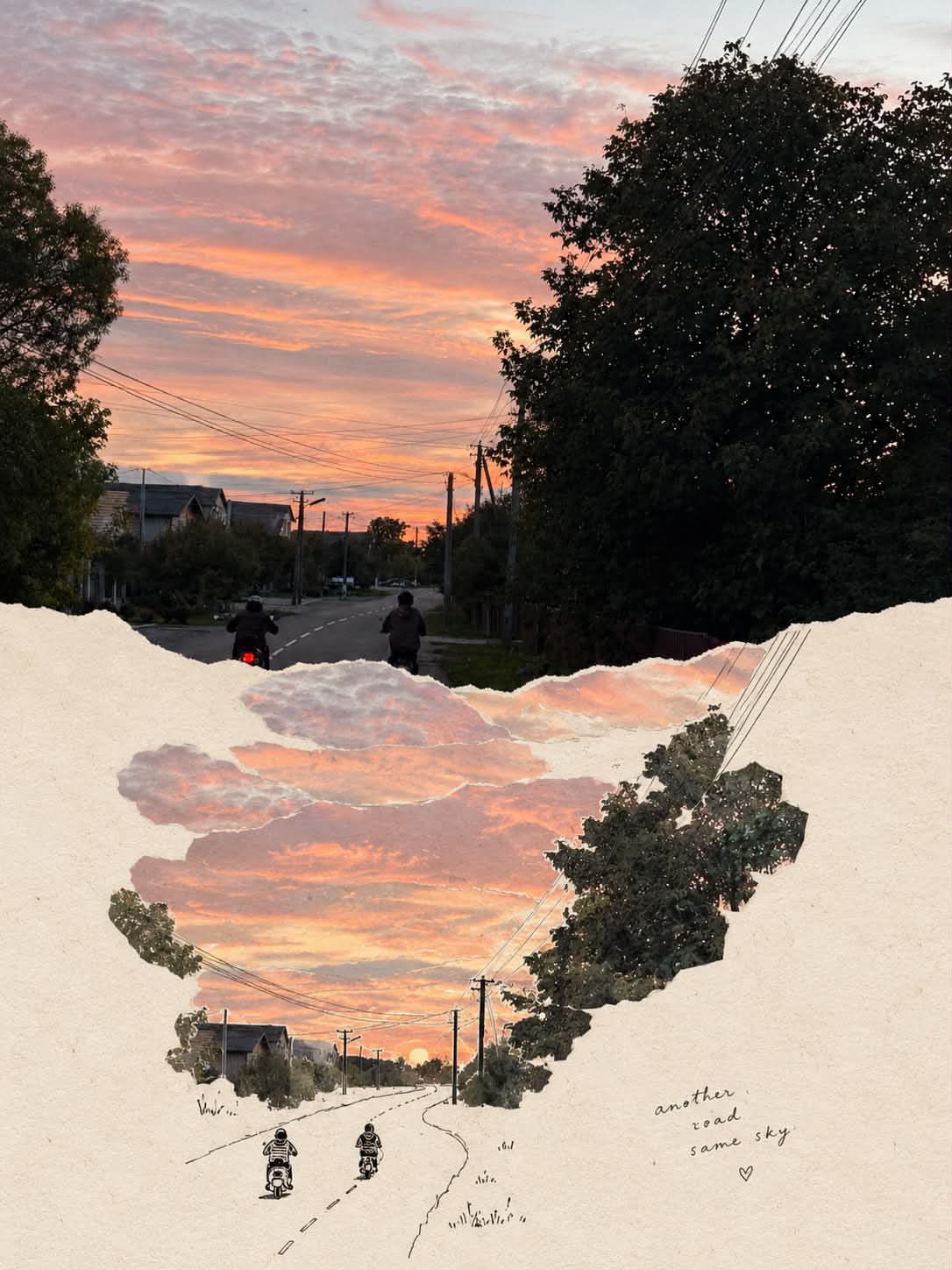
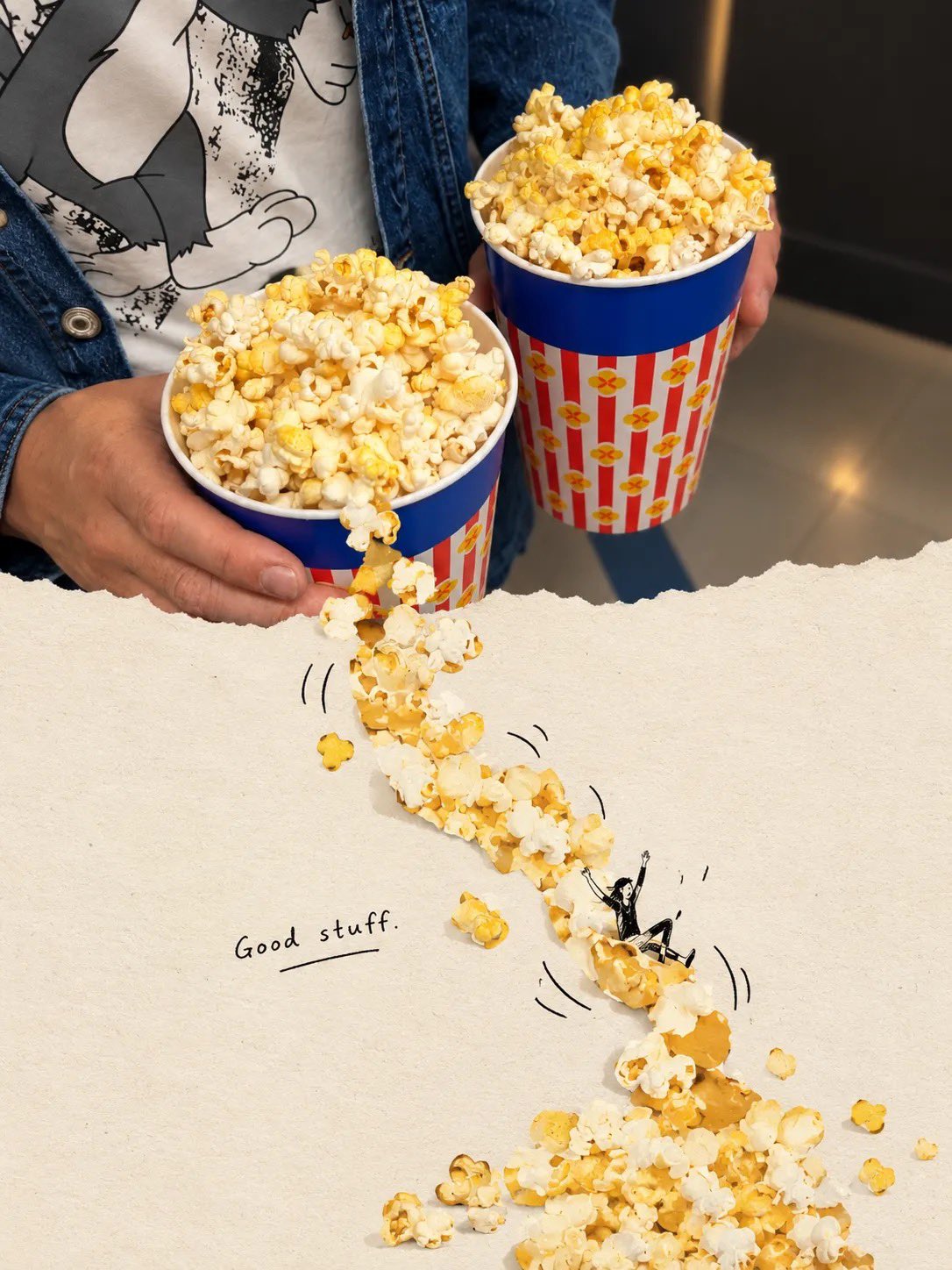
Torn Paper Editorial Scrapbook Collage
 GPT Image 2OpenAIimage
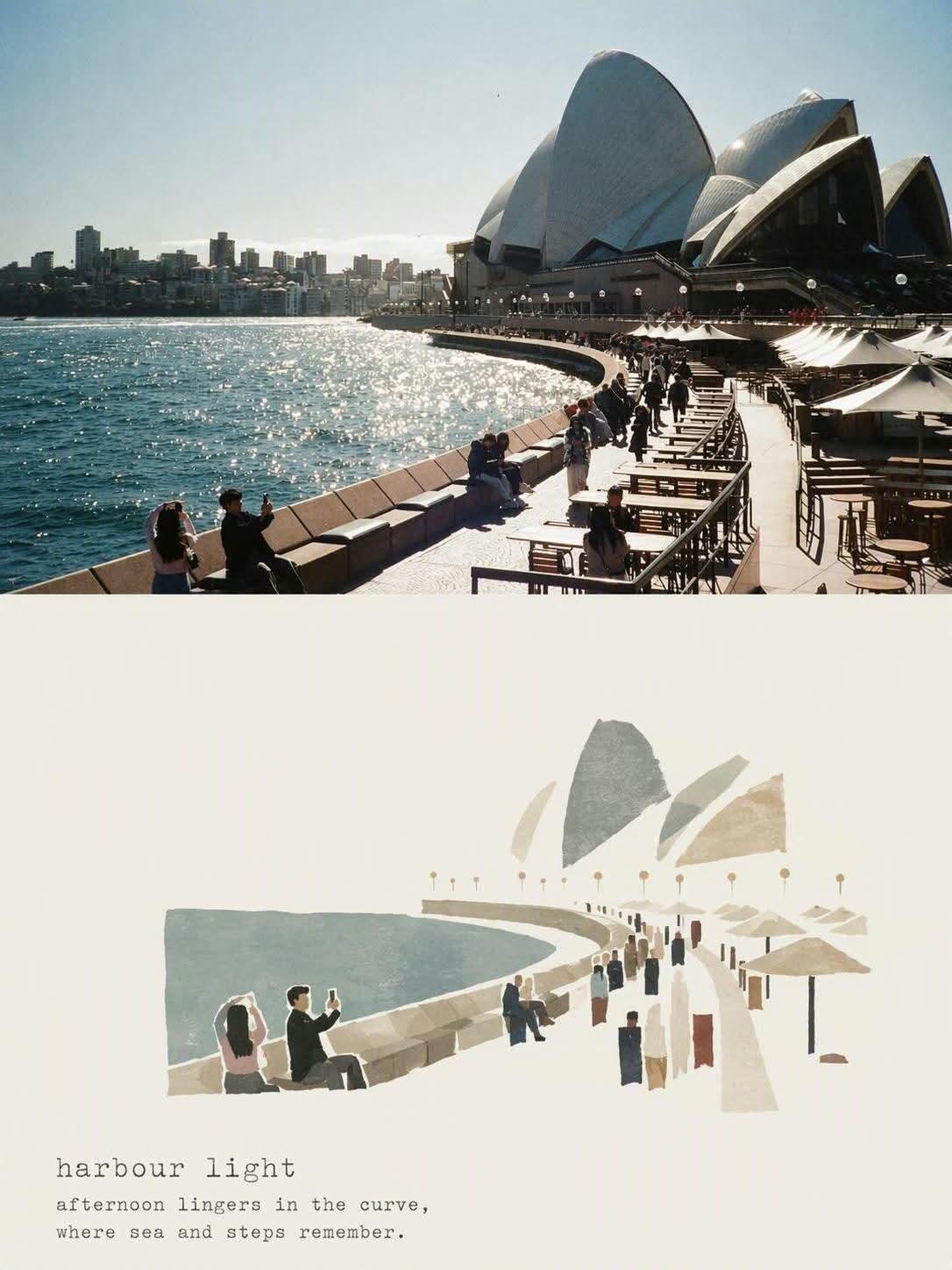
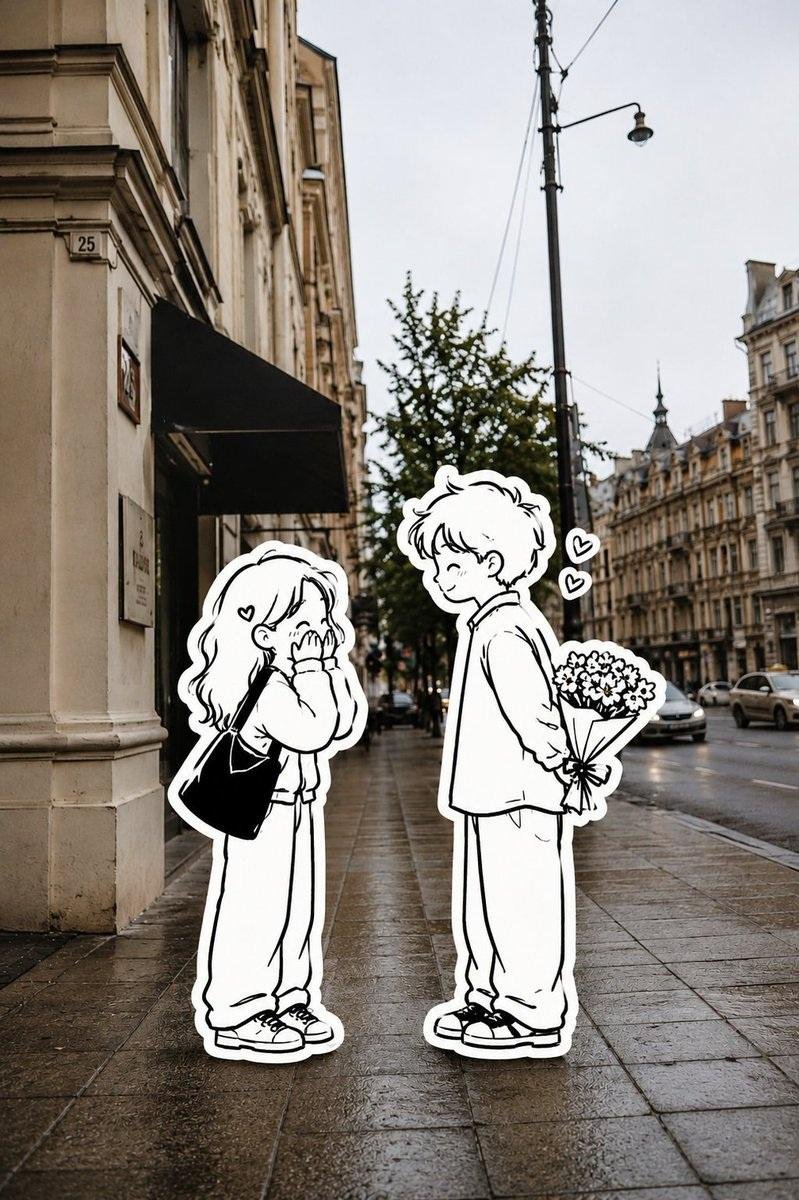
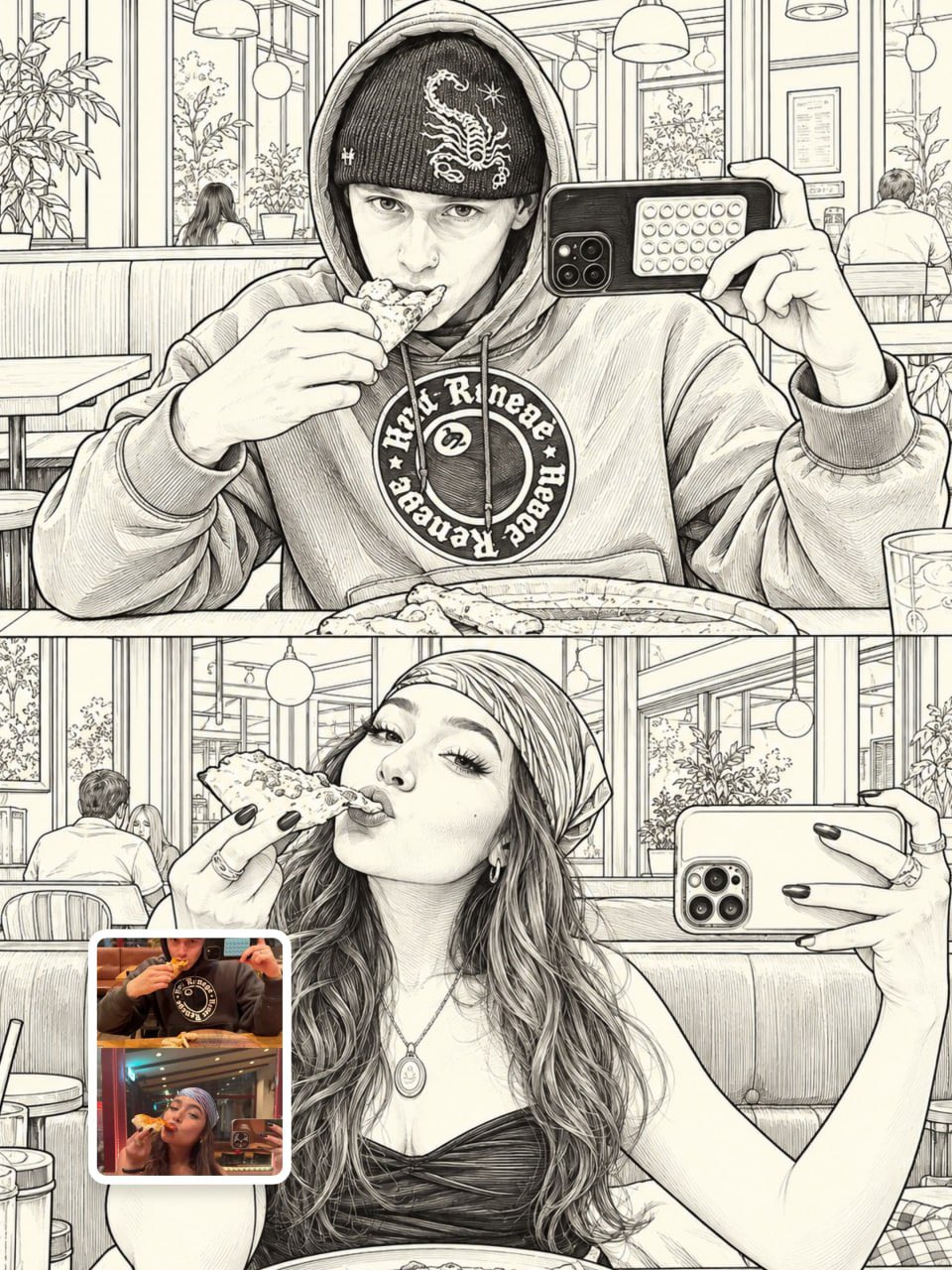
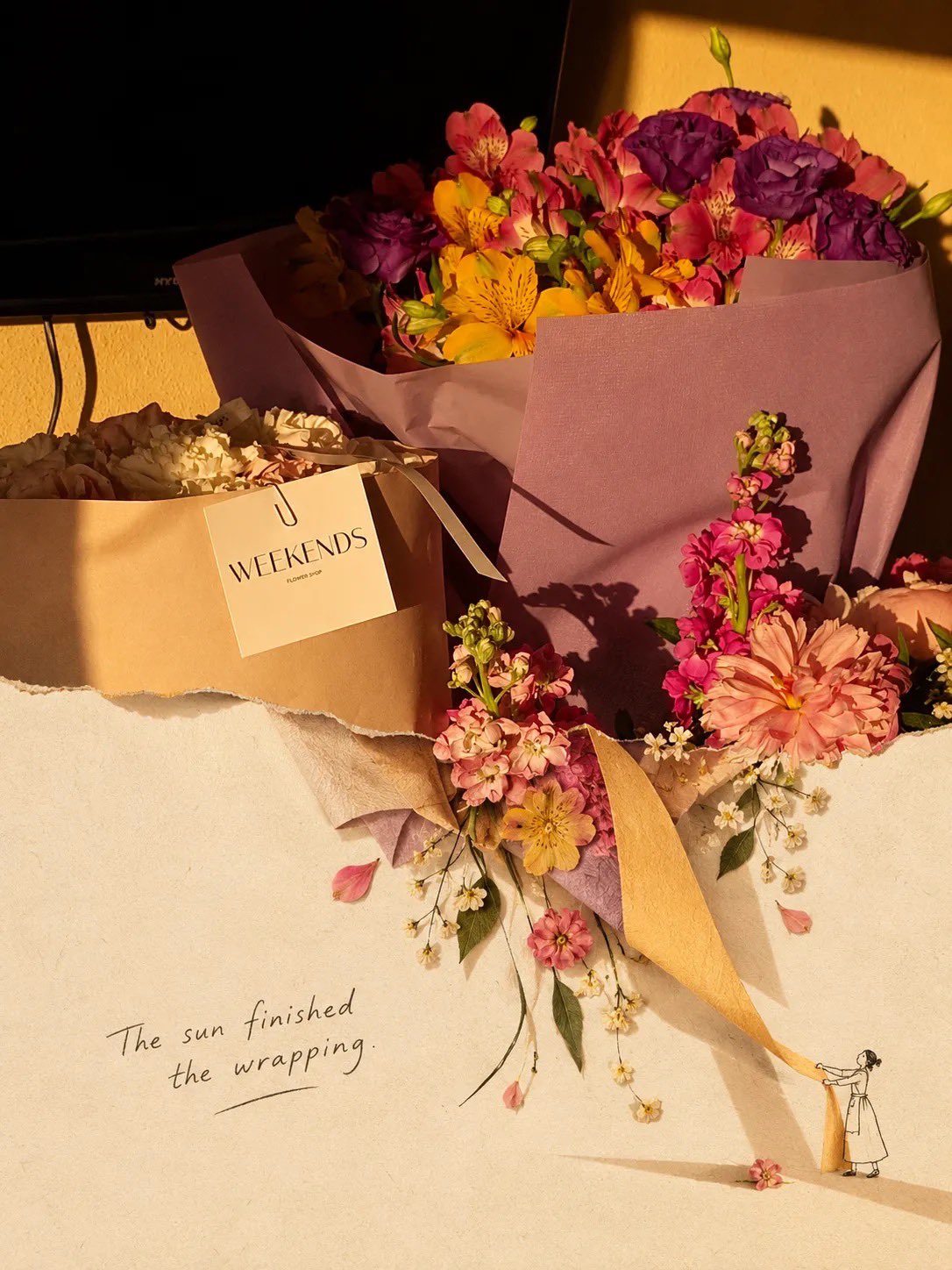
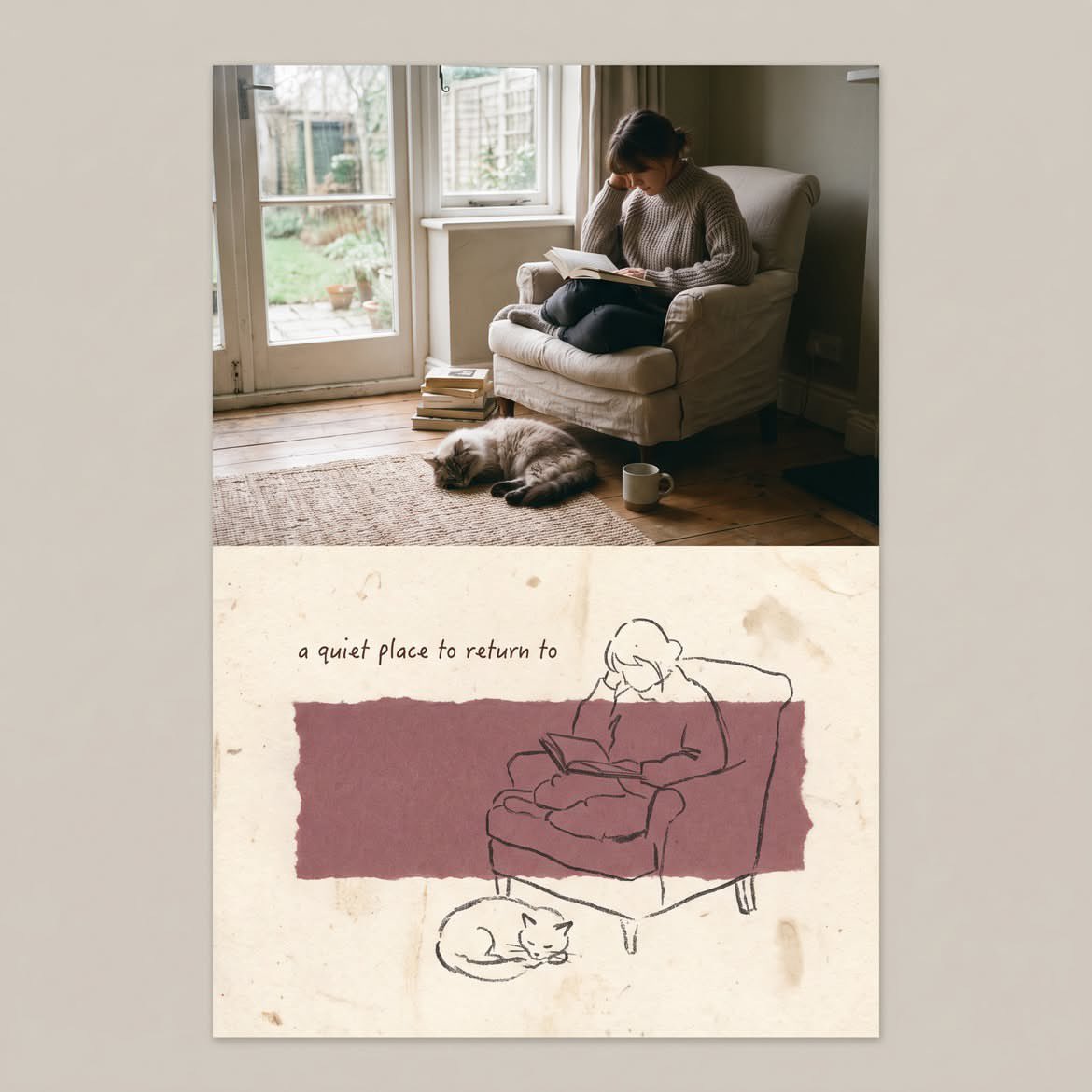
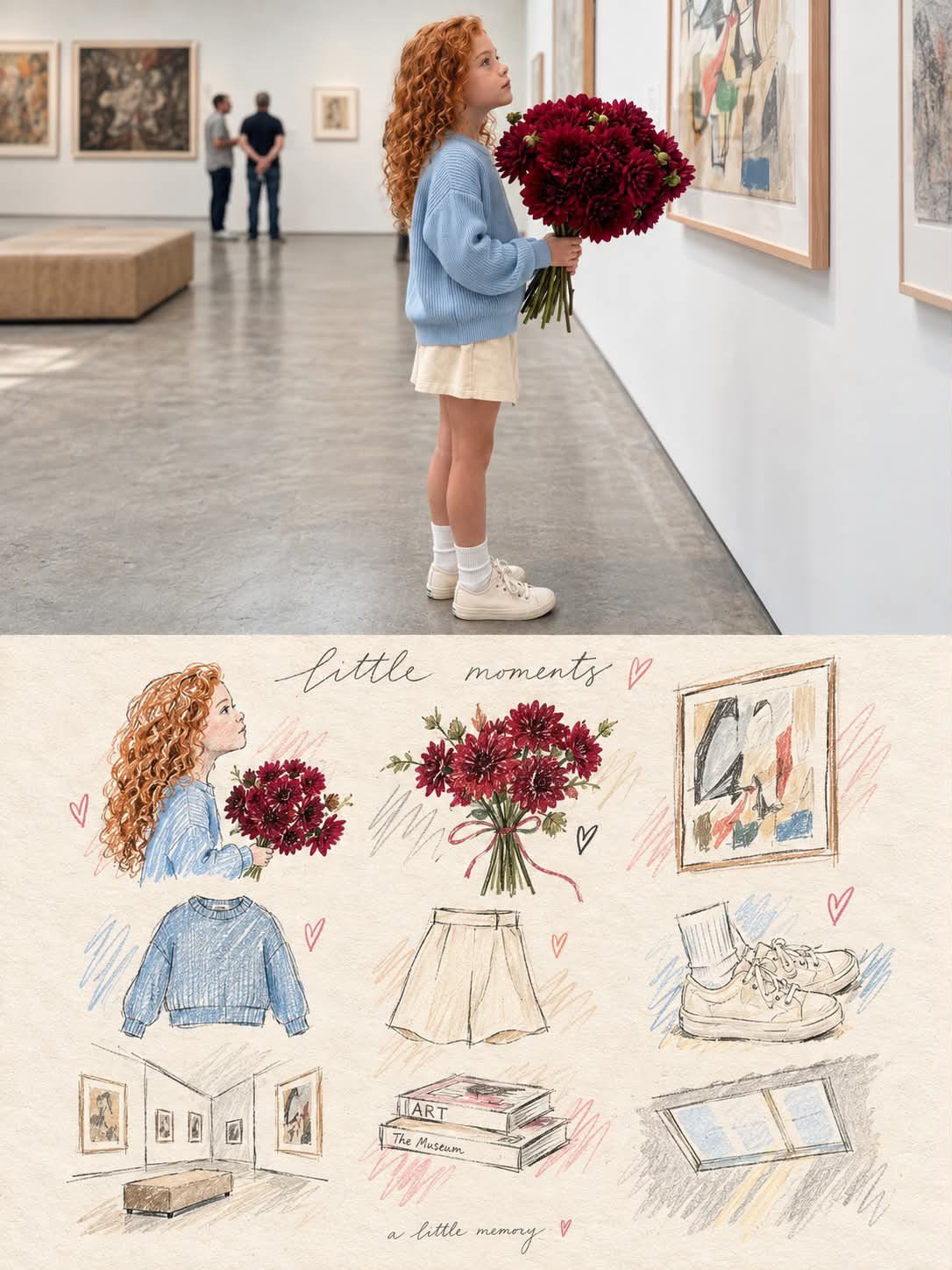
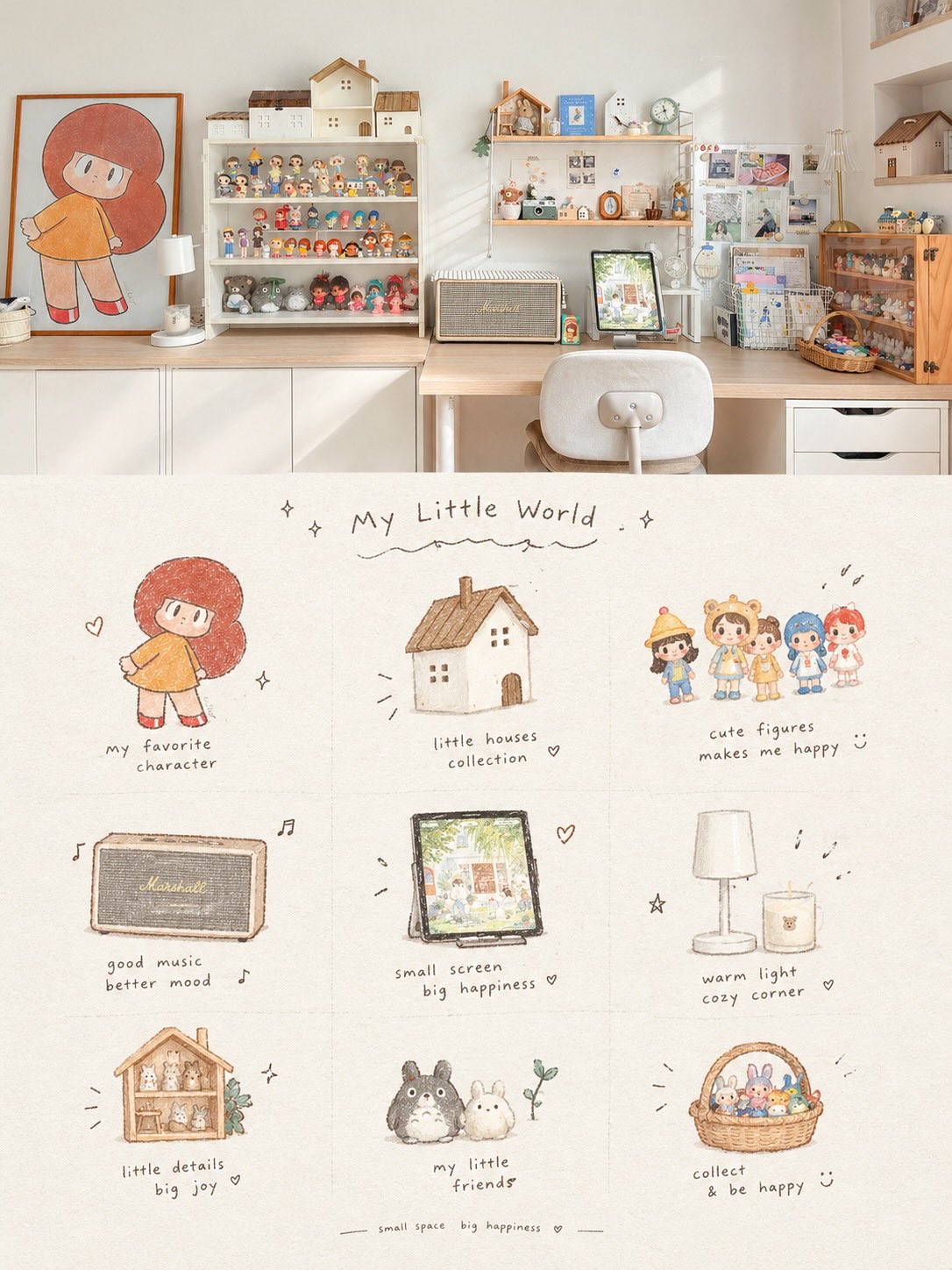
Transform the uploaded photo into a premium editorial scrapbook / torn-paper collage artwork. Keep the main subject of the original photo photorealistic, sharp, and clearly recognizable, with natural lighting, realistic textures, and authentic colors. Place the photo on a warm ivory handmade paper background with subtle paper grain and an imperfect tactile texture. Create an organic ripped-paper transition where parts of the original photograph appear to tear open and naturally continue into the lower area as a minimal hand-drawn ink illustration / sketch, blending the real photograph with the illustrated extension. Add subtle vintage editorial details, delicate handwritten-style typography, tiny hand-drawn doodles, imperfect ink lines, small decorative elements, and artistic negative space. Let selected objects from the photograph flow beyond the torn edge and interact with the illustration, creating a playful 3D collage effect. Use soft shadows beneath the paper layers and realistic paper edges for depth. Color palette: warm cream, beige, muted brown, soft earthy tones with the original photo’s natural colors preserved. Lighting: warm golden-hour / nostalgic sunlight, soft highlights and gentle shadows. Composition: sophisticated, minimal, balanced, artistic, lots of breathing room, premium magazine/editorial aesthetic. Texture: handmade paper, subtle grain, torn fibers, slightly imperfect printing and ink texture. The final image should feel like a real photograph physically pasted onto handmade paper and partially transformed into a delicate illustration, rather than a digital filter. Important: Do not alter the main subject’s identity, proportions, objects, or important details. Avoid excessive decorations, cartoonish rendering, overly clean digital edges, neon colors, or a generic AI-art look. High-end contemporary scrapbook editorial design, photorealistic + hand-drawn mixed-media collage, 4:5 or 3:4 vertical composition. [OPTIONAL] Add this concept-specific element: [describe the object/scene you want the photograph to transform into] [OPTIONAL TEXT]: Add a short handwritten phrase: "[your text]" in a subtle black/charcoal ink style.
Details
- Type
- AI Image Prompts
- Aspect Ratio
- 3:4
- Updated
- Oct 8, 2026
Category
How to use this prompt
- 1Copy the full prompt with the copy button above.
- 2Open GPT Image 2 by OpenAI, or any image generator with a similar style range.
- 3Paste the prompt, then swap the subject and style keywords to match your idea.
- 4Match the example's settings (3:4 · Digital Art · Vintage · Minimalist), then iterate — small wording changes shift the output a lot.
Frequently asked questions
Which AI model generated this image?
This image was generated with GPT Image 2 by OpenAI. The prompt on this page is the exact text used to create it.
What settings does this prompt use?
The example was generated with GPT Image 2 using: 3:4 · Digital Art · Vintage · Minimalist. Reusing these settings gives the closest match.
How do I get similar results?
Copy the prompt as-is first, then replace only the subject while keeping the style, lighting, and composition keywords. Generate a few variations — outputs differ between runs.
Can I modify this prompt?
Yes. Prompts work best as starting points — adjust descriptors, aspect ratio, or style tags to make the output your own.
![Create a beautiful artistic illustration of [COUNTRY] represented through its national bird, [NATION — AI image prompt — GPT Image 2](https://cdn.ahaprompt.app/harvest-media/import-1788917968096-4tdbpo.jpg)