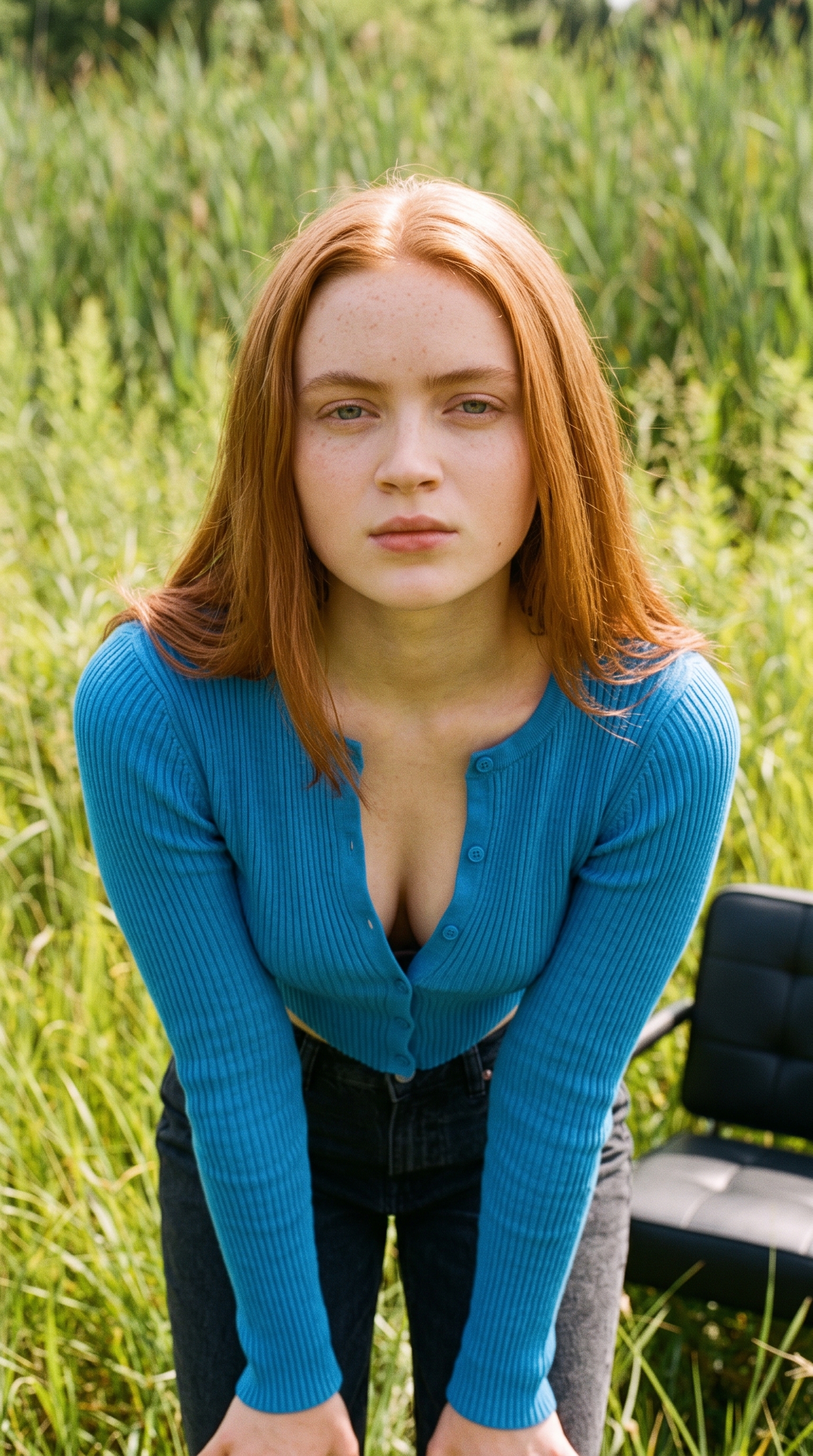
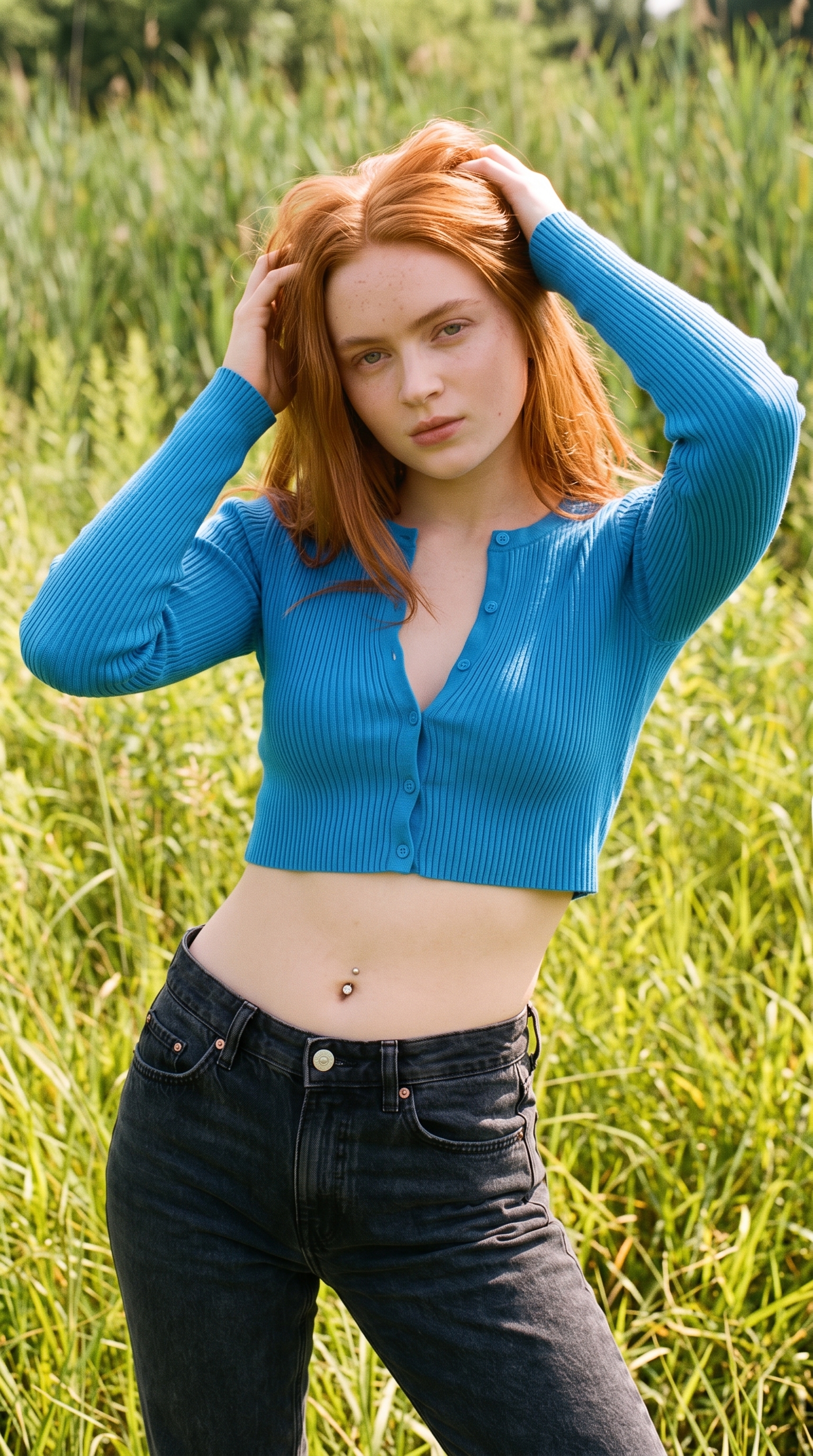
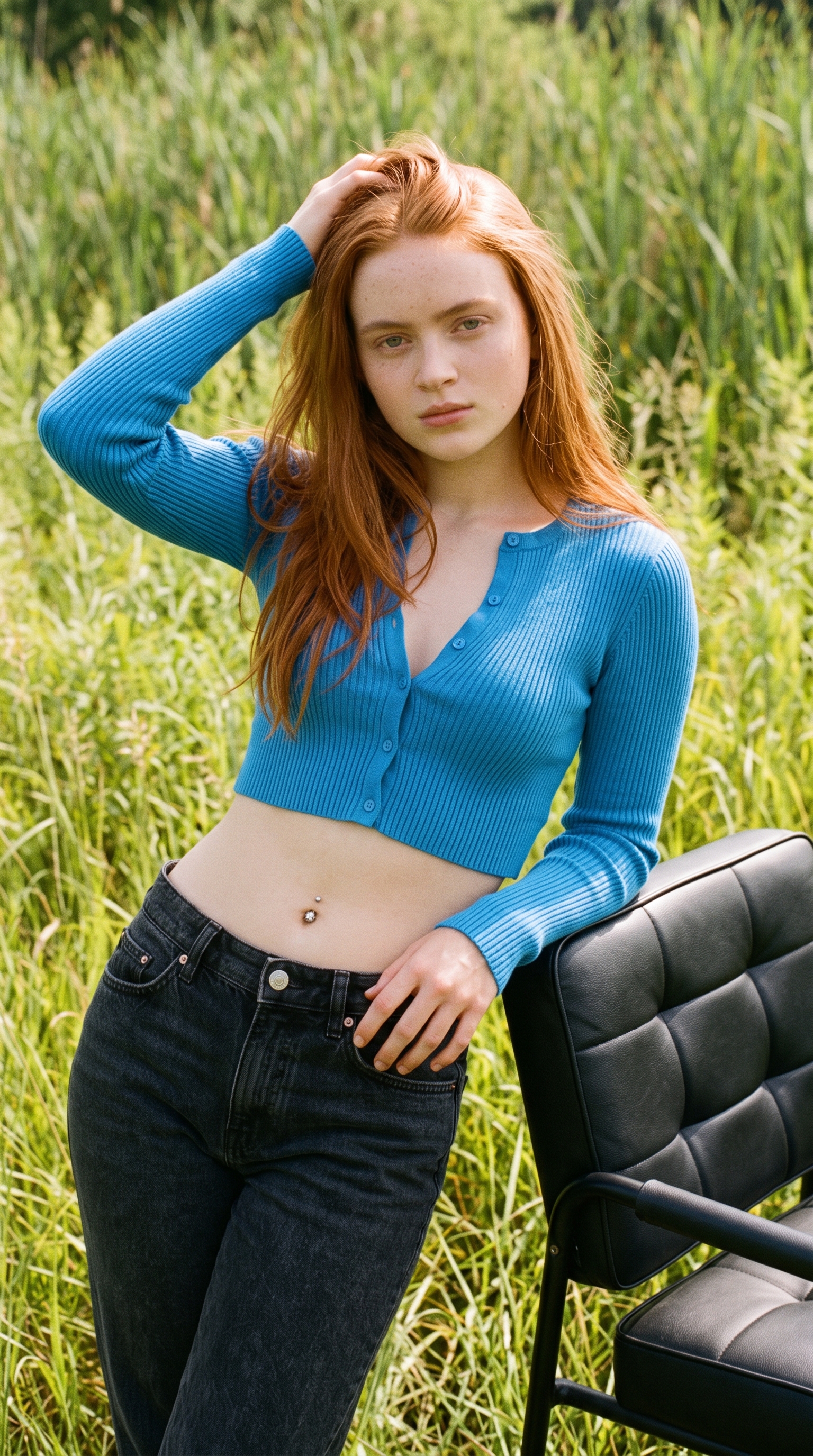
Sadie Sink Outdoor Crop Top Shoot

{ "image_prompt": { "subject": { "appearance": "Slim young woman with straight, mid-length natural, vibrant coppery-red", "reference_celeb": "Sadie Sink", "expression": "Neutral, direct gaze at the camera", "physical_details": "Toned midriff, prominent belly button piercing with a clear stone barbell, slight freckles", "face_details": "Soft facial features, natural lip color, eyebrows lightly filled" }, "attire": { "garment_top": "Long-sleeved, ribbed knit, very short cropped cerulean blue cardigan", "styling_top": "Fully buttoned, creating a tight fit" }, "pose": { "stance": "Standing frontally with body slightly angled to the viewer's left", "arms": "Both arms extended downwards at her sides, hands partially obscured" }, "setting": { "environment": "Sunny, outdoor field with dense, tall green and yellow-green grassy vegetation", "background_details": [ "Field of grass", "Partial view of a black padded element (seat/cushion) on the lower right" ] }, "composition": { "framing": "Medium waist-up shot, framing the entire midriff", "depth_of_field": "Shallow depth of field, sharp focus on subject, blurred background", "lighting": "Natural daylight, bright and even" }, "photography_style": { "aesthetic": "Outdoor lifestyle photography, documentary feel", "film_grain": "Subtle, natural film grain", "color_grading": "Natural, slightly warm saturation" } } }
Details
- Type
- AI Image Prompts
- Aspect Ratio
- 24:43
- Updated
- Aug 21, 2026
How to use this prompt
- 1Copy the full prompt with the copy button above.
- 2Open Nano Banana Pro by Google, or any image generator with a similar style range.
- 3Paste the prompt, then swap the subject and style keywords to match your idea.
- 4Match the example's settings (24:43 · Character · Fashion · Portrait), then iterate — small wording changes shift the output a lot.
Frequently asked questions
Which AI model generated this image?
This image was generated with Nano Banana Pro by Google. The prompt on this page is the exact text used to create it.
What settings does this prompt use?
The example was generated with Nano Banana Pro using: 24:43 · Character · Fashion · Portrait. Reusing these settings gives the closest match.
How do I get similar results?
Copy the prompt as-is first, then replace only the subject while keeping the style, lighting, and composition keywords. Generate a few variations — outputs differ between runs.
Can I modify this prompt?
Yes. Prompts work best as starting points — adjust descriptors, aspect ratio, or style tags to make the output your own.