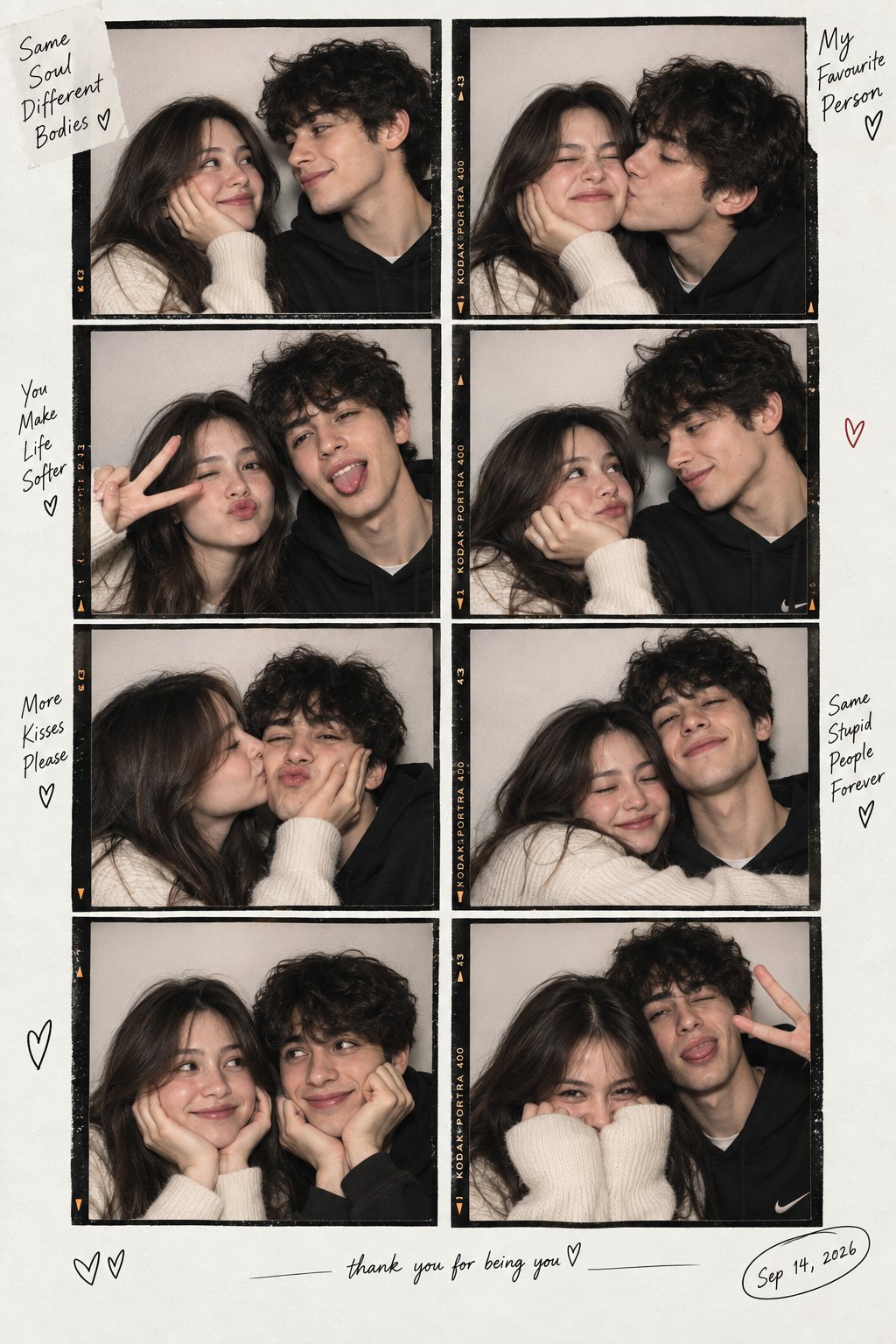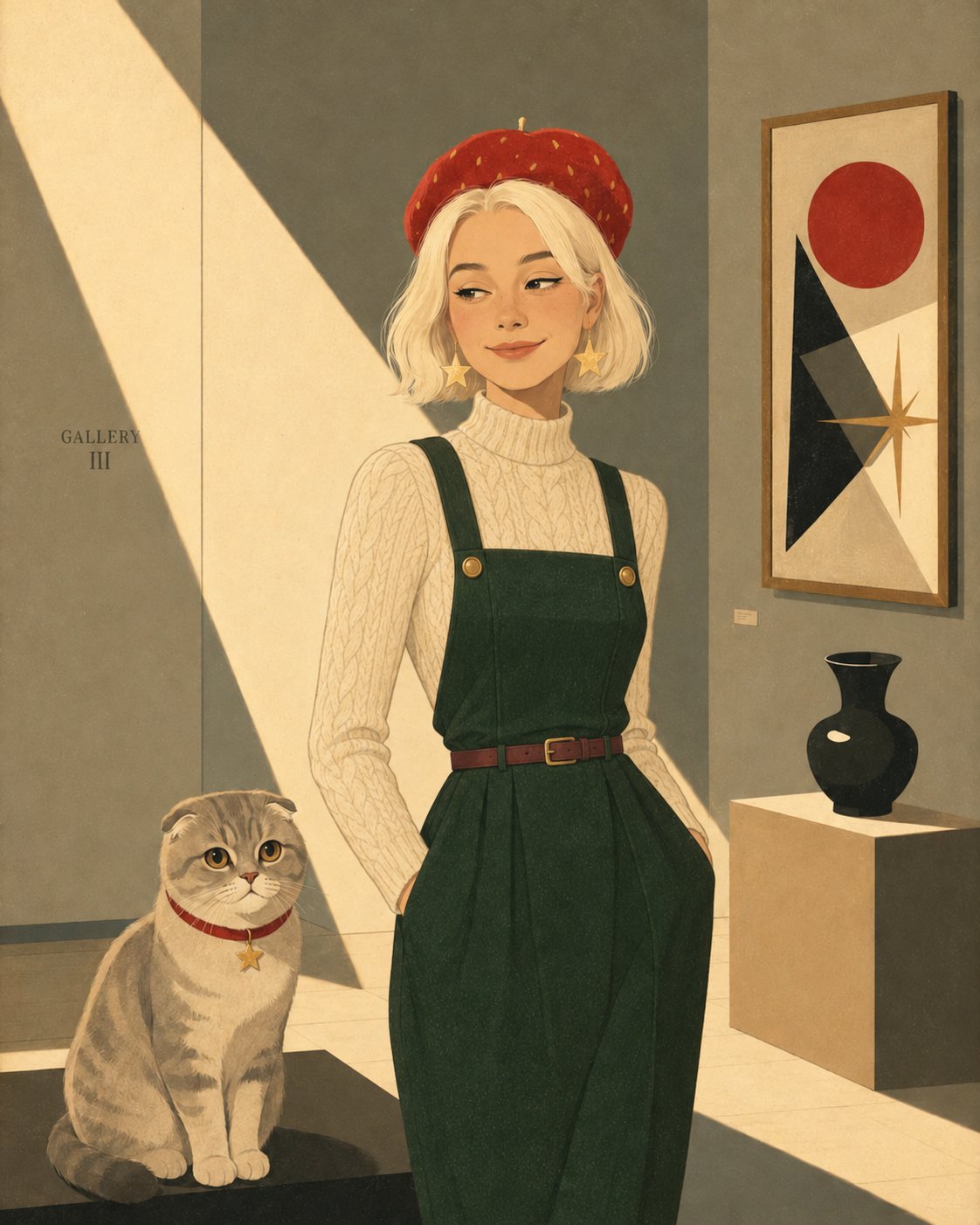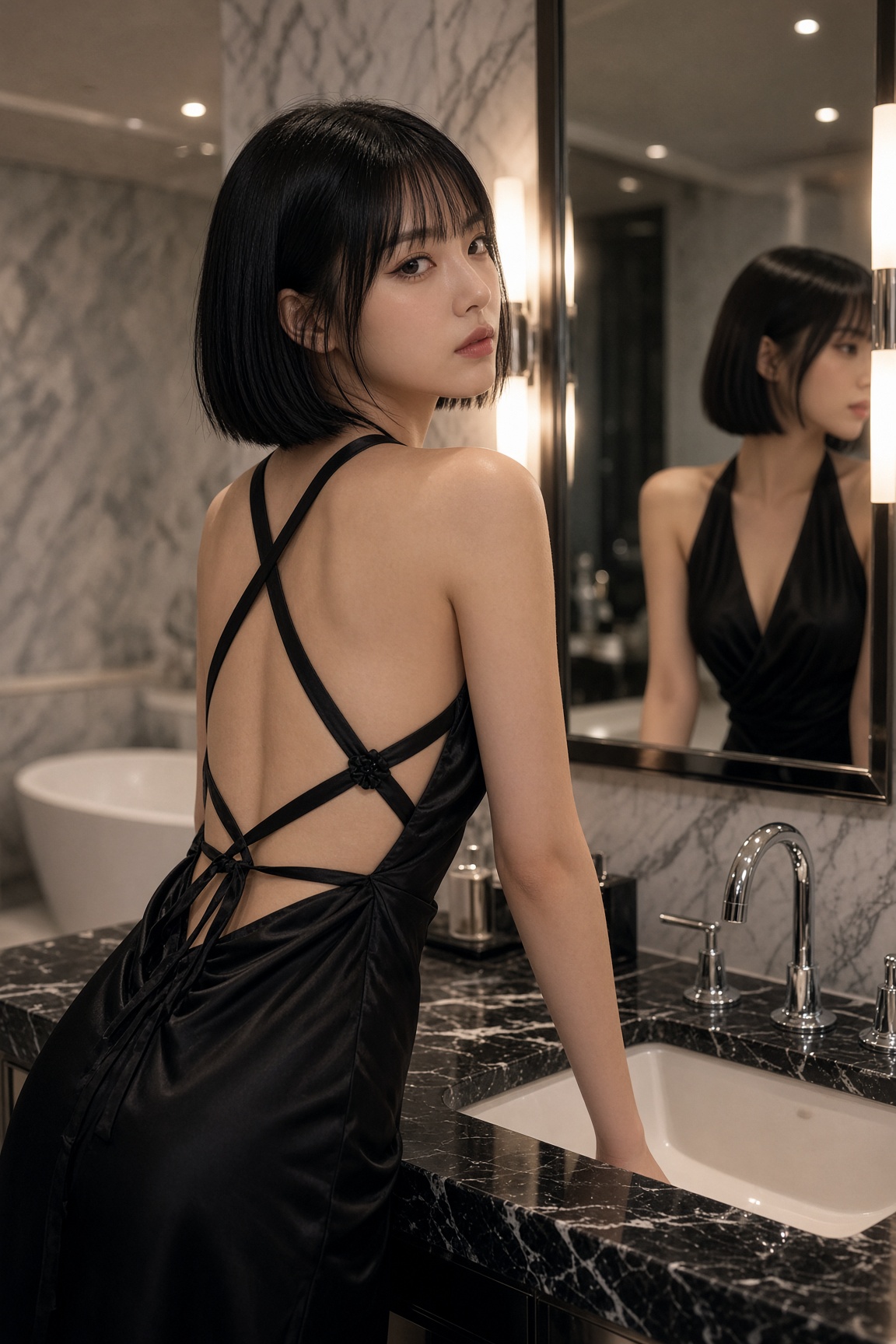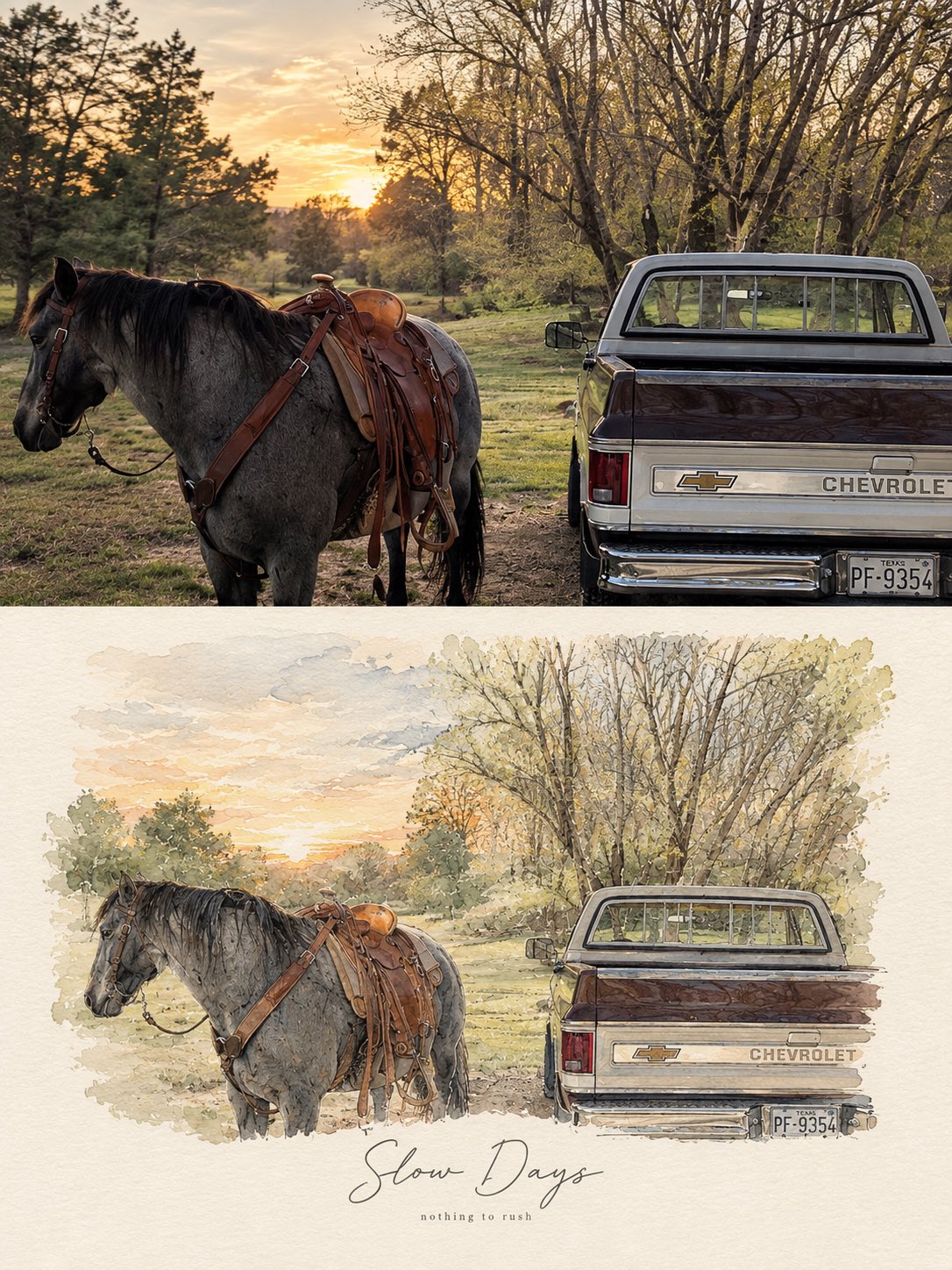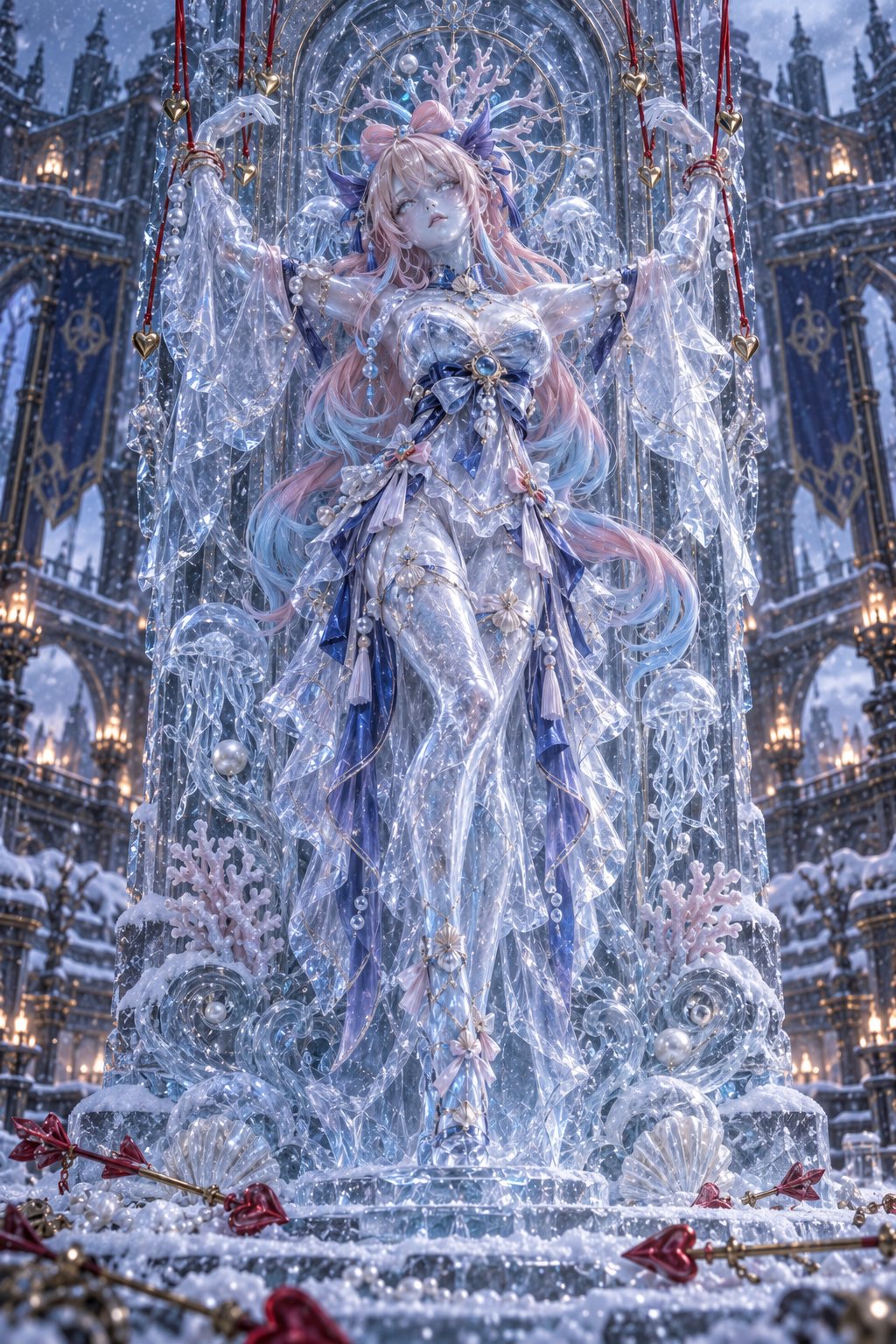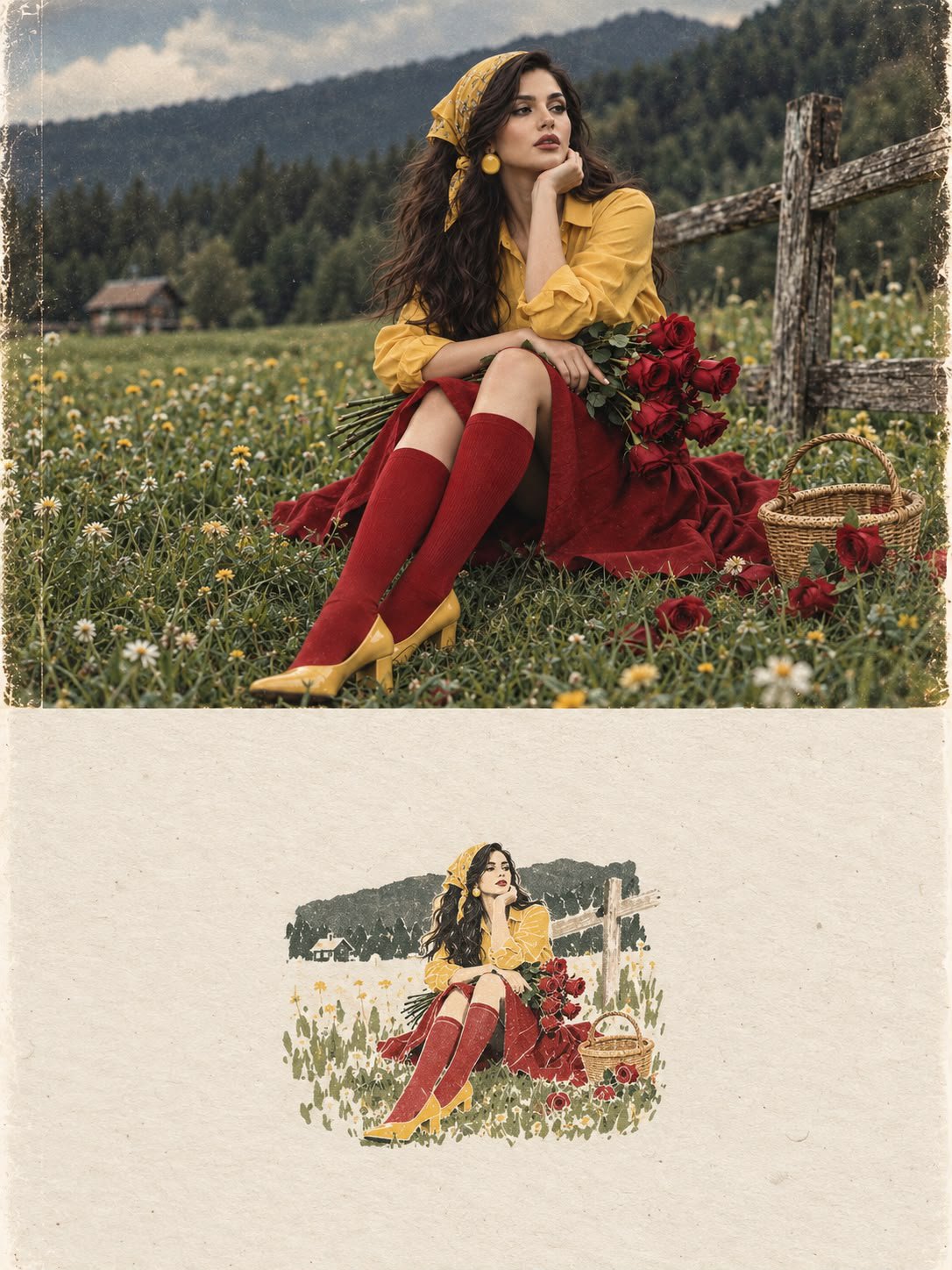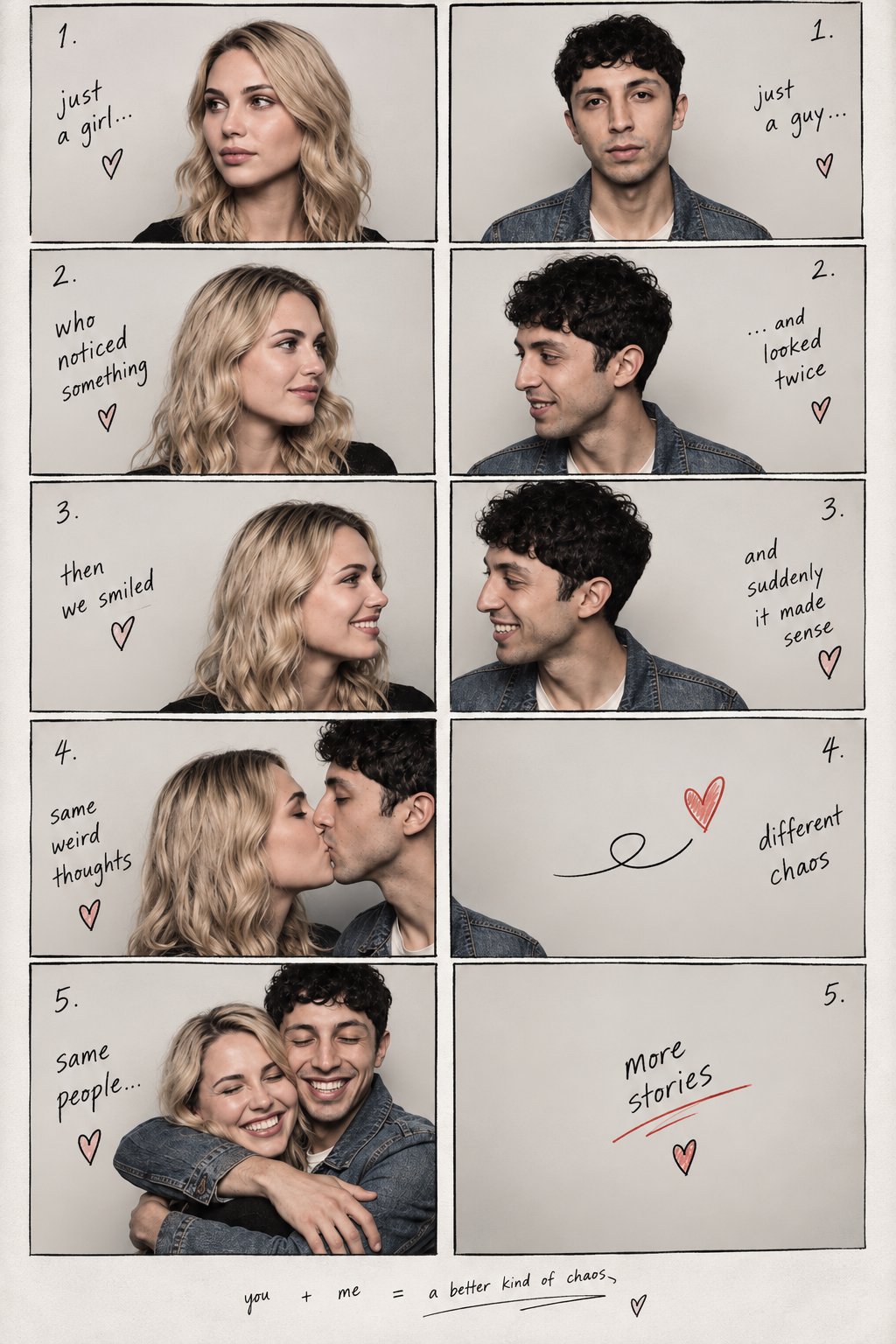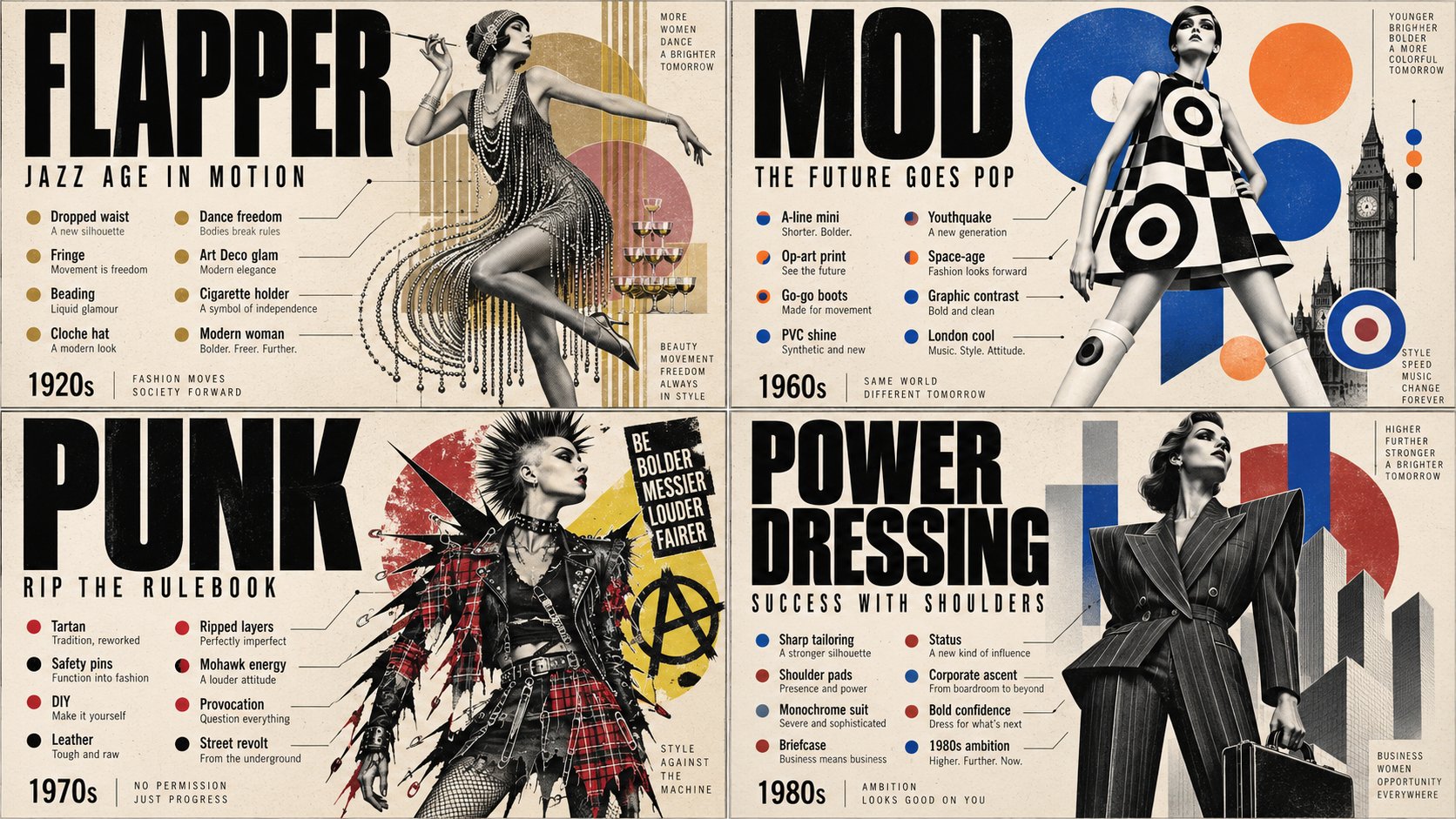
Minimalist Editorial Collage Portrait
 GPT Image 2.5OpenAIimage
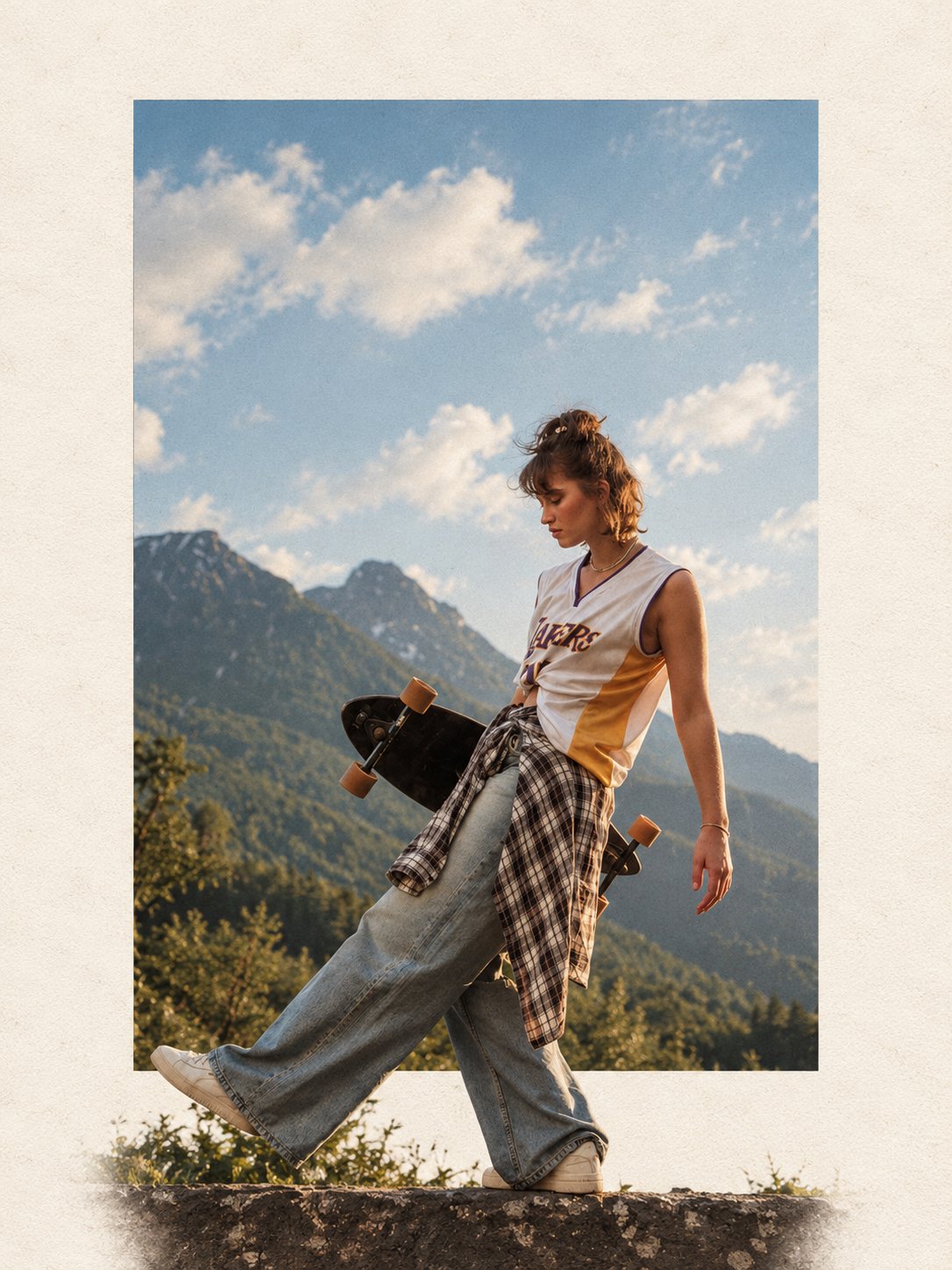
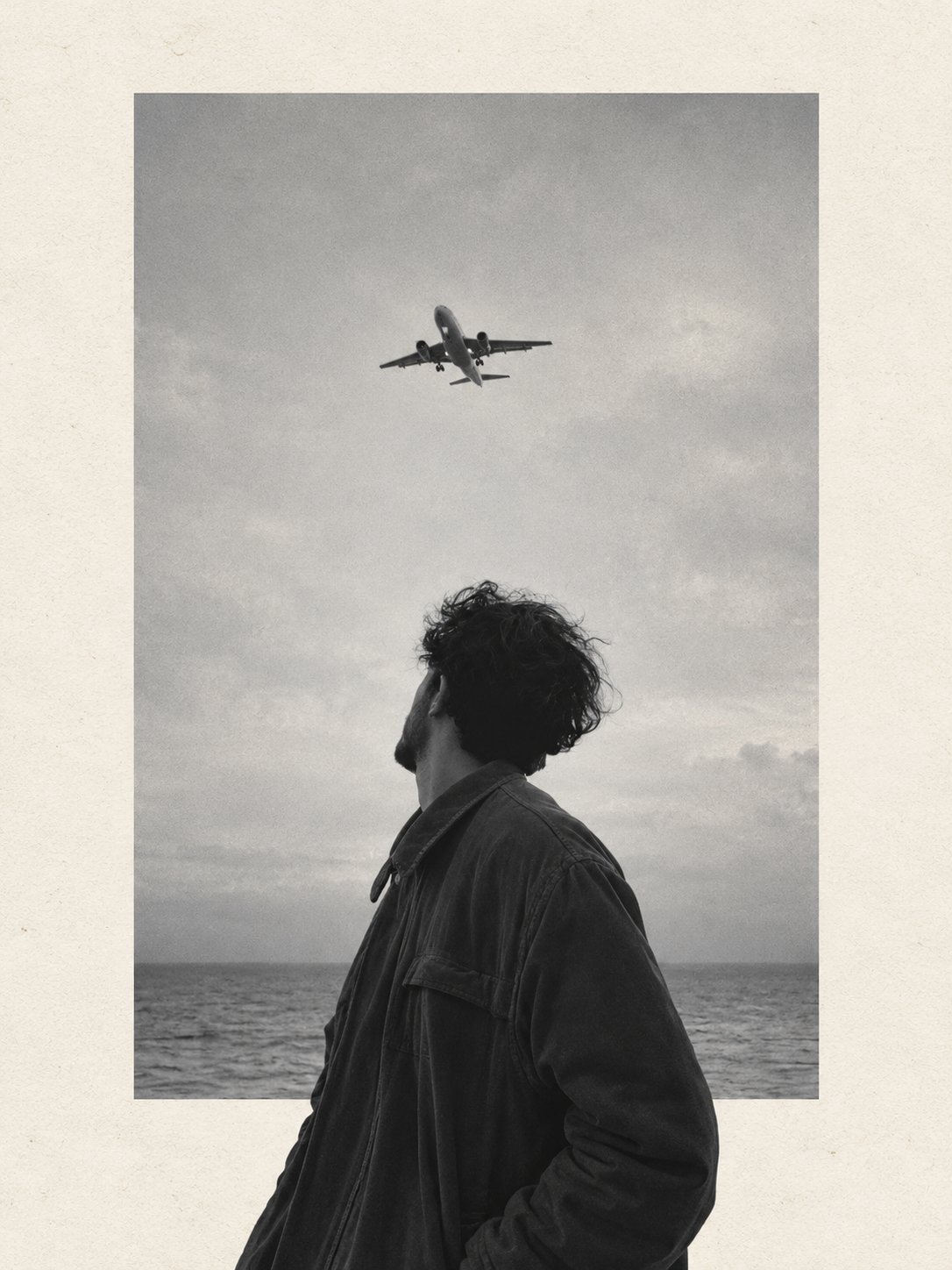
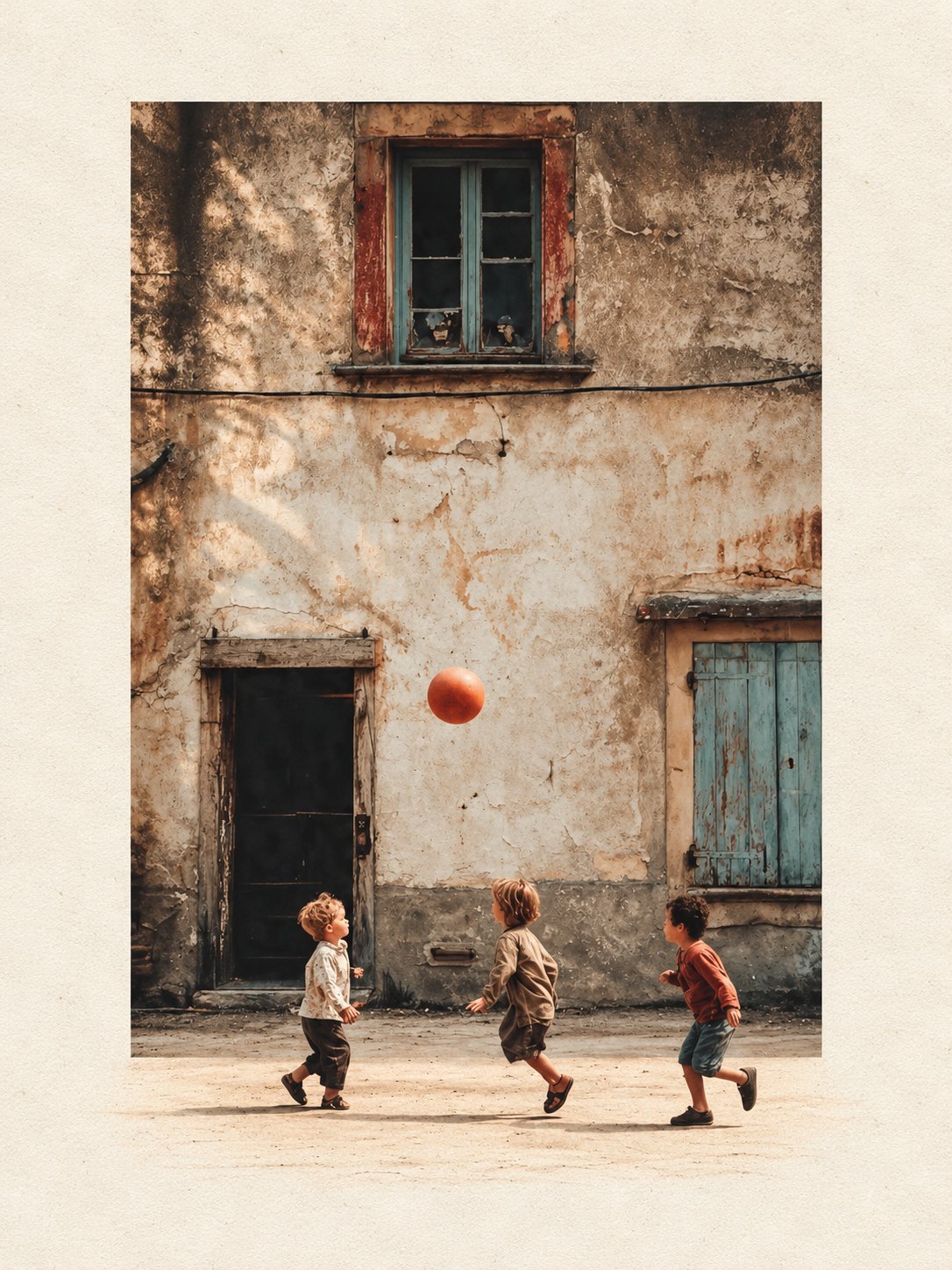
Use for portraits, people, flowers, trekking photos, and other vertical images. Canvas: strict 3:4 portrait. Transform the uploaded photograph into a premium minimalist editorial collage inspired by luxury travel magazines, contemporary fashion editorials, and artistic outdoor photography. FORMAT & COMPOSITION: Create a strict 3:4 vertical canvas. Use a warm ivory/off-white background with subtle paper texture and generous negative space. Place a large, clean-edged vertical rectangular crop of the original photograph in the center, slightly above the middle. Keep the original scenery recognizable inside the rectangle. Let the main subject naturally overlap and extend beyond the bottom edge of the rectangle into the ivory space. Where it looks natural, allow foreground flowers, grass, foliage, or rocks to extend beyond the frame as realistic photographic cutouts. Keep the layout asymmetrical but balanced, with the subject as the focal point. PRESERVE THE ORIGINAL: Use the uploaded photo as the source. Keep the subject as faithful to the original as possible: preserve identity, face, expression, hair, clothing, pose, proportions, colors, and distinctive details. Do not beautify, redesign, or stylize the subject. Preserve the original landscape, lighting, textures, and atmosphere. Do not crop off important parts of the subject. STYLE: Photorealistic premium travel editorial, minimalist Swiss-inspired art direction, warm ivory paper, muted earthy colors, dusty blues, natural greens, subtle film grain, realistic edges, and soft believable shadows. RESTRICTIONS: No text, typography, logos, watermarks, extra subjects, unrelated objects, illustration, cartoon effects, HDR, oversaturation, artificial glow, plastic textures, or exaggerated shadows. Do not distort proportions. If preserving the original subject conflicts with the layout, prioritize the subject. FINAL RESULT: A refined photorealistic editorial collage with a vertical rectangular photo and the original subject or natural foreground breaking out of the frame into the surrounding ivory negative space.
Details
- Type
- AI Image Prompts
- Aspect Ratio
- 3:4
- Updated
- Oct 21, 2026
Category
How to use this prompt
- 1Copy the full prompt with the copy button above.
- 2Open GPT Image 2.5 by OpenAI, or any image generator with a similar style range.
- 3Paste the prompt, then swap the subject and style keywords to match your idea.
- 4Match the example's settings (3:4 · Fashion · Portrait · Minimalist), then iterate — small wording changes shift the output a lot.
Frequently asked questions
Which AI model generated this image?
This image was generated with GPT Image 2.5 by OpenAI. The prompt on this page is the exact text used to create it.
What settings does this prompt use?
The example was generated with GPT Image 2.5 using: 3:4 · Fashion · Portrait · Minimalist. Reusing these settings gives the closest match.
How do I get similar results?
Copy the prompt as-is first, then replace only the subject while keeping the style, lighting, and composition keywords. Generate a few variations — outputs differ between runs.
Can I modify this prompt?
Yes. Prompts work best as starting points — adjust descriptors, aspect ratio, or style tags to make the output your own.