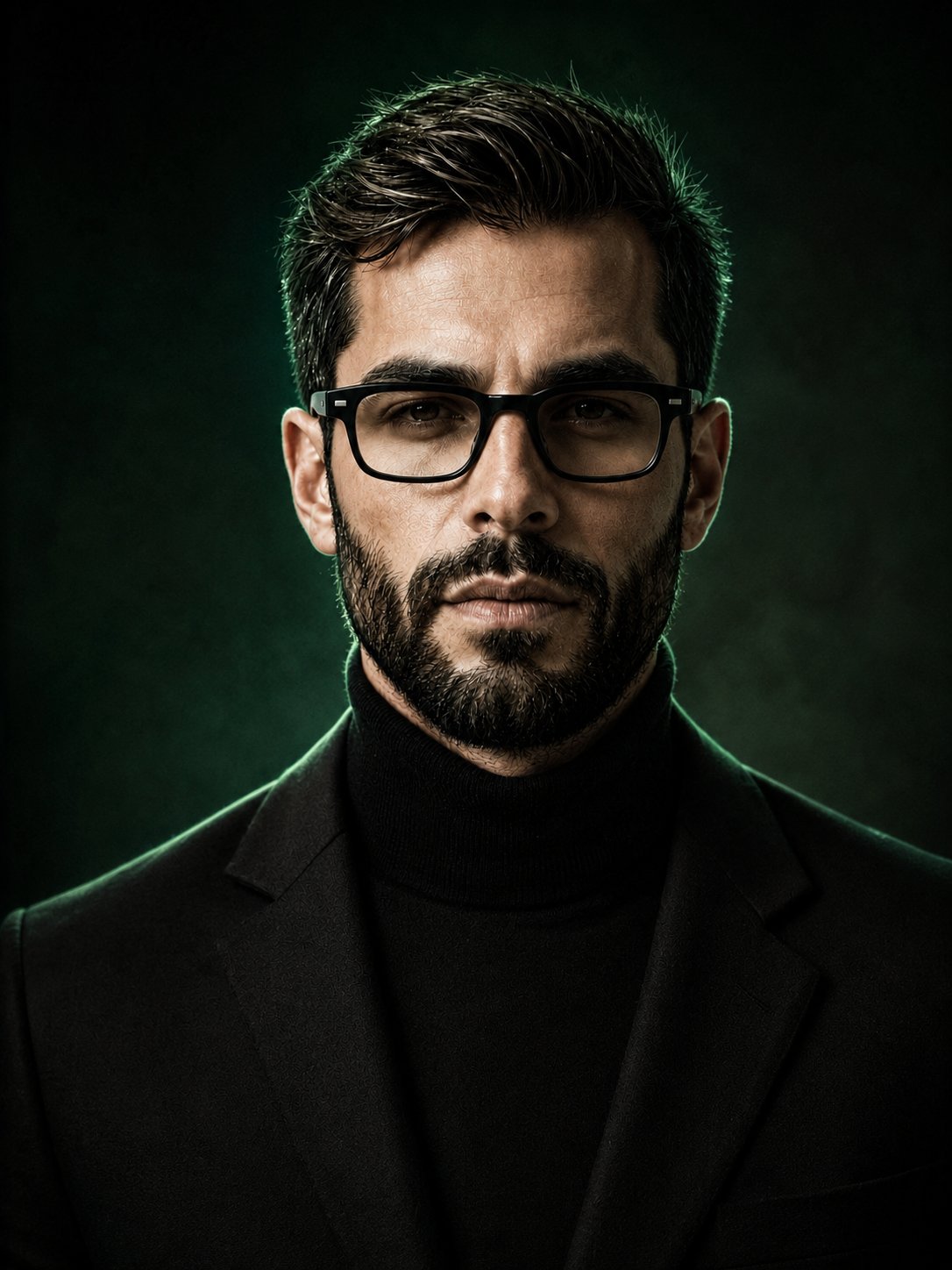
Luxury Green Portrait with Rim Lighting
 GPT Image 2OpenAIimage
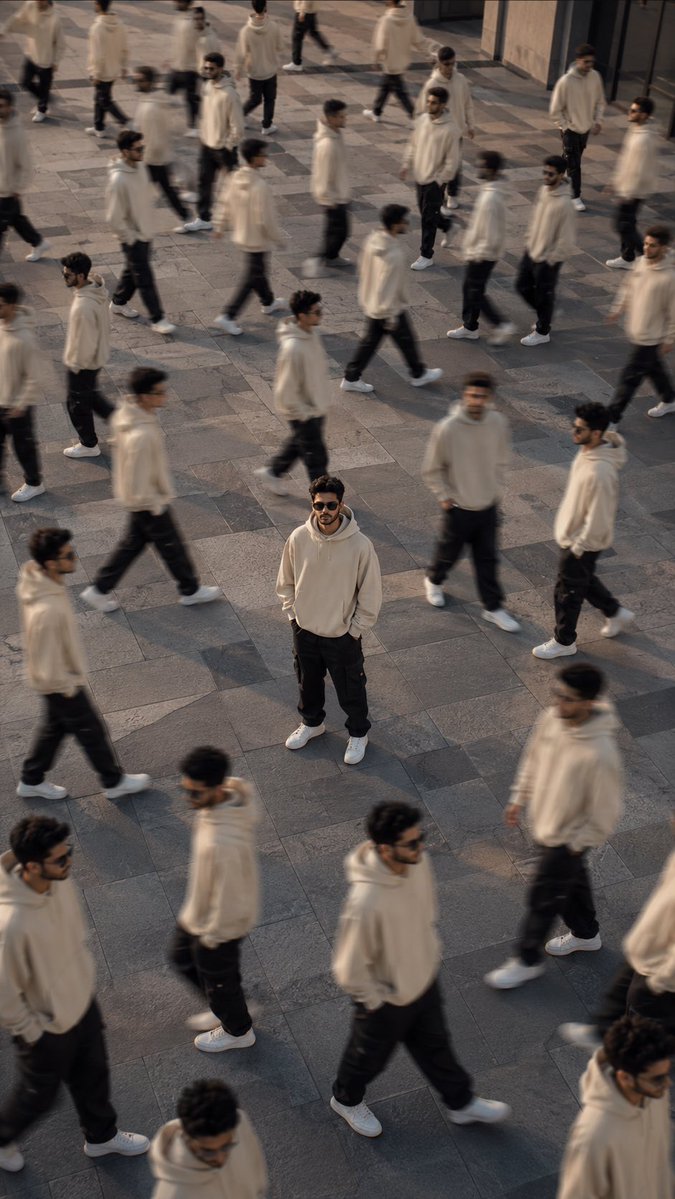
Create a photorealistic portrait using the uploaded image as the reference. Keep the man’s face, hairstyle, beard, body proportions, clothing, pose, and overall appearance unchanged. Replace the existing lake and mountain background with a sophisticated deep green and black gradient background, featuring subtle dark emerald tones, soft black shadows, cinematic depth, and a premium luxury atmosphere. Add gentle studio-style rim lighting around the subject, with soft green highlights along the edges of his hair and shoulders. Keep the subject sharply focused while the background remains smoothly blurred and atmospheric. High-end fashion editorial photography, realistic skin texture, natural lighting, dramatic contrast, elegant masculine aesthetic, 4K detail.
Details
- Type
- AI Image Prompts
- Aspect Ratio
- 3:4
- Updated
- Aug 25, 2026
How to use this prompt
- 1Copy the full prompt with the copy button above.
- 2Open GPT Image 2 by OpenAI, or any image generator with a similar style range.
- 3Paste the prompt, then swap the subject and style keywords to match your idea.
- 4Match the example's settings (3:4 · Cinematic · Fashion · Portrait), then iterate — small wording changes shift the output a lot.
Frequently asked questions
Which AI model generated this image?
This image was generated with GPT Image 2 by OpenAI. The prompt on this page is the exact text used to create it.
What settings does this prompt use?
The example was generated with GPT Image 2 using: 3:4 · Cinematic · Fashion · Portrait. Reusing these settings gives the closest match.
How do I get similar results?
Copy the prompt as-is first, then replace only the subject while keeping the style, lighting, and composition keywords. Generate a few variations — outputs differ between runs.
Can I modify this prompt?
Yes. Prompts work best as starting points — adjust descriptors, aspect ratio, or style tags to make the output your own.