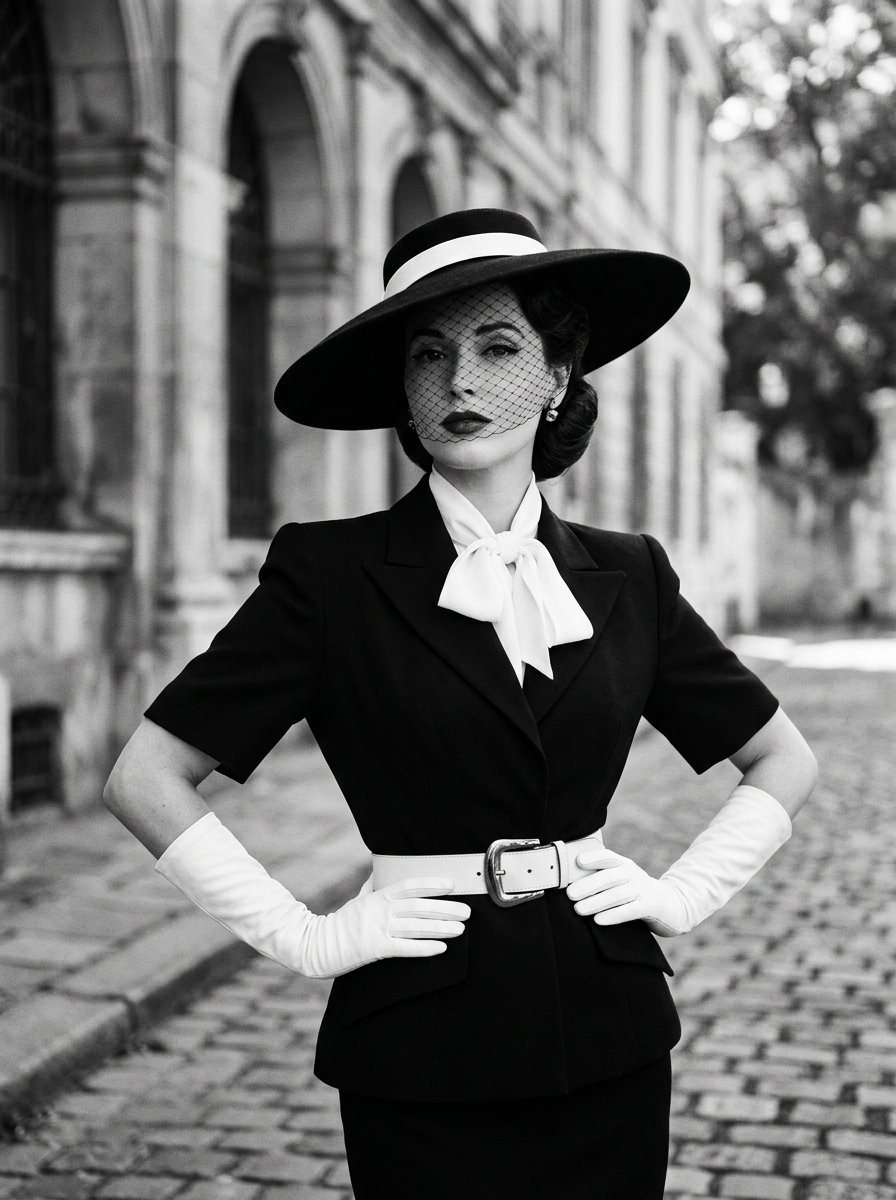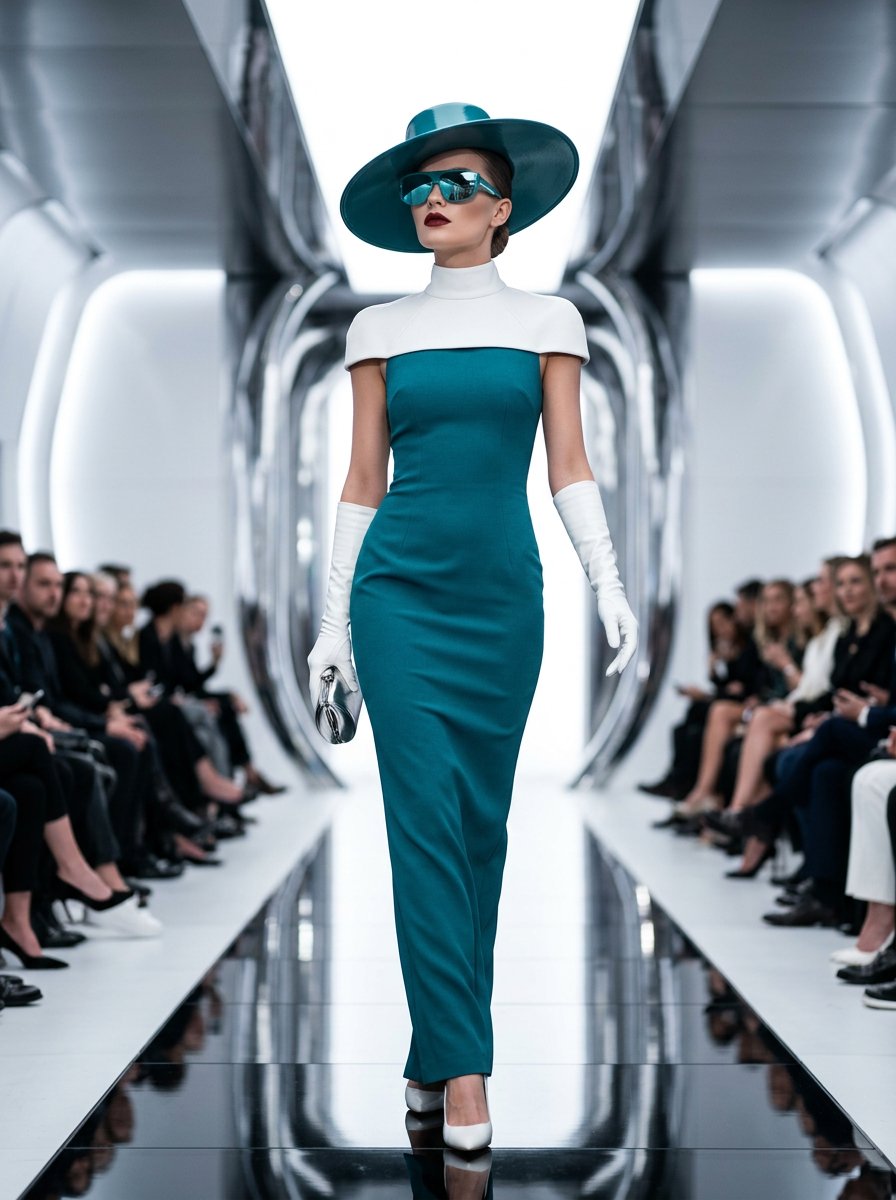
High Fashion Teal Runway Editorial Portrait
 Nano BananaGoogleimage
{ "scene": { "location": "fashion runway or high-end editorial set", "lighting": { "type": "studio/controlled lighting", "quality": "bright, evenly diffused", "effect": "high-key lighting with glossy highlights" }, "mood": "glamorous, confident, futuristic", "color_palette": ["teal", "white", "black", "chrome", "deep red lipstick"] }, "subject": { "gender": "female", "age": "20s-30s", "pose": "walking forward confidently with head slightly tilted up", "expression": "neutral with bold presence", "hair": { "style": "neatly pulled back under the hat" }, "makeup": { "lips": "deep red", "skin": "flawless matte finish", "eyes": "concealed by mirrored sunglasses" }, "wardrobe": { "dress": "form-fitting sleeveless bluel gown", "accessories": [ "wide-brimmed teal hat", "mirrored teal sunglasses", "white high-neck collar", "white opera gloves" ] } }, "camera": { "lens": "85mm f/1.2", "settings": { "aperture": "f/2.0", "shutter_speed": "1/500s", "iso": "100" }, "perspective": "frontal portrait, eye-level" }, "aesthetic": { "style": "high fashion editorial", "influences": ["Vogue", "Dior runway", "sci-fi glamour"], "post_processing": ["high contrast", "cool color grading", "polished skin retouching"] } }
Details
- Type
- AI Image Prompts
- Aspect Ratio
- 56:75
- Updated
- Oct 1, 2026
How to use this prompt
- 1Copy the full prompt with the copy button above.
- 2Open Nano Banana by Google, or any image generator with a similar style range.
- 3Paste the prompt, then swap the subject and style keywords to match your idea.
- 4Match the example's settings (56:75 · Cinematic · Fashion · Neon), then iterate — small wording changes shift the output a lot.
Frequently asked questions
Which AI model generated this image?
This image was generated with Nano Banana by Google. The prompt on this page is the exact text used to create it.
What settings does this prompt use?
The example was generated with Nano Banana using: 56:75 · Cinematic · Fashion · Neon. Reusing these settings gives the closest match.
How do I get similar results?
Copy the prompt as-is first, then replace only the subject while keeping the style, lighting, and composition keywords. Generate a few variations — outputs differ between runs.
Can I modify this prompt?
Yes. Prompts work best as starting points — adjust descriptors, aspect ratio, or style tags to make the output your own.