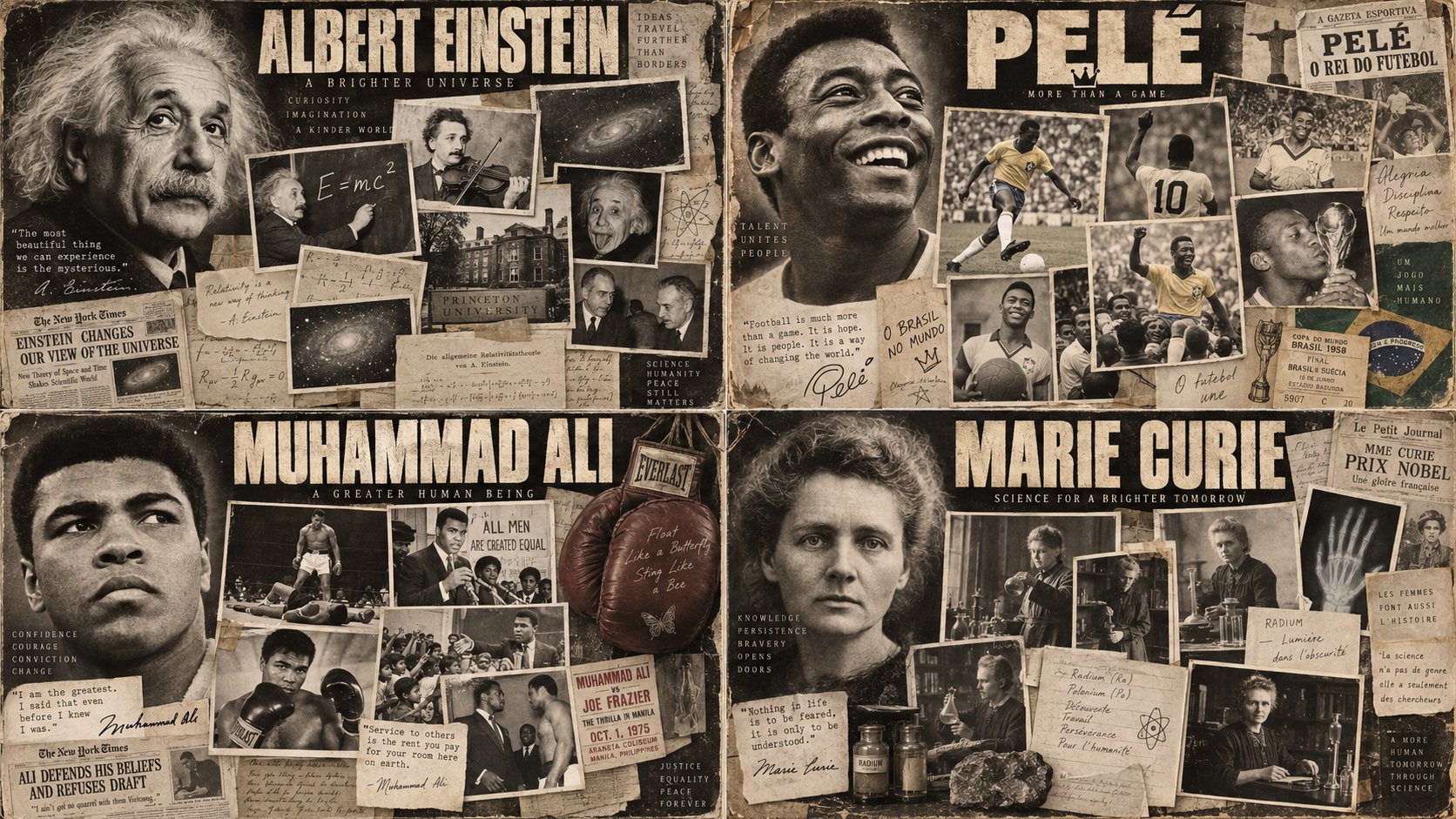
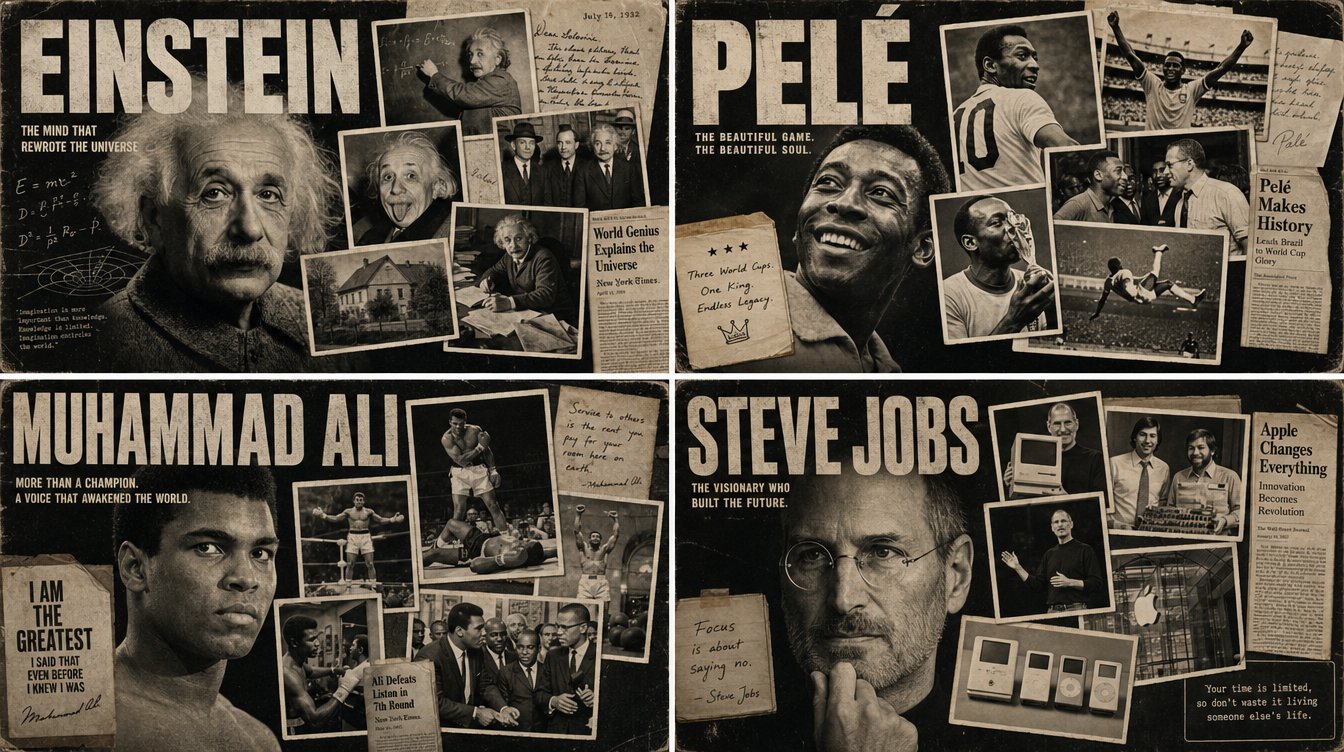
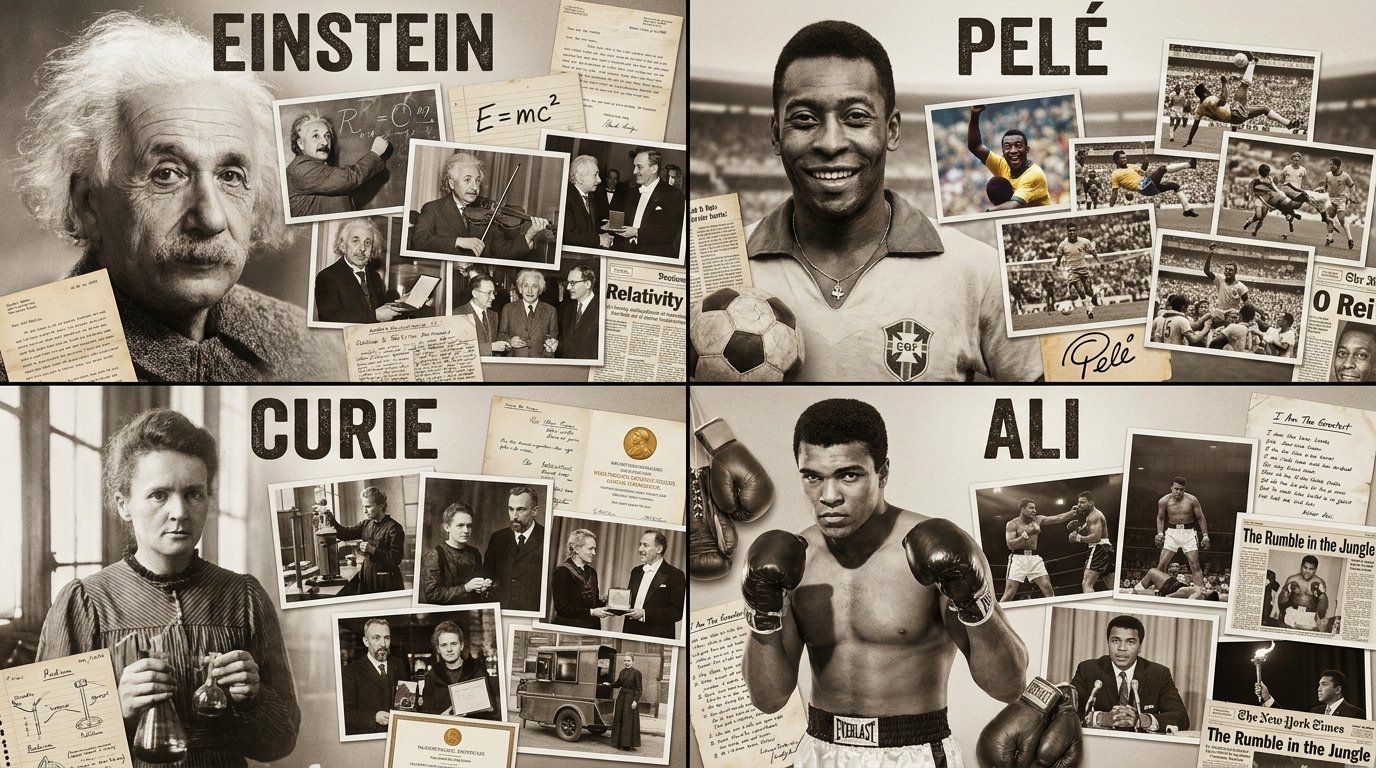
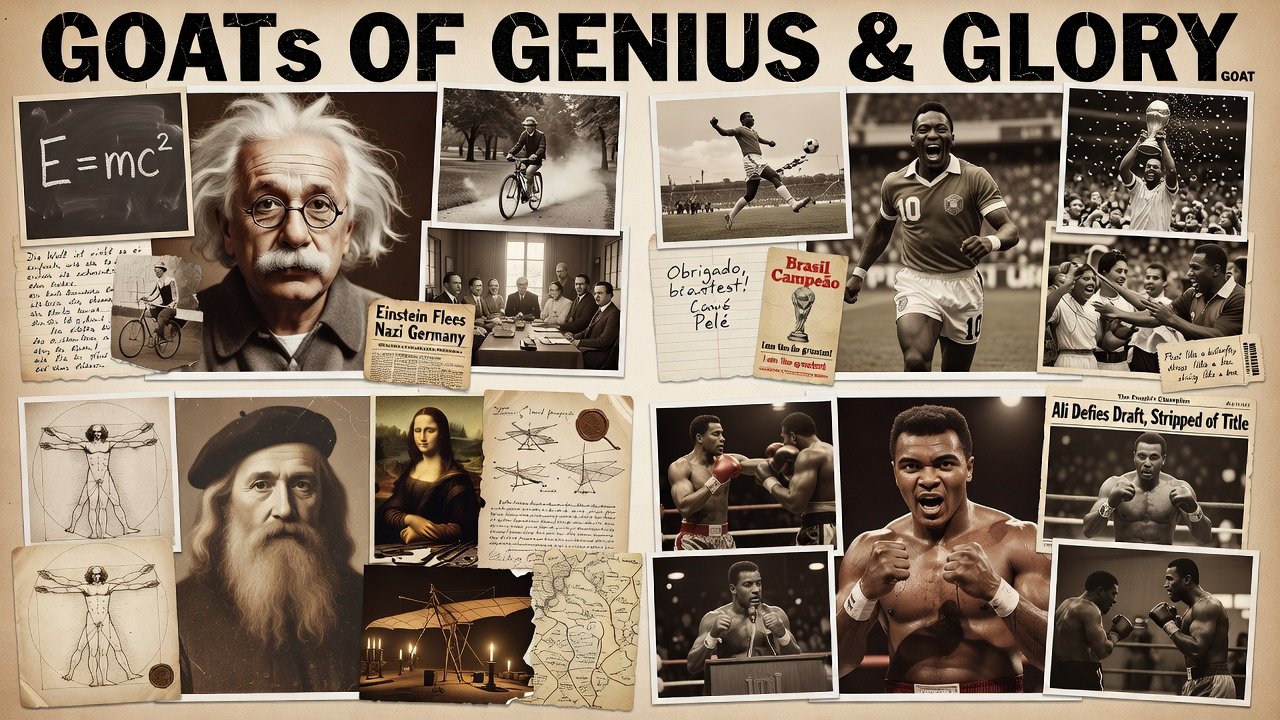
GOATs Documentary Montage Poster

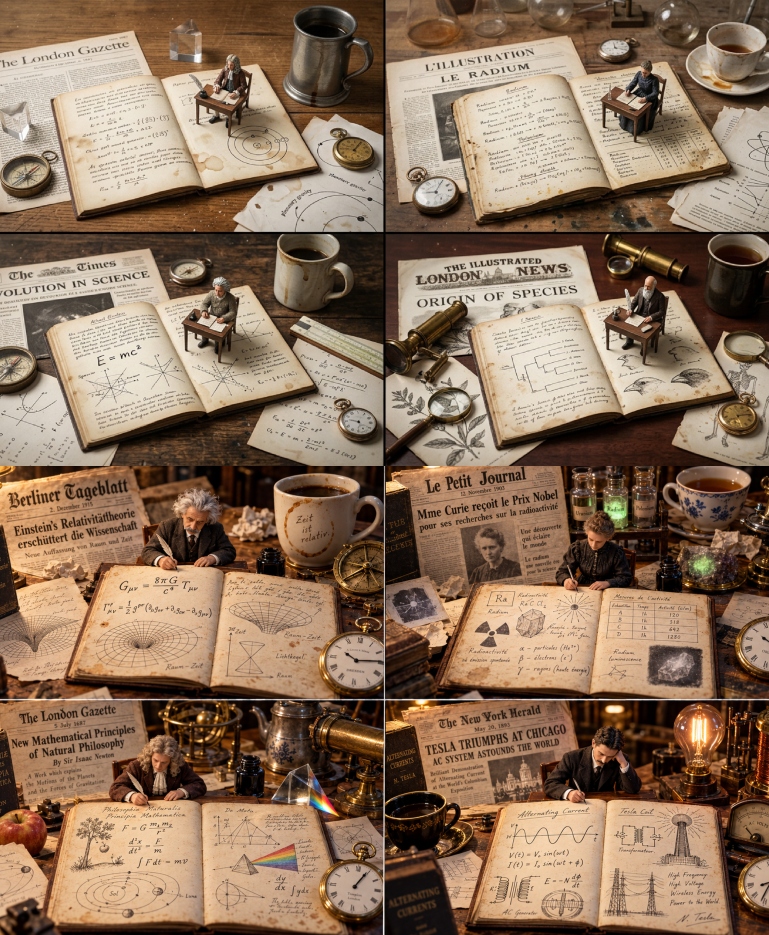
2x2 grid, 16:9, pick Einstein, Pele and 2 other GOATs in their fields who passed away: class Documentary_Montage_Poster: def __init__(self, subject="[FIGURE]", era="[VIBE/ERA]"): self.medium = "Vintage silver gelatin photography, sepia tones, film grain" self.layout = "Overlapping cinematic collage, physical photo prints with white borders" def generate_legacy_assets(self): # AI INFERENCE: Deduce the life and times of the subject typography = f"Massive, bold, distressed sans-serif title spelling '{subject}' at the top." hero_portrait = f"A giant, intensely detailed, fading portrait of {subject} anchoring the left side of the poster." # The Mosaic of Memories inset_photos = f"AI_INFER(5 to 7 distinct, varying-sized rectangular photographs showing key moments, vehicles, or peers from the life of {subject})." ephemera = f"AI_INFER(Scrapbook elements like handwritten letters, chalkboards, or newspaper clippings related to {subject}) wedged between the photos." return [typography, hero_portrait, inset_photos, ephemera, self.medium] # EXECUTE: Render as a cohesive, masterpiece movie poster. The inset photos must physically overlap like a scrapbook.
Details
- Type
- AI Image Prompts
- Aspect Ratio
- 1672:941
- Updated
- Sep 9, 2026
Category
How to use this prompt
- 1Copy the full prompt with the copy button above.
- 2Open Nano Banana Pro by Google, or any image generator with a similar style range.
- 3Paste the prompt, then swap the subject and style keywords to match your idea.
- 4Match the example's settings (1672:941 · Historical · Poster · Black & White), then iterate — small wording changes shift the output a lot.
Frequently asked questions
Which AI model generated this image?
This image was generated with Nano Banana Pro by Google. The prompt on this page is the exact text used to create it.
What settings does this prompt use?
The example was generated with Nano Banana Pro using: 1672:941 · Historical · Poster · Black & White. Reusing these settings gives the closest match.
How do I get similar results?
Copy the prompt as-is first, then replace only the subject while keeping the style, lighting, and composition keywords. Generate a few variations — outputs differ between runs.
Can I modify this prompt?
Yes. Prompts work best as starting points — adjust descriptors, aspect ratio, or style tags to make the output your own.
![Create a vintage hand-illustrated travel poster celebrating [COUNTRY / DESTINATION], designed as a p — AI image prompt — Nano Banana Pro](https://cdn.ahaprompt.app/harvest-media/import-1788443420178-1mwsxh.jpg)
![Create a premium vertical 4:5 minimalist travel poster of [CITY], [COUNTRY], inspired by modern pape — AI image prompt — Nano Banana Pro](https://cdn.ahaprompt.app/harvest-media/import-1787457268233-ogh1x1.jpg)