Ethereal Winter Portrait with Tulle Dress
 Nano BananaGoogleimage
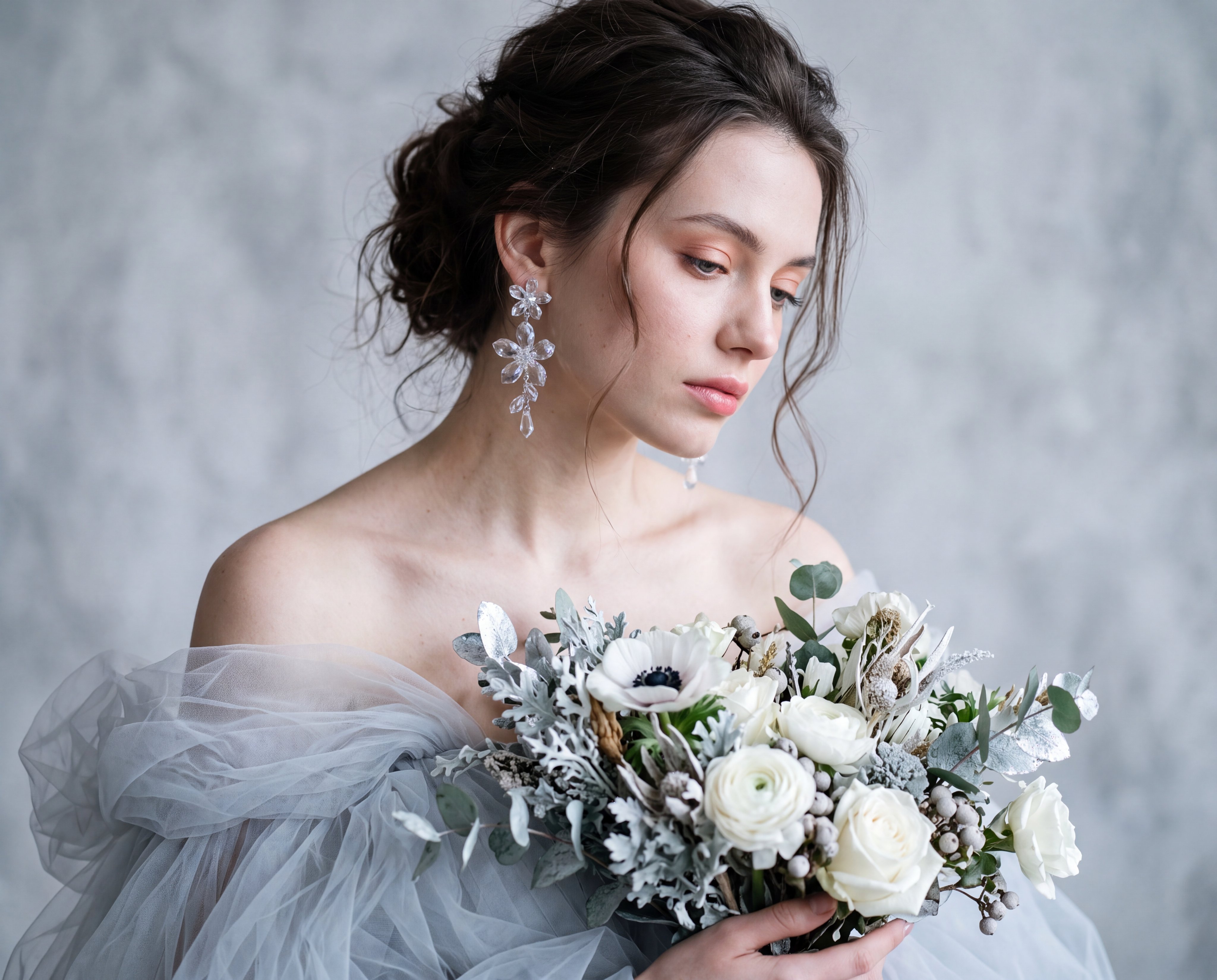
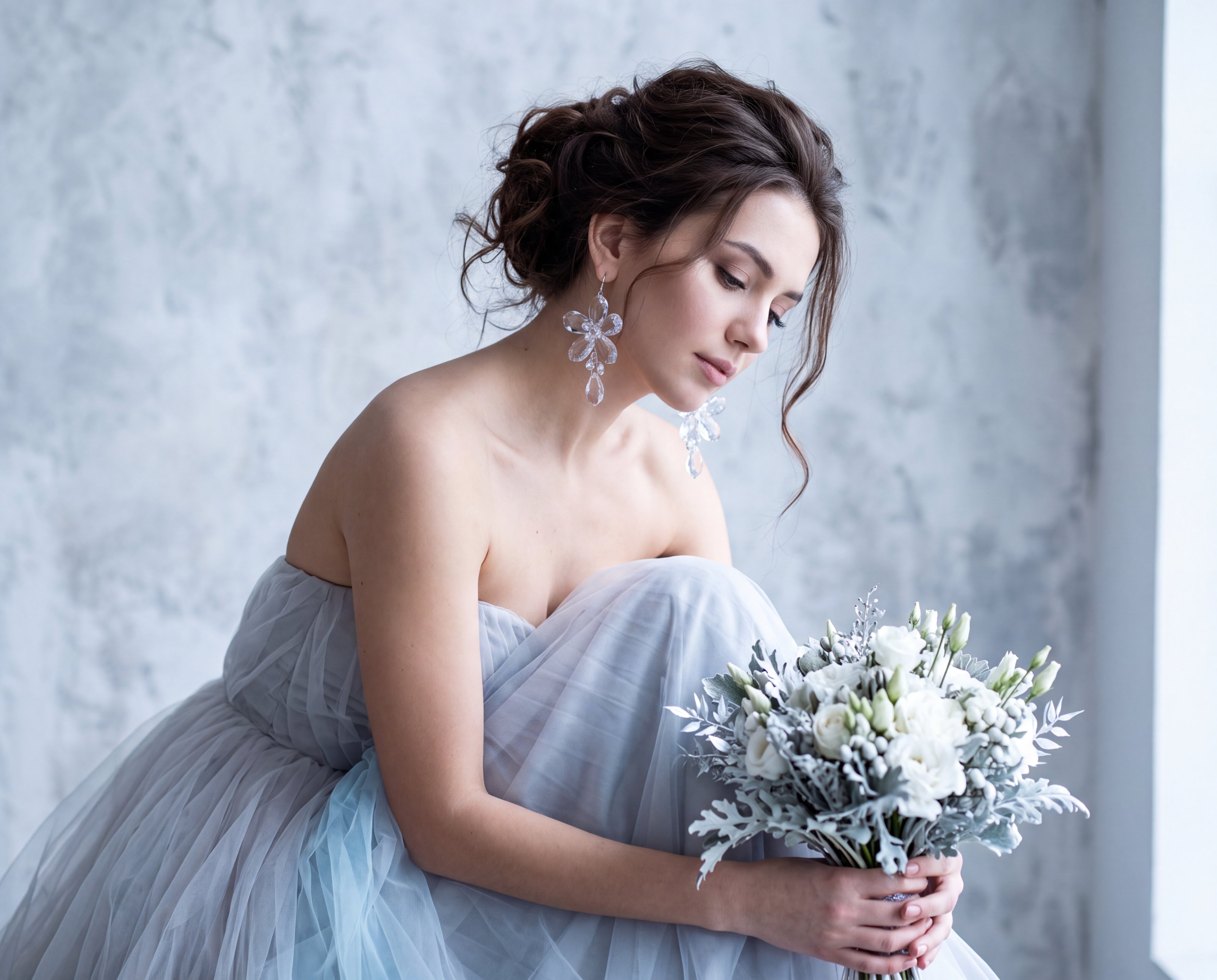
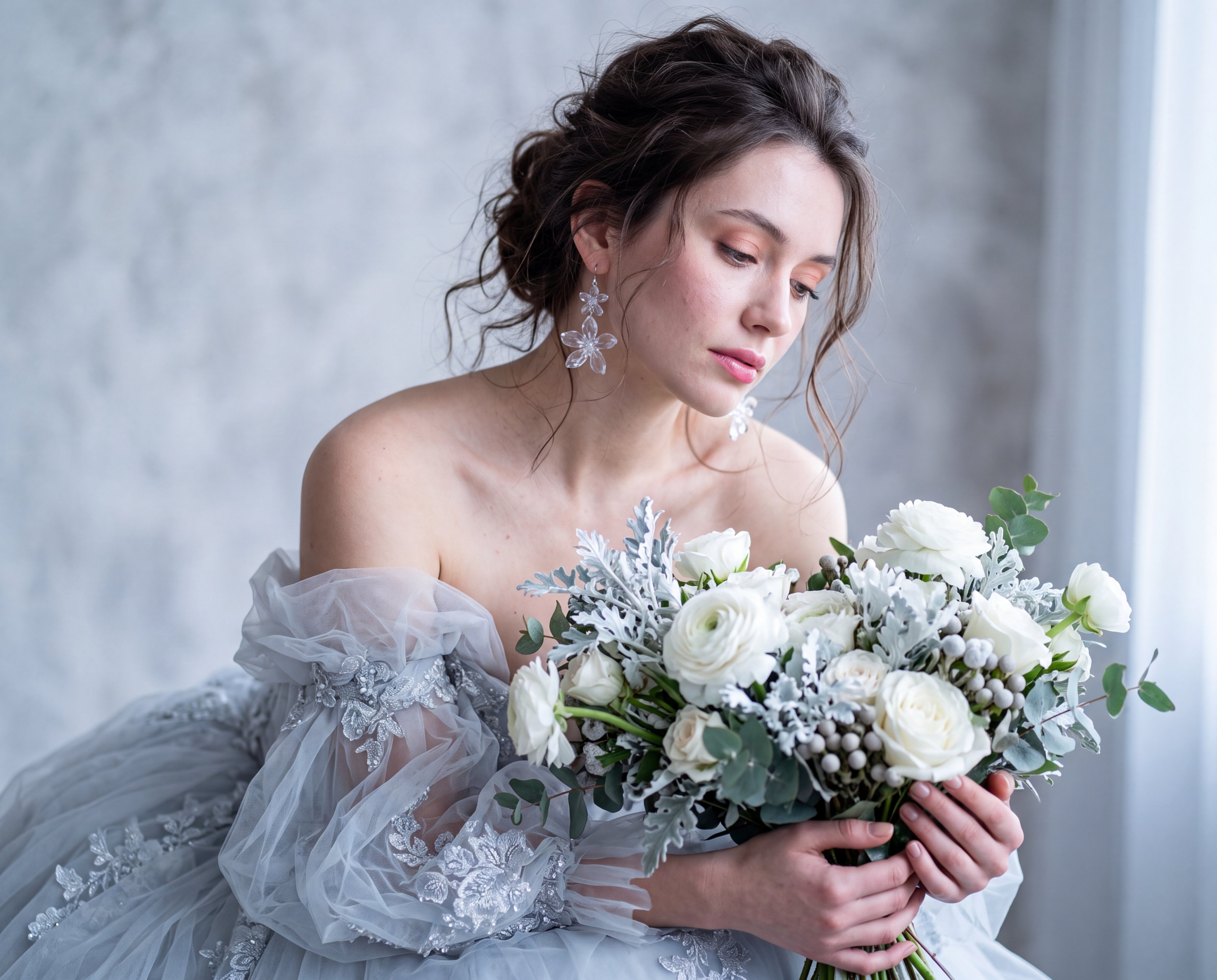
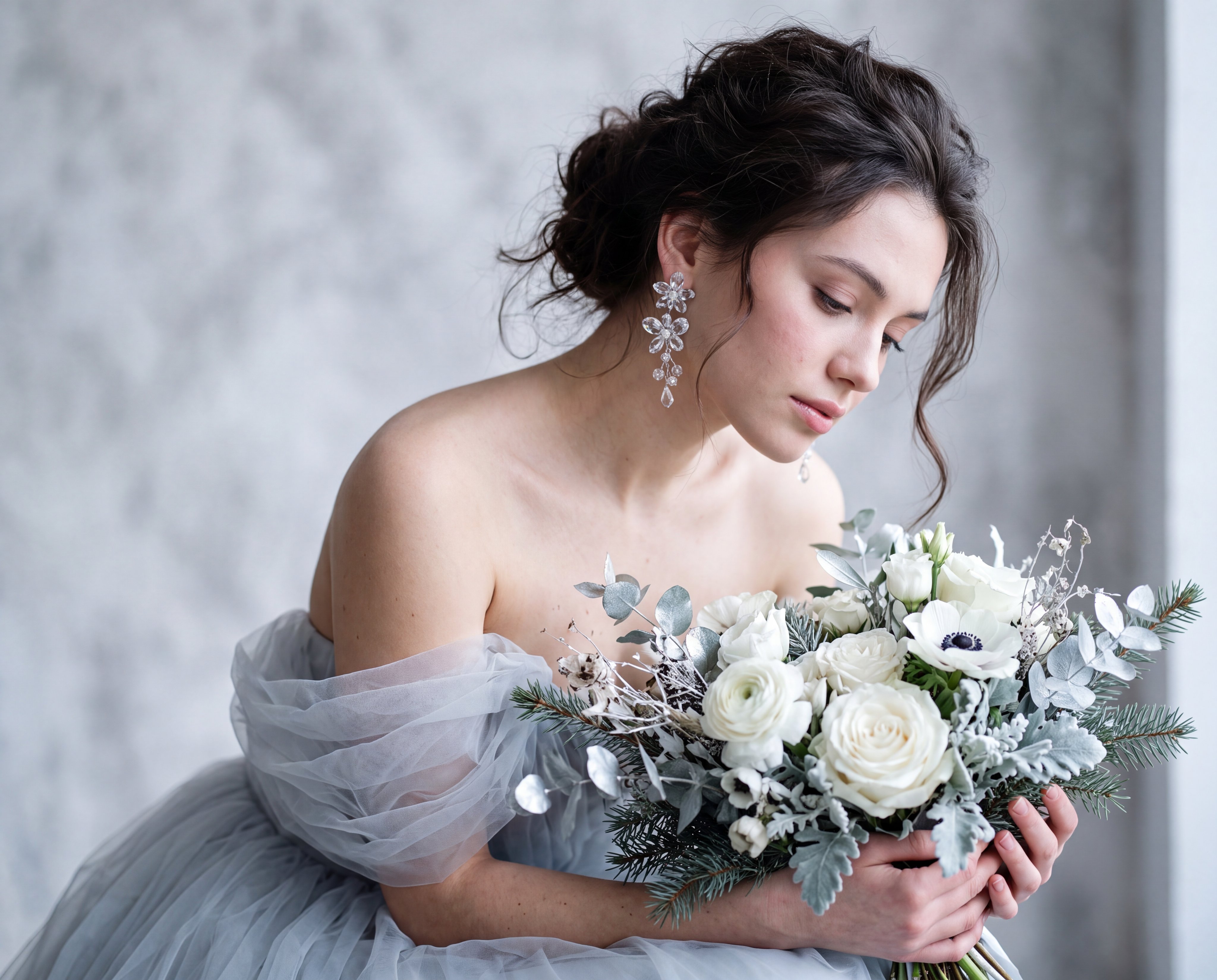
Create an ultra-realistic portrait using the reference image as the identity source. Preserve the subject's exact identity with absolute fidelity, including facial features, bone structure, facial proportions, skin tone, facial asymmetry, and unique characteristics. Do not beautify, reshape, retouch, age, rejuvenate, or modify any facial feature. Maintain authentic facial geometry, natural likeness, and complete identity consistency throughout the entire image. Subject & Pose: Shoulders relaxed and bare, body angled slightly forward, head tilted downward and to the right. Expression: Soft, melancholic, serene, gazing downward. Wardrobe & Styling: Voluminous pale grey/icy-blue tulle dress. Dangling transparent crystal floral earrings. Large winter-themed bouquet (white blooms, silver foliage). Hair & Makeup: Messy dark brown updo with loose, wispy tendrils. Fair skin with soft pink blush, glossed pink lips, and subtle peach/pink eye contour. Setting: Abstract, mottled grey-white textured studio wall. Lighting: Diffused, cool-toned window light originating from the right, casting a soft, ethereal glow and gentle shadows on the left. Camera & Optical: 85mm portrait lens, f/1.4 aperture, shallow depth of field focusing on the face and earrings. Realism Enhancers: Cinematic lighting, 32k resolution, subsurface scattering for skin, highly detailed fabric texture, volumetric glow.
Details
- Type
- AI Image Prompts
- Aspect Ratio
- 1024:825
- Updated
- Aug 21, 2026
How to use this prompt
- 1Copy the full prompt with the copy button above.
- 2Open Nano Banana by Google, or any image generator with a similar style range.
- 3Paste the prompt, then swap the subject and style keywords to match your idea.
- 4Match the example's settings (1024:825 · Character · Realistic · Portrait), then iterate — small wording changes shift the output a lot.
Frequently asked questions
Which AI model generated this image?
This image was generated with Nano Banana by Google. The prompt on this page is the exact text used to create it.
What settings does this prompt use?
The example was generated with Nano Banana using: 1024:825 · Character · Realistic · Portrait. Reusing these settings gives the closest match.
How do I get similar results?
Copy the prompt as-is first, then replace only the subject while keeping the style, lighting, and composition keywords. Generate a few variations — outputs differ between runs.
Can I modify this prompt?
Yes. Prompts work best as starting points — adjust descriptors, aspect ratio, or style tags to make the output your own.