Dreamy Editorial Double-Exposure Portrait
 GPT Image 2OpenAIimage
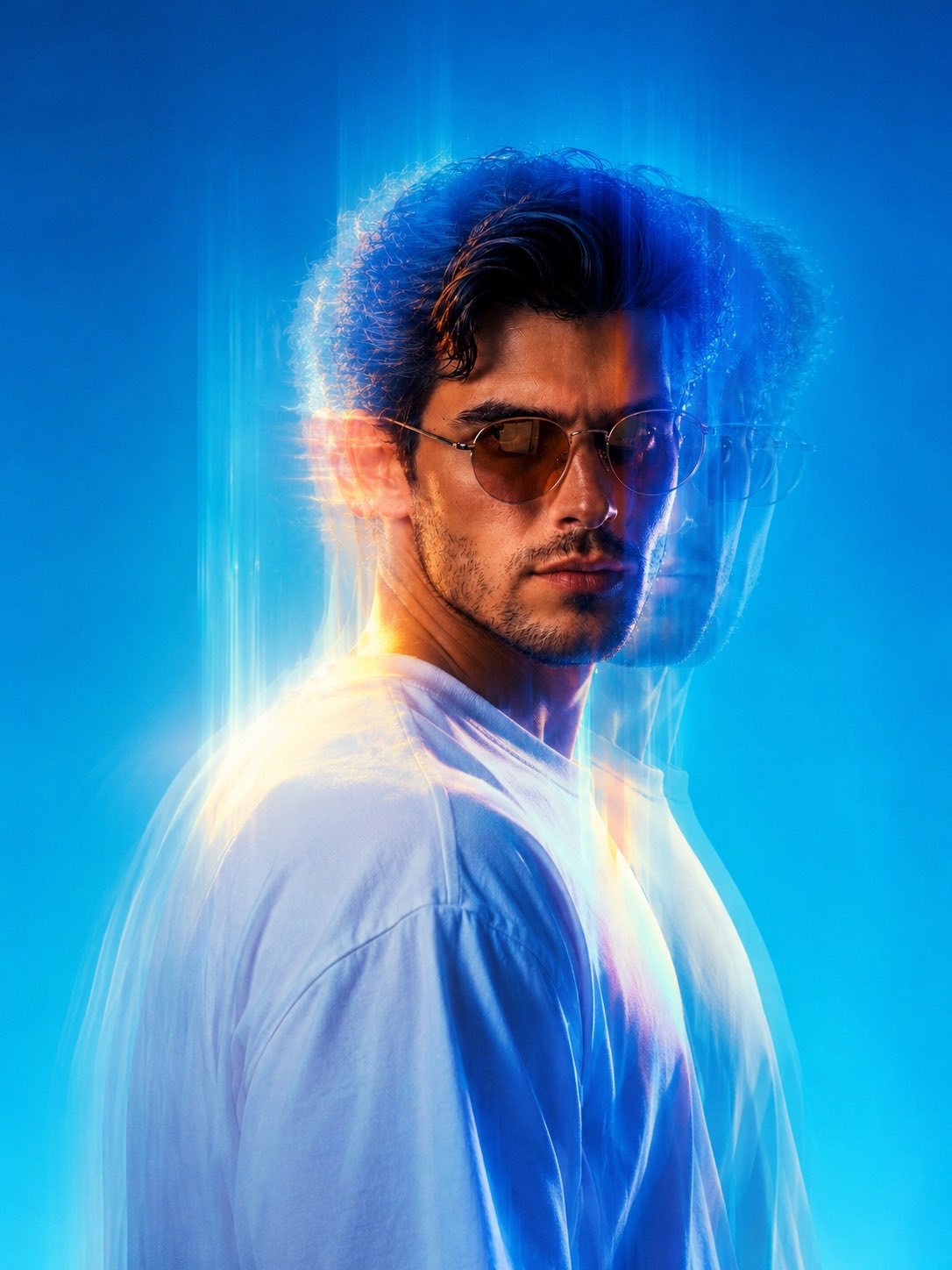
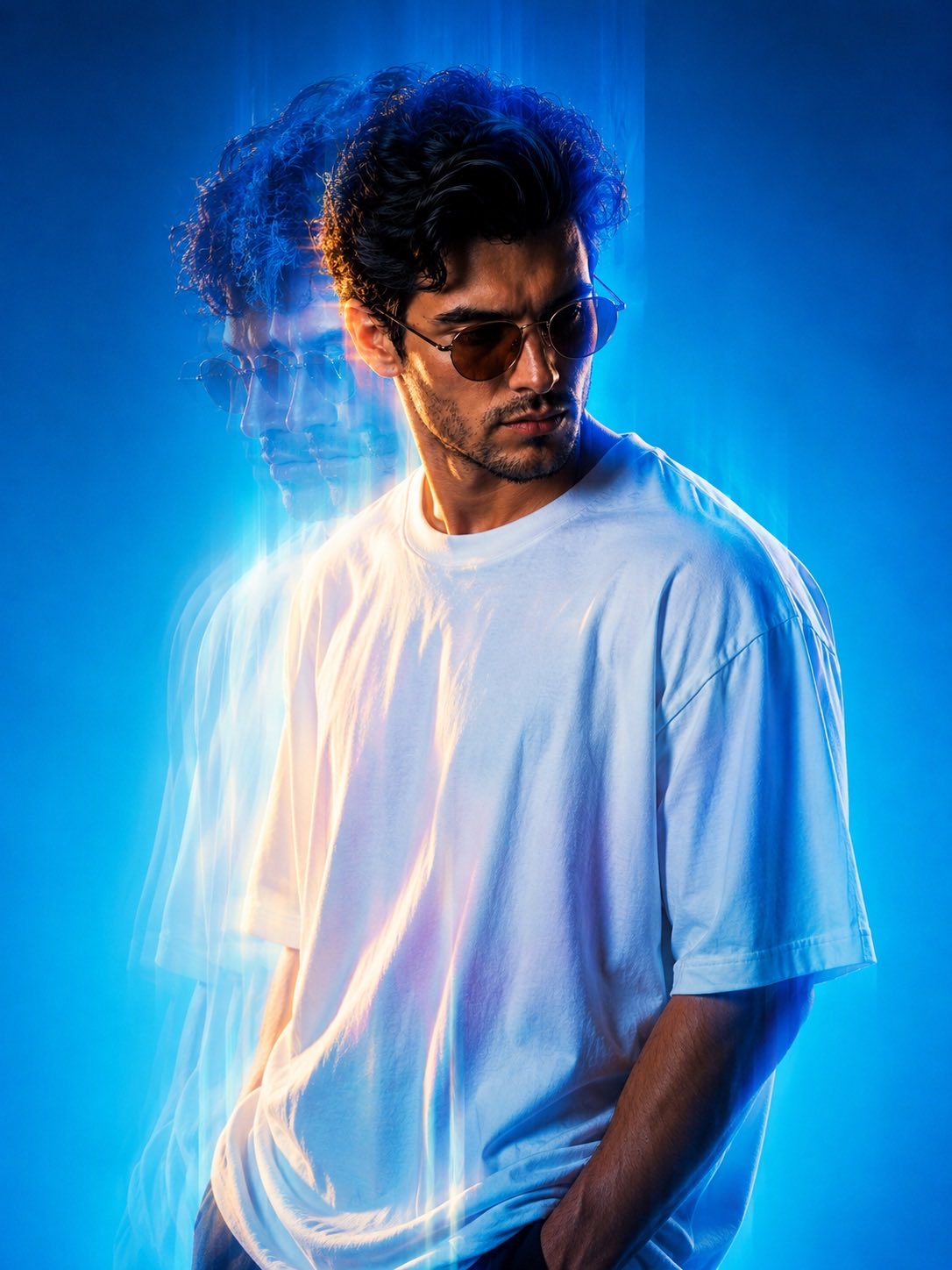
Create a high-fashion, cinematic half-length portrait of the person from the input photo, rendered in a dreamy editorial aesthetic with intense double-exposure motion blur effects that replicate light ghosting and layered vertical streaks across the figure. The subject stands against a clean, solid blue gradient background transitioning from deep azure cyan at the top to lighter cyan tones at the base, with no visual noise to distract from the person. The person wears a plain white oversized T-shirt with soft, natural edges, designed to contrast with cool-colored light highlights. Light trails and motion blur create an artistic glow around the contours of the face, hair, and shirt. The expression is moody and introspective, with the eyes partially shadowed on one side of the face, adding a surreal cinematic depth of field using cinematic motion blur and chromatic separation to exaggerate optical distortion while preserving crisp fabric and skin detail. The central frame of the image should feel surreal, dreamy, and futuristic, with well-timed minimalism, light play, and glitch-like motion in a sharp fashion-forward composition.
Details
- Type
- AI Image Prompts
- Aspect Ratio
- 3:4
- Updated
- Aug 21, 2026
How to use this prompt
- 1Copy the full prompt with the copy button above.
- 2Open GPT Image 2 by OpenAI, or any image generator with a similar style range.
- 3Paste the prompt, then swap the subject and style keywords to match your idea.
- 4Match the example's settings (3:4 · Cinematic · Fashion · Portrait), then iterate — small wording changes shift the output a lot.
Frequently asked questions
Which AI model generated this image?
This image was generated with GPT Image 2 by OpenAI. The prompt on this page is the exact text used to create it.
What settings does this prompt use?
The example was generated with GPT Image 2 using: 3:4 · Cinematic · Fashion · Portrait. Reusing these settings gives the closest match.
How do I get similar results?
Copy the prompt as-is first, then replace only the subject while keeping the style, lighting, and composition keywords. Generate a few variations — outputs differ between runs.
Can I modify this prompt?
Yes. Prompts work best as starting points — adjust descriptors, aspect ratio, or style tags to make the output your own.