AI Influencer Product UGC Photo

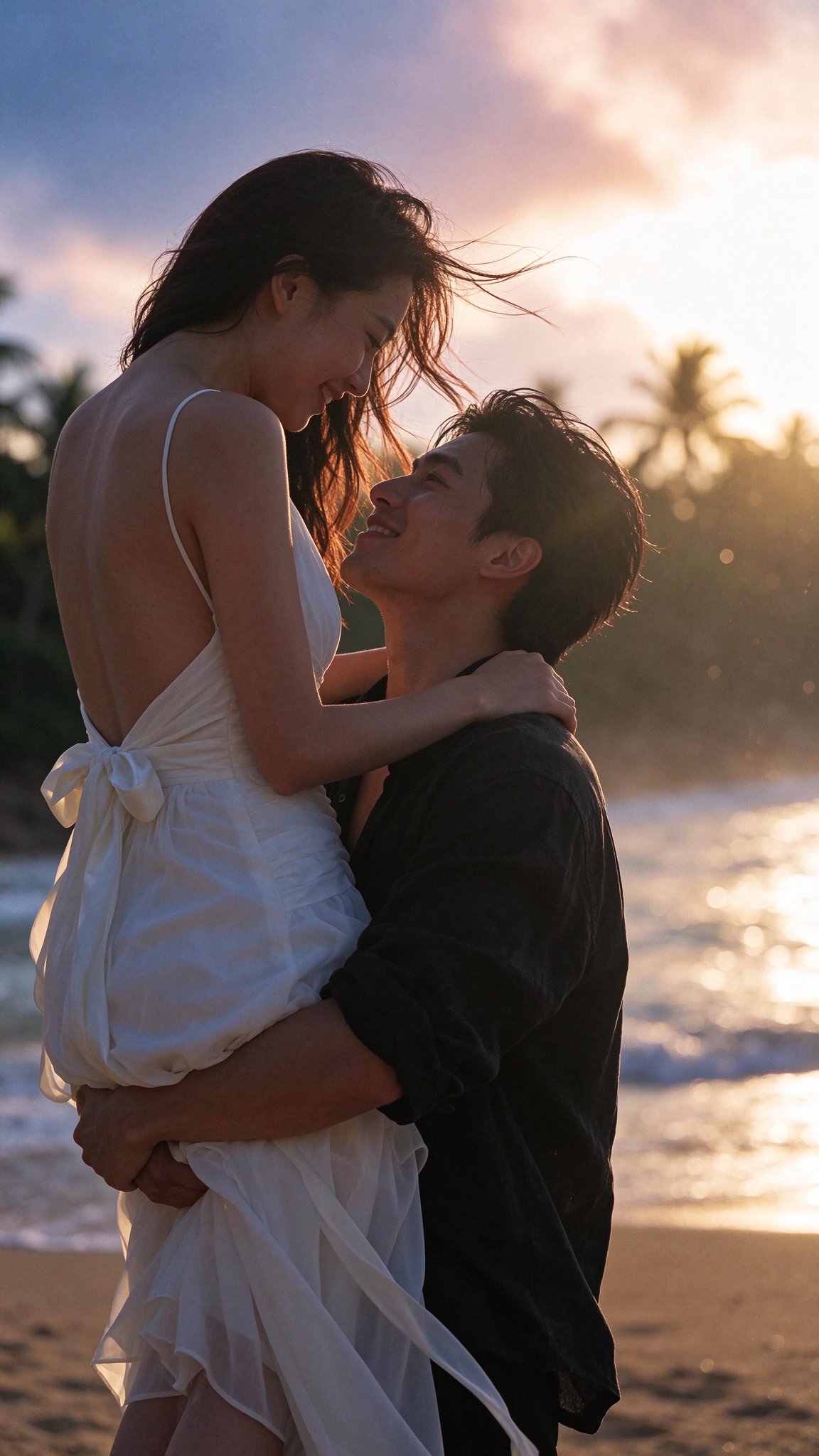
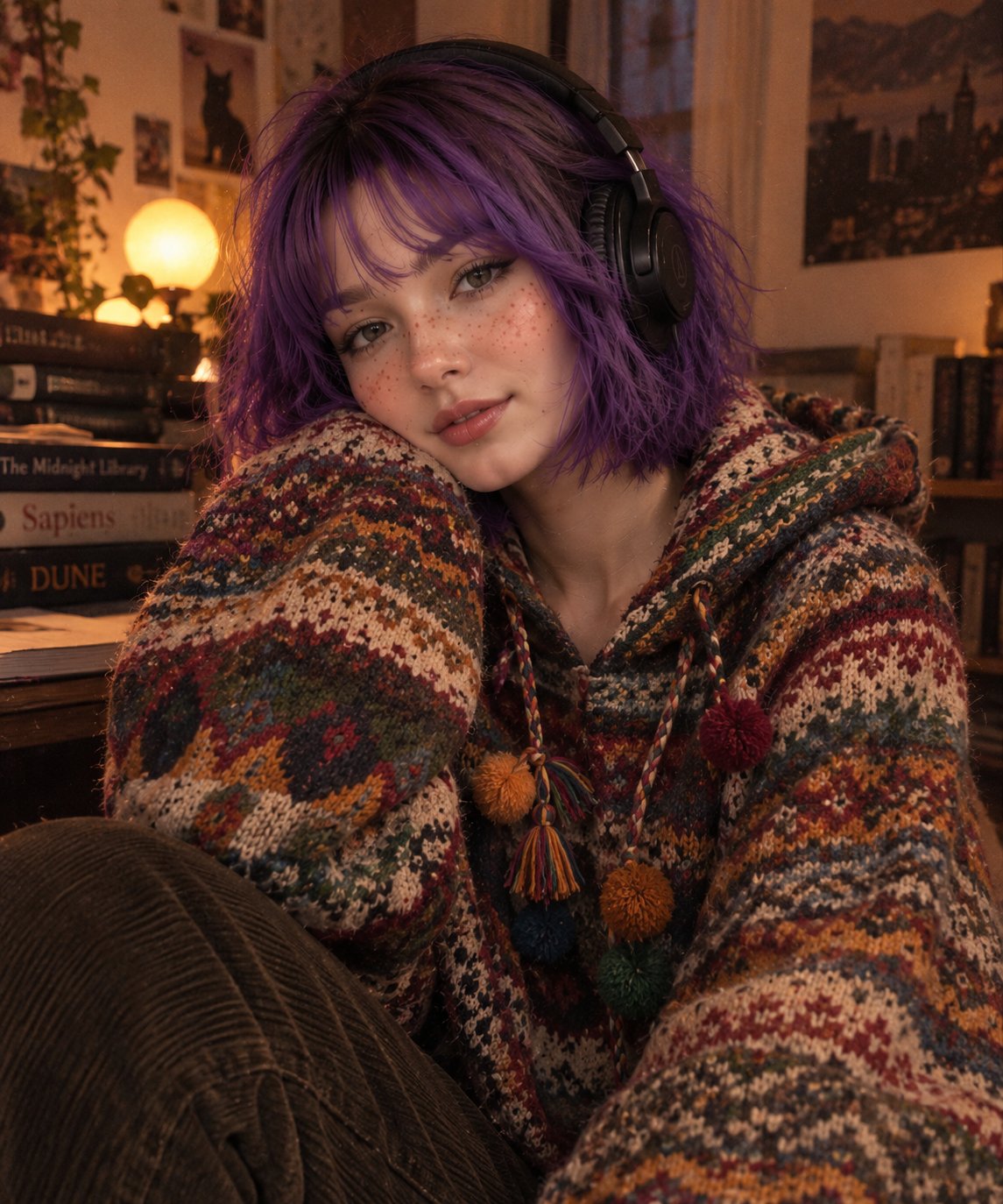
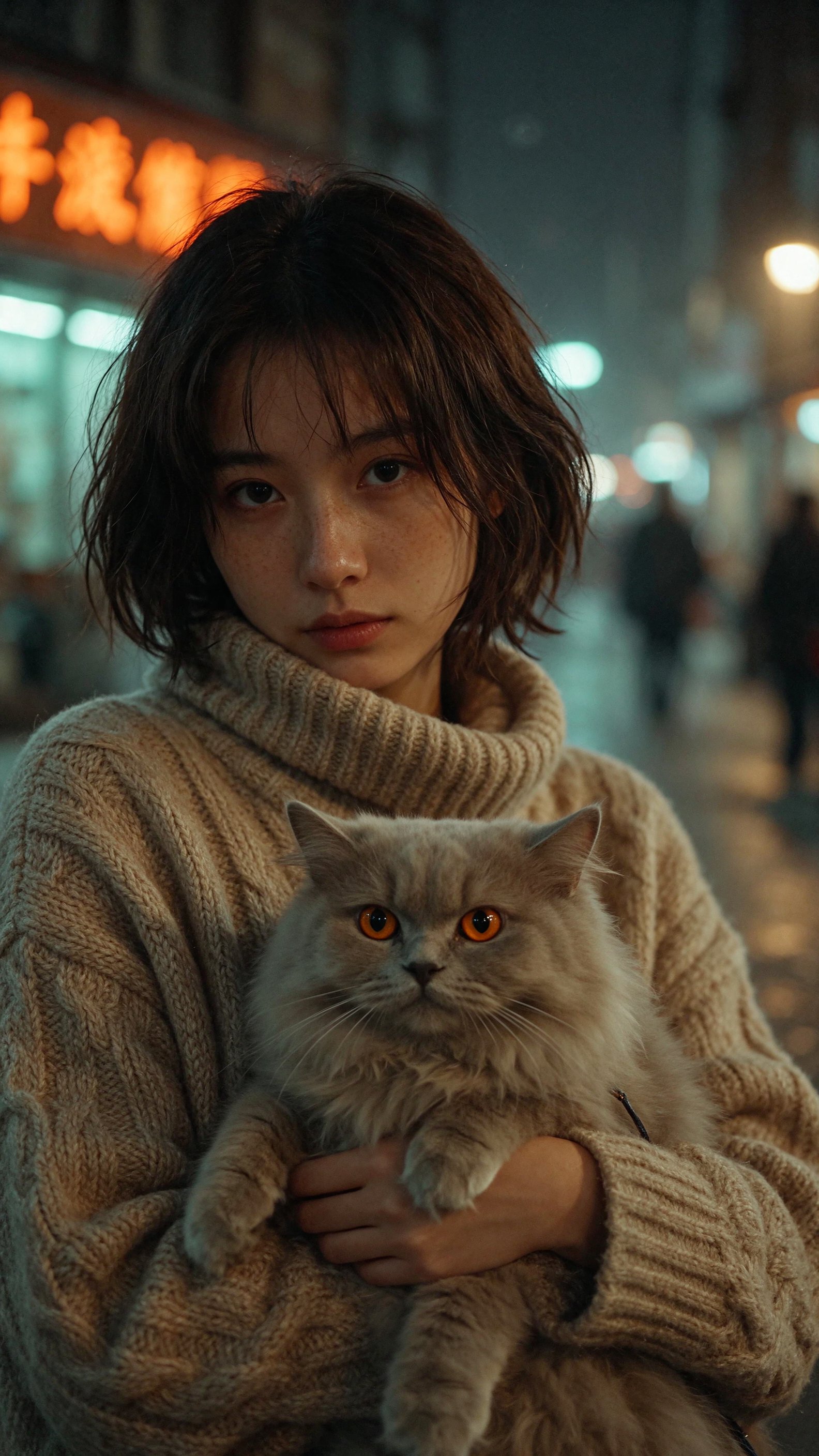
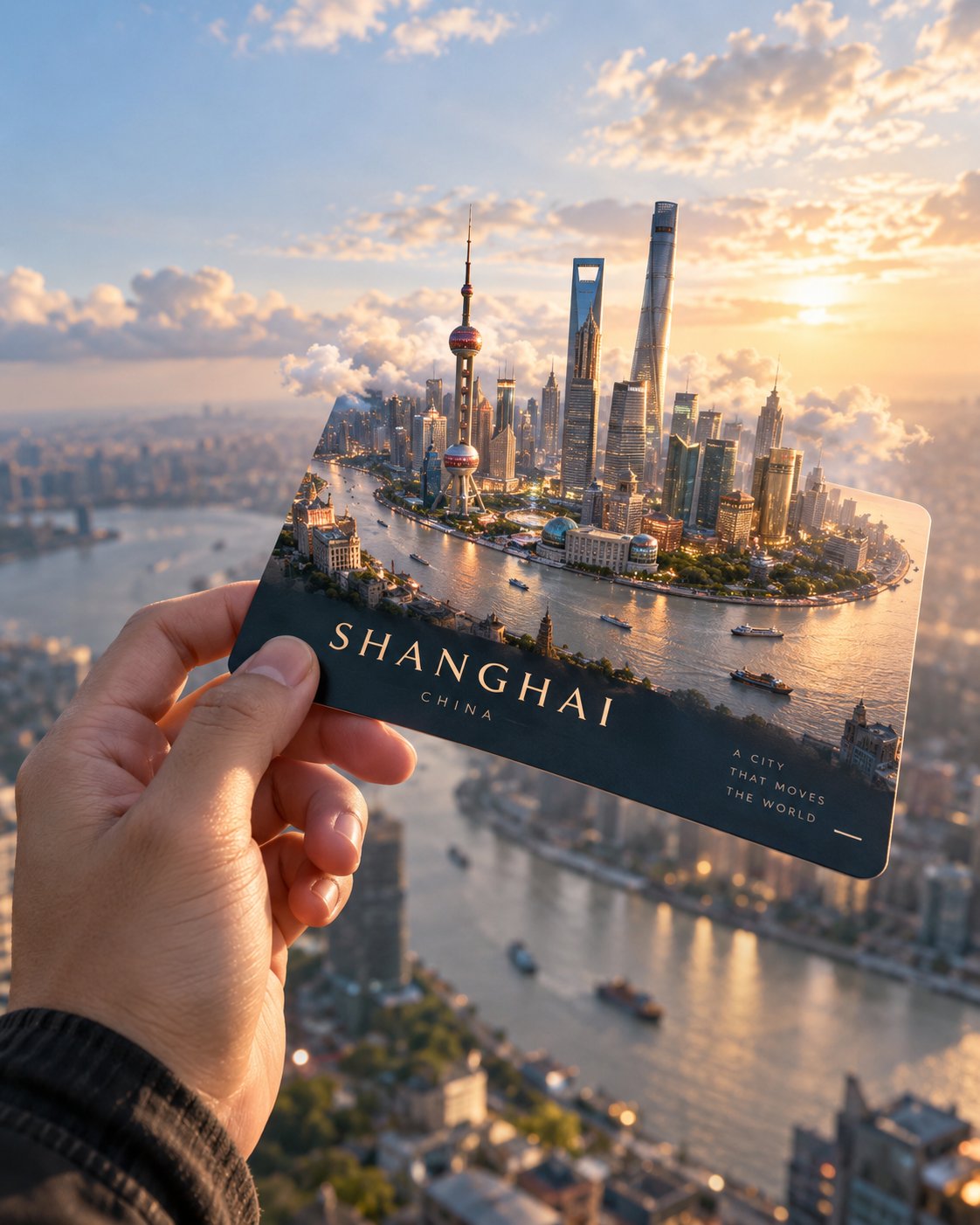
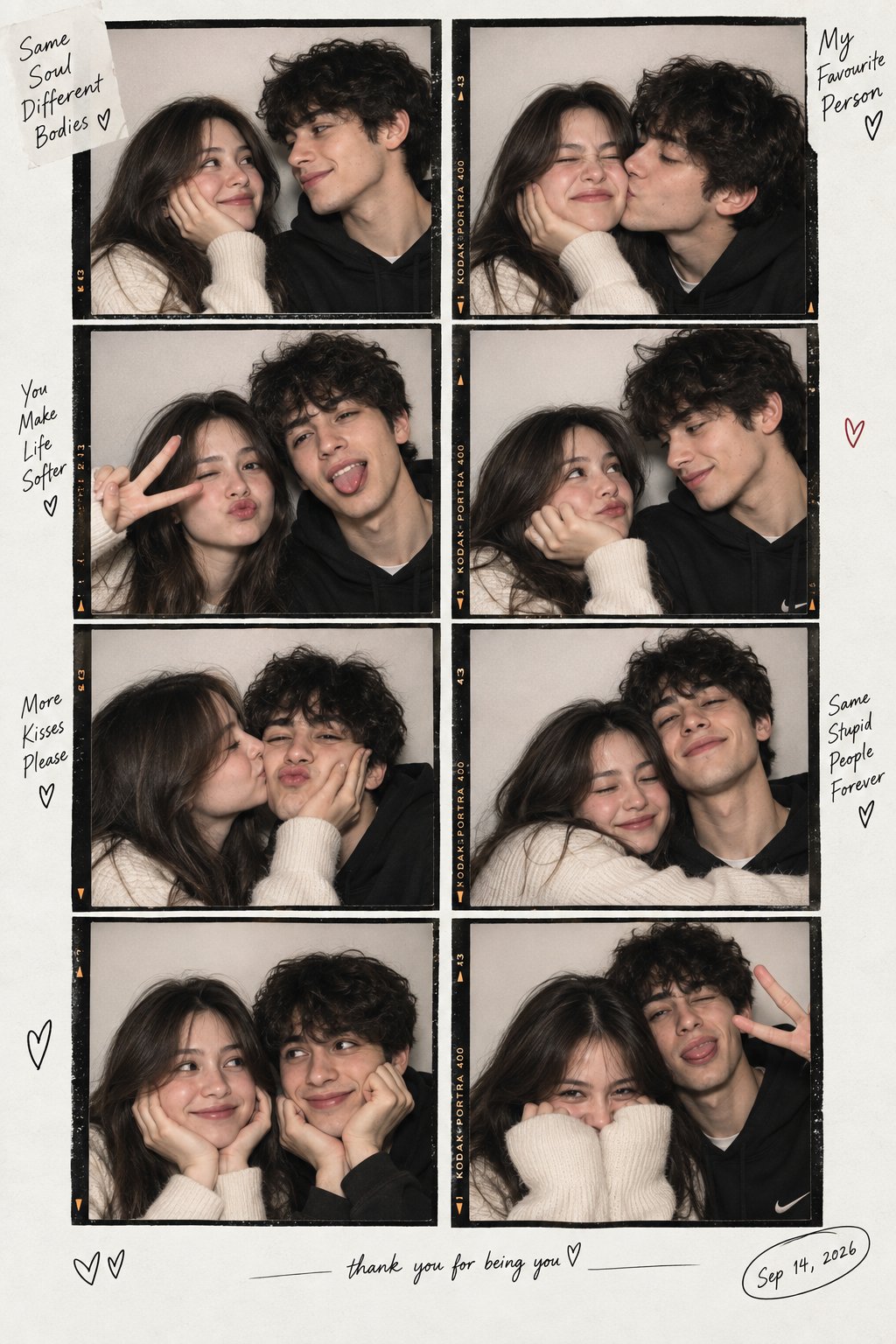
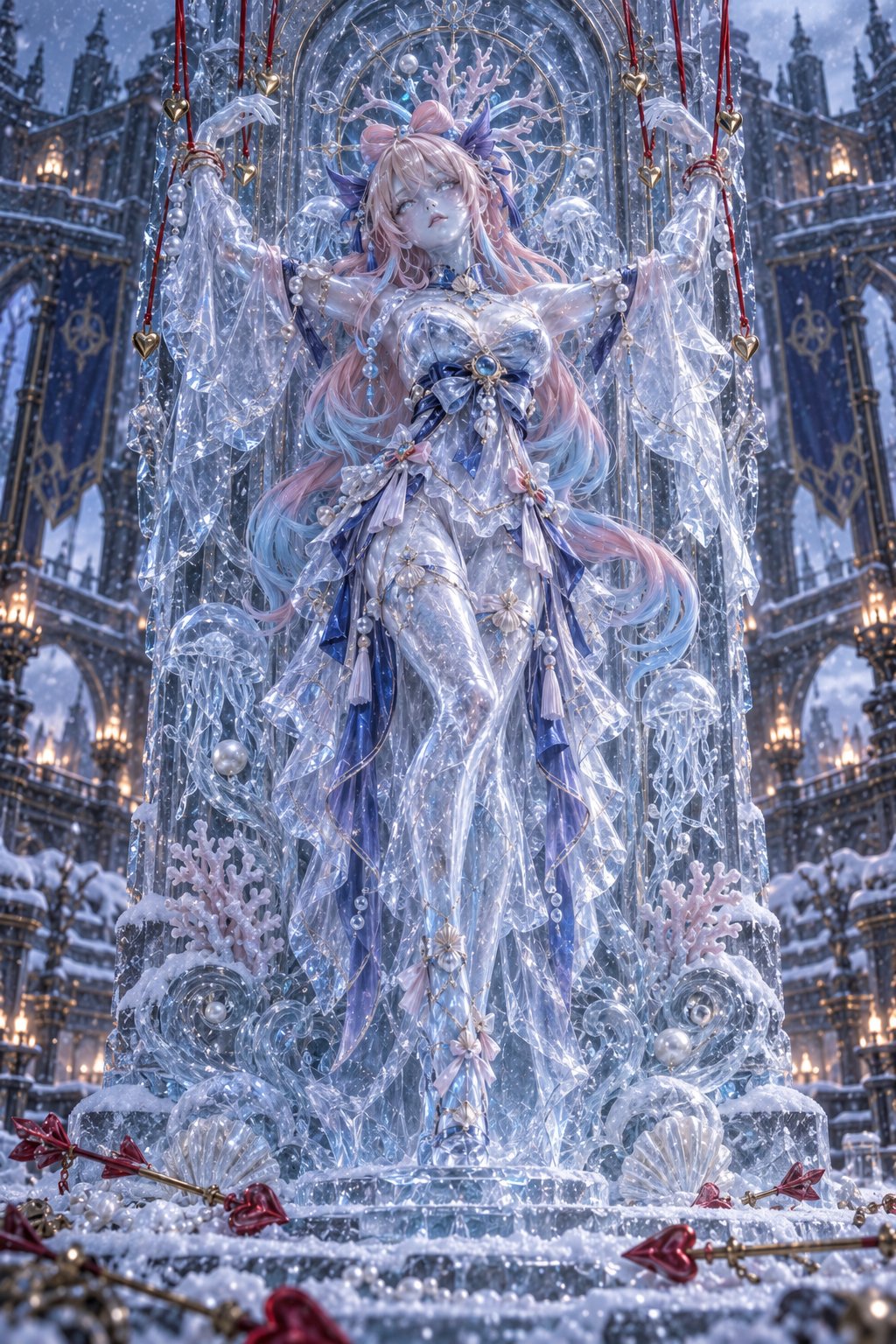
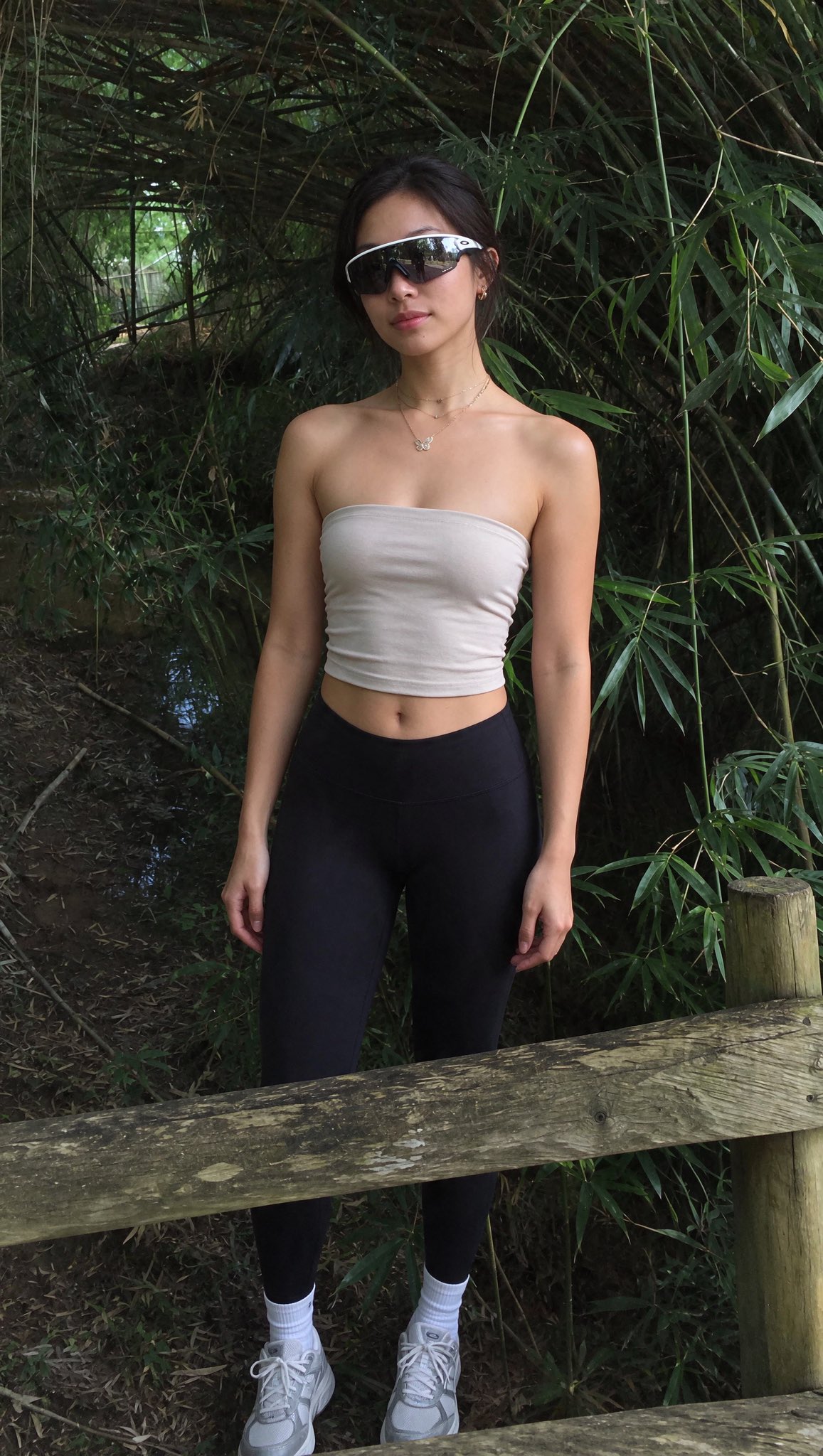
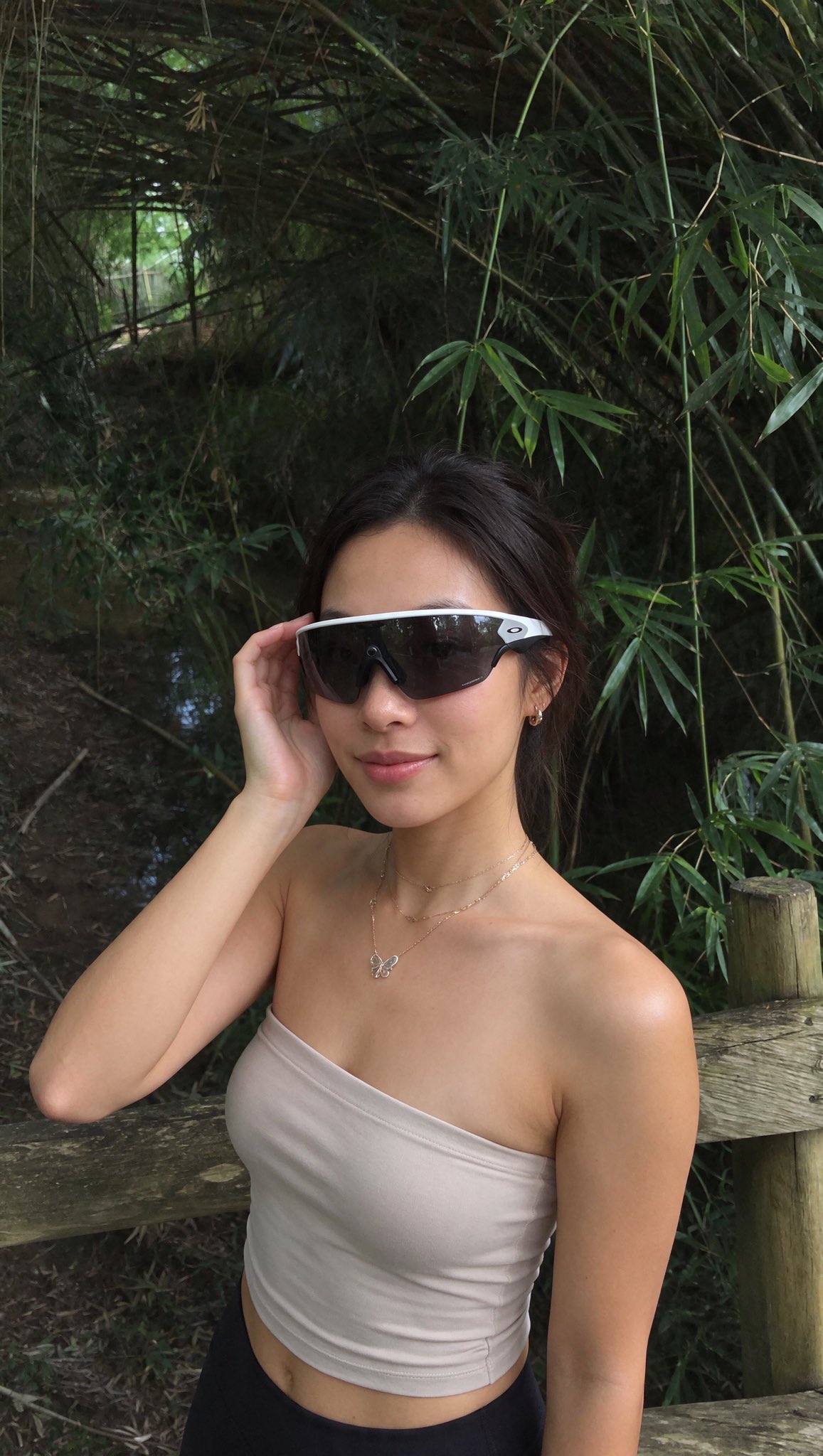
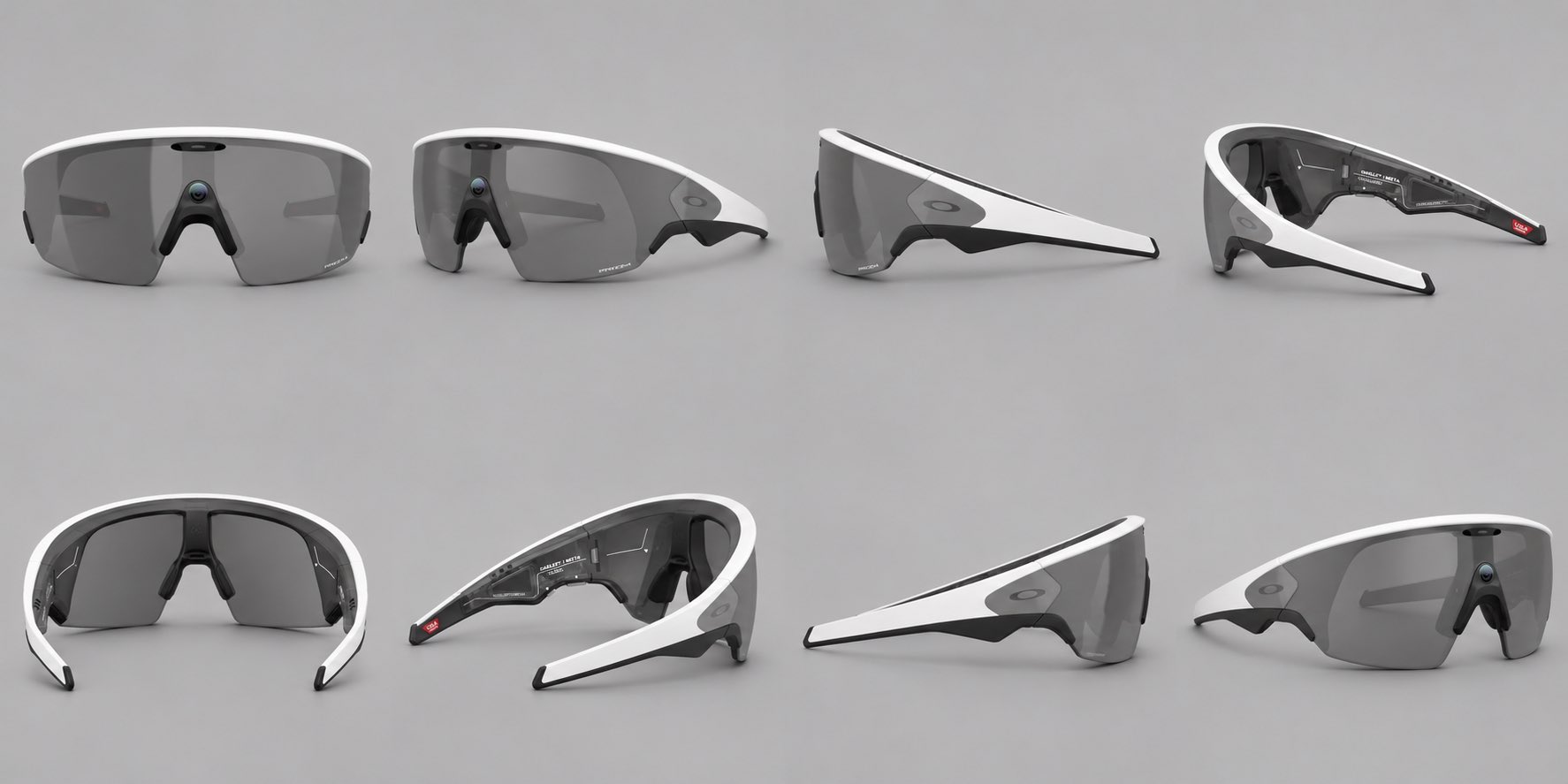
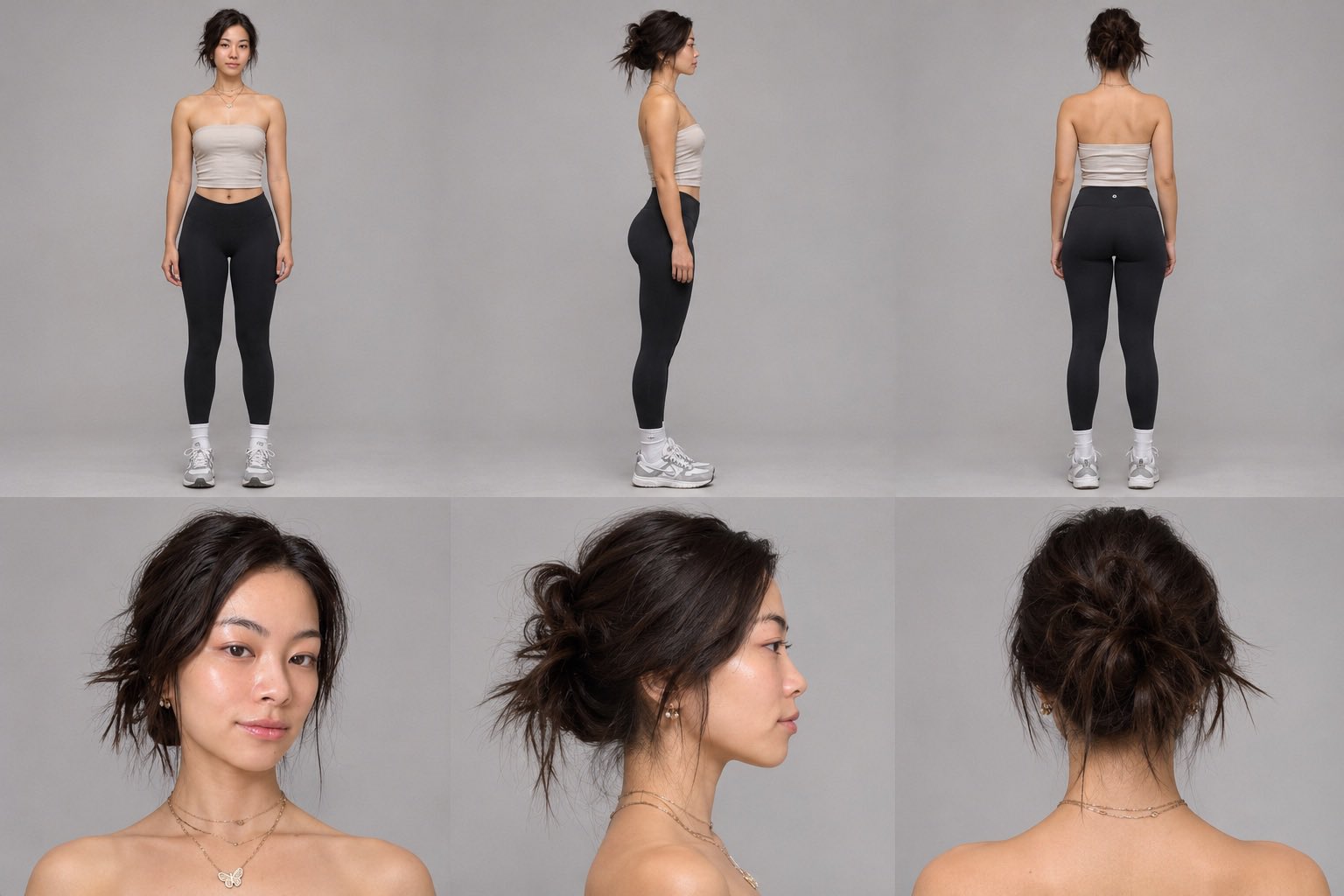
Create a photorealistic vertical 9:16 smartphone photo using the three references. Use {image1} as the character sheet. Preserve the person’s exact identity, facial features, skin tone, body proportions, hairstyle, makeup, and outfit. Match all visible details, including jewelry, piercings, and tattoos. Keep any areas shown without accessories in the character sheet bare wherever the featured product does not sit. Use {image2} as the featured product. Match its shape, proportions, colors, materials, and visible branding. Have the person wear, hold, or use it as intended. Keep the product clearly recognizable and give it realistic scale, contact shadows, and reflections. Use {image3} as the background. Preserve its layout, perspective, objects, and lighting. Position the person naturally within the scene and match the direction, softness, and color of the existing light on both the person and the product. Use a relaxed pose, a natural expression, realistic skin texture, and subtle smartphone grain. Frame the shot so the person, product, and setting are all recognizable. Make it feel like a casual photo taken on location.
Details
- Type
- AI Image Prompts
- Aspect Ratio
- 1157:2048
- Updated
- Nov 21, 2026
How to use this prompt
- 1Copy the full prompt with the copy button above.
- 2Open Seedream 5.5 by ByteDance, or any image generator with a similar style range.
- 3Paste the prompt, then swap the subject and style keywords to match your idea.
- 4Match the example's settings (1157:2048 · Fashion · Realistic · Portrait), then iterate — small wording changes shift the output a lot.
Frequently asked questions
Which AI model generated this image?
This image was generated with Seedream 5.5 by ByteDance. The prompt on this page is the exact text used to create it.
What settings does this prompt use?
The example was generated with Seedream 5.5 using: 1157:2048 · Fashion · Realistic · Portrait. Reusing these settings gives the closest match.
How do I get similar results?
Copy the prompt as-is first, then replace only the subject while keeping the style, lighting, and composition keywords. Generate a few variations — outputs differ between runs.
Can I modify this prompt?
Yes. Prompts work best as starting points — adjust descriptors, aspect ratio, or style tags to make the output your own.