LogoAhaPrompt
  • 提示詞
  • 精選
  • 模型
  • AI 反推
  • 定價
  • 投稿
  • 部落格
AhaPrompt

圖片、影片、音訊 AI 提示詞庫

探索

  • 全部提示詞
  • 精選提示詞
  • 圖片提示詞
  • 影片提示詞
  • 音訊提示詞
  • AI 模型

工具

  • AI 反推工作臺
  • 圖片反推提示詞
  • 影片反推提示詞

資源

  • 定價方案
  • 投稿提示詞
  • 部落格

版權所有 © 2026 AhaPrompt 保留所有權利。

隱私政策條款與條件退款政策版權申訴 / DMCA
首頁AI 提示詞庫AI 圖片提示詞桌面小工具发明网格
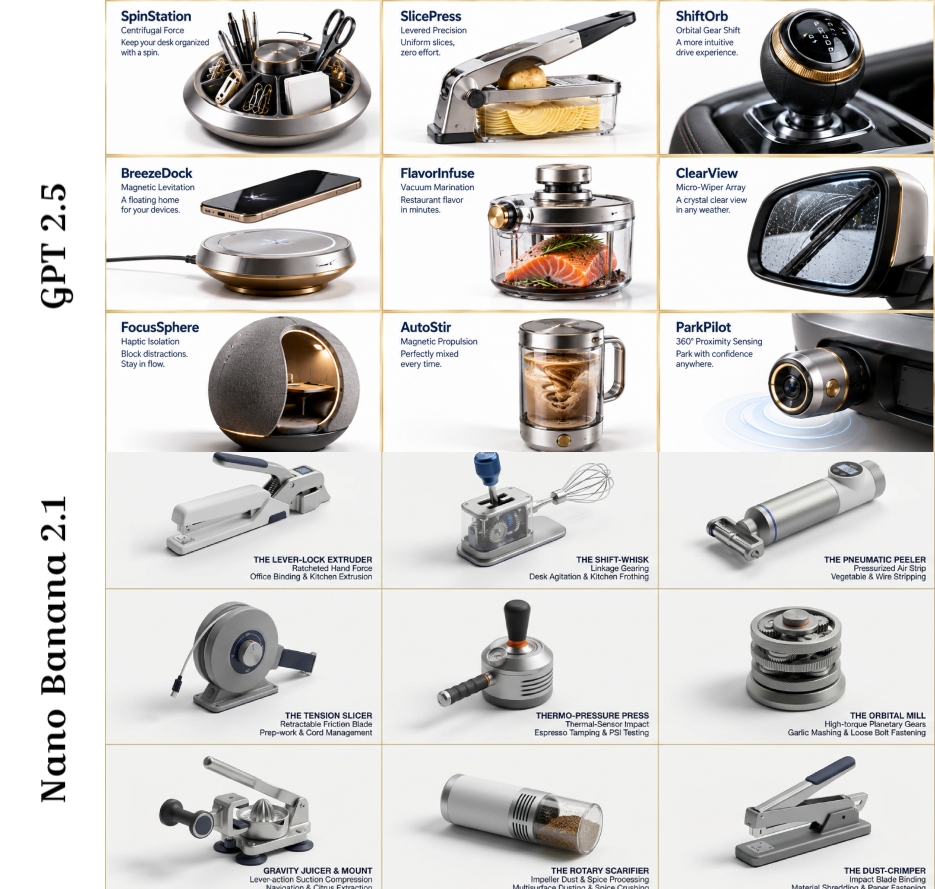
桌面小工具发明网格 — AI image prompt — Nano Banana 2.1 — Product Photography, 3D Render, Minimalist

桌面小工具发明网格

GoogleNano Banana 2.1Googleimage

16:9,通过选择一个桌面小工具、厨房小工具和汽车小工具来实现:指令 第一阶段提示词:分析这些[对象1]、[对象2]、[对象3]图像。提取:1) 主要功能,2) 材料DNA(金属/塑料比例、质感),3) 人体工学特征(握持角度、重量分布),4) 机械原理,5) 文化关联。以结构化JSON输出。 第二阶段提示词:在纯白背景上创建一个3x3网格的逼真产品渲染图。每个单元格必须是一个超写实3D概念,融合先前分析中的元素。为每项发明添加Helvetica Neue字体的极简海军蓝文字:[发明名称]、[核心机制]、[使用场景]。风格:迪特·拉姆斯遇上戴森——简洁、技术感、高级感。包含细微阴影,每个单元格加1px金色边框。让发明荒诞却又合理(例如,“声波削皮器:利用声波剥离蔬菜外皮”)。

詳細資訊
类型
AI 圖片提示詞
畫面比例
935:889
更新於
2026年10月24日
分類
Product Photography3D RenderMinimalist
Source

如何使用這條提示詞

  1. 1點選上方複製按鈕,複製完整提示詞。
  2. 2開啟 Google 的 Nano Banana 2.1,或任何風格相近的圖片生成工具。
  3. 3貼上提示詞,替換主體和風格關鍵詞,改成你想要的畫面。
  4. 4按示例參數(935:889 · Product Photography · 3D Render · Minimalist)生成,再小步迭代——措辭的細微變化會顯著影響結果。

常見問題

這張圖片是用哪個 AI 模型生成的?

本圖由 Google 的 Nano Banana 2.1 生成,頁面上的提示詞就是生成它的原始文字。

這條提示詞用了哪些參數?

示例由 Nano Banana 2.1 生成,參數:935:889 · Product Photography · 3D Render · Minimalist。沿用這些參數可獲得最接近的效果。

怎樣才能生成相似的效果?

先原樣複製提示詞,只替換主體、保留風格/光影/構圖關鍵詞,多生成幾次——每次輸出都會有差異。

可以修改這條提示詞嗎?

當然可以。提示詞最適合作為起點——調整描述詞、寬高比或風格標籤,做出屬於你自己的作品。
更多 Nano Banana 2.1 提示詞

A cinematic studio portrait of a woman seated at a textured stone table against a muted warm gray ba — AI image prompt — Nano Banana 2.1
GoogleNano Banana 2.1
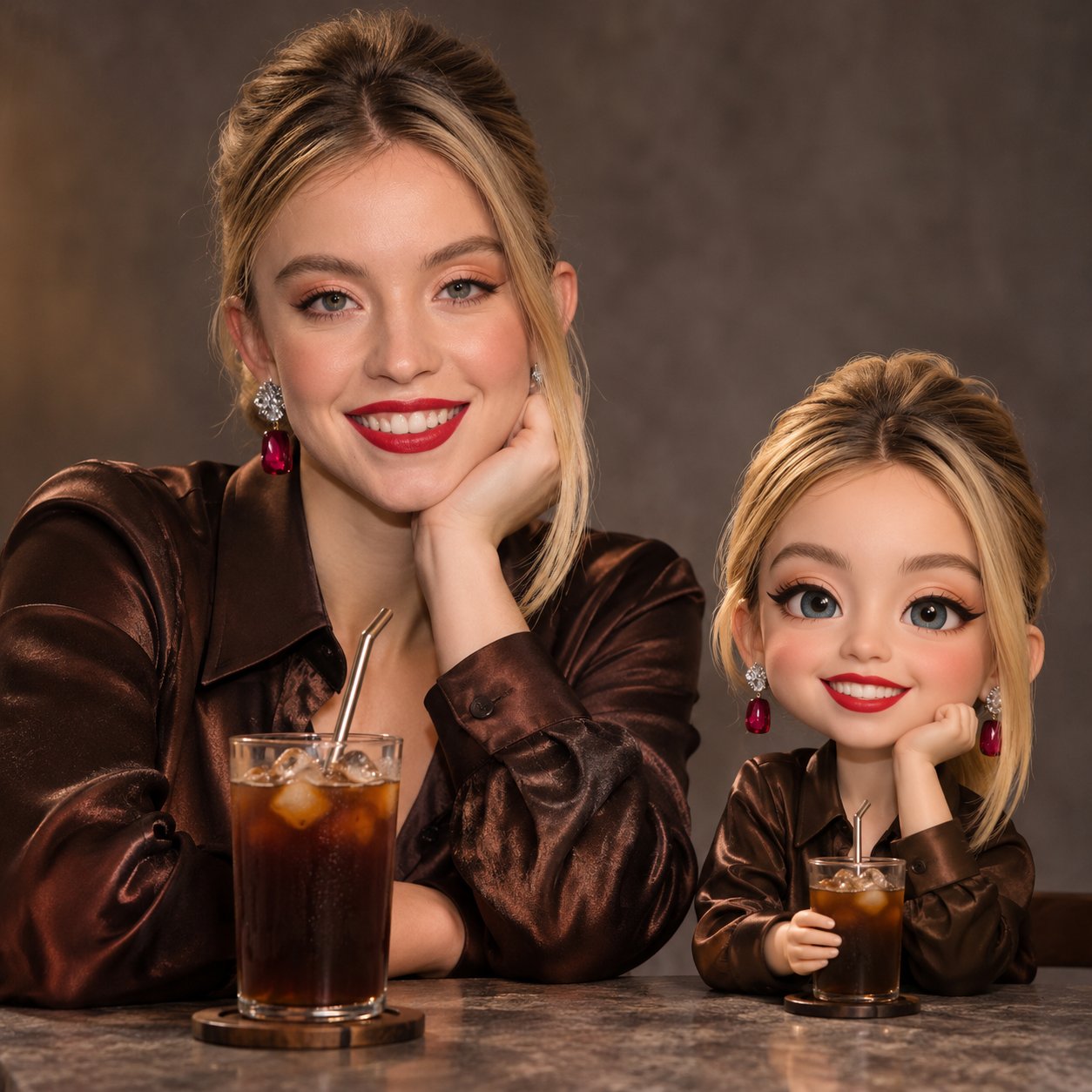
A cinematic studio portrait of a woman seated at a textured stone table against a muted warm gray background. She wears a dark brown satin blouse, subtle evening makeup, and softly layered shoulder-length hair. In front of her is a glass of cold brew coffee with ice and a metal straw. Placed beside it is a glossy 3D chibi figurine of the same woman, with a big rounded head, expressive eyes, soft blush cheeks, and simplified facial features, holding a miniature cold brew glass. The chibi has a high-quality collectible toy look with gentle reflections. Intimate evening café vibe, moody soft lighting, shallow depth of field, realistic human combined with stylized 3D character, cinematic and cozy, 1: 1 aspect ratio.
檢視詳情
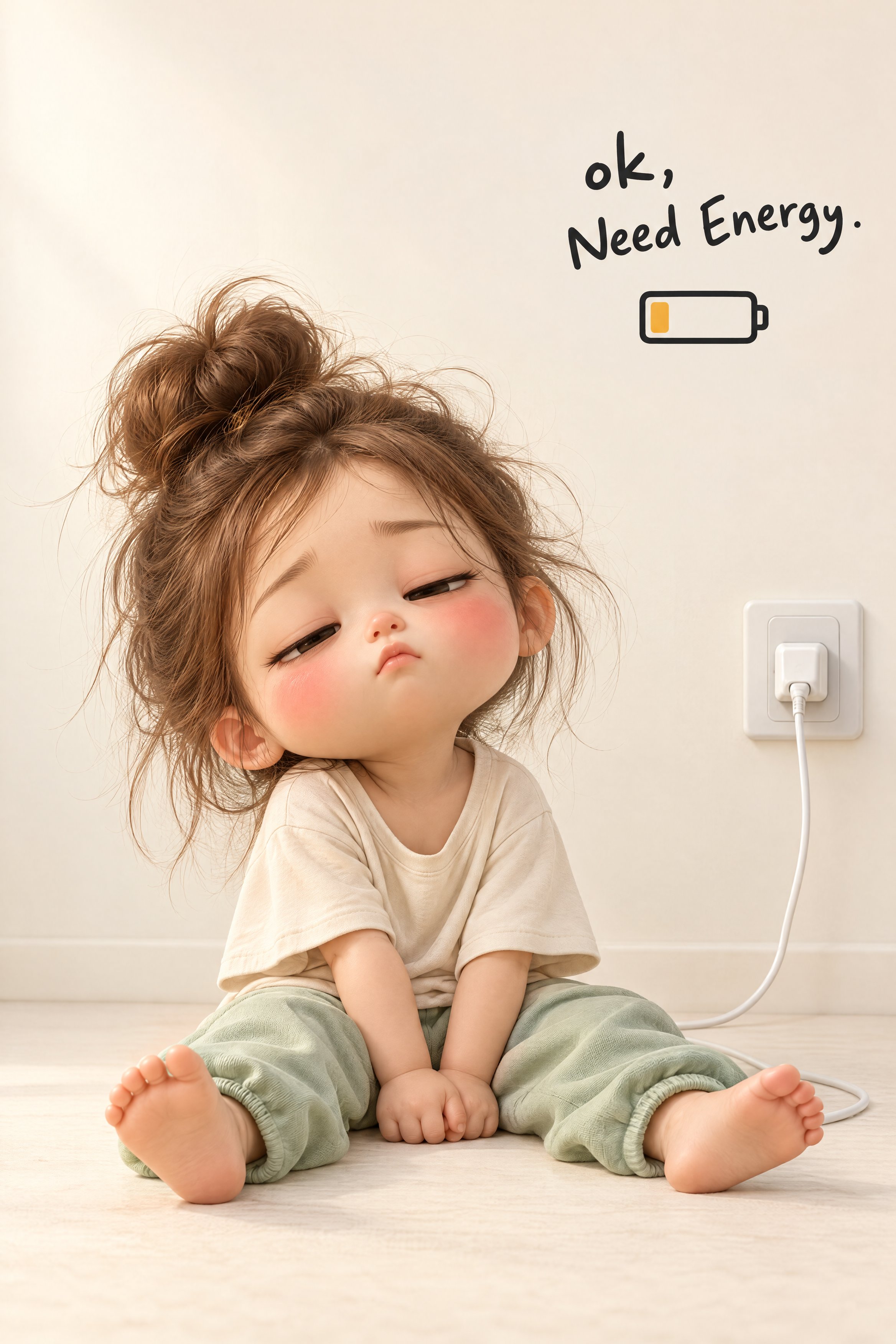
Create an adorable, premium-quality 3D chibi-style illustration of a sleepy little toddler girl sitt — AI image prompt — Nano Banana 2.1
GoogleNano Banana 2.1
Create an adorable, premium-quality 3D chibi-style illustration of a sleepy little toddler girl sitting beside an oversized white pause button, visually representing the feeling of wanting to stop everything and take a break. A tiny, adorable toddler girl with an oversized rounded head, delicate childlike proportions, and soft, porcelain-like skin. Her facial features include: Large, expressive dark-brown eyes, almost completely closed. Delicate black eyelashes. Soft, naturally rosy cheeks with a prominent pink blush. A tiny button nose. Small, gently puckered pink lips. Thin, delicate eyebrows. Smooth, peach-toned skin with subtle natural highlights. Small, rounded ears. Her dark chocolate-brown hair is styled in a messy, voluminous high bun. Several loose, wispy strands escape around the bun and frame her forehead, temples, and cheeks. Her expression communicates complete relaxation, sleepiness, and peaceful exhaustion. Her eyes are gently closed, her lips slightly pursed, and her head rests sideways against the large white object. The toddler wears a soft pastel-pink pajama set. The outfit includes: A long-sleeved pink pajama top with delicate white piping around the collar and sleeve edges. Matching loose pink pajama trousers. Soft cotton-like fabric with subtle wrinkles and natural folds. She is barefoot, with tiny feet and realistically rendered little toes. She holds a small cream-white plush cushion shaped like a rounded flower or decorative pillow. The cushion has a soft, padded appearance, subtle pale-pink speckles, and a small flower-shaped cushion detail visible near her legs. The toddler sits on the floor with her legs extended forward and slightly bent. Her back and head lean comfortably against the large white pause button. Both hands gently hold a small cream-colored cushion against her stomach. Her shoulders are relaxed, her head tilts slightly toward the large object, and her eyes remain peacefully closed. Her entire body language should communicate that she has mentally switched off and wants to rest. A large, minimalist, white 3D rectangular button occupies the right side of the composition. The object resembles an oversized computer keyboard key or a physical pause button. Its characteristics: Large, chunky, rectangular form. Smooth, glossy white surface. Rounded corners and gently curved edges. Slightly elevated top surface. Thick, solid white sides. Softly reflective highlights. Subtle shadows around its base. On the upper surface, prominently display the exact word: "Pause" Use large, bold, black, clean sans-serif typography. The word should be centered on the top surface, following the slight perspective and angle of the button. The toddler leans against this oversized button, making the object appear like a physical symbol of taking a break from life. Include a second text element near the lower-right area of the composition. The exact wording should be: "life on pause ♡" Use small, lowercase, dark-grey handwritten-style lettering. The typography should resemble casual, slightly imperfect handwriting with natural spacing between letters. Include a small outlined heart symbol at the end. Keep the lettering delicate and minimal. A seamless, warm ivory-white studio environment. The background and floor blend together without visible corners or distracting architectural elements. The toddler and oversized pause button rest directly on the smooth floor. There should be no additional furniture, decorative objects, or unnecessary background details. Maintain generous empty space, especially across the upper half of the image. Vertical 9:16 portrait orientation. Front-facing, slightly low camera perspective. Toddler positioned in the lower-left portion. Oversized pause button positioned on the lower-right side. The toddler's head and shoulder gently touch the button. Entire character and oversized button visible. Text "life on pause ♡" positioned below and slightly to the right of the button. Large areas of clean negative space above the main subjects. Balanced visual relationship between the character and the oversized button. The composition should feel like a minimalist premium 3D social-media illustration. Soft, diffused studio lighting from the upper-left/front direction. Gentle highlights on the toddler's forehead, cheeks, nose, hair, and pink pajamas. Soft reflective highlights across the glossy white pause button. Subtle contact shadows beneath the toddler's feet, body, cushion, and the large button. Use ambient occlusion around the contact points between the toddler and the button to create realistic depth. Avoid harsh shadows or dramatic lighting. Use a soft, warm pastel color palette: Warm ivory and creamy-white background. Glossy pure-white pause button. Pastel blush-pink pajamas. Peach and porcelain skin tones. Rosy-pink cheeks. Dark chocolate-brown hair. Cream-white cushion. Black typography. Muted charcoal-grey handwritten text. Keep the overall image warm, peaceful, minimal, and visually soothing. High-end 3D animated character illustration with a cute chibi aesthetic. Exaggerated toddler proportions, oversized expressive head, delicate facial details, beautifully rendered hair strands, soft skin shading, realistic cotton fabric, and smooth rounded geometry. Use: Subtle subsurface scattering. Physically based materials. Soft ambient occlusion. Realistic fabric folds. Smooth glossy plastic rendering. Delicate studio reflections. High-quality CGI character modeling. The result should resemble a professionally rendered collectible animated character in a premium lifestyle advertising campaign. Professional 3D product-illustration composition. Simulate a 50mm portrait lens perspective with minimal distortion, sharp focus across the
檢視詳情
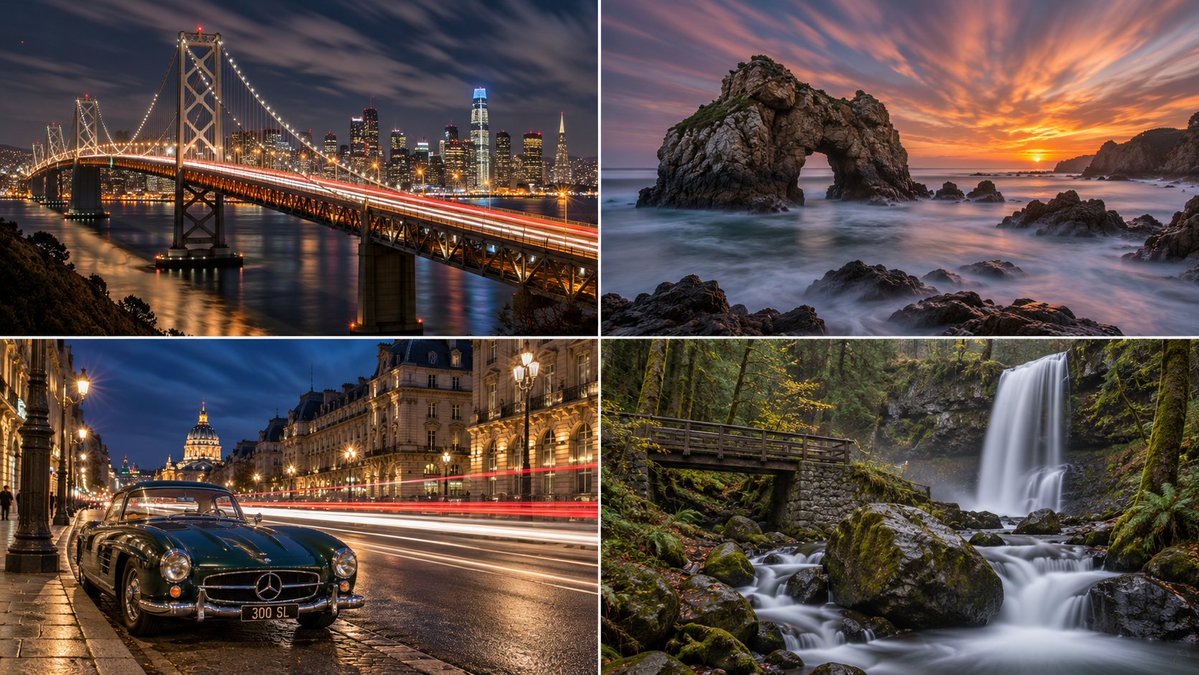
Let  S(x,y) ∈ {0,1}        = static mask   (1 on STATIC_ANCHOR)      v(x,y) ∈ ℝ²           = velocit — AI image prompt — Nano Banana 2.1
GoogleNano Banana 2.1
Let S(x,y) ∈ {0,1} = static mask (1 on STATIC_ANCHOR) v(x,y) ∈ ℝ² = velocity field of MOVING_ELEMENTS (0 where S=1) L(x,y,t) = scene radiance at instant t ND ≥ 1 = neutral‑density factor from CAPTURE_MEDIUM τ = clip threshold (sensor full‑well) THE FRAME (one shutter speed T = DURATION governs ALL of it): ⎡ ⎤ I(x,y) = ⎢ S·L_static(x,y) ⎥ ← anchor: integrand constant in t clip₀¹⎢ T ⎥ ⇒ after /T → L_static, PSF=δ (E₃) ──────+ (1−S)· ∫₀ L(x − vt, y − v_yt, t) dt ⎥ ← movers: smeared along v over T (E₁) ND ⎢ ⎥ ⎢+ ambient·T ⎥ ← night brighter than eye (E₂) ⎣ ⎦ + η(x,y) ← hot‑pixels + blown‑core bloom + ε_vib Derived consequences (read straight off the integral — NOT painted by hand): • point light p(t) with intensity ≫ τ ⇒ ∫ draws a CONTINUOUS curve; peak clips → white core, coloured halo = trailColor(v·view) ∈ {Red receding, White/Amber approaching} (E₂) • small fast object (pedestrian), ‖v‖T ≫ size ⇒ its energy spreads thin ⇒ GHOST/ABSENT (E₁) • water, ‖v‖T large & turbulent ⇒ veil = SILKY ; cloud, v=wind ⇒ STREAK(wind_dir) (E₁) Consistency test (E₁ as a scalar equality): T̂_water = |∇⁻¹ blur(water)|/‖v_water , T̂_cloud = len(streak)/‖v_wind , T̂_trail = len(trail)/‖v_car HONEST |T̂_water − T̂_cloud| + |T̂_cloud − T̂_trail| < ε -- one T explains every blur FORBIDDEN ⟺ ∃ class with T̂ ≈ 0 while another T̂ = T -- a frozen thing inside a long exposure
檢視詳情
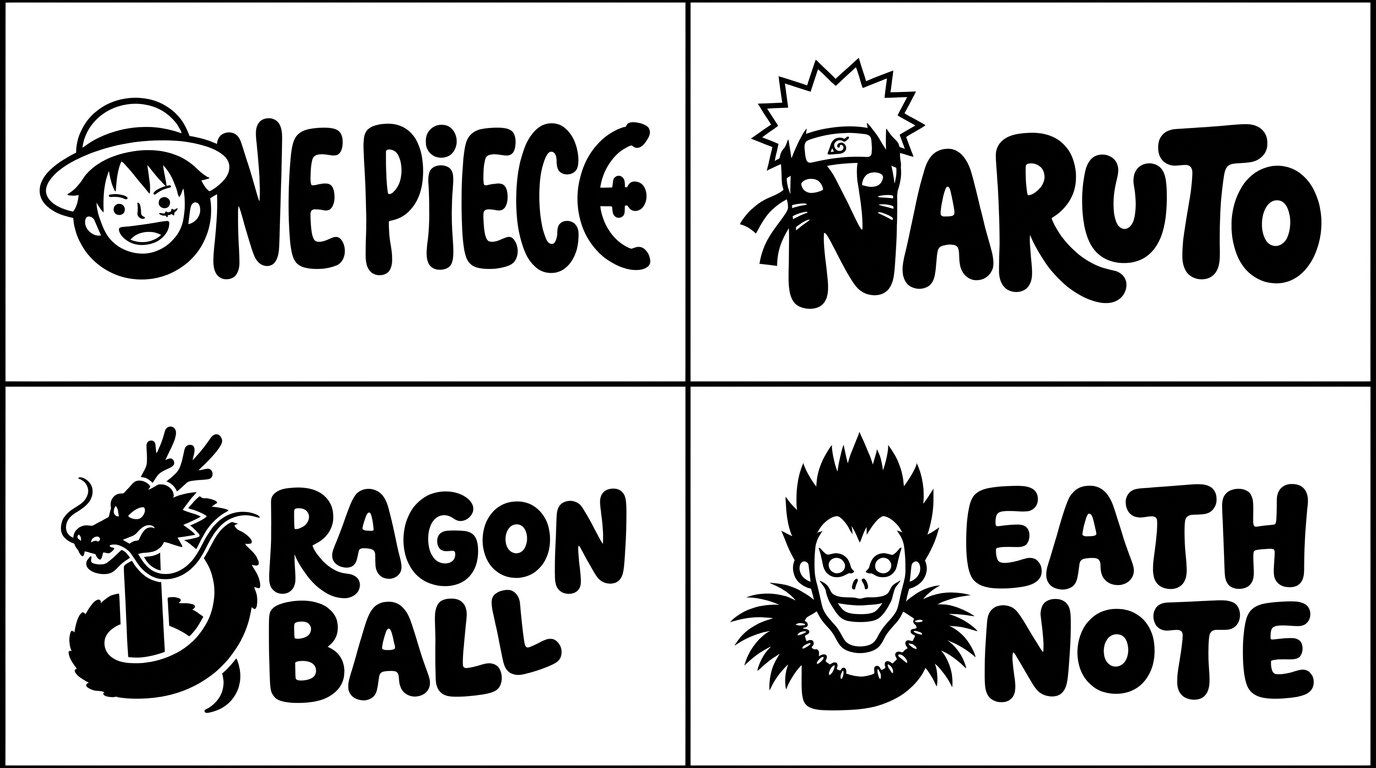
2x2 grid, 16:9, do this for 4 famous manga : Act as a generative rendering engine executing Typograp — AI image prompt — Nano Banana 2.1
GoogleNano Banana 2.1
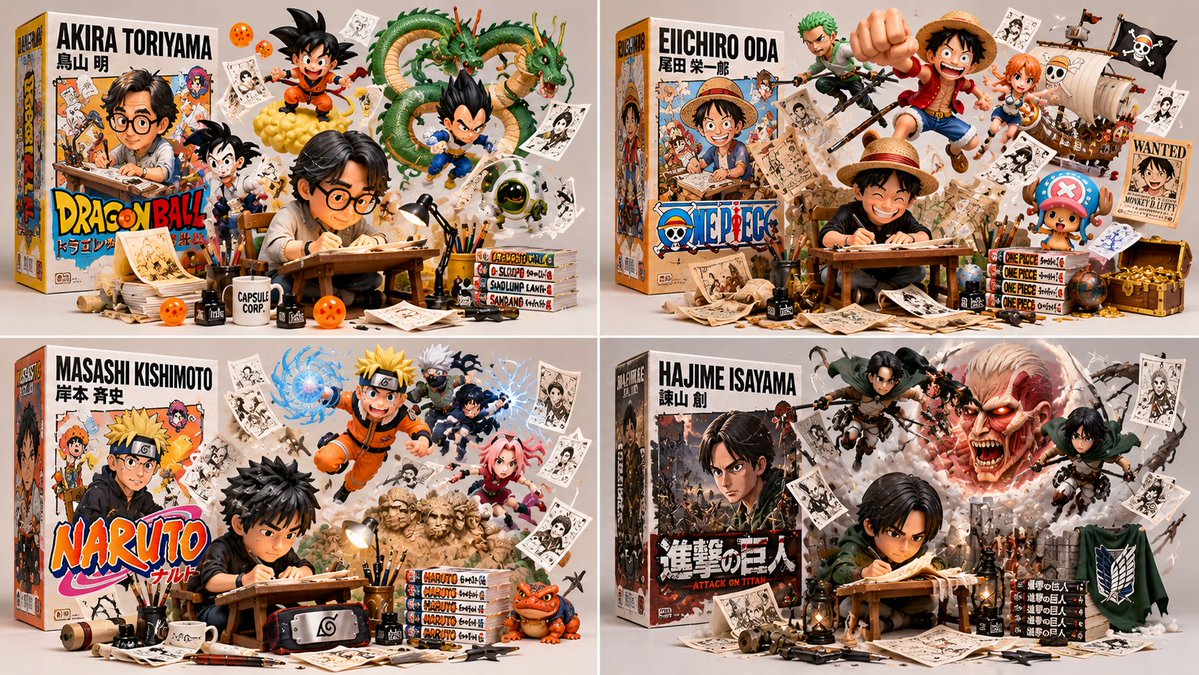
2x2 grid, 16:9, do this for 4 famous manga : Act as a generative rendering engine executing TypographicMascotRender(SUBJECT). word = text("$subject") clean_remainder = set_type(word[1:], family="playful, bold, rounded monoline", metrics="bouncy baseline") mutant_glyph = deform_glyph(word[0], mapping=adaptive_map(word[0], signature_form($ subject)), add_details=negative_space_eyes) render(compose(clean_remainder, mutant_glyph), inks=ONE_BLACK, ground=PURE_WHITE) Invariants: The first letter must perfectly morph into the silhouette of the $ subject via its own anatomy (e.g., ascenders become necks/tails, bowls become bodies). The remaining letters must share the exact same stroke weight and organic, blobby aesthetic. Use negative space for eyes. Forbidden: No color, no gradients, no realistic textures, no whole-word mutations, no decorated remainder letters. Flat 2D vector style.
檢視詳情
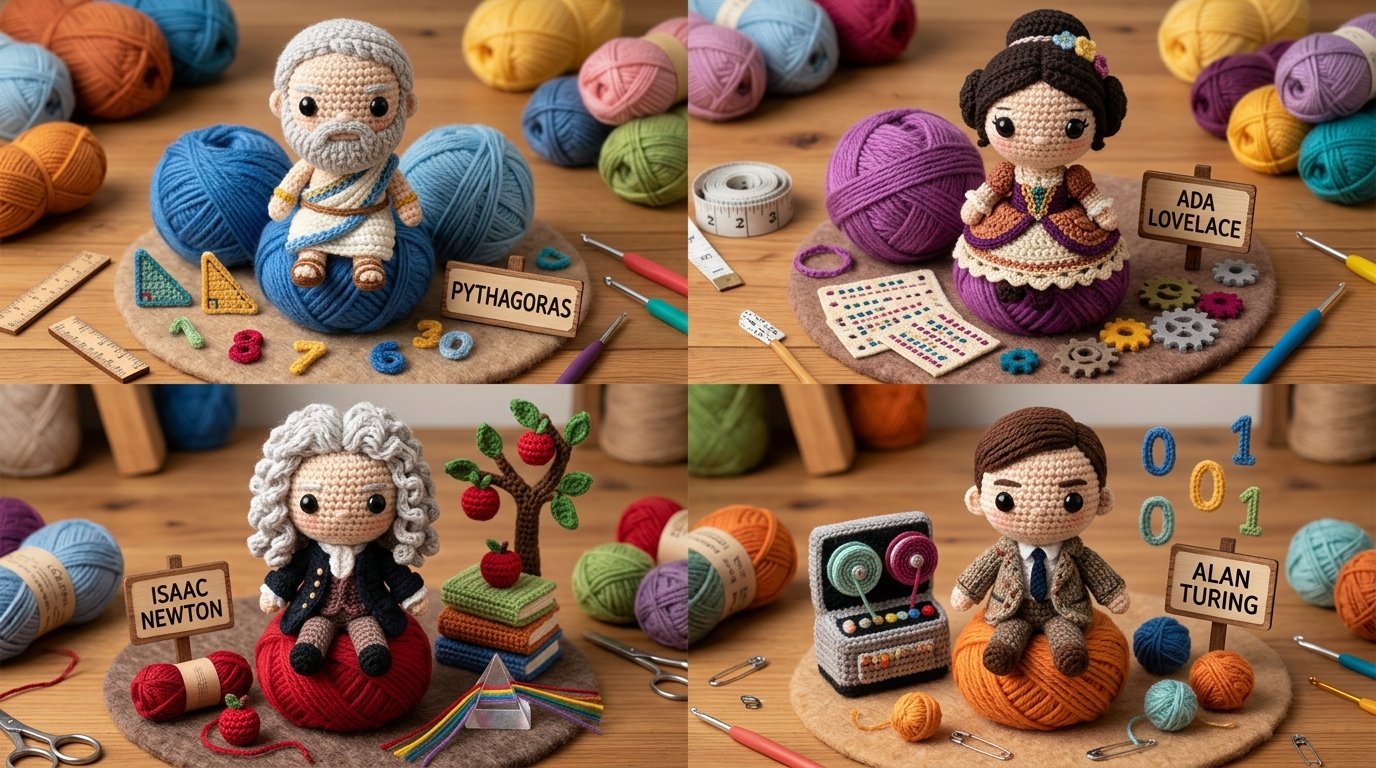
2x2 grid, do this for 4 famous mathematicians TECHNIQUE: Single Crochet. TEXTURE: Visible loop stitc — AI image prompt — Nano Banana 2.1
GoogleNano Banana 2.1
2x2 grid, do this for 4 famous mathematicians TECHNIQUE: Single Crochet. TEXTURE: Visible loop stitches. MATERIAL: Worsted weight yarn. - Convert entire surface to tight yarn loops. - Eyes are plastic safety eyes. - Increase size of head relative to body (chibi). -preserve cuddly, handmade look Output: one image}
檢視詳情
class CreatorToyBoxDiorama:
    def __init__(self, CREATOR):
        s = infer(CREATOR)              — AI image prompt — Nano Banana 2.1
GoogleNano Banana 2.1
class CreatorToyBoxDiorama: def __init__(self, CREATOR): s = infer(CREATOR) # figure, box, escapees, artifacts, present self.s = s def render(self): return collectible_render( figure=vinyl_figure(self.s.figure, at=self.s.station, pose=WORKING), # B₁ box=retail_box(title=self.s.title, art=depicts(self.s.figure)), # B₂ escapees=[ burst_from(e, origin=self. s. box. art, into=SPACE, dynamic=True) for e in self.s.escapees ], # B₃ artifacts=suspended(self.s.artifacts, ground_contact=NONE), # B₄ studio=neutral_bg(soft_light=True, title_legible=True) ) # B₅ def verify(self, img): assert figure_at_craft(img) and toy_material(img.figure), "B₁: realistic/idle" assert box_present(img) and design_equal(img. box. art.figure, img.figure), "B₂: mismatch" assert len(img.escapees) >= 2 and all(origin_on(e, img .box. art) and body_outside(e, img. box) for e in img.escapees), "B₃: static on box" assert all(no_ground_contact(a) for a in img.artifacts), "B₄: resting props" assert neutral_bg(img) and legible(img . box.title) and collectible_quality(img), "B₅" CreatorToyBoxDiorama(CREATOR).render()
檢視詳情
2x2 grid, do this for 4 popular objects, including Tesla Optimus Robot {
Input = Rigid Object 
Act a — AI image prompt — Nano Banana 2.1
GoogleNano Banana 2.1
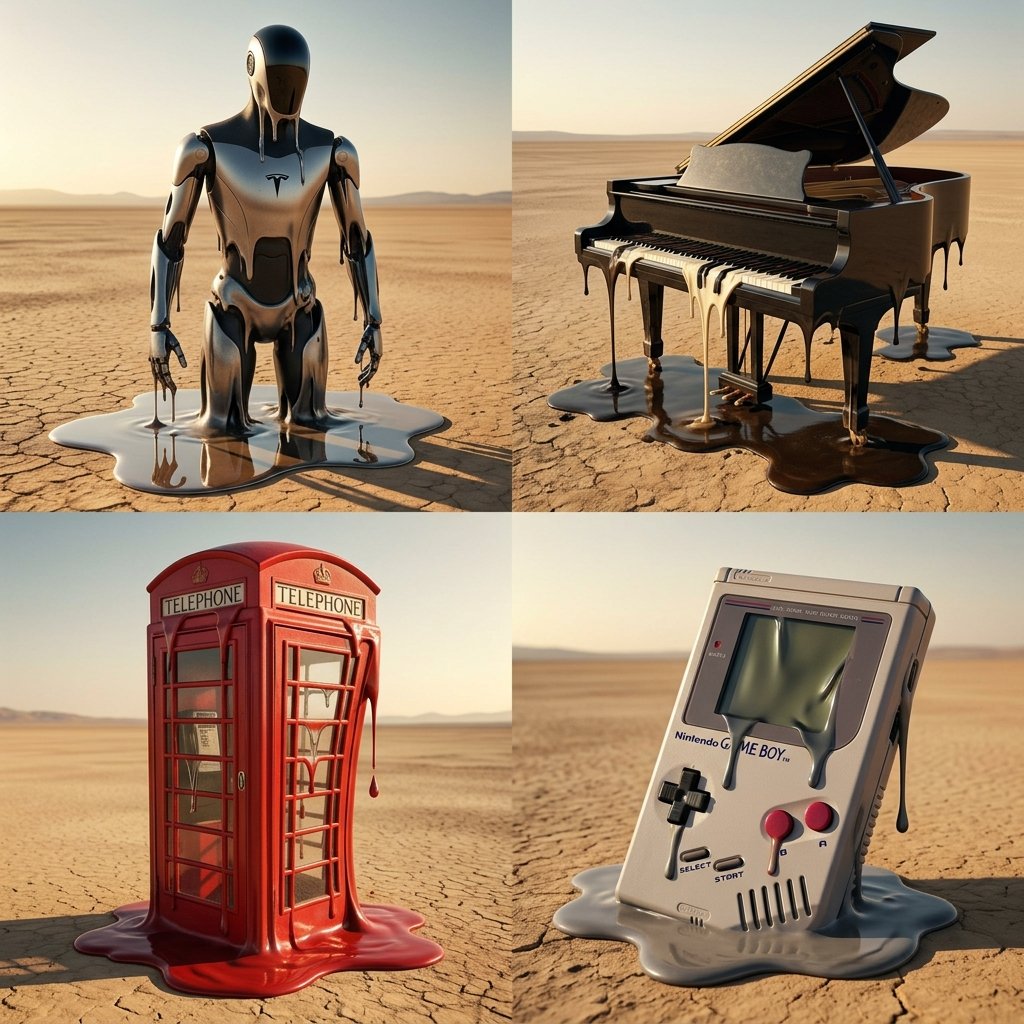
2x2 grid, do this for 4 popular objects, including Tesla Optimus Robot { Input = Rigid Object Act as a Surrealist Painter (Dali style) but photoreal. Function Melt_It ($ Object) Anchor: `[$Object] :: [Melting Wax/Plastic]::5` Morphology: `Surrealist distortion, [$Object] losing its structural integrity and dripping like hot wax, pooling on the floor, stretching and warping while retaining identifiable features::4` Material Physics: `Viscous fluid dynamics, semi-solid state, glossy wet sheen, stretching textures, realistic melting physics::3` Illumination: `Hot desert sun, hard shadows, high contrast, warm color palette::2` Render Stack `Surrealist photography, 8k, sharp focus, Salvador Dali aesthetic in Unreal Engine::1` Negative: `[Solid, rigid, straight lines, cold, frozen, broken shards]:: -1` Output: Generate prompt for [$Object]. }
檢視詳情
2x2 grid, 16:9, do this for 4 famous philosophers: class Engineering_Blueprint_Logo:
    def __init_ — AI image prompt — Nano Banana 2.1
GoogleNano Banana 2.1
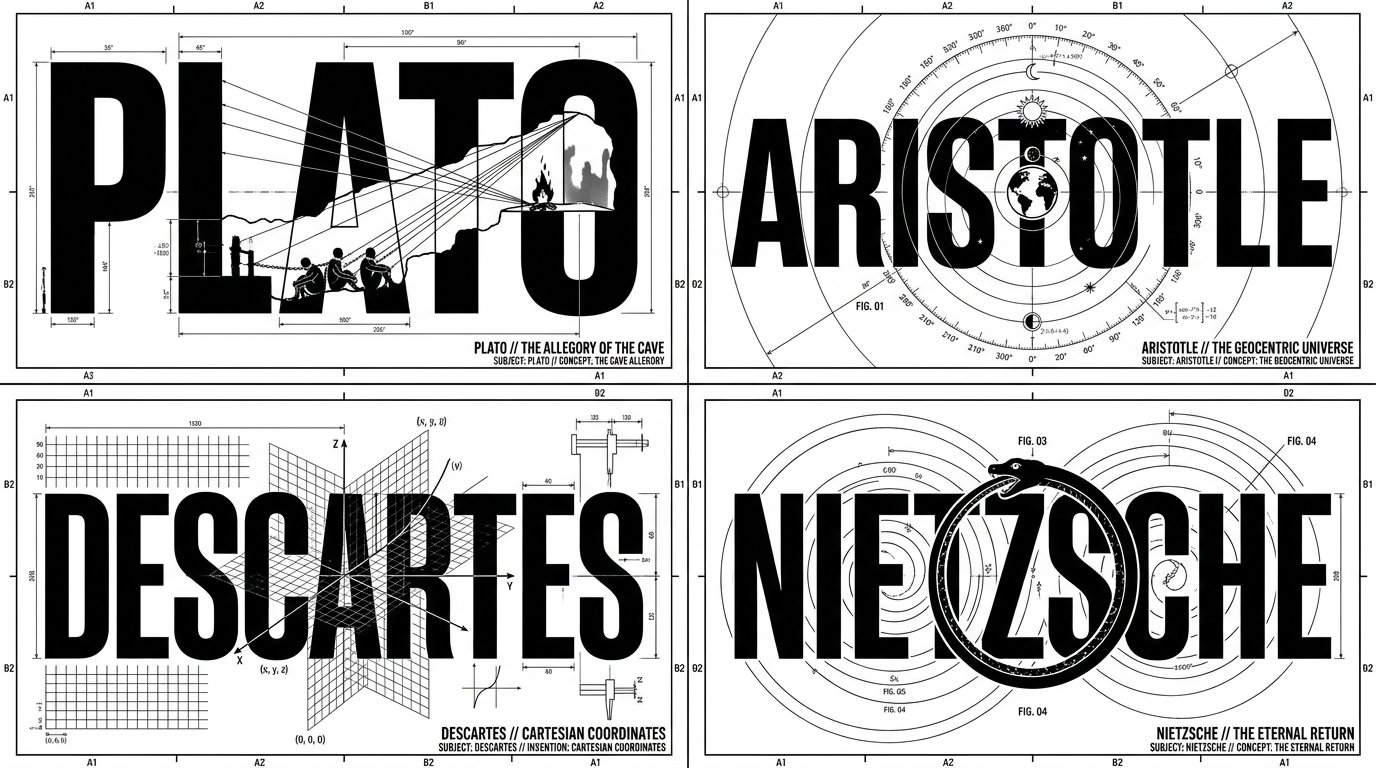
2x2 grid, 16:9, do this for 4 famous philosophers: class Engineering_Blueprint_Logo: def __init__(self, subject="[NAME]", invention="[INVENTION/CONCEPT]"): self.canvas = "Pure white background, 1-bit monochrome black ink graphic design" self.layout_engine = "AI_INFER(Determine if the layout should be Orbital, Vertical, or Horizontal based on the physics of the invention)" def generate_schematic(self): # AI INFERENCE: Deduce the heavy typography typography = f"Massive, bold, sans-serif block letters spelling '{subject}'. The text structure aligns with the {self.layout_engine}." # The Splicing Illusion cutout = f"A flat, minimalist silhouette of {invention} slices directly through the typography. Where it overlaps the black text, it is drawn in pure white negative space." # The Hairline Details drafting_marks = "Hundreds of razor-thin (0.25pt) technical lines, crosshairs, orbital arcs, and measurement nodes intersecting the letters." return [typography, cutout, drafting_marks, self.canvas] # EXECUTE: Render as a flawless, scalable vector logo. The contrast between thick letterforms and delicate drafting lines is paramount.
檢視詳情
瀏覽全部 Nano Banana 2.1 提示詞探索AI 圖片提示詞