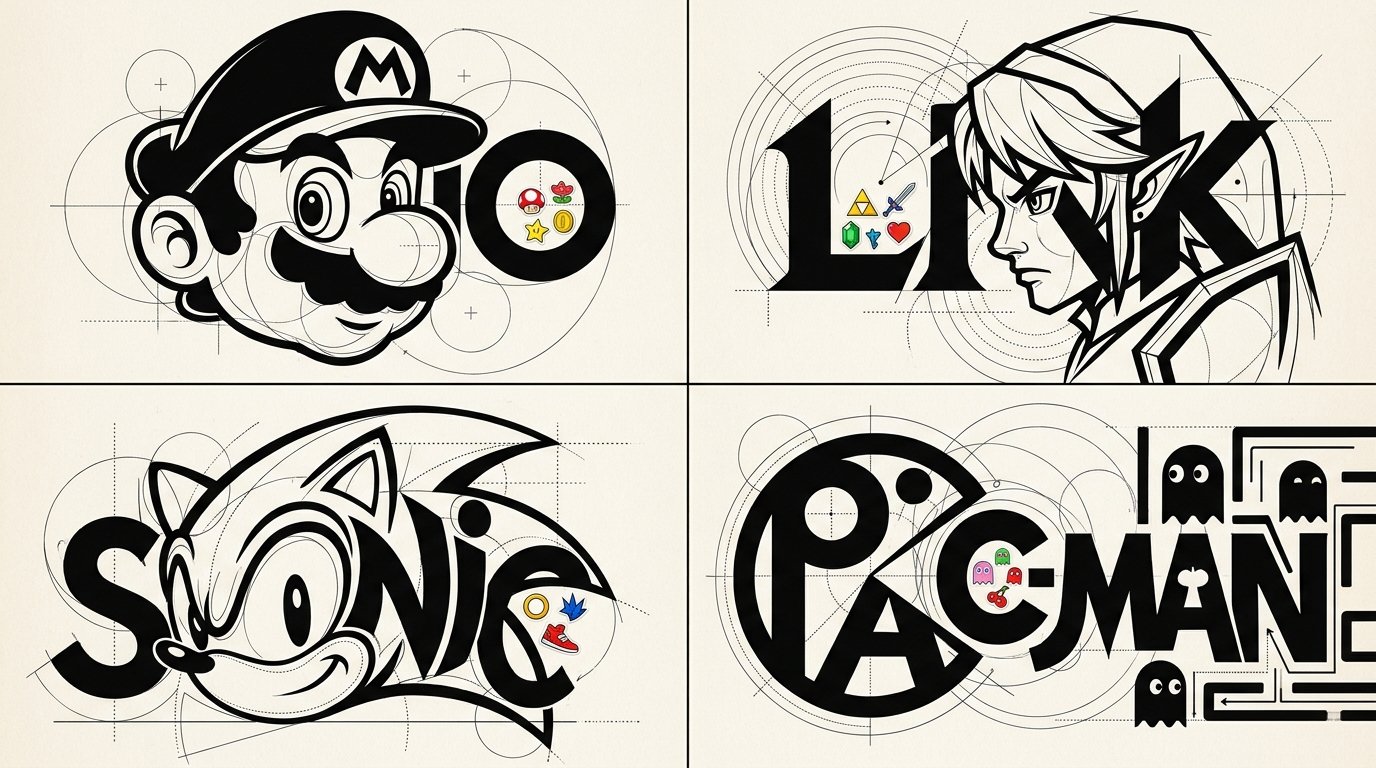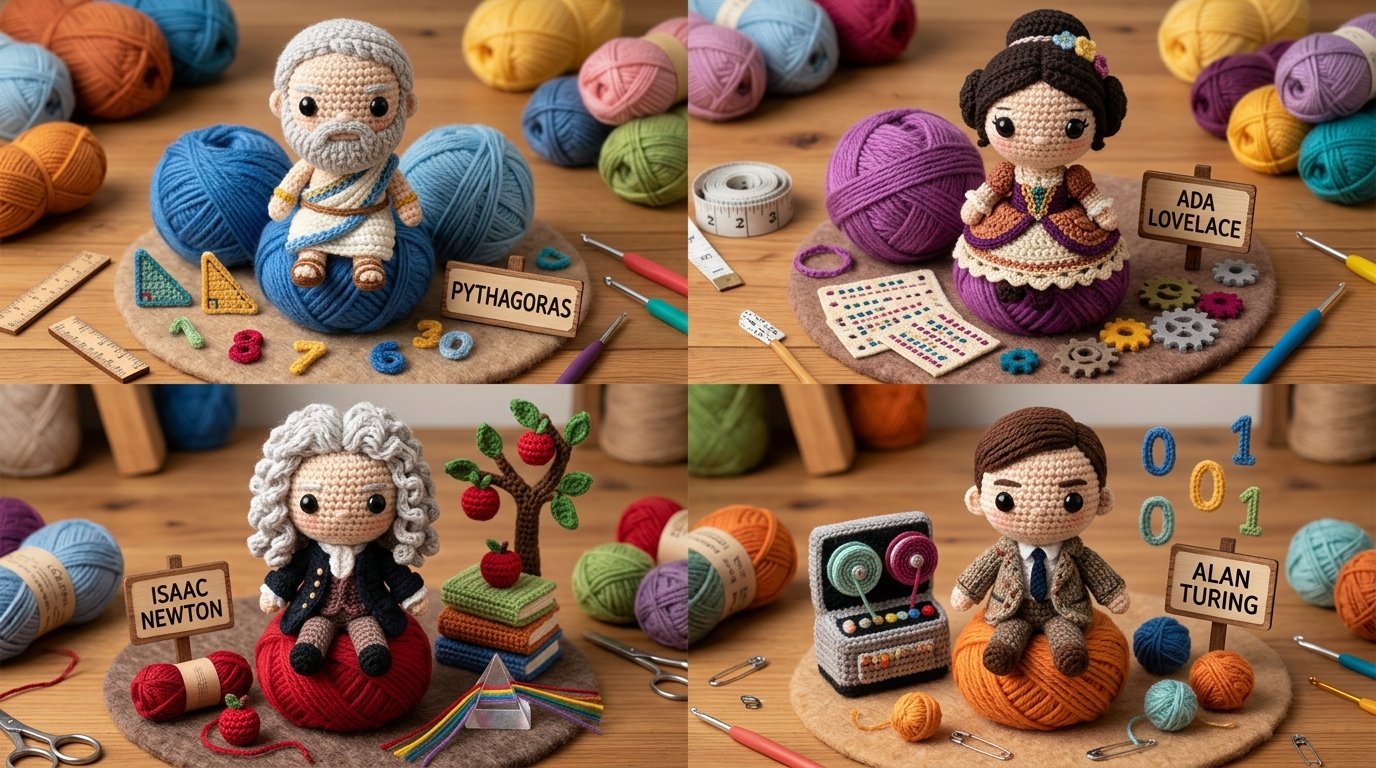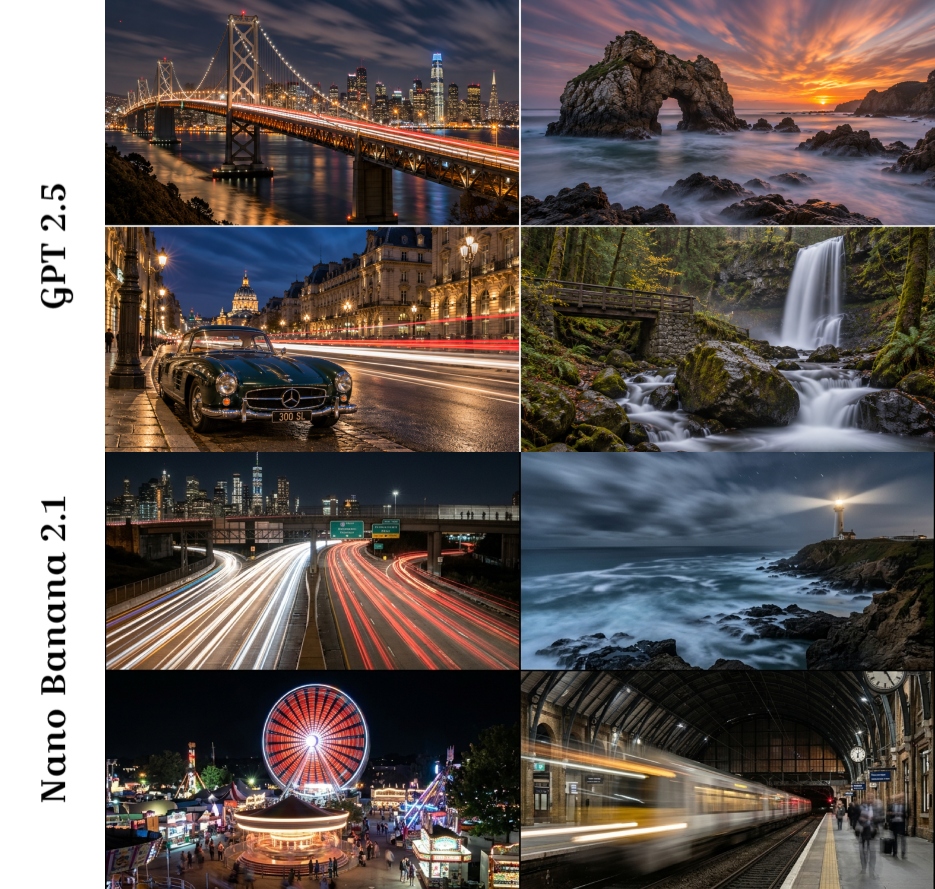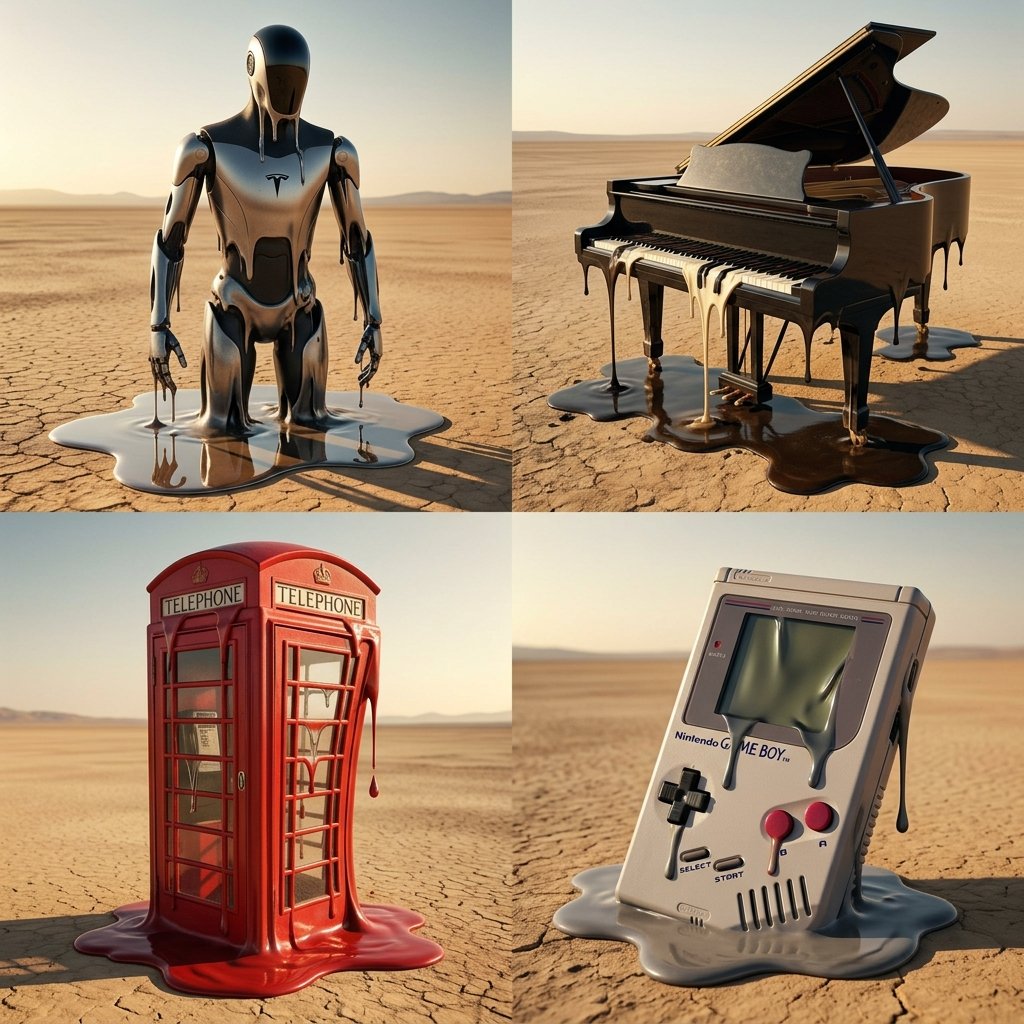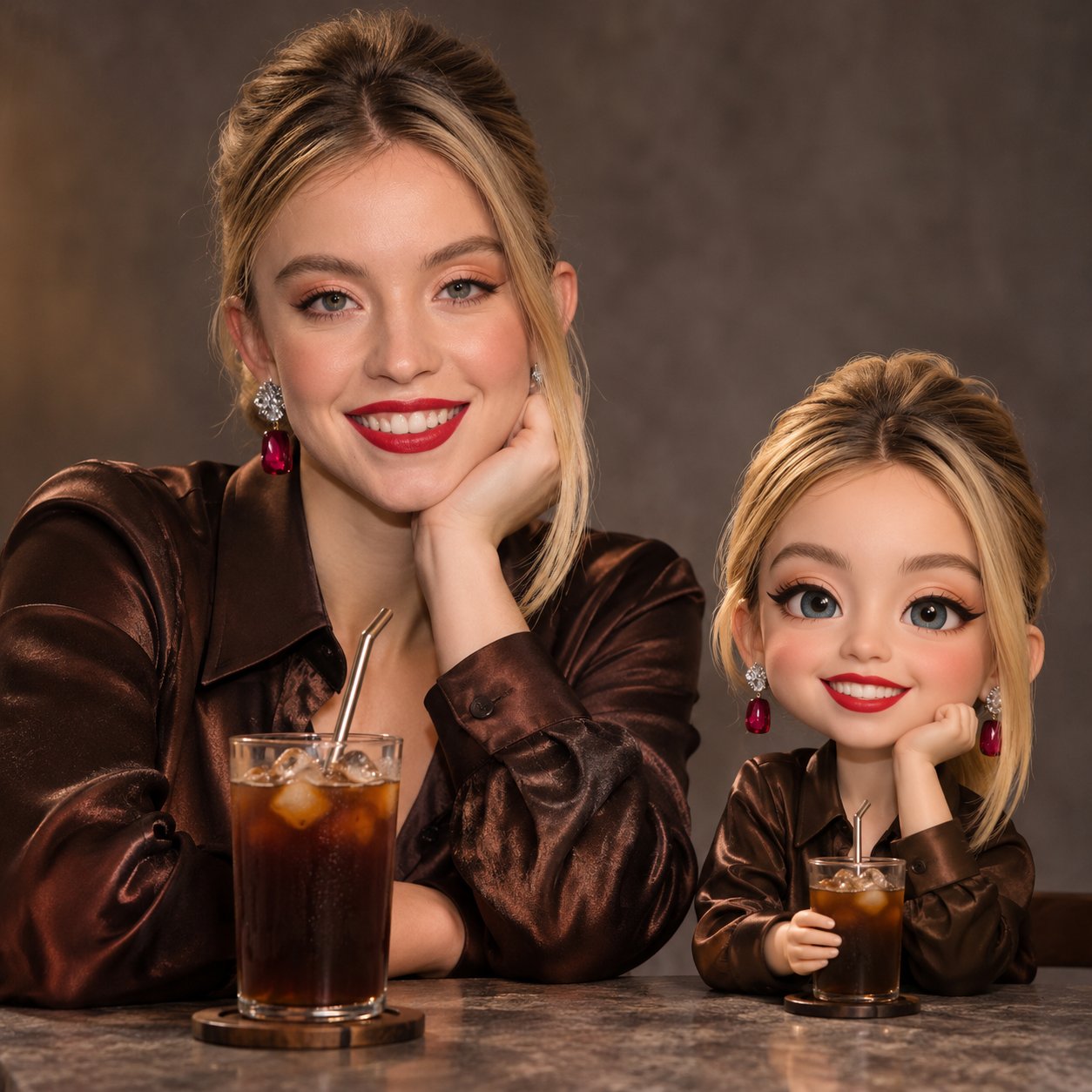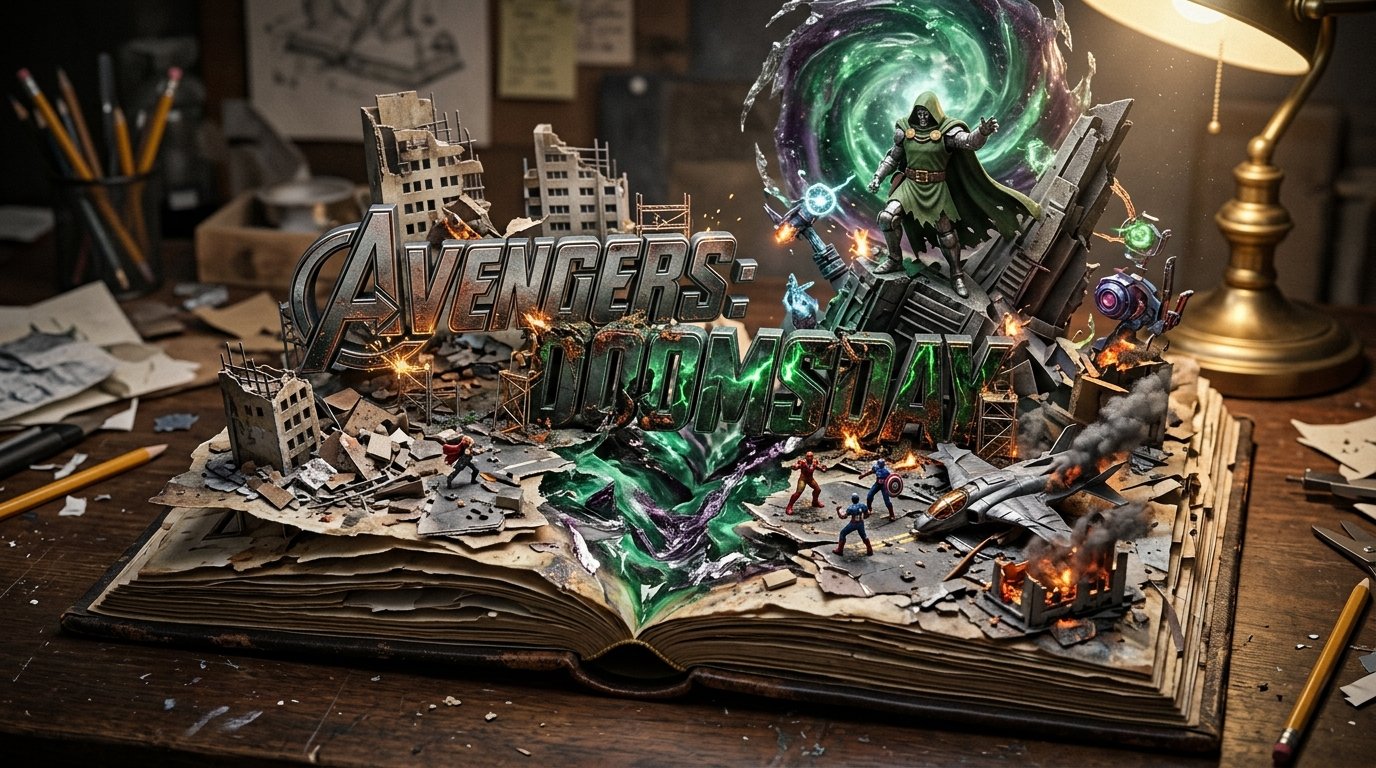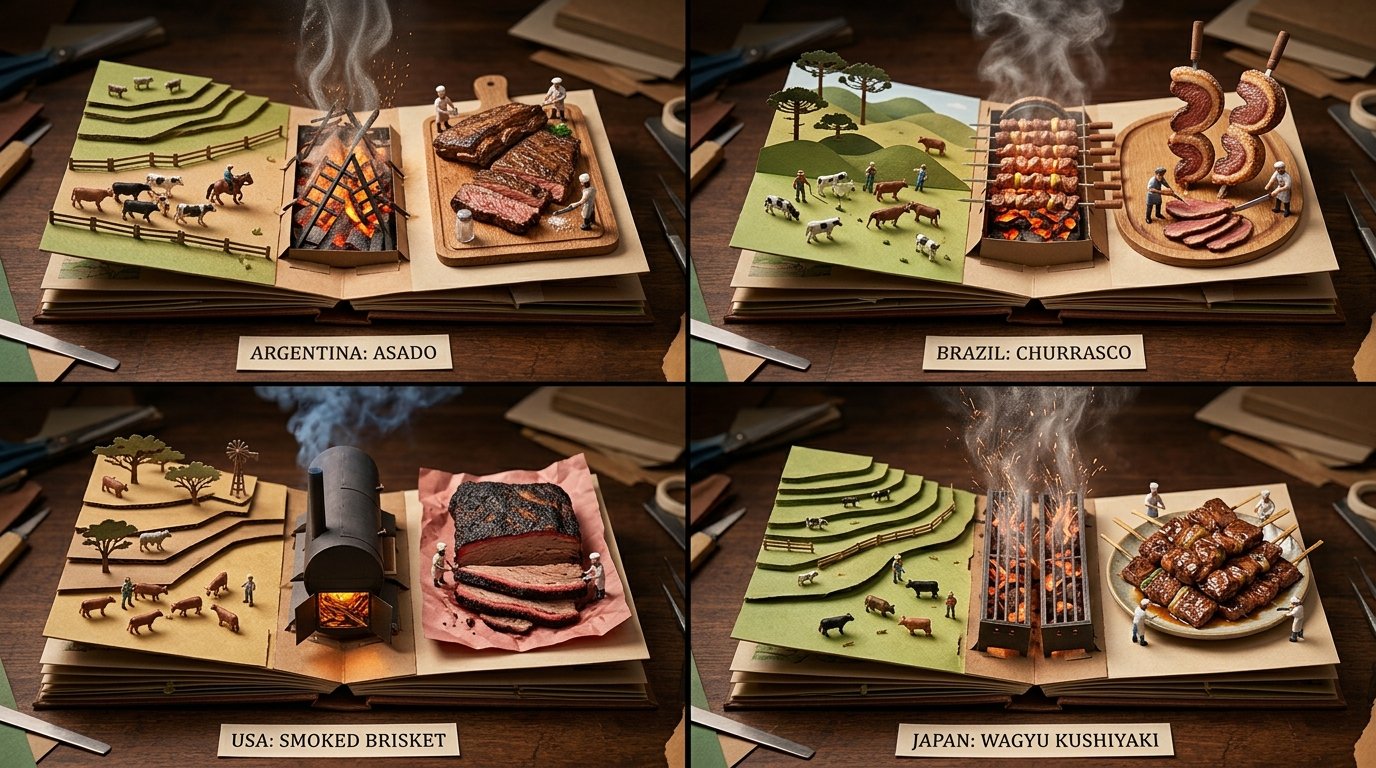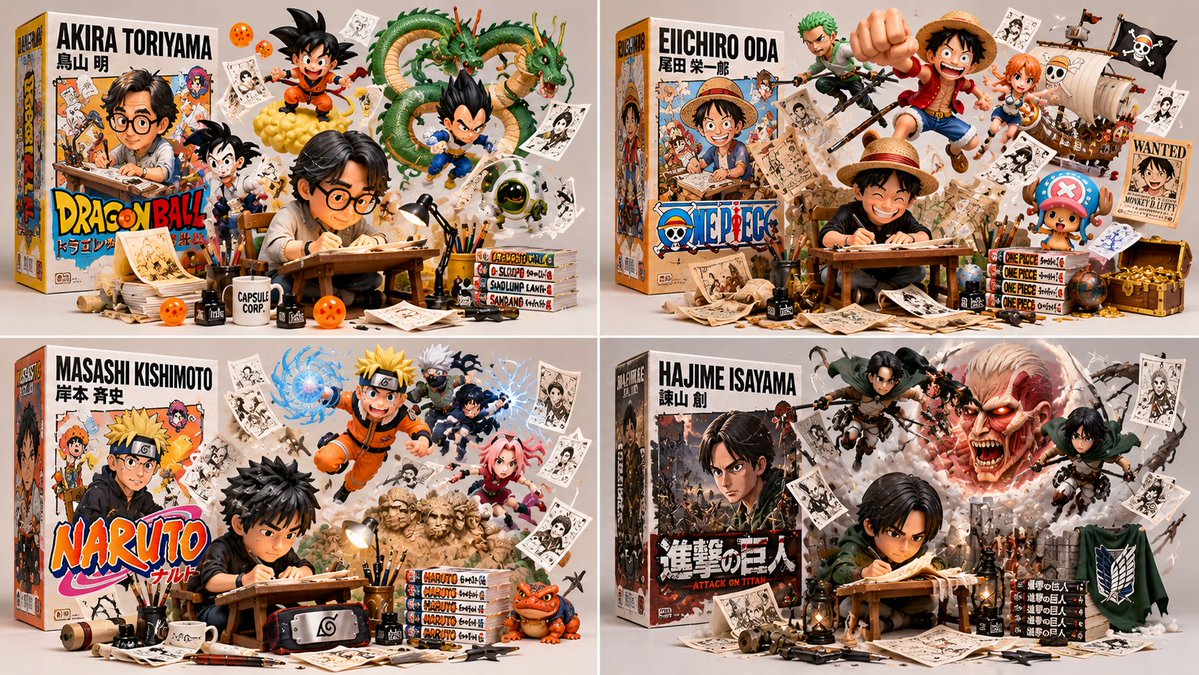
创作者玩具盒立体场景代码提示

class CreatorToyBoxDiorama: def __init__(self, CREATOR): s = infer(CREATOR) # 人物、盒子、逃逸者、物件、礼物 self.s = s def render(self): return collectible_render( figure=vinyl_figure(self.s.figure, at=self.s.station, pose=WORKING), # B₁ box=retail_box(title=self.s.title, art=depicts(self.s.figure)), # B₂ escapees=[ burst_from(e, origin=self. s. box. art, into=SPACE, dynamic=True) for e in self.s.escapees ], # B₃ artifacts=suspended(self.s.artifacts, ground_contact=NONE), # B₄ studio=neutral_bg(soft_light=True, title_legible=True) ) # B₅ def verify(self, img): assert figure_at_craft(img) and toy_material(img.figure), "B₁: 写实/闲置" assert box_present(img) and design_equal(img. box. art.figure, img.figure), "B₂: 不匹配" assert len(img.escapees) >= 2 and all(origin_on(e, img .box. art) and body_outside(e, img. box) for e in img.escapees), "B₃: 静止在盒上" assert all(no_ground_contact(a) for a in img.artifacts), "B₄: 道具落地" assert neutral_bg(img) and legible(img . box.title) and collectible_quality(img), "B₅" CreatorToyBoxDiorama(CREATOR).render()
詳細資訊
- 类型
- AI 圖片提示詞
- 畫面比例
- 1199:675
- 更新於
- 2026年10月31日
如何使用這條提示詞
- 1點選上方複製按鈕,複製完整提示詞。
- 2開啟 Google 的 Nano Banana 2.1,或任何風格相近的圖片生成工具。
- 3貼上提示詞,替換主體和風格關鍵詞,改成你想要的畫面。
- 4按示例參數(1199:675 · Digital Art · Product Photography · 3D Render)生成,再小步迭代——措辭的細微變化會顯著影響結果。
常見問題
這張圖片是用哪個 AI 模型生成的?
本圖由 Google 的 Nano Banana 2.1 生成,頁面上的提示詞就是生成它的原始文字。
這條提示詞用了哪些參數?
示例由 Nano Banana 2.1 生成,參數:1199:675 · Digital Art · Product Photography · 3D Render。沿用這些參數可獲得最接近的效果。
怎樣才能生成相似的效果?
先原樣複製提示詞,只替換主體、保留風格/光影/構圖關鍵詞,多生成幾次——每次輸出都會有差異。
可以修改這條提示詞嗎?
當然可以。提示詞最適合作為起點——調整描述詞、寬高比或風格標籤,做出屬於你自己的作品。