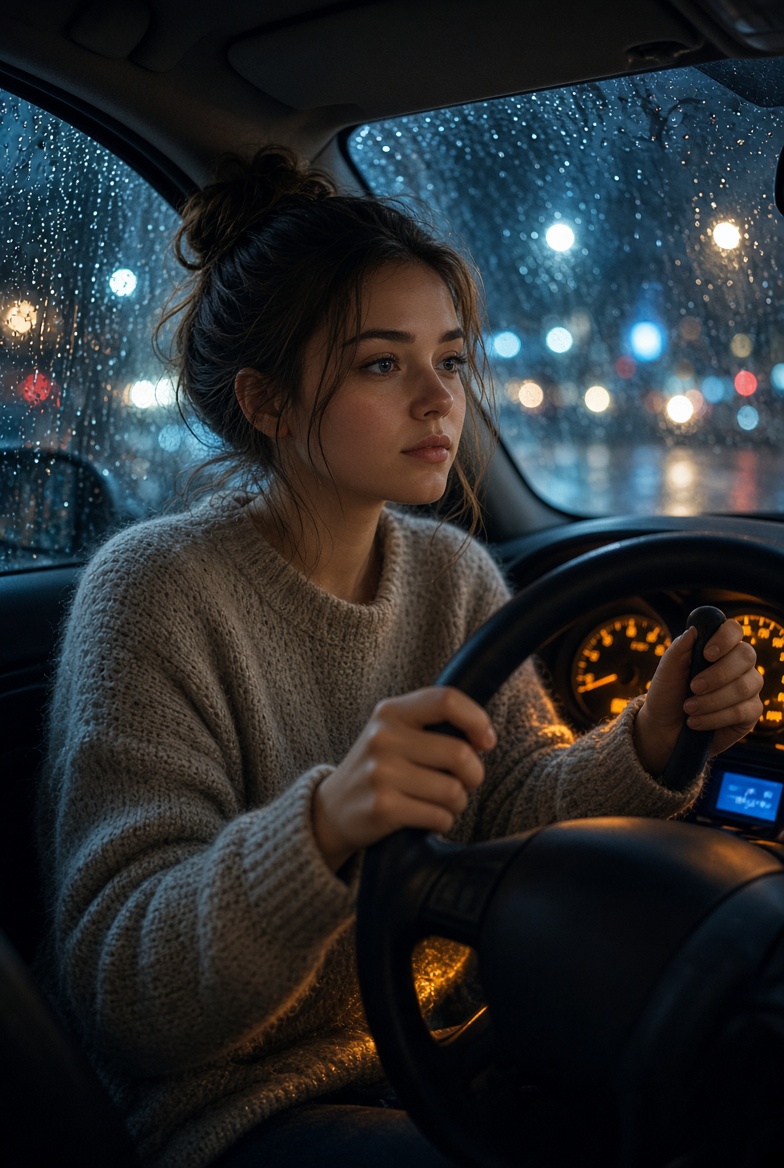
Woman Driving at Night in Rain

{ "task": "generate_image", "model_parameters": { "target_generator": "Midjourney / Stable Diffusion / Flux", "aspect_ratio": "2:3" }, "scene_composition": { "subject": "A young woman with a messy bun hairstyle, wearing a cozy textured knit sweater, sitting in the driver's seat of a car.", "pose": "Both hands firmly gripping the steering wheel, looking thoughtfully out the windshield with a calm, melancholic expression.", "setting": "Interior of a car at night during a rainstorm." }, "visual_details": { "lighting": "Low-key ambient night lighting, soft warm illumination from the car dashboard casting a gentle glow on her face and hands, contrasted with cool blue tones outside.", "environment": "Raindrops densely speckling the car window glass; blurred city street background featuring glowing, out-of-focus bokeh lights (streetlights and vehicle taillights).", "color_palette": ["deep midnight blue", "charcoal gray", "warm amber", "muted taupe"] }, "cinematography": { "shot_type": "Medium close-up shot", "camera_angle": "Eye-level from the passenger side angle", "mood": "Cinematic, introspective, cozy, moody, emotional", "style": "Hyper-realistic photography, sharp focus on the subject with a shallow depth of field" } }
Details
- Type
- AI Image Prompts
- Aspect Ratio
- 49:73
- Updated
- Oct 10, 2026
How to use this prompt
- 1Copy the full prompt with the copy button above.
- 2Open FLUX 3 by Black Forest Labs, or any image generator with a similar style range.
- 3Paste the prompt, then swap the subject and style keywords to match your idea.
- 4Match the example's settings (49:73 · Cinematic · Portrait), then iterate — small wording changes shift the output a lot.
Frequently asked questions
Which AI model generated this image?
This image was generated with FLUX 3 by Black Forest Labs. The prompt on this page is the exact text used to create it.
What settings does this prompt use?
The example was generated with FLUX 3 using: 49:73 · Cinematic · Portrait. Reusing these settings gives the closest match.
How do I get similar results?
Copy the prompt as-is first, then replace only the subject while keeping the style, lighting, and composition keywords. Generate a few variations — outputs differ between runs.
Can I modify this prompt?
Yes. Prompts work best as starting points — adjust descriptors, aspect ratio, or style tags to make the output your own.