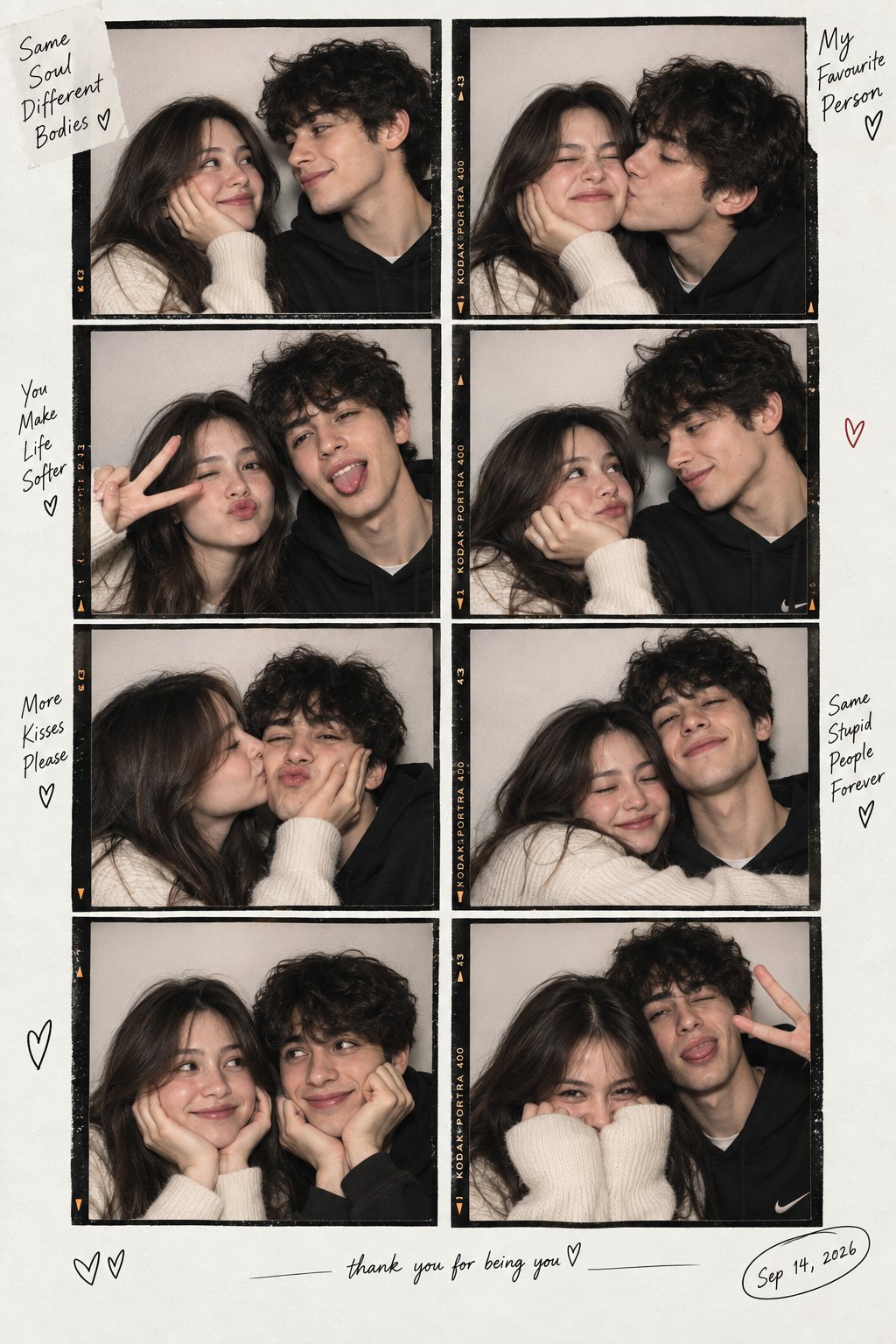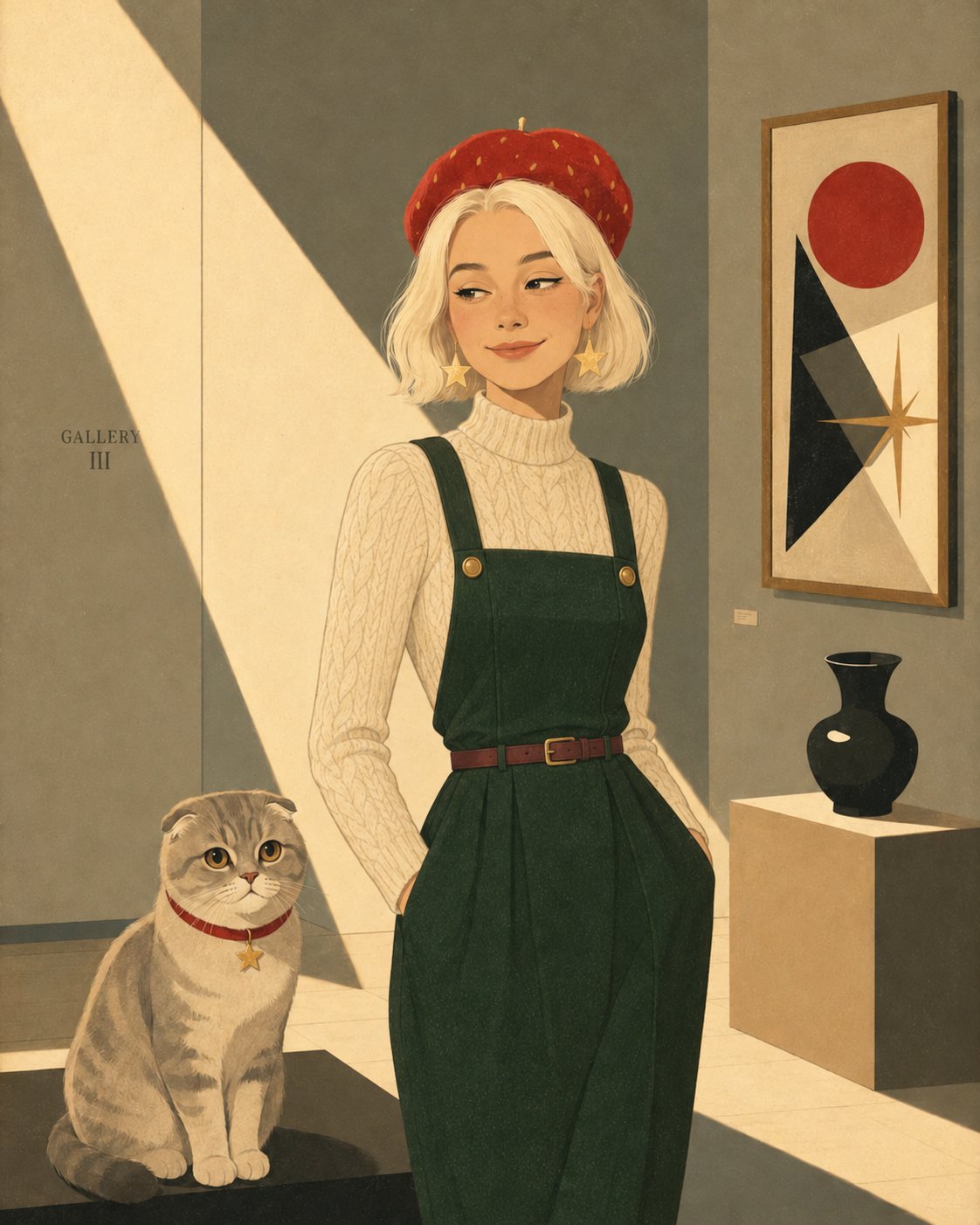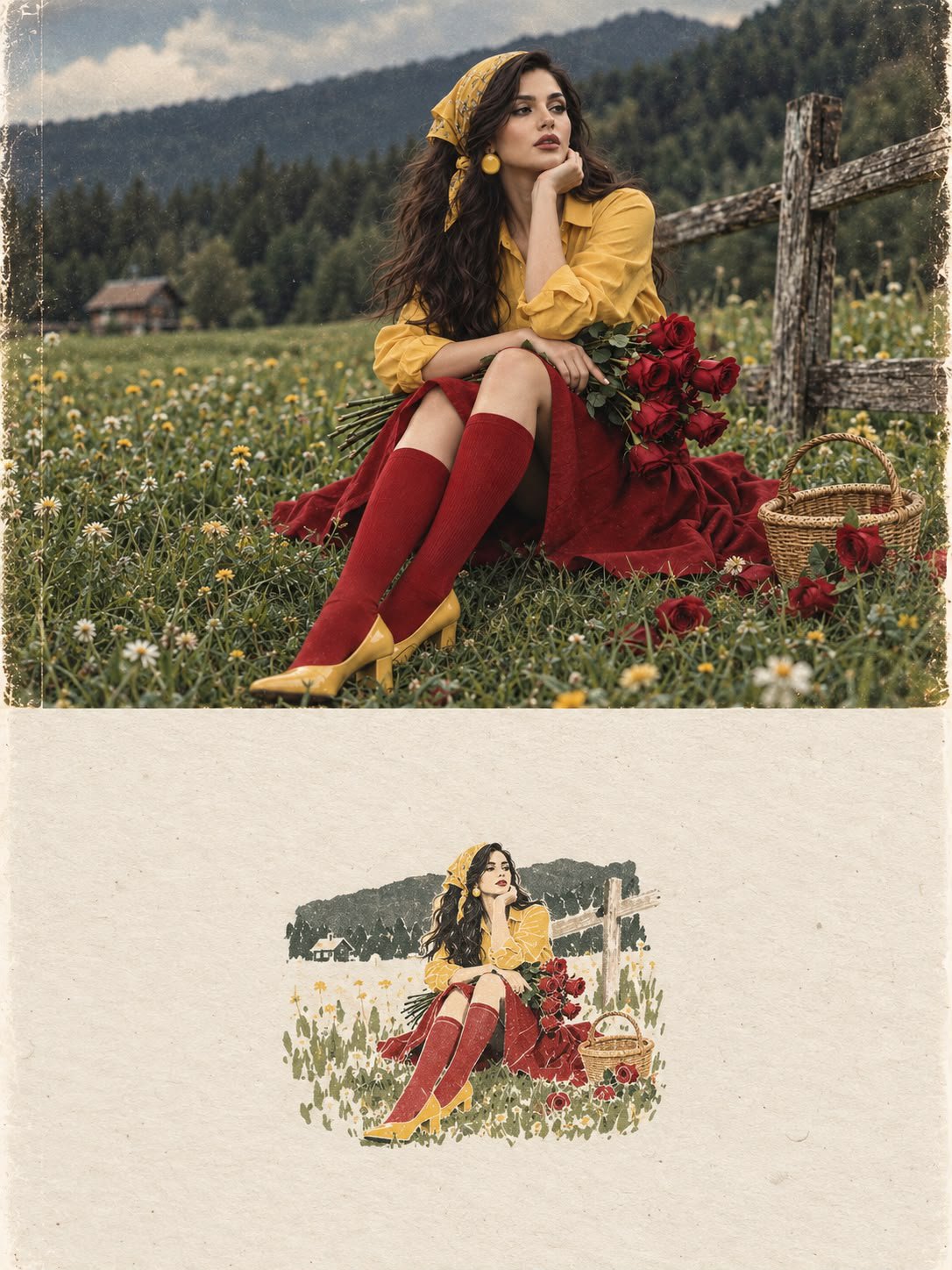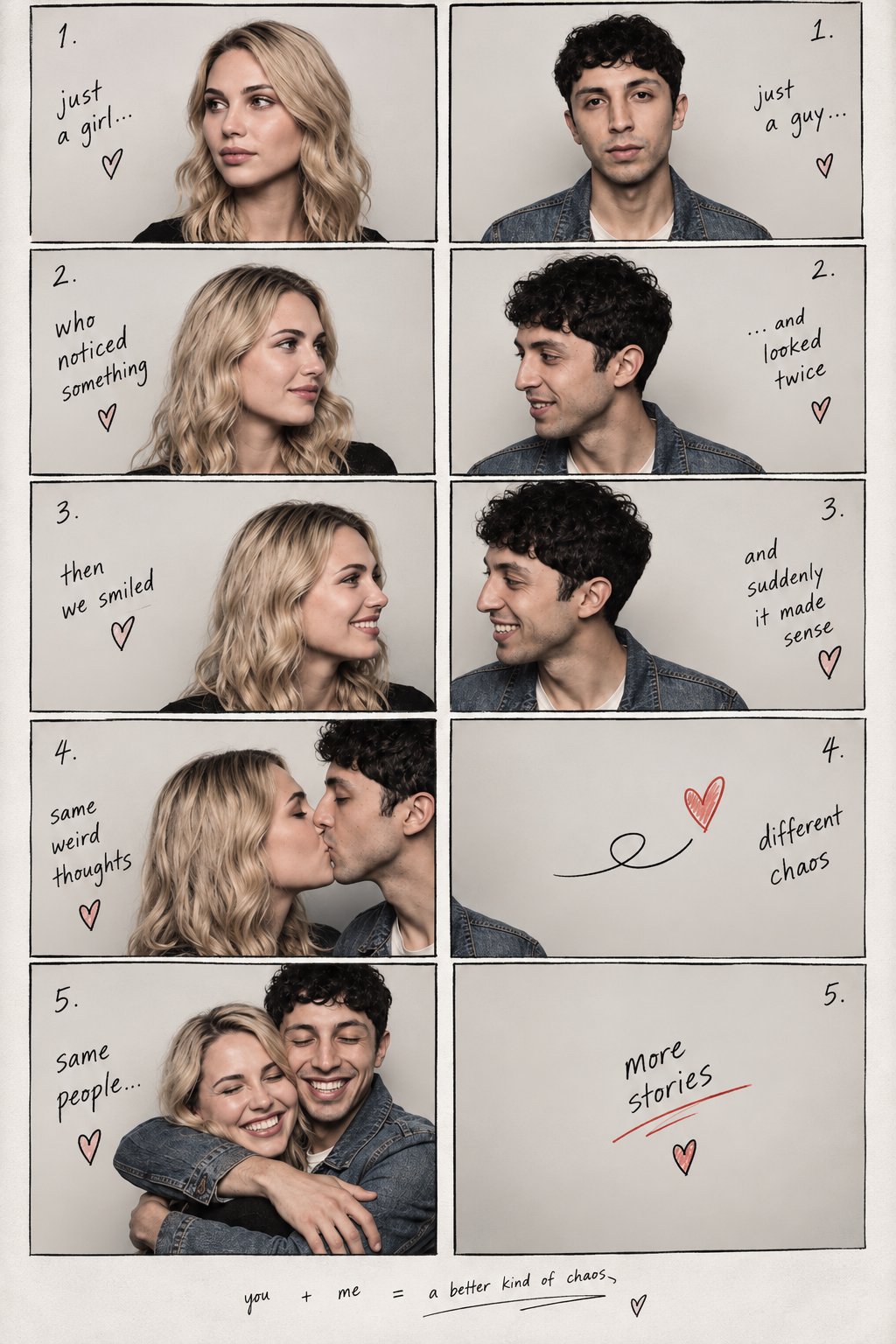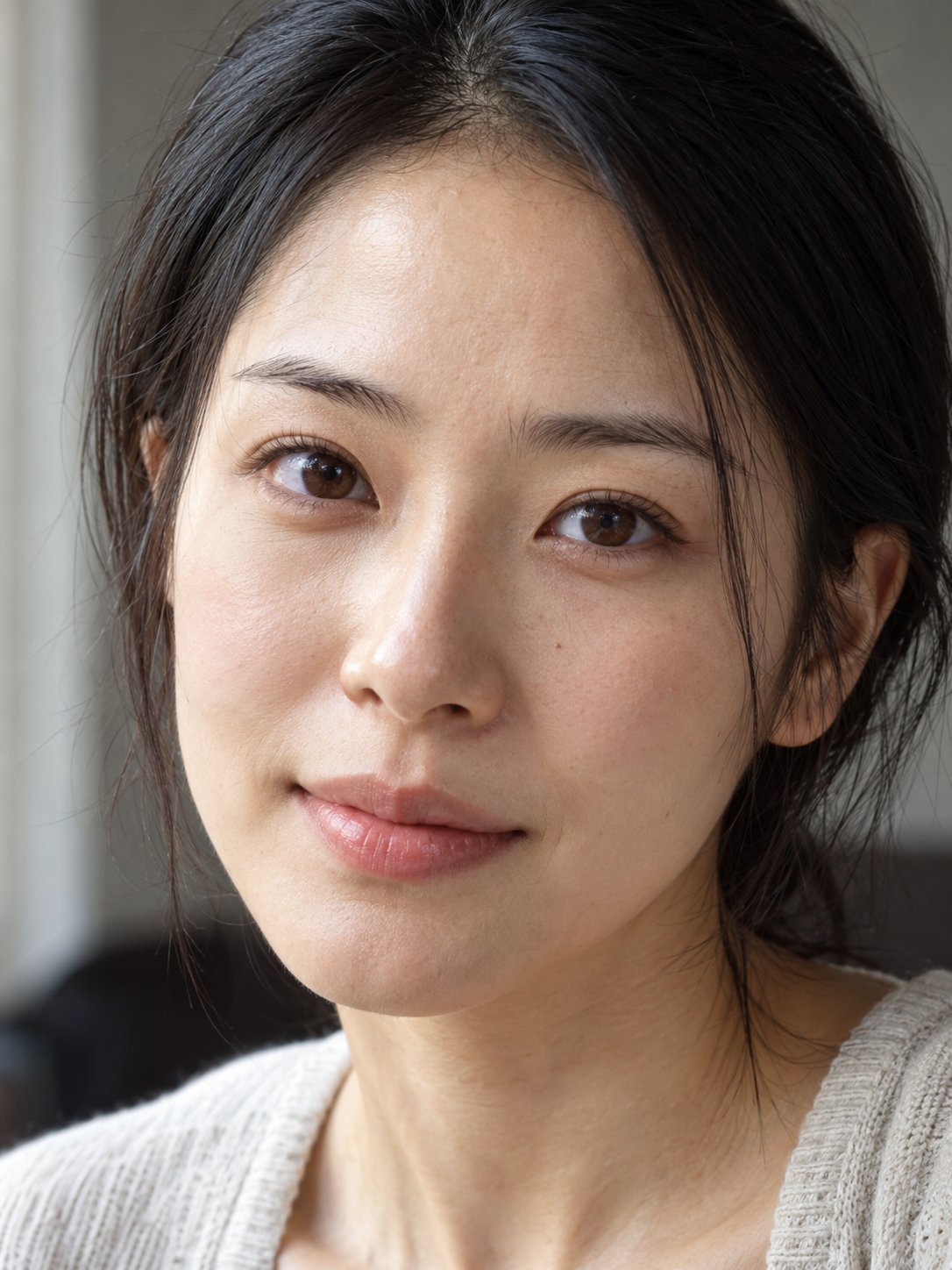
Natural Light Beauty Portrait Close-Up
 GPT Image 2.5OpenAIimage
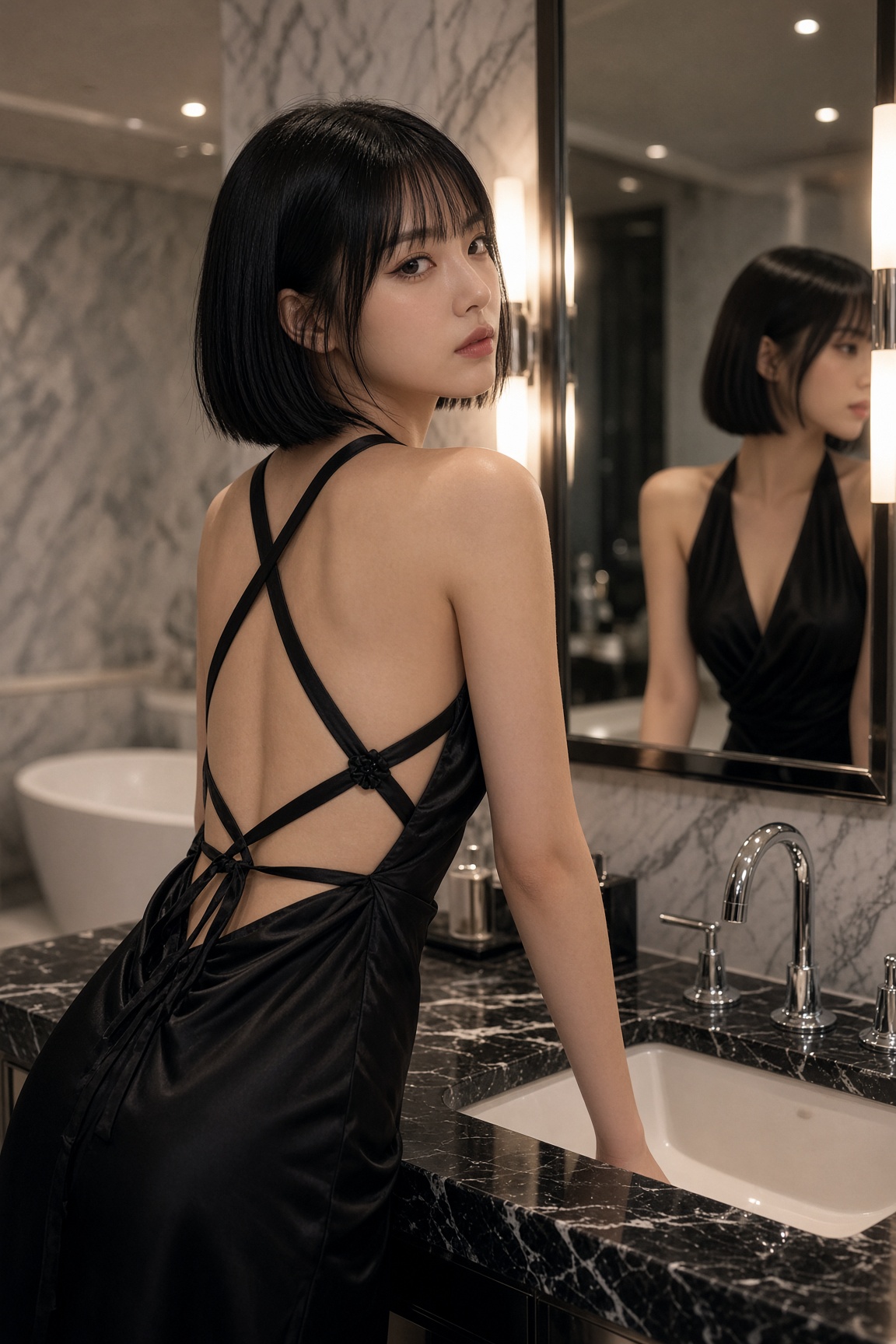
Generate a highly photorealistic high-definition facial close-up, presenting a natural beauty photo taken by a professional portrait photographer in a real environment. [Subject] An East Asian woman around 28 years old, with a soft oval face shape, dark brown eyes, a natural nose bridge, and slight differences between the left and right eyebrows. There is a small, natural light-colored mole on the left cheek near the nose. Black hair is loosely tucked behind the ears, light makeup, relaxed expression, and a calm gaze. [Composition] Vertical 3:4 aspect ratio, eye-level angle, face occupying about 75% of the frame. Keep the full forehead, chin, and a small amount of neck. The subject's head is slightly turned, with both eyes naturally looking toward the camera. [Photography] Simulate a full-frame 85mm portrait lens at f/4 aperture. Both eyes are sharp, the nose bridge and cheeks have believable detail, and the hair at the sides of the ears gradually softens. Natural lens perspective. [Lighting] A large soft light window is located about 45 degrees to the front left of the subject, with soft natural daylight illuminating the face. There is weak indoor reflected fill light on the right side. Subtle shadows are preserved around the sides of the nose, cheekbones, and eye sockets, with coordinated and consistent light direction. [Realistic skin] Preserve real and varied skin texture on the forehead and cheeks, small pores near the nose, slight under-eye lines, and natural fine lines on the lips. There are subtle uneven variations in skin tone. The forehead and nose tip have moderate natural highlights, without oily plastic reflections. [Imaging] Natural white balance, restrained color correction and local sharpening, believable photographic dynamic range. Overall delicate and natural. No skin-smoothing filters, exaggerated symmetry, excessive HDR, artificially drawn-looking skin noise, or digital CG effects. No text, no watermark.
Details
- Type
- AI Image Prompts
- Aspect Ratio
- 3:4
- Updated
- Oct 20, 2026
How to use this prompt
- 1Copy the full prompt with the copy button above.
- 2Open GPT Image 2.5 by OpenAI, or any image generator with a similar style range.
- 3Paste the prompt, then swap the subject and style keywords to match your idea.
- 4Match the example's settings (3:4 · Realistic · Portrait), then iterate — small wording changes shift the output a lot.
Frequently asked questions
Which AI model generated this image?
This image was generated with GPT Image 2.5 by OpenAI. The prompt on this page is the exact text used to create it.
What settings does this prompt use?
The example was generated with GPT Image 2.5 using: 3:4 · Realistic · Portrait. Reusing these settings gives the closest match.
How do I get similar results?
Copy the prompt as-is first, then replace only the subject while keeping the style, lighting, and composition keywords. Generate a few variations — outputs differ between runs.
Can I modify this prompt?
Yes. Prompts work best as starting points — adjust descriptors, aspect ratio, or style tags to make the output your own.