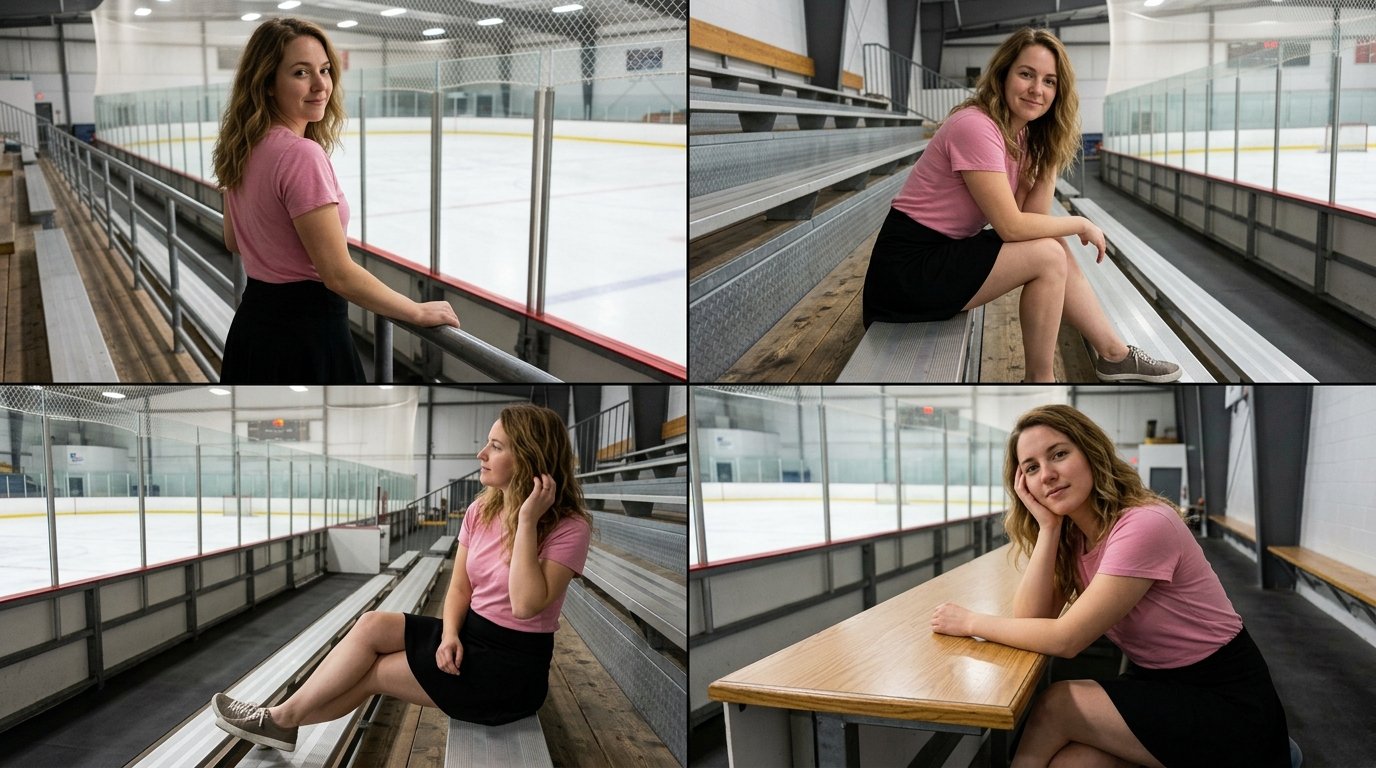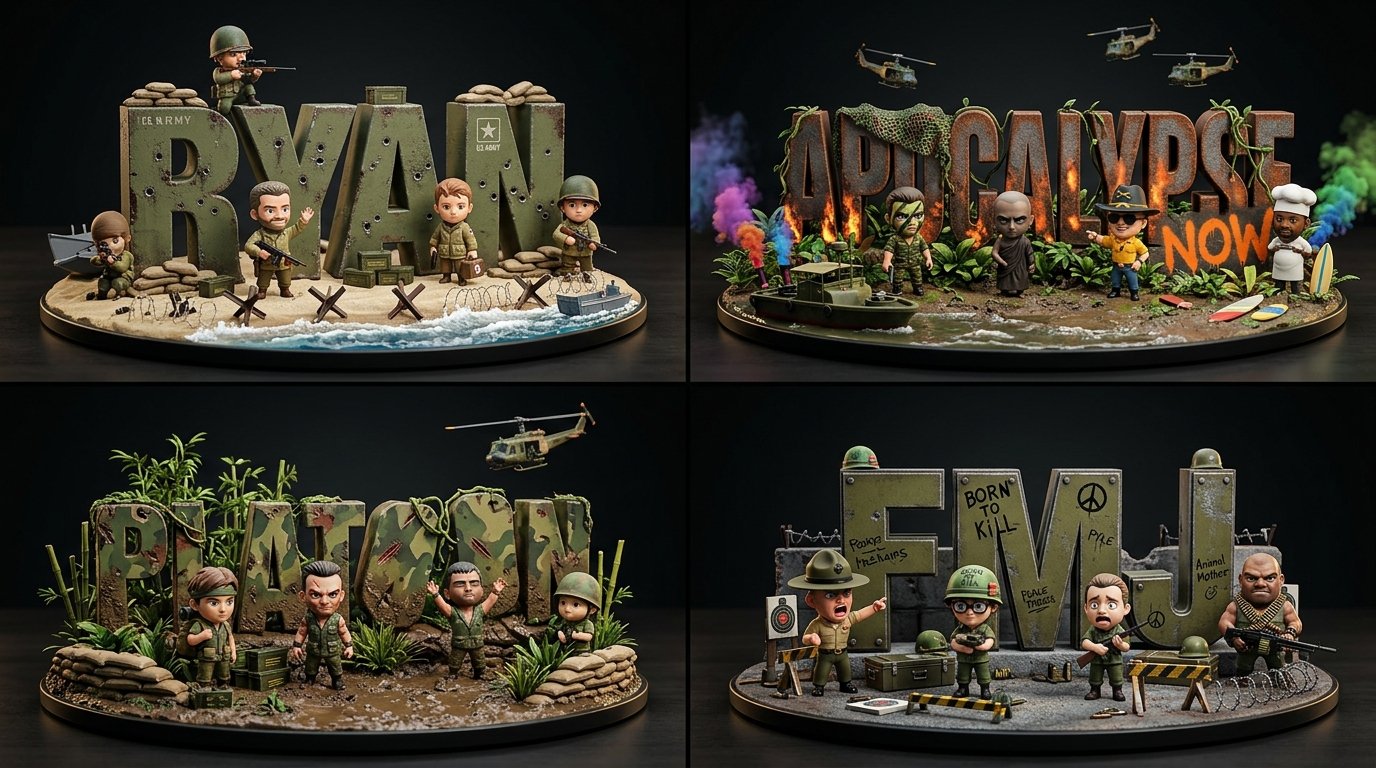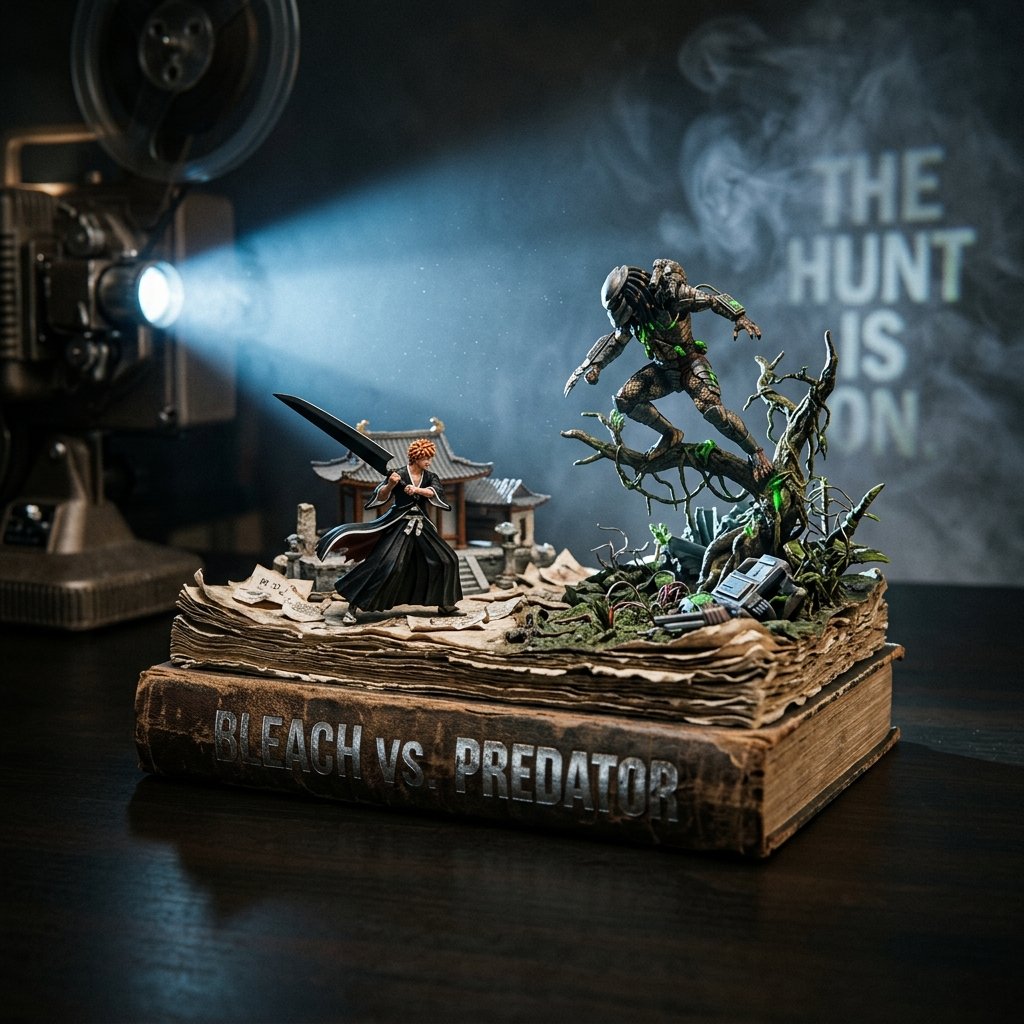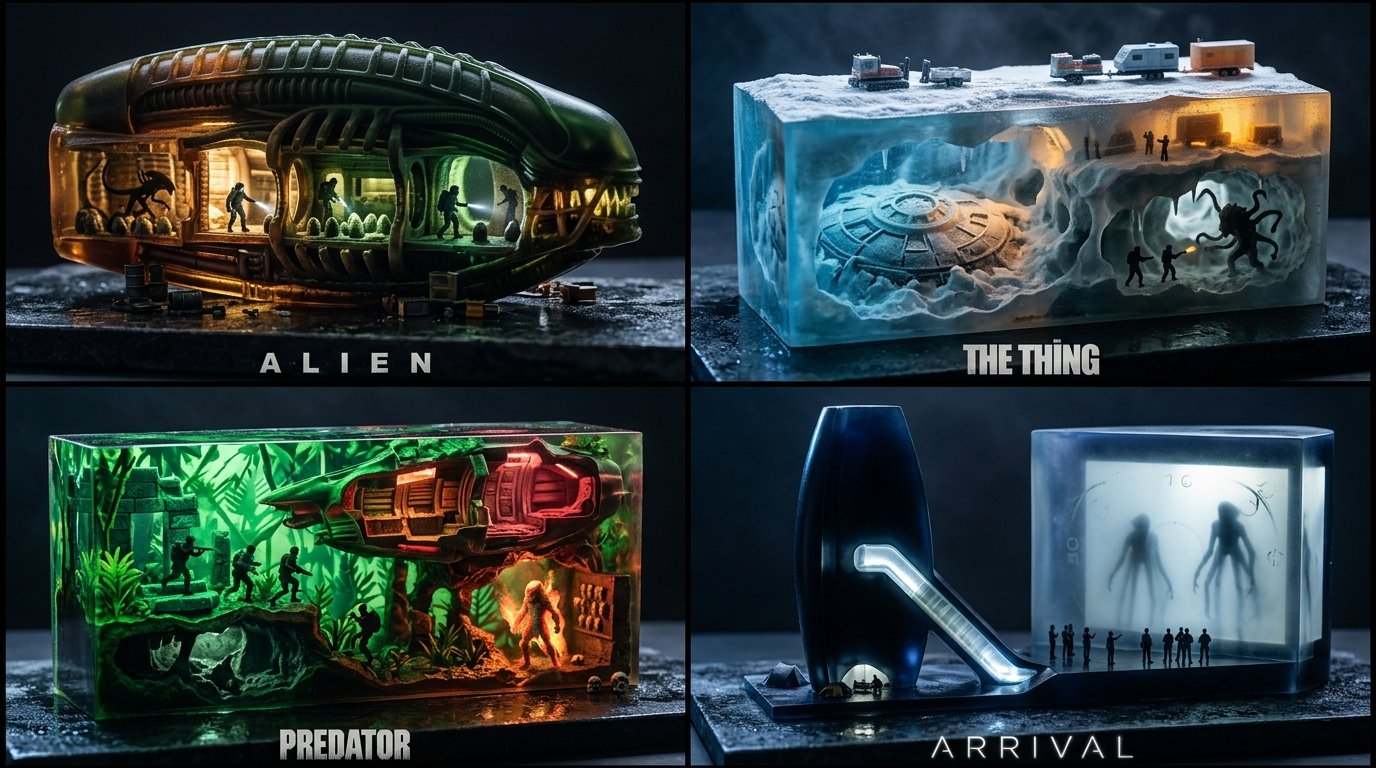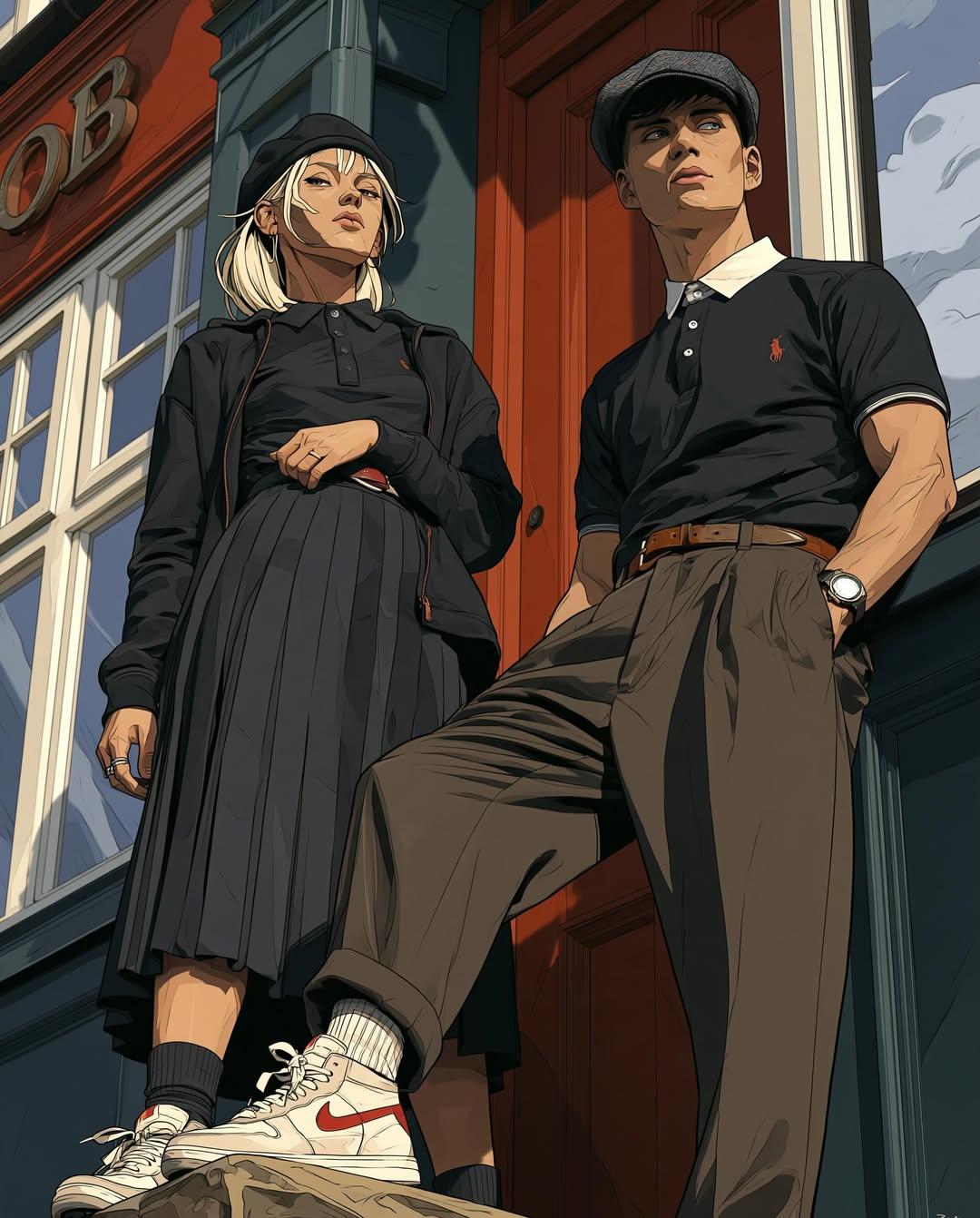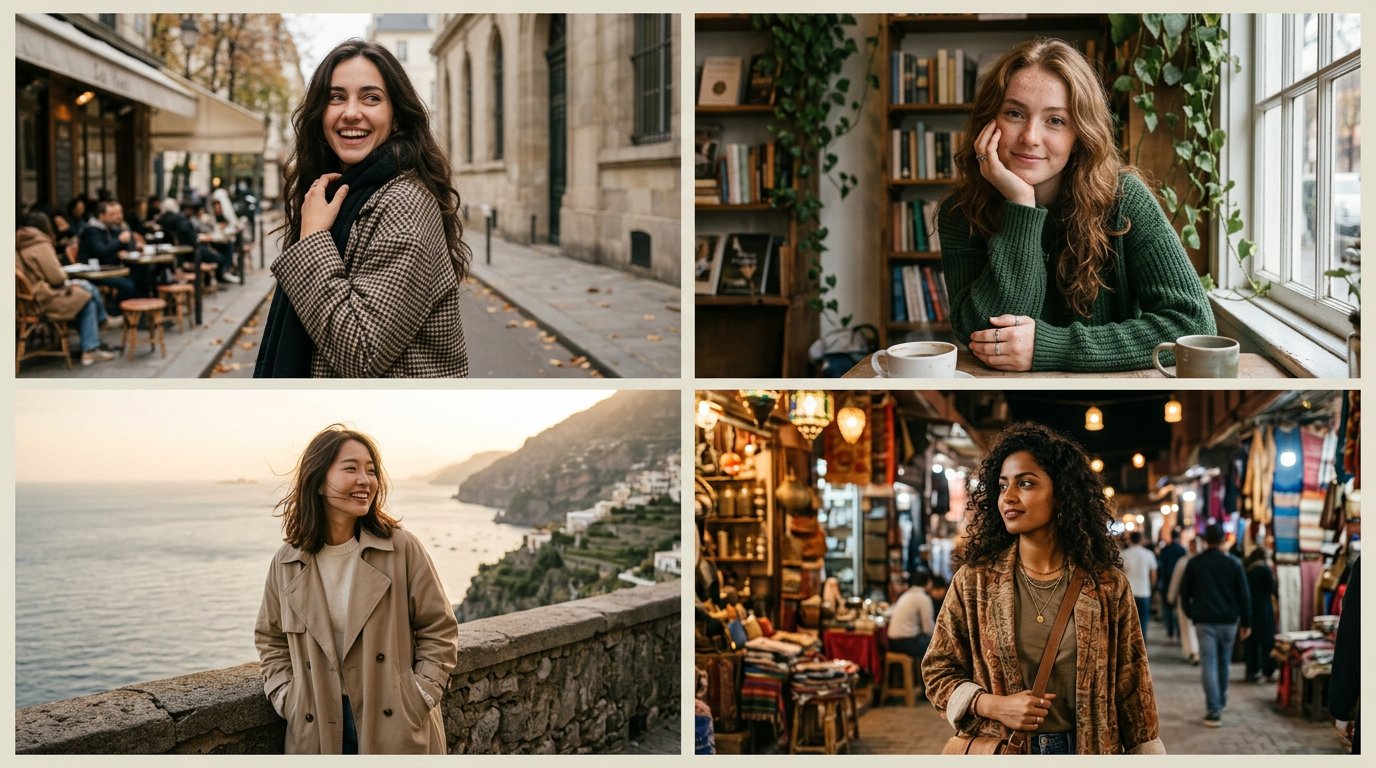
Marble Editorial Influencer Grid

2x2 grid, 16:9, do this for 4 young female influencers in very different settings and heart stealing poses class MarbleEditorial: def __init__(self, SUBJECT, SETTING): s = infer(SUBJECT, SETTING) self.s = s assert tasteful_coverage(s.styling) and adult(s.subject), "E₂: coverage gate" # resolved pre‑render def render(self): return capture( styling=self.s.styling, scene=self.s.scene, pose=self.s.pose, light=window_key(cam_right=True, fill_ev=-1.0, neg_fill=cam_left, polarizer=marble_glare), # E₃ camera=Camera(lens=50, f=3.2, height_m=1.15, wb=5600), # E₄ frame=square_1to1(full_body_env=True, verticals=True, headroom=0.05, no_cut_joints=True), grade=matte_blacks(toe=0.05, skin_peak=0.92) ) def verify(self, img): assert one_language(img, self.s.concept) and not cluttered(img), "E₁" assert coverage_held(img) and not any(negative_list(img)), "E₂: hard gates" assert shadow_direction(img)==cam_right and skin_peak(img)<=0.92 \ and 0.04<=shadow_floor(img)<=0.06 and marble_glare_tamed(img), "E₃" assert verticals_straight(img) and headroom(img)≈0.05 and aspect(img)==(1,1) \ and not cut_joints(img), "E₄" assert pose_geometry(img, self.s.pose) and elegant_hands(img), "E₅" assert fine_grain(img) and natural_skin(img), "η" MarbleEditorial(SUBJECT, SETTING).render()
Details
- Type
- AI Image Prompts
- Aspect Ratio
- 43:24
- Updated
- Oct 13, 2026
How to use this prompt
- 1Copy the full prompt with the copy button above.
- 2Open Nano Banana 2.1 by Google, or any image generator with a similar style range.
- 3Paste the prompt, then swap the subject and style keywords to match your idea.
- 4Match the example's settings (43:24 · Cinematic · Fashion · Portrait), then iterate — small wording changes shift the output a lot.
Frequently asked questions
Which AI model generated this image?
This image was generated with Nano Banana 2.1 by Google. The prompt on this page is the exact text used to create it.
What settings does this prompt use?
The example was generated with Nano Banana 2.1 using: 43:24 · Cinematic · Fashion · Portrait. Reusing these settings gives the closest match.
How do I get similar results?
Copy the prompt as-is first, then replace only the subject while keeping the style, lighting, and composition keywords. Generate a few variations — outputs differ between runs.
Can I modify this prompt?
Yes. Prompts work best as starting points — adjust descriptors, aspect ratio, or style tags to make the output your own.