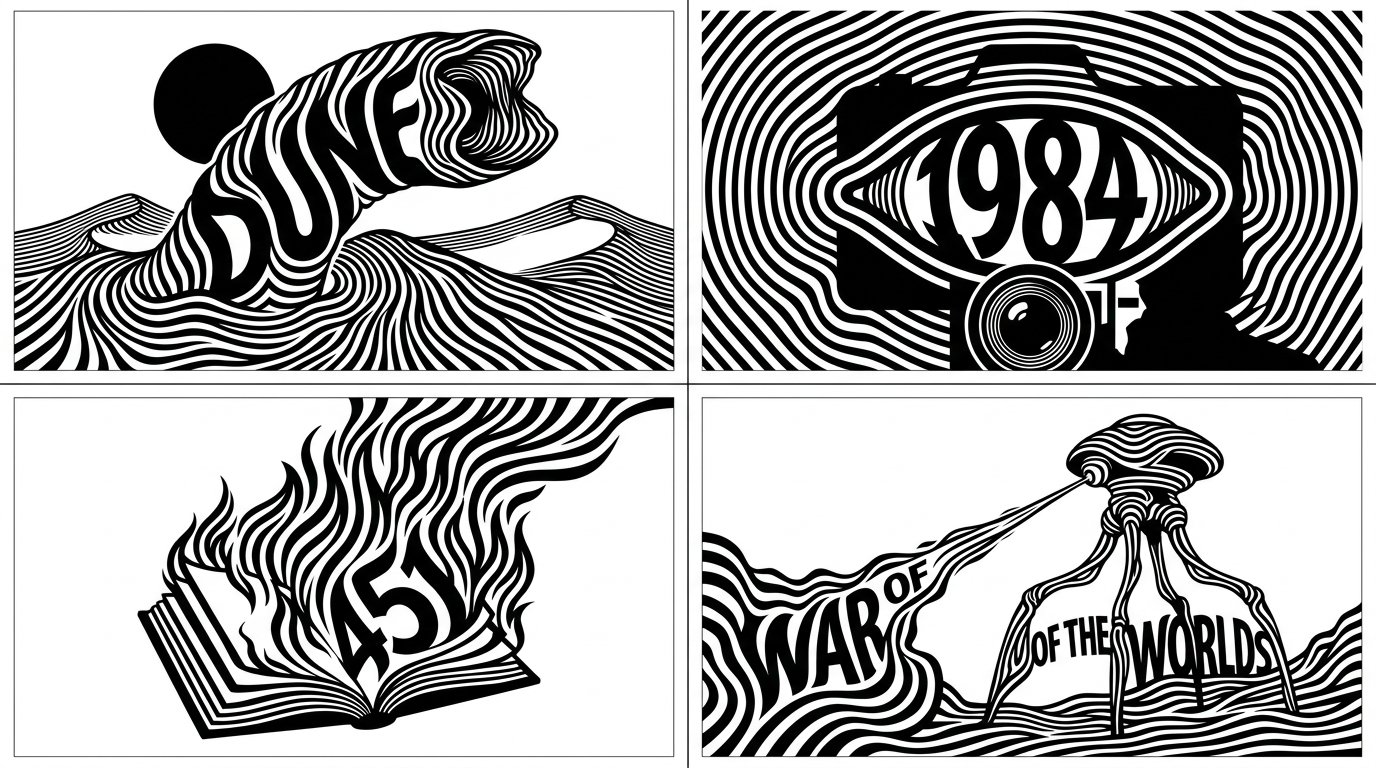
광학 스트라이프 타이포그래피 SF 북 엠블럼

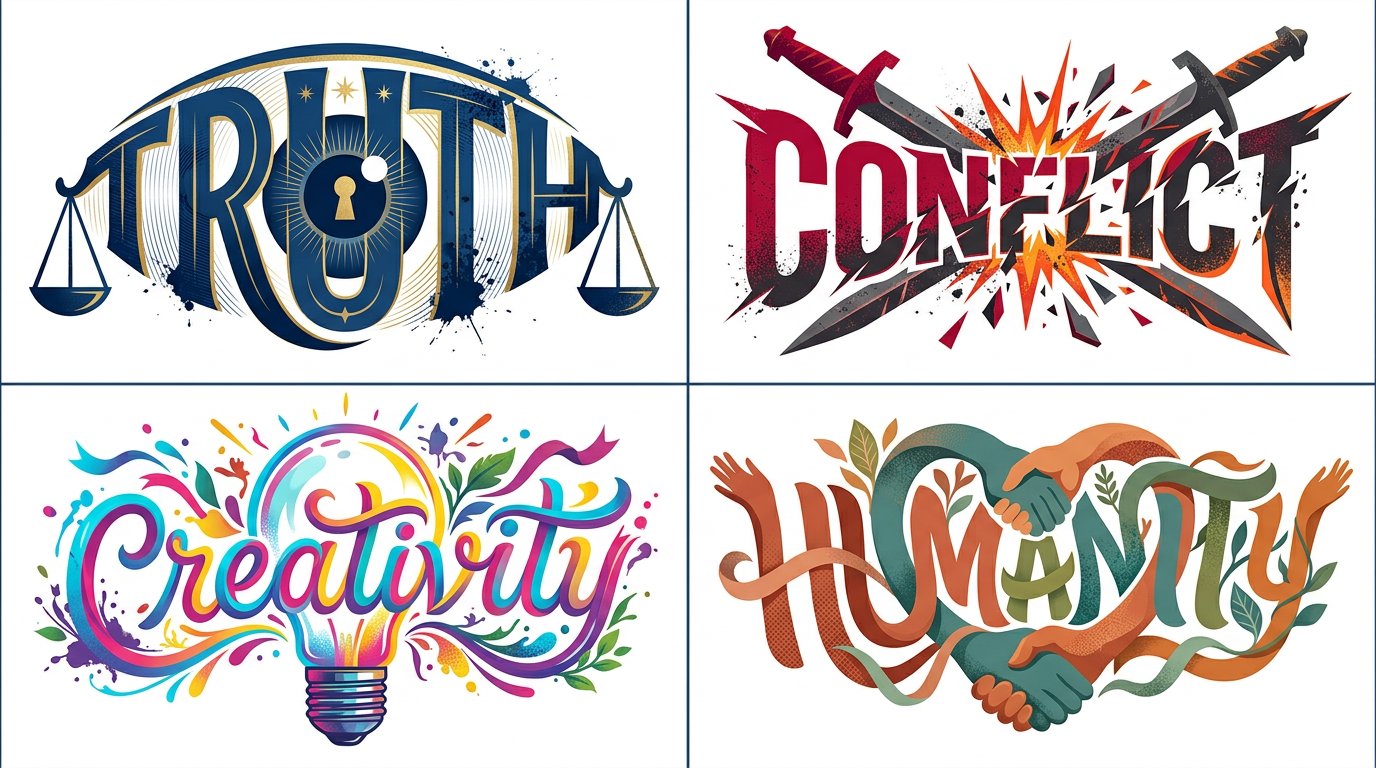
2x2 그리드, 16:9, 4편의 유명한 SF 책에 대해 이걸 해줘 class OpticalStripeTypographicSilhouette: def __init__(self, topic): self.topic = topic self.word = derive_short_display_word(topic) self.silhouette = infer_iconic_silhouette(topic) self.stripe_map = infer_contour_stripe_paths(topic, self.silhouette) self.typography = integrate_word_into_body(self.word, self.silhouette) self.negative_space = solve_white_space_for_readability(topic) def silhouette_system(self): return { "subject": self.silhouette, "style": "평면 흑백 벡터 실루엣", "recognition": "썸네일 크기에서 즉시 인식" } def stripe_system(self): return { "paths": self.stripe_map, "behavior": "형태를 묘사하는 흐르는 윤곽 띠", "palette": "흰 바탕 위 검은 줄무늬", "texture": "없음, 순수 그래픽 잉크" } def word_system(self): return { "text": self.word, "integration": "네거티브 스페이스를 통해 실루엣 내부에 삽입", "readability": "명확하지만 발견되는" } def render(self): return """ 깔끔한 옵티컬 타이포그래픽 엠블럼으로 렌더링: 상징적 실루엣, 흐르는 윤곽 줄무늬, 숨겨진 읽을 수 있는 단어, 순수한 흰색 위 검은 잉크. """
상세 정보
- 종횡비
- 43:24
- 업데이트
- 2026. 10. 13.
이 프롬프트 사용 방법
- 1위의 복사 버튼으로 프롬프트 전문을 복사하세요.
- 2Google의 Nano Banana 2.1 또는 비슷한 스타일을 지원하는 이미지 생성 도구를 엽니다.
- 3프롬프트를 붙여넣고, 피사체와 스타일 키워드를 원하는 내용으로 바꿉니다.
- 4예시의 설정(43:24 · Vector · Poster · Sci-Fi)에 맞춰 생성한 뒤 조금씩 다듬으세요——작은 표현 차이가 결과를 크게 바꿉니다.
자주 묻는 질문
이 이미지는 어떤 AI 모델로 생성되었나요?
이 이미지는 Google의 Nano Banana 2.1로 생성되었습니다. 페이지의 프롬프트가 생성에 사용된 원문 그대로입니다.
이 프롬프트는 어떤 설정을 사용하나요?
예시는 Nano Banana 2.1에서 다음 설정으로 생성되었습니다: 43:24 · Vector · Poster · Sci-Fi. 같은 설정을 사용하면 가장 비슷한 결과를 얻을 수 있습니다.
비슷한 결과를 얻으려면 어떻게 하나요?
먼저 프롬프트를 그대로 복사한 뒤, 스타일·조명·구도 키워드는 유지하고 피사체만 바꿔보세요. 출력은 매번 달라지므로 여러 번 생성해 고르는 것이 좋습니다.
이 프롬프트를 수정해도 되나요?
물론입니다. 프롬프트는 출발점으로 쓸 때 가장 효과적입니다——묘사어, 화면 비율, 스타일 태그를 조정해 나만의 작품을 만들어 보세요.
![두 부분으로 구성된 비주얼 컴포지션을 특징으로 하는 프리미엄 에디토리얼 포스터를 제작하세요. 상단 절반은 [SETTING] 속 [SUBJECT]의 사실적인 사진으로, 따뜻한 자연 — AI image prompt — Nano Banana 2.1](https://cdn.ahaprompt.app/harvest-media/import-1792333819730-vnl0ur.jpg)