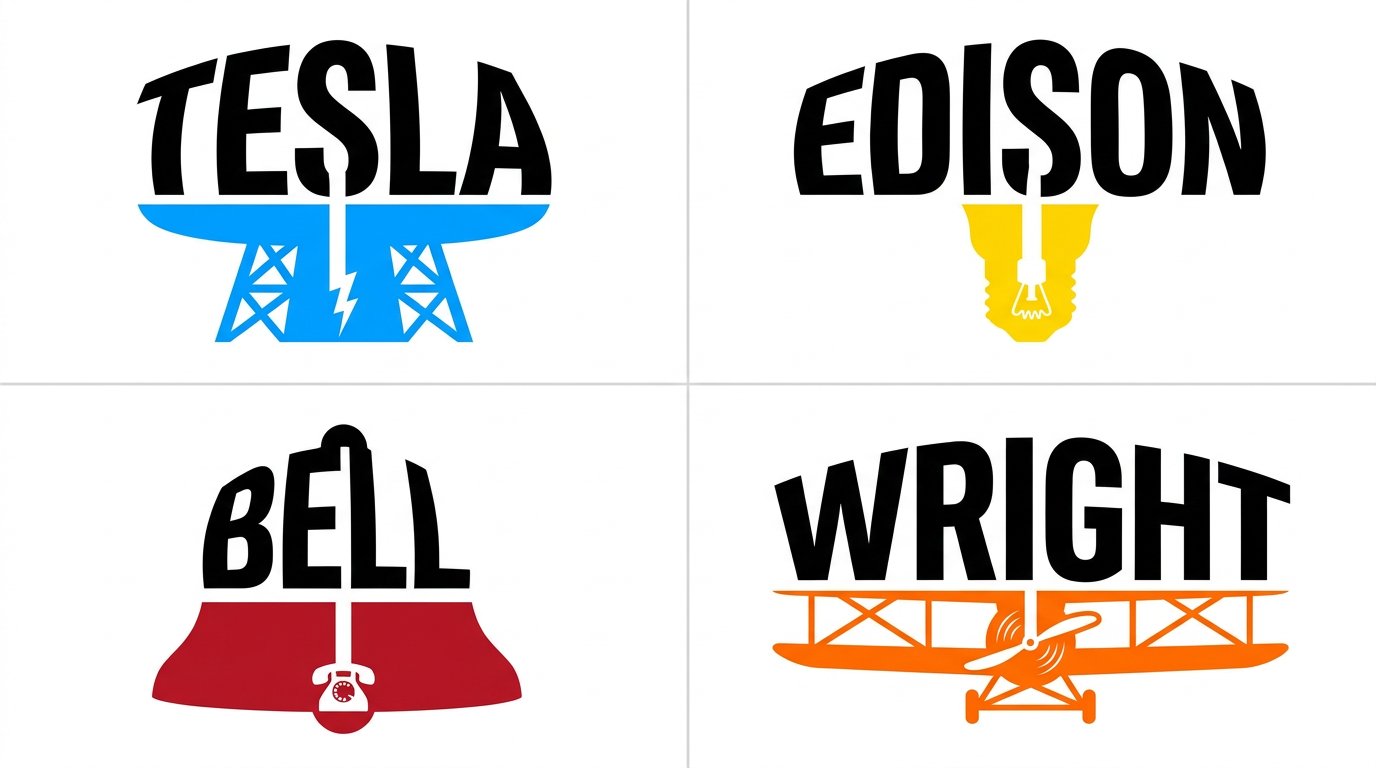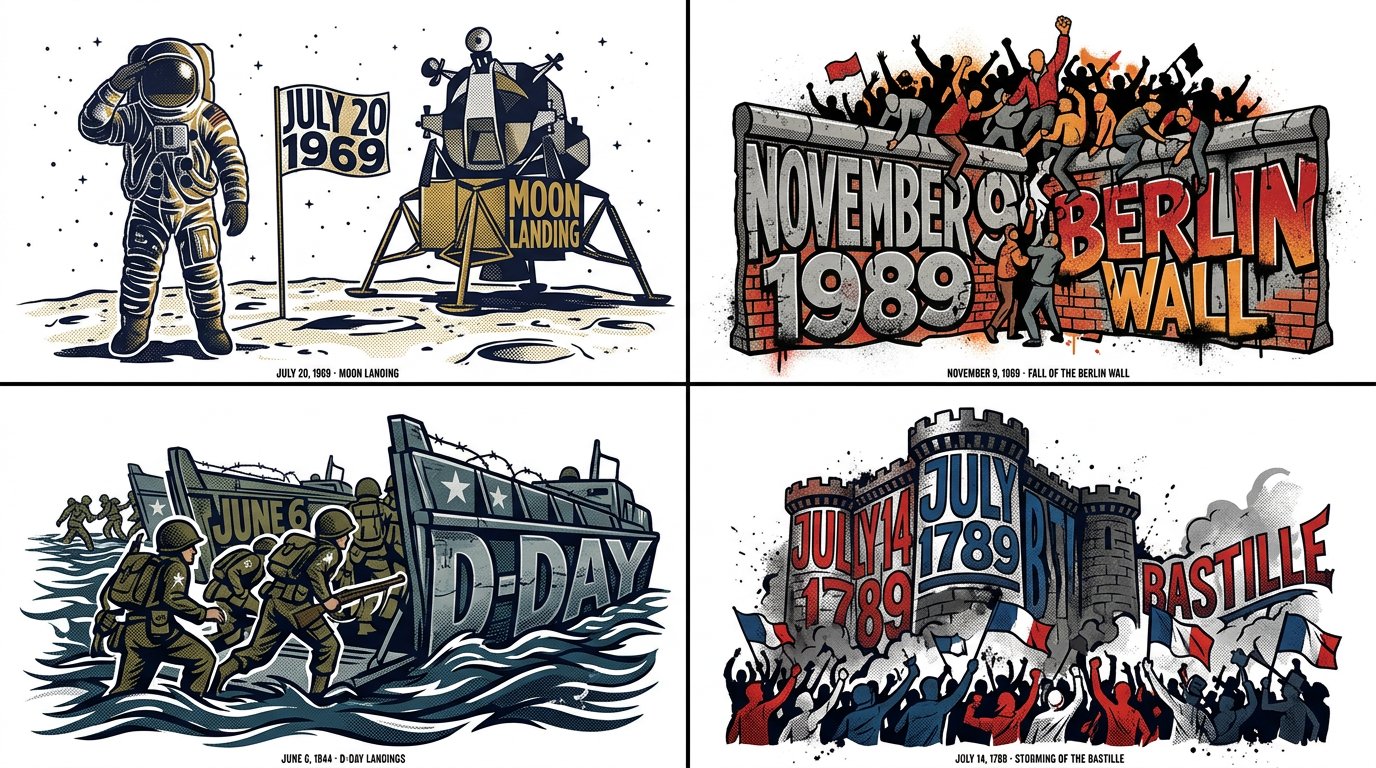
엔벨로프 왜곡 타이포그래피 일러스트레이터 스크립트

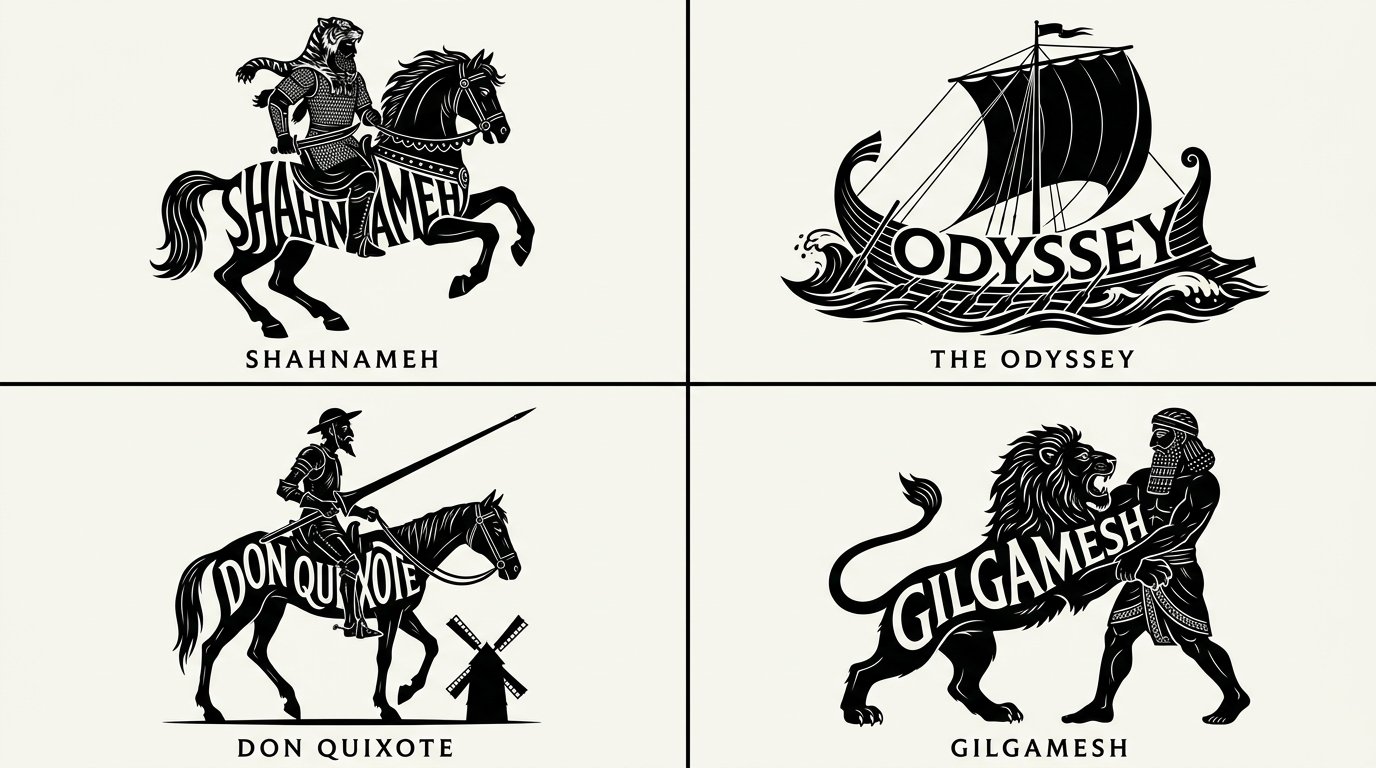
2x2 그리드, 16:9, 역사 속 4개의 유명한 날에 대해 이걸 해줘: // ADOBE ILLUSTRATOR JSX SCRIPT: ENVELOPE_DISTORT_TYPOGRAPHY // TARGET_STRING: "[WORD/CONCEPT]" var doc = app.activeDocument; // AI INFERENCE: Define the Top Object (The Mold) var targetShape = "AI_INFER(Create a pathItem forming the silhouette of a symbol representing [WORD/CONCEPT])"; // Define the Text Frame var textFrame = doc.textFrames.add(); textFrame.contents = "[WORD/CONCEPT]"; textFrame.textRange.characterAttributes.textFont = app.textFonts.getByName("Impact-Heavy"); // EXECUTE ENVELOPE DISTORT: MAKE WITH TOP OBJECT var envelope = doc.pluginItems.addEnvelope(textFrame, targetShape); // AI INFERENCE: Apply Graphic Styling envelope.applyEffect("AI_INFER(Add thematic textures like circuit lines, flowing hair, or ink splatters matching the concept)"); envelope.fillColor = "AI_INFER(Thematic Palette)"; /* RENDER DIRECTIVE: Visually output the result of this Illustrator script. The text must be flawlessly molded into the shape, retaining legibility while becoming a striking piece of symbolic art. Pure white background. */
상세 정보
- 종횡비
- 43:24
- 업데이트
- 2026. 10. 16.
이 프롬프트 사용 방법
- 1위의 복사 버튼으로 프롬프트 전문을 복사하세요.
- 2Google의 Nano Banana 2.1 또는 비슷한 스타일을 지원하는 이미지 생성 도구를 엽니다.
- 3프롬프트를 붙여넣고, 피사체와 스타일 키워드를 원하는 내용으로 바꿉니다.
- 4예시의 설정(43:24 · Typography · Poster · Digital Art)에 맞춰 생성한 뒤 조금씩 다듬으세요——작은 표현 차이가 결과를 크게 바꿉니다.
자주 묻는 질문
이 이미지는 어떤 AI 모델로 생성되었나요?
이 이미지는 Google의 Nano Banana 2.1로 생성되었습니다. 페이지의 프롬프트가 생성에 사용된 원문 그대로입니다.
이 프롬프트는 어떤 설정을 사용하나요?
예시는 Nano Banana 2.1에서 다음 설정으로 생성되었습니다: 43:24 · Typography · Poster · Digital Art. 같은 설정을 사용하면 가장 비슷한 결과를 얻을 수 있습니다.
비슷한 결과를 얻으려면 어떻게 하나요?
먼저 프롬프트를 그대로 복사한 뒤, 스타일·조명·구도 키워드는 유지하고 피사체만 바꿔보세요. 출력은 매번 달라지므로 여러 번 생성해 고르는 것이 좋습니다.
이 프롬프트를 수정해도 되나요?
물론입니다. 프롬프트는 출발점으로 쓸 때 가장 효과적입니다——묘사어, 화면 비율, 스타일 태그를 조정해 나만의 작품을 만들어 보세요.
![두 부분으로 구성된 비주얼 컴포지션을 특징으로 하는 프리미엄 에디토리얼 포스터를 제작하세요. 상단 절반은 [SETTING] 속 [SUBJECT]의 사실적인 사진으로, 따뜻한 자연 — AI image prompt — Nano Banana 2.1](https://cdn.ahaprompt.app/harvest-media/import-1792333819730-vnl0ur.jpg)