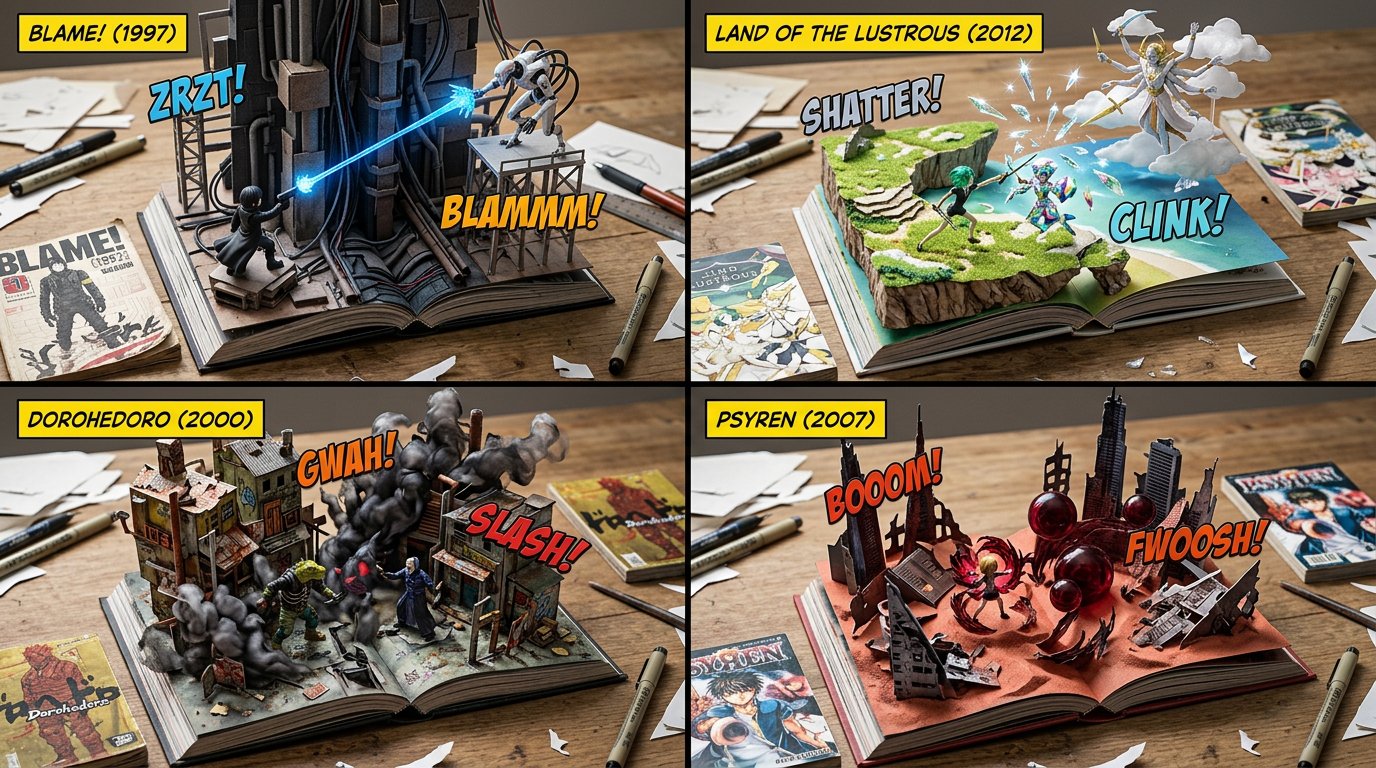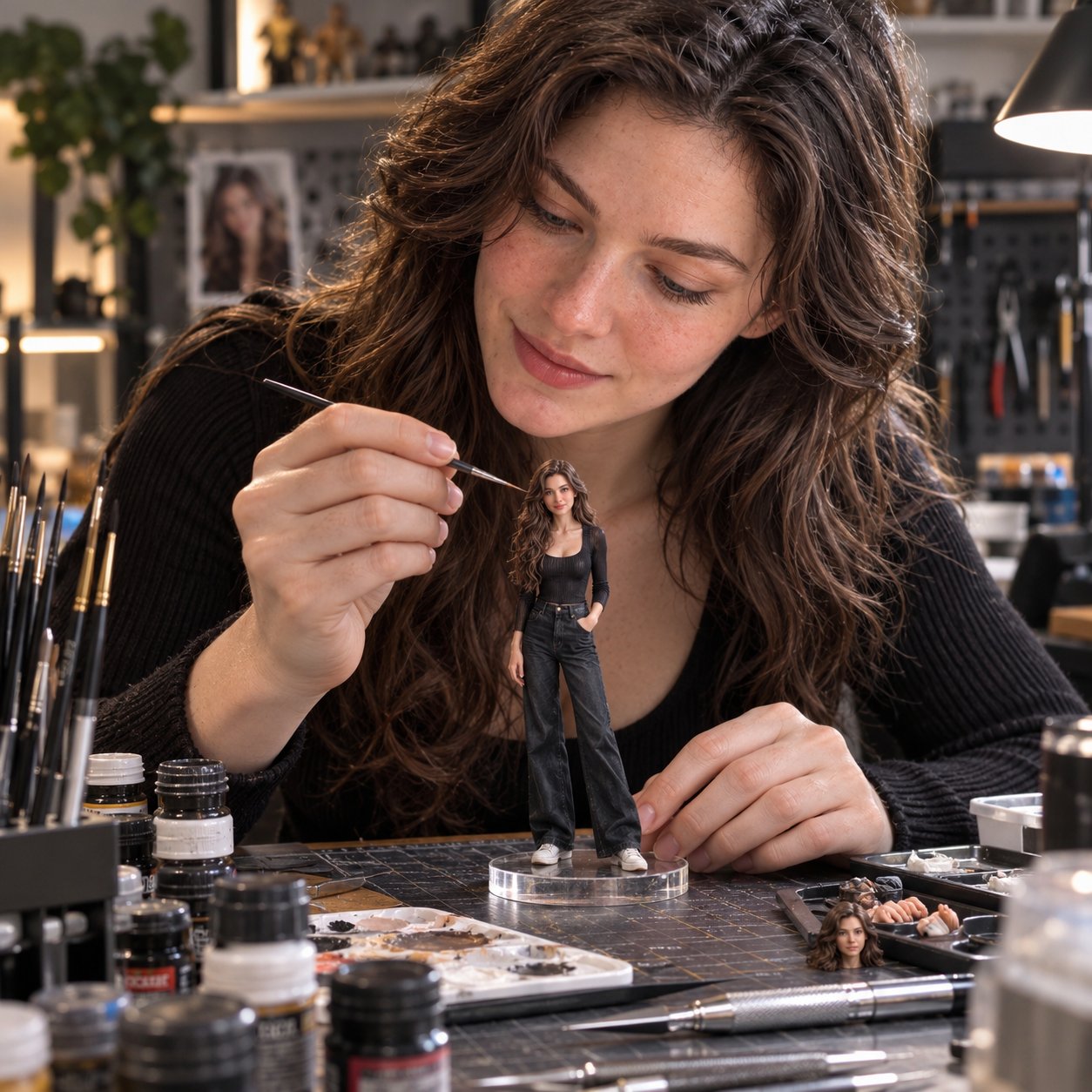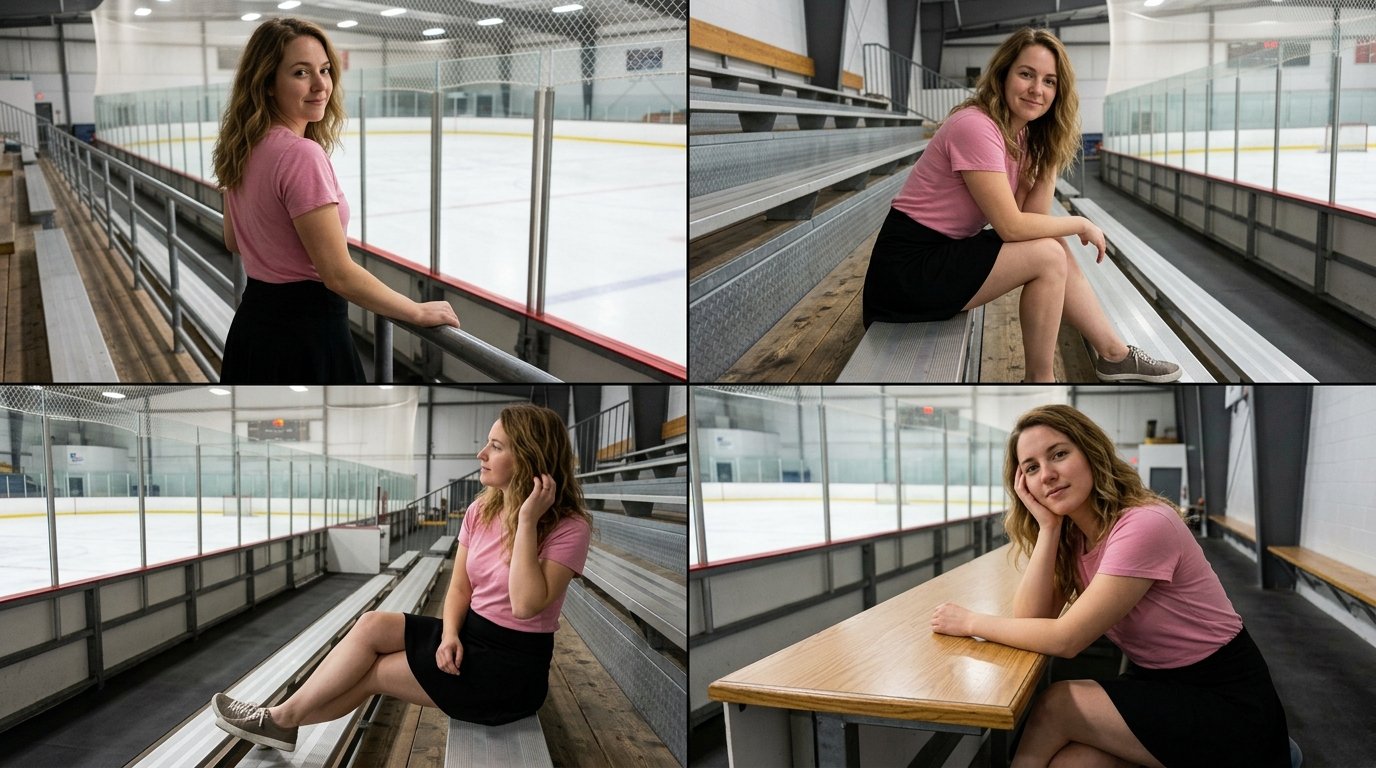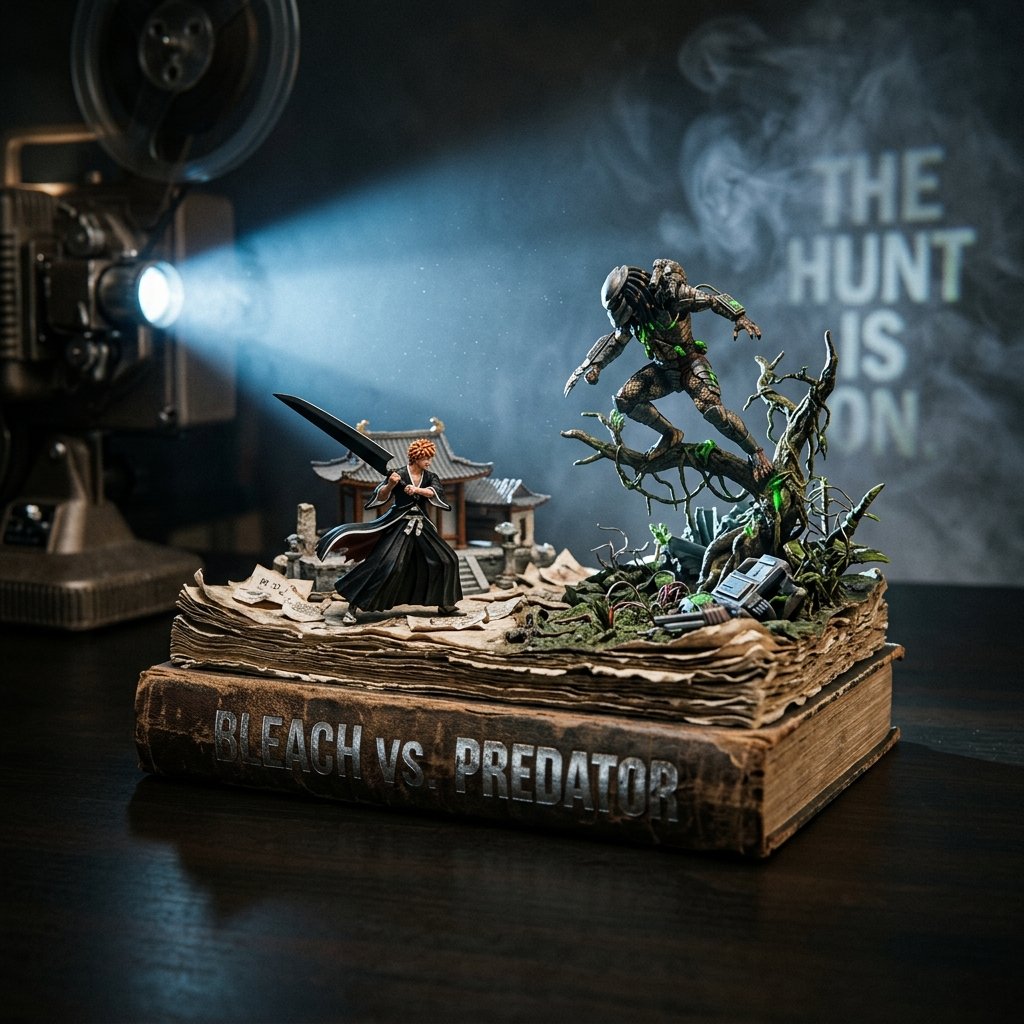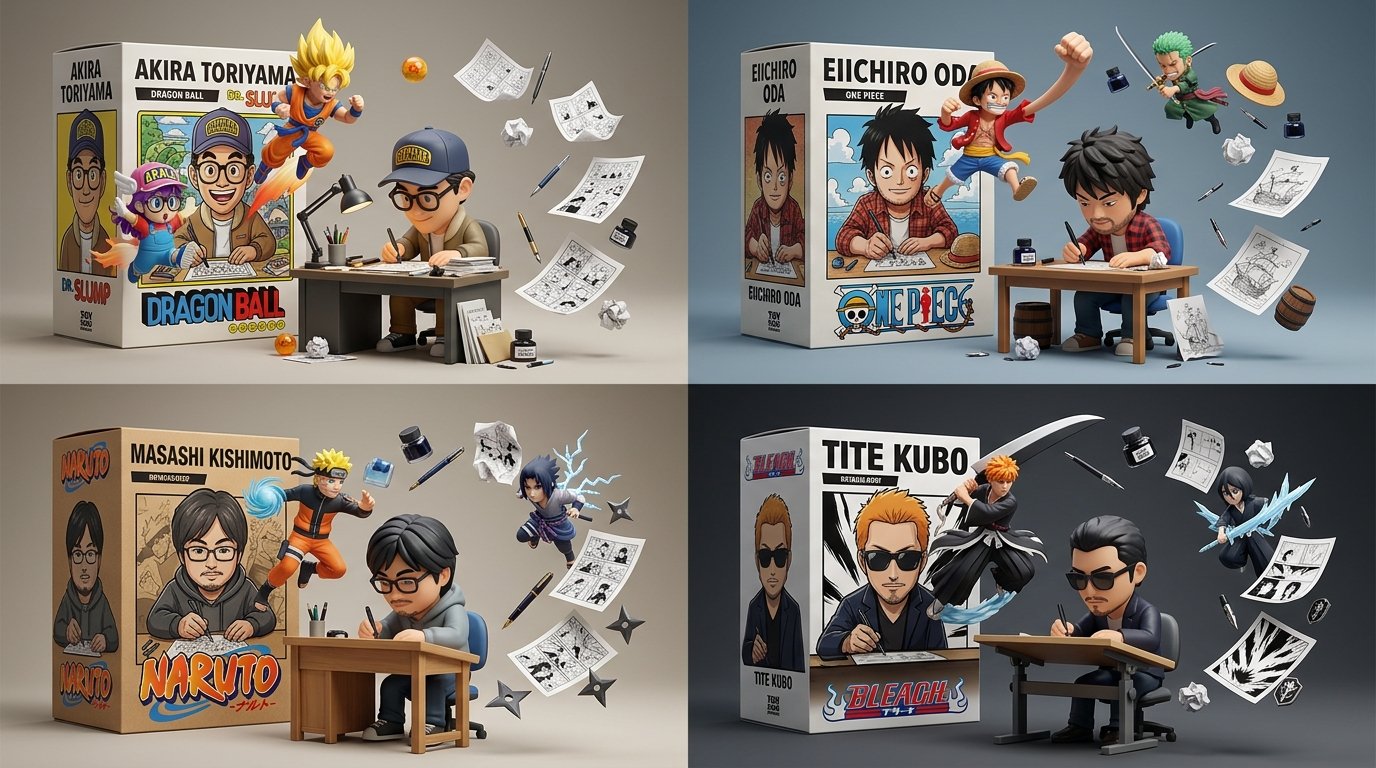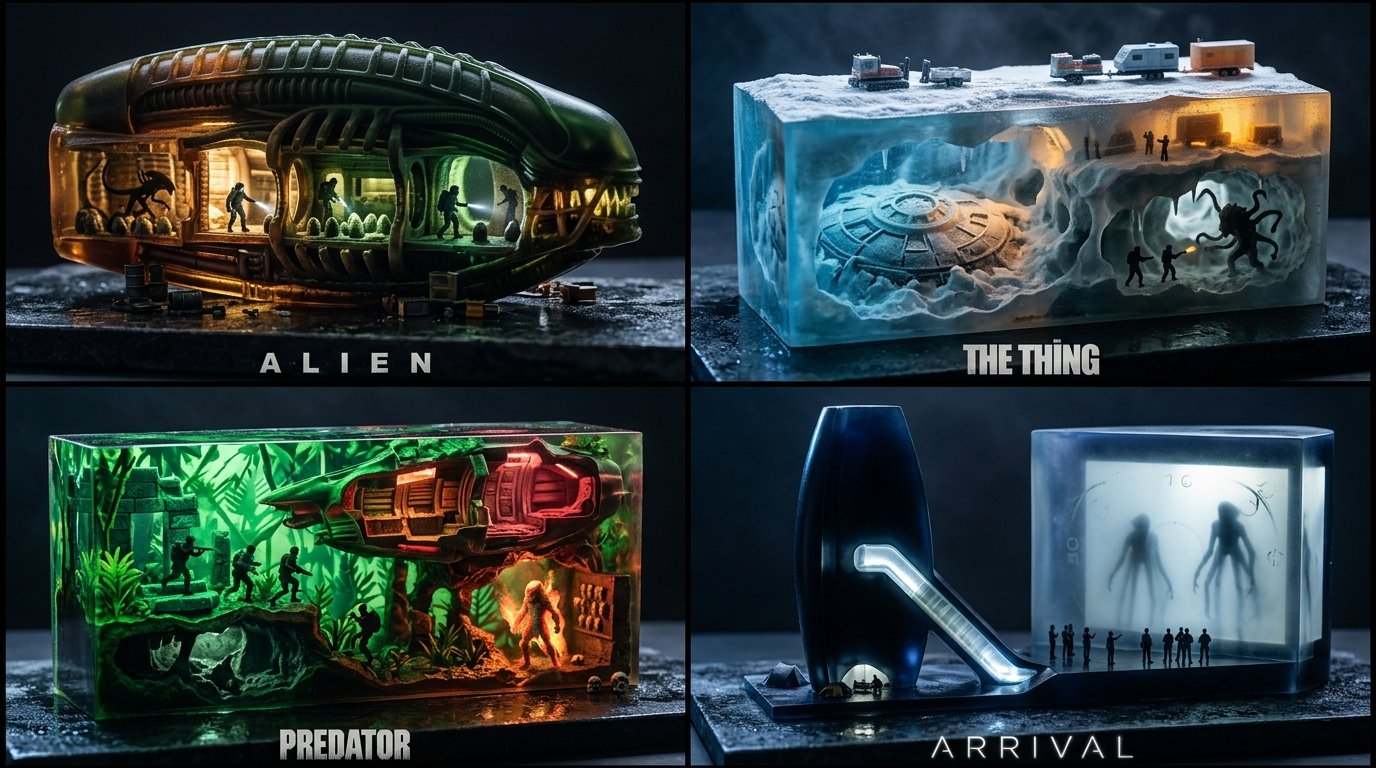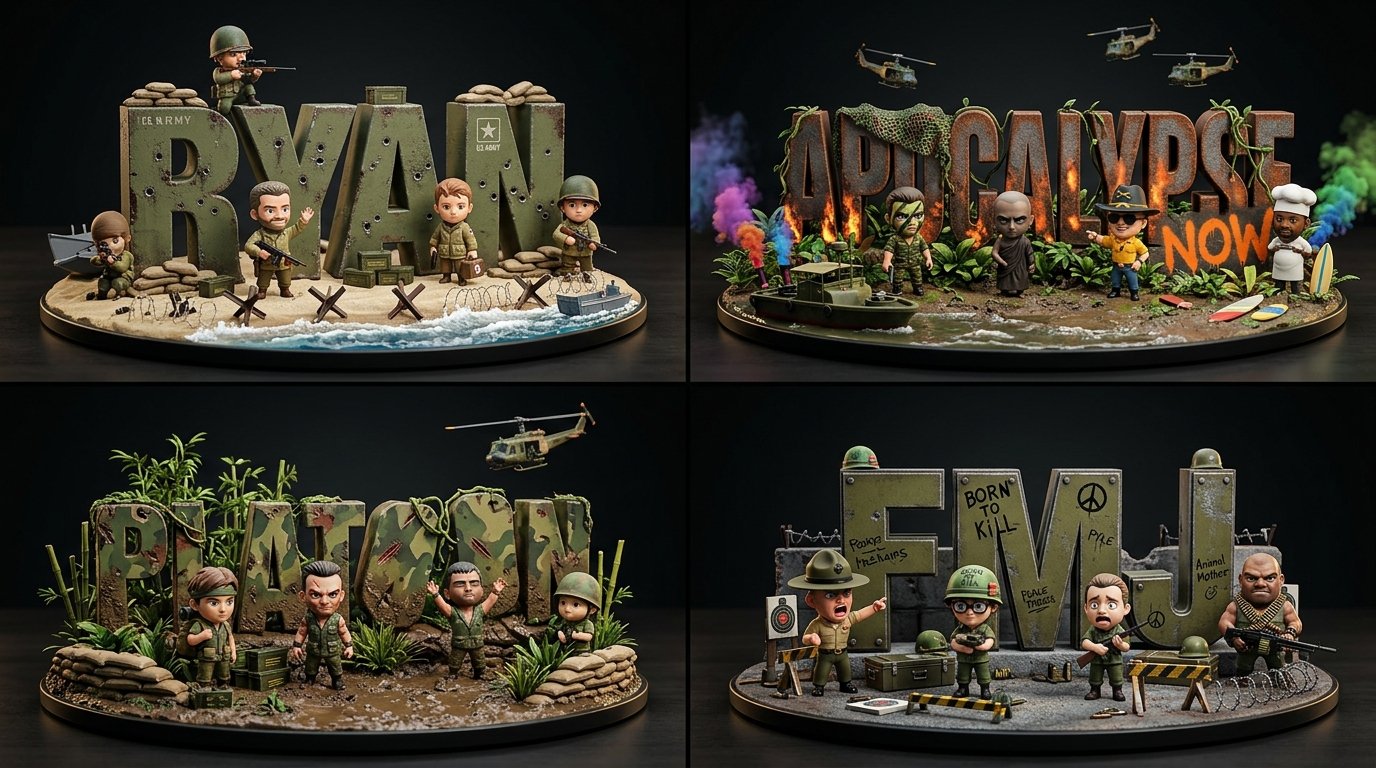
치비 전쟁영화 워드 디오라마

2x2 그리드, 16:9, 유명한 전쟁 영화 4편에 대해 이렇게 해줘: class ChibiWordCrewDiorama: def __init__(self, topic): self.topic = topic self.word = derive_short_display_word(topic) self.crew = infer_topic_archetypes( topic, count="adaptive 3..7" ) self.letter_material = infer_material_dna(topic) self.palette = infer_color_palette(topic) self.props = infer_miniature_props(topic) self.wardrobe = infer_collectible_outfits(topic) self.poses = infer_playful_interactions(topic) def typography(self): return { "text": self.word, "form": "oversized freestanding block letters", "material": self.letter_material, "surface": "topic-derived wear, stickers, paint, dents, patches, seams, marks" } def figures(self): return [ { "role": archetype, "pose": infer_pose_for_role(archetype), "outfit": infer_outfit_for_role(archetype, self.topic), "prop": infer_prop_for_role(archetype, self.topic), "expression": infer_expression_for_role(archetype) } for archetype in self.crew ] def render(self): return """ Render as a premium chibi collectible word-diorama: oversized tactile typography, cute expressive crew figures, tiny props, dark studio lighting, shallow toy-photography depth. """
상세 정보
- 종횡비
- 43:24
- 업데이트
- 2026. 10. 21.
이 프롬프트 사용 방법
- 1위의 복사 버튼으로 프롬프트 전문을 복사하세요.
- 2Google의 Nano Banana 2.1 또는 비슷한 스타일을 지원하는 이미지 생성 도구를 엽니다.
- 3프롬프트를 붙여넣고, 피사체와 스타일 키워드를 원하는 내용으로 바꿉니다.
- 4예시의 설정(43:24 · Cartoon · Cinematic · 3D Render)에 맞춰 생성한 뒤 조금씩 다듬으세요——작은 표현 차이가 결과를 크게 바꿉니다.
자주 묻는 질문
이 이미지는 어떤 AI 모델로 생성되었나요?
이 이미지는 Google의 Nano Banana 2.1로 생성되었습니다. 페이지의 프롬프트가 생성에 사용된 원문 그대로입니다.
이 프롬프트는 어떤 설정을 사용하나요?
예시는 Nano Banana 2.1에서 다음 설정으로 생성되었습니다: 43:24 · Cartoon · Cinematic · 3D Render. 같은 설정을 사용하면 가장 비슷한 결과를 얻을 수 있습니다.
비슷한 결과를 얻으려면 어떻게 하나요?
먼저 프롬프트를 그대로 복사한 뒤, 스타일·조명·구도 키워드는 유지하고 피사체만 바꿔보세요. 출력은 매번 달라지므로 여러 번 생성해 고르는 것이 좋습니다.
이 프롬프트를 수정해도 되나요?
물론입니다. 프롬프트는 출발점으로 쓸 때 가장 효과적입니다——묘사어, 화면 비율, 스타일 태그를 조정해 나만의 작품을 만들어 보세요.