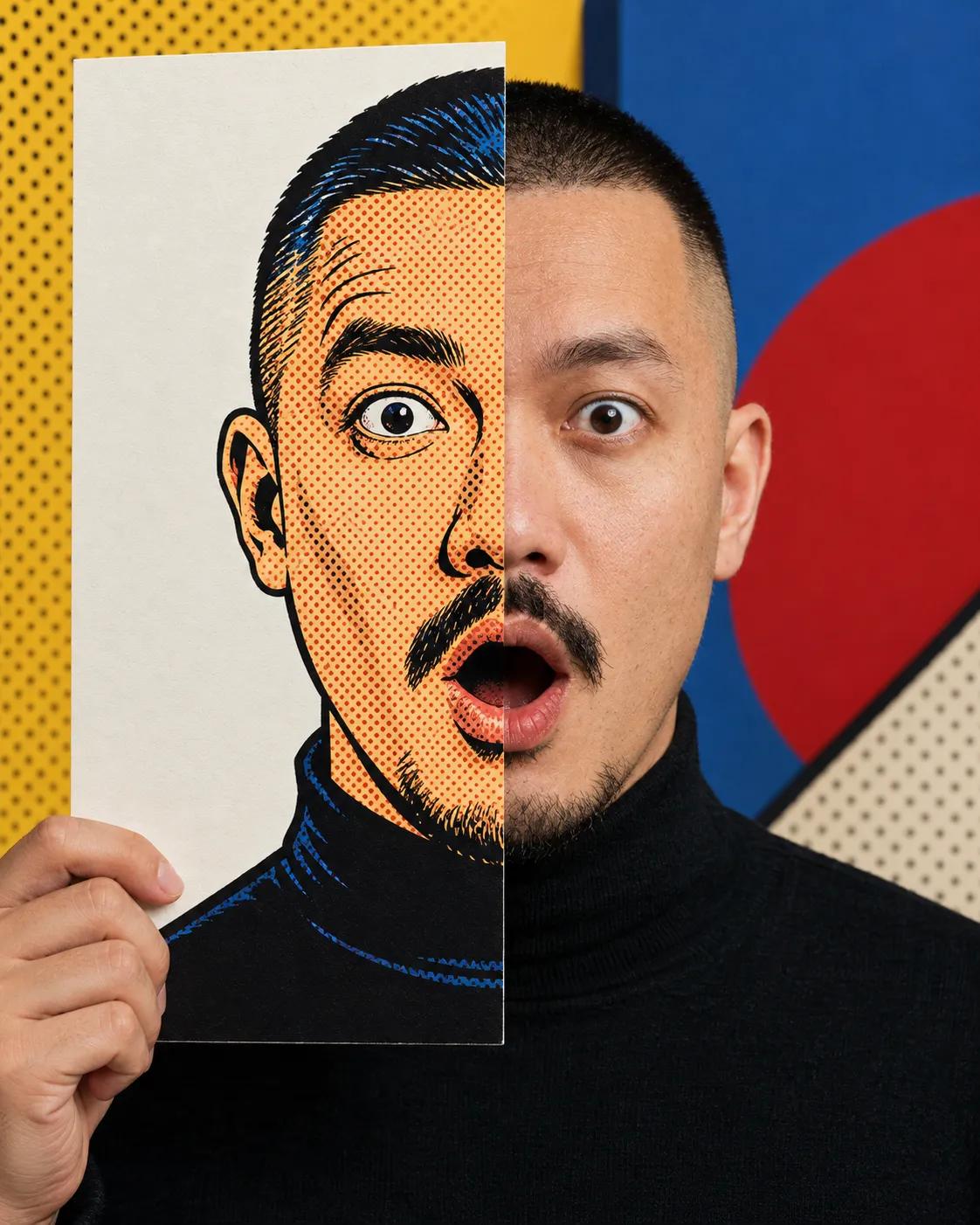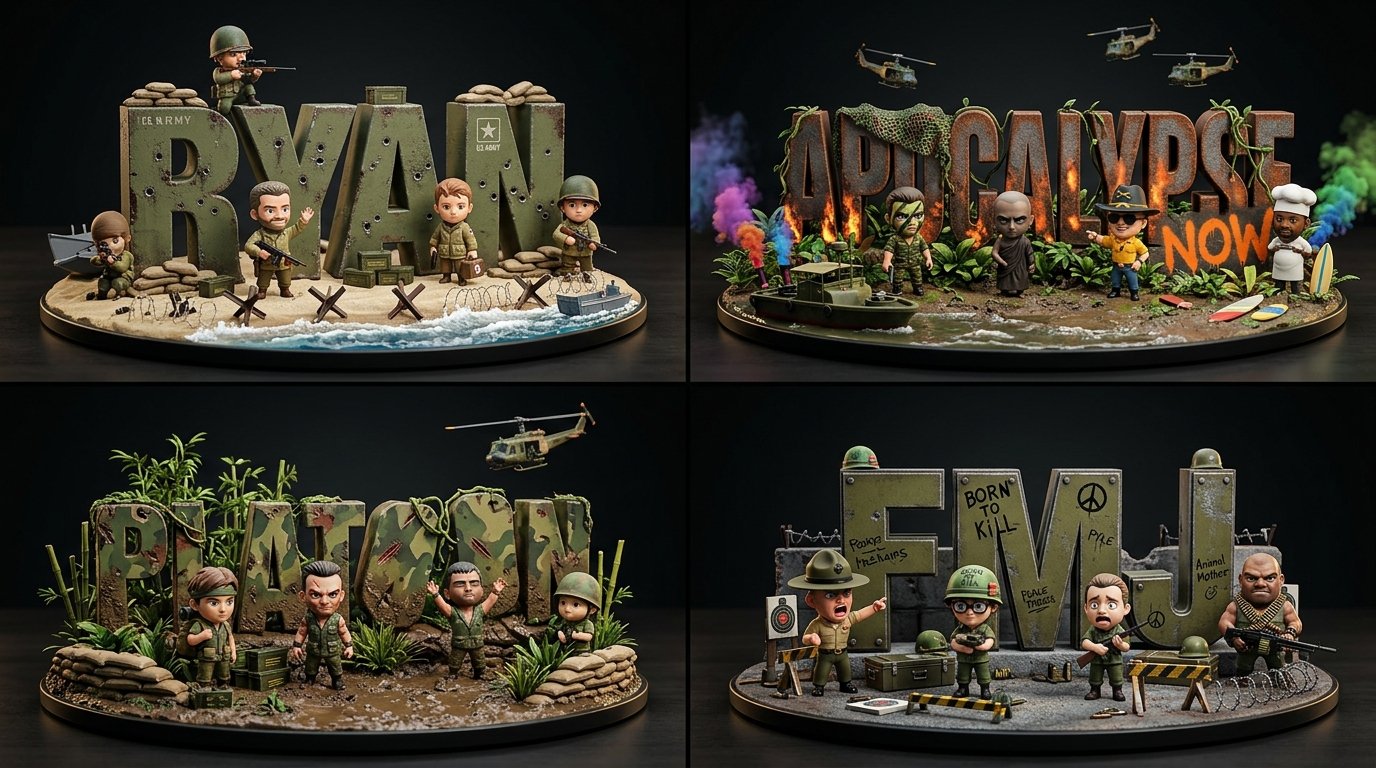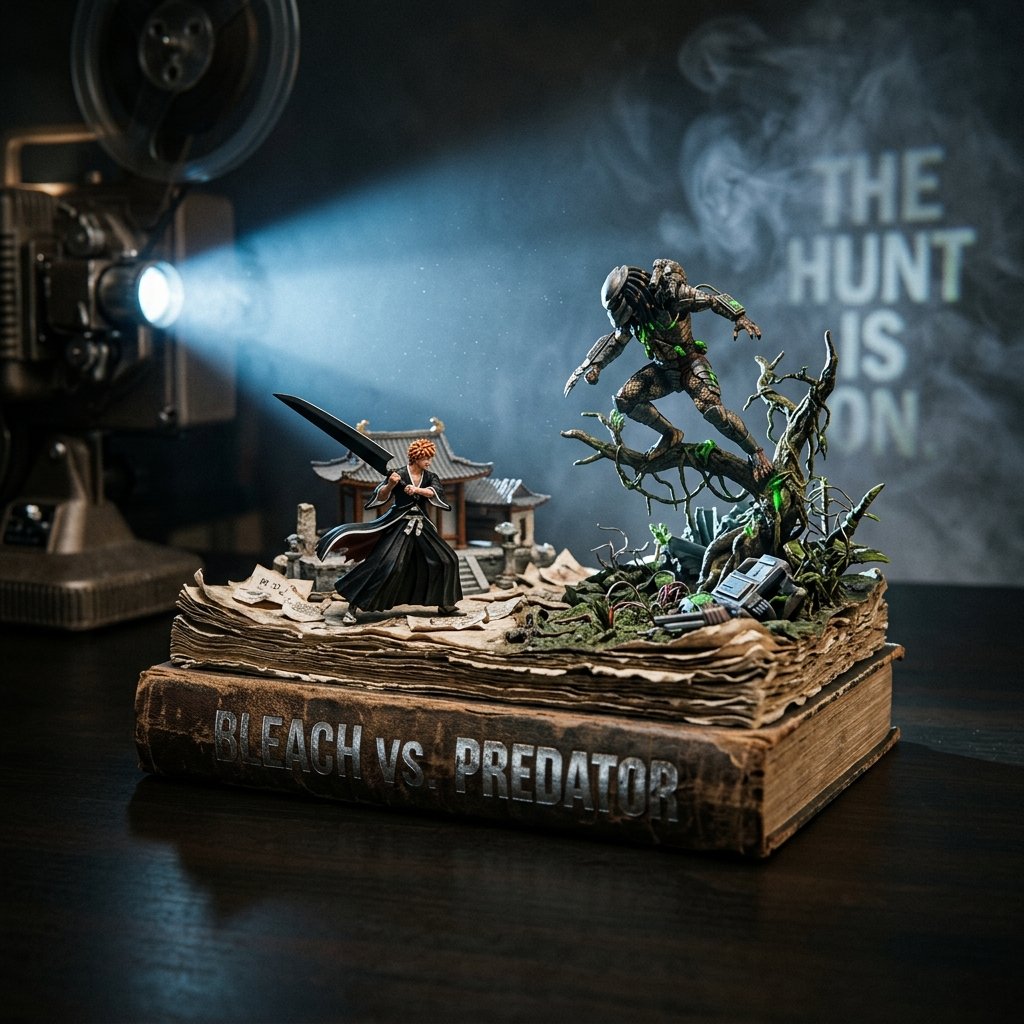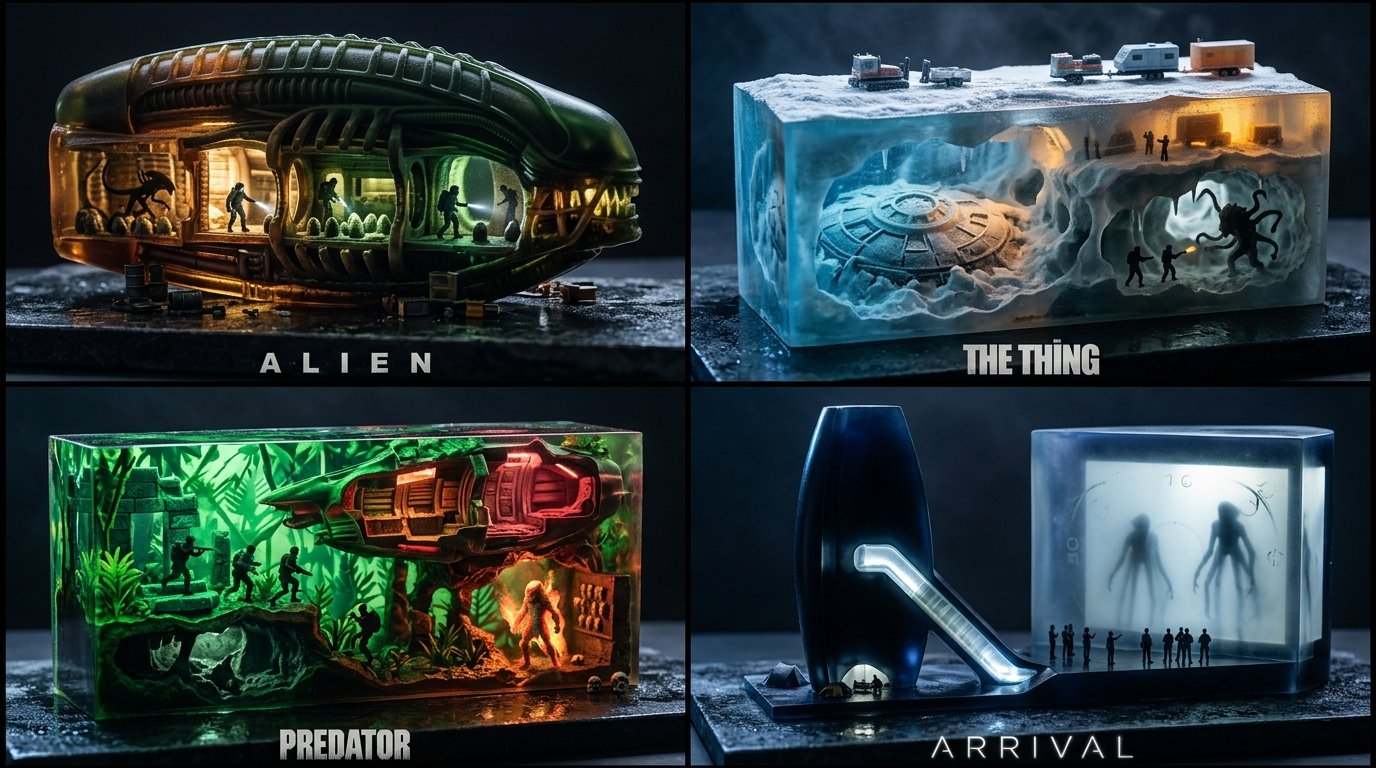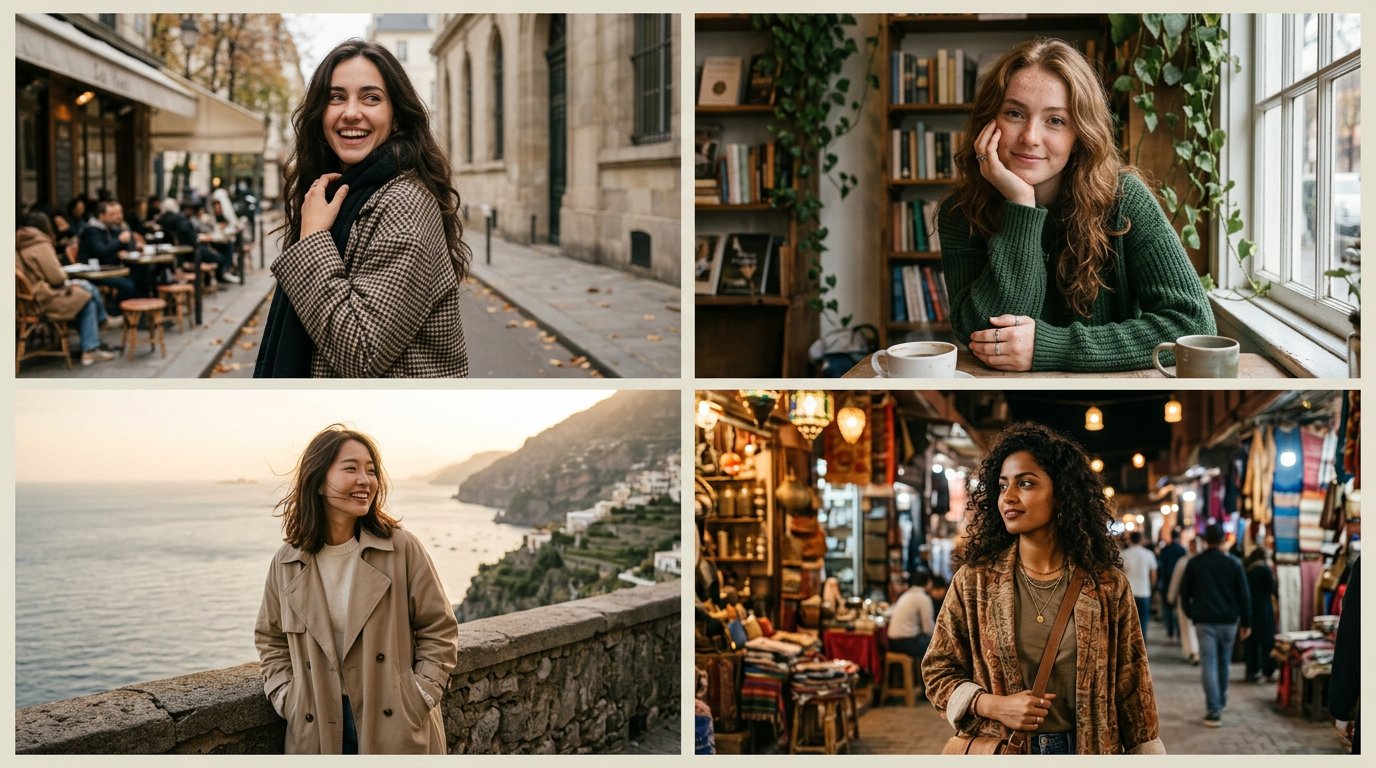
大理石编辑风网红网格

2x2网格,16:9,为4位年轻女性网红做这个,场景截然不同,姿势摄人心魄 class MarbleEditorial: def __init__(self, SUBJECT, SETTING): s = infer(SUBJECT, SETTING) self.s = s assert tasteful_coverage(s.styling) and adult(s.subject), "E₂: 覆盖门控" # 渲染前已解决 def render(self): return capture( styling=self.s.styling, scene=self.s.scene, pose=self.s.pose, light=window_key(cam_right=True, fill_ev=-1.0, neg_fill=cam_left, polarizer=marble_glare), # E₃ camera=Camera(lens=50, f=3.2, height_m=1.15, wb=5600), # E₄ frame=square_1to1(full_body_env=True, verticals=True, headroom=0.05, no_cut_joints=True), grade=matte_blacks(toe=0.05, skin_peak=0.92) ) def verify(self, img): assert one_language(img, self.s.concept) and not cluttered(img), "E₁" assert coverage_held(img) and not any(negative_list(img)), "E₂: 硬性门控" assert shadow_direction(img)==cam_right and skin_peak(img)<=0.92 \ and 0.04<=shadow_floor(img)<=0.06 and marble_glare_tamed(img), "E₃" assert verticals_straight(img) and headroom(img)≈0.05 and aspect(img)==(1,1) \ and not cut_joints(img), "E₄" assert pose_geometry(img, self.s.pose) and elegant_hands(img), "E₅" assert fine_grain(img) and natural_skin(img), "η" MarbleEditorial(SUBJECT, SETTING).render()
详细信息
- 类型
- AI 图片提示词
- 画面比例
- 43:24
- 更新于
- 2026年10月13日
如何使用这条提示词
- 1点击上方复制按钮,复制完整提示词。
- 2打开 Google 的 Nano Banana 2.1,或任何风格相近的图片生成工具。
- 3粘贴提示词,替换主体和风格关键词,改成你想要的画面。
- 4按示例参数(43:24 · Cinematic · Fashion · Portrait)生成,再小步迭代——措辞的细微变化会显著影响结果。
常见问题
这张图片是用哪个 AI 模型生成的?
本图由 Google 的 Nano Banana 2.1 生成,页面上的提示词就是生成它的原始文本。
这条提示词用了哪些参数?
示例由 Nano Banana 2.1 生成,参数:43:24 · Cinematic · Fashion · Portrait。沿用这些参数可获得最接近的效果。
怎样才能生成相似的效果?
先原样复制提示词,只替换主体、保留风格/光影/构图关键词,多生成几次——每次输出都会有差异。
可以修改这条提示词吗?
当然可以。提示词最适合作为起点——调整描述词、宽高比或风格标签,做出属于你自己的作品。
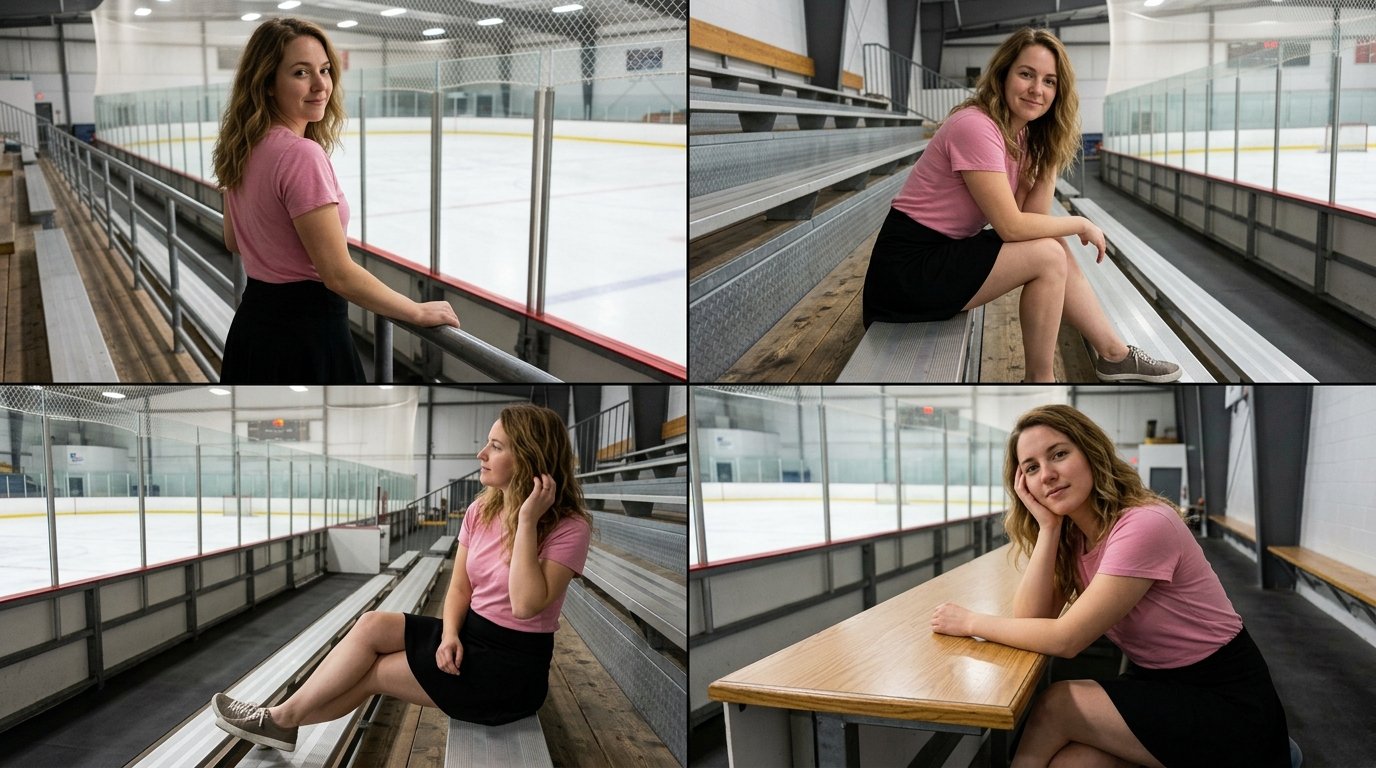

![创作一张高级编辑风格海报,采用上下两部分的视觉构图。上半部分展示一张[SUBJECT]在[SETTING]中的写实照片,以温暖的自然阳光拍摄,具有真实的皮肤质感、自然的表情、柔和的高光和电影般的景深。 — AI image prompt — Nano Banana 2.1](https://cdn.ahaprompt.app/harvest-media/import-1792333819730-vnl0ur.jpg)