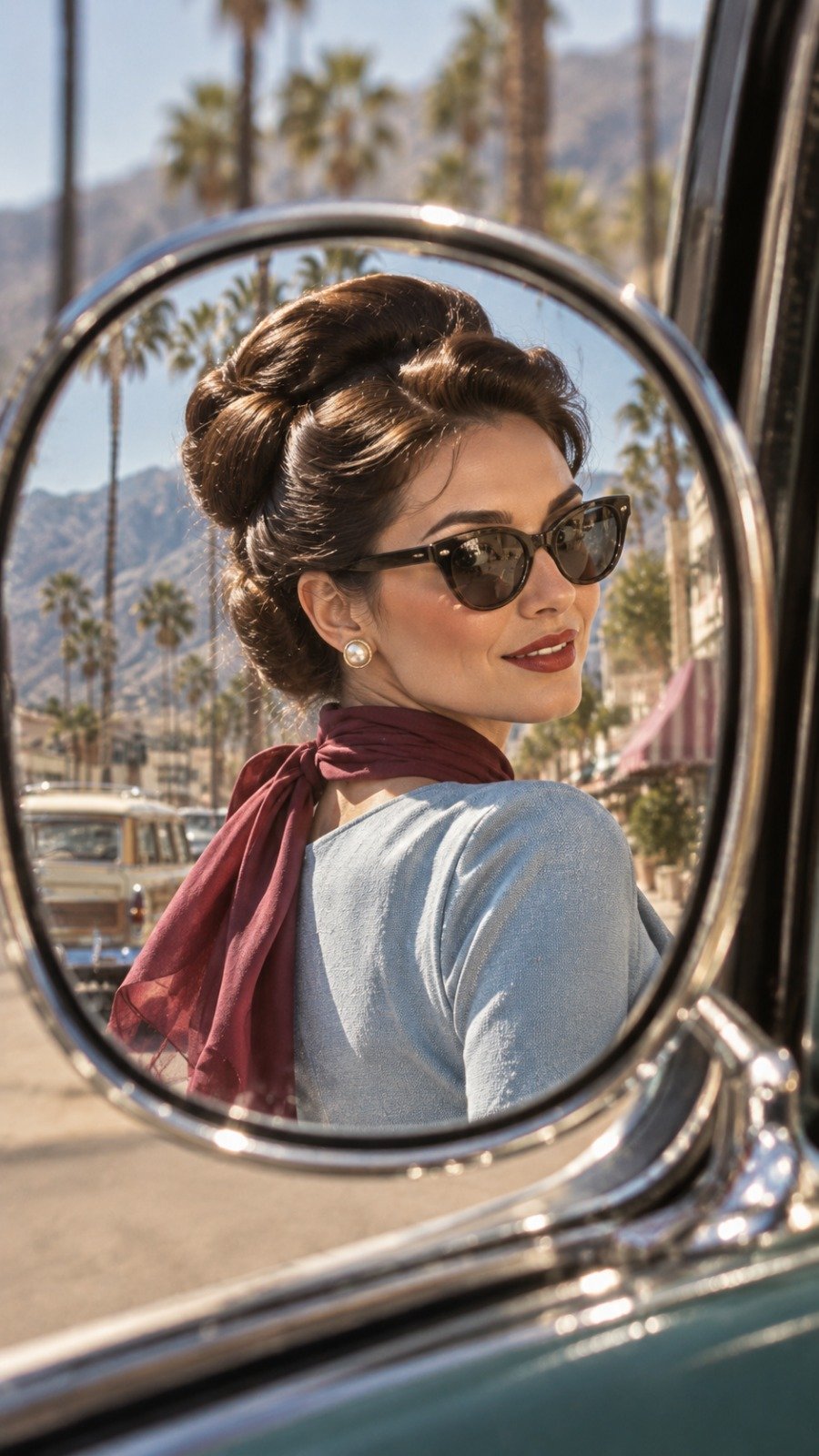
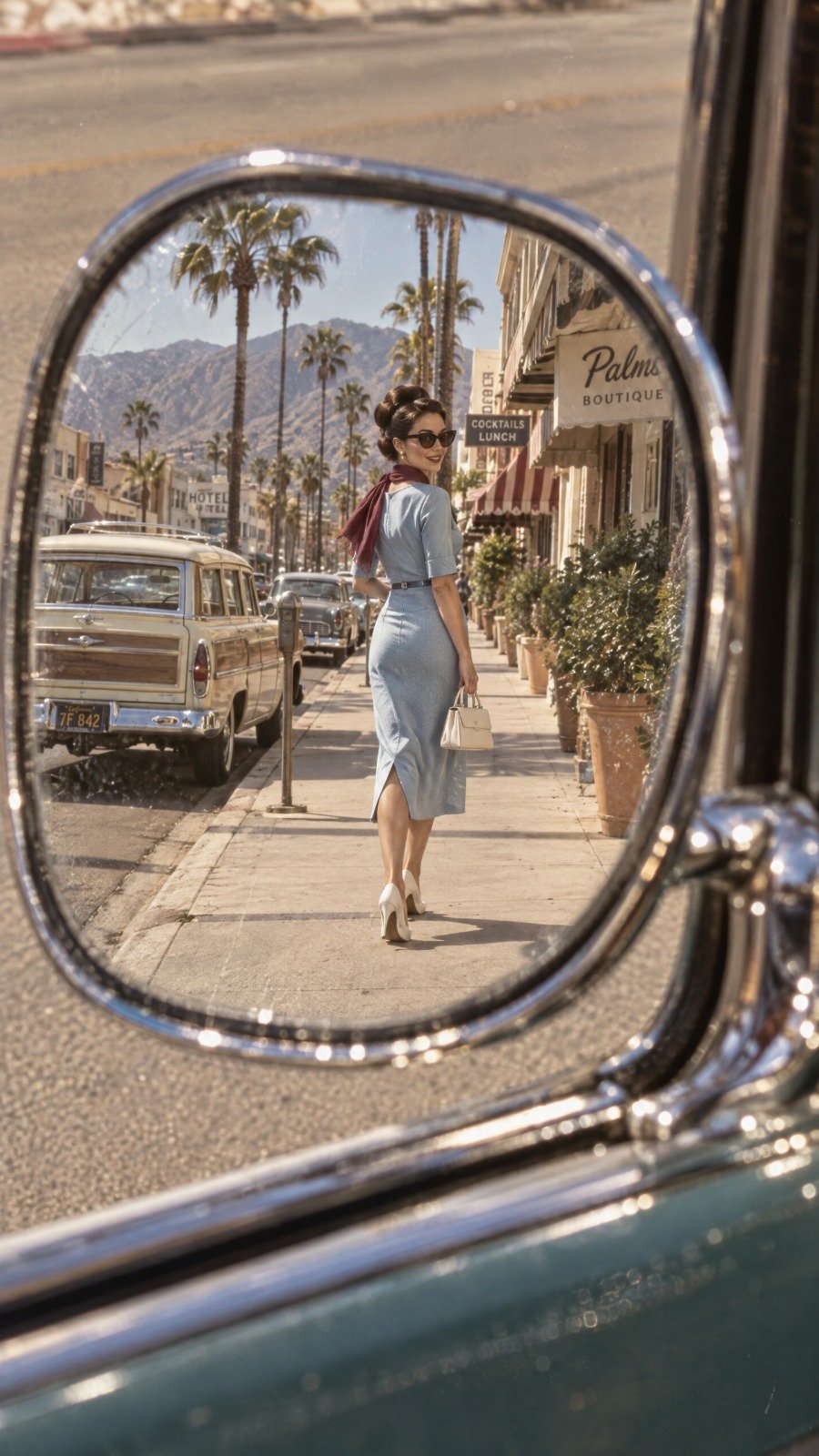
Vintage 1960s Woman in Car Mirror
 GPT Image 2.5OpenAIimage
{ "aspect_ratio": "9:16", "style": "hyperrealistic 1960s vintage editorial photography", "composition": { "concept": "full-body fashion portrait reflected inside a vintage car side mirror", "mirror": "small oval chrome mirror with curved distorted edges", "framing": "woman fully visible inside the reflection with generous background space", "camera_position": "close to the driver's window, angled toward the mirror", "pose": "woman walking toward the rear of the car while turning her head slightly toward the mirror" }, "subject": { "description": "beautiful young European woman with authentic skin texture", "hair": "dark hair in a polished vintage updo", "expression": "subtle confident smile", "outfit": "powder-blue tailored midi dress with a slim waist belt", "accessories": [ "burgundy silk scarf", "cat-eye sunglasses", "small ivory handbag", "white pointed heels" ] }, "environment": { "location": "retro Mediterranean-American street", "background": "palm-lined road, pastel storefronts, vintage station wagon and mountains", "lighting": "bright golden morning sunlight" }, "visual_details": { "colors": "powder blue, ivory, burgundy and warm beige", "film": "aged 35mm film", "texture": "natural grain, tiny scratches and realistic mirror reflections", "mood": "chic, nostalgic, mysterious" } }
Details
- Type
- AI Image Prompts
- Aspect Ratio
- 9:16
- Updated
- Oct 7, 2026
How to use this prompt
- 1Copy the full prompt with the copy button above.
- 2Open GPT Image 2.5 by OpenAI, or any image generator with a similar style range.
- 3Paste the prompt, then swap the subject and style keywords to match your idea.
- 4Match the example's settings (9:16 · Fashion · Vintage · Portrait), then iterate — small wording changes shift the output a lot.
Frequently asked questions
Which AI model generated this image?
This image was generated with GPT Image 2.5 by OpenAI. The prompt on this page is the exact text used to create it.
What settings does this prompt use?
The example was generated with GPT Image 2.5 using: 9:16 · Fashion · Vintage · Portrait. Reusing these settings gives the closest match.
How do I get similar results?
Copy the prompt as-is first, then replace only the subject while keeping the style, lighting, and composition keywords. Generate a few variations — outputs differ between runs.
Can I modify this prompt?
Yes. Prompts work best as starting points — adjust descriptors, aspect ratio, or style tags to make the output your own.
![Create a premium contemporary editorial art poster for [LOCATION] in a playful Japanese design-ZINE — AI image prompt — GPT Image 2.5](https://cdn.ahaprompt.app/harvest-media/import-1789139846025-v6z310.jpg)
![Create a premium cinematic luxury tourism poster for [COUNTRY / DESTINATION] in a STRICT 4:5 vertica — AI image prompt — GPT Image 2.5](https://cdn.ahaprompt.app/harvest-media/import-1789369001673-dctuvc.jpg)
![Create a sophisticated, dreamy editorial magazine cover titled “[COUNTRY NAME] — A COUNTRY IN ONE DR — AI image prompt — GPT Image 2.5](https://cdn.ahaprompt.app/harvest-media/import-1789368946131-xefjx1.jpg)