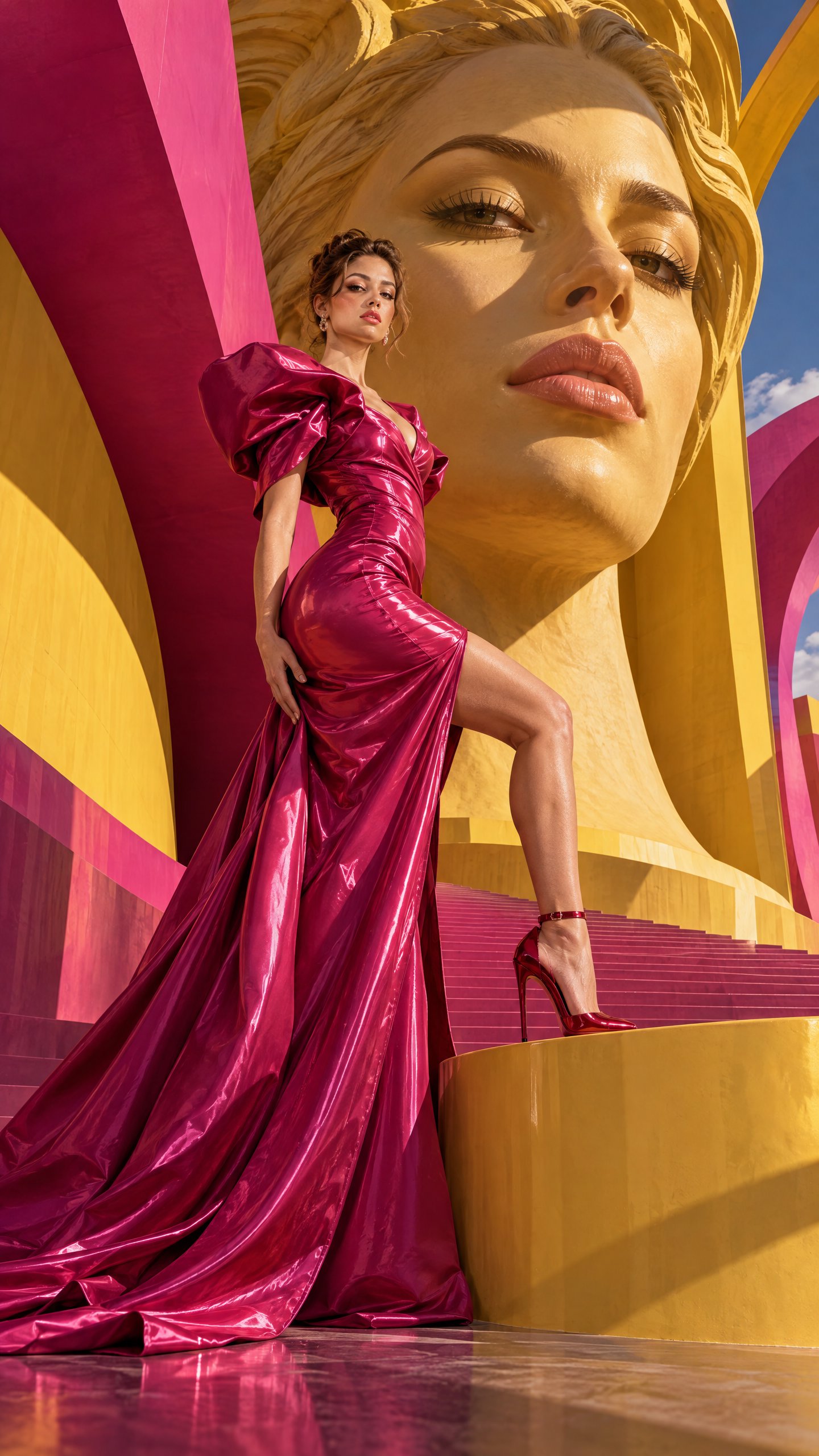
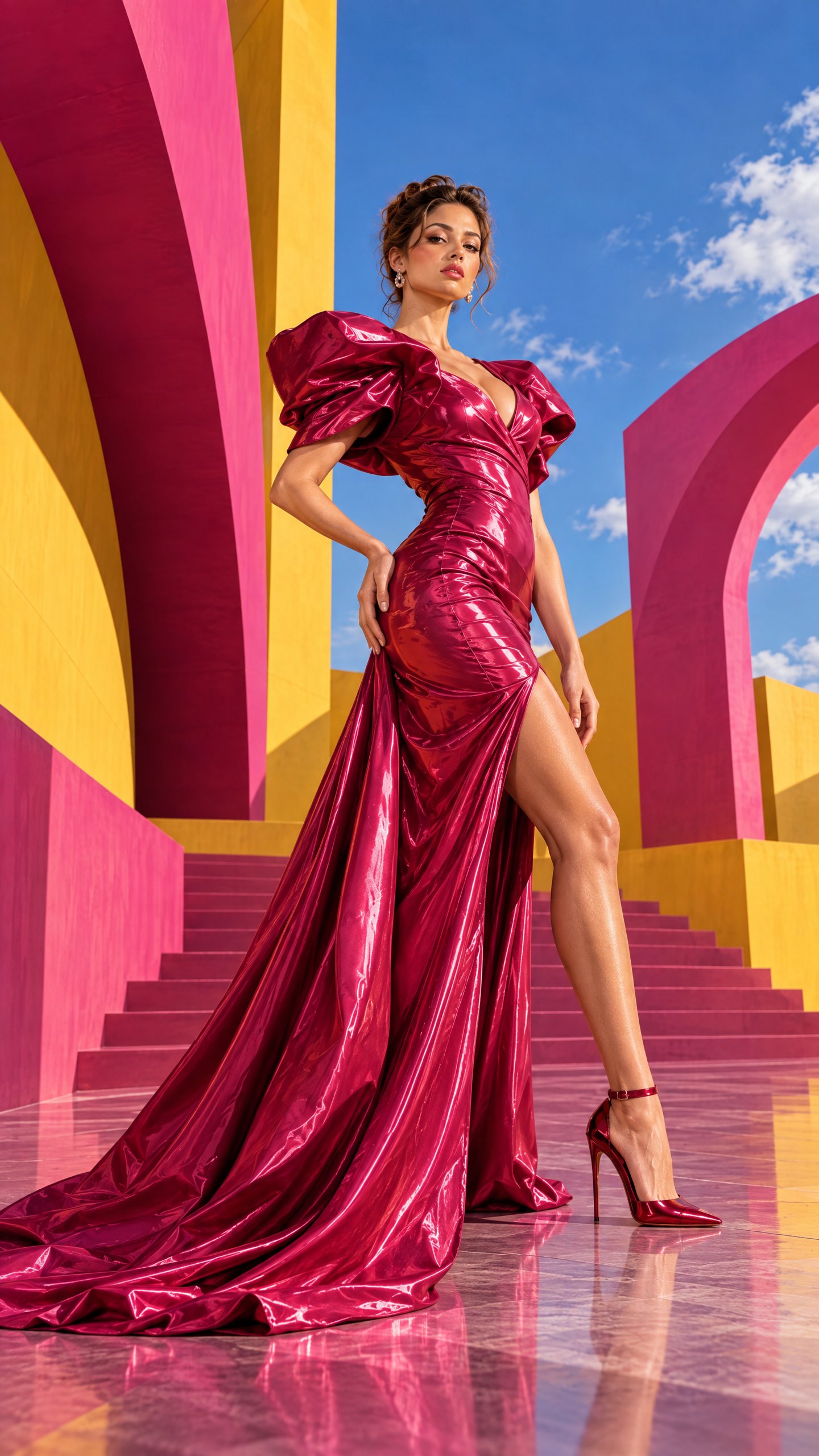
Surreal High-Fashion Campaign With Giant Face Sculpture
 GPT Image 2.5OpenAIimage
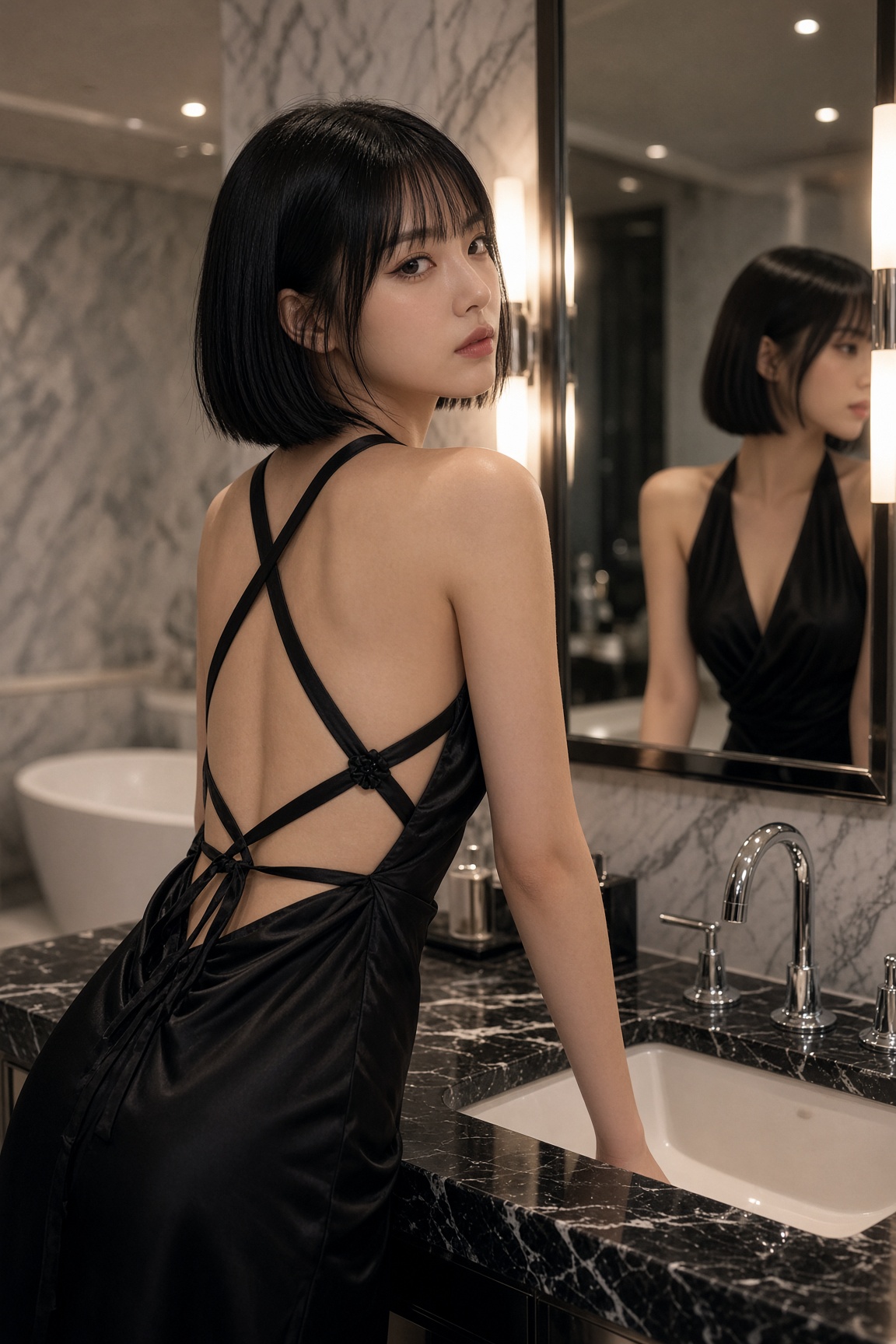
{ "aspect_ratio": "9:16", "image_type": "hyperrealistic surreal high-fashion campaign", "subject": "A stunning 25-year-old American woman, elegant facial features, natural realistic skin and confident runway presence", "outfit": "Fitted glossy magenta couture dress with exaggerated sculptural shoulders and long flowing train", "pose": "The model stands in a powerful asymmetric pose, one foot elevated on a curved pedestal, torso turned sideways, face looking directly into camera", "environment": "A monumental realistic sculptural replica of her face rises behind her, surrounded by enormous curved yellow and hot-pink architectural structures", "composition": "Full-body model in foreground, gigantic face sculpture dominating background, extreme contrast in scale", "lighting": "Dramatic directional sunlight with sharp architectural shadows", "color_palette": "Hot pink, sunshine yellow, deep violet, glossy red", "camera": "Wide-angle editorial perspective, premium Vogue campaign aesthetic", "negative_prompt": "Different identity in sculpture, distorted face, extra fingers, malformed anatomy, cartoon look, text, watermark" }
Details
- Type
- AI Image Prompts
- Aspect Ratio
- 9:16
- Updated
- Oct 5, 2026
How to use this prompt
- 1Copy the full prompt with the copy button above.
- 2Open GPT Image 2.5 by OpenAI, or any image generator with a similar style range.
- 3Paste the prompt, then swap the subject and style keywords to match your idea.
- 4Match the example's settings (9:16 · Surreal · Cinematic · Fashion), then iterate — small wording changes shift the output a lot.
Frequently asked questions
Which AI model generated this image?
This image was generated with GPT Image 2.5 by OpenAI. The prompt on this page is the exact text used to create it.
What settings does this prompt use?
The example was generated with GPT Image 2.5 using: 9:16 · Surreal · Cinematic · Fashion. Reusing these settings gives the closest match.
How do I get similar results?
Copy the prompt as-is first, then replace only the subject while keeping the style, lighting, and composition keywords. Generate a few variations — outputs differ between runs.
Can I modify this prompt?
Yes. Prompts work best as starting points — adjust descriptors, aspect ratio, or style tags to make the output your own.
![Create a premium cinematic luxury tourism poster for [COUNTRY / DESTINATION] in a STRICT 4:5 vertica — AI image prompt — GPT Image 2.5](https://cdn.ahaprompt.app/harvest-media/import-1789369001673-dctuvc.jpg)
![Create a premium vertical 4:5 editorial travel poster for [COUNTRY], where the outline of the countr — AI image prompt — GPT Image 2.5](https://cdn.ahaprompt.app/harvest-media/import-1789369064970-j9jipe.jpg)
![Create a sophisticated, dreamy editorial magazine cover titled “[COUNTRY NAME] — A COUNTRY IN ONE DR — AI image prompt — GPT Image 2.5](https://cdn.ahaprompt.app/harvest-media/import-1789368946131-xefjx1.jpg)