Giant Landmark Transformed Into Object
 GPT Image 2.5OpenAIimage
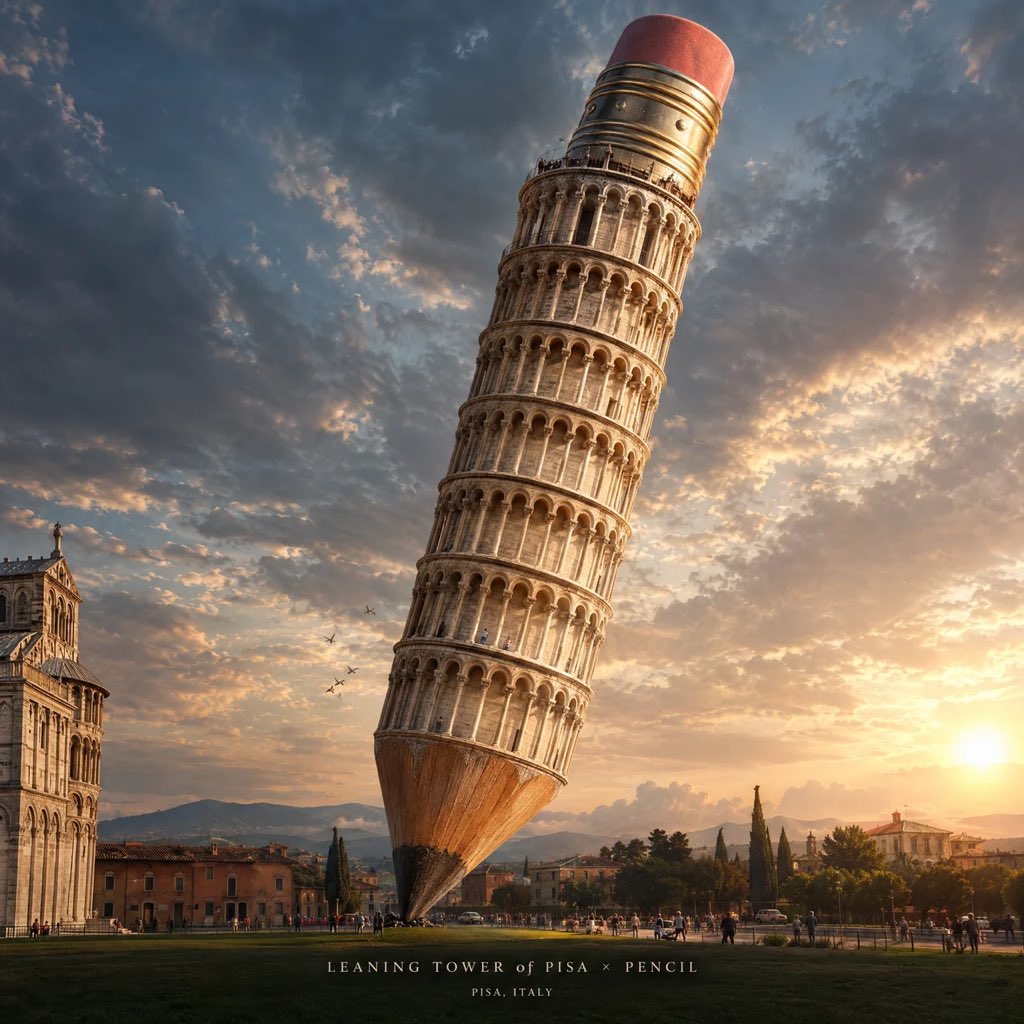
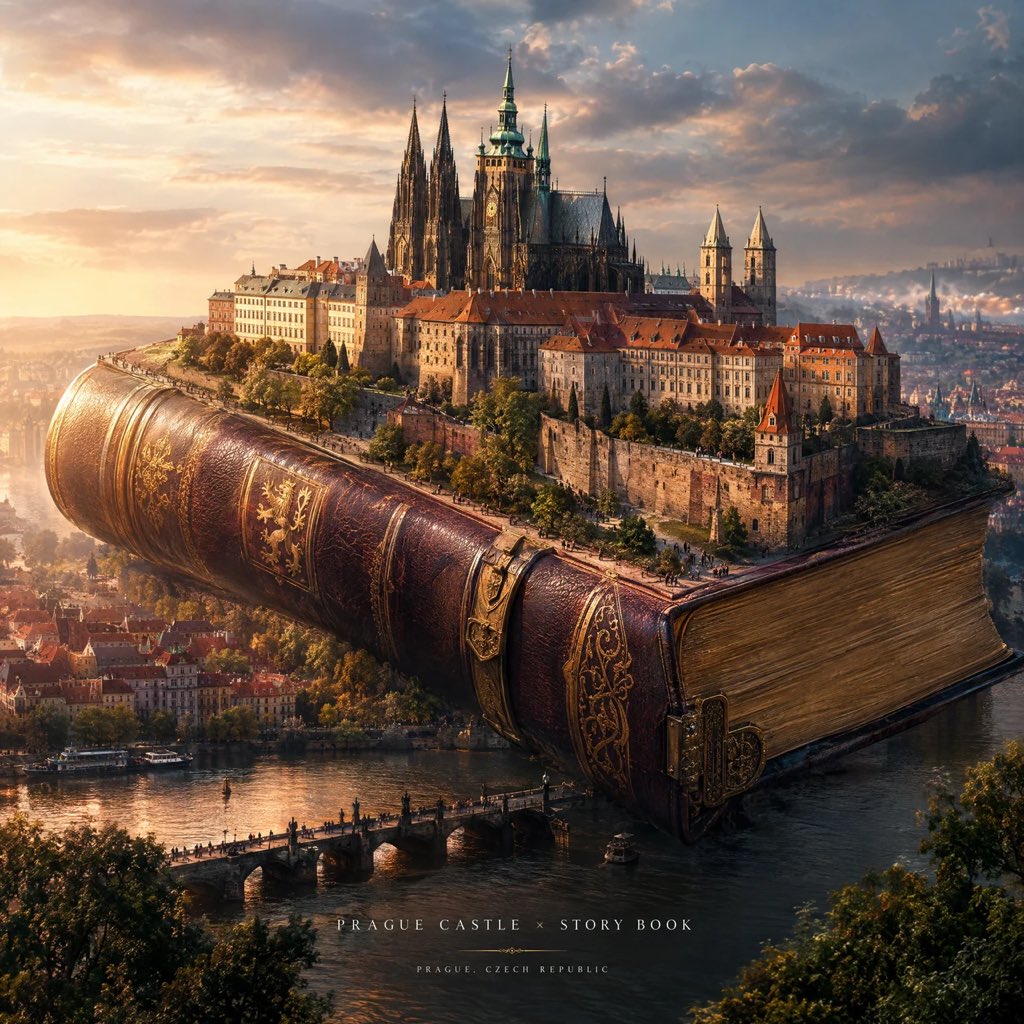
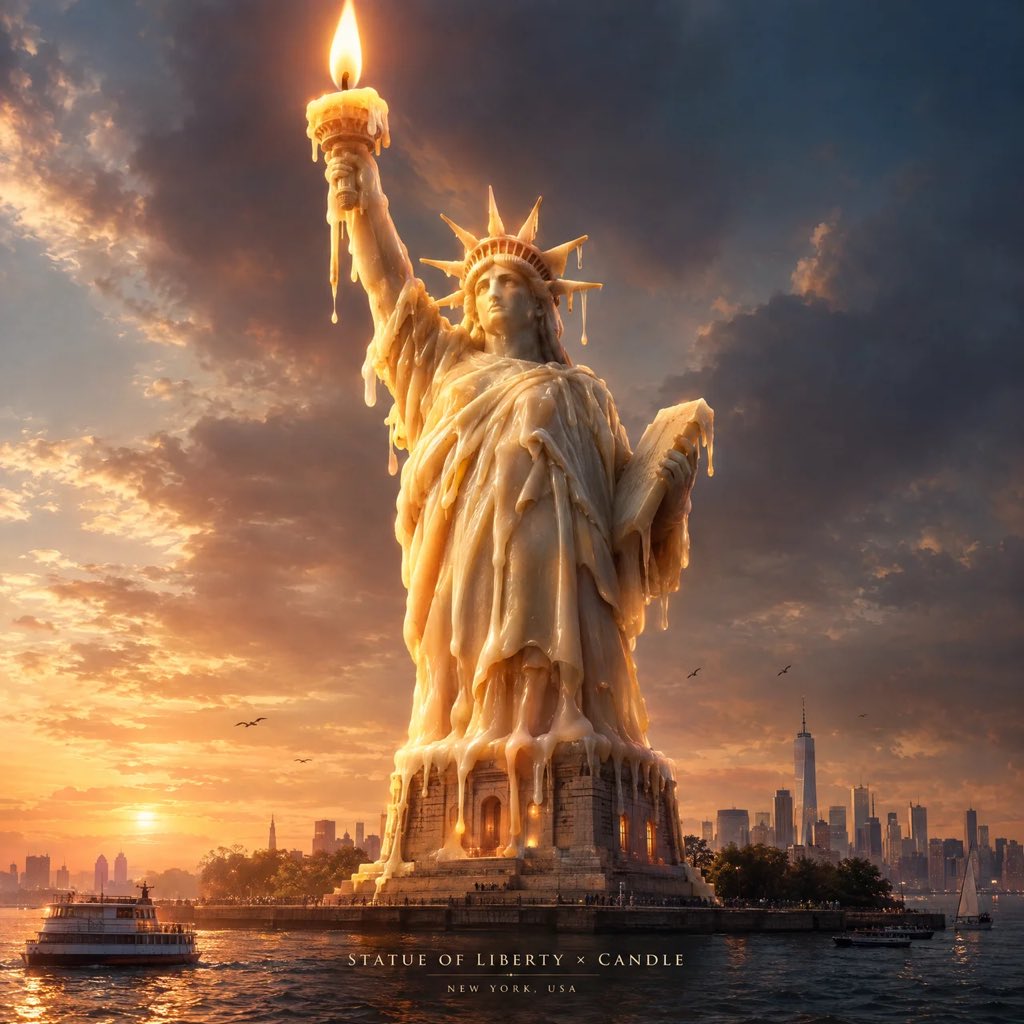
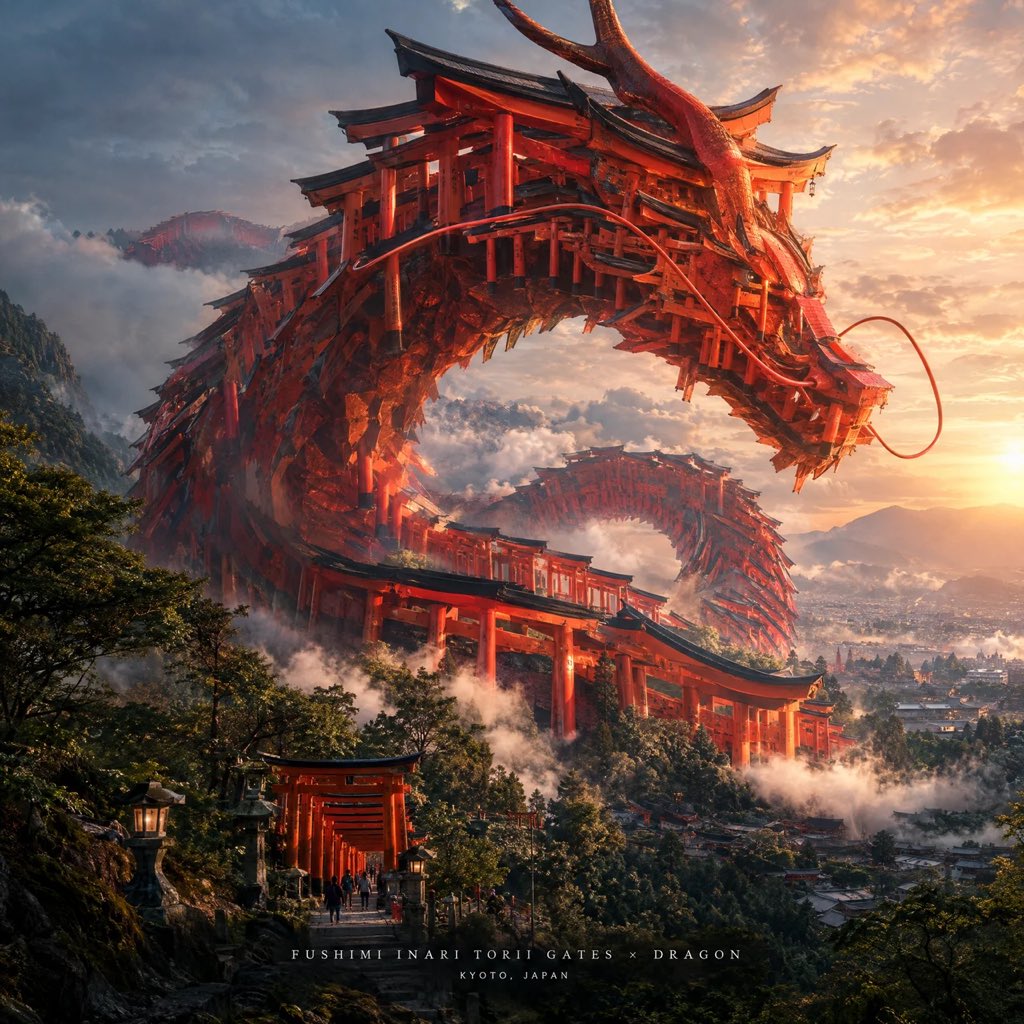
Create a spectacular 4:5 vertical cinematic artwork where [FAMOUS STRUCTURE] is transformed into a gigantic version of [OBJECT], while its original architectural identity remains instantly recognizable. The landmark and object should be physically integrated into one believable design — not simply placed beside each other. Show the enormous object dominating the scene, with tiny people, cars, trees, buildings, or other environmental elements around it to create a dramatic sense of scale. Preserve the landmark’s most recognizable architectural features, but creatively reinterpret them as functional parts of the giant object. Create an imaginative environment that complements the object, with cinematic perspective, atmospheric depth, realistic materials, intricate details, dramatic natural lighting, soft shadows, and subtle surrealism. Make it feel like a real gigantic object photographed in a fantastical world. Use a sophisticated cinematic color palette, ultra-detailed textures, realistic reflections, realistic scale, premium concept-art quality, and strong visual storytelling. Add minimal elegant typography at the bottom: [STRUCTURE NAME] × [OBJECT] [CITY, COUNTRY] No infographic boxes, no conventional travel-poster layout, no generic stock photography, no unrelated landmarks, no excessive text, no watermark.
Details
- Type
- AI Image Prompts
- Aspect Ratio
- 1:1
- Updated
- Sep 14, 2026
Category
How to use this prompt
- 1Copy the full prompt with the copy button above.
- 2Open GPT Image 2.5 by OpenAI, or any image generator with a similar style range.
- 3Paste the prompt, then swap the subject and style keywords to match your idea.
- 4Match the example's settings (1:1 · Surreal · Cinematic · Architecture), then iterate — small wording changes shift the output a lot.
Frequently asked questions
Which AI model generated this image?
This image was generated with GPT Image 2.5 by OpenAI. The prompt on this page is the exact text used to create it.
What settings does this prompt use?
The example was generated with GPT Image 2.5 using: 1:1 · Surreal · Cinematic · Architecture. Reusing these settings gives the closest match.
How do I get similar results?
Copy the prompt as-is first, then replace only the subject while keeping the style, lighting, and composition keywords. Generate a few variations — outputs differ between runs.
Can I modify this prompt?
Yes. Prompts work best as starting points — adjust descriptors, aspect ratio, or style tags to make the output your own.
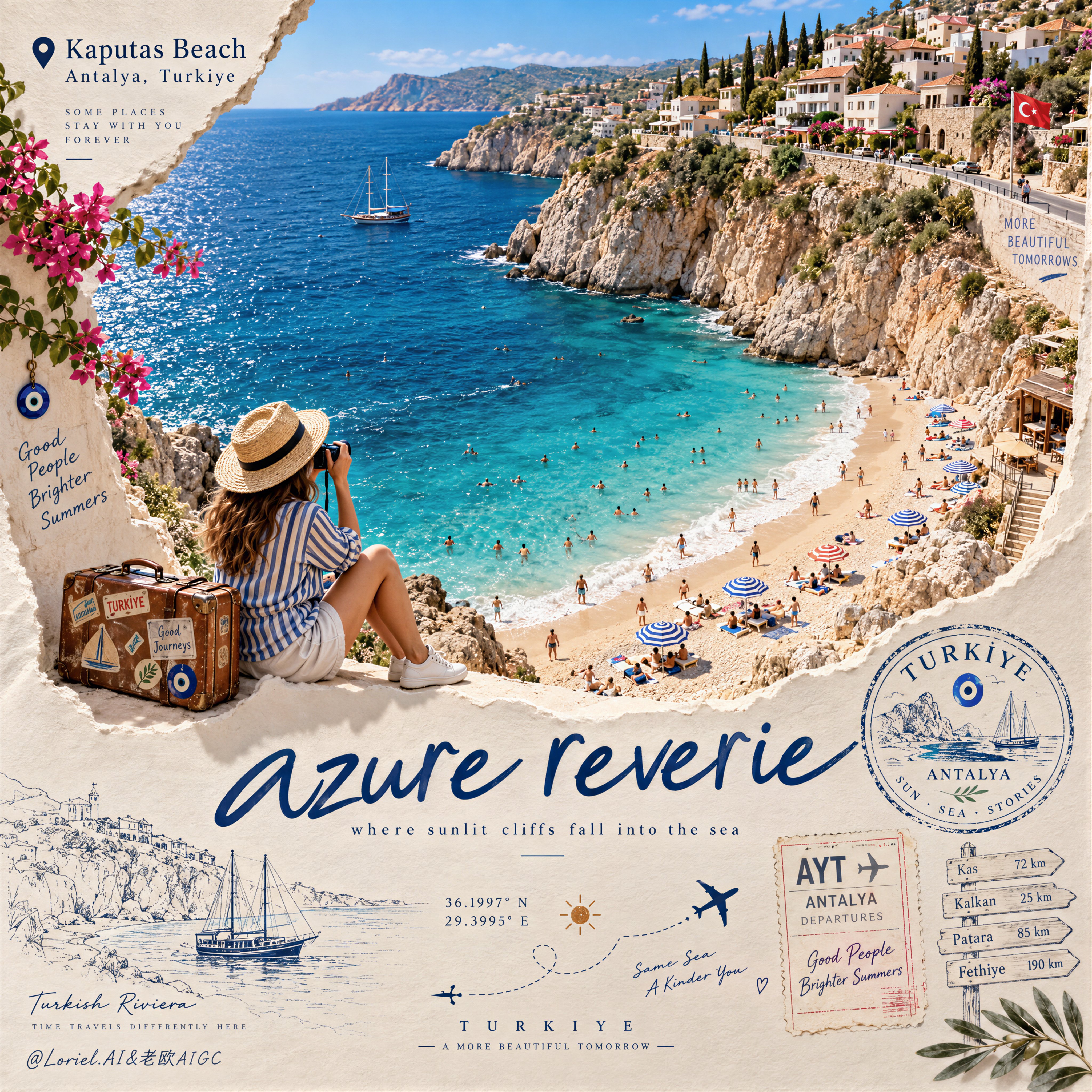
![Create a premium vertical 4:5 editorial travel poster for [COUNTRY], where the outline of the countr — AI image prompt — GPT Image 2.5](https://cdn.ahaprompt.app/harvest-media/import-1789369064970-j9jipe.jpg)
![Create a sophisticated, dreamy editorial magazine cover titled “[COUNTRY NAME] — A COUNTRY IN ONE DR — AI image prompt — GPT Image 2.5](https://cdn.ahaprompt.app/harvest-media/import-1789368946131-xefjx1.jpg)
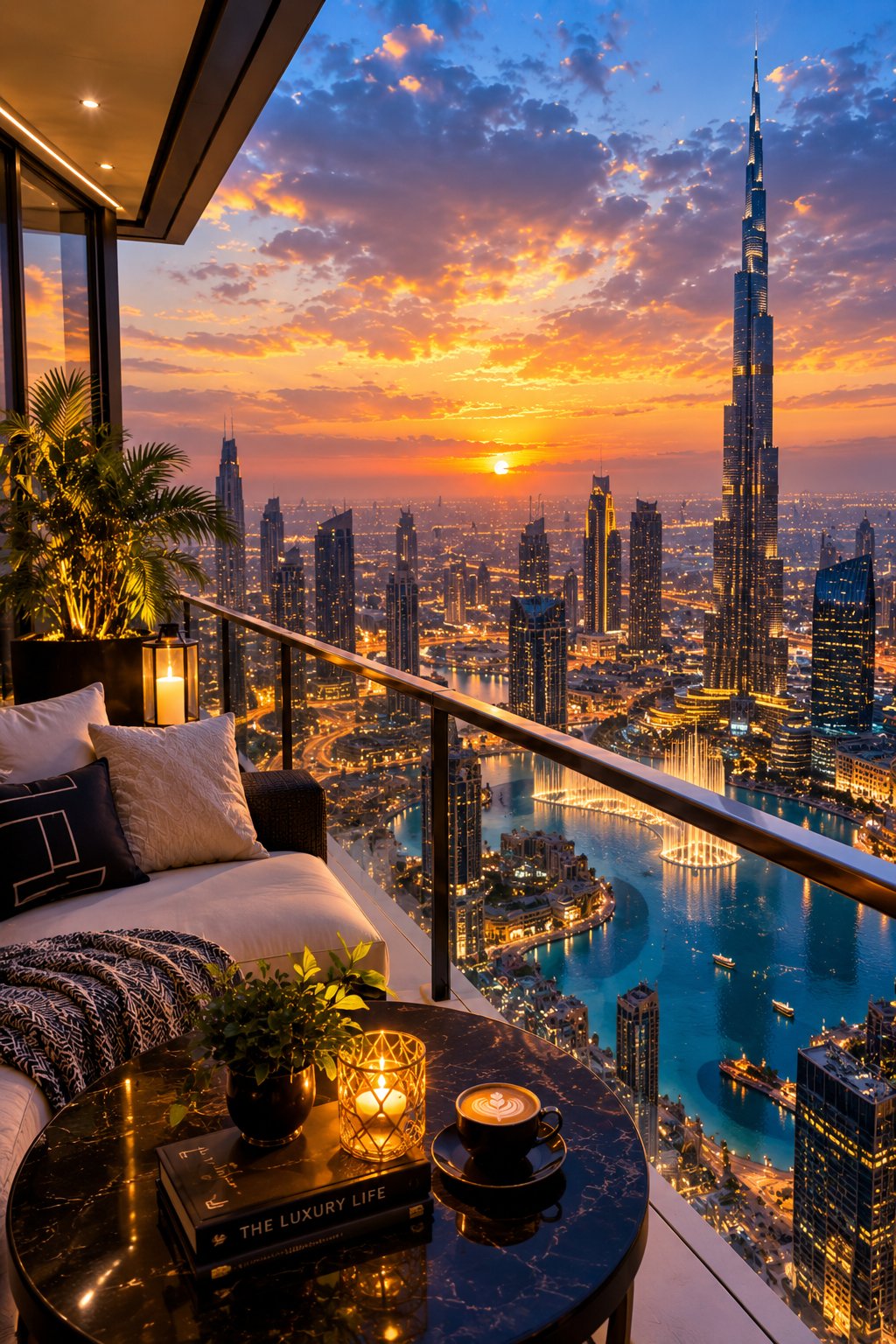
![Create a premium educational travel poster featuring [STRUCTURE NAME], one of the world’s most famou — AI image prompt — GPT Image 2.5](https://cdn.ahaprompt.app/harvest-media/import-1789369131185-x1iuzs.jpg)
![Create a premium cinematic luxury tourism poster for [COUNTRY / DESTINATION] in a STRICT 4:5 vertica — AI image prompt — GPT Image 2.5](https://cdn.ahaprompt.app/harvest-media/import-1789369001673-dctuvc.jpg)
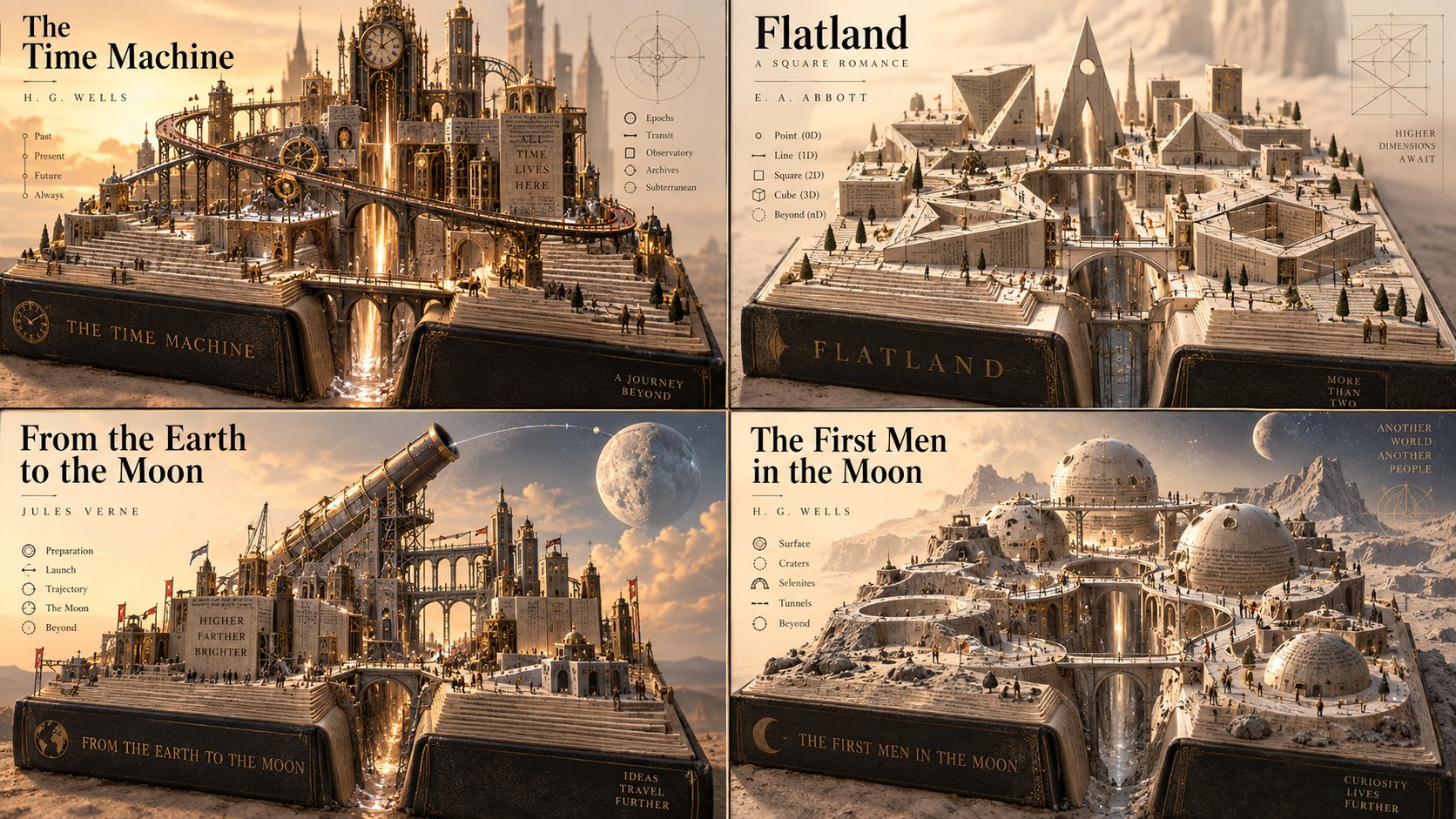
![Create a premium vintage retro travel poster for [CITY], [COUNTRY] in a strict 4:5 vertical format.
— AI image prompt — GPT Image 2.5](https://cdn.ahaprompt.app/harvest-media/import-1789369143912-5vivkg.jpg)