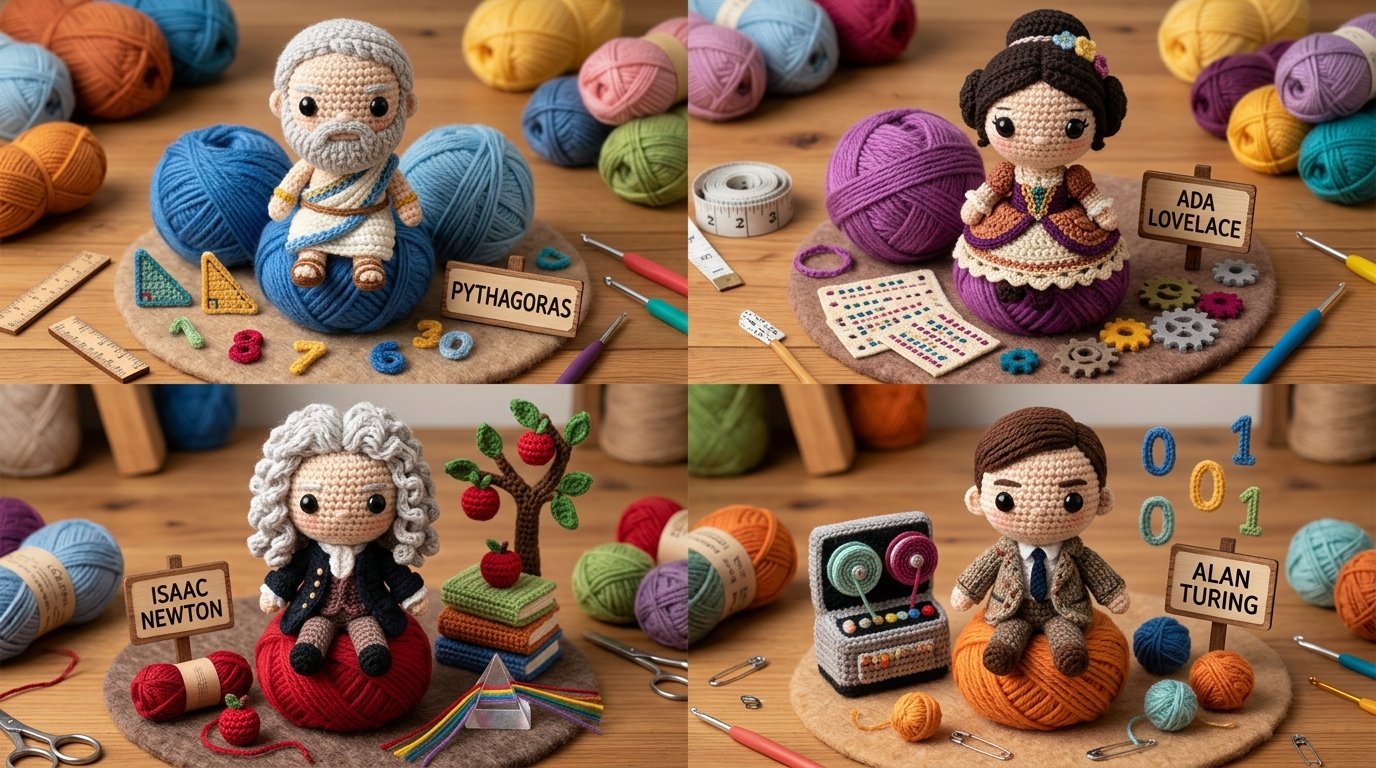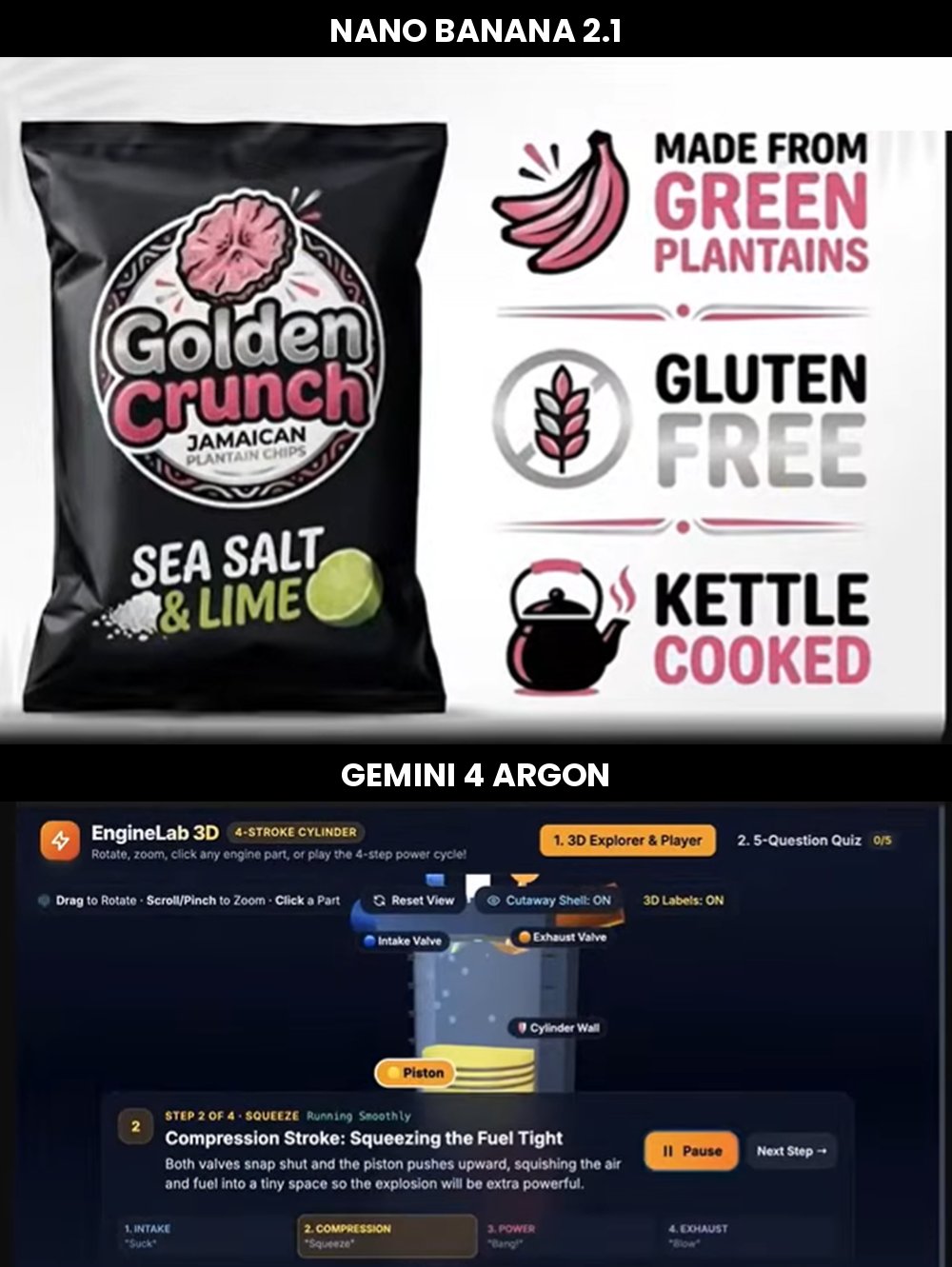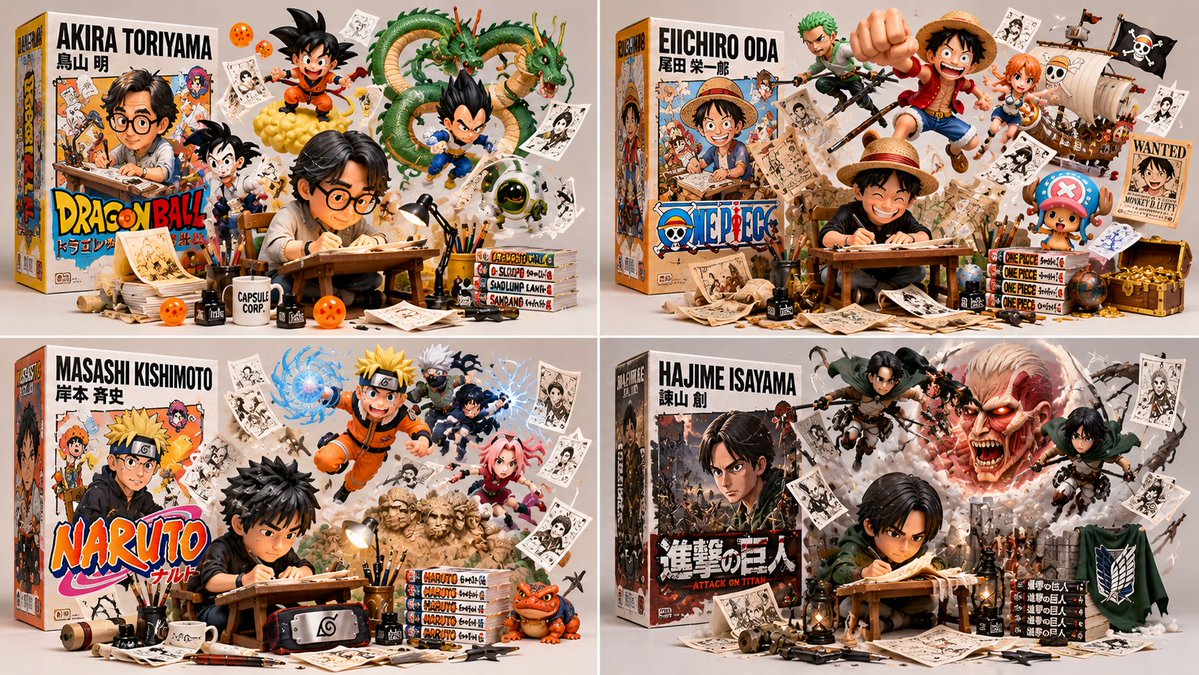
クリエイタートイボックスジオラマコードプロンプト
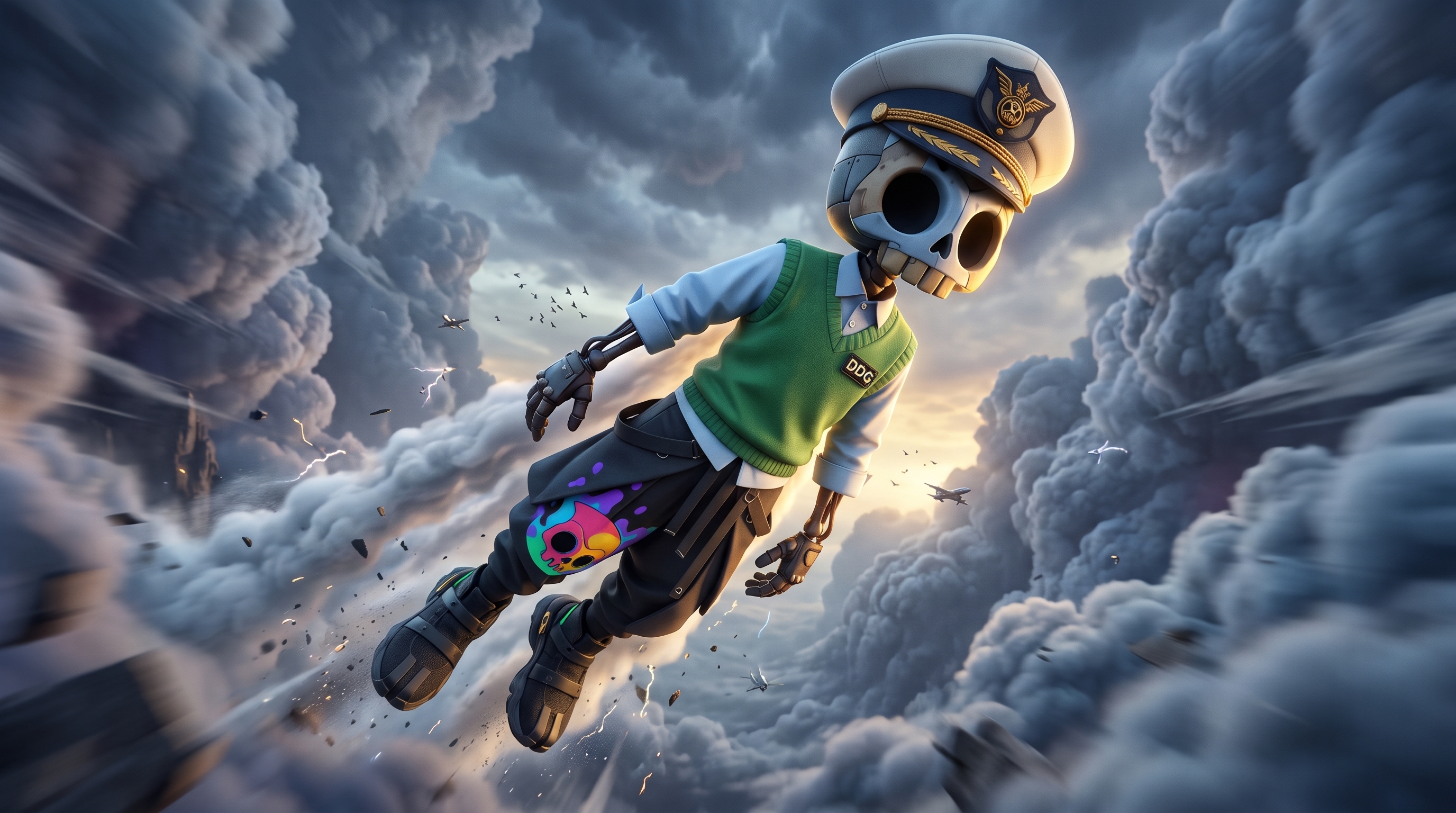
class CreatorToyBoxDiorama: def __init__(self, CREATOR): s = infer(CREATOR) # フィギュア、ボックス、脱出者、アーティファクト、プレゼント self.s = s def render(self): return collectible_render( figure=vinyl_figure(self.s.figure, at=self.s.station, pose=WORKING), # B₁ box=retail_box(title=self.s.title, art=depicts(self.s.figure)), # B₂ escapees=[ burst_from(e, origin=self. s. box. art, into=SPACE, dynamic=True) for e in self.s.escapees ], # B₃ artifacts=suspended(self.s.artifacts, ground_contact=NONE), # B₄ studio=neutral_bg(soft_light=True, title_legible=True) ) # B₅ def verify(self, img): assert figure_at_craft(img) and toy_material(img.figure), "B₁: リアル/静止" assert box_present(img) and design_equal(img. box. art.figure, img.figure), "B₂: 不一致" assert len(img.escapees) >= 2 and all(origin_on(e, img .box. art) and body_outside(e, img. box) for e in img.escapees), "B₃: ボックス上で静止" assert all(no_ground_contact(a) for a in img.artifacts), "B₄: 小道具が接地" assert neutral_bg(img) and legible(img . box.title) and collectible_quality(img), "B₅" CreatorToyBoxDiorama(CREATOR).render()
詳細情報
- タイプ
- AI 画像プロンプト
- アスペクト比
- 1199:675
- 更新日
- 2026/10/31
このプロンプトの使い方
- 1上のコピーボタンでプロンプト全文をコピーします。
- 2Google の Nano Banana 2.1、または近いスタイルに対応した画像生成ツールを開きます。
- 3プロンプトを貼り付け、被写体やスタイルのキーワードを自分のイメージに置き換えます。
- 4作例の設定(1199:675 · Digital Art · Product Photography · 3D Render)に合わせて生成し、少しずつ調整を重ねます——わずかな言い回しの違いで結果が大きく変わります。
よくある質問
この画像はどの AI モデルで生成されましたか?
この画像は Google の Nano Banana 2.1 で生成されました。ページ上のプロンプトが、生成に使われた原文そのものです。
このプロンプトはどんな設定を使っていますか?
作例は Nano Banana 2.1 で、次の設定で生成されました:1199:675 · Digital Art · Product Photography · 3D Render。同じ設定を使うと最も近い結果が得られます。
似た結果を得るにはどうすればいいですか?
まずプロンプトをそのままコピーし、スタイル・ライティング・構図のキーワードは残して被写体だけ置き換えます。出力は毎回変わるので、数回生成して選びましょう。
このプロンプトを改変してもいいですか?
もちろんです。プロンプトは出発点として使うのが最適——記述語やアスペクト比、スタイルタグを調整して、自分だけの作品に仕上げてください。