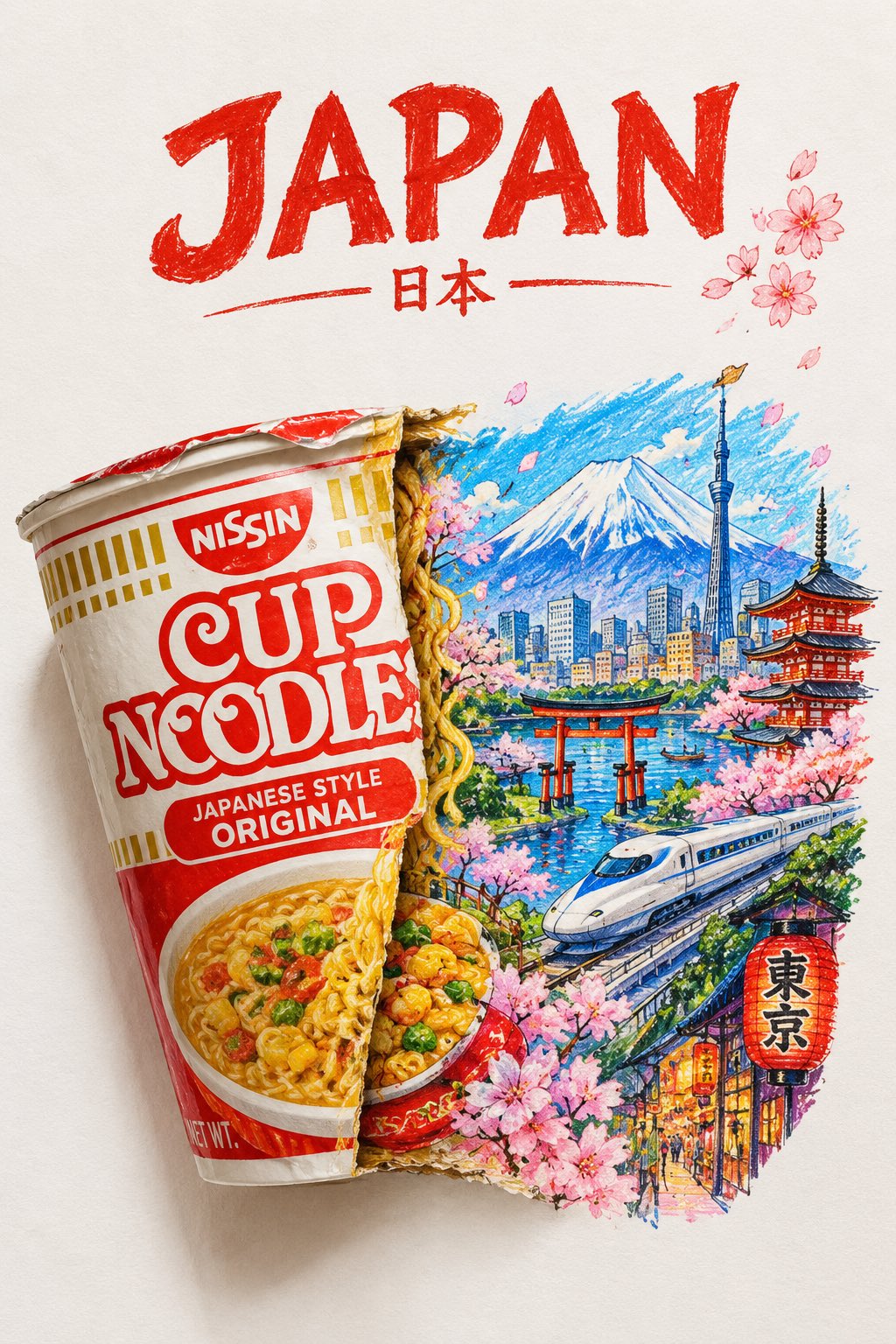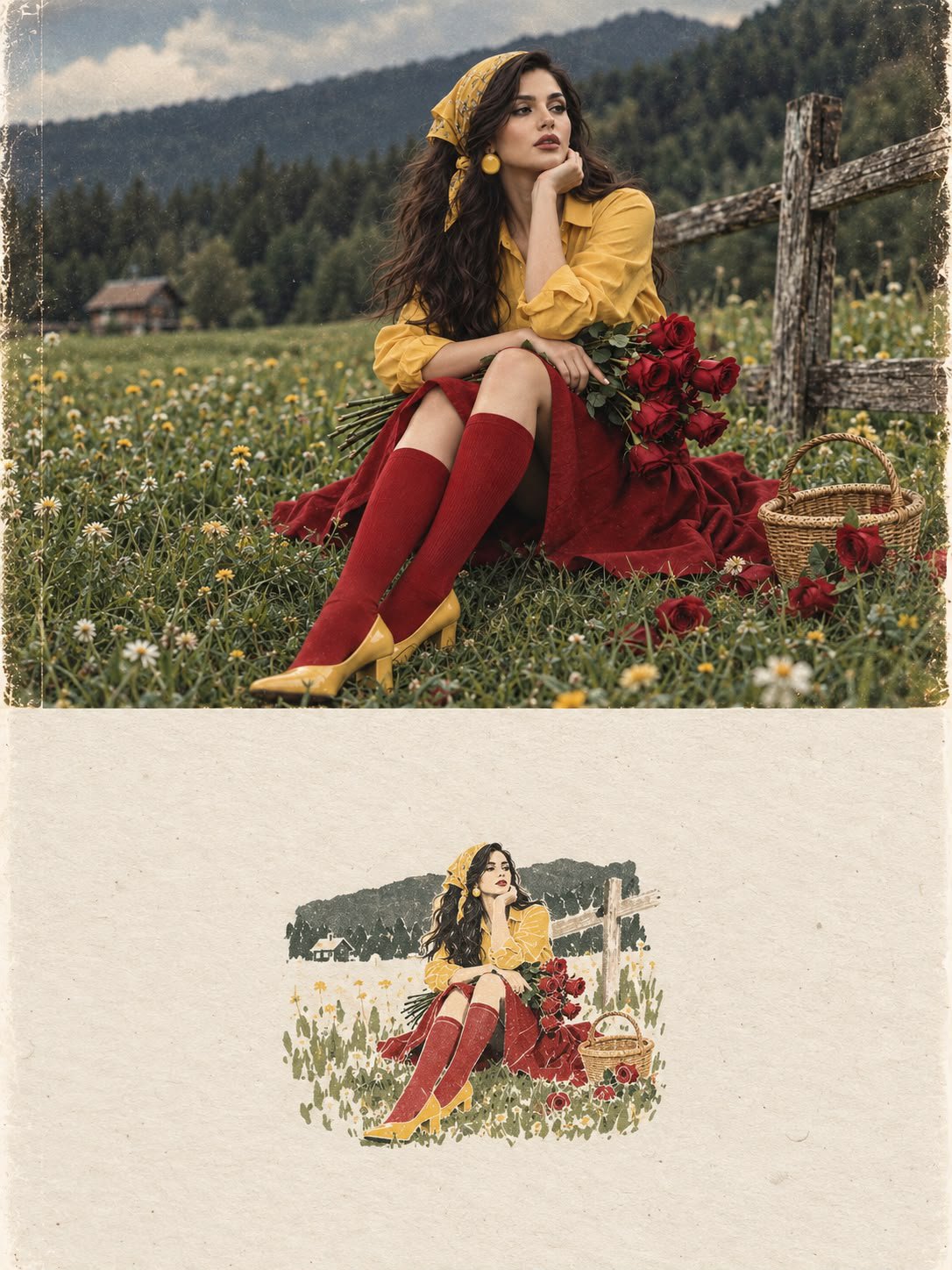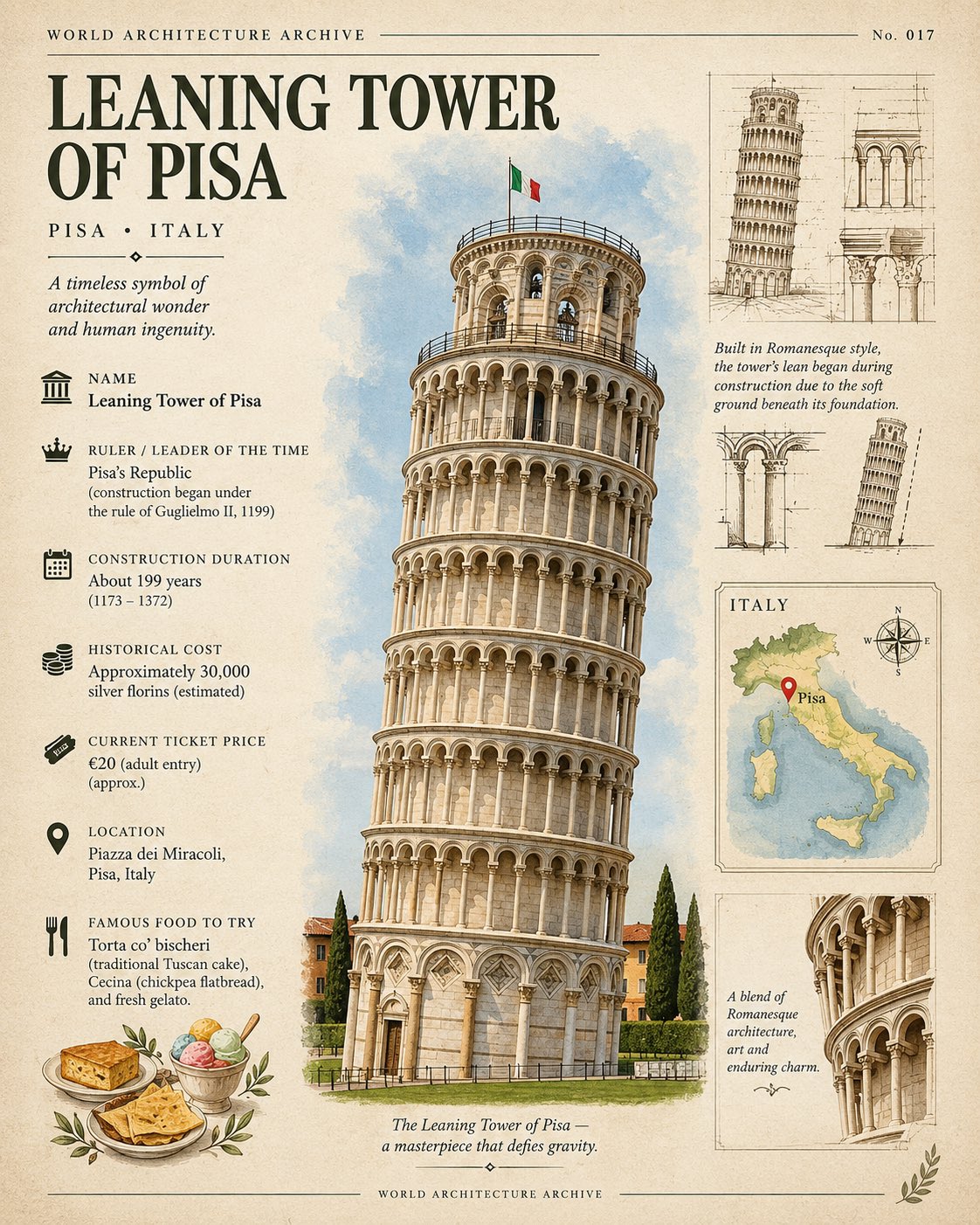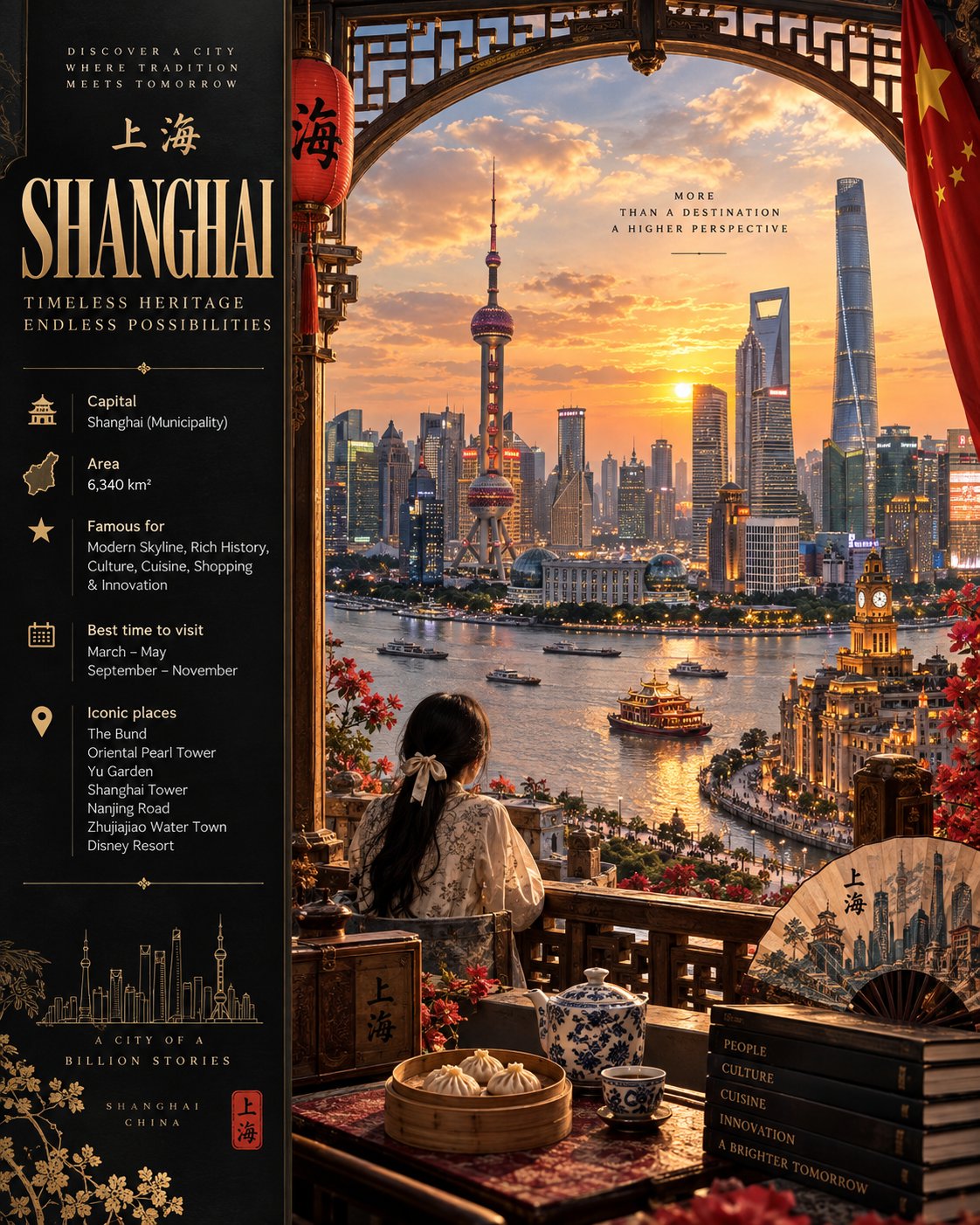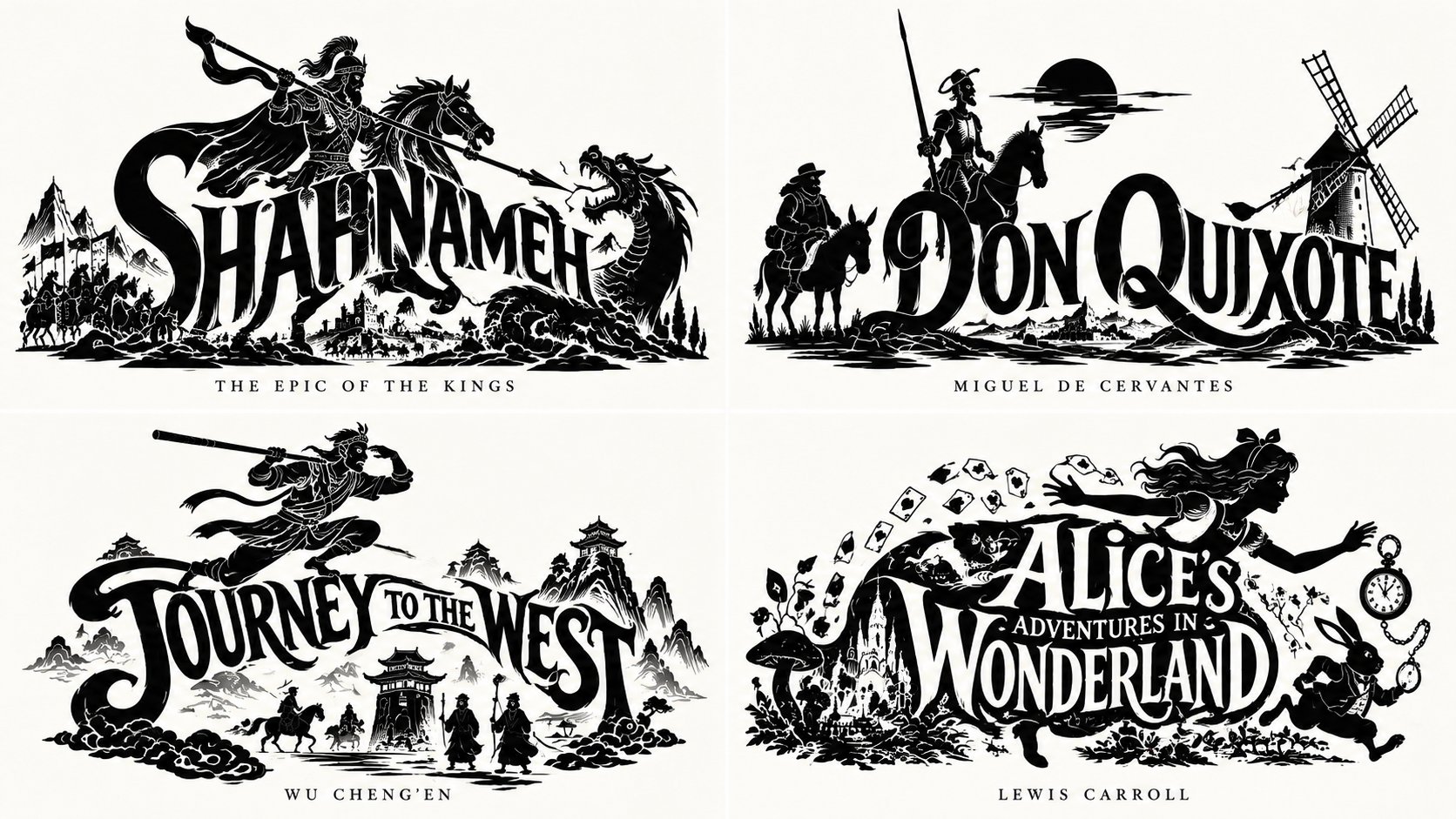
史诗徽章书籍可视化网格
 GPT Image 2.5OpenAIimage
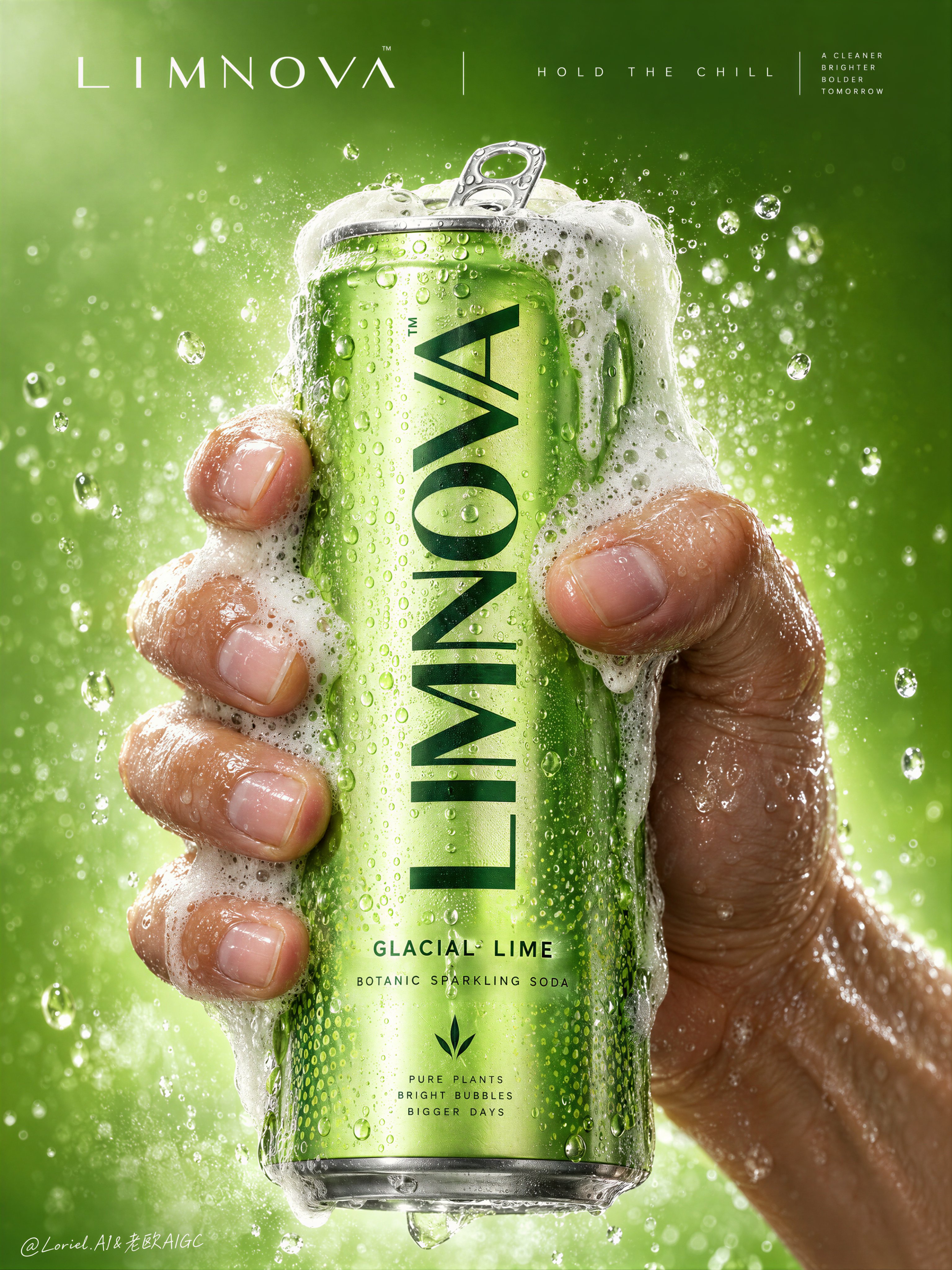
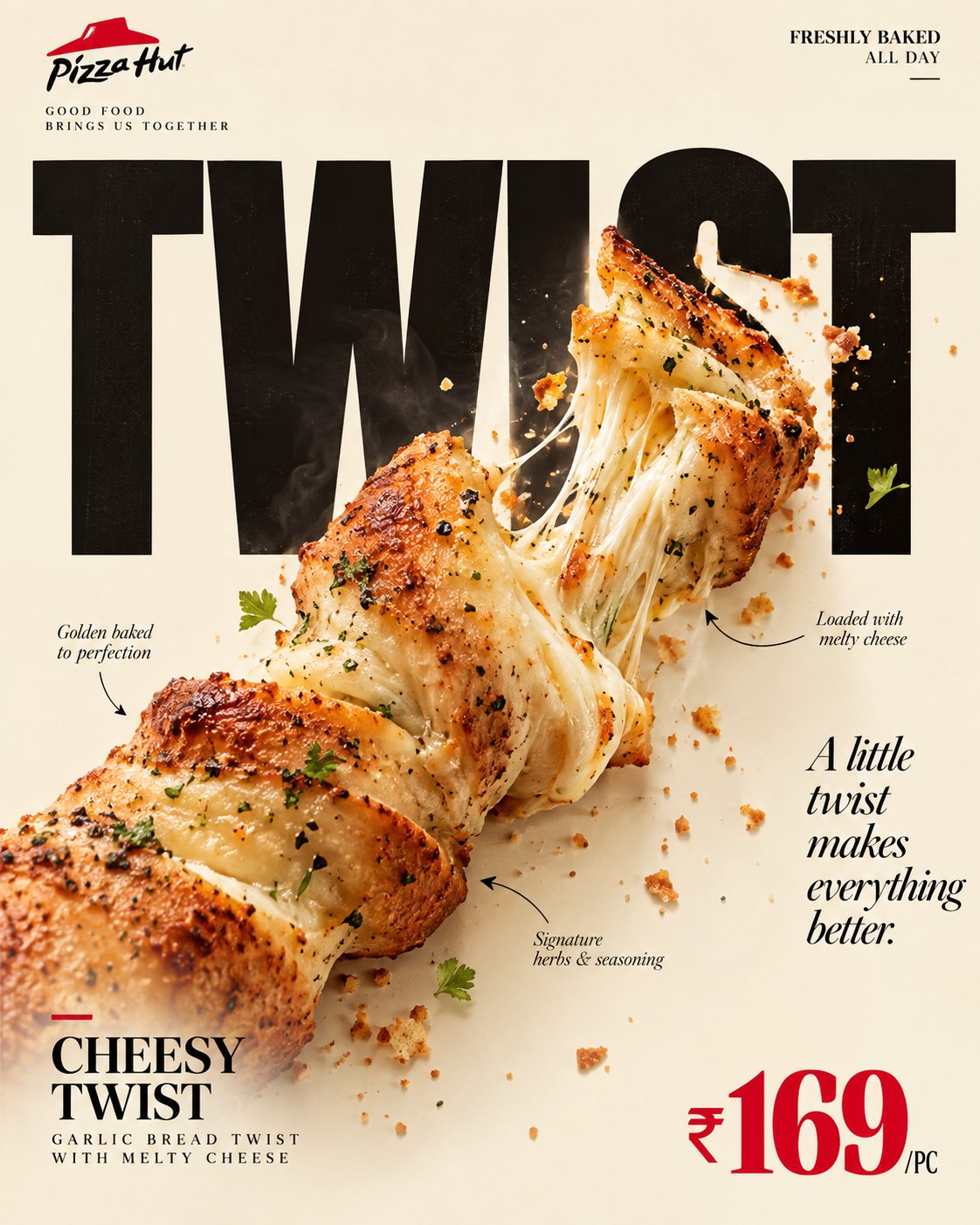
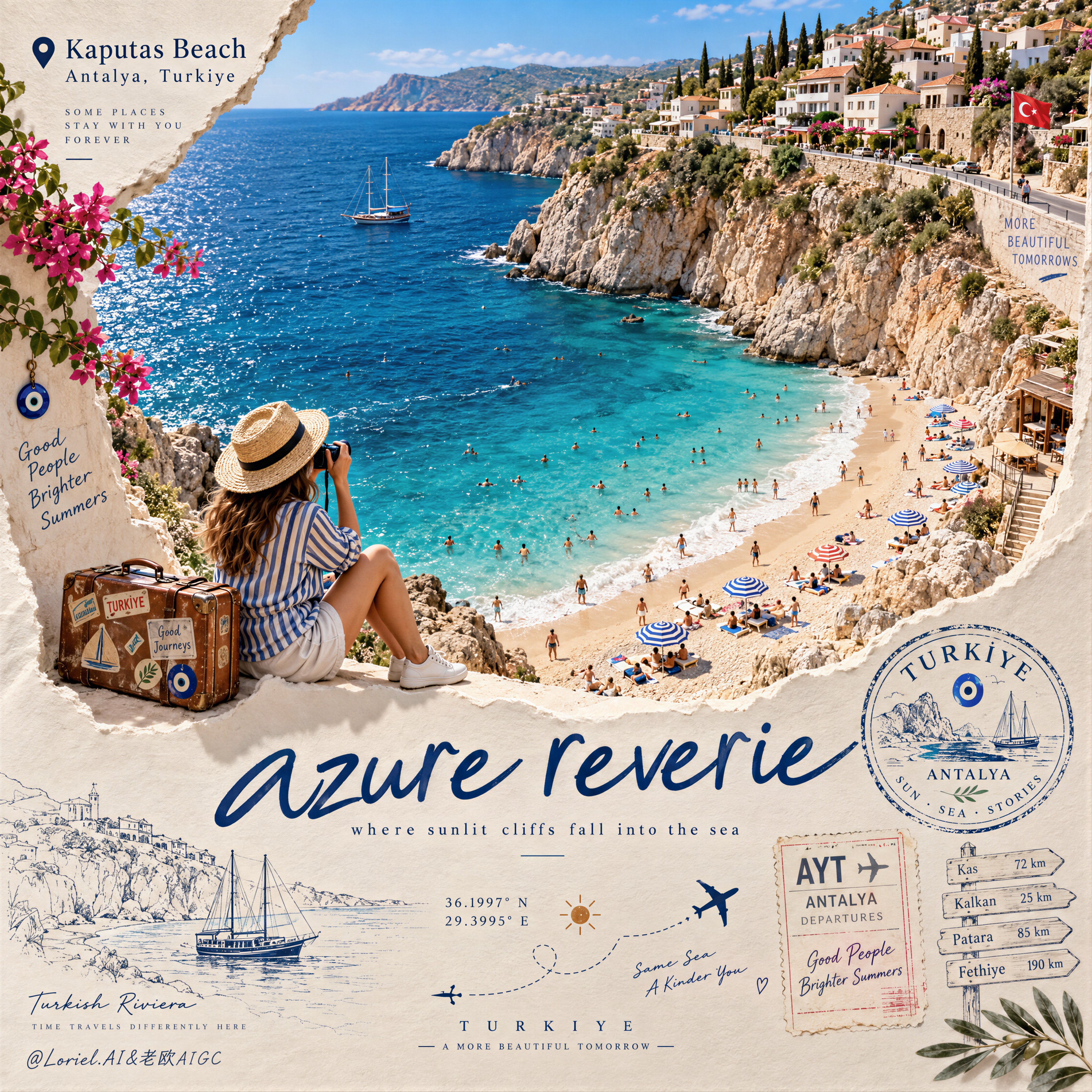
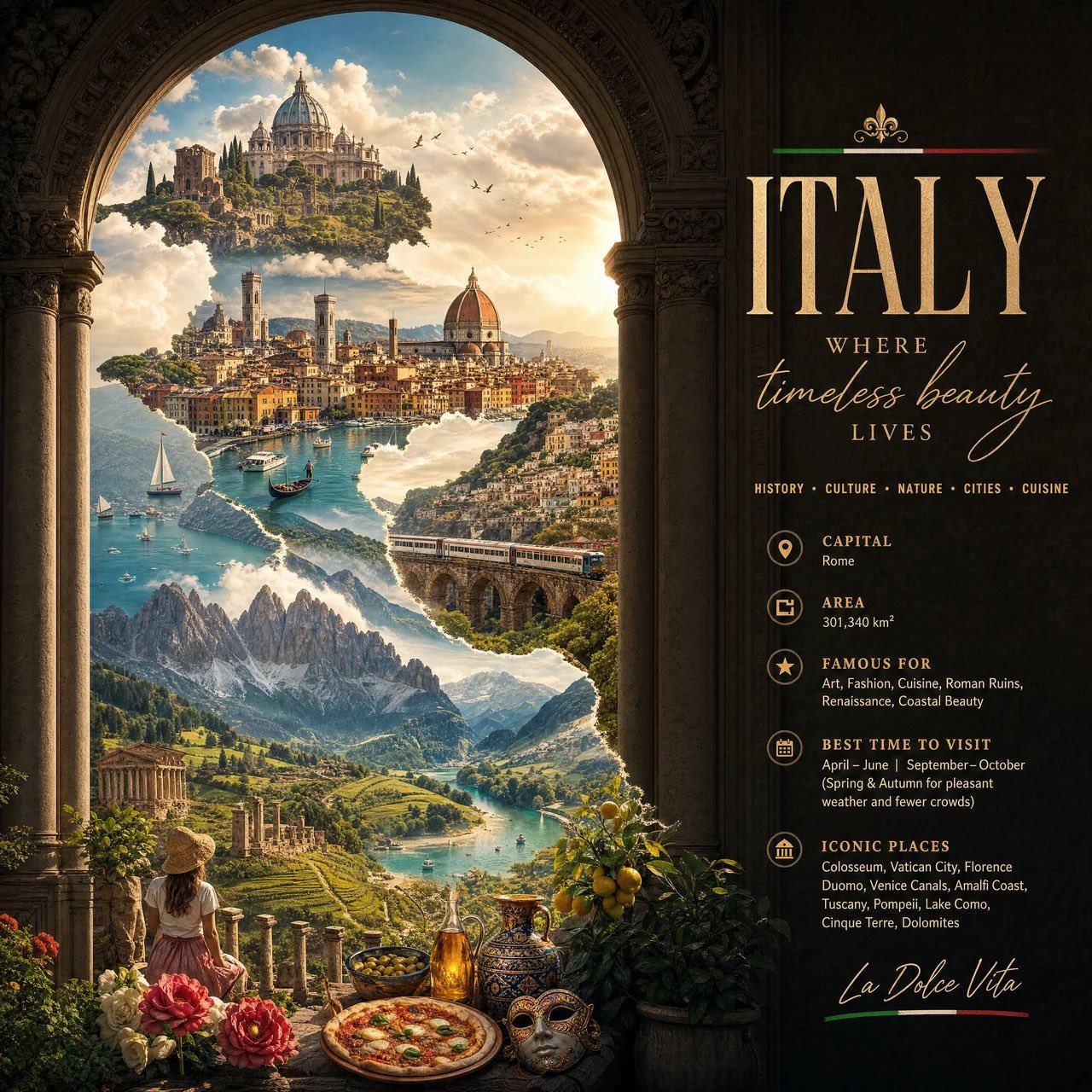
2x2 网格,对《列王纪》和非版权公共领域书籍执行此操作:WITH input(work) AS ( VALUES (:WORK) ), spec AS ( SELECT title(work) tt, iconic_figure(work) fg, integration_mode(work) md, negative_lines(work) ng, caption(work) cp FROM input ), mark AS ( SELECT fuse(fg, tt, md) AS m FROM spec ) SELECT emblem_render( m, carve_negatives(m, ng), ink=>'black', ground=>'neutral', caption=>serif_caps(cp) ) AS epic_emblem FROM spec, mark -- E₁: CHECK ( integration mode applied AND connected(S ∪ W) = 1 ) -- E₂: CHECK ( figure iconic of work AND heraldic pose ) -- E₃: CHECK ( binary ink AND negative lines interior ) -- E₄: CHECK ( word legible AND silhouette coherent ) -- E₅: CHECK ( serif caps caption AND neutral ground ) -- forbidden rows (word beside figure / generic figure / gray / illegible / no caption) violate CHECKs ;
詳細資訊
- 类型
- AI 圖片提示詞
- 畫面比例
- 1672:941
- 更新於
- 2026年10月16日
如何使用這條提示詞
- 1點選上方複製按鈕,複製完整提示詞。
- 2開啟 OpenAI 的 GPT Image 2.5,或任何風格相近的圖片生成工具。
- 3貼上提示詞,替換主體和風格關鍵詞,改成你想要的畫面。
- 4按示例參數(1672:941 · Historical · Poster · Mythology)生成,再小步迭代——措辭的細微變化會顯著影響結果。
常見問題
這張圖片是用哪個 AI 模型生成的?
本圖由 OpenAI 的 GPT Image 2.5 生成,頁面上的提示詞就是生成它的原始文字。
這條提示詞用了哪些參數?
示例由 GPT Image 2.5 生成,參數:1672:941 · Historical · Poster · Mythology。沿用這些參數可獲得最接近的效果。
怎樣才能生成相似的效果?
先原樣複製提示詞,只替換主體、保留風格/光影/構圖關鍵詞,多生成幾次——每次輸出都會有差異。
可以修改這條提示詞嗎?
當然可以。提示詞最適合作為起點——調整描述詞、寬高比或風格標籤,做出屬於你自己的作品。