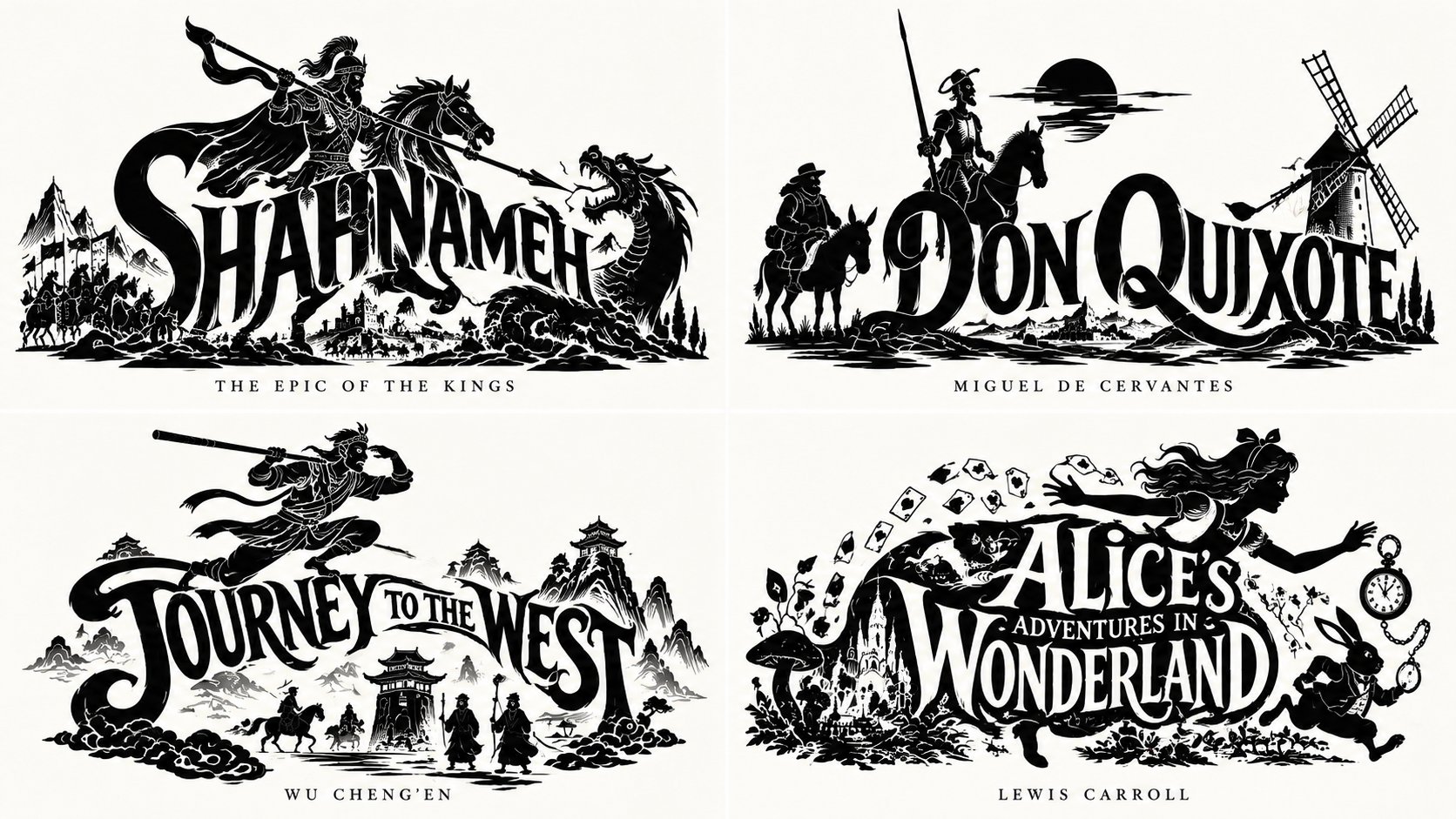
史诗徽章书籍可视化网格
 GPT Image 2.5OpenAIimage
2x2 网格,对《列王纪》和非版权公共领域书籍执行此操作:WITH input(work) AS ( VALUES (:WORK) ), spec AS ( SELECT title(work) tt, iconic_figure(work) fg, integration_mode(work) md, negative_lines(work) ng, caption(work) cp FROM input ), mark AS ( SELECT fuse(fg, tt, md) AS m FROM spec ) SELECT emblem_render( m, carve_negatives(m, ng), ink=>'black', ground=>'neutral', caption=>serif_caps(cp) ) AS epic_emblem FROM spec, mark -- E₁: CHECK ( integration mode applied AND connected(S ∪ W) = 1 ) -- E₂: CHECK ( figure iconic of work AND heraldic pose ) -- E₃: CHECK ( binary ink AND negative lines interior ) -- E₄: CHECK ( word legible AND silhouette coherent ) -- E₅: CHECK ( serif caps caption AND neutral ground ) -- forbidden rows (word beside figure / generic figure / gray / illegible / no caption) violate CHECKs ;
详细信息
- 类型
- AI 图片提示词
- 画面比例
- 1672:941
- 更新于
- 2026年10月16日
如何使用这条提示词
- 1点击上方复制按钮,复制完整提示词。
- 2打开 OpenAI 的 GPT Image 2.5,或任何风格相近的图片生成工具。
- 3粘贴提示词,替换主体和风格关键词,改成你想要的画面。
- 4按示例参数(1672:941 · Historical · Poster · Mythology)生成,再小步迭代——措辞的细微变化会显著影响结果。
常见问题
这张图片是用哪个 AI 模型生成的?
本图由 OpenAI 的 GPT Image 2.5 生成,页面上的提示词就是生成它的原始文本。
这条提示词用了哪些参数?
示例由 GPT Image 2.5 生成,参数:1672:941 · Historical · Poster · Mythology。沿用这些参数可获得最接近的效果。
怎样才能生成相似的效果?
先原样复制提示词,只替换主体、保留风格/光影/构图关键词,多生成几次——每次输出都会有差异。
可以修改这条提示词吗?
当然可以。提示词最适合作为起点——调整描述词、宽高比或风格标签,做出属于你自己的作品。
![一张引人注目的俯拍艺术照片,拍摄的是来自[COUNTRY]的著名包装食品/零食,放置在干净的白色纸张上。在纸张的最上方,用大号、粗体、优美的字体写上“[COUNTRY NAME]”。正下方放置一包来自 — AI image prompt — GPT Image 2.5](https://cdn.ahaprompt.app/harvest-media/import-1791346430372-t49ibf.jpg)
![创作一张高端编辑风格的美食海报,竖版4:5。
使用温暖的奶油色/象牙色背景,精致的杂志风格排版,充裕的留白,黑色字体,自然的食物色彩,以及一个强调色:[ACCENT COLOR]。
核心创意:照片 — AI image prompt — GPT Image 2.5](https://cdn.ahaprompt.app/harvest-media/import-1790608187206-1xhe78.jpg)
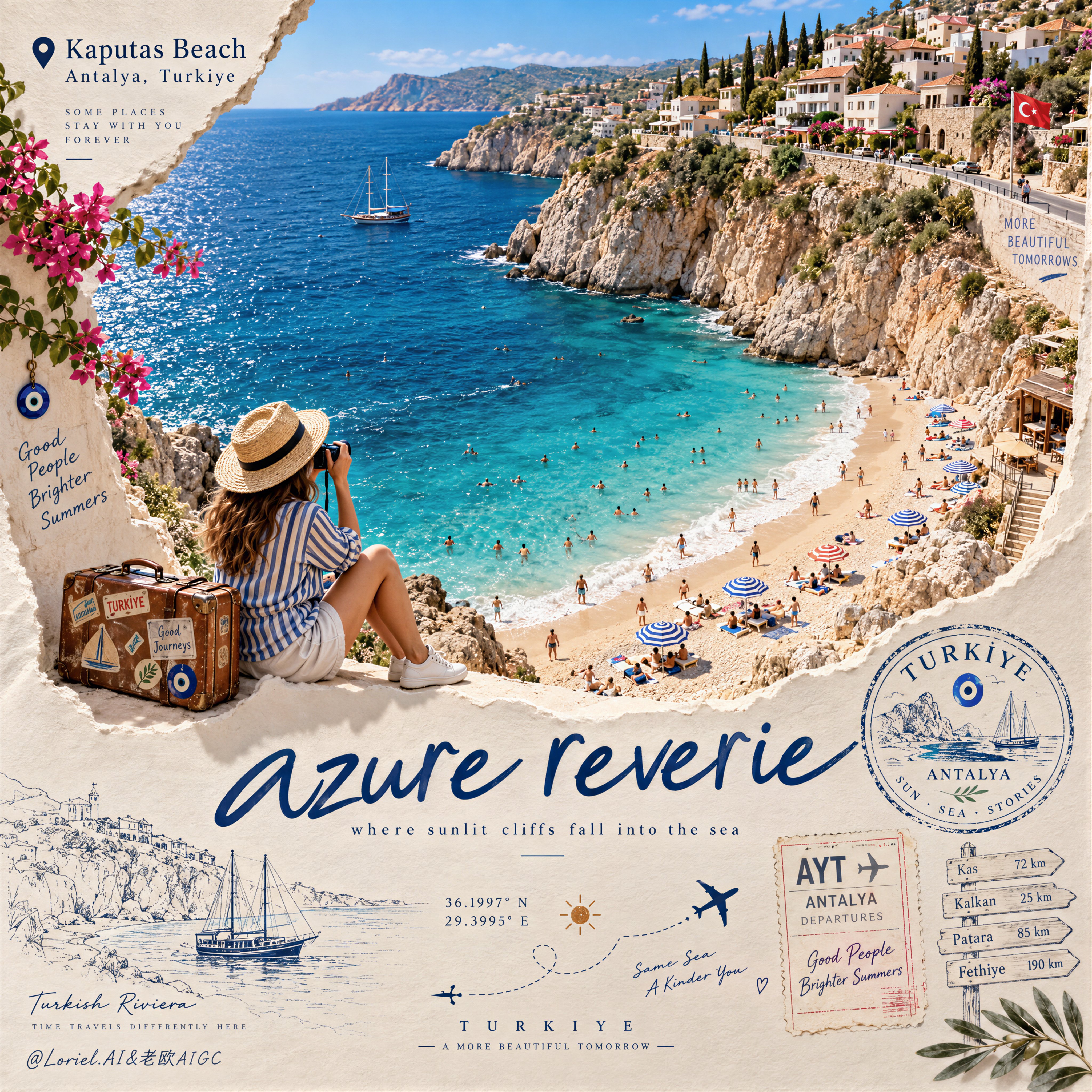
![为[COUNTRY]创作一张高级竖版4:5编辑风格旅行海报,其中该国的轮廓由其风景、建筑、文化和自然有机形成,而不是使用普通地图。
在国土轮廓内部,创造一段无缝的电影感旅程:
* 顶部:从云层中浮 — AI image prompt — GPT Image 2.5](https://cdn.ahaprompt.app/harvest-media/import-1789369064970-j9jipe.jpg)
![创建一张高级教育旅行海报,主角是[STRUCTURE NAME],世界上最著名的建筑地标之一。以该建筑精美、高度细致的插画或照片级写实微缩模型作为主要视觉焦点,周围环绕简洁的信息图风格信息。
包含以 — AI image prompt — GPT Image 2.5](https://cdn.ahaprompt.app/harvest-media/import-1789369131185-x1iuzs.jpg)